 shakal0lo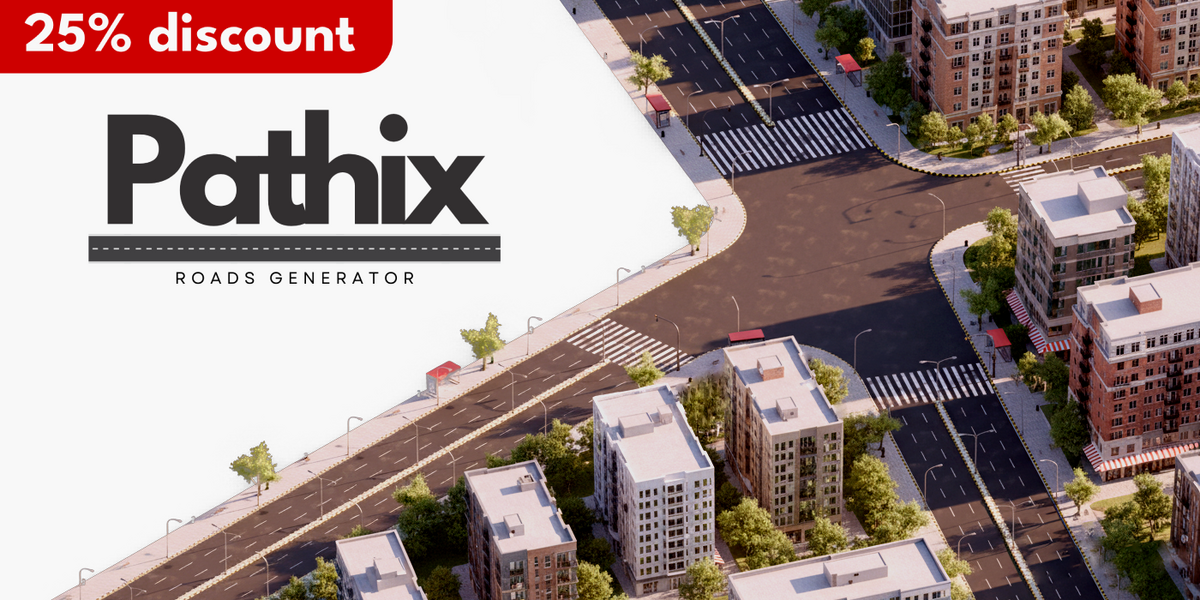



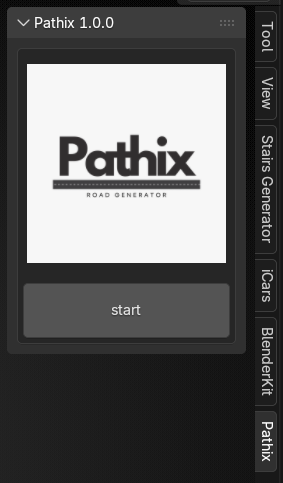 getting started
1_open the Npanel in blender.
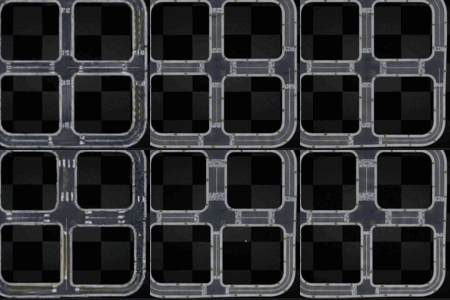
2_ press pathix, then press start.
3_pathix will automatically generate a grid (roads) .
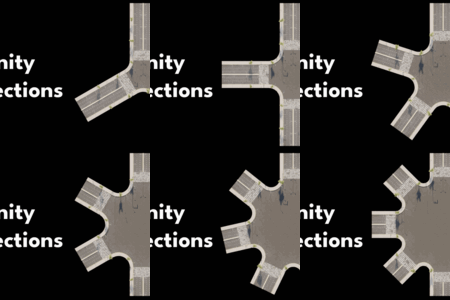
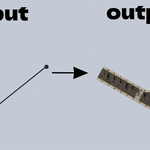
4_press edit mode then move or extrude vertices to the shape you want.
5_every edge is a road.
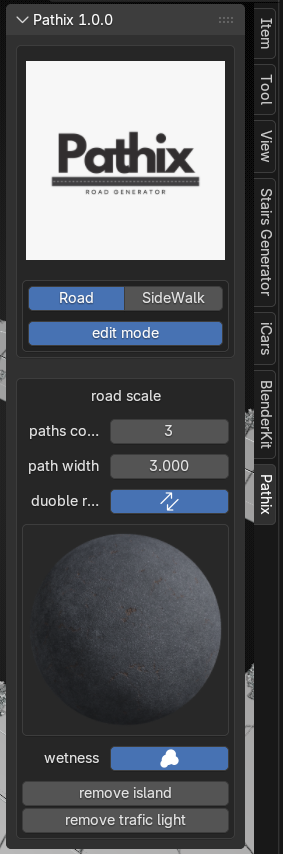
open the road tab to adjust the:
1_roads path count.
2_one path width.
3_chose between single or double paths.
4_asphalt material.
5_road wettness.
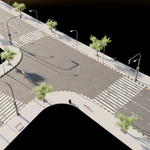
6_to remove the middle island.
7_to remove the traffic lights.
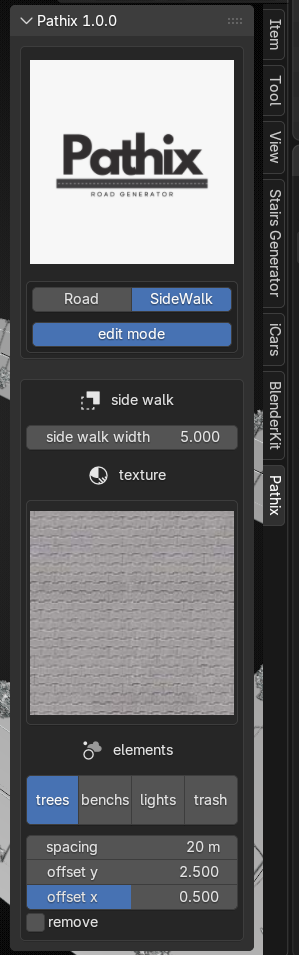
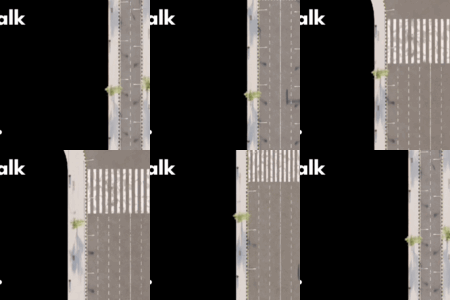
open the sidewalk tab to adjust the :
1_sidewalk width .
2_sidewalk material .
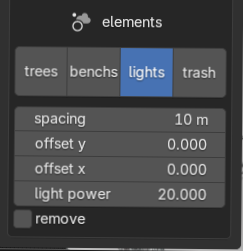
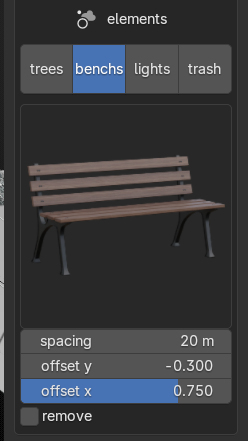
3_elements .
a_trees spacing , offset x offset y or remove it.
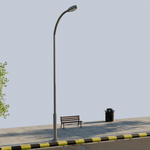
b_benches type, spacing , offset x offset y or remove it.
c_lights power, spacing , offset x offset y or remove it.
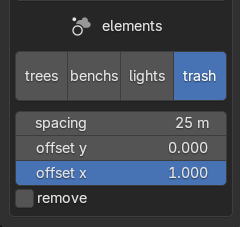
d_trash spacing , offset x offset y or remove it.
$15$11.25
Have questions about this product?
Login to message
| Sales | 60+ |
| Published | 10 months ago |
| Blender Version | 4.5 - 5.0 |
| Extension Type | N/A |
| Render Engine Used | Cycles |
| License | GPL |

Discover more products like this
advanced geometry nodes city street procedural urban 2025addon Generator Road generator sidewalk road intersection roads