Paths List
 Animation Store
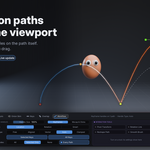

I don't see a path.
Select the bone or object and click + in the Paths List panel. If it still doesn't show, click Refresh, and check that the bone or object has keyframes.
My animation is in NLA strips.
Turn on Tweak Strip in the panel's NLA box. Adding a path then enters tweak mode on the strip.
The HUD bar is gone.
Click the small button beside Edit the Path in the sidebar.
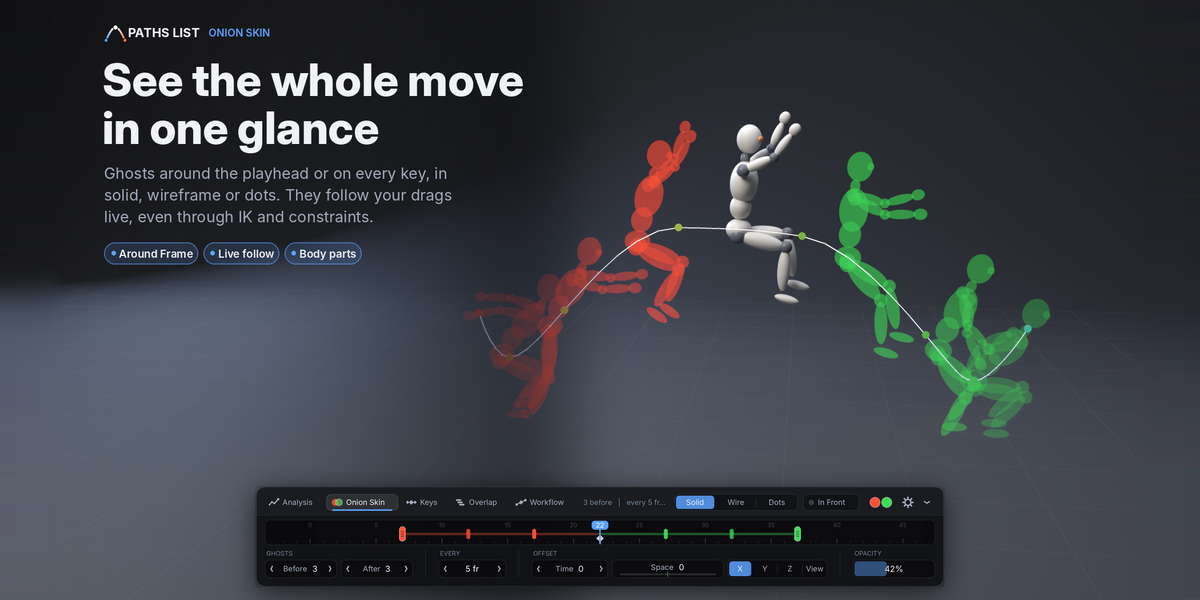
Ghosts feel slow on a heavy scene.
Set Follow Drag to Fast in the gear menu, use fewer ghosts, or use Path Bones.
Path Bones ghosts look cut at the joints.
Lower Min Weight in the gear menu, or turn on What It Moves.
The ghosts don't appear.
Open the Onion Skin page and click Turn On. With Selected Keys, select at least one key on the path. With Path Bones on a control bone, turn on What It Moves.
Clicking the path selects bones instead of keys.
Make sure Edit the Path is on, and click right on a key point or handle. Clicks that miss the path go to Blender's normal selection.
Edit the Path turned itself off.
This happens when an armature goes back to Object Mode. Switch to Pose Mode and turn it on again.
Have questions about this product?
Login to message
| Blender Extension Compatible | Yes |
| Dev Fund Contributor | |
| Published | 21 minutes ago |
| Blender Version | 4.2 - 5.3 |
| Extension Type | Add-on |
| Render Engine Used | Cycles |
| License | GPL |
Discover more products like this
timing Motion paths keyframes animation Follow Through animation tools overlap rigify spacing arcs Onion Skin motion path