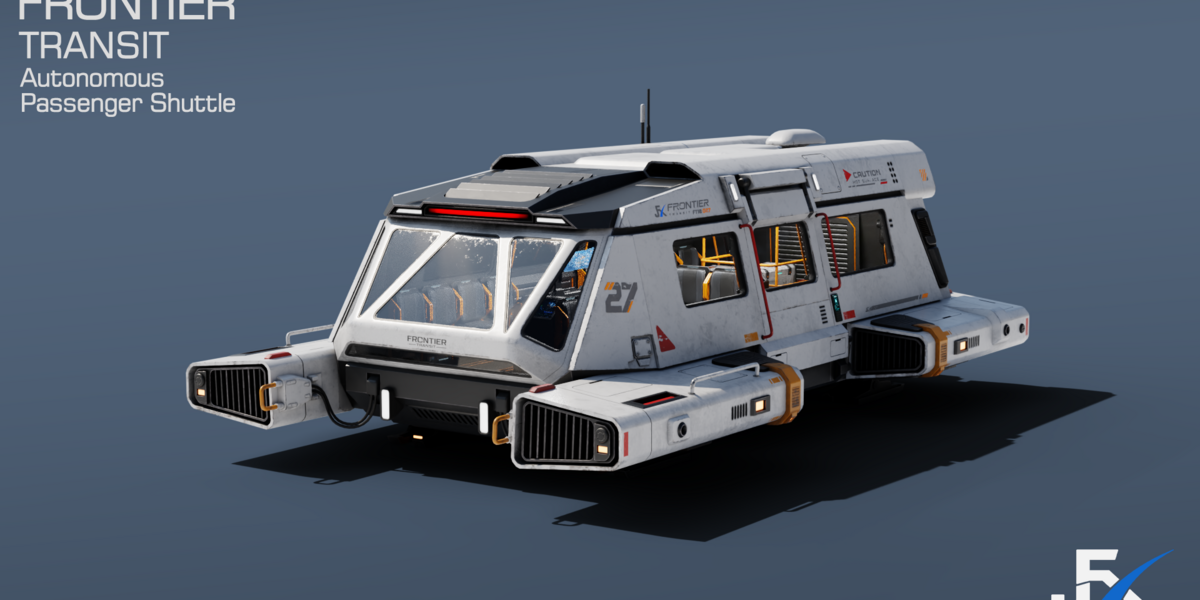
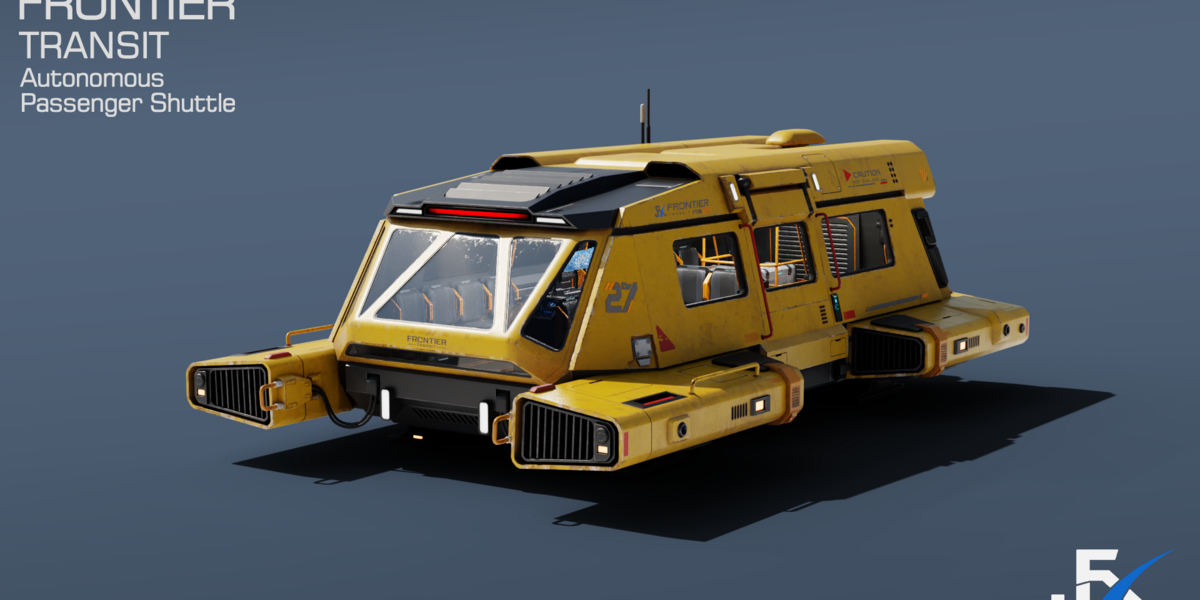
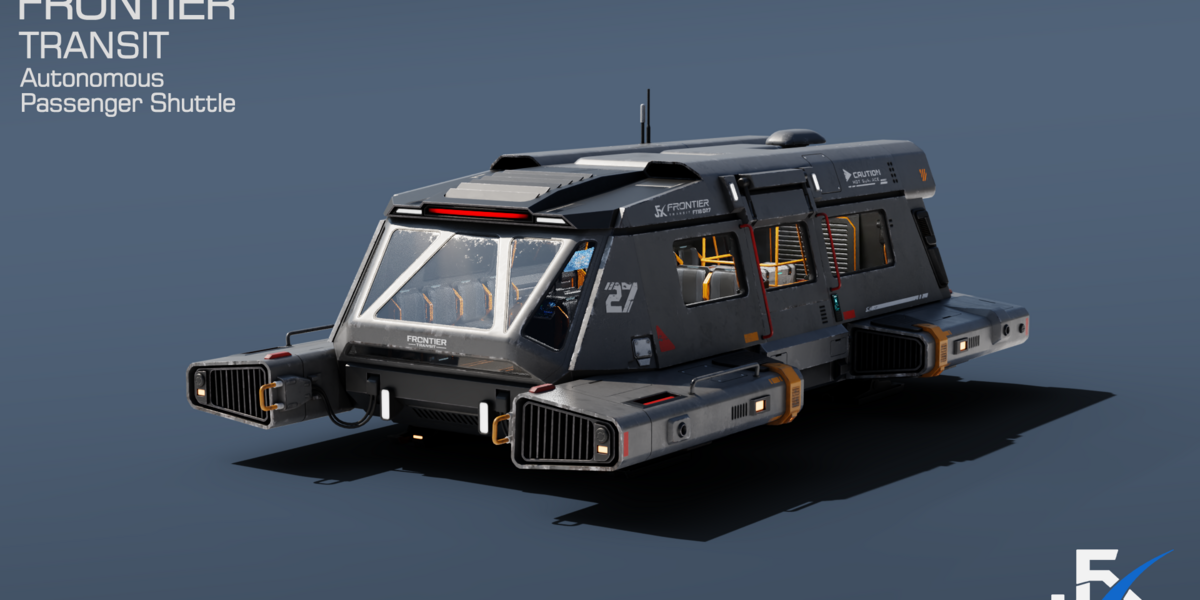
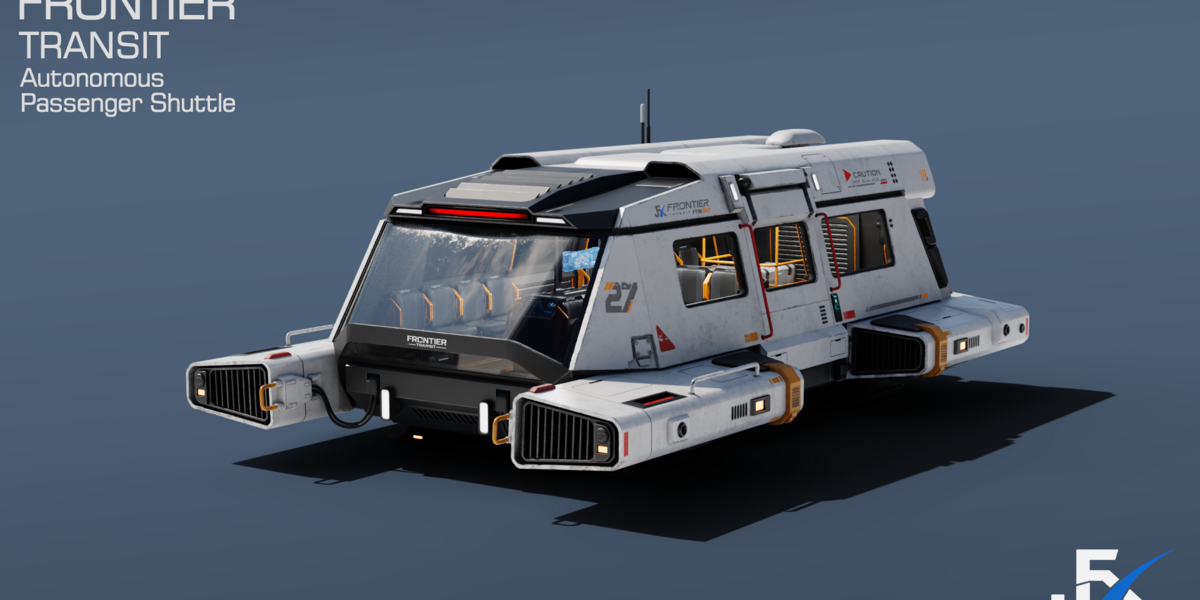
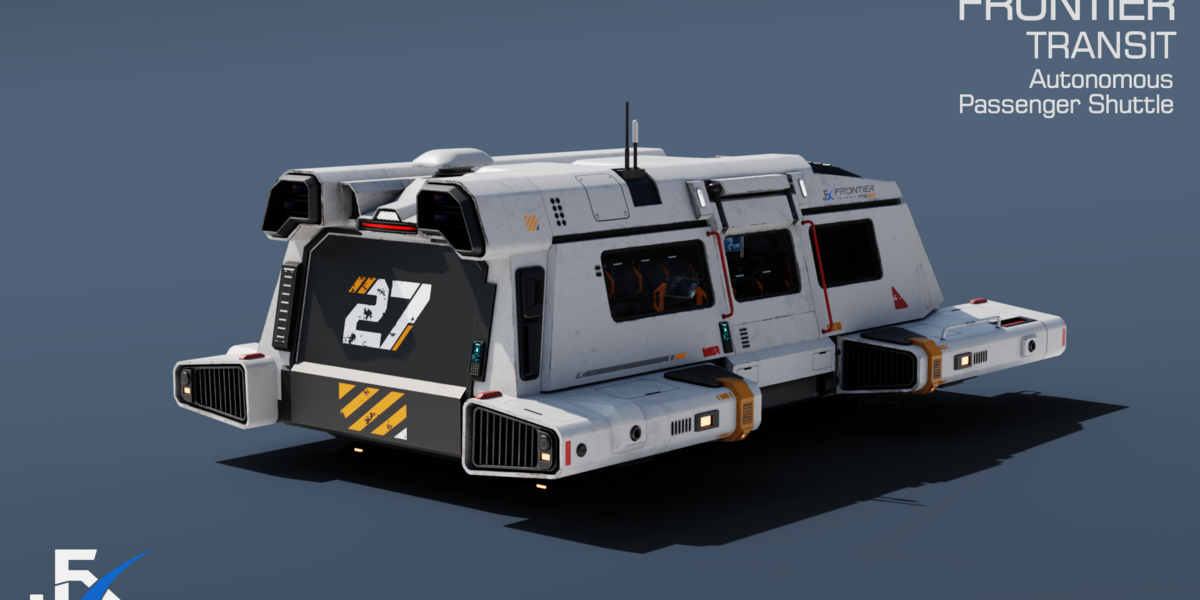
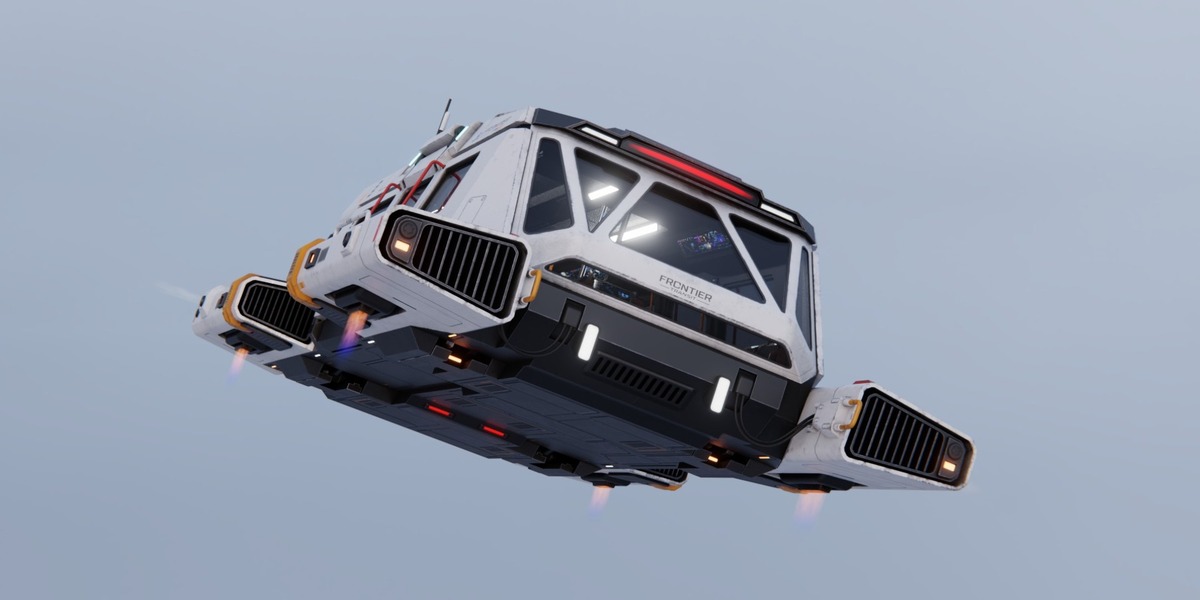
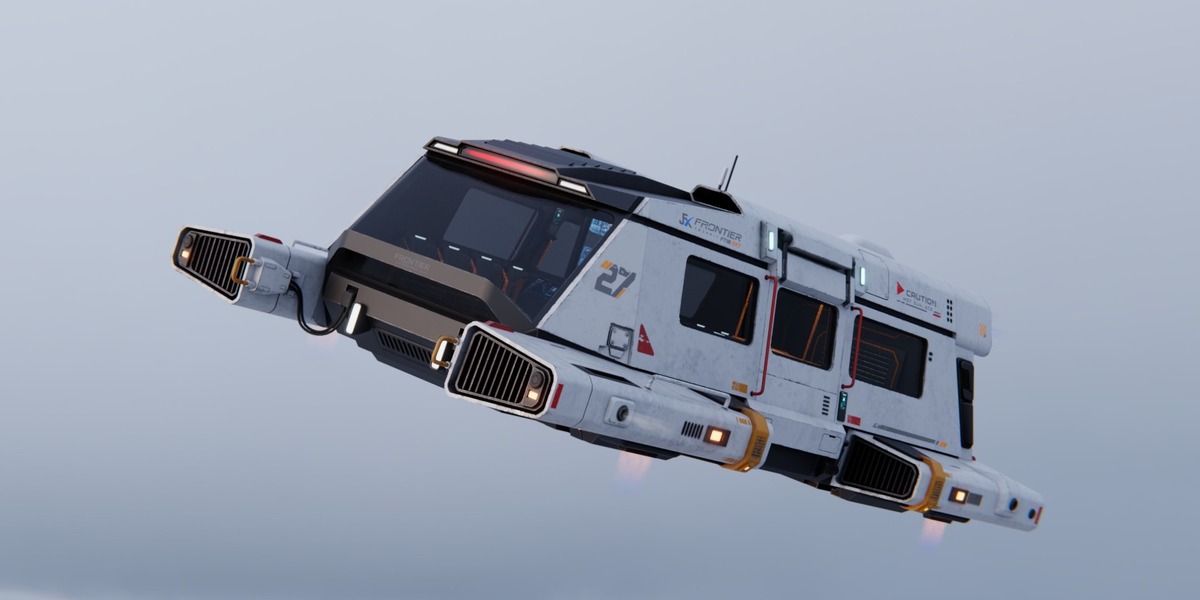
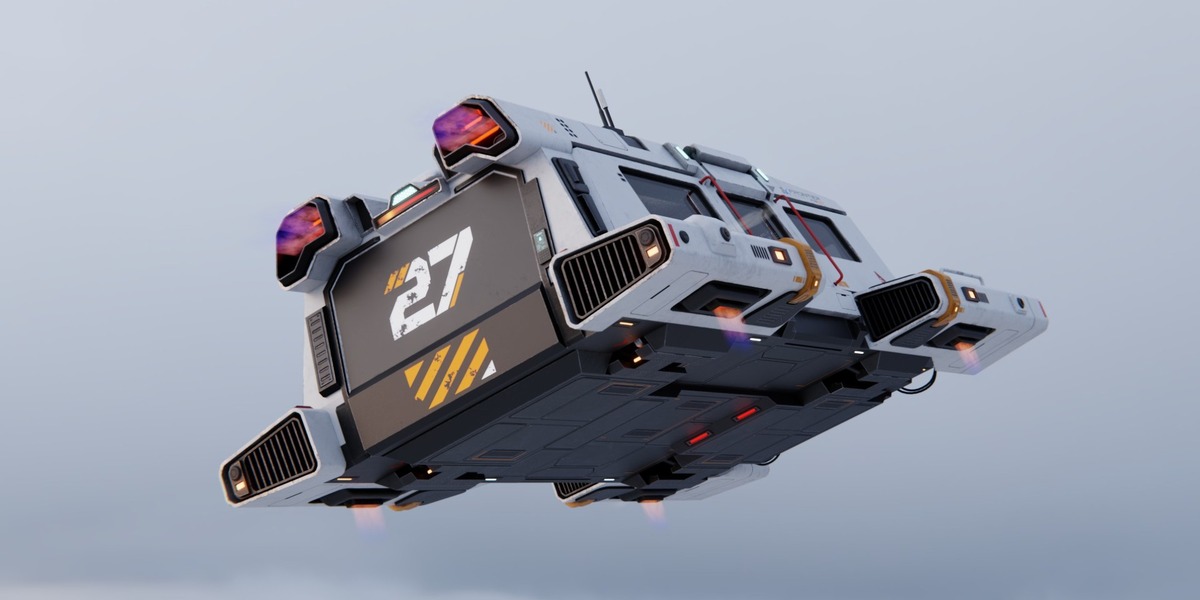
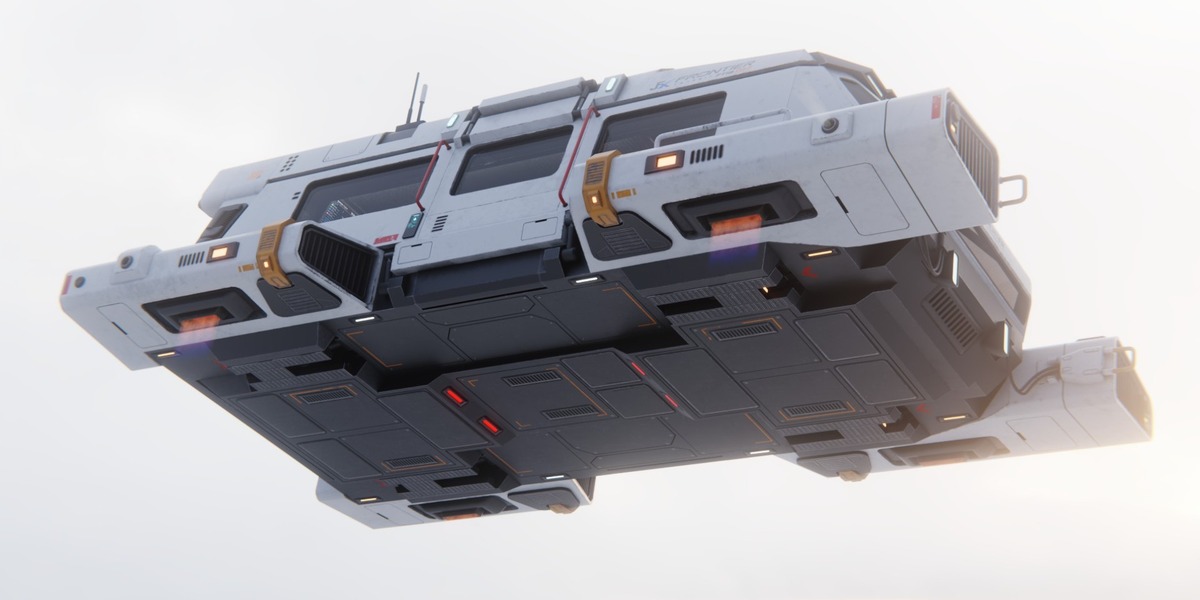
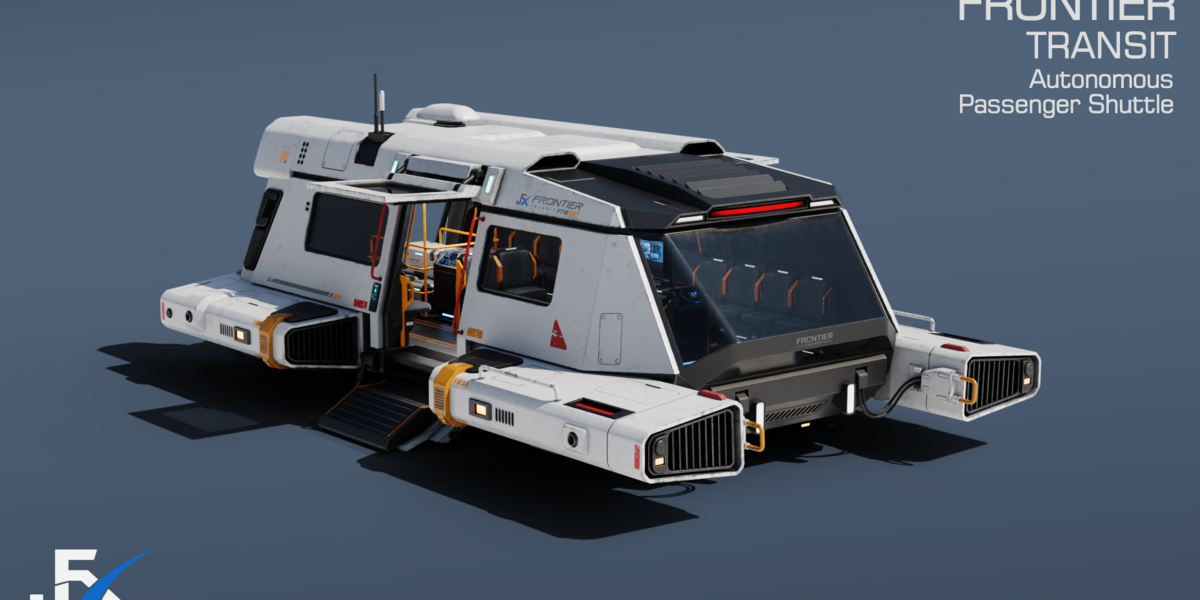
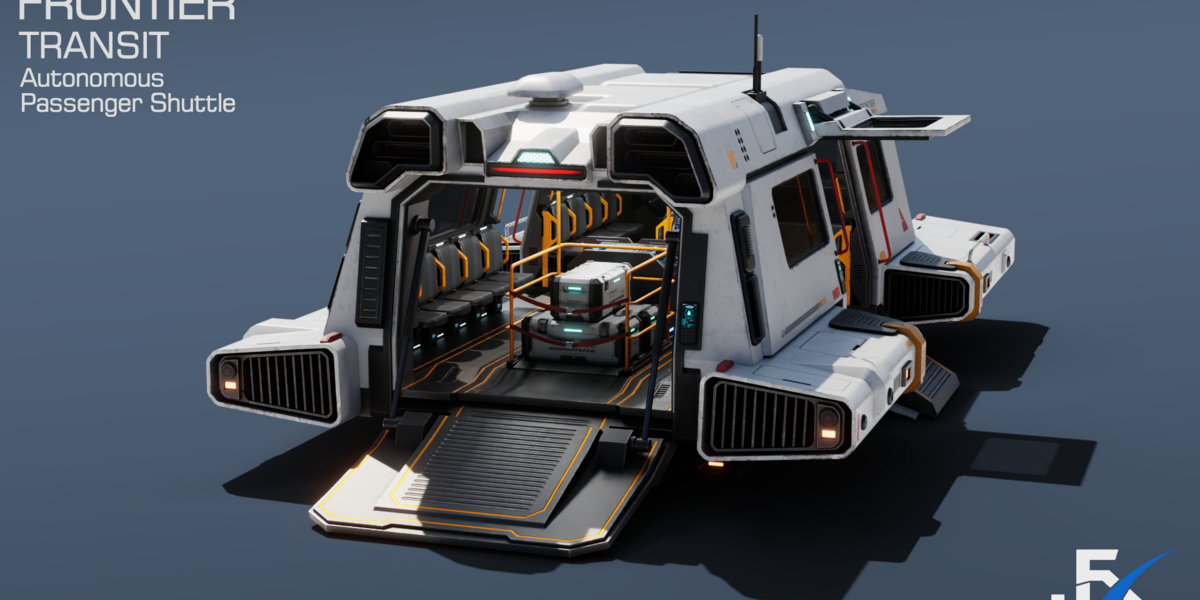
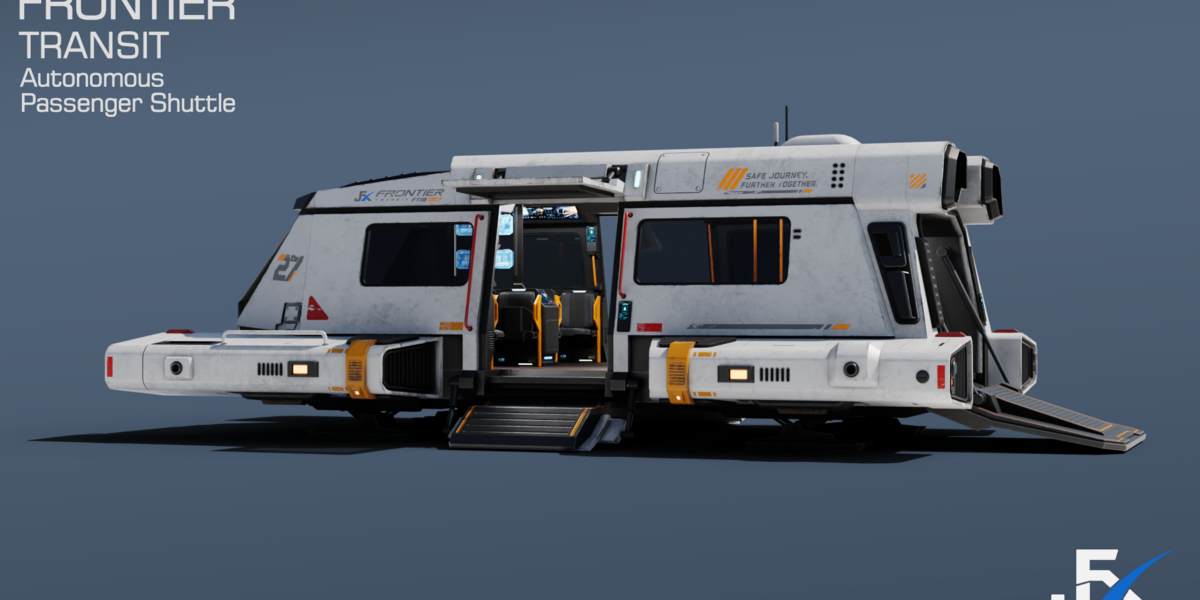
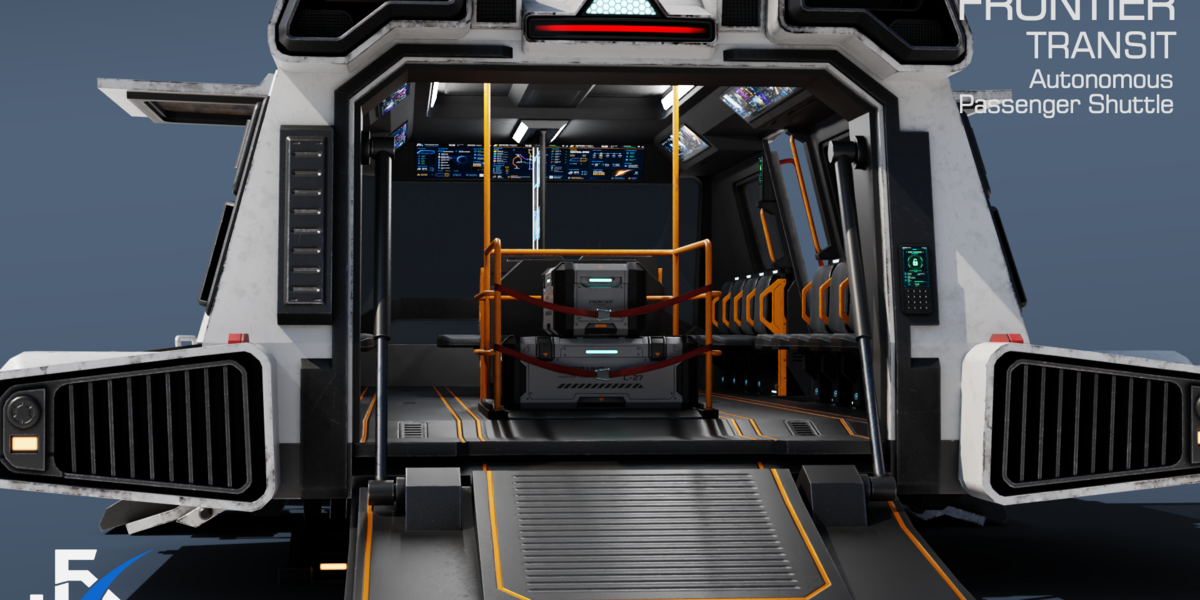
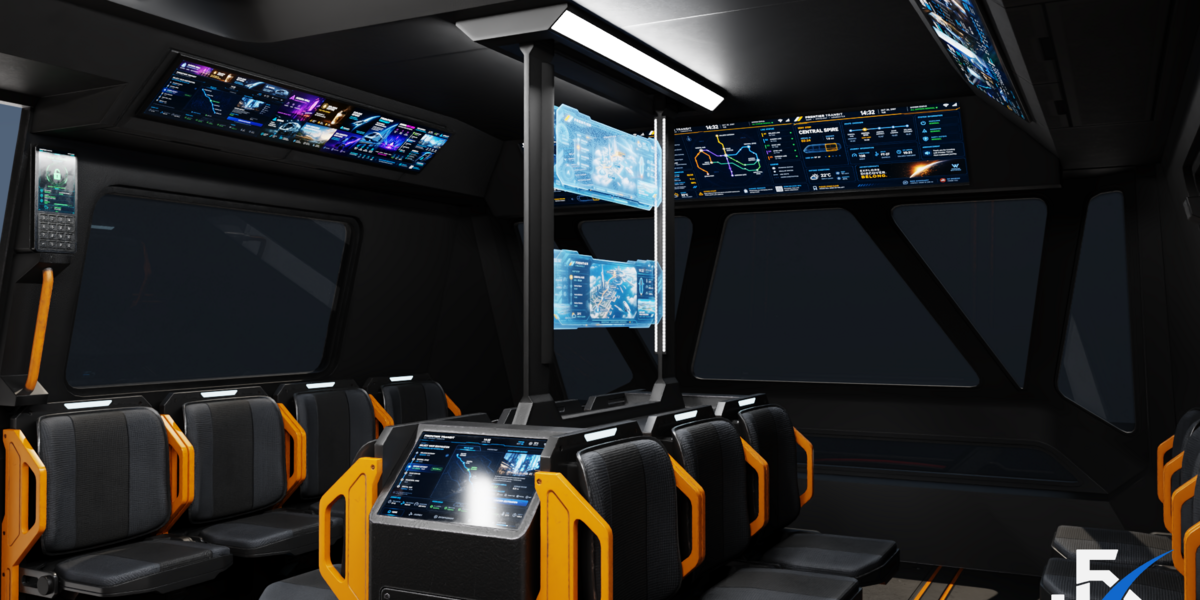
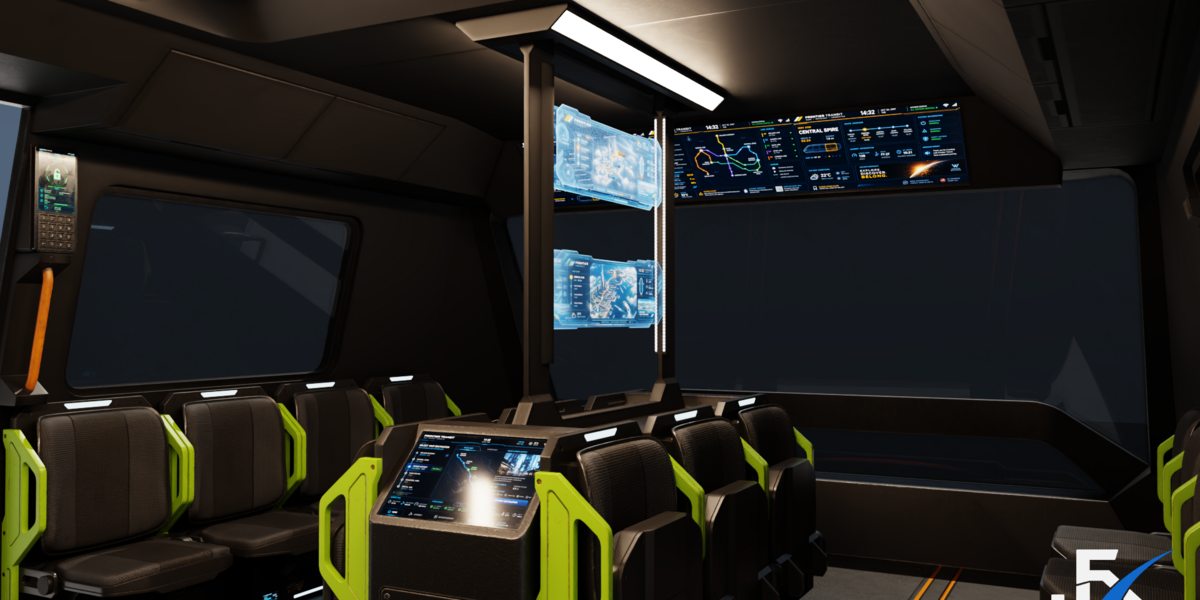
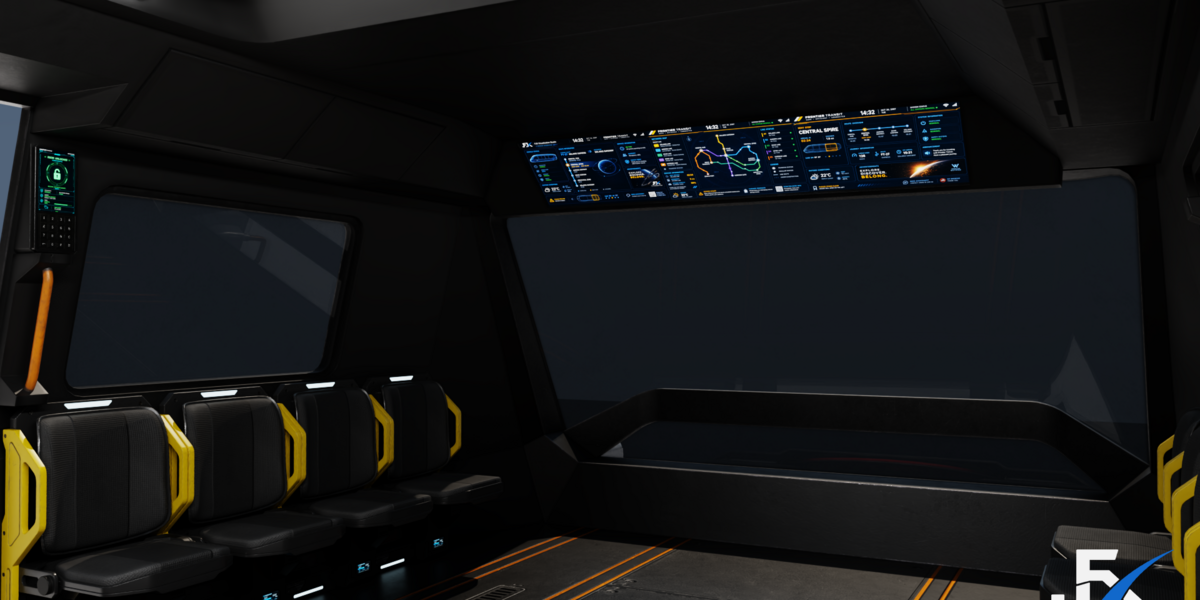
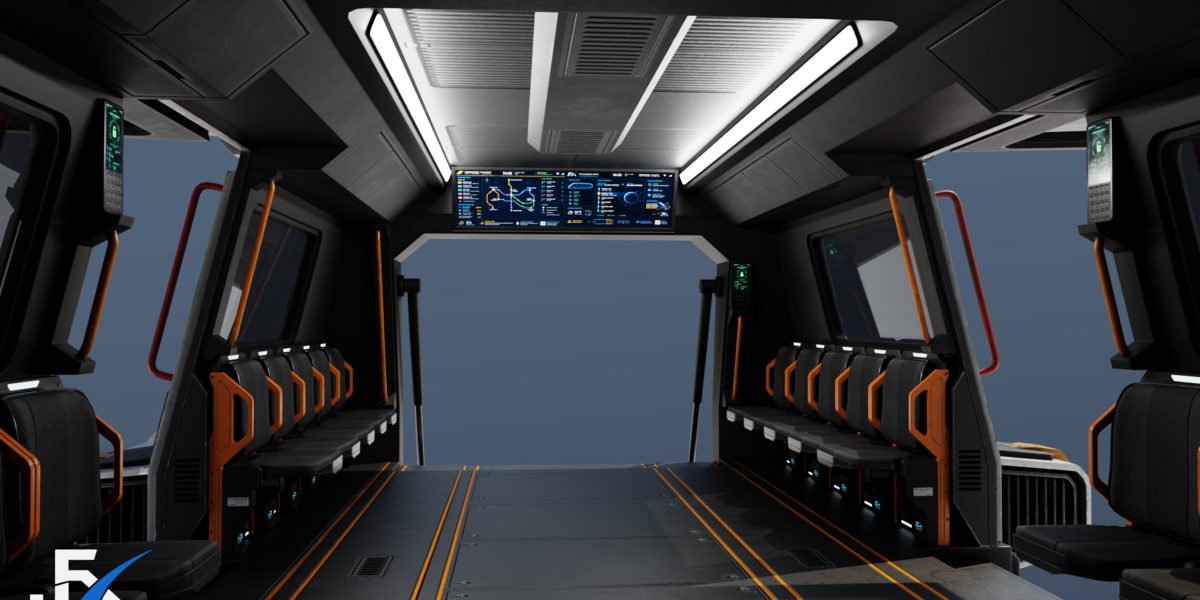
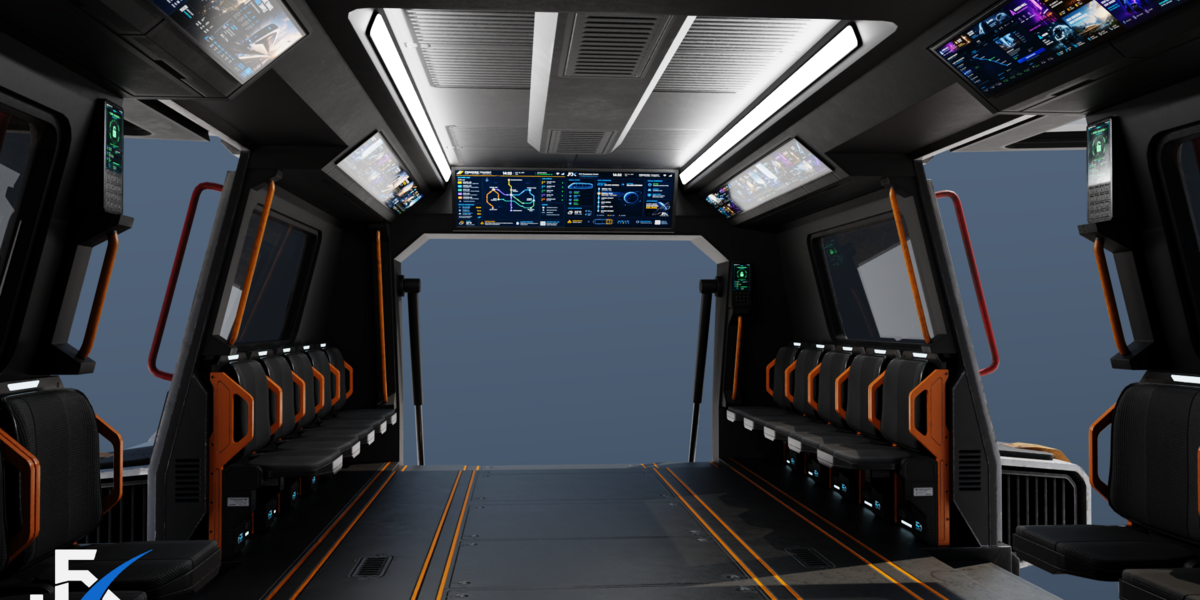
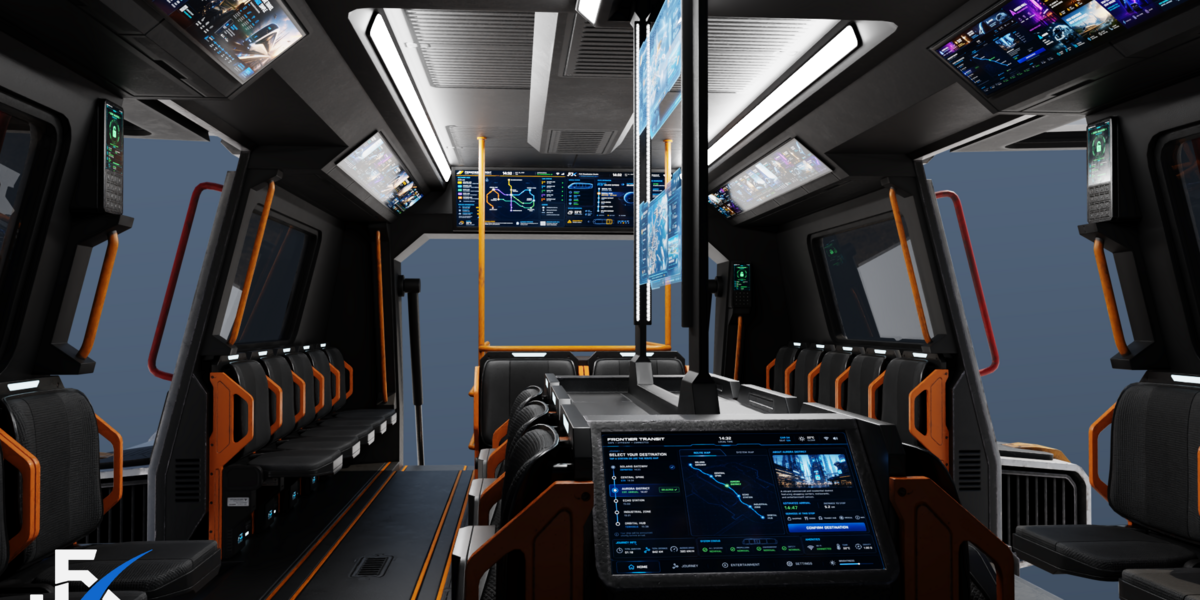
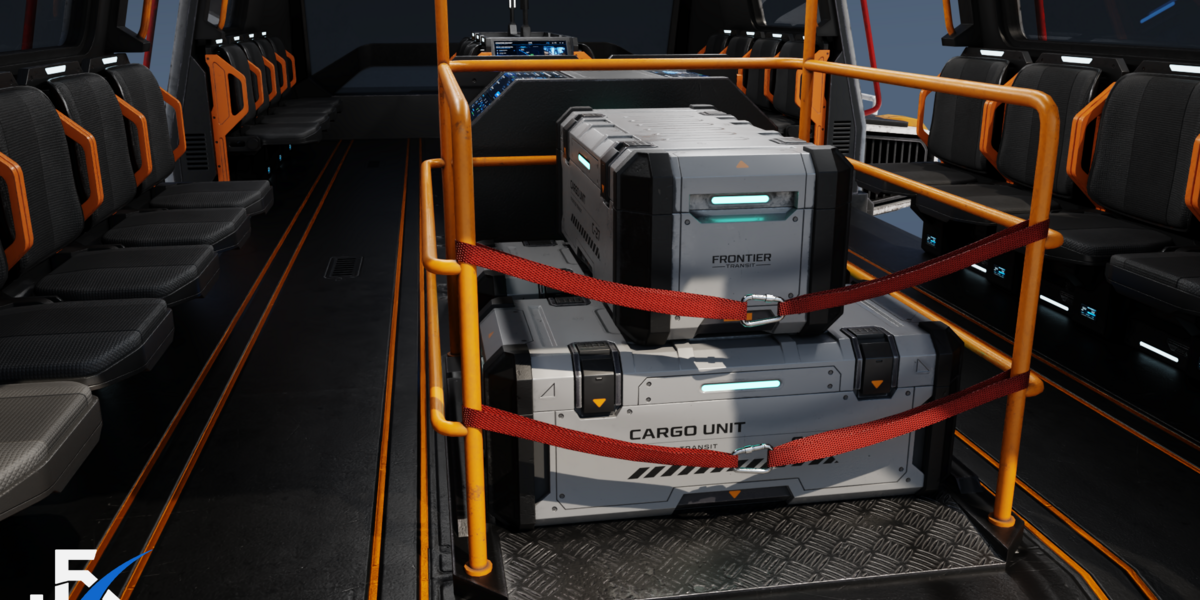
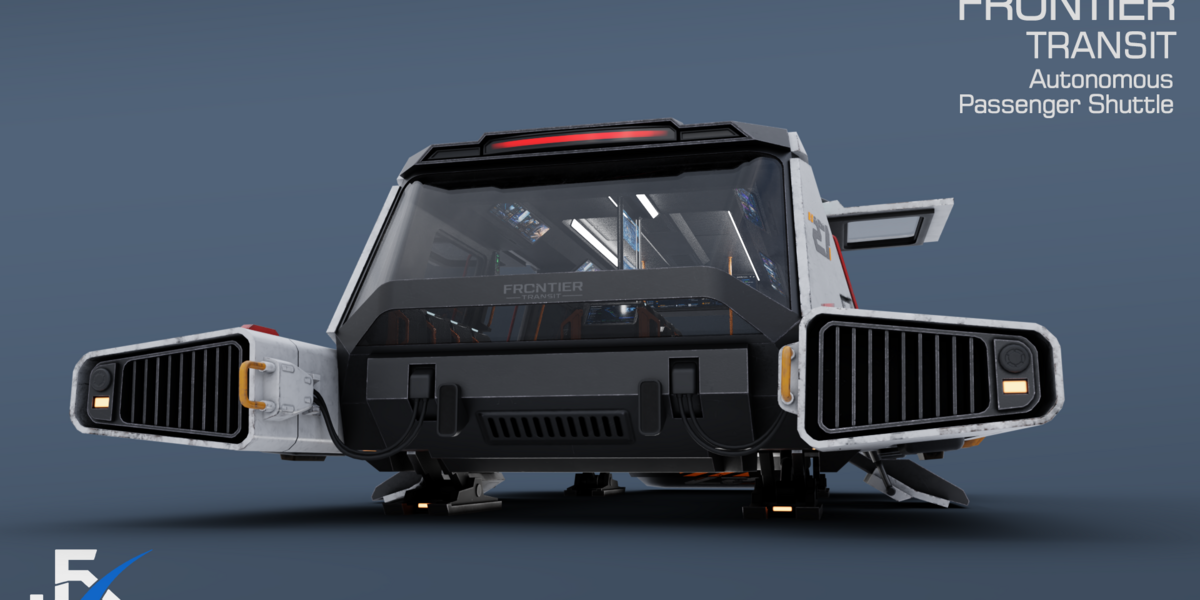
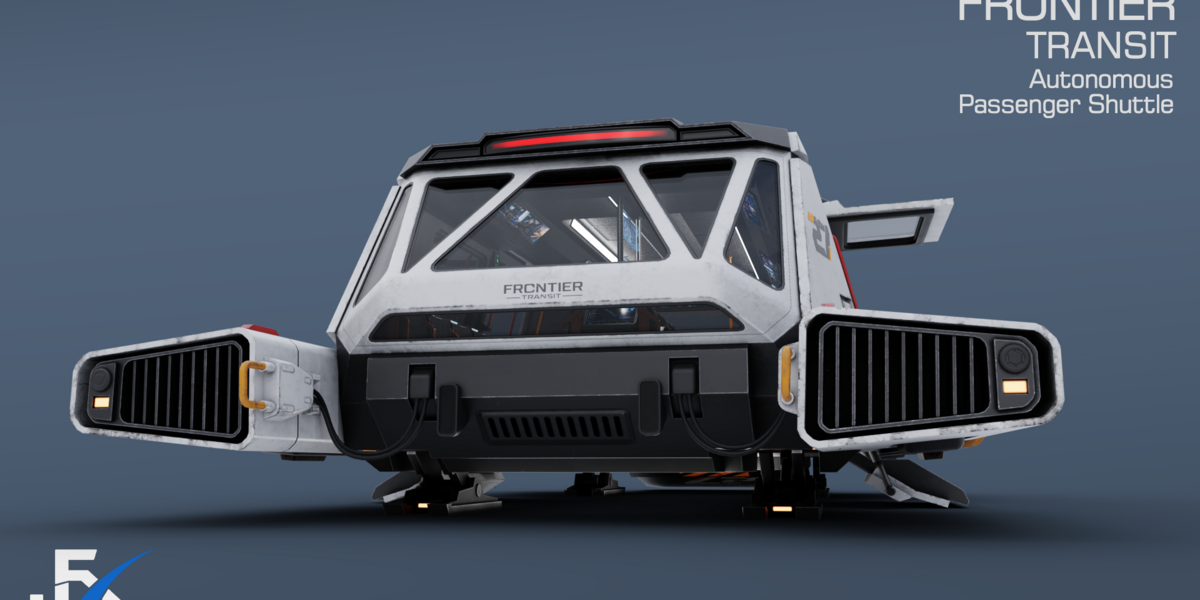
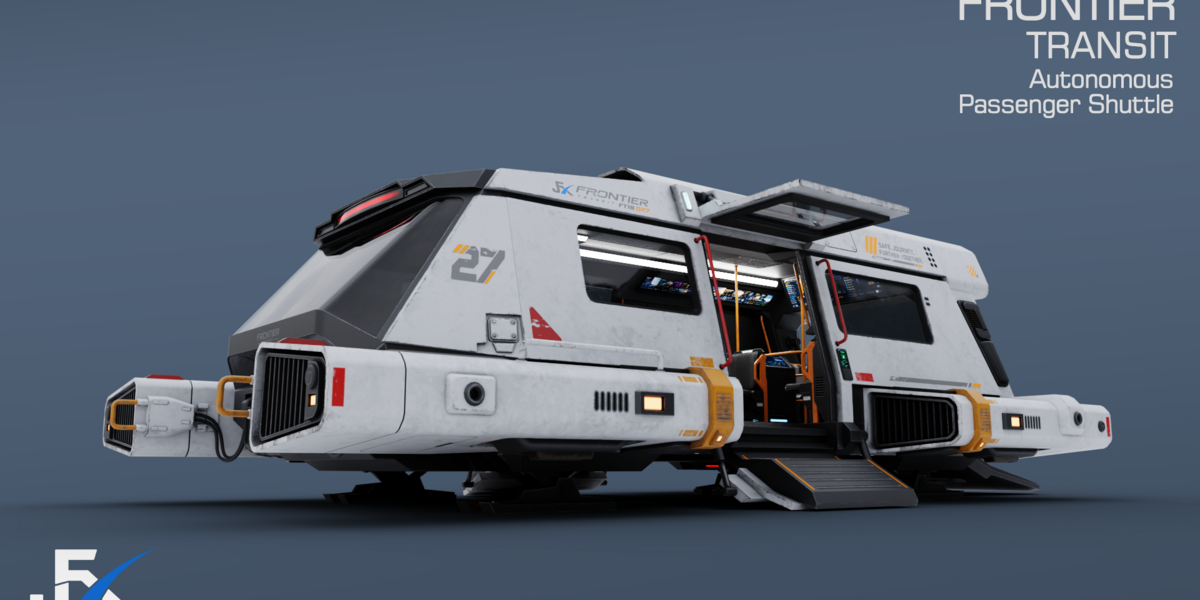
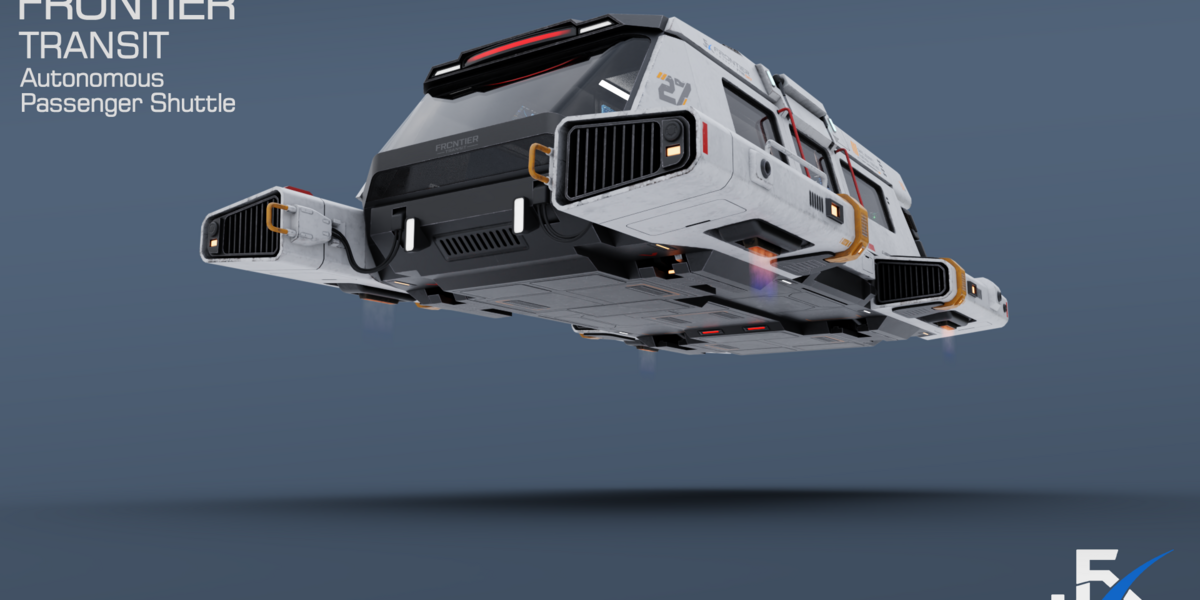
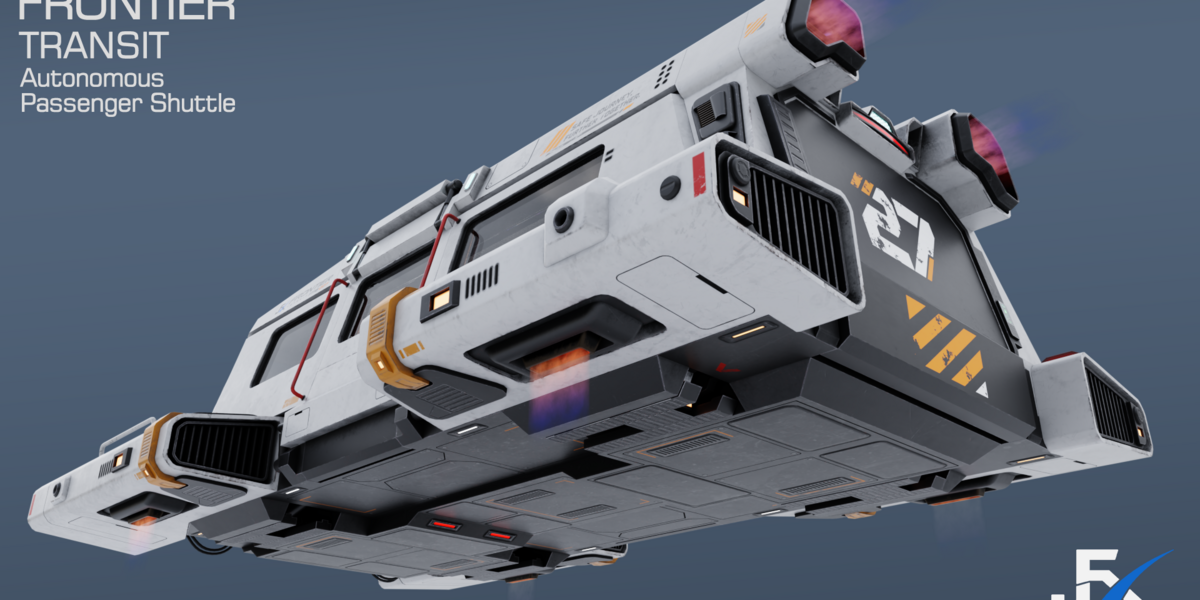
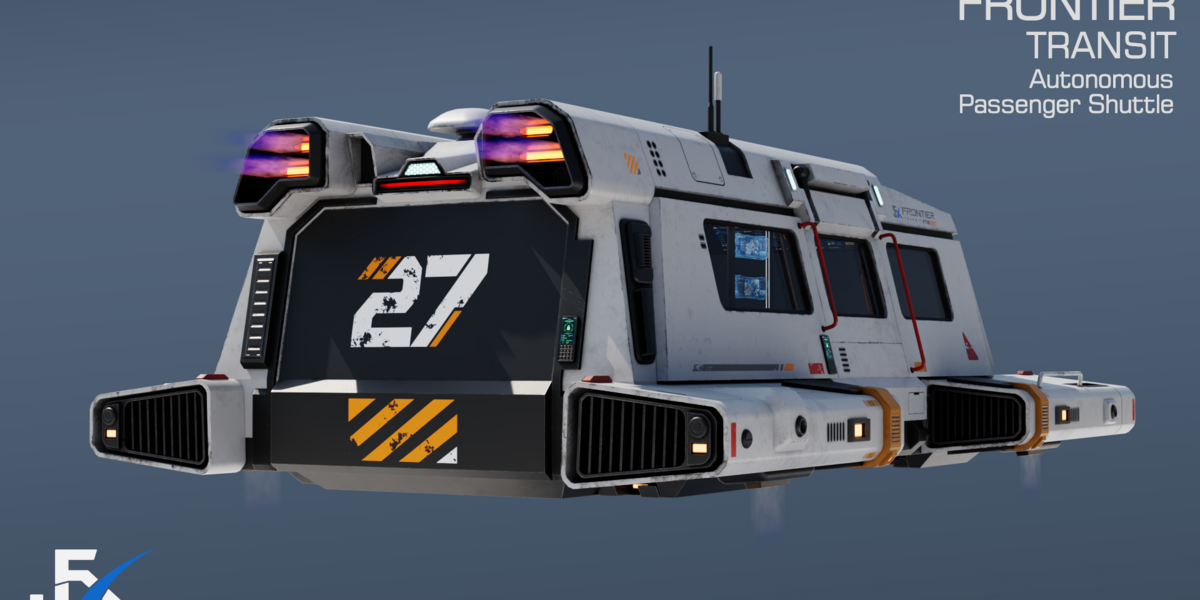
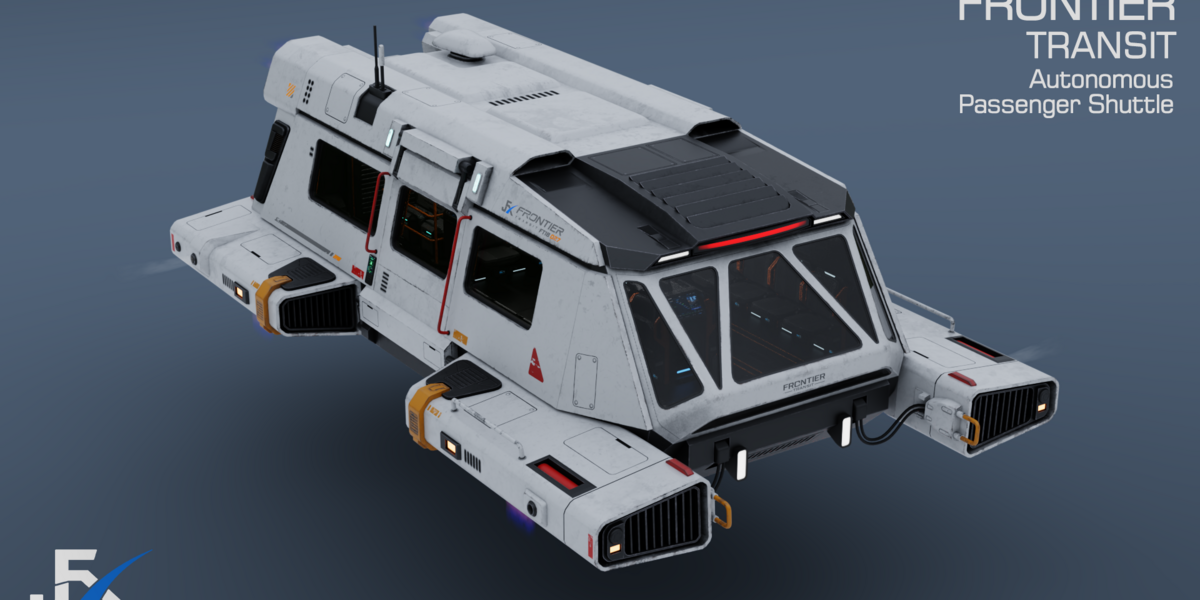
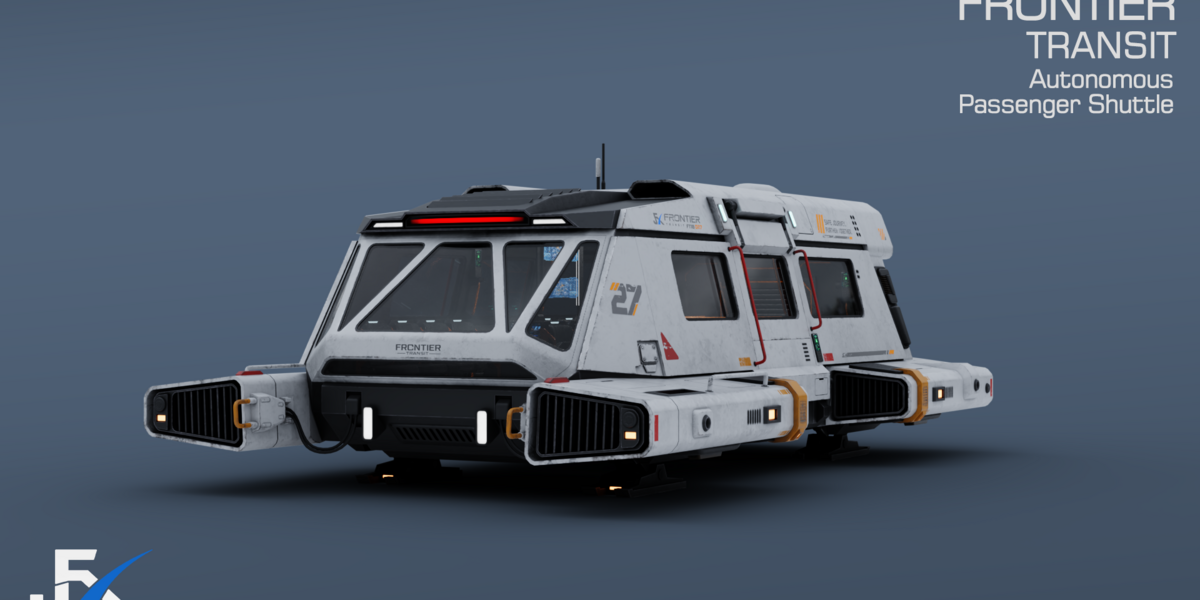
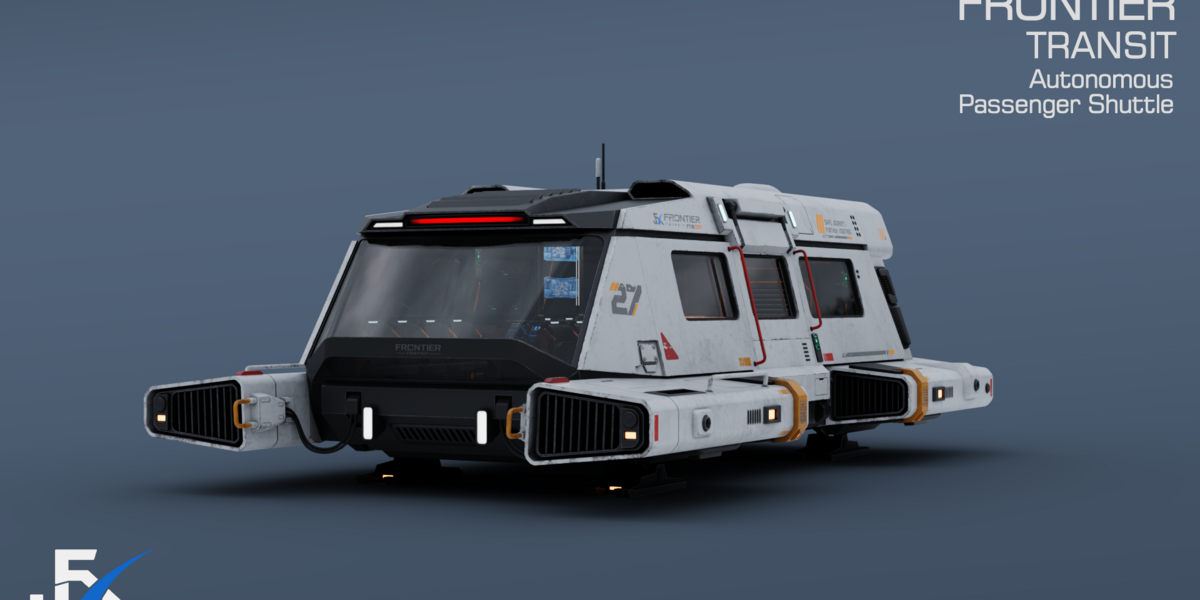
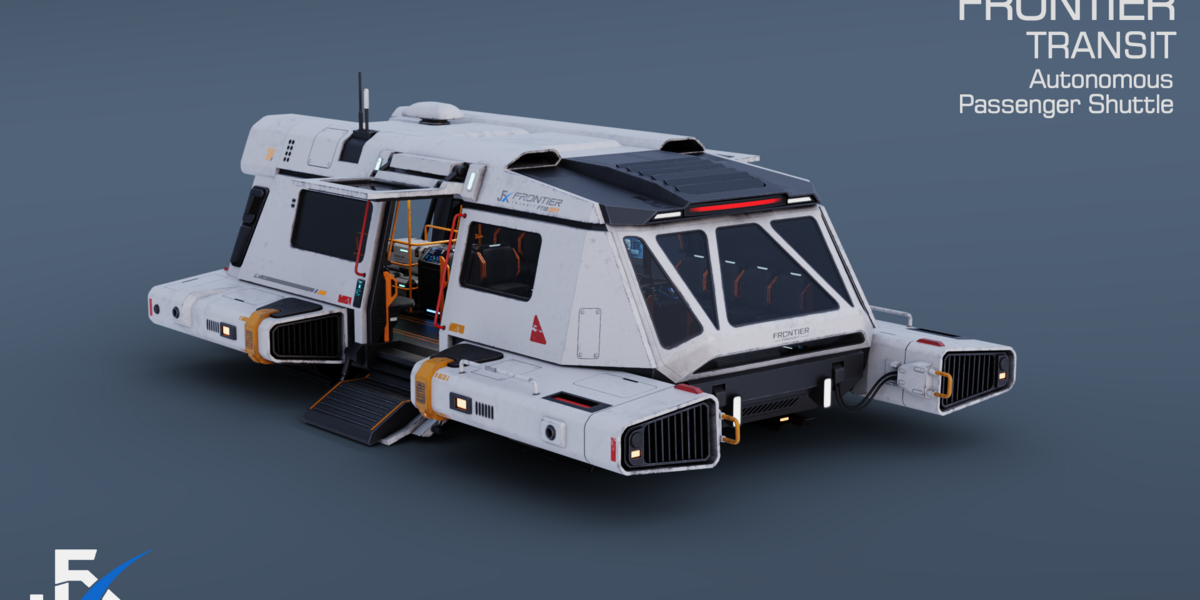
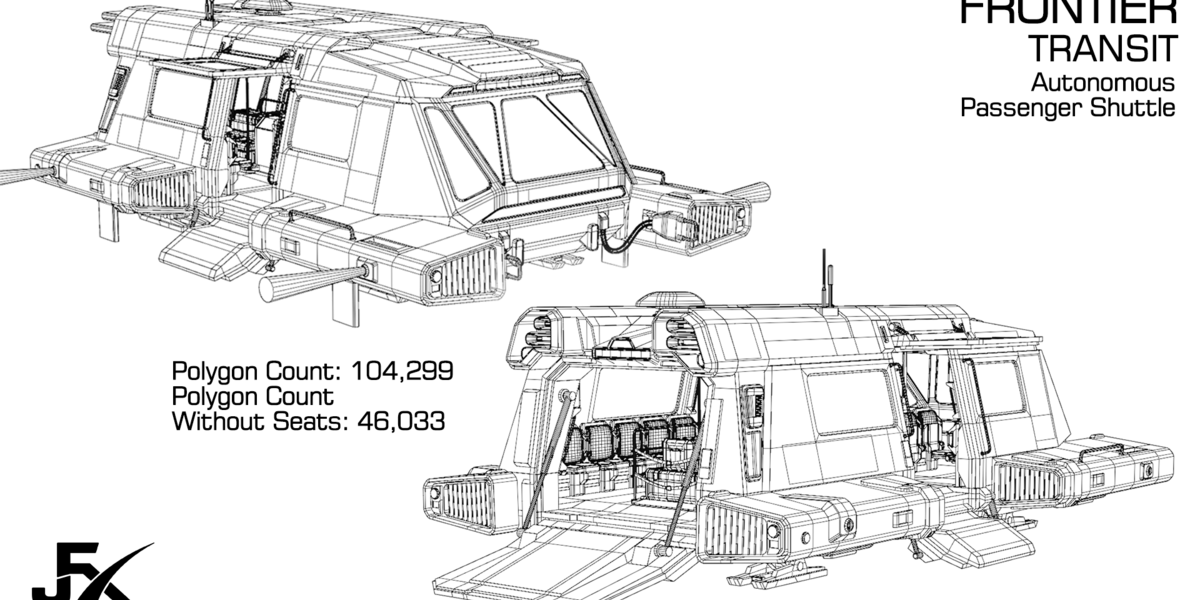
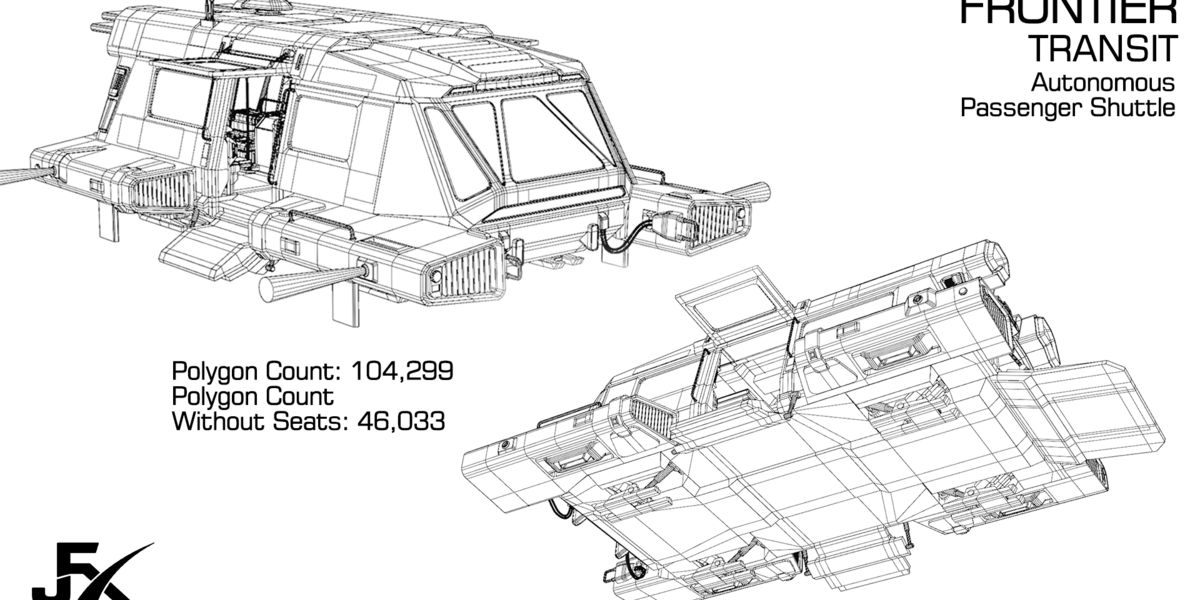
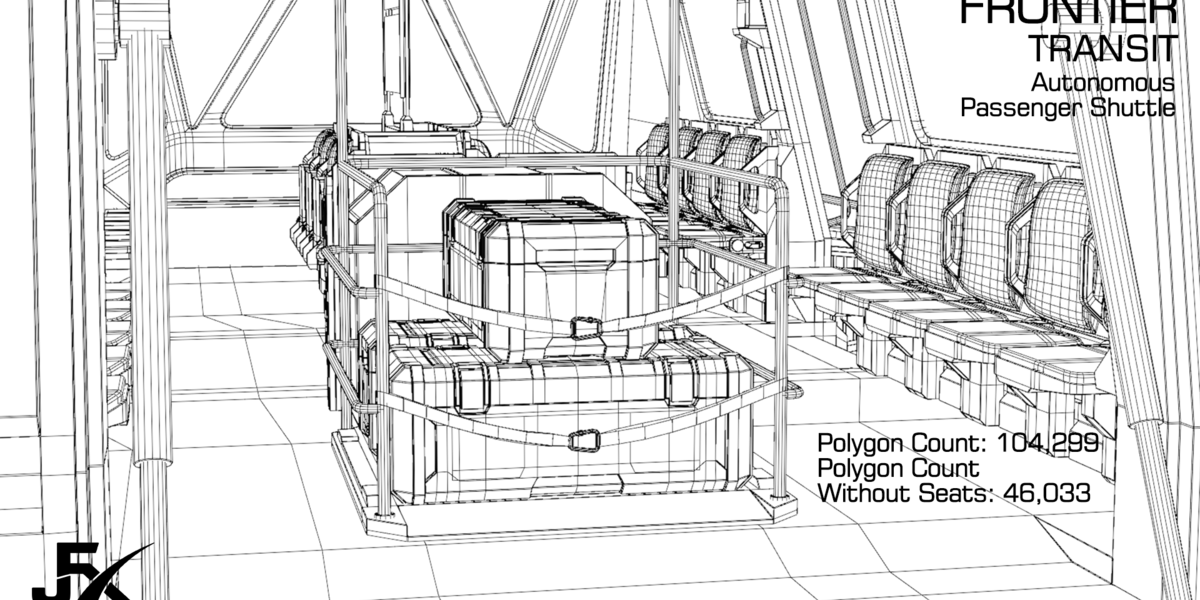
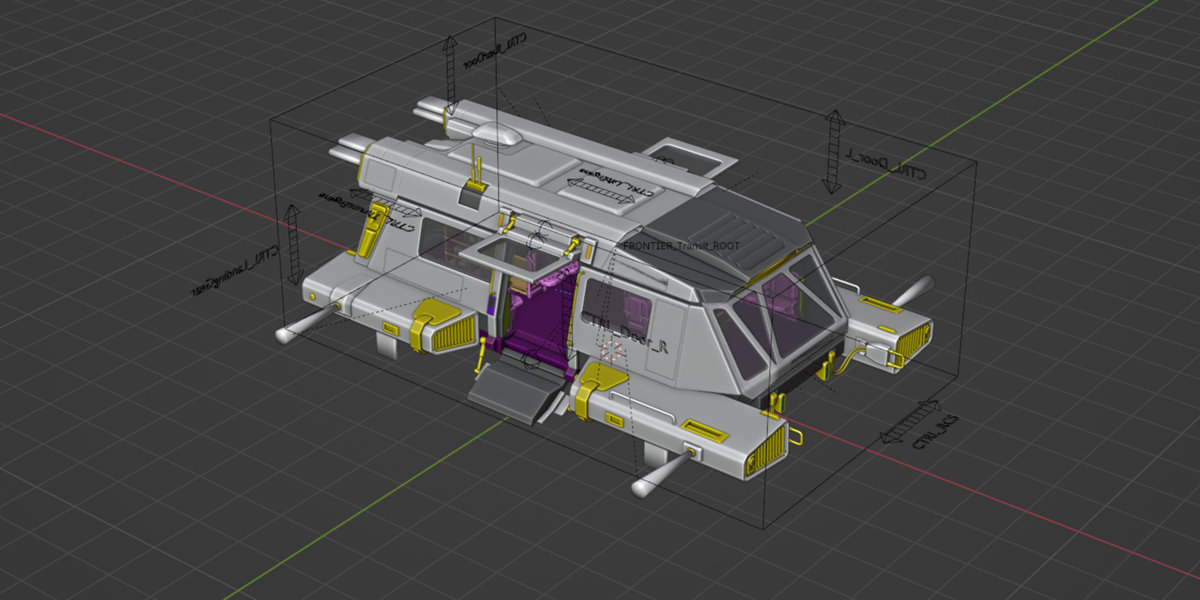
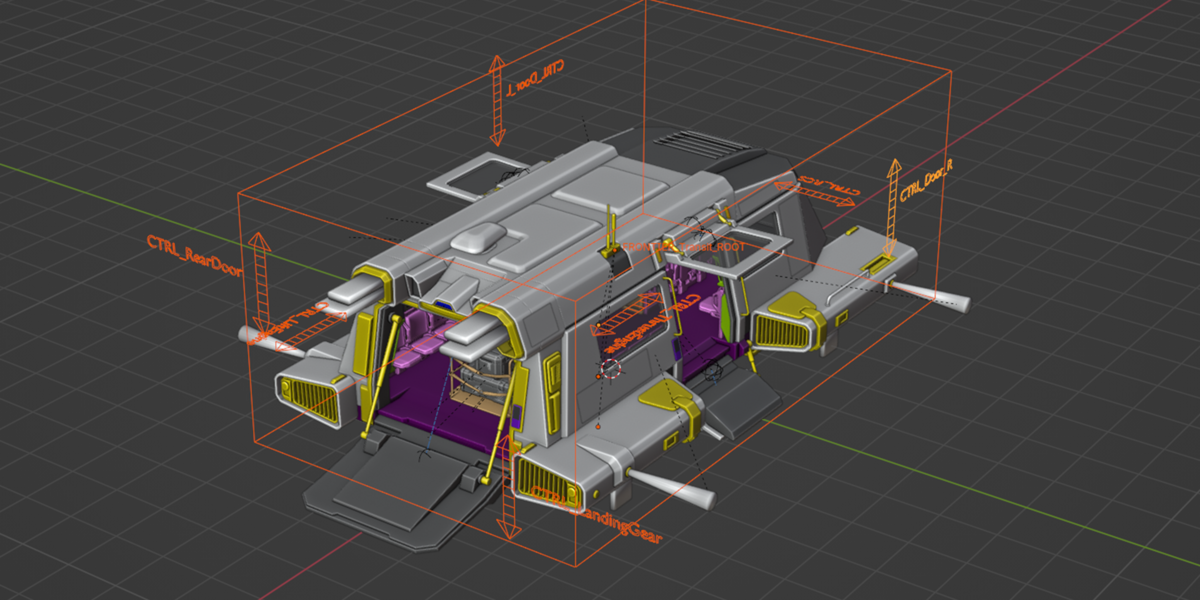
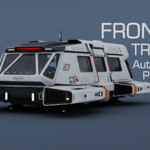
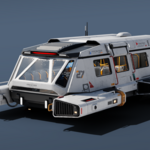
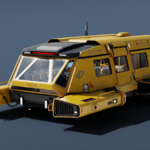
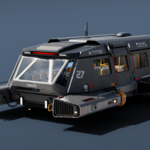
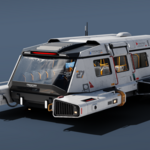
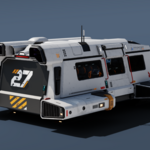
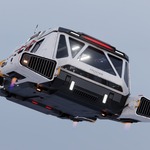
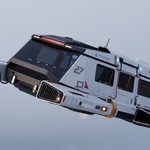
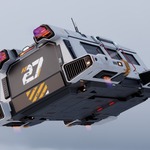
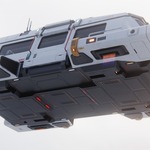
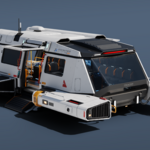
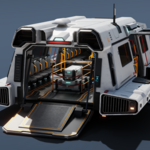
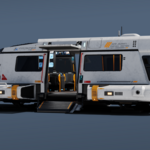
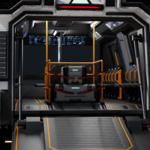
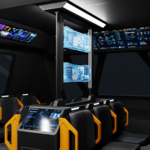
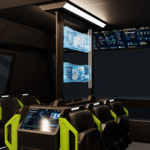
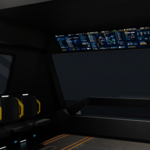
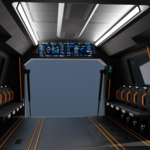
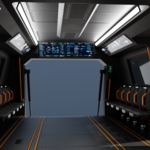
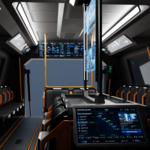
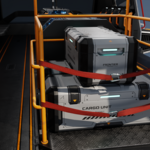
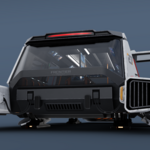
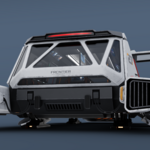
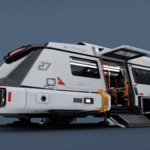
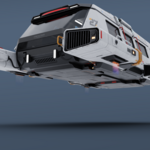
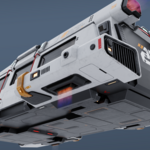
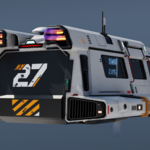
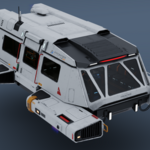
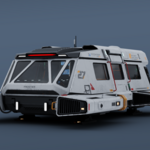
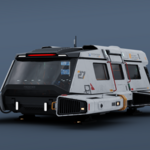
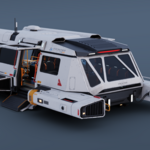
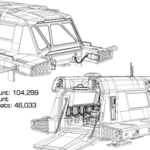
PBR - Frontier Transit Shuttle - 3D Model Rigged Game Ready Blender FBX
 fengjunxuan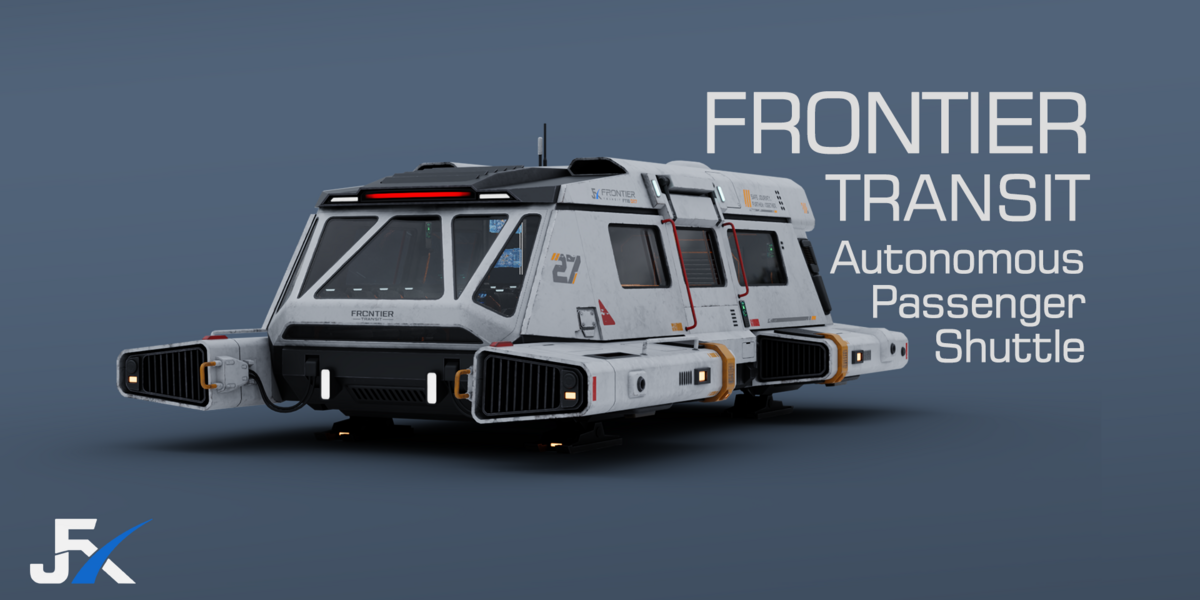
I opened the Blender file, but the textures are missing. What should I do?
First, extract the Texture folder from the downloaded package. Then, in Blender, go to File > External Data > Find Missing Files. Select the extracted Texture folder and confirm. Blender will automatically search the folder and relink the missing textures.
$19.99
Have questions about this product?
Login to message
| Published | about 2 months ago |
| Blender Version | 4.5 - 5.2 |
| Render Engine Used | Cycles, Eevee |
| Misc Data | Uvs-Unwrapped, Rigged, Animated, Low-High-Resolution, Normal-Mapped, Textured |
| License | Royalty Free |