Pbr Brush
 ExMachinaSoft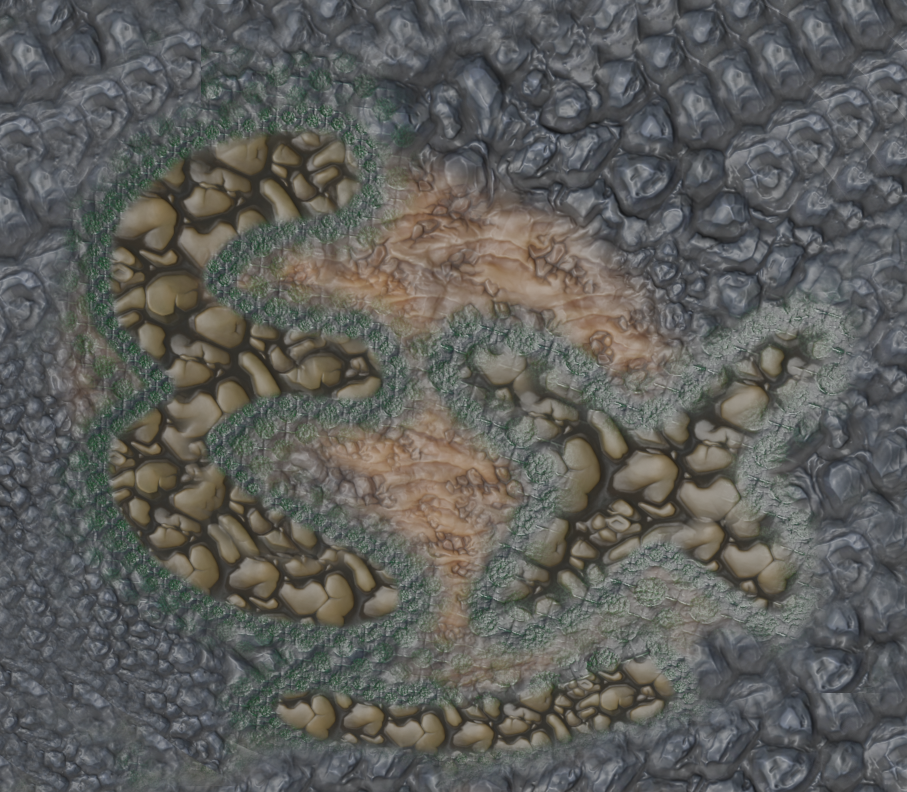
Join discord https://discord.gg/d5qCq7YRGt
How to install/use PBR Brush?
1. In blender go to: Edit -> Preferences -> Add-ons
2. Install PBRBrush.py
3. Enable the addon by checking the box (you may have to search for PBR Brush)
4. In texture draw mode navigate to the right -> Open the panel -> PBR Brush -> Click the "refresh" icon and you are set!
5. For detailed explanation on how to use PBR Brush follow the youtube guide.

Discover more products like this
painting pbr-painting Shader Slot drawing Texture Blending PBR Multiple Channel Multiple textures blending Texture Slot multi PBR Brush image Texture Paint spring22 PBR Drawing Texturing game development PBR Blending texture Multi Channel