Tom Johnson
about 1 year ago
Thank you for your Feedback!
This item has an average rating of 4 from 6 ratings by the community.
Purchase this item to leave a review!
Fantastic add-on that saved me hours of work converting my textures into PBR materials!
Congratulations to the creator!
I'd like to make a suggestion: Add the name of the imported texture to the generated maps: "myTexture_basecolor", "myTexture_normal", "myTexture_height", "myTexture_roughness", since your Blender file is riddled with textures with the same names: Normal, Normal.001, Normal.002..., making it difficult to identify the textures.
Anyway... Thank you so much for your work!
Tom Johnson
about 1 year ago
Thank you for your Feedback!
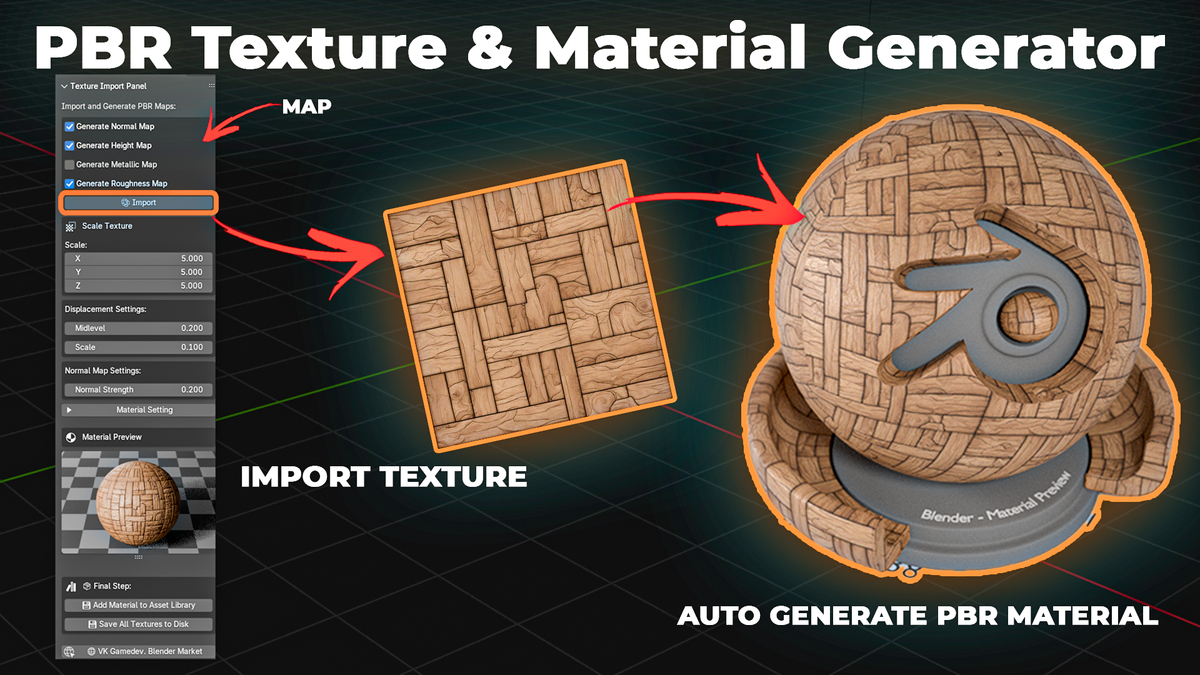
Amazing addon! Integrated directly into Blender - brilliant! Transforms AI-generated diffuse textures into full PBR materials in seconds... plus, my old textures now get a sleek PBR makeover! Fantastic!
Tom Johnson
about 1 year ago
Thank you!
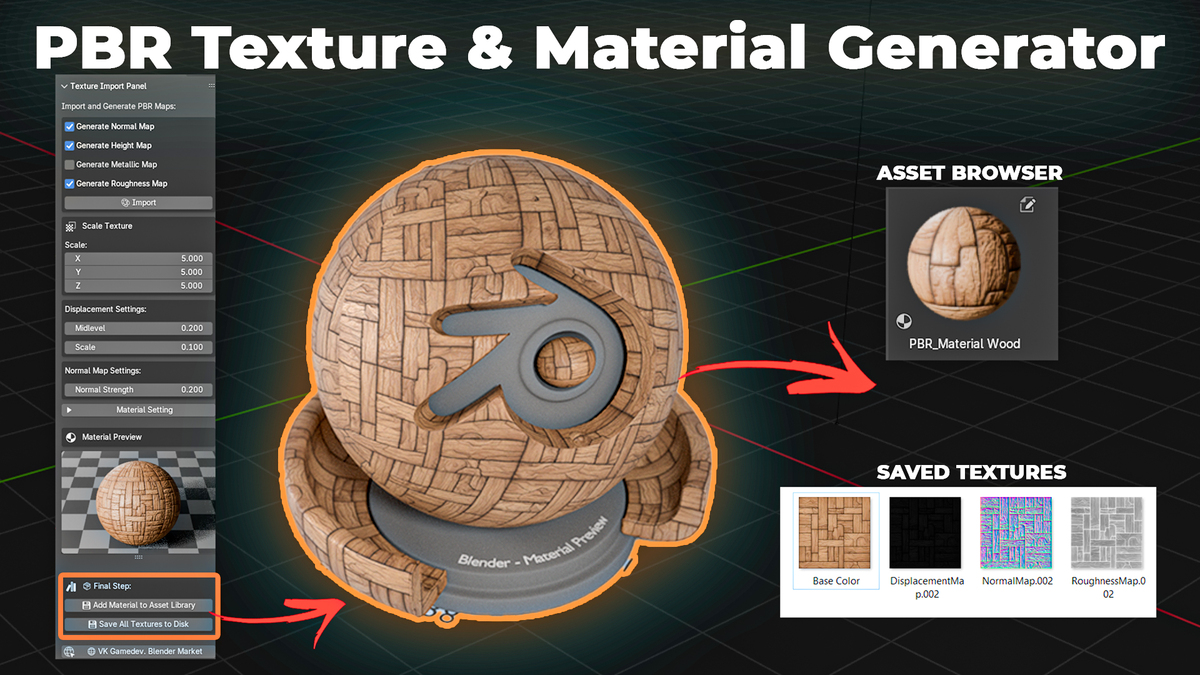
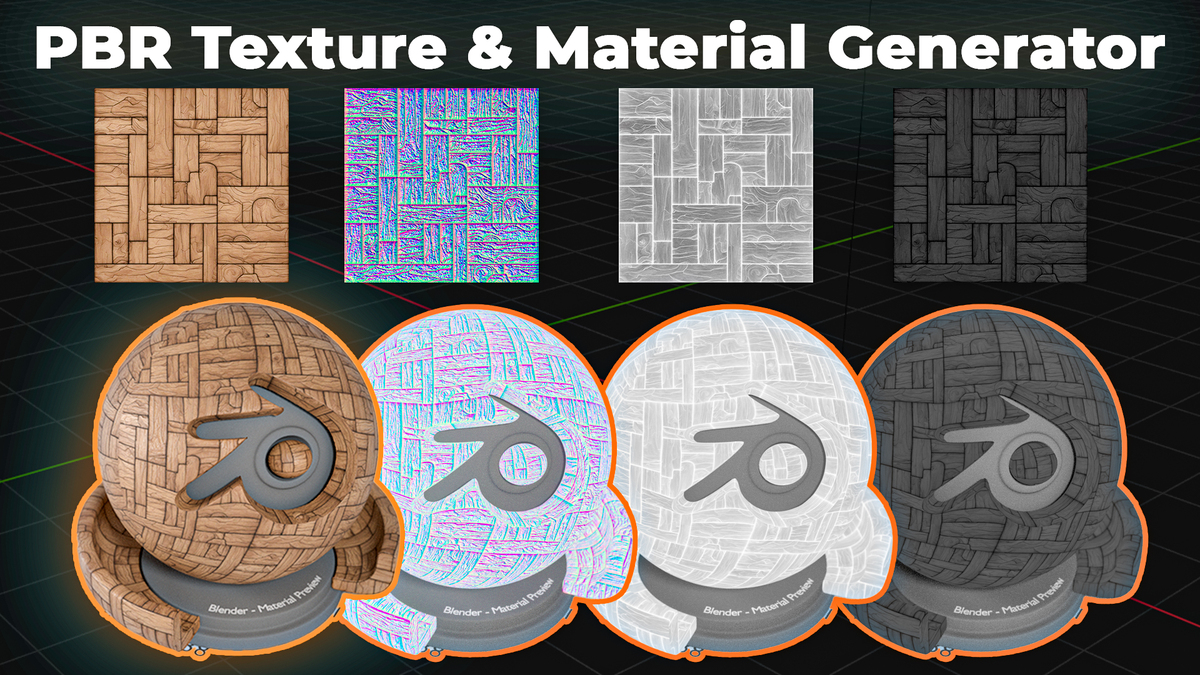
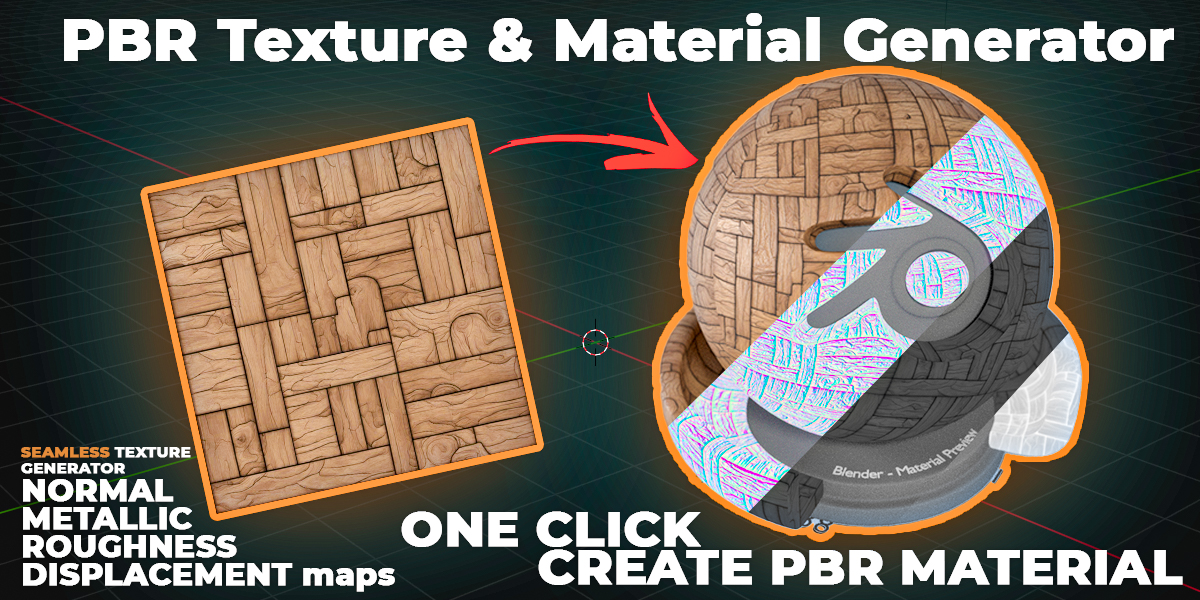
One thing I've learned while getting into environmental design is that a great scene needs more than a library of generic seamless materials. The surface of environmental artefacts is a little storyteller in its own right. Weathering, patina and physical signs of usage all sell the realism of your scene. If you have time and talent you can paint and bash this for hero assets, but the whole scene? Unlikely! Of course, the downside of creating scenes with large photo sources instead of seamless library assets is the time-consuming setup required to create matching PBR maps. Pbr Texture & Material Generator for Blender is the perfect solution. It's very intuitive, once you realise that you're making a preview which needs to be saved onto file. This is one of those addons that is simple and intuitive, so you learn everything you need by watching a couple of minutes of their video. I have a lot of tools that promise that, but I end up not using them because I didn't have the time to invest in lots of learning and practice. I wouldn't describe this as a one-click solution because the materials I've made so far are a bit too specular. The convenient N-panel has all the adjustment bars you need for maybe 85% of tweaks. Highly recommended!
Tom Johnson
about 1 year ago
Thanks!
One of the most usefull addons I ever bought.
I really appreciate having all the options needed available in a palette at my right hand without having to dive in the shader editor. This palette is really clear and well organized.
I am used to go outside and take a lot of photos of textures like old stone walls, old wooden doors, rusted objects….
Now, with this add-on, I can transform any of my photos in a beautiful texture in Blender, it’s magic !
I also appreciate a lot the great communication with the author.
Tom Johnson
over 1 year ago
Thank you!
it's a very cool and useful addon, but unfortunately it doesn't work with Cycles. With EEVEE it makes a great and realistic pbr texture, but in Cycles it is just flat texture.(( I tried to use it for archviz. Hope it can be fixed or maybe maybe I'm doing something wrong?
Tom Johnson
about 2 months ago
Everything works the same way in cycles, you just need to select the parameters. Contact us and we will help you with your example.
Update 11/03/2025 - Added the function of creating seamless textures.
Although the update log claims the seamless texture feature was added, the program did not actually include it. When I contacted the author, he explained that it was still under development. I felt misled, but I chose to give him the benefit of the doubt at the time. However, 10 months have passed and there is still no update. I am leaving a 1-star review due to this deceptive behavior.
All functions are available except for creating asset from the material and saving textures to the computer.
Create an asset from a material. Save textures to a computer. Generate seamless textures. Commercial use for 1 user.
Create an asset from a material. Save textures to a computer. Generate seamless textures. Commercial use for an unlimited number of users.
Have questions about this product?
Login to message