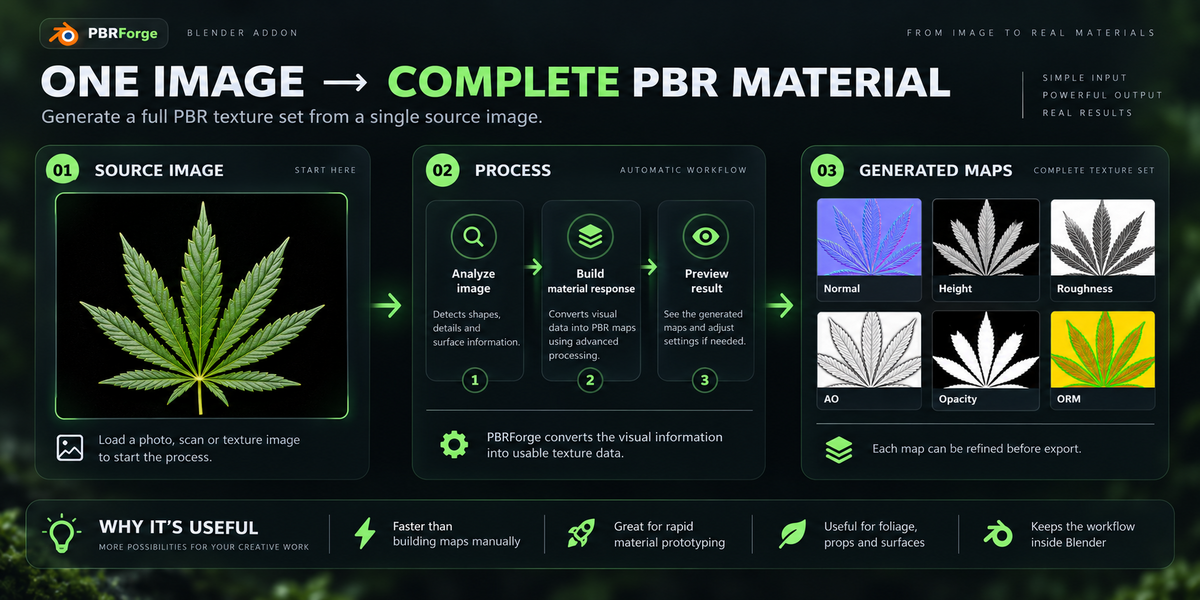
Pbrforge – Image To Pbr Material Generator
 CStudio.ao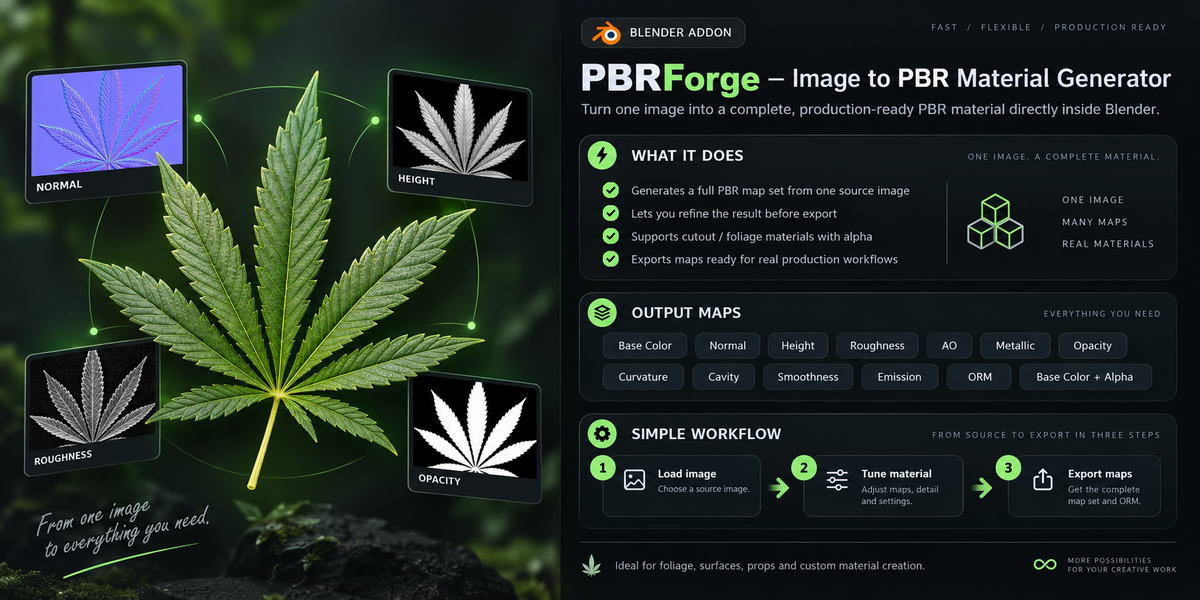
Installation
- Download PBRForge after purchase.
- Open Blender.
- Go to Edit → Preferences → Get Extensions.
- Open the menu and choose Install from Disk.
- Select the PBRForge ZIP file.
- Enable the add-on if required.
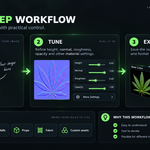
Quick Start
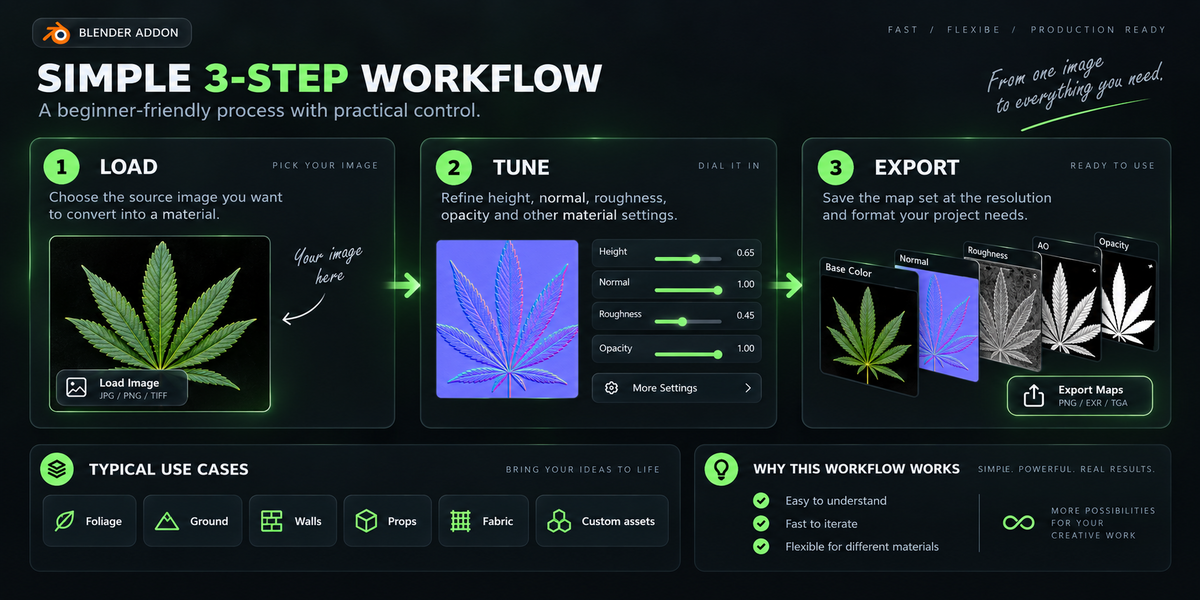
- Open PBRForge.
- Load your source image.
- Generate the PBR maps.
- Adjust the available material controls.
- Select the outputs you need.
- Choose your export settings.
- Export the material maps.
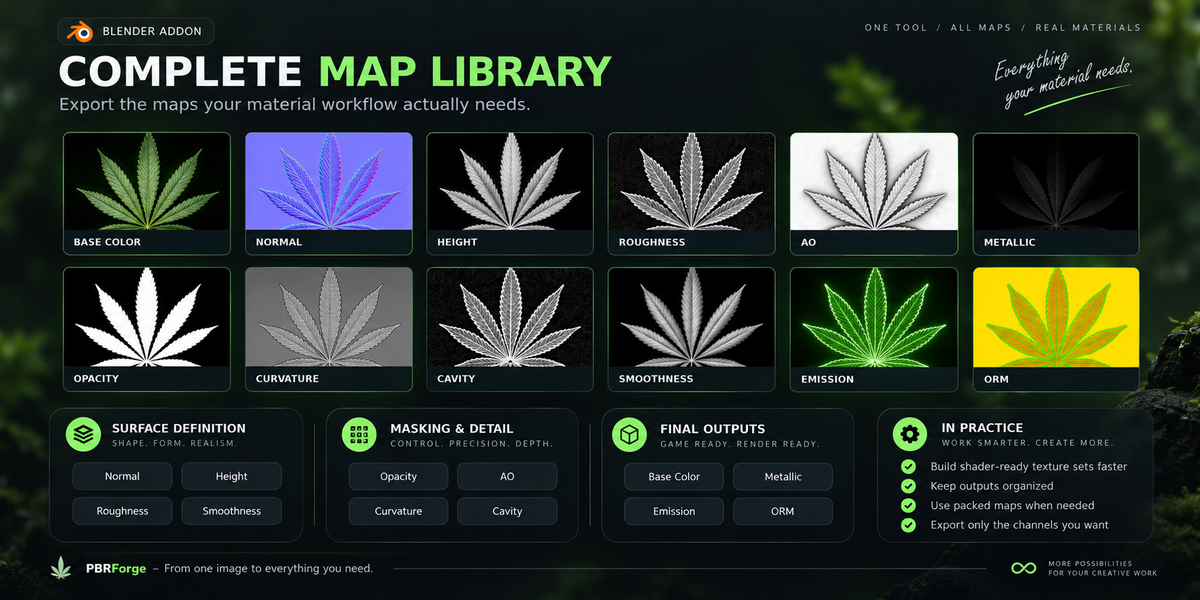
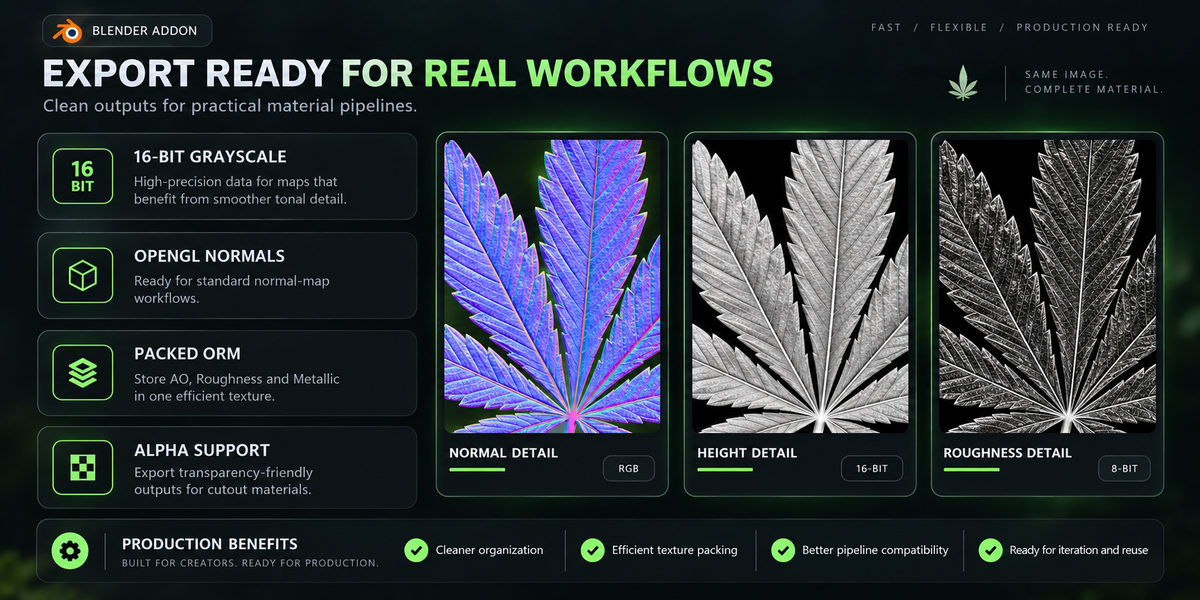
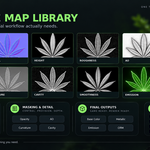
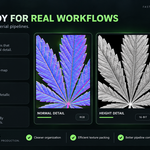
Generated Maps
Then explain briefly what Normal, Height, Roughness, AO, Opacity, ORM etc. do.
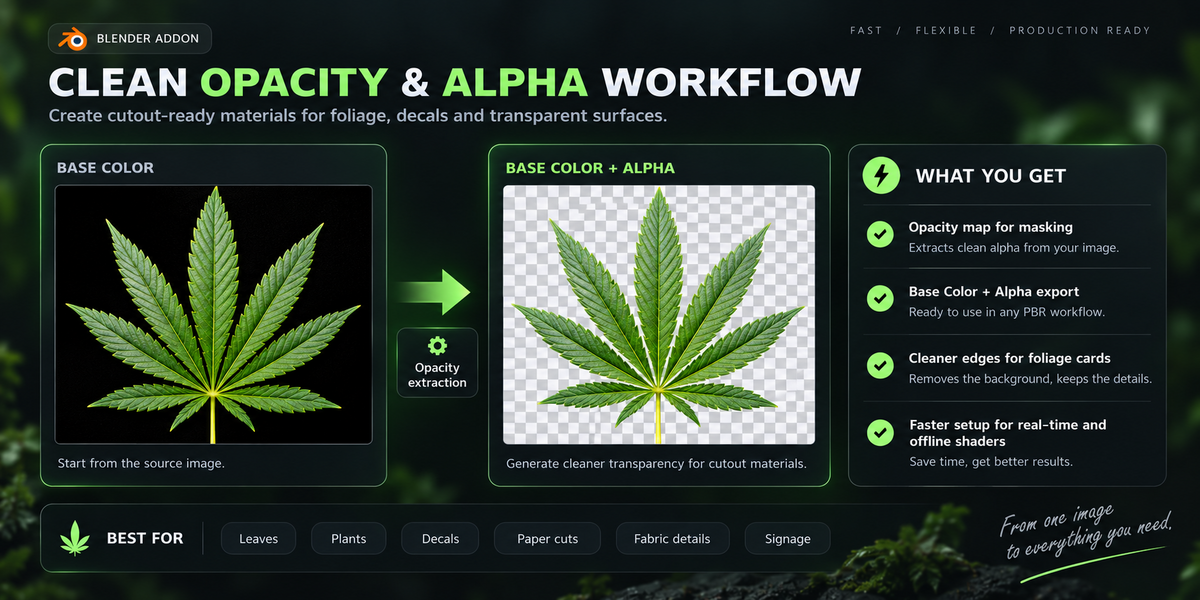
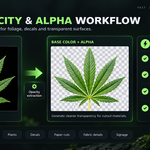
Opacity Workflow
Explain when to use Opacity and Base Color + Alpha.
Export
Explain resolution, format, output folder and packed ORM.
$5
Have questions about this product?
Login to message
| Blender Extension Compatible | Yes |
| Published | 8 days ago |
| Blender Version | 4.0 - 5.2 |
| Extension Type | Add-on |
| Render Engine Used | Cycles, Eevee |
| Misc Data | Low-High-Resolution, Normal-Mapped, Textured |
| License | GPL |

Discover more products like this
texture pbr maps roughness shading normal map orm height map material-generator Texture Generator opacity PBR ambient occlusion