Perfect Perspective Next Blender Grease Pencil
 CreativeStrokesNYC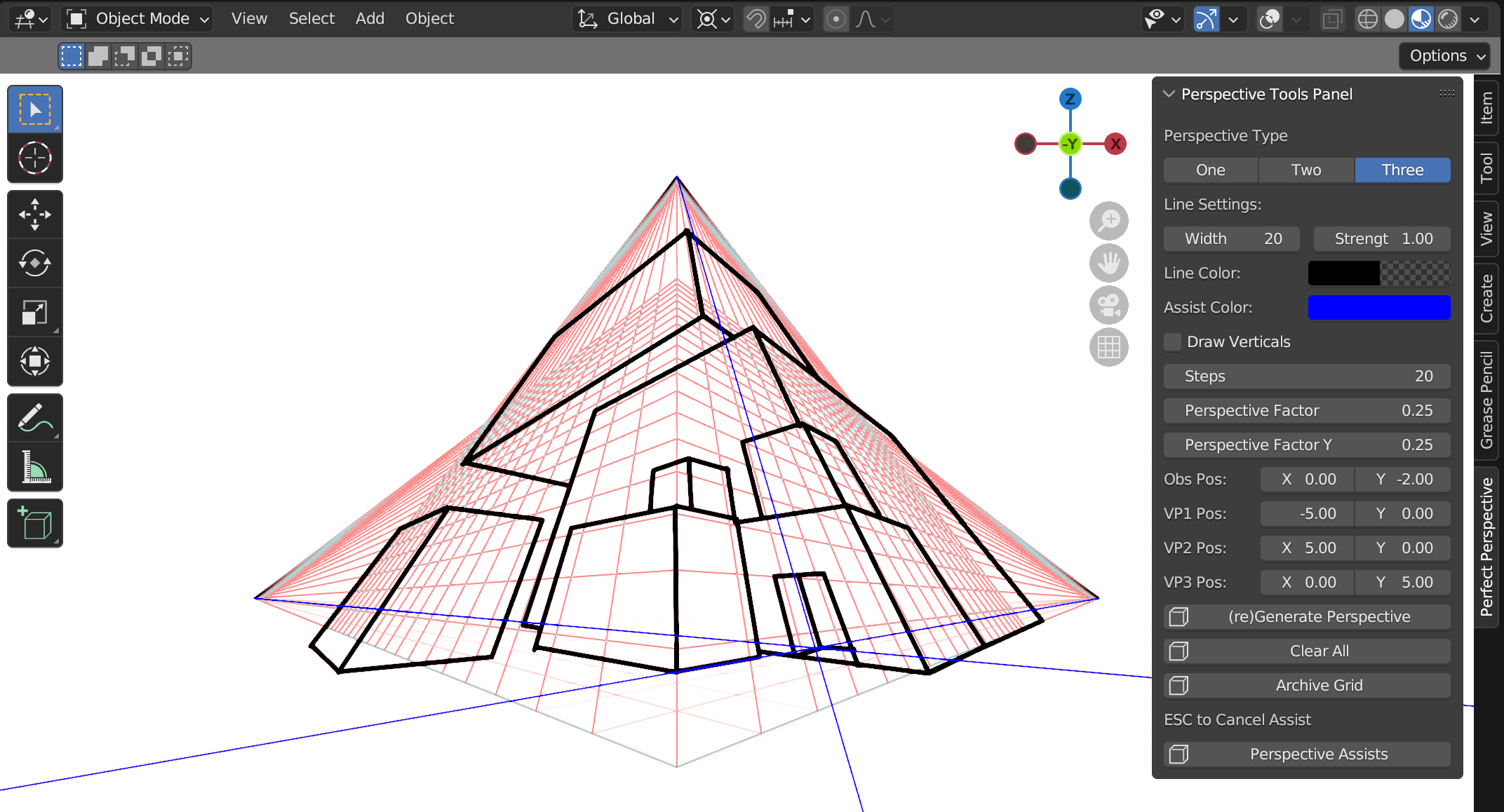
-
-
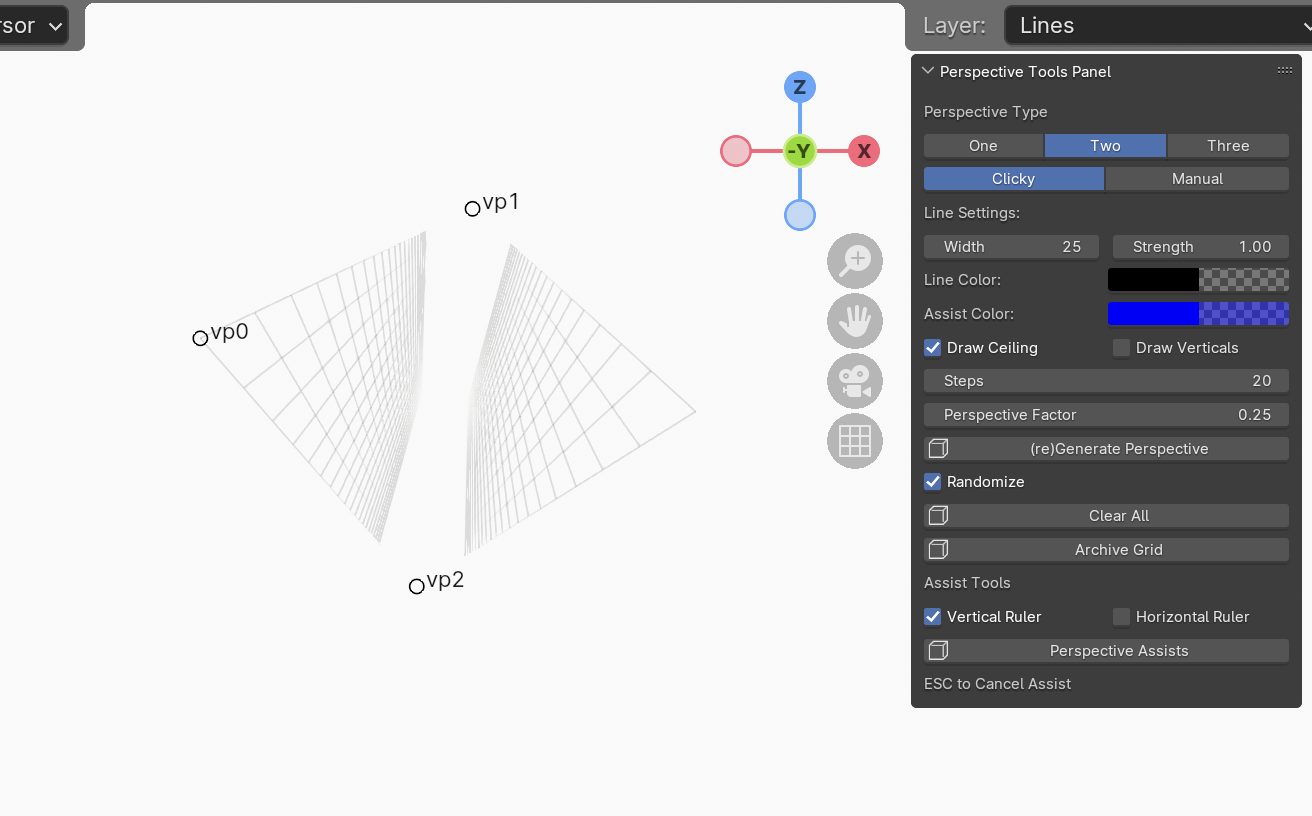
What do these settings mean
GRID SETTINGS
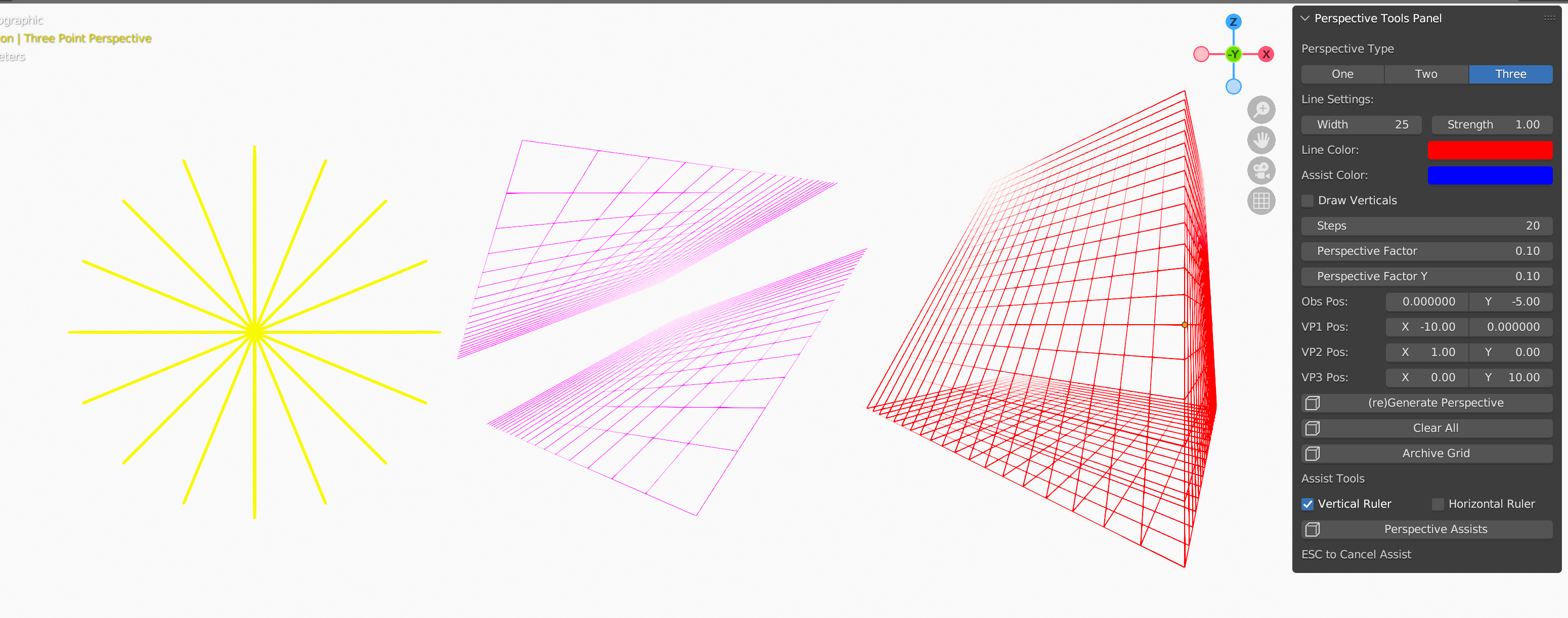
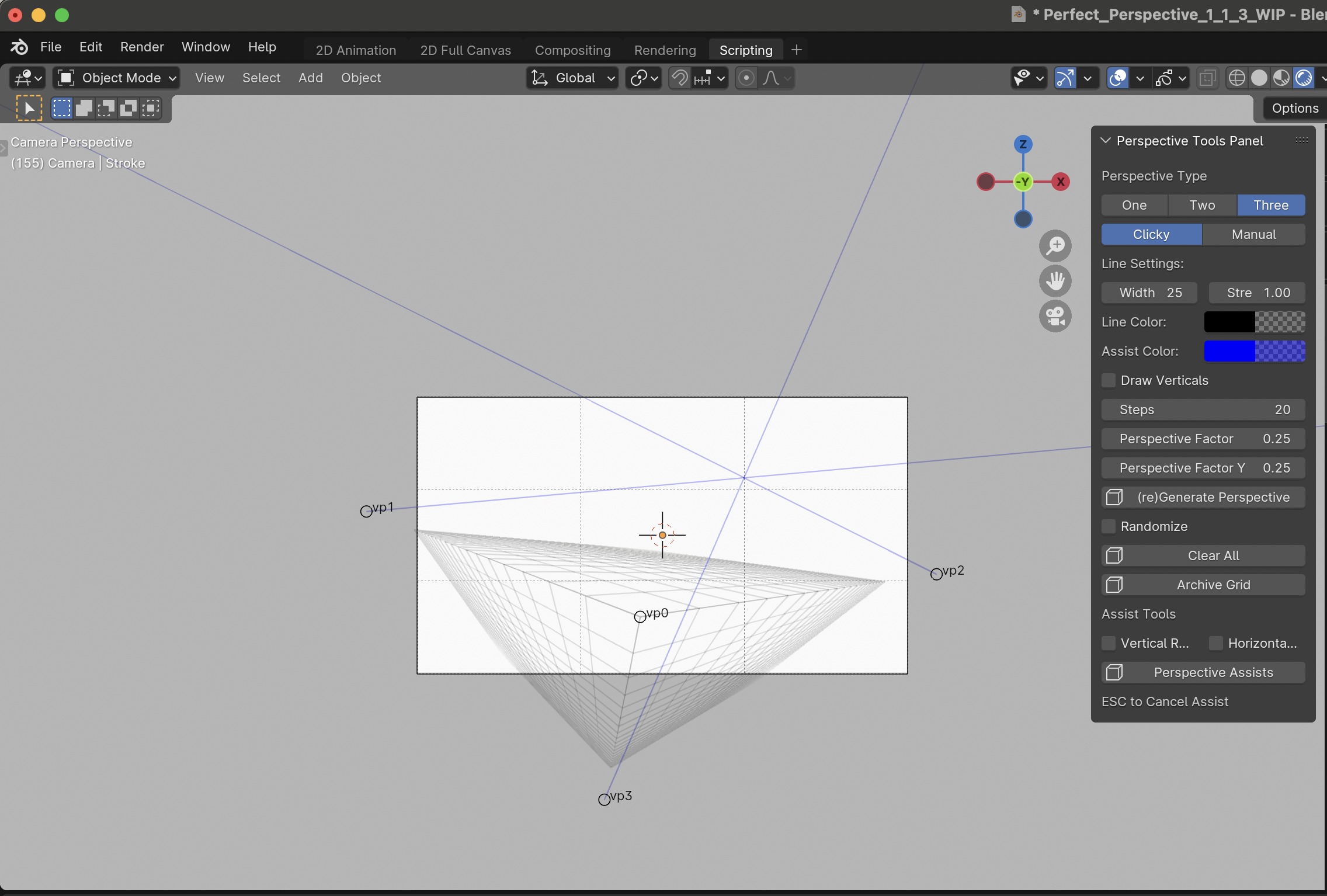
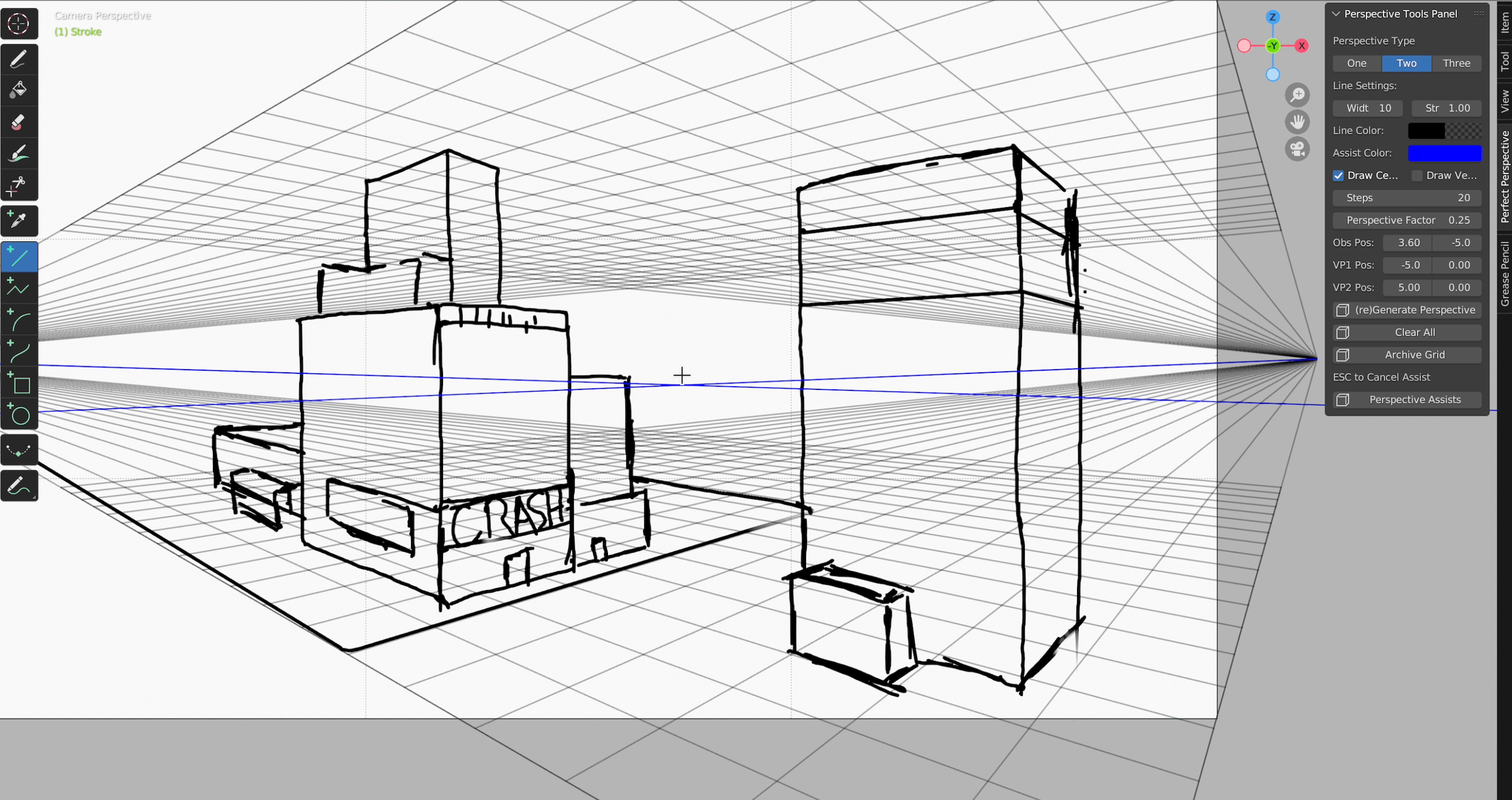
· Type: Your Perspective Type (One-Two-Three- or Five-Point Perspective)
· VP Creation: Vanishing point behavior
o Clicky: Allows you to drag / drop VPs
o Manual: Manually input VP coordinates. Will override current VP Location.
§ Randomize: When Manual, randomize will set random coordinates (-5 to 5) for vanishing points on grid generation
o Lock: Locks VPs so they are not unintentionally selectable
· Grid Lines: How many lines are created for the grid. May affect clarity
· Line Width: How thick the lines are for the grid/assists. May affect clarity
· Radius: Grid radius for one and five-point-perspective
· Depth Factor: Perspective Depth Factor
o X: Depth Factor relationship between vp0 and vp1/vp2
o Y: Depth Factor relationship between vp0 and vp3
o Closer to 0: Grid lines terminate closer to the observation point (vp0)
o Closer to 1: Grid lines terminate closer to the vanishing points
· Grid/Assist Color Pickers: Color/Alpha used for grid/assists. Adjust for clarity
· Ceiling: Mirrors Two Point Perspective grid based on vp0
· Verticals: Draws verticals/inner grids for Two and Three-Point Perspective
· (re)Draw Grid: Draws a grid based on the above settings.
o Trash Bin: Remove the existing grid
Assist Settings
· Start Assists: Create guidelines to the vanishing points while you draw
o Grid Icon: If toggled, this will auto-generate/update a grid if one doesn’t exist on assist start
o Esc to cancel, or re-click the button. Will also cancel if certain options are changed.
· Rulers: Purely horizontal/vertical guides
o Vertical: Vertical visual indicator
o Horizontal: Horizontal visual indicator
Snap Settings:
· Snap To: If assists are running, this will automatically snap your lines to a vanishing point. Horo / Vert are purely horizontal/vertical snapping. 5 point perspective will snap to the curved grid depending on your selection.
Use the A S or ; ' keys to toggle between the different snap targets.
o Grid Icon: If toggled, this will auto-generate/update a grid if one doesn’t exist
o Esc to cancel. Will also cancel if certain options are changed.
o VP List: Beneath Snap To. What are we snapping to
· From Stroke: Where to snap from when assists are running
o Front: Snap from where you end the stroke
o Back: Snap from where you start the stroke
-
Have questions about this product?
Login to message
| Blender Extension Compatible | Yes |
| Sales | 40+ |
| Published | over 2 years ago |
| Blender Version | 3.6 - 4.5 |
| Extension Type | Add-on |
| License | Mit |
