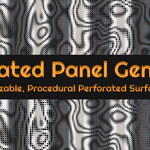
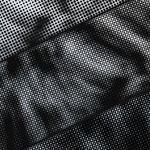
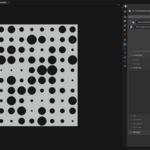
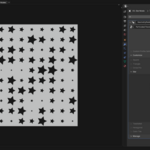
Perforated Panel
 Abbos Mirzaev


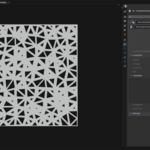
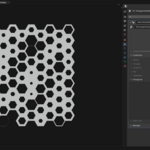
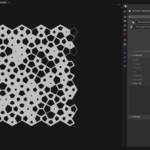
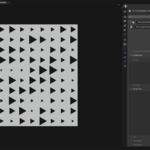
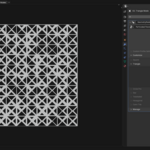
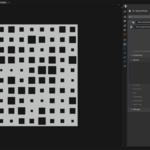
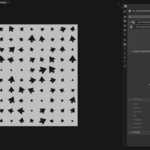
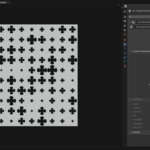
🔧 Installation:
Download the ZIP file.
In Blender, go to: Edit > Preferences > Add-ons > Install.
Select the ZIP file and enable the add-on.
Select any mesh object, go to the Modifier tab, click Add Modifier, and choose Perforated Panel.
📂 Important Note:
Inside the .blend file (Perforated Panels 1.0.blend), make sure the Geometry Nodes group is marked as an Asset.
Assign this asset to a catalog named Perforated Panel using the Asset Browser in Blender.
-
If not assigned correctly, it may appear under the default Main Node category in the Add Modifier menu.
$10
Have questions about this product?
Login to message
| Blender Extension Compatible | Yes |
| Sales | 50+ |
| Published | over 1 year ago |
| Blender Version | 4.4 - 4.5 |
| Extension Type | Add-on |
| Render Engine Used | Cycles |
| License | GPL |
Discover more products like this
modifier architecture procedural design blender addon geometry nodes parametric modeling facade design perforated panels mesh tools