 BENNODES
Installation
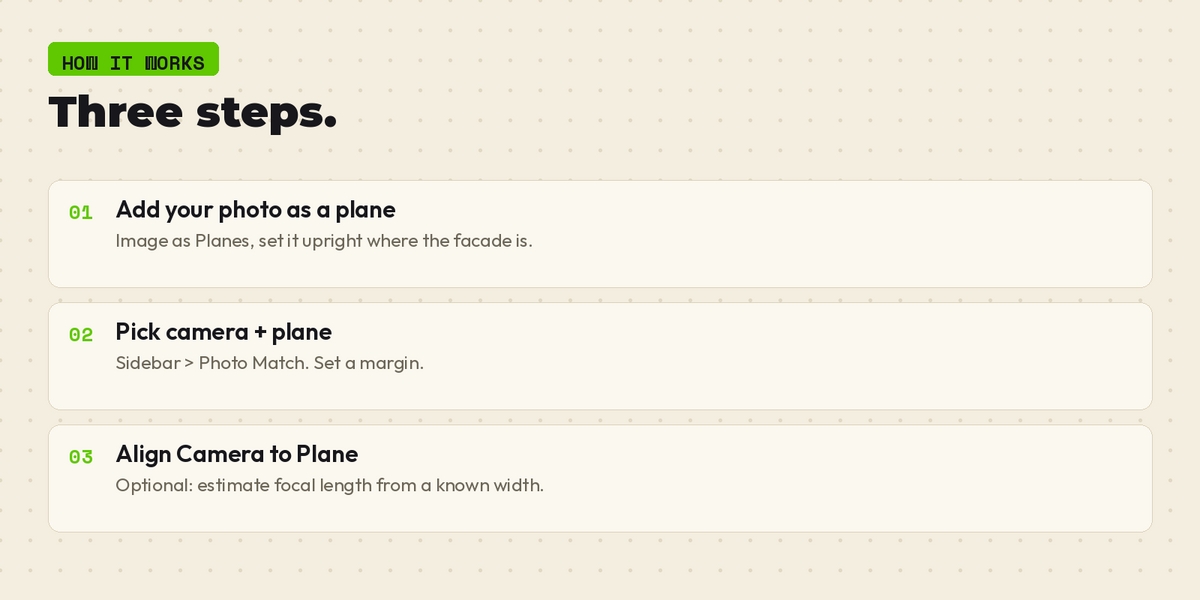
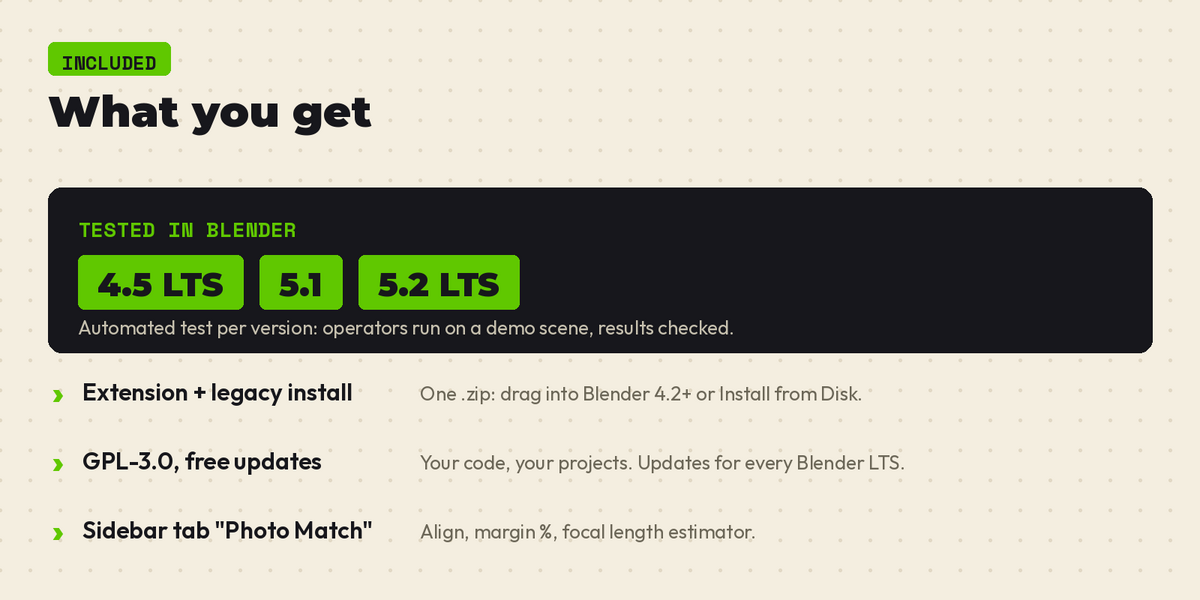
1. In Blender open Edit > Preferences > Get Extensions (or just drag the .zip into Blender).
2. Click the arrow menu (top right) > Install from Disk.
3. Select the downloaded .zip (no need to unzip).
4. It is enabled right away; in Add-ons look for "Photo-Match Camera".
Usage
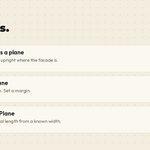
1. Import your reference photo as an image plane (upright, width along X).
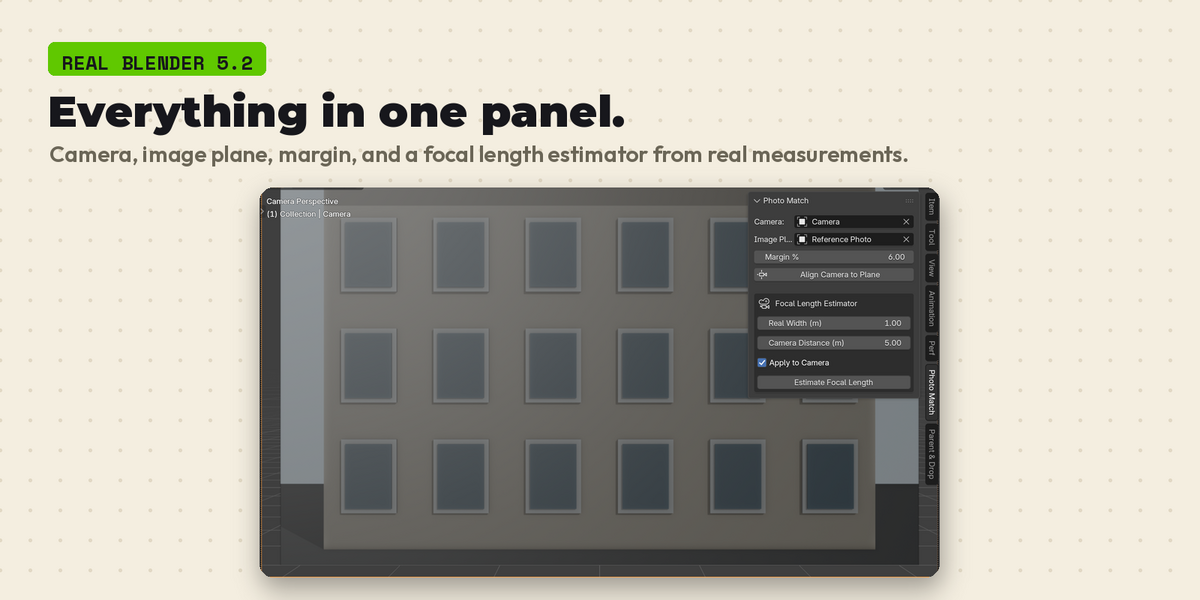
2. Open the 3D View sidebar (N) > Photo Match tab.
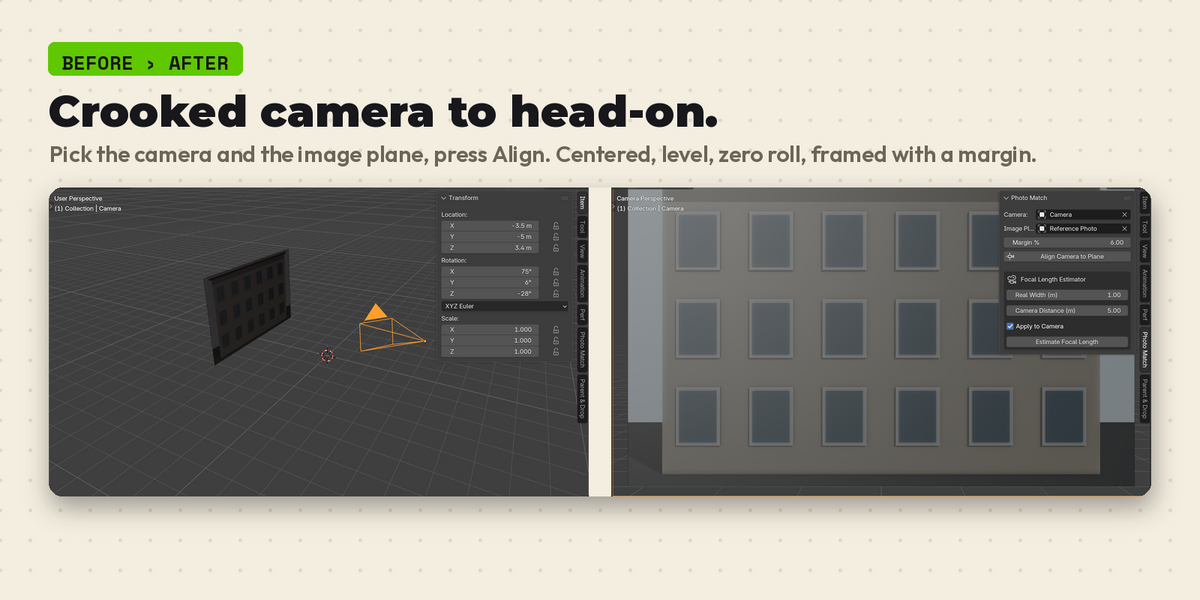
3. Pick your Camera and the Image Plane, set the framing margin.
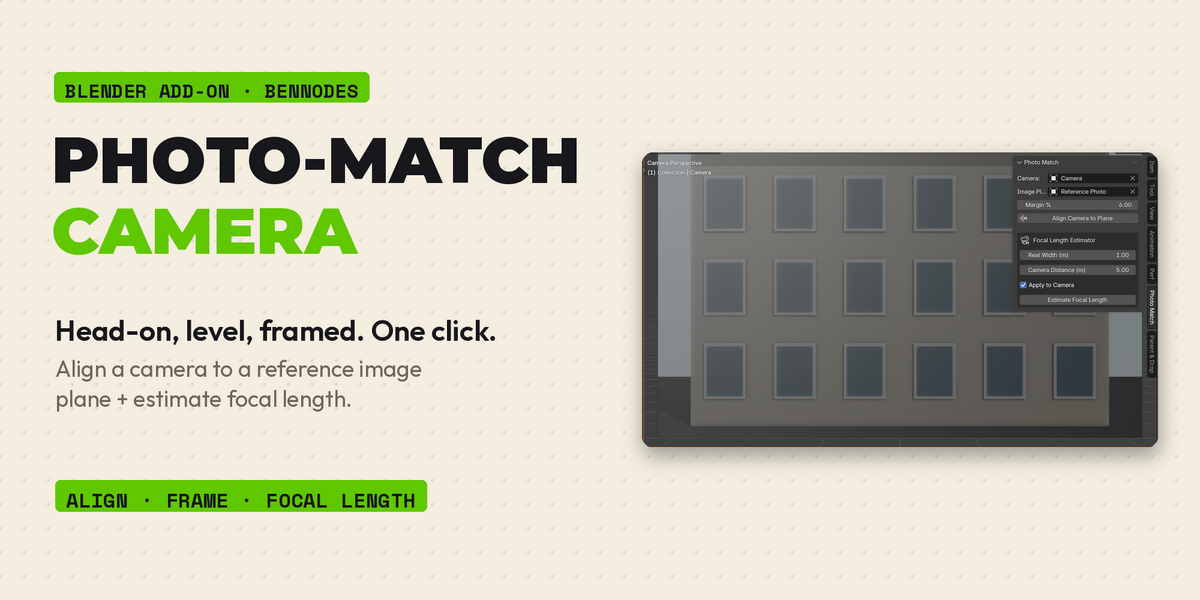
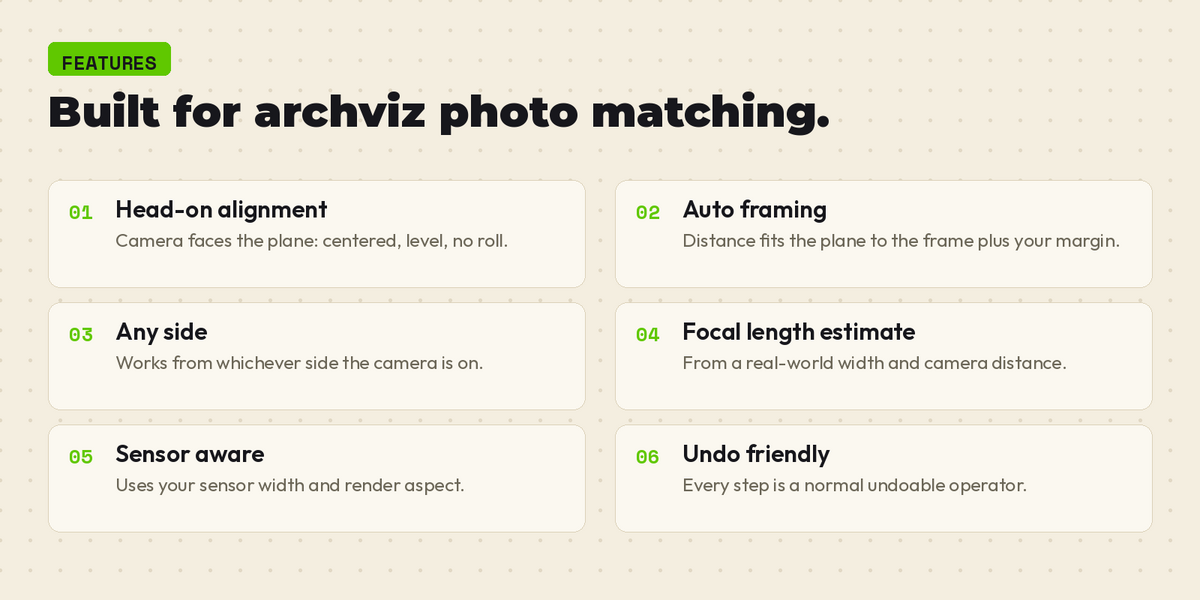
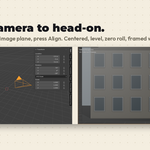
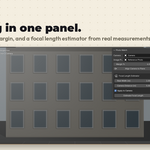
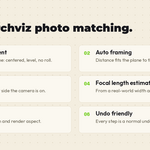
4. Click Align Camera to Plane — the camera is placed head-on, centered and perfectly level.
Focal length estimator
Enter the real-world width of a known feature in the photo and the approximate camera distance; click Estimate Focal Length to compute it (optionally applied to the camera automatically).
Support: [email protected]
Have questions about this product?
Login to message
| Blender Extension Compatible | Yes |
| Published | 1 day ago |
| Blender Version | 4.5 - 5.2 |
| Extension Type | Add-on |
| Render Engine Used | Cycles |
| License | GPL |
Discover more products like this
camera camera matching ArchViz photo match Compositing reference focal length alignment