 Nooloo


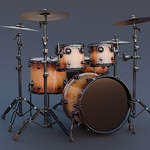
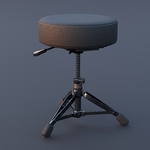
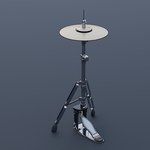
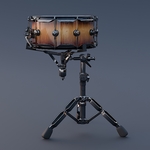
How to Use This Asset
-
Blender Setup (.blend):
- Open your existing scene.
- Go to
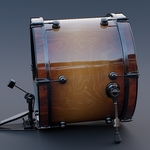
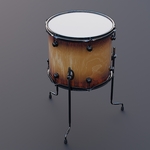
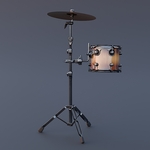
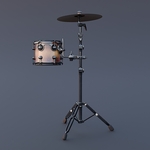
File > Append, navigate to the provided.blendfile, and open theCollectionorObjectfolder to bring the drum kit into your scene. - The model is scaled to real-world dimensions and positioned at the world origin (0,0,0).
-
Universal Formats (.fbx / .obj):
- Import the
.fbxor.objfile directly into your preferred 3D software (such as Maya, 3ds Max, or Unreal Engine). - Ensure your import settings are set to Centimeters or Meters to maintain real-world scale.
- Import the
-
Applying Textures:
- Textures are organised into subfolders based on resolution (
512,1024,2k,4k). - Match the materials using your preferred resolution layout.
- Connect the corresponding PBR maps (Color/Albedo, Roughness, Metalness, Normal) to the matching slots in your engine's standard principled shader.
- Textures are organised into subfolders based on resolution (
$24
Have questions about this product?
Login to message
| Dev Fund Contributor | |
| Published | 4 months ago |
| Blender Version | 3.0 - 5.1 |
| Render Engine Used | Cycles, Eevee |
| Misc Data | Uvs-Unwrapped, Low-High-Resolution, Textured |
| License | Royalty Free |
Discover more products like this
pbr-model blender musical instrument photorealistic fbx studio props Obj high poly Drum Kit 3d model interior staging acoustic drums