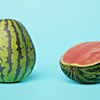
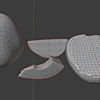
Photoscanned Watermelon (+ Pieces)
 Vertex Wizards
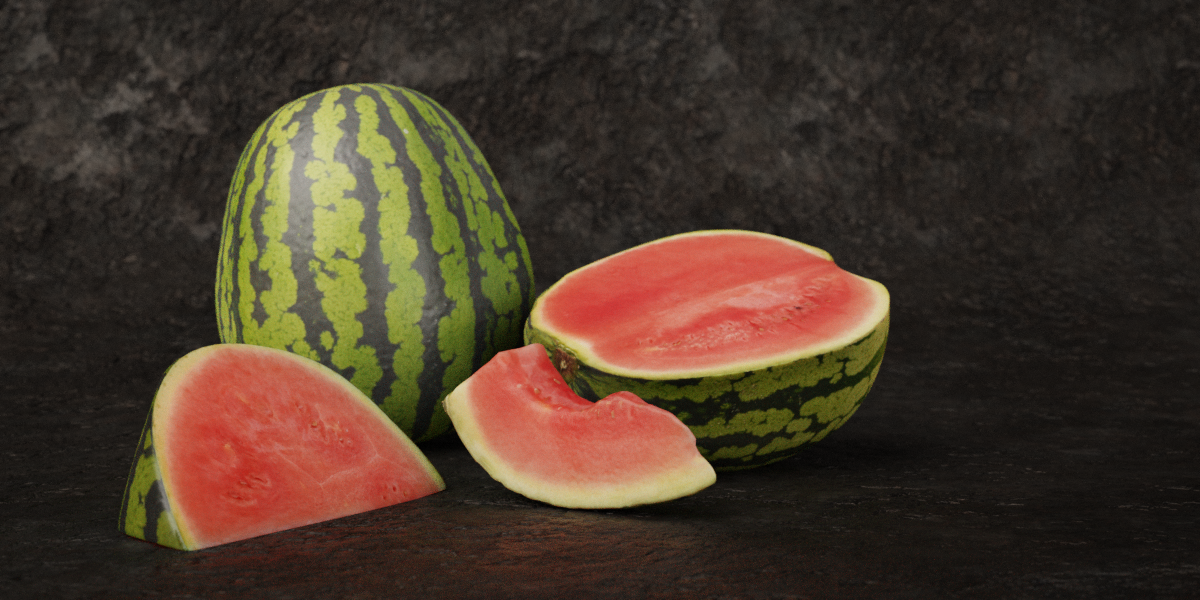
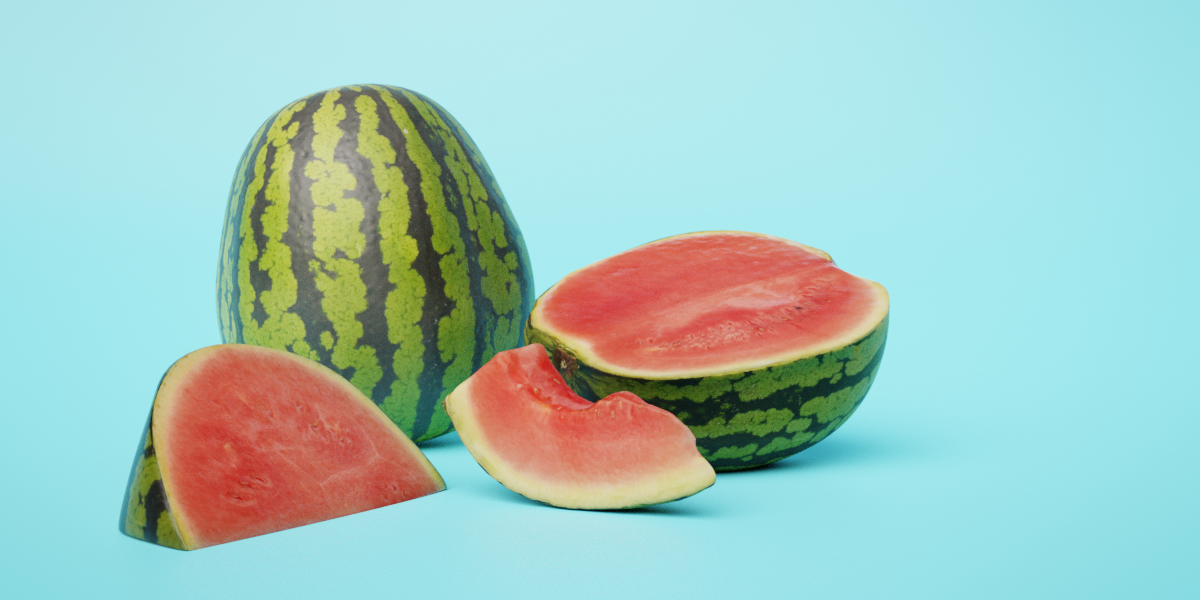
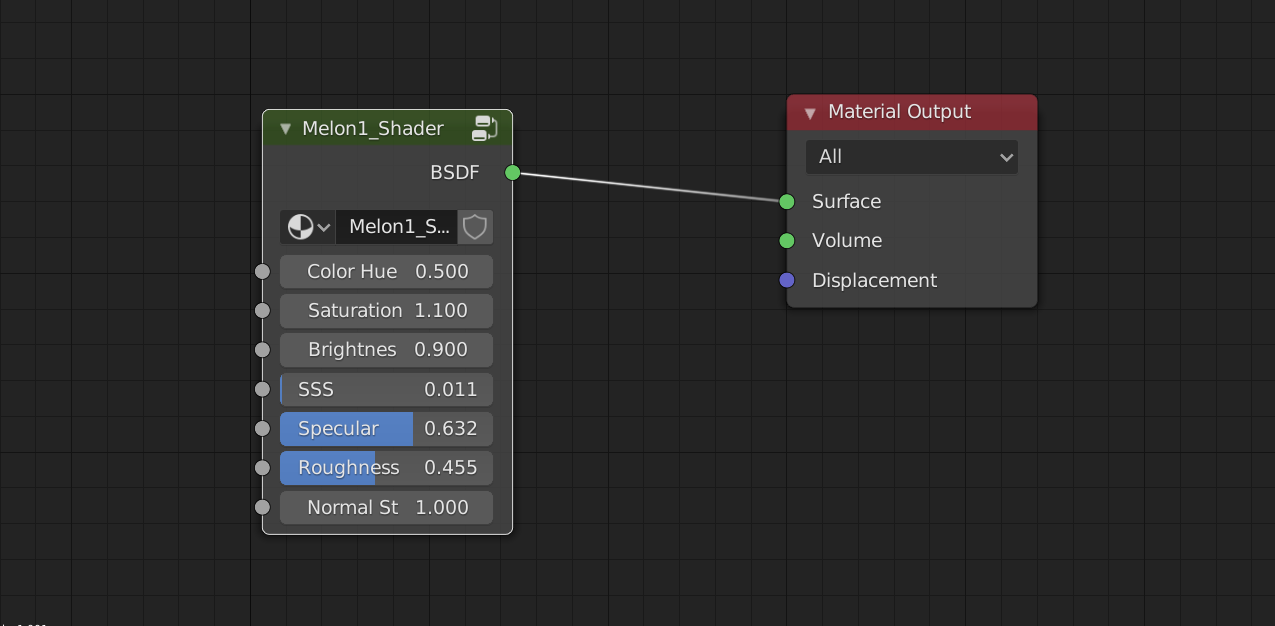
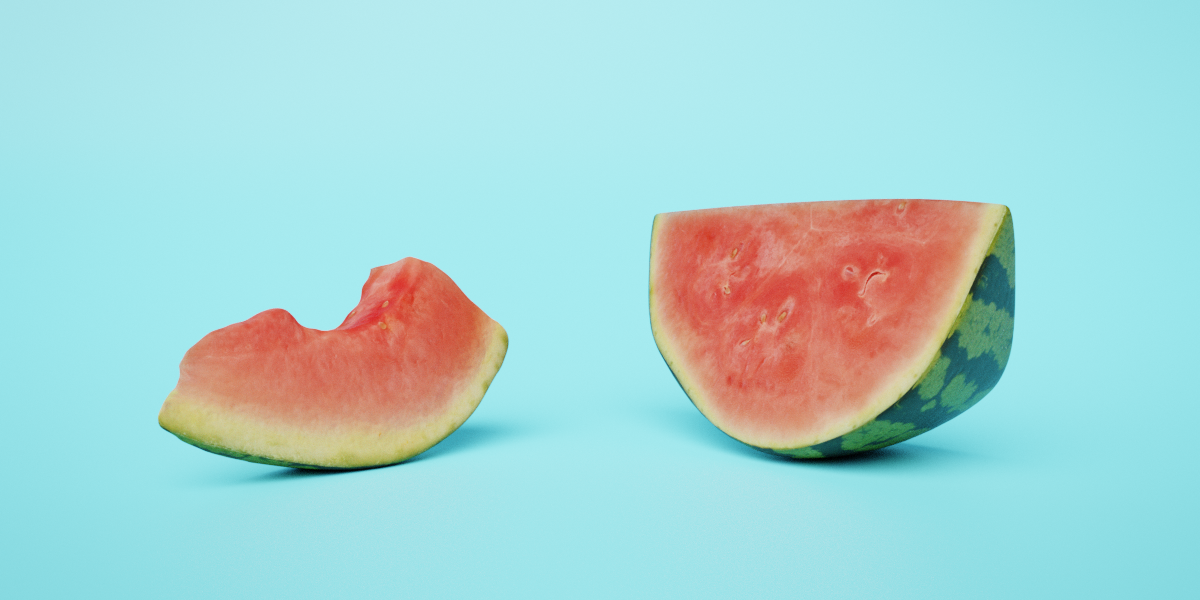
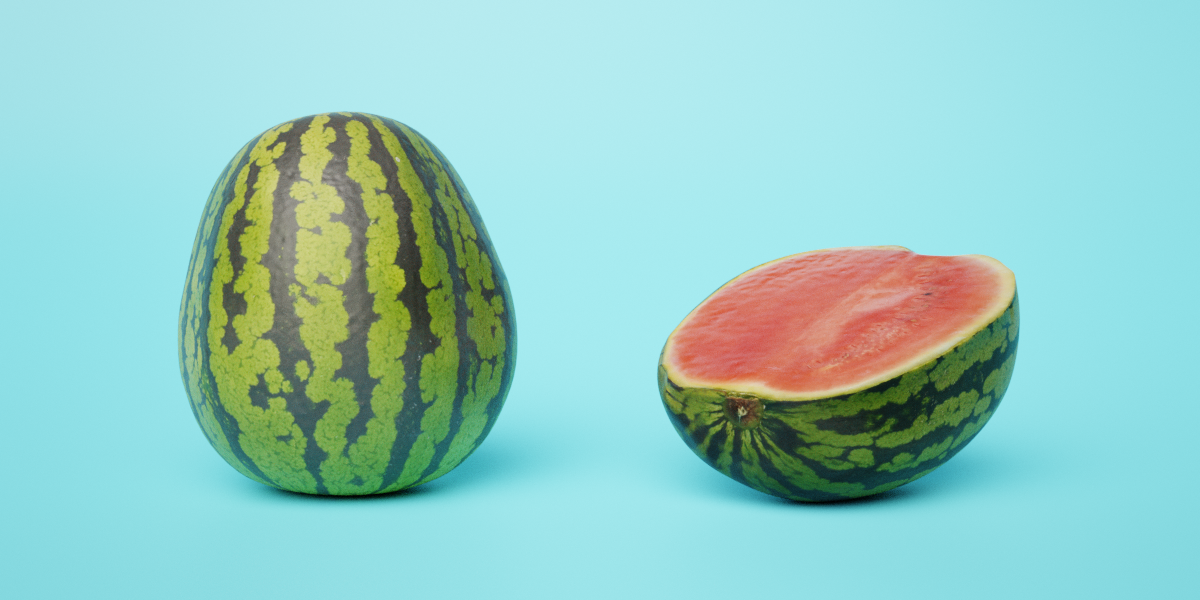
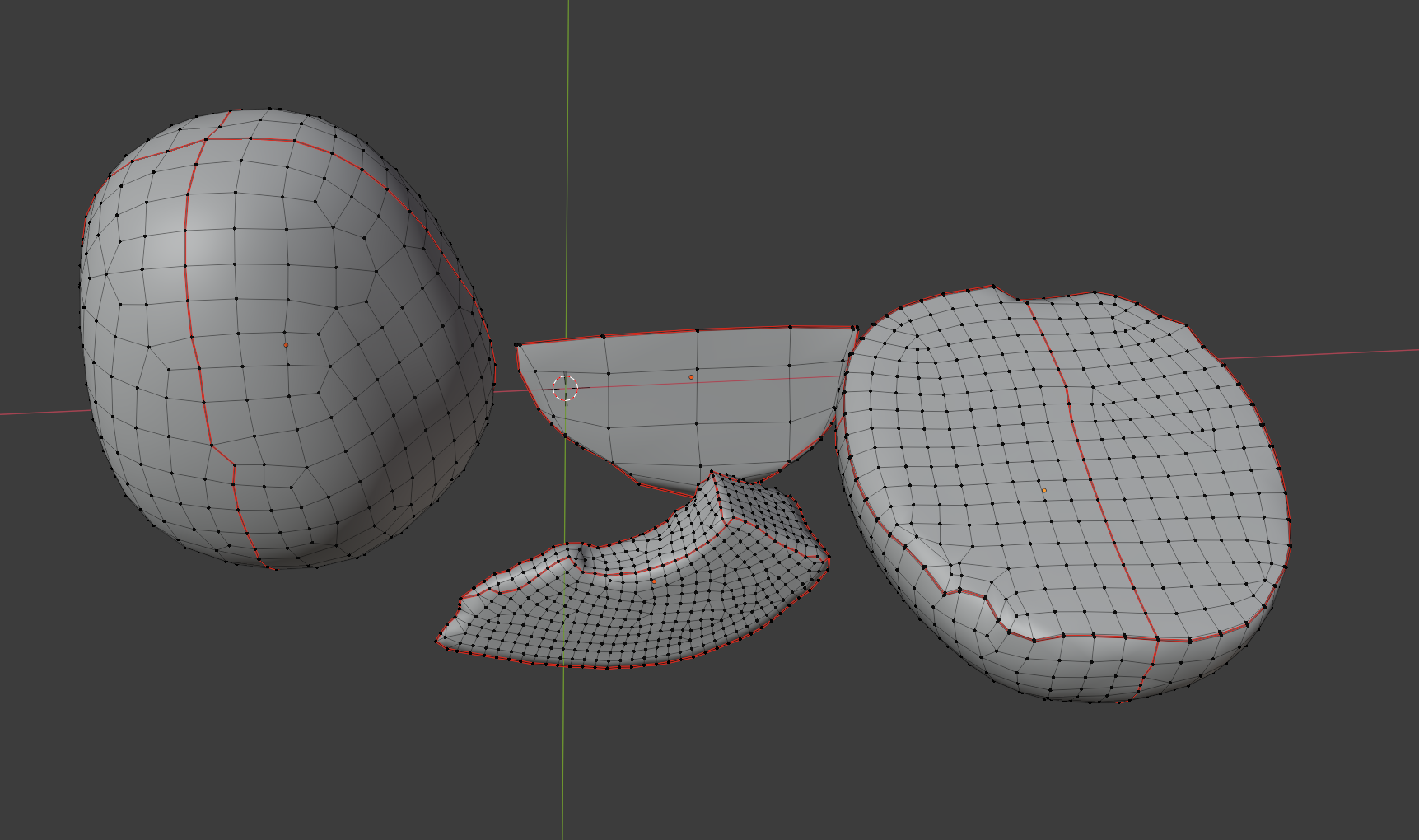

Simply open the appended .blend file and copy the model to your project file (ctrl+c, ctrl+v) or
- click on file
- append
- locate the downloaded blend file
- double click it
- select mesh
- import the model
Please Note: The files have been created in Blender 2.90 but work
Have questions about this product?
Login to message
| Sales | 10+ |
| Dev Fund Contributor | |
| Published | almost 6 years ago |
| Blender Version | 4.4, 4.3, 4.2, 4.1, 4.0, 3.6, 3.5, 3.4, 3.3, 3.2, 3.1, 3.0, 2.93, 2.92, 2.91, 2.9, 2.83, 2.82, 2.81, 2.8 |
| Render Engine Used | Cycles, Eevee |
| License | Royalty Free |
Discover more products like this
photogrammetrie bfcm23 photorealistic 3D Scan bfcm24 spring24 photogrammetry food melons 3d model fruit winter24 pieces summer24 melon