 Lazy3D
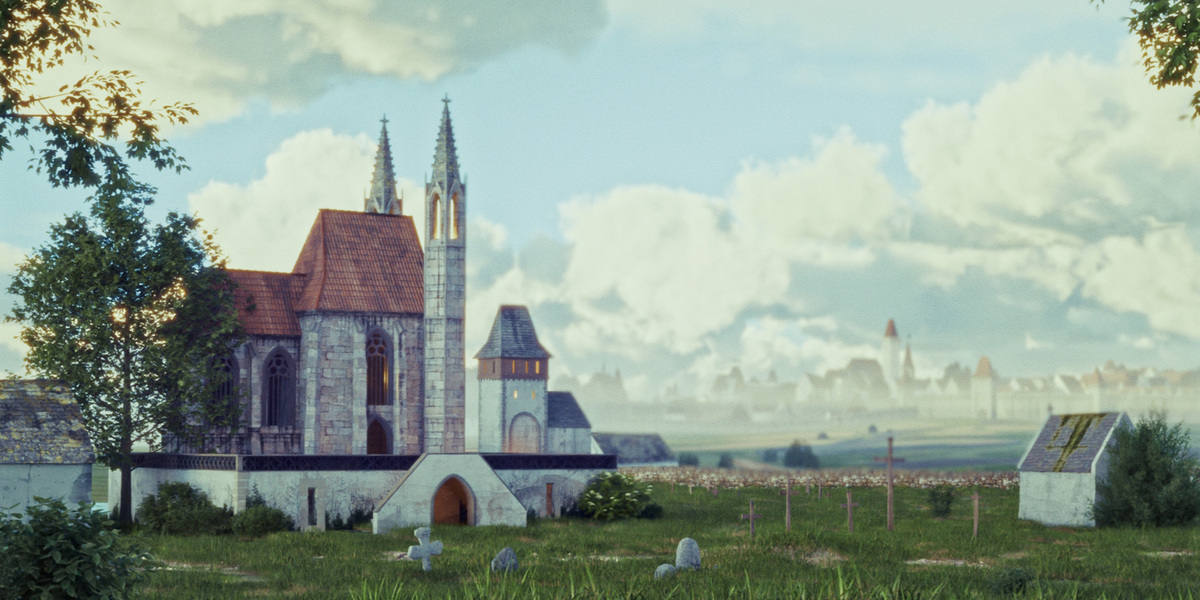
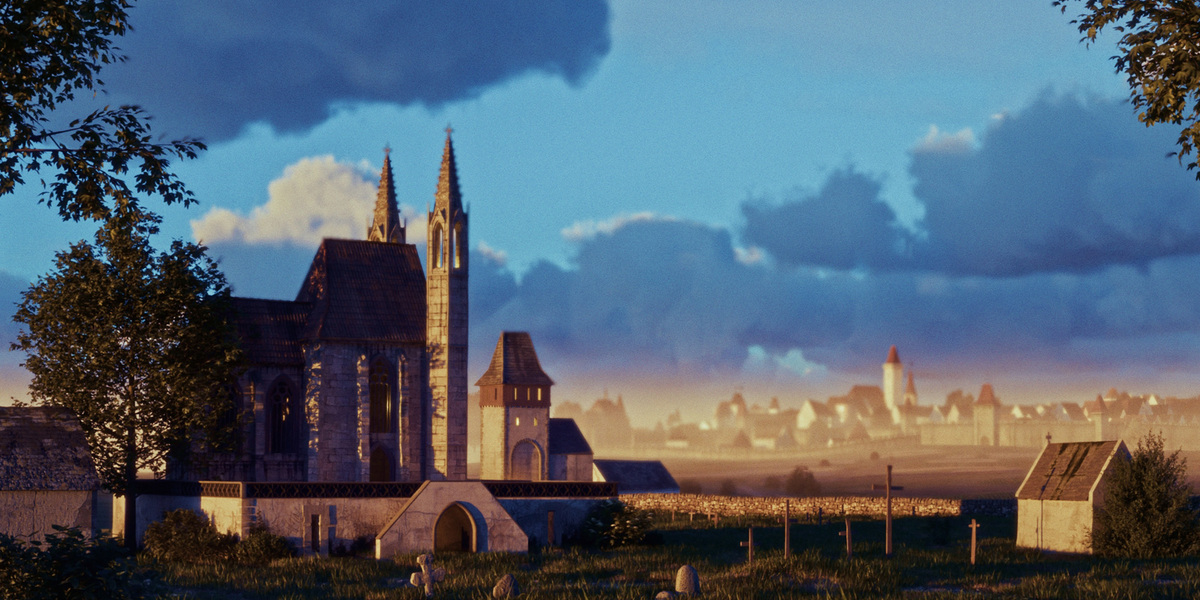
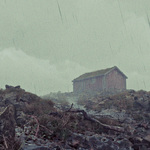
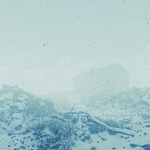
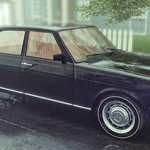

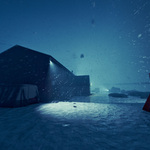

When I switch to my camera - there is no clouds
Increase camera culling max distance
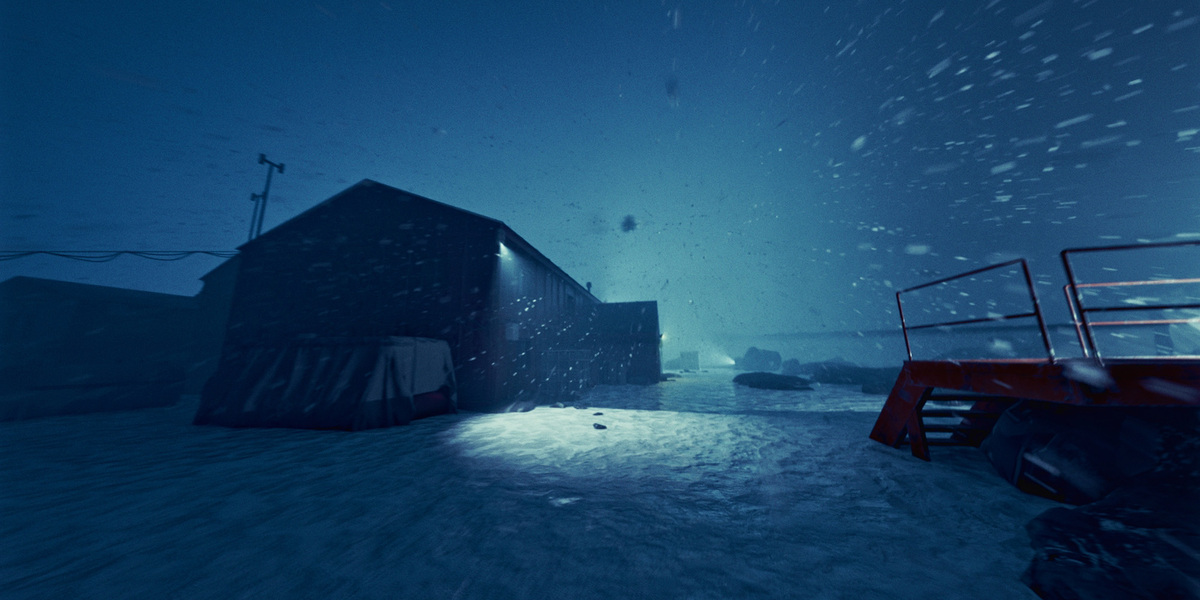
I got some strange render artifact if I am using motion blur with rain/snow/splashes
Unfortunately, this is a limitation within Blender. I've found the following workaround:
1)Lower the blur strength to below 0.45.
2)Change the blur position from the center of the frame to the start of the frame.
3)If this doesn't resolve the issue, try enabling the "Fix Render Problems" button at the bottom of the panel. But this option will reduce motion blur for particles
Alternatively, you can use the Split Render function, rendering the rain or snow as a separate layer without motion blur, and then apply motion blur in post-production (e.g., using DaVinci Resolve).
This often happens when splashes are enabled. You can render entire scene with disabled splashes, and after succesfull rendering you can render splashes only on separated layer and compose later
-
$0
Simplified Rain, Snow simulator and Horizon Fog for asset browser
-
$18
Full addon with comprehensive weather effects, but without presets and procedural lighting bolts. 🔖
-
$30
The complete version of Weather FX with Weather Presets and Lighting Bolts + 19 assets for the Asset Browser.
Have questions about this product?
Login to message
| Blender Extension Compatible | Yes |
| Sales | 1100+ |
| Downloads | 3200+ |
| Rating | 11 ratings |
| Dev Fund Contributor | |
| Published | over 1 year ago |
| Blender Version | 4.2 - 5.2 |
| Render Engine Used | Cycles, Eevee |
| License | GPL |
Discover more products like this
#nature physical lazy wind one-click droplets rain snowstorm winter mist wet ice Lighting thunder procedural horizon simulation tree environment Water windy storm Shader cold splashes FX weather light snowflake fog sky realistic snow tornado sandstorm rainy biome aurora