 AFX LAB
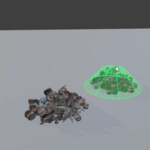
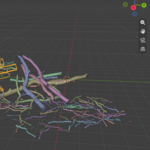
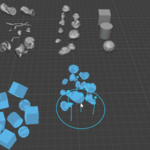
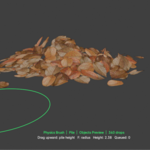
NEW · FORCE BRUSH + WINDOWS SPEED UPDATE
JOLT PHYSICS × VIEWPORT PAINTING
PHYSICS BRUSH
Build believable piles, scatter, and interact directly in the viewport.
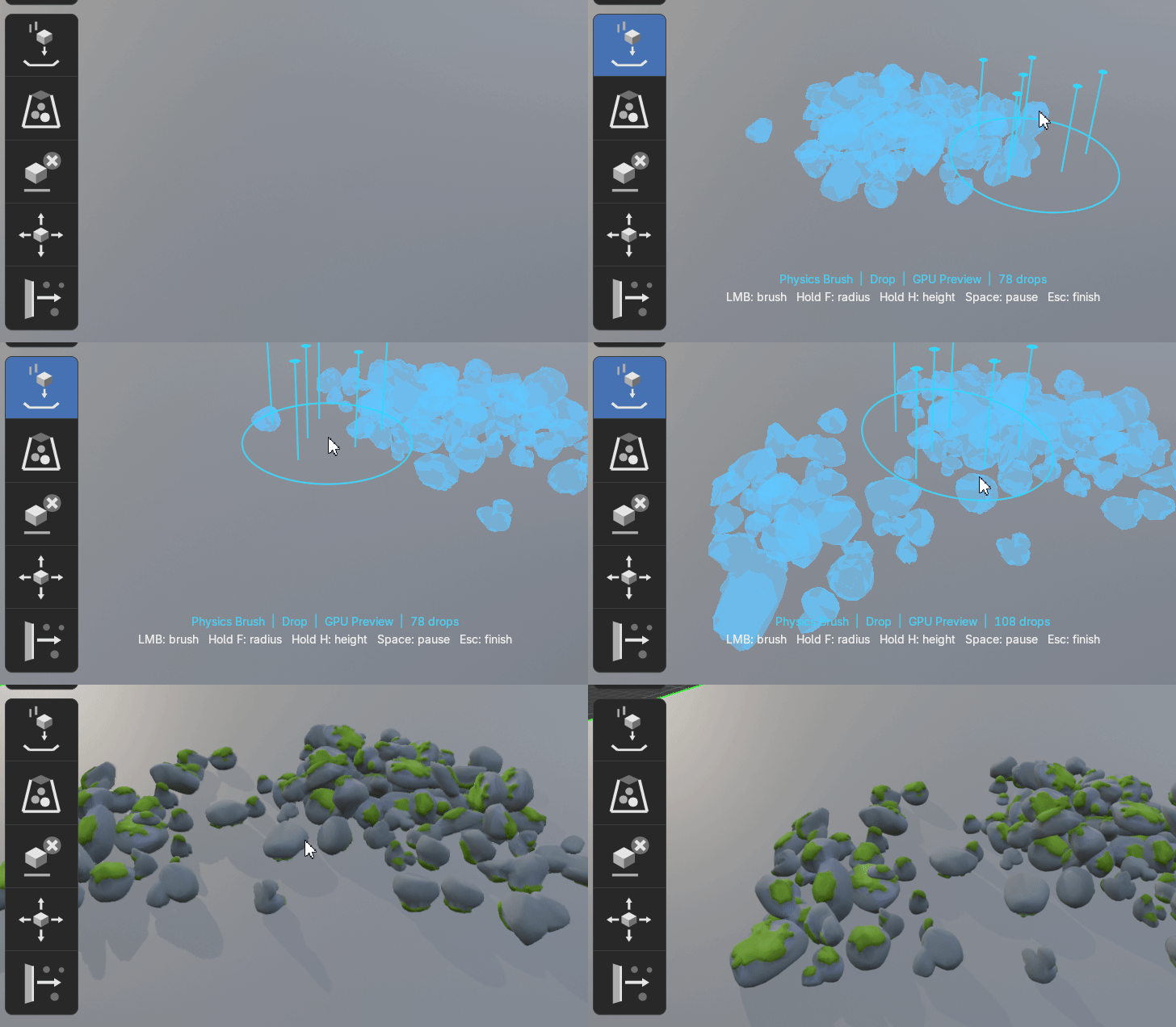
Paint assets into the scene, let Jolt settle them naturally, then push, pull, move, or erase the result while the simulation stays live.
| 6 WORKSPACE BRUSHES | LIVE JOLT SIMULATION | GPU PREVIEW |
One continuous workflow from the first drop to the finished composition.
|
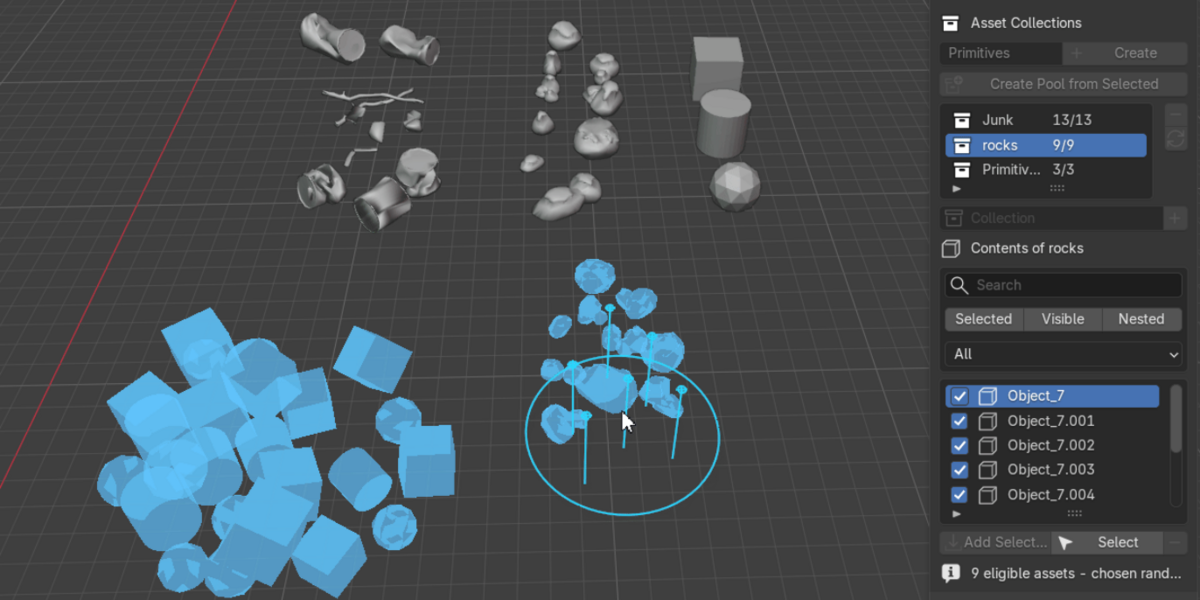
01 PAINTAim at a collision surface and place assets under the cursor. |
02 DIRECTShape the live simulation with physical viewport brushes. |
03 APPLYCommit full-detail Blender objects when the layout is ready. |
THE COMPLETE TOOLSET
Six brushes. One live simulation.
Brush objects into place. Let physics do the rest.
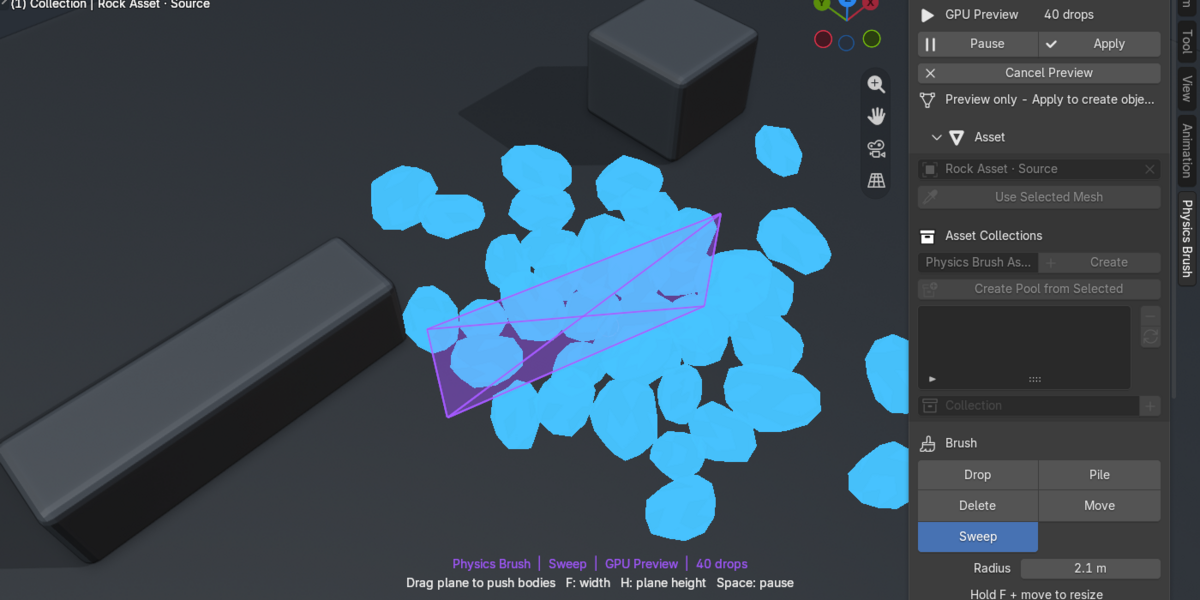
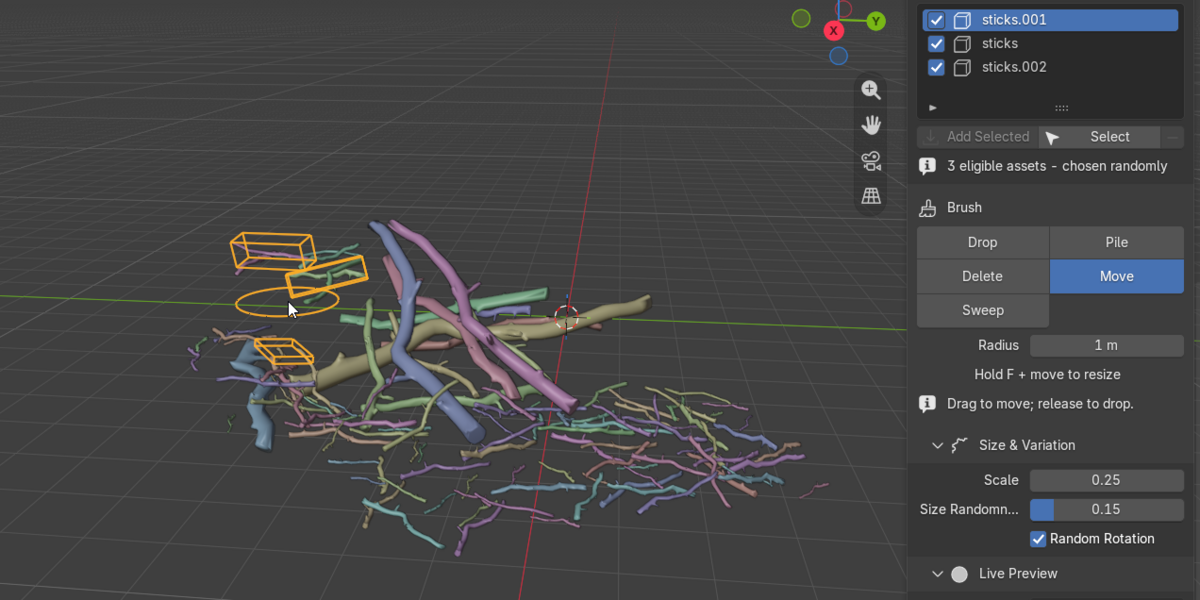
 DROP Paint assets |  PILE Build a volume |  SWEEP Push loose bodies |
 FORCE Attract or repel |  MOVE Reposition a selection |  DELETE Remove mistakes |
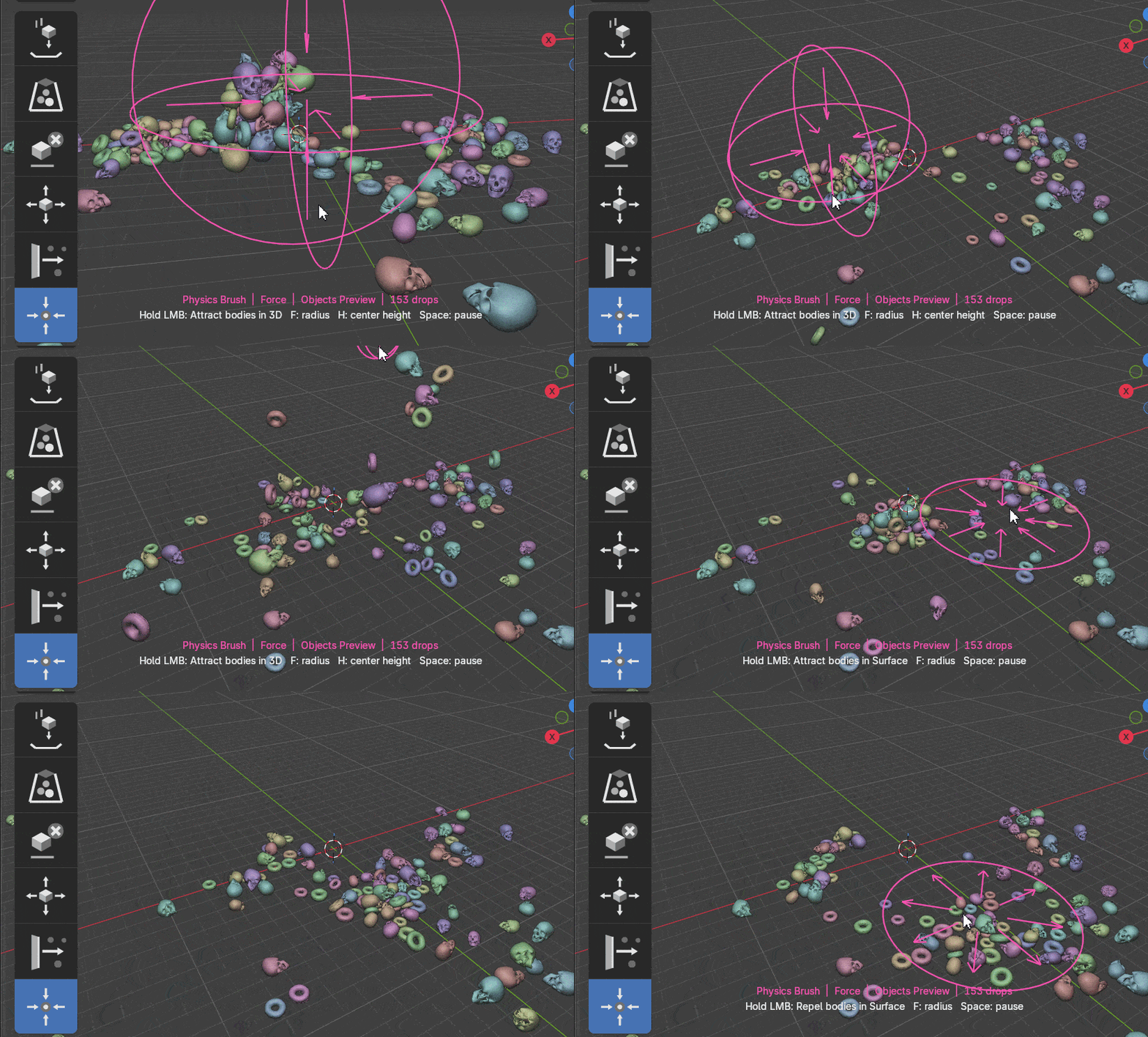
| NEW · FORCE BRUSH Pull it together. |
|
|
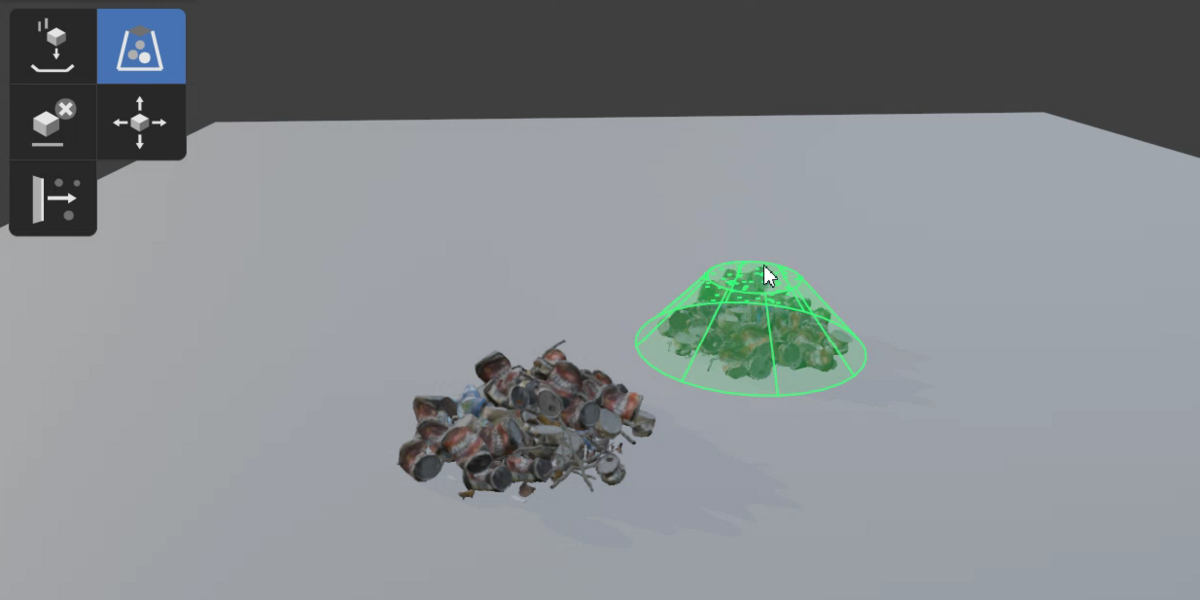
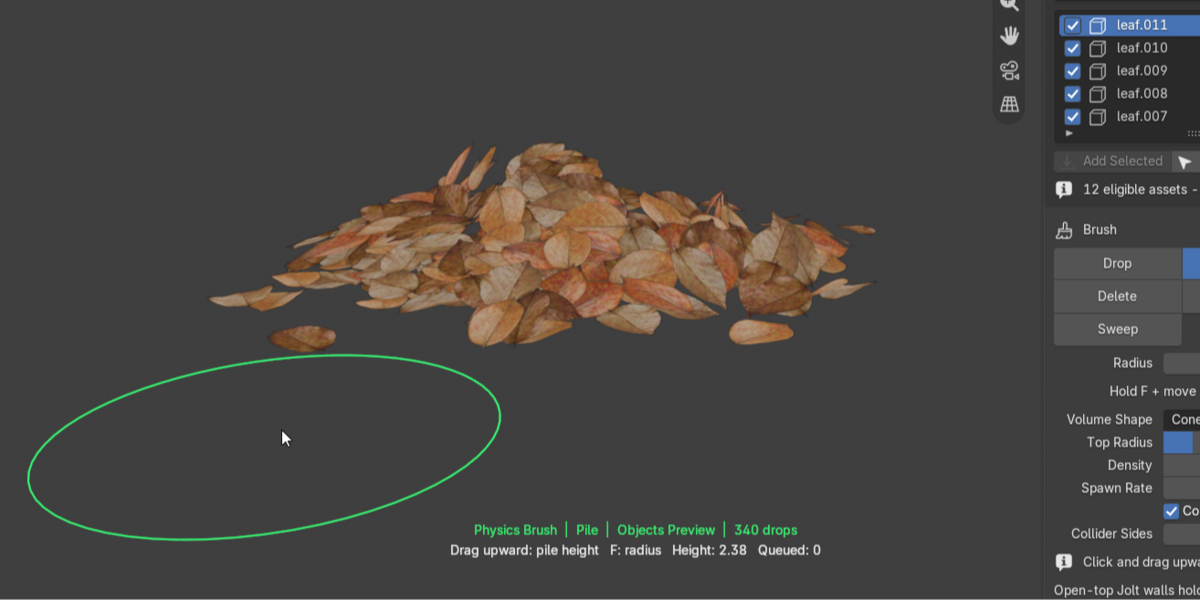
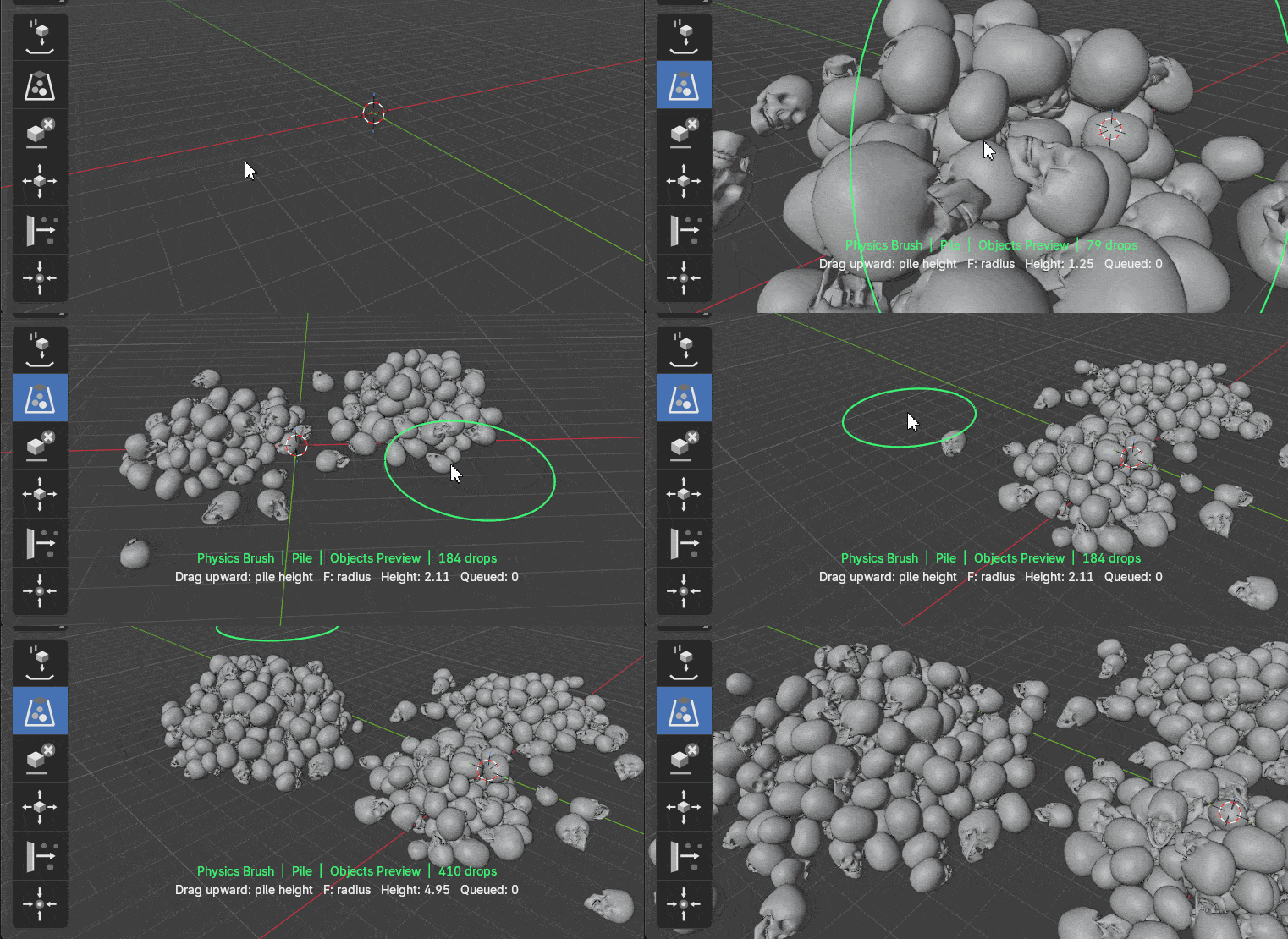
PILE BRUSH Drag upward.
|
|
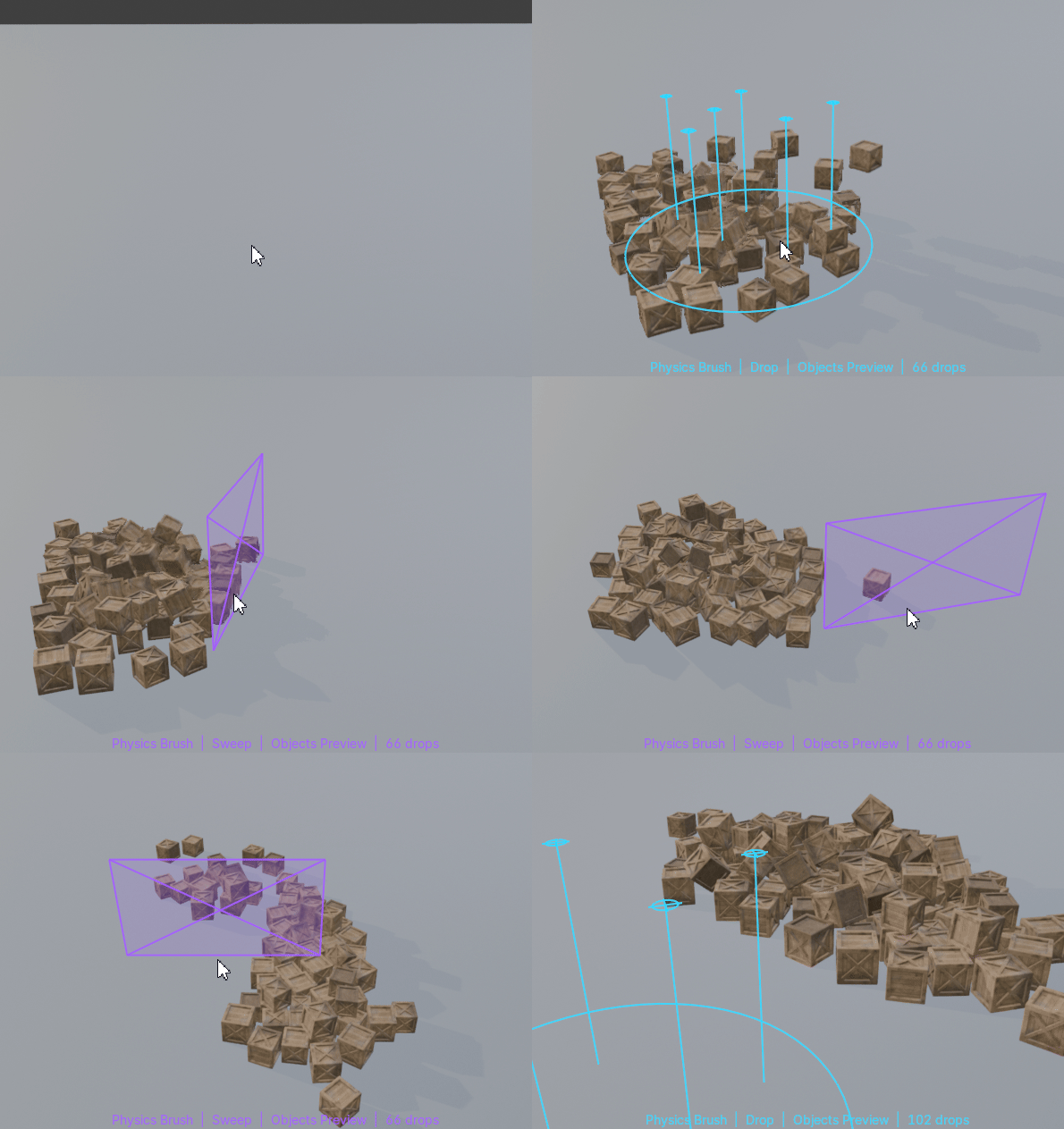 |
SWEEP BRUSH Push the pile.
|
|
FAST LIVE PREVIEW Light while moving.
|  |
DESIGNED FOR ITERATION
Stay in the creative loop.
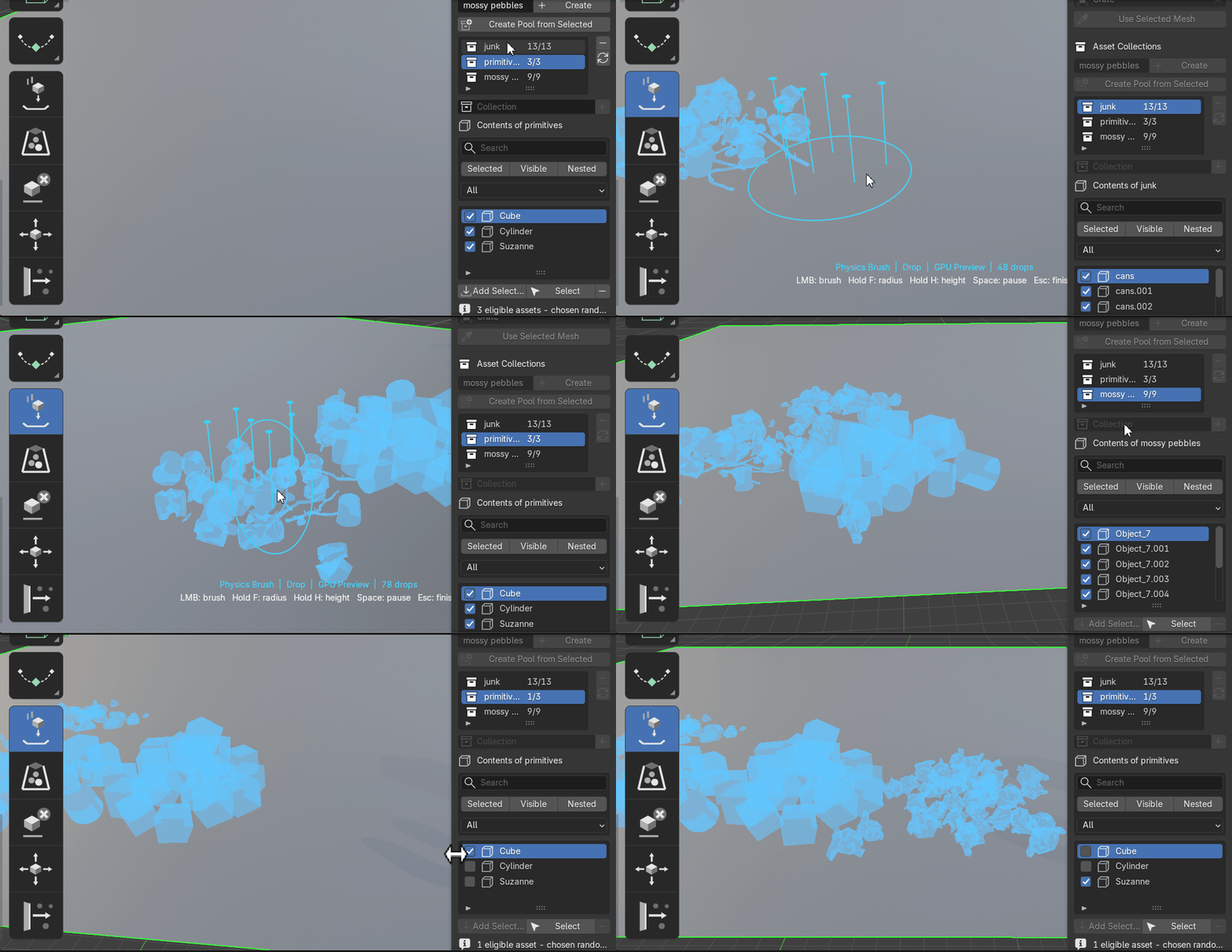
Switch asset pools, change included objects, wake a settled pile, remove mistakes, or cancel without committing unfinished geometry.
|
F Brush radius |
H Height |
SPACE Pause physics |
ESC Finish session |
Built around your assets.
Named Asset PoolsCreate multiple pools, switch between them, filter their contents, and include or exclude individual assets. |
Collision ShapesConvex Hull, Box, Sphere, Capsule, and Cylinder options for different asset types. |
Physical ResponseControl mass, friction, bounce, gravity, sleeping, worker threads, and physics substeps. |
Collision SurfacesAdd selected scene meshes to a dedicated collision list or use the built-in ground plane. |
LATEST UPDATE
What’s new in Version 0.2
Force BrushNew Attract and Repel workspace brush with adjustable strength, radius, and Smooth, Linear, or Constant falloff. |
Surface + 3D FieldsKeep force parallel to a surface or switch to a spherical 3D field. Hold H to place its center above the collider. |
Faster Windows SimulationAutomatic AVX2 acceleration on compatible CPUs, with a safe standard-library fallback for other Windows systems. |
Less Viewport OverheadImproved active-body tracking, simulation scheduling, GPU buffer reuse, and configurable Jolt worker threads. |
RefinementsImproved Force Brush visualization and body waking, retained Windows and macOS compatibility. | |
CompatibilityBlender 5.1 or newer Windows 64-bit macOS — Intel and Apple Silicon Object Mode · Bundled native Jolt library · No separate physics installation |
Current ScopePhysics Brush is an interactive placement tool rather than a timeline baker. Environment collision surfaces remain static during a live session. Animated and deforming colliders are not currently supported. Powered by the multithreaded Jolt Physics engine. |
PHYSICS BRUSH FOR BLENDER