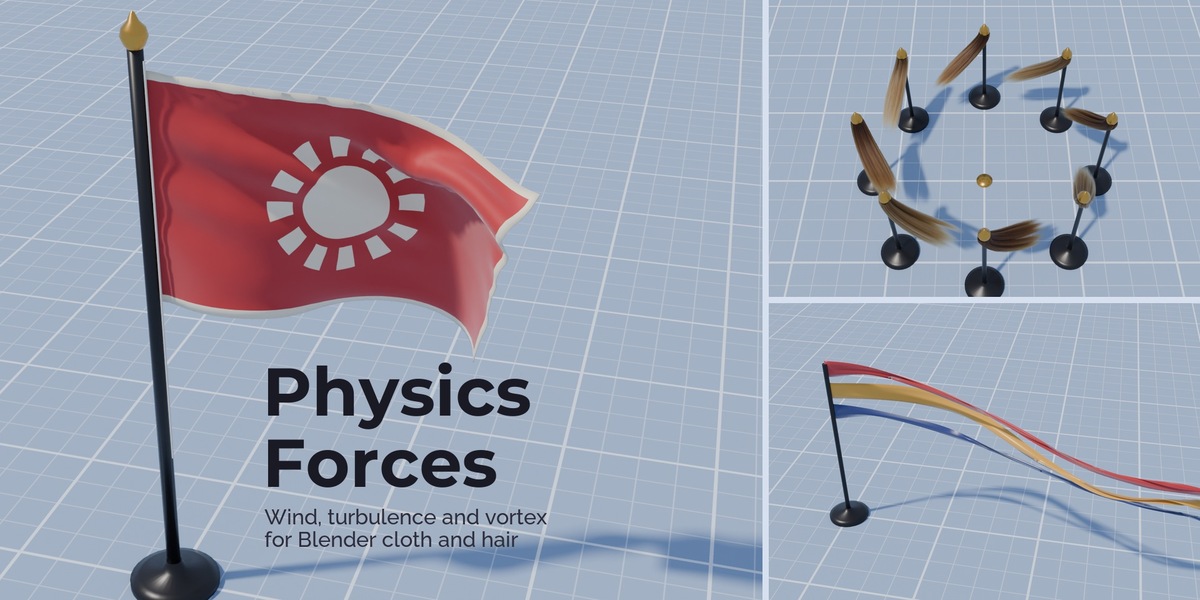
Physics Forces: Wind, Turbulence, Vortex and More for Blender's New Cloth and Hair Physics
 NicoHartl
Features
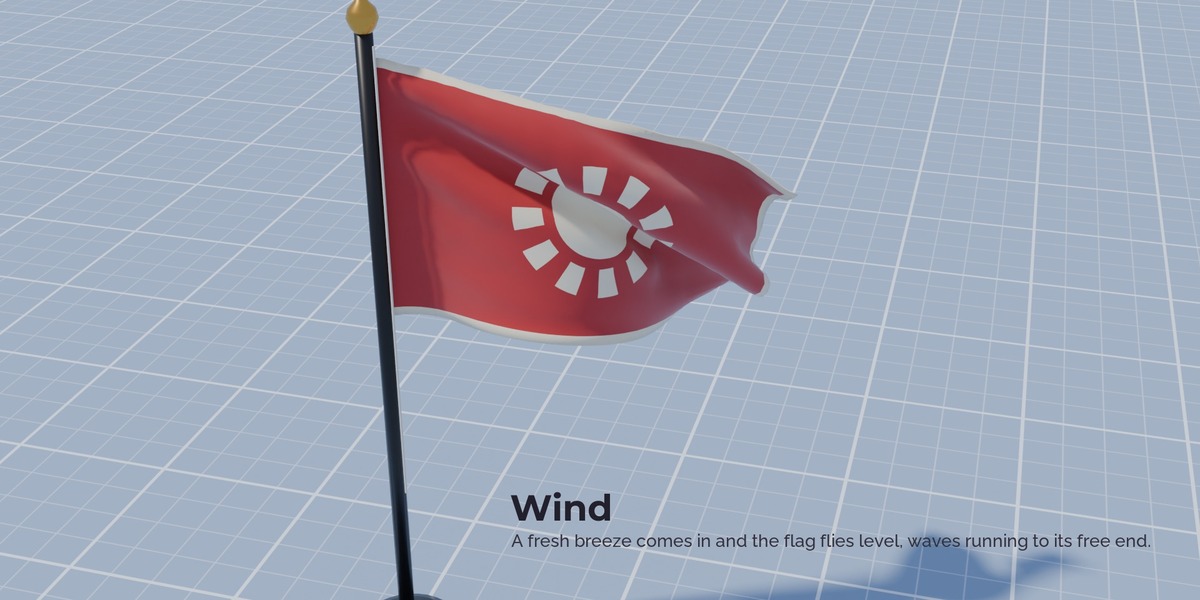
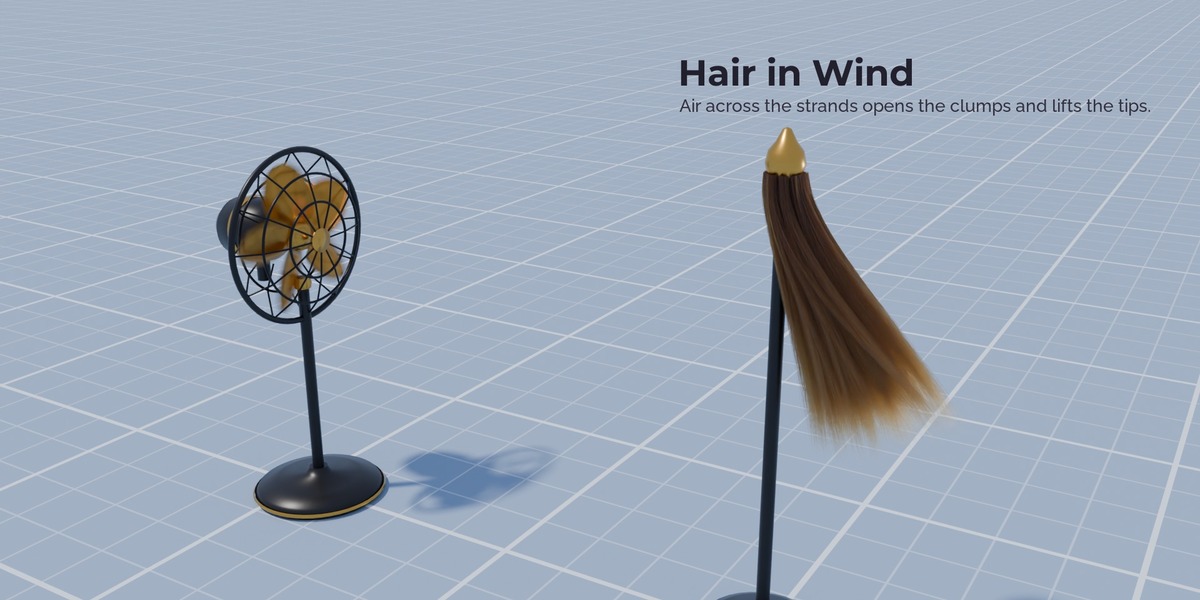
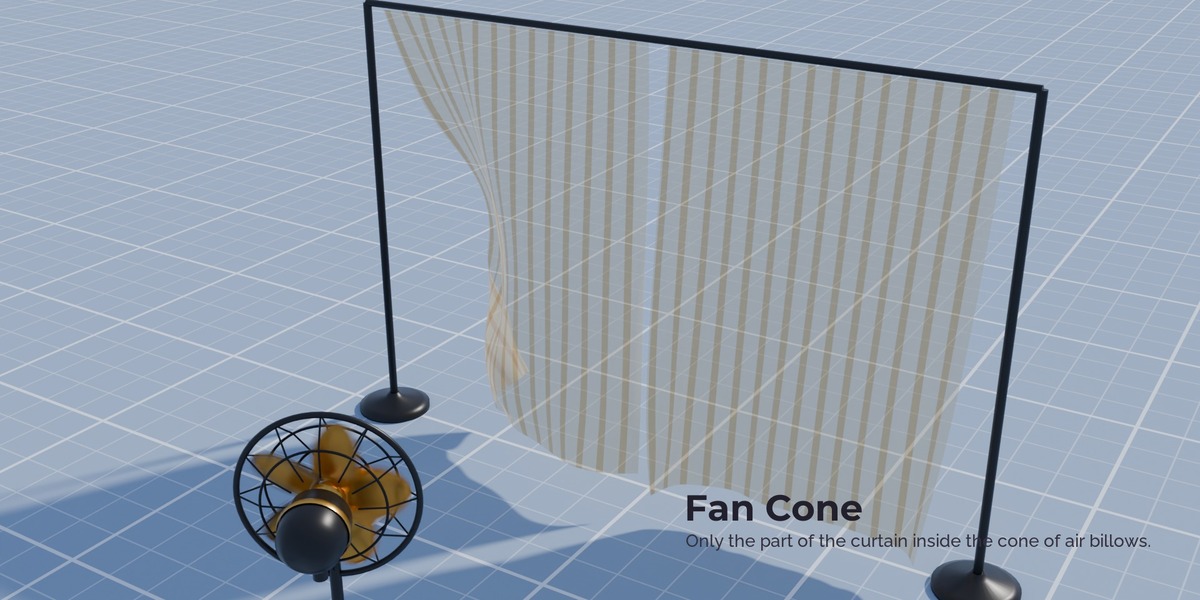
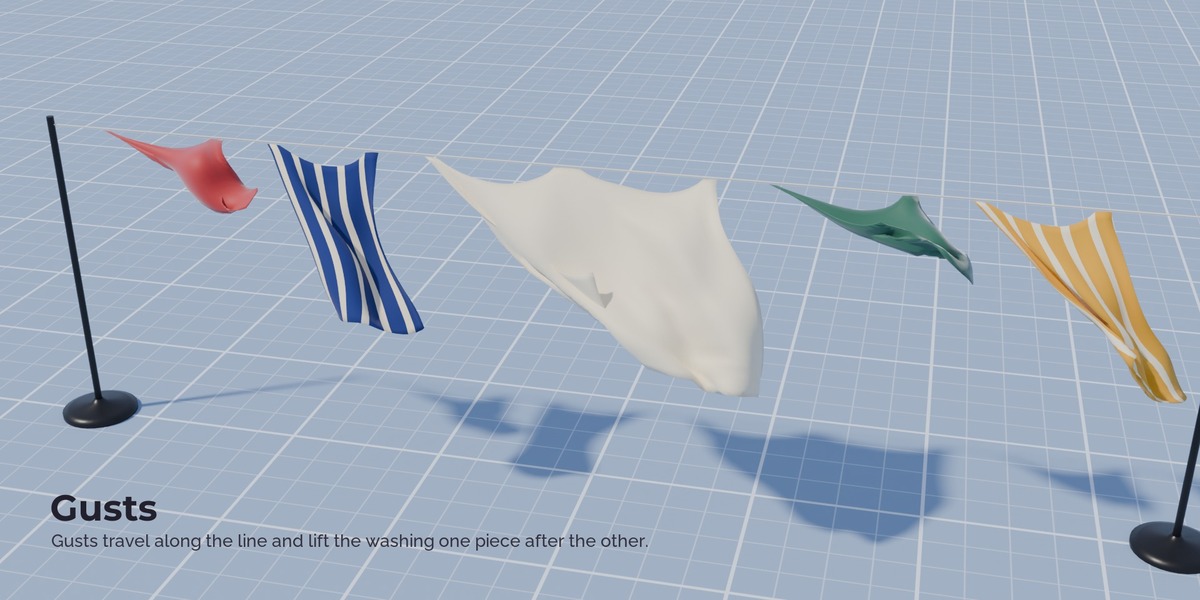
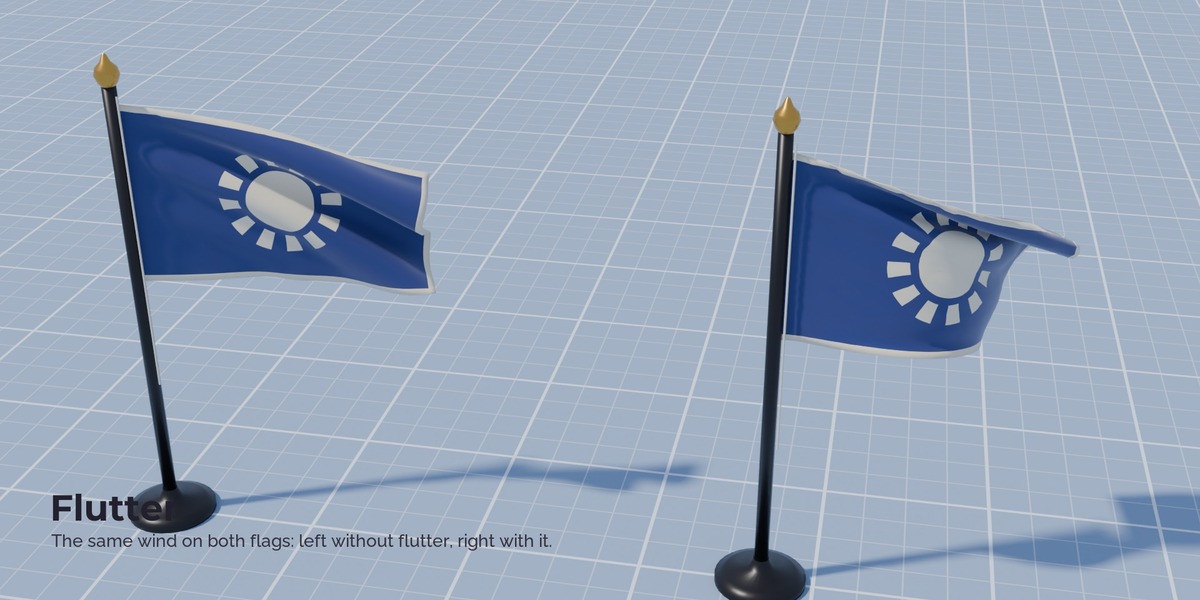
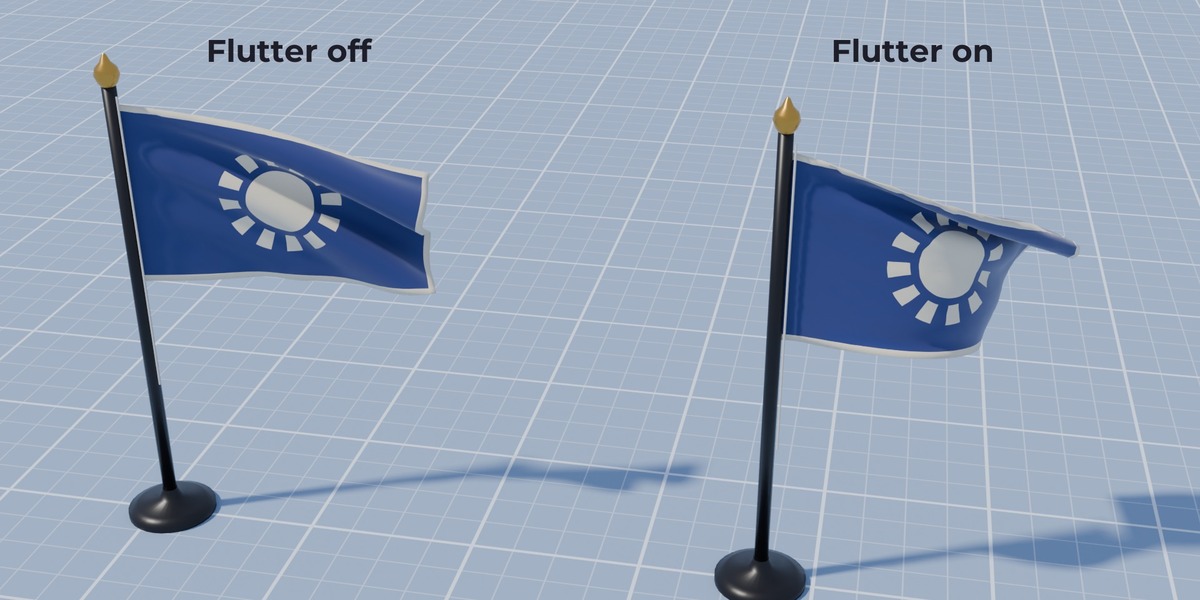
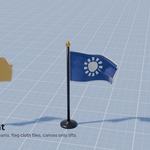
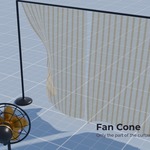
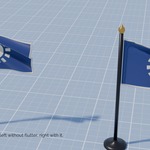
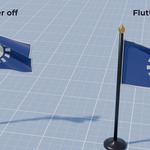
Wind with gusts and flutter. Speed in metres per second, gusts that travel with the air, a direction that wanders inside the gusts and the flutter that makes real flags flap. Shape the wind as a cone (a fan), a beam (a draft through a door), a sphere or a box.
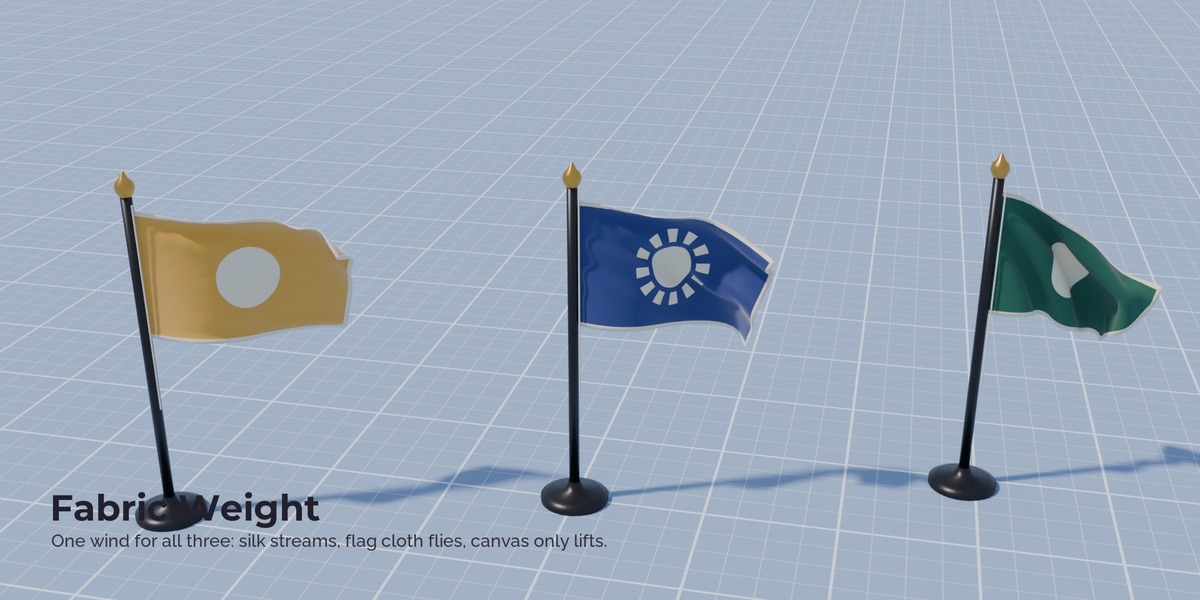
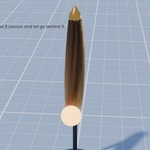
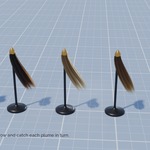
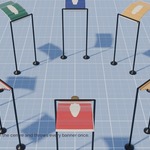
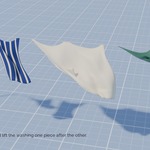
Fabric by weight. Set silk, shirt, flag cloth, curtain, canvas or leather on each piece, and the same wind moves every piece according to its weight. Hair reacts by strand thickness, from fine hair to rope.
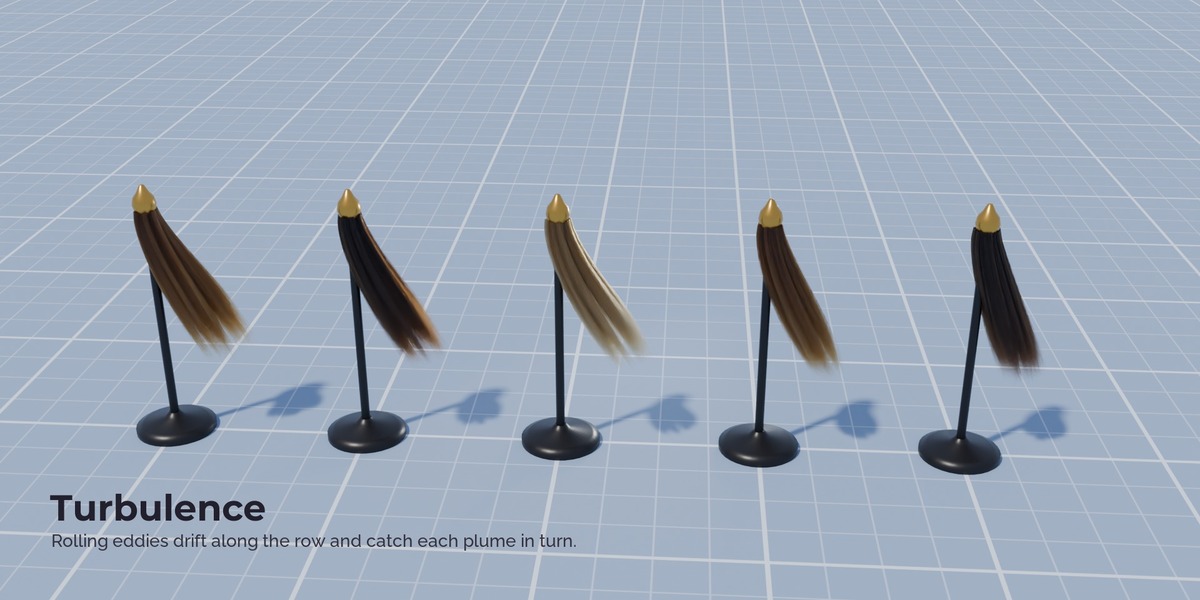
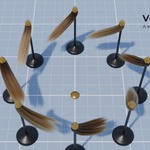
Turbulence that flows. Rolling eddies made from curl noise. The cloth and hair swirl instead of shaking, and the eddies can ride on a wind.
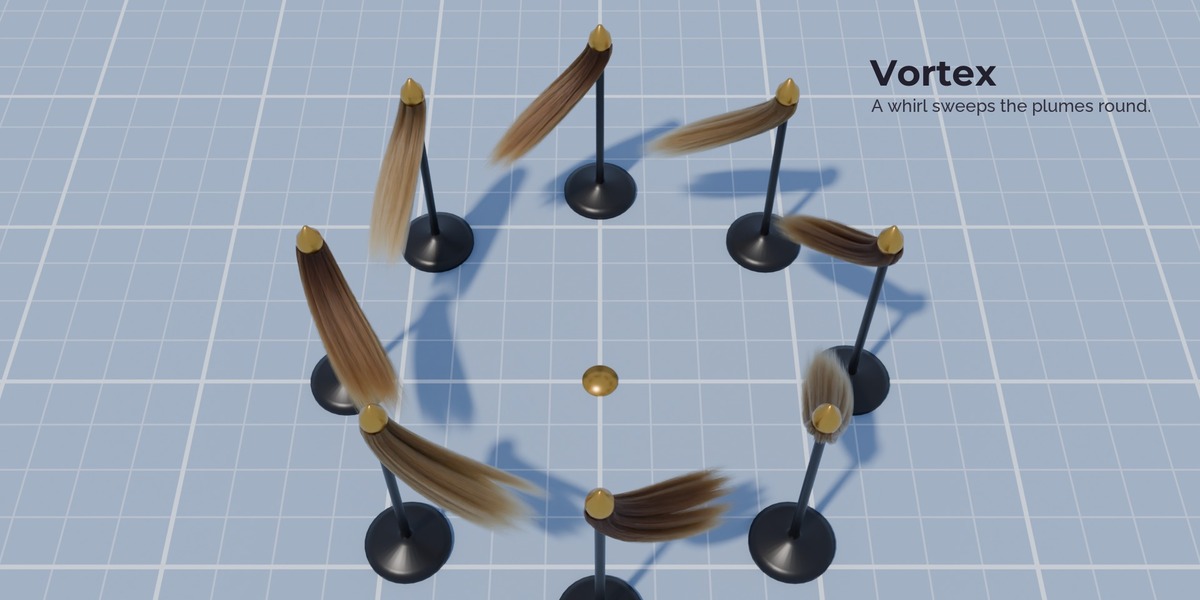
Vortex. A whirl around the Empty with inflow and lift, from a small dust devil to a tornado or a whirlpool.
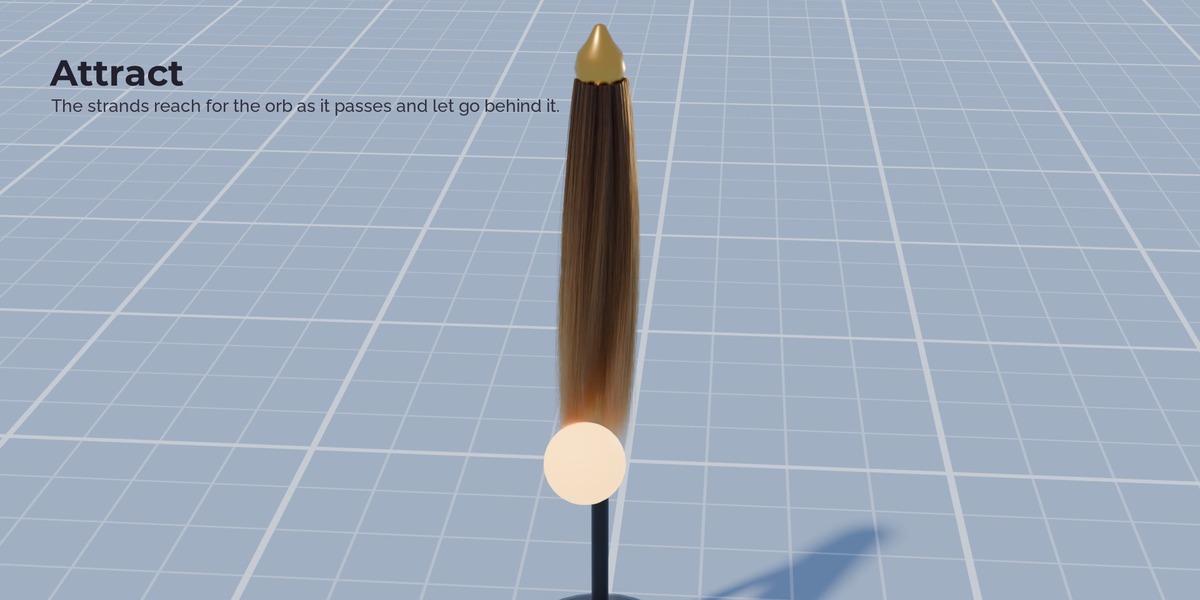
Attract and repel. Pull cloth and hair towards an object, or push it away, constant or falling off like gravity. Parent it to a moving object and the cloth reaches for it as it passes.
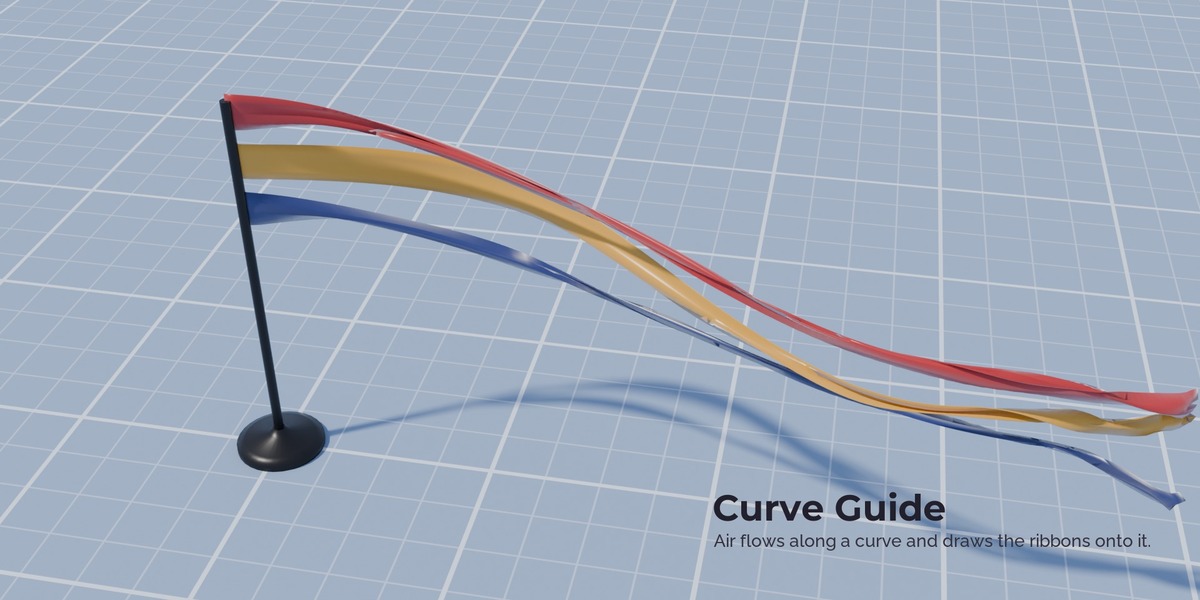
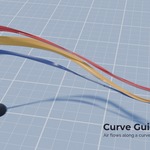
Curve Guide. Air that flows along a curve and pulls ribbons, capes and hair onto it.
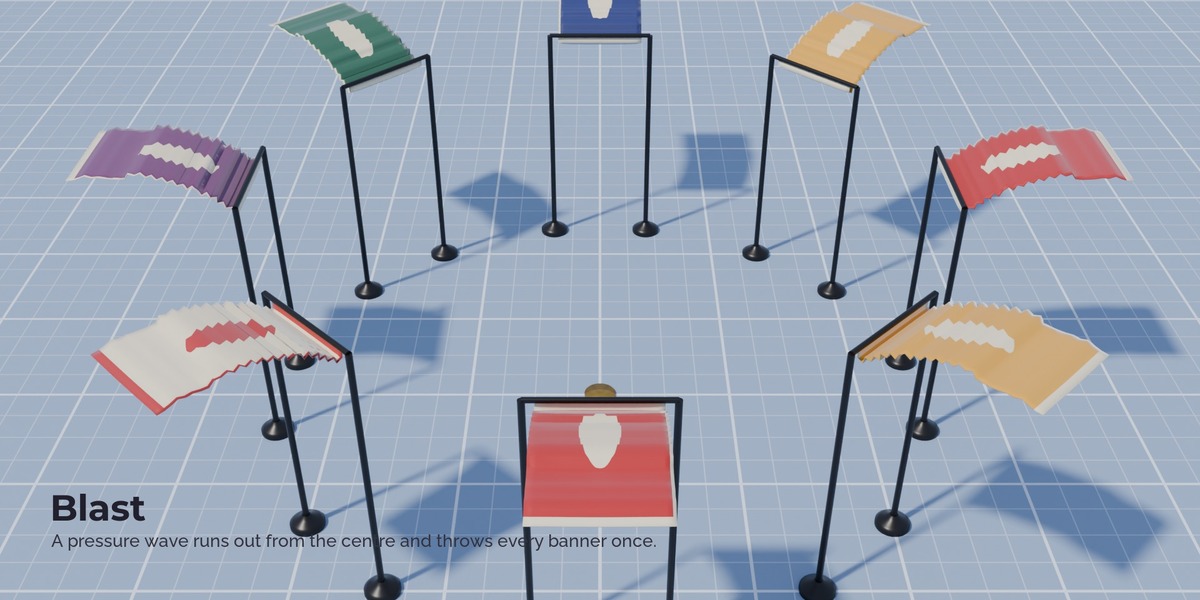
Blast. A pressure wave from a point at a given frame that runs outward and hits every piece once.
Drag. Still air or water that calms flapping and makes cloth slow and heavy.
Timing and areas. Every force fades in and out over the frames you set, and acts everywhere or only inside a sphere, box, beam or cone around its Empty.
Readable in the viewport. Each force draws its area, its direction and a label with its strength, readable on light and dark backgrounds. One switch turns it off.
How it works
- Install the add-on. The Forces tab appears in the 3D viewport sidebar.
- Add Blender's Cloth Dynamics or Hair Dynamics to your object (or press Flag Demo).
- Pick a force and a preset by its picture and press Add.
- Press play. Move, turn or keyframe the force Empty.
Limits
- For Blender's Geometry Nodes physics only. The classic cloth modifier and the classic force fields are not used.
- Blender's physics is marked experimental and may change; updates follow new Blender releases.
- Blender applies forces once per simulation step, so very strong drag is limited for stability: cloth in water moves slowly and heavily, but sinks faster than real fabric would.
- The wind does not flow around objects: there is no wind shadow behind a wall. Use an area (box, beam, cone) to keep wind away from sheltered places.
FAQ
Do I need to bake? Blender's physics simulates like any simulation: play from the start frame, or bake it in the modifier.
Does it work with the classic cloth modifier? No. It is made for the new Cloth Dynamics and Hair Dynamics.
Can I use the forces in my own node trees? Yes. Each force is a node group whose output goes into Blender's Custom Force node.
Can one wind blow different fabrics? Yes. Give each cloth its fabric with the Fabric menu.
Have questions about this product?
Login to message
| Published | about 18 hours ago |
| Blender Version | 5.2 - 5.3 |
| Render Engine Used | Cycles, Eevee |
| License | GPL |
Discover more products like this
VFX hair force field geometry nodes turbulence animation cloth physics vortex flag simulation wind