 Brighter's Studio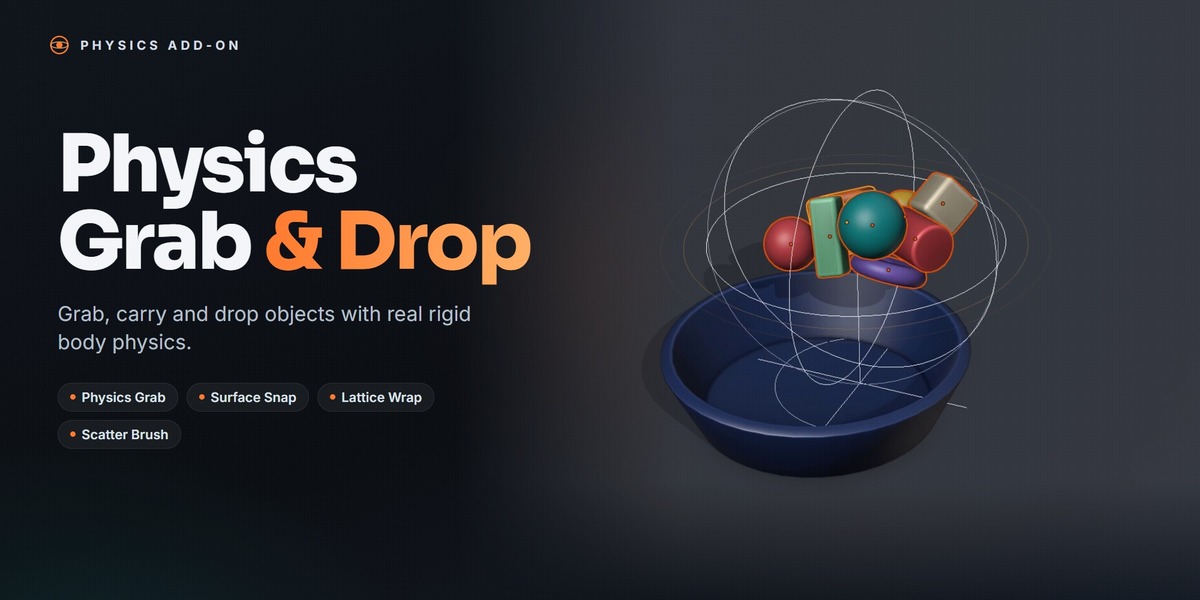
Physics Grab & Drop
Physics Grab & Drop brings real rigid body physics to object placement in Blender. Instead of nudging props into position with G, R and S, you pick objects up, carry them through the scene and let physics settle them naturally, with proper contact, no floating and no intersections.
Grab with Real Physics
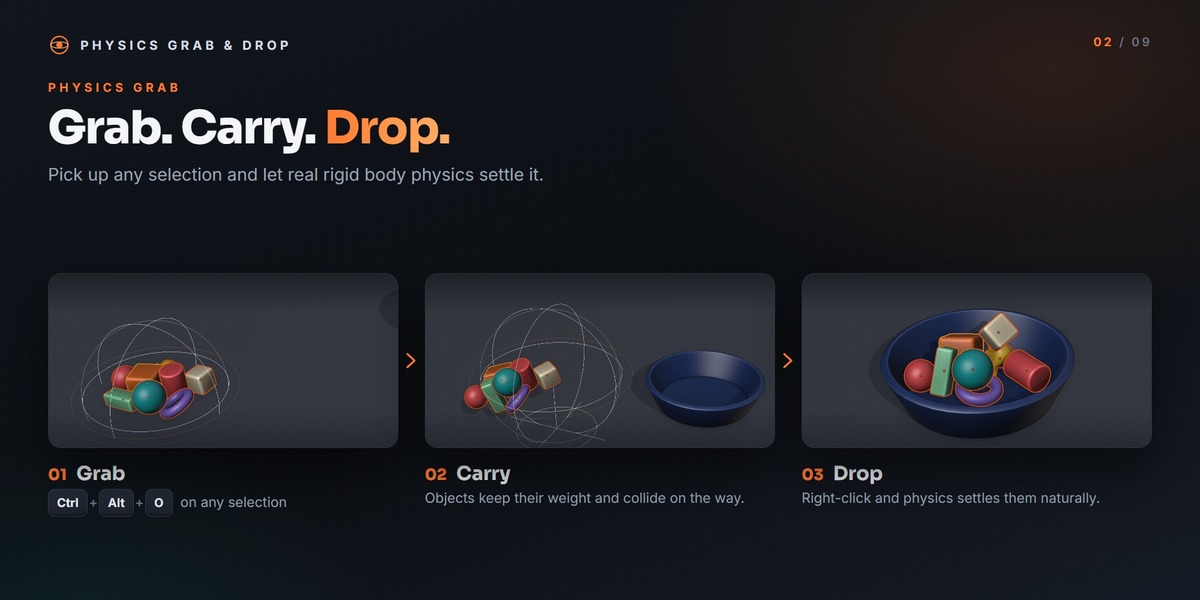
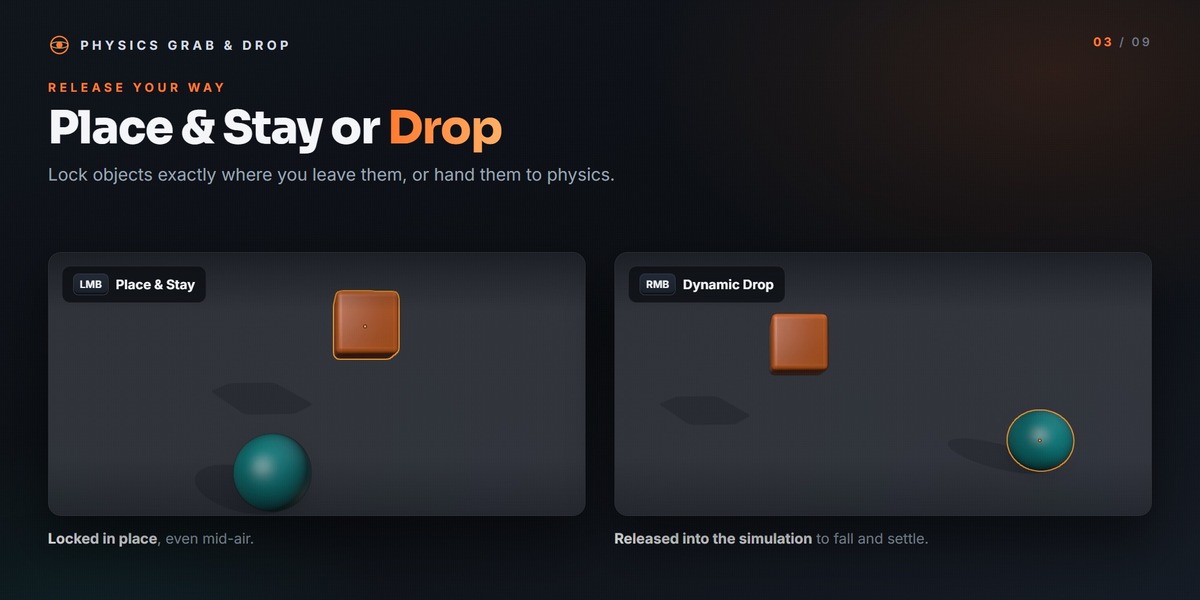
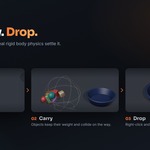
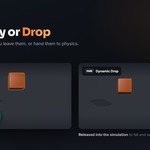
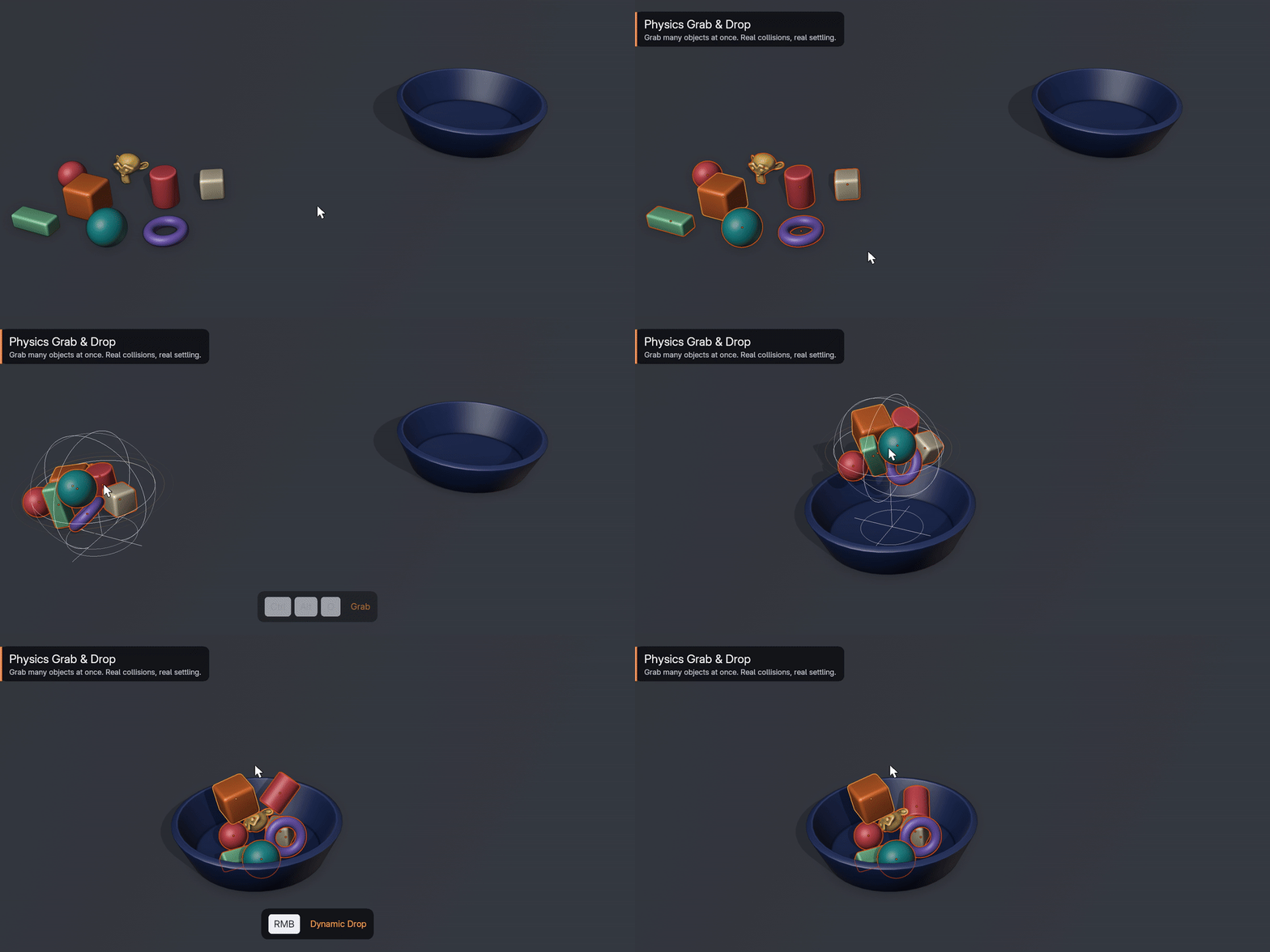
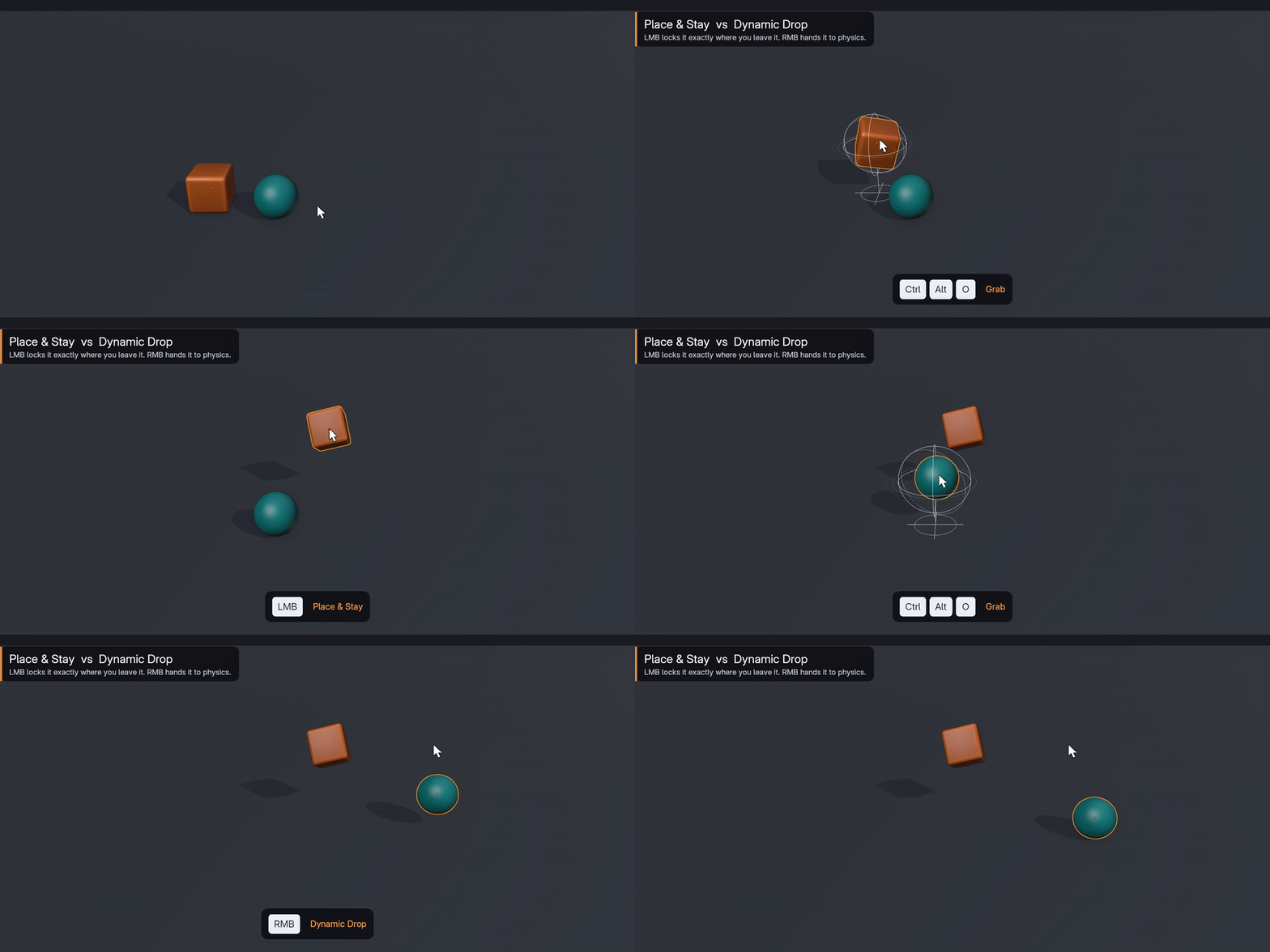
Grab a single object or an entire selection with Ctrl + Alt + O. Grabbed objects keep their weight and collide with everything around them, and a live gizmo shows exactly what you are holding and where it will land. Left-click to lock objects in place, even mid-air, or right-click to release them into the simulation and let them settle.
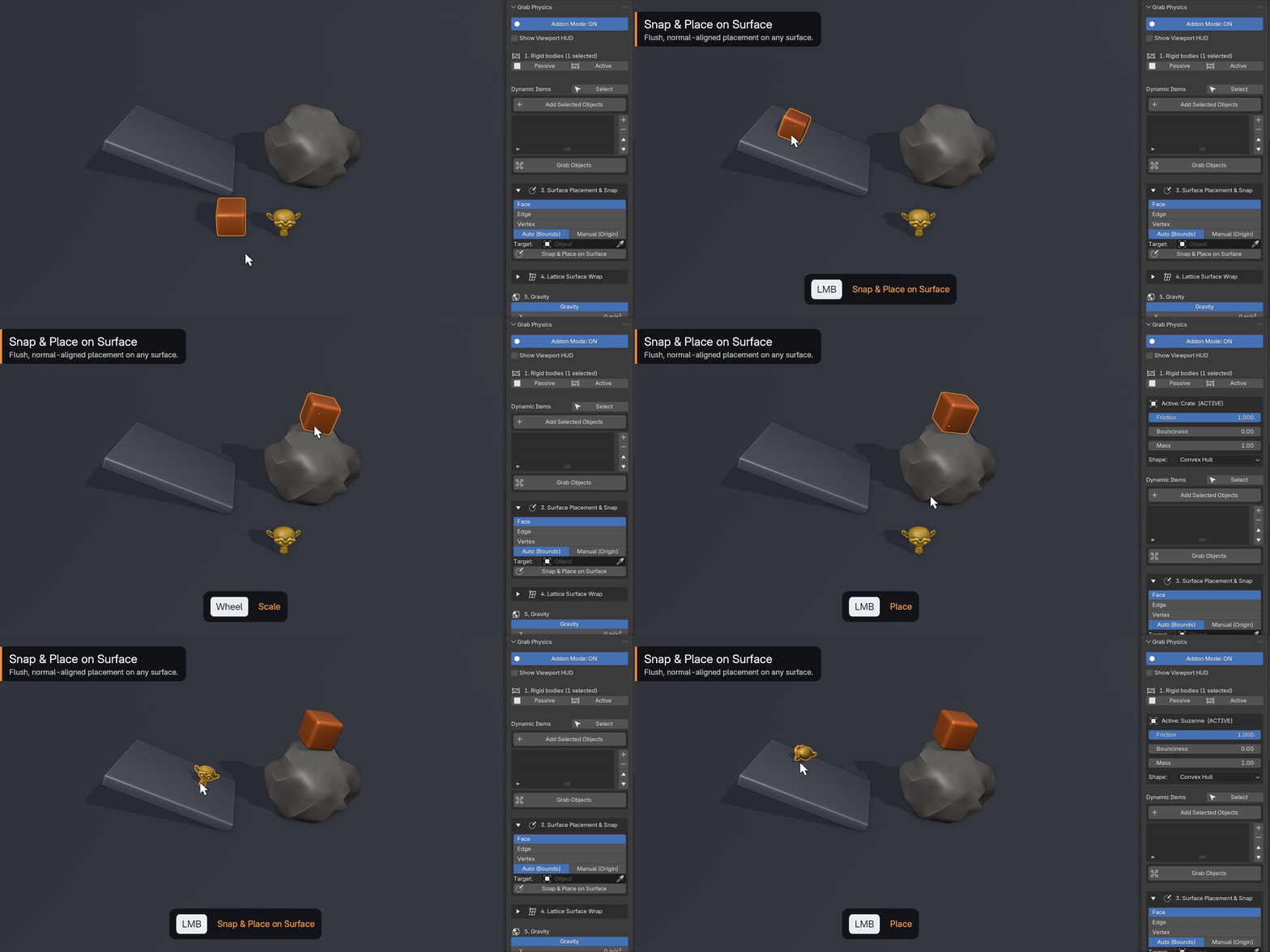
Snap & Place on Surface
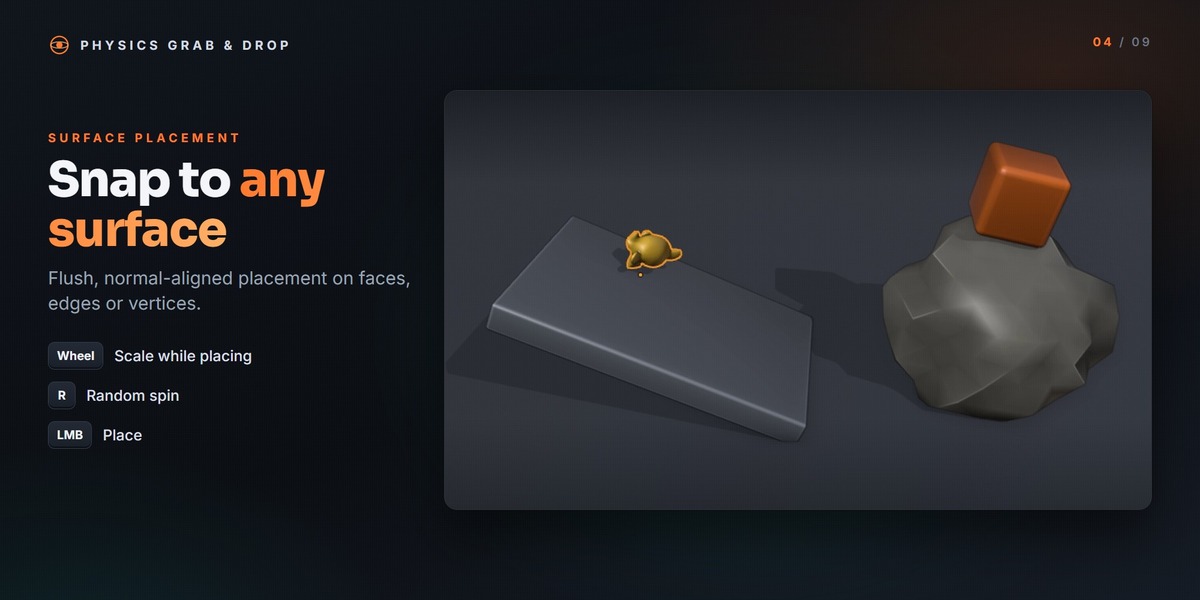
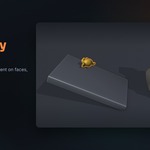
Place objects flush on any surface, aligned to its normal. Snapping works on faces, edges and vertices, and you can scale and randomly rotate the object while positioning it.
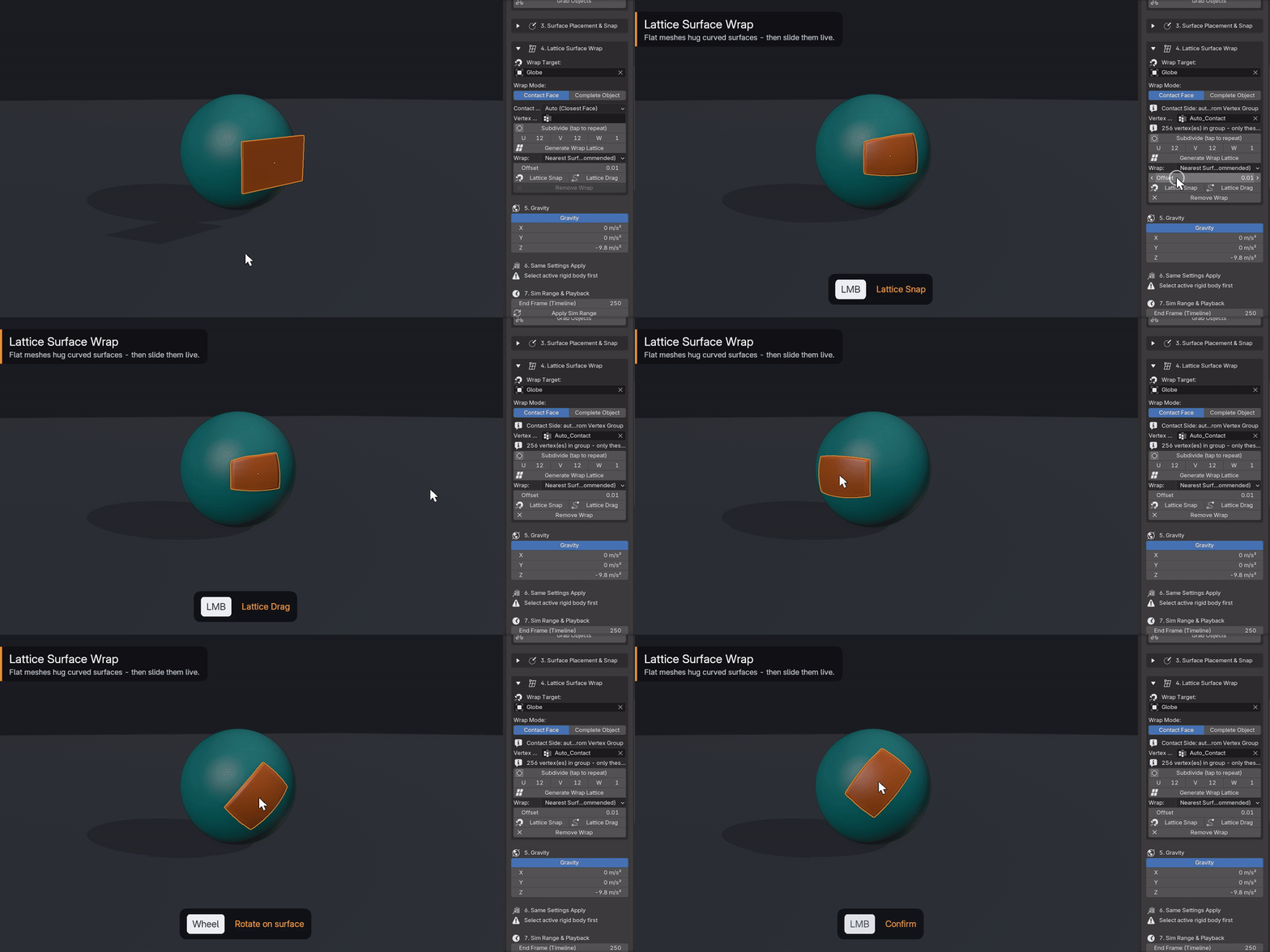
Lattice Surface Wrap
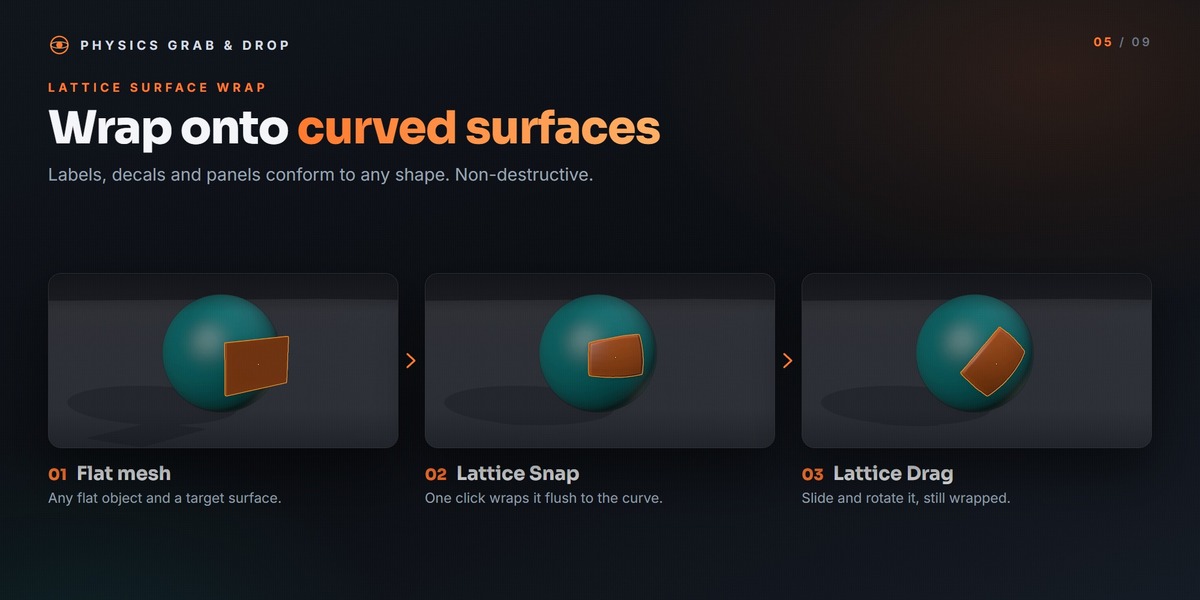
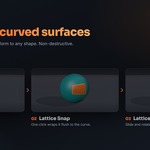
Wrap flat meshes such as labels, decals and panels onto curved surfaces using an automatically generated lattice. With Lattice Drag you can slide the wrapped object across the surface while it stays conformed. The wrap is non-destructive and can be removed at any time.
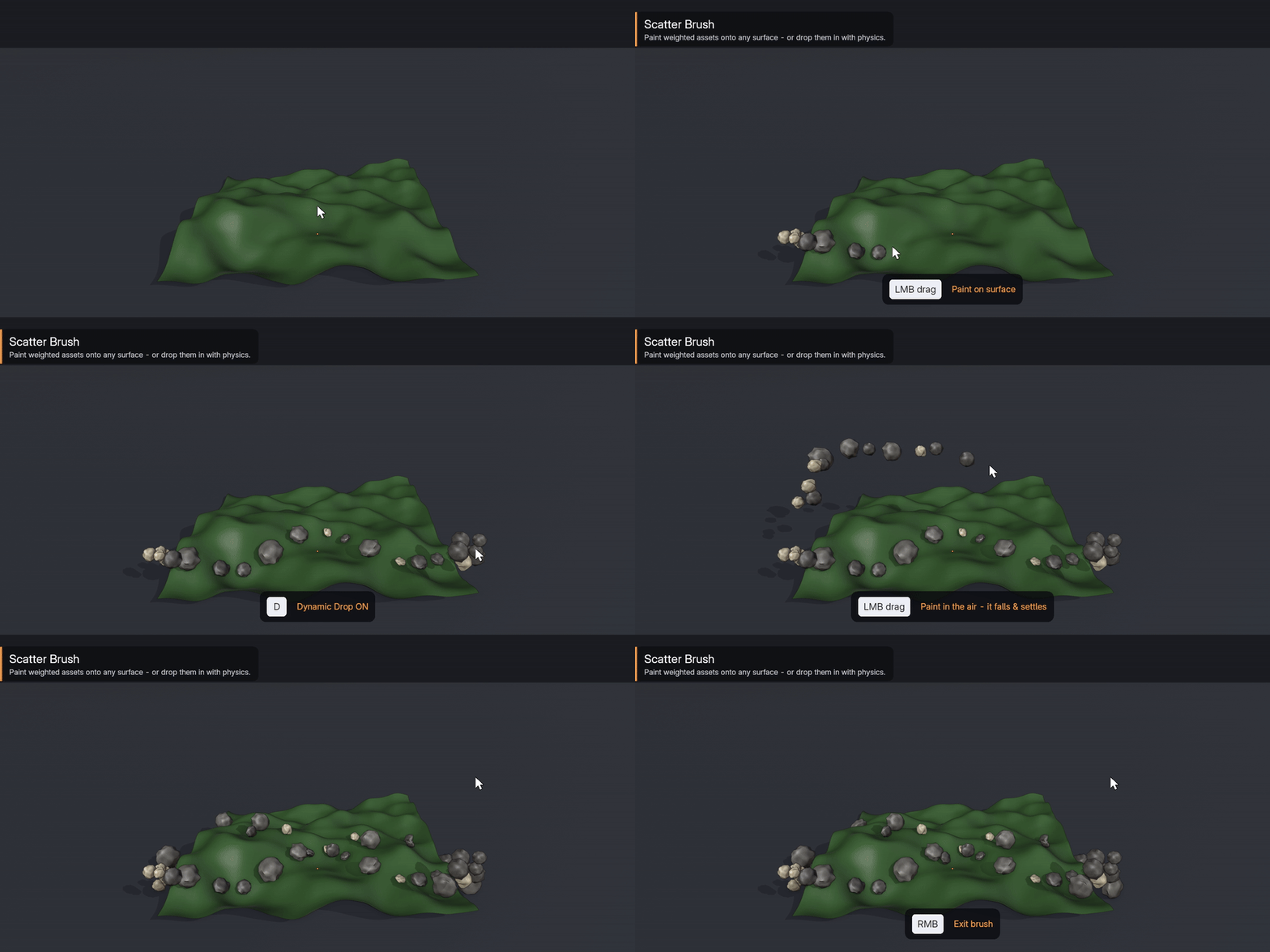
Scatter Brush
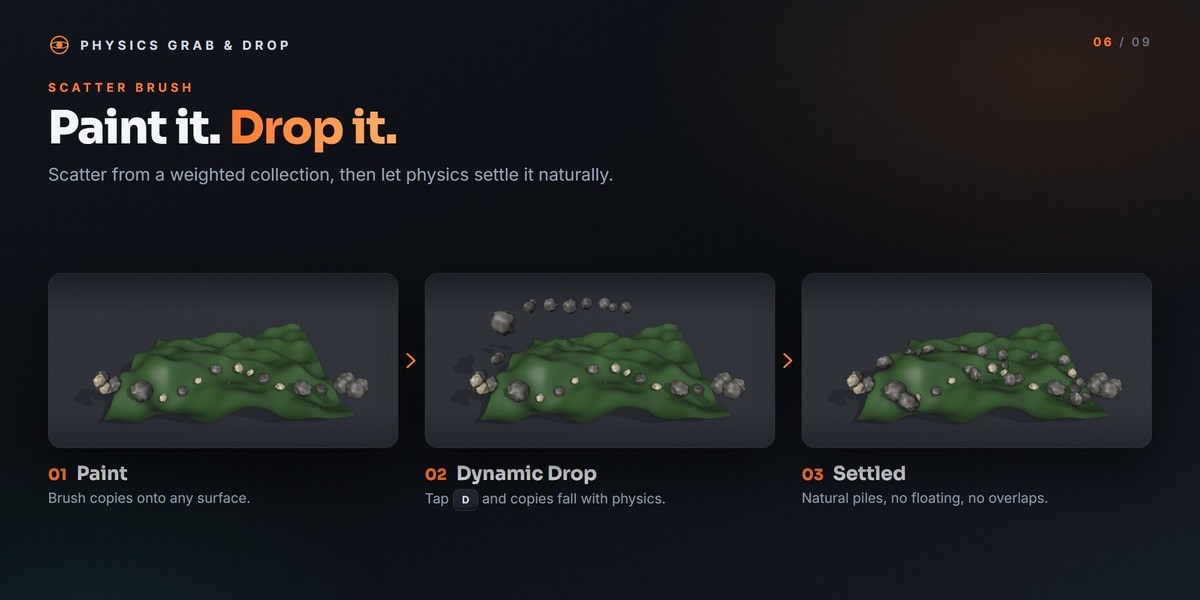
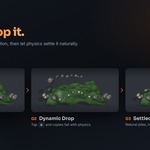
Paint objects directly onto surfaces with randomized scale and rotation, using a single object or a weighted collection. With Dynamic Drop enabled, painted objects fall and settle with physics, giving natural-looking piles and clutter.
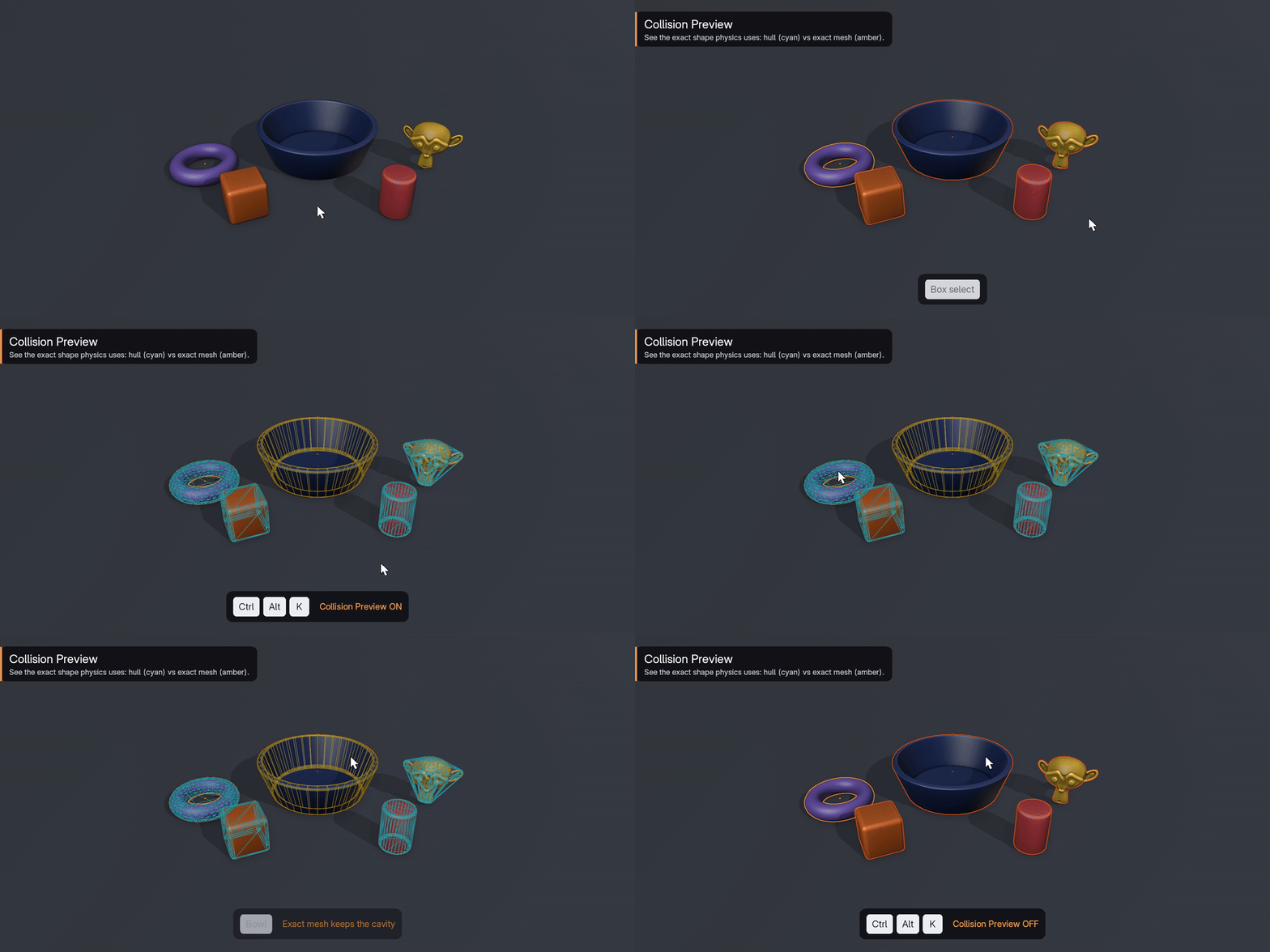
Clear, Predictable Physics
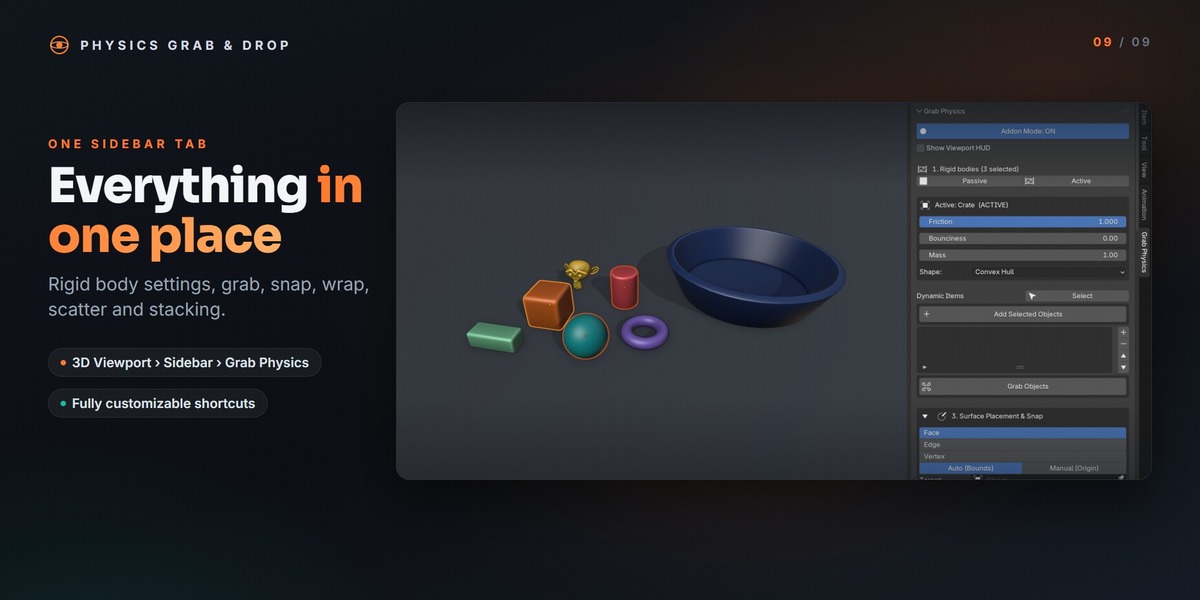
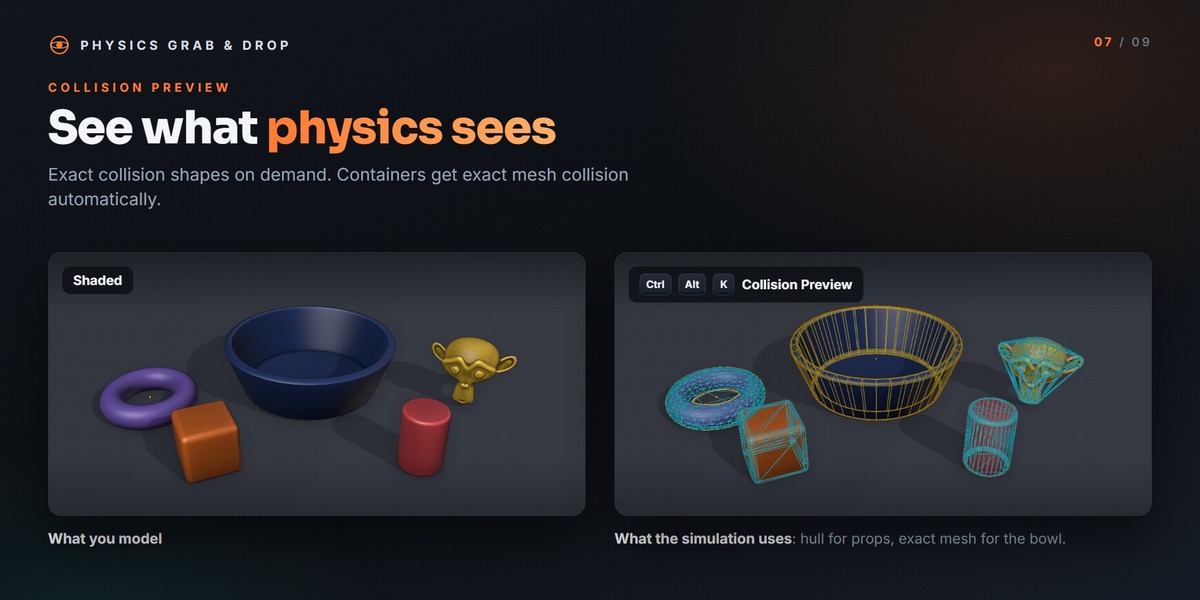
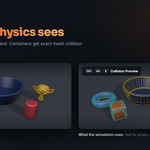
Friction, bounciness, mass and collision shape are available directly in the sidebar. A bounciness of zero gives a clean dead stop without jitter, and hollow passive objects such as bowls and containers automatically receive exact mesh collision. Collision Preview displays the exact shapes the physics engine uses, so you can see why an object behaves the way it does.
Layout Tools
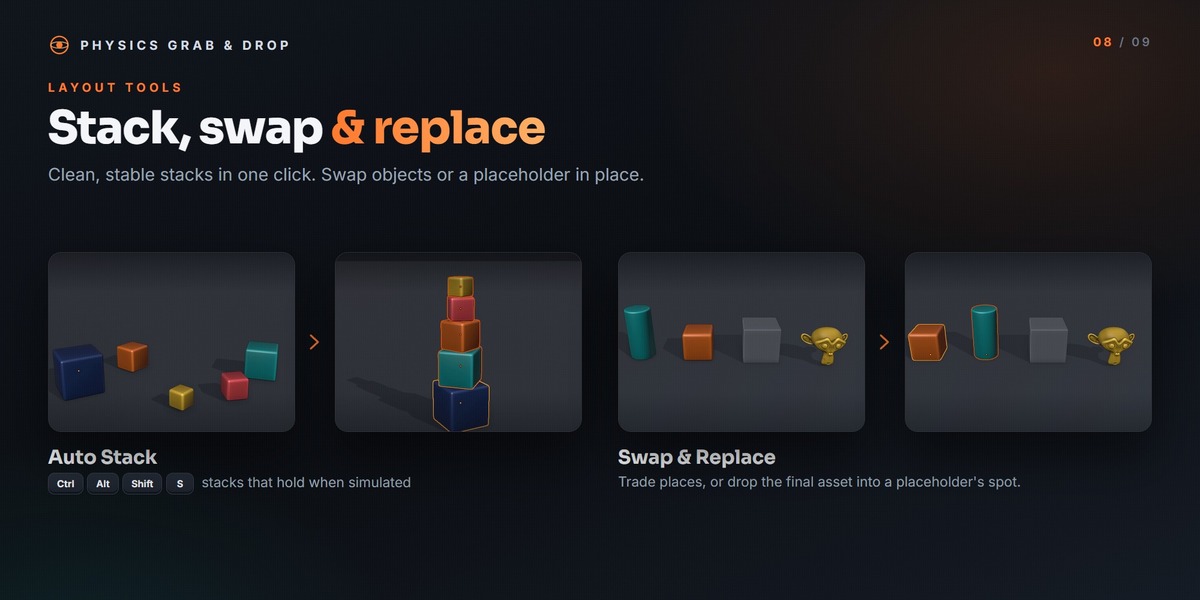
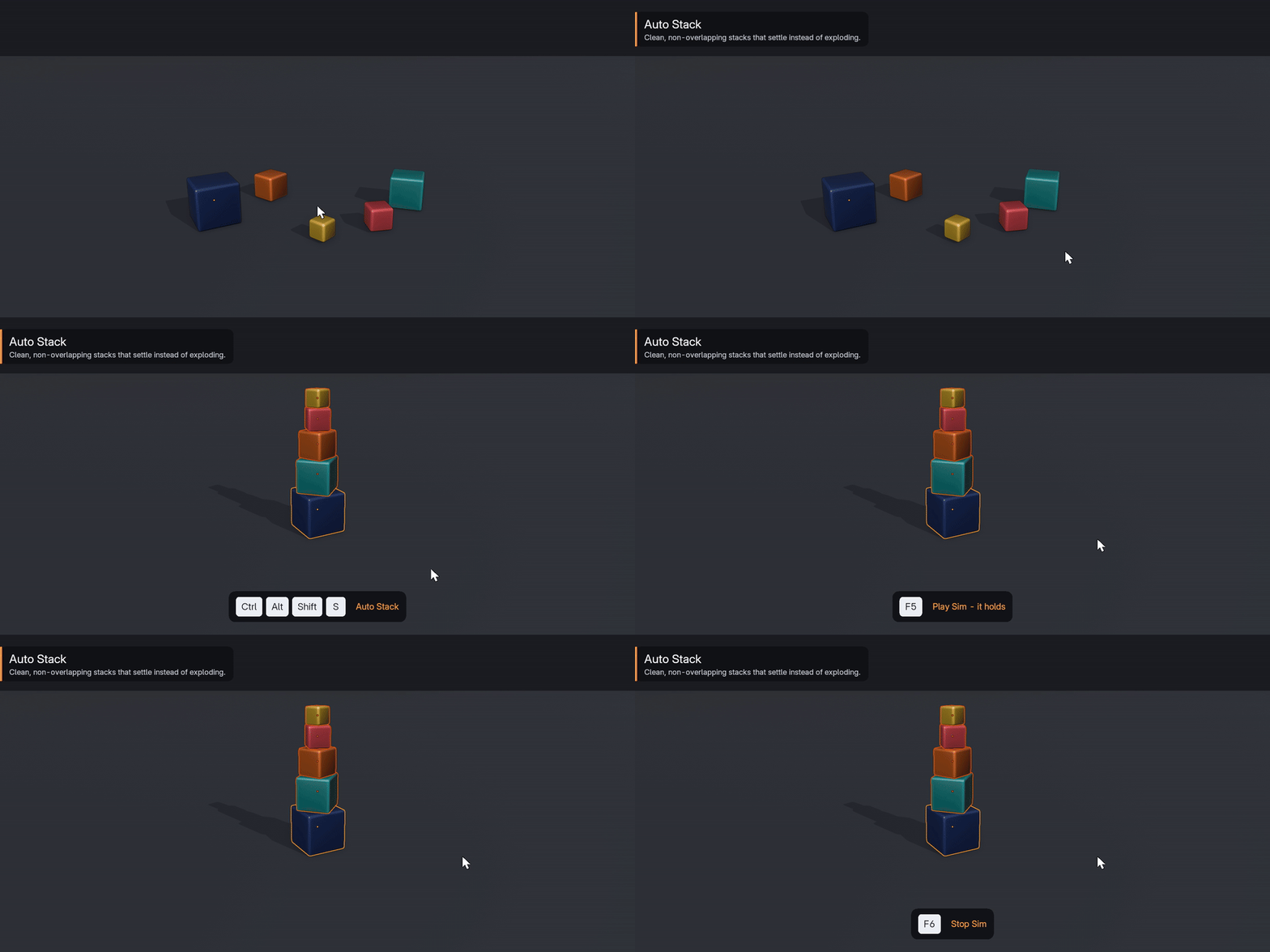
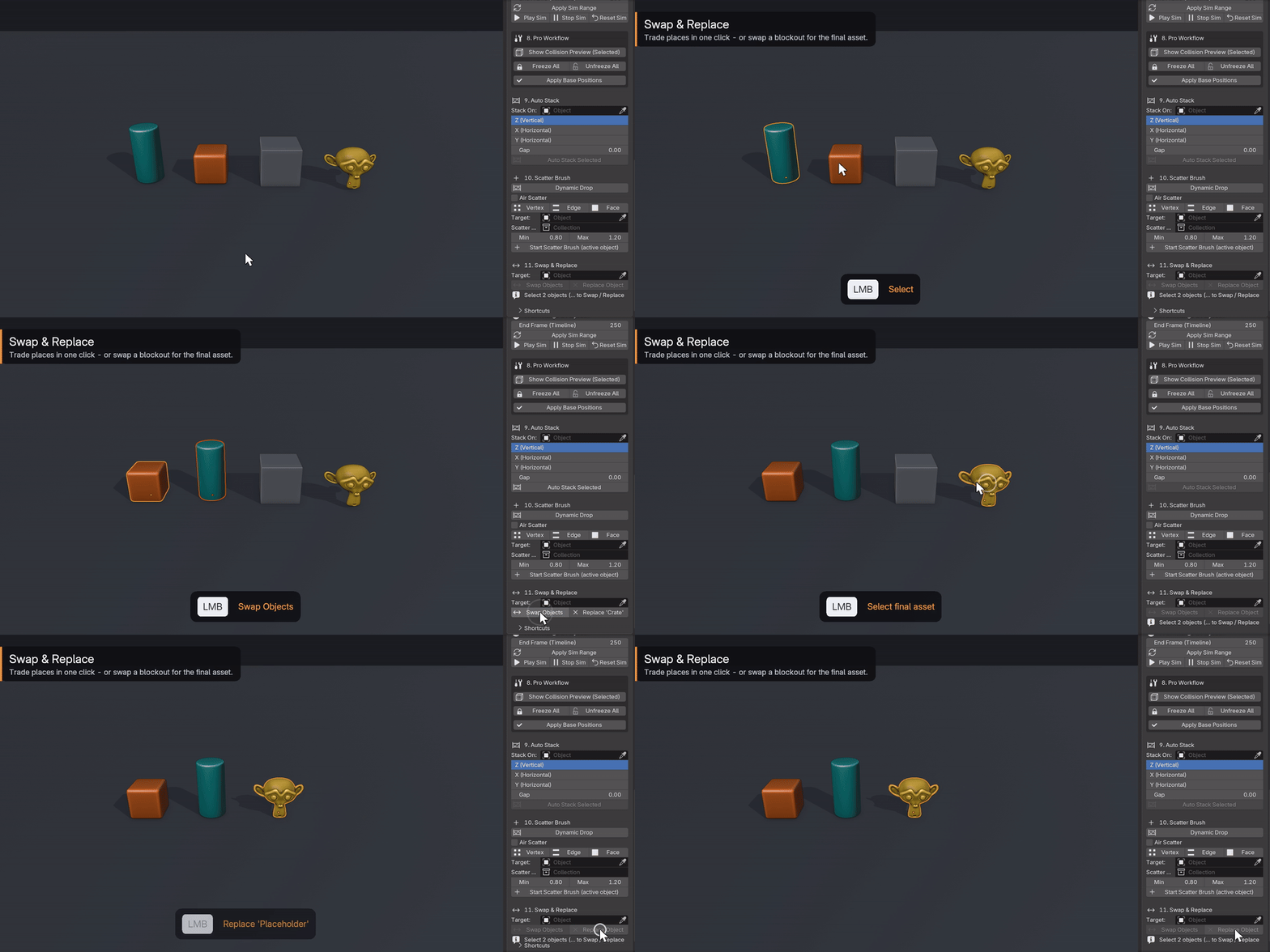
Auto Stack arranges a selection into a clean, stable stack. Swap and Replace exchange two objects, or swap a placeholder for the final asset in place. You can also freeze rigid bodies, save a settled layout as the new starting point and copy physics settings across a selection. All shortcuts can be customized from the panel.
Physics Grab & Drop is found in the 3D Viewport sidebar under the Grab Physics tab and requires Blender 4.2 or newer. Installation steps, controls and a quick-start guide are in the Documentation tab.