 Pluglug
Pie Menu Editor Fork
Pie Menu Editor Fork (PME-F) is an add-on for freely customizing the way you work in Blender. Combine custom menus, panels, and hotkey actions to quickly build and manage the exact tools you need while working.
About This Project
Pie Menu Editor was created by roaoao in 2016 and has become an essential part of many artists' everyday work in Blender.
In recent years, the original developer's activity ceased and development came to a standstill. I have been maintaining PME as a free fork since 2024, while continuing to reach out to roaoao.
Sustaining and evolving PME for the long term as professional infrastructure requires a dedicated development effort to match. Pie Menu Editor Fork is a new generation built on that commitment. PME-F carries forward the rich customization capabilities and deep flexibility pioneered by roaoao onto a modern, solid foundation, while actively expanding it with new features.
Read the discussion on Blender Artists ↗
Development Direction
PME-F introduces a redesigned data structure for your customizations, making actions, conditions, and the connections between menus explicit. This serves as the starting point for carrying existing customizations forward while expanding what PME can do.
The redesign also provides a common foundation for new editing features, diagnostics, and integration with external tools. Built on this groundwork, PME-F continues to broaden the range of working environments you can create for yourself within Blender.
Explore the PME 2.0 Changelog ↗
New and Improved in PME-F
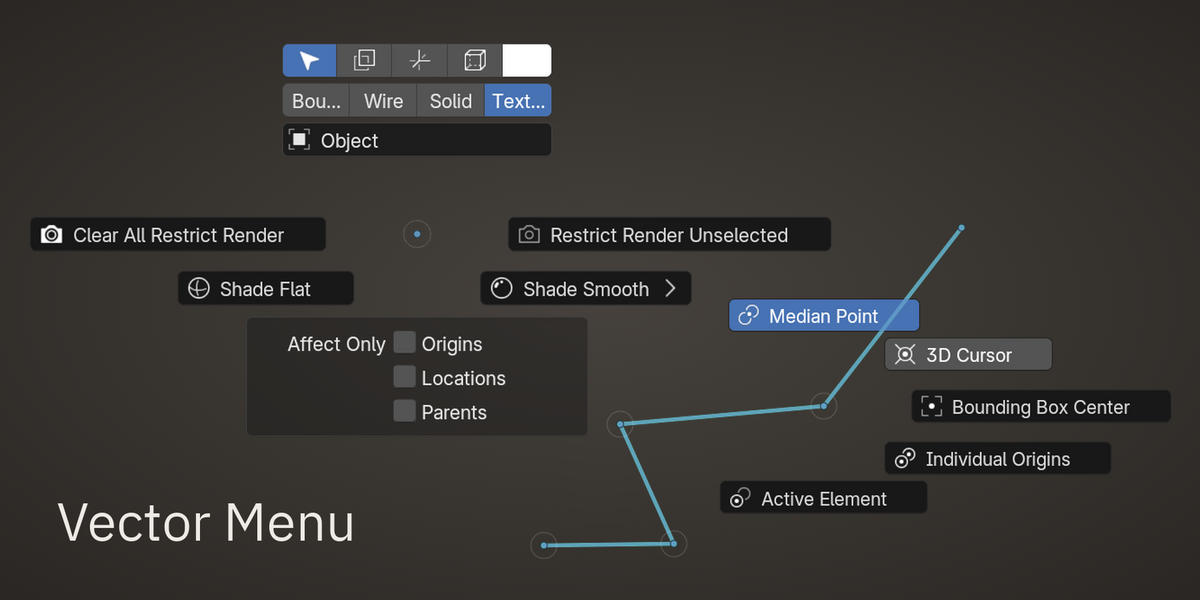
- Vector Menu: Build custom marking menus for Blender, inspired by Maya. Select commands with directional gestures, navigate nested menus, and include properties and Floating Panels in your layout.
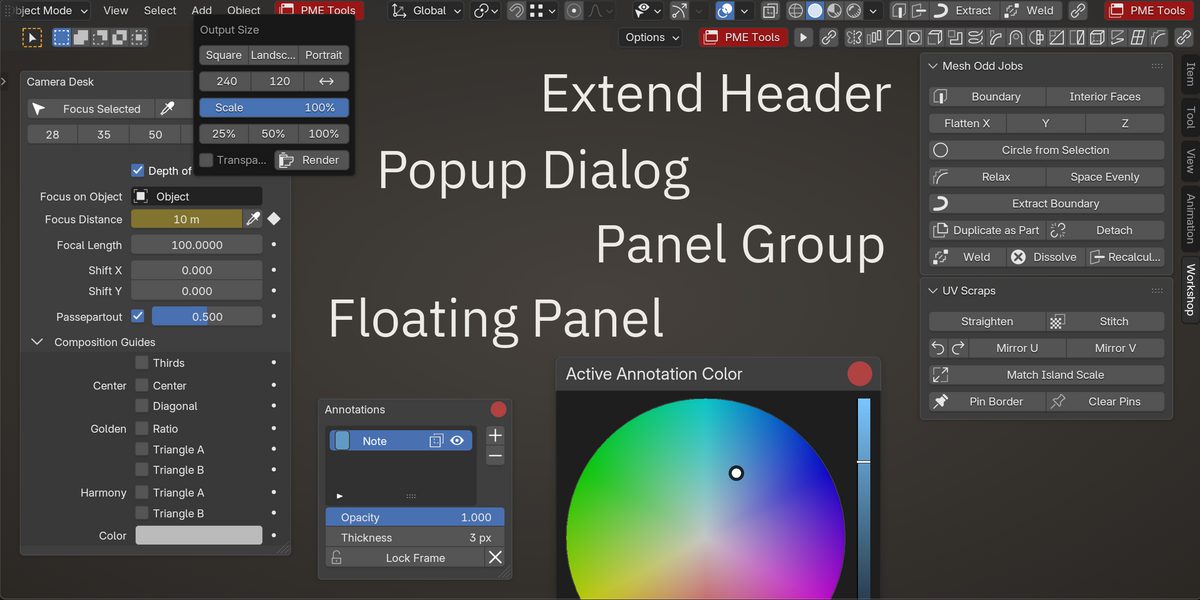
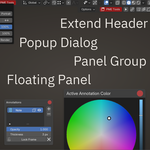
- Floating Panel: Keep custom panels open while you work. Combine commands, properties, color pickers, and collapsible sections in movable, resizable panels.
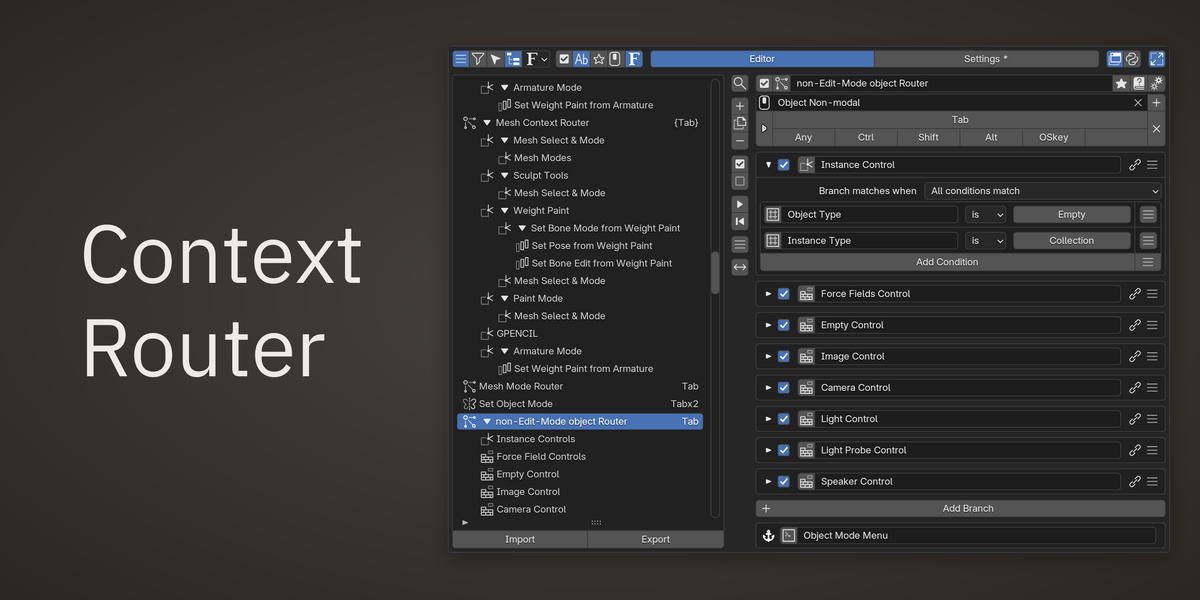
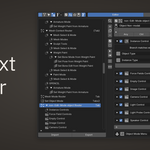
- Context Router: Switch menus and actions according to the current mode, object type, selection, or other conditions. Use it with a hotkey or embed it in a menu or panel to change the displayed contents.
- Property Stack: Combine several settings and conditions into one toggle. Define which values change when it turns on or off, and optionally display a notification while its conditions are met.
- Capture Menu: Review captured actions and properties, then choose a destination menu using search, tags, or recent menus. Re-Capture lets you combine multiple recent actions into a macro in their original execution order.
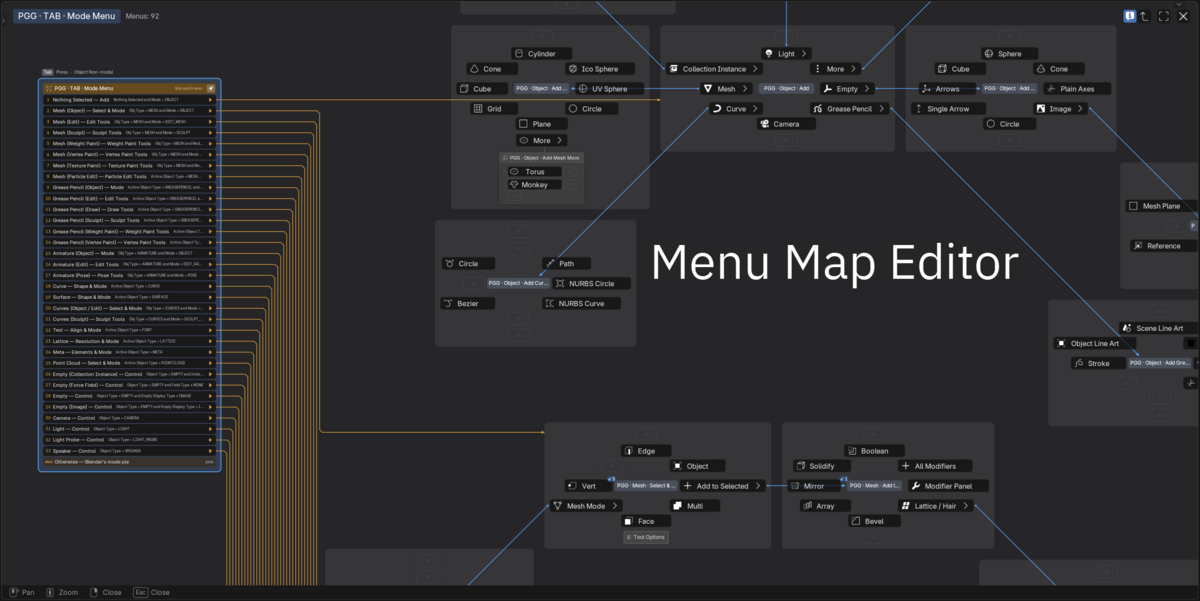
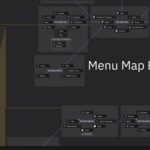
- Menu Dependencies: Inspect which menus reference one another and jump between them while editing. Include referenced menus when exporting part of your setup.
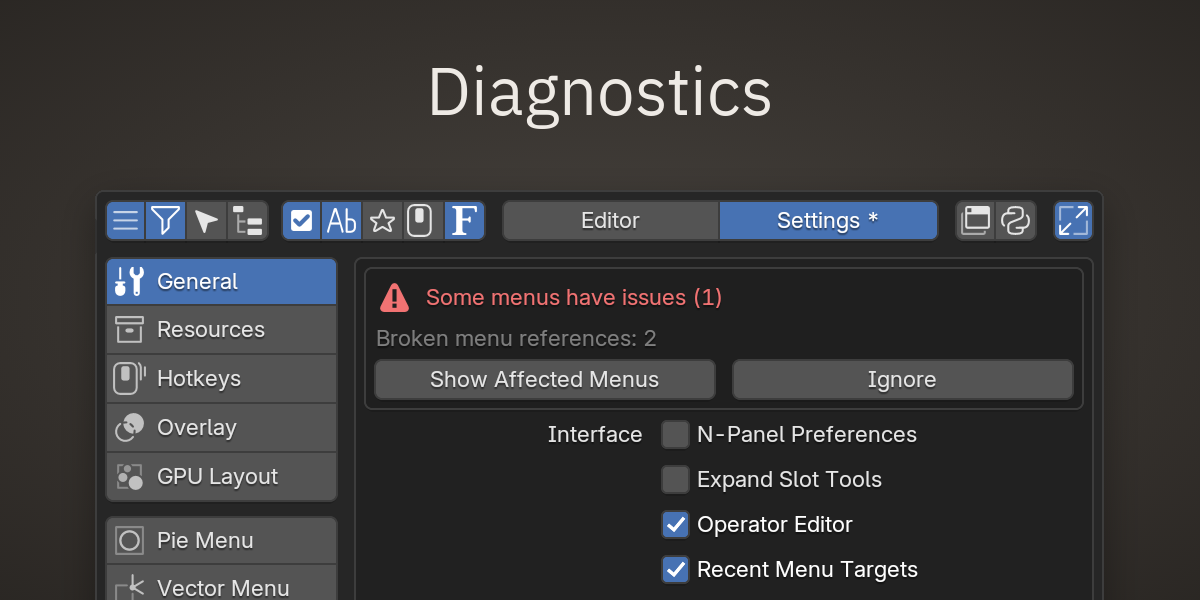
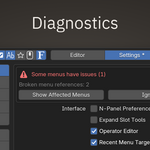
- Organization and Diagnostics: Expanded tag filtering, tree search, and bulk operations help manage larger collections of menus. PM Health identifies unavailable commands and hotkeys, broken references, and disabled targets.
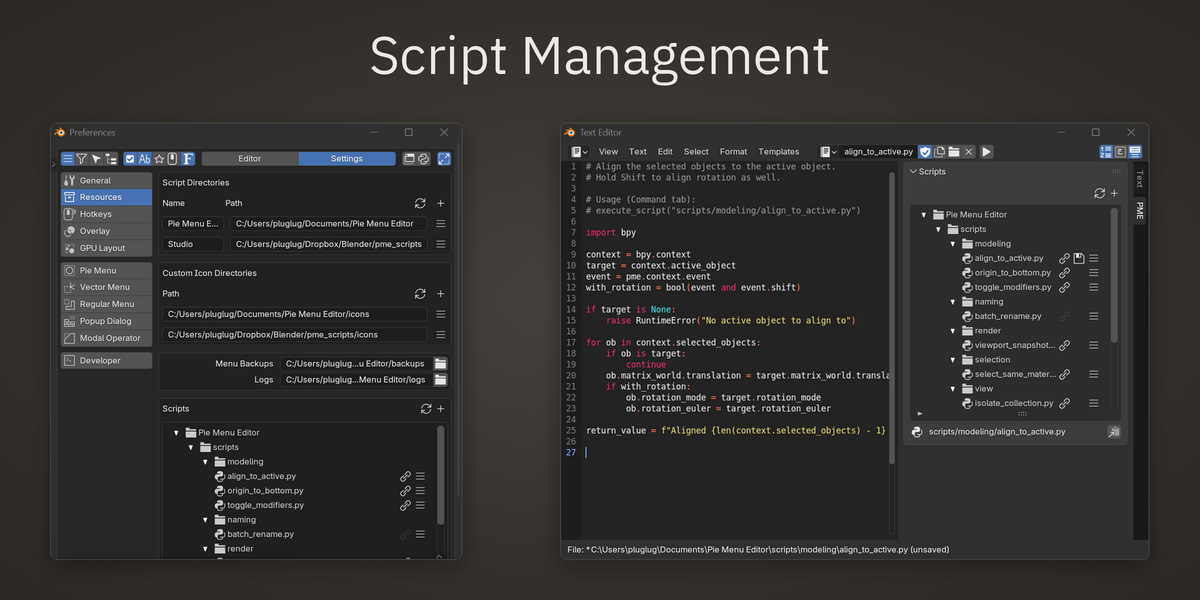
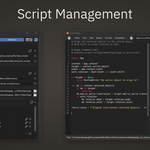
- User Resources: Manage scripts, custom icons, backups, and exports in a separate user directory outside the add-on. Backup files are kept separately for each environment.
Editors
Menus & Dialogs
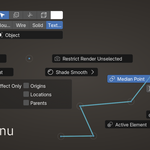
- Pie Menu Editor: radial menus with up to 10 buttons. Supports nesting menus and embedding panels.
- Vector Menu Editor: marking menus. Hold a key, flick in one of eight directions and release. Learn with the menu visible, then run it by gesture alone. Nest menus for directional sequences.
- Regular Menu Editor: dropdown menus, triggered by hotkey or added to existing menus.
- Pop-up Dialog Editor: custom widget layouts, shown in menus, dialogs, panels or toolbars.
- Floating Panel Editor: panels that stay open during work, sharing the Pop-up Dialog slot structure.
Keys & Shortcuts
- Context Router Editor: one hotkey, different menus or actions by mode, object type, selection and other conditions.
- Sticky Key Editor: different actions on key press and key release, for temporary tools and mode switching.
- Stack Key Editor: multiple commands on one hotkey, cycled on each press.
Operators & Automation
- Macro Operator Editor: new operators built from existing Blender operations.
- Modal Operator Editor: operators that take interactive key and mouse input while running.
Interface & Properties
- Panel Group Editor: place pop-up dialogs or existing Blender panels in a sidebar or header, as custom tabs or inside existing categories.
- Hiding Unused Panels: hide individual panels or whole groups from the interface, and bring them back when needed.
- Property Editor: custom properties with getter and setter, registered on any Blender data block.
- Property Stack Editor: several settings and conditions combined into one switch, with a notification while the conditions are met.
With the Capture Menu and Interactive Panels, existing Blender buttons, panels, menus and headers can be captured into your menus, and your menus inserted into Blender's own UI.
Documentation and community
- Documentation: every editor, settings and the keymap guide.
- Blender Artists thread: questions, feedback and shared customizations.
- PME Treasure: examples and ideas collected from the community.
- Support: how to report a bug.
