 ZEG
Installation
In Blender open Edit, Preferences, Get Extensions, then use Install from Disk and pick the pinboard_generator zip.
Usage
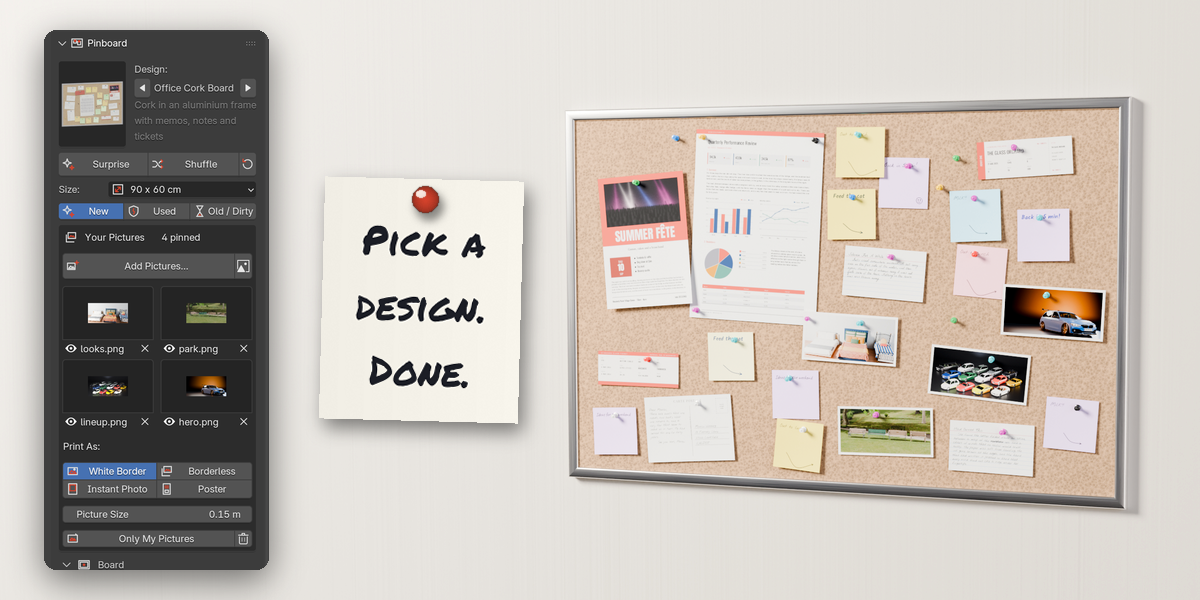
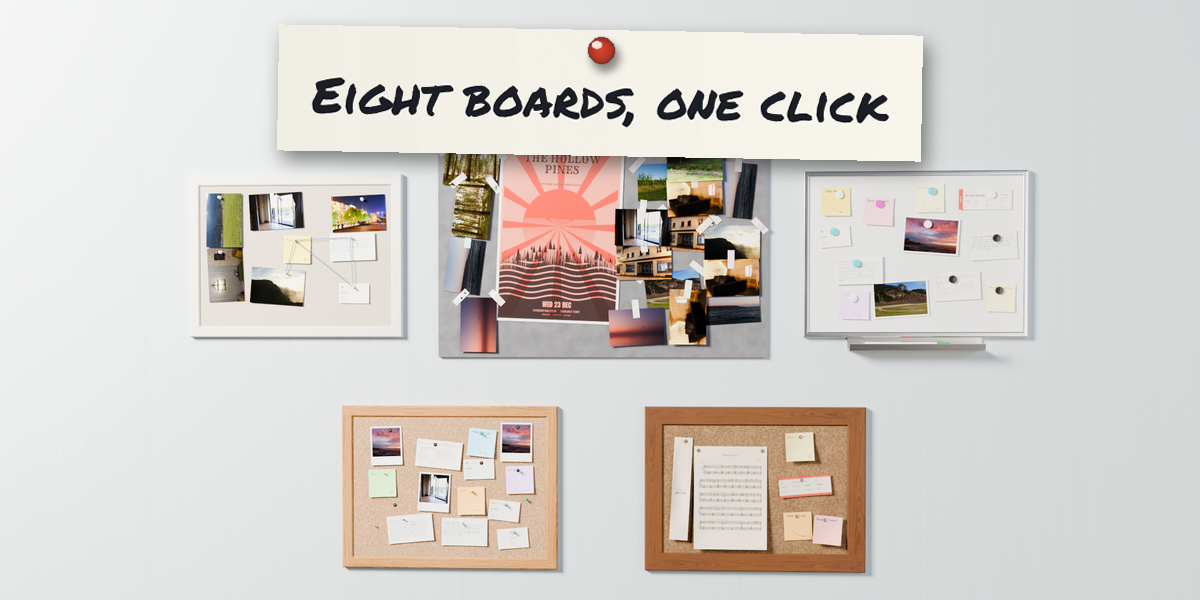
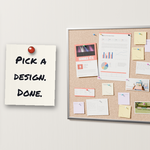
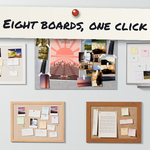
- Open the Pinboard tab in the 3D viewport sidebar (N). With no board selected, step through the designs with the arrows or click the picture, then press Add Pinboard. Add with My Pictures asks for images first; Surprise Me makes a random board. You can also use Shift+A, Mesh, Pinboard.
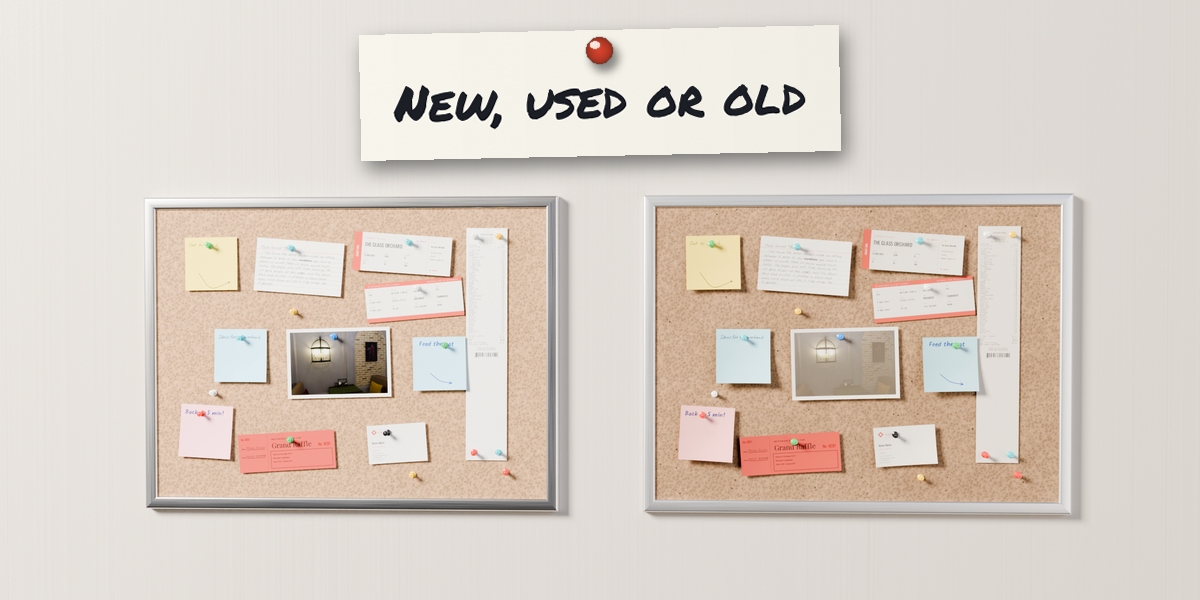
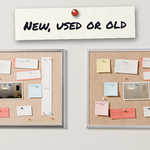
- With a board selected, the first screen holds the design, Surprise, Shuffle, Reset, the size and the condition (New, Used, Old / Dirty).
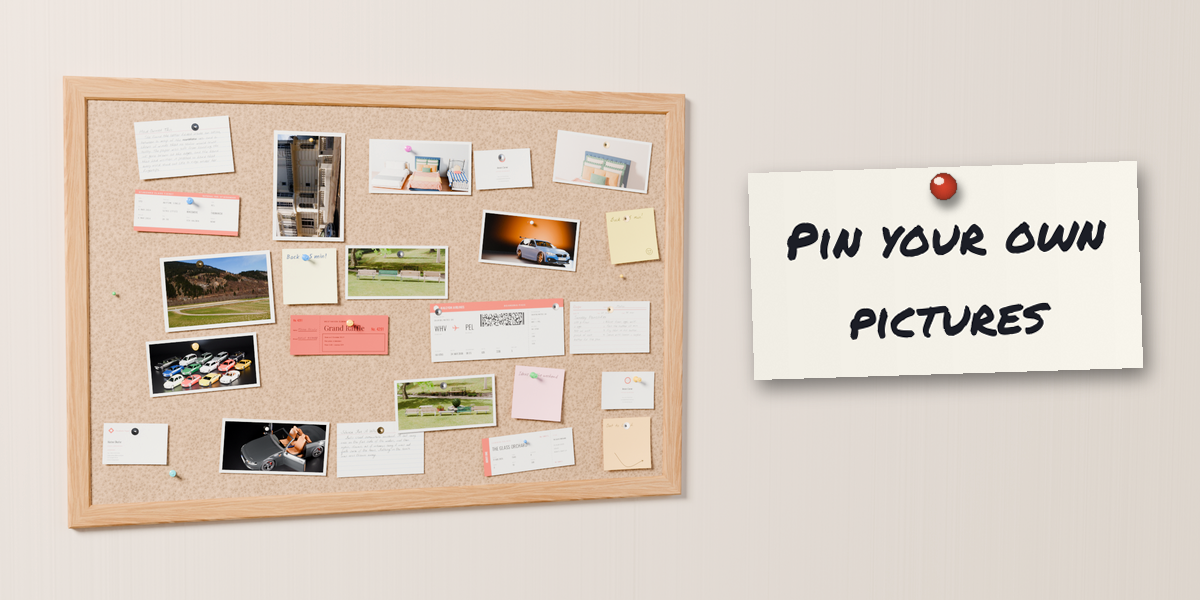
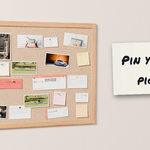
- Your Pictures: press Add Pictures (or drop image files on the viewport) to pin your own images. Hide one with the eye, remove it with the cross, choose how they are printed and how big, or turn on Only My Pictures.
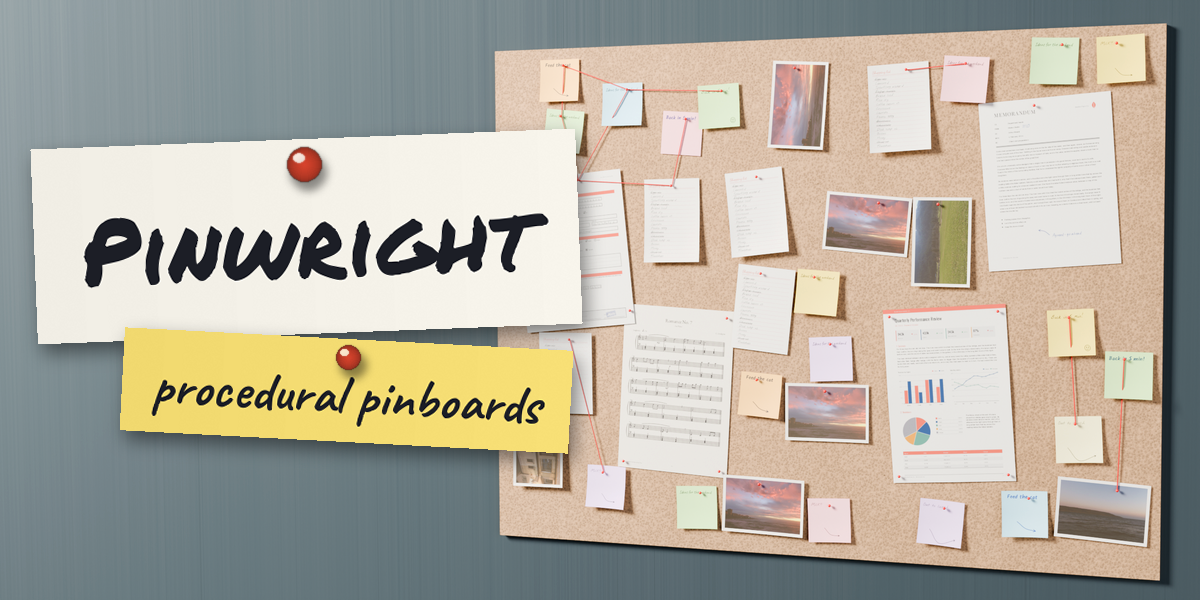
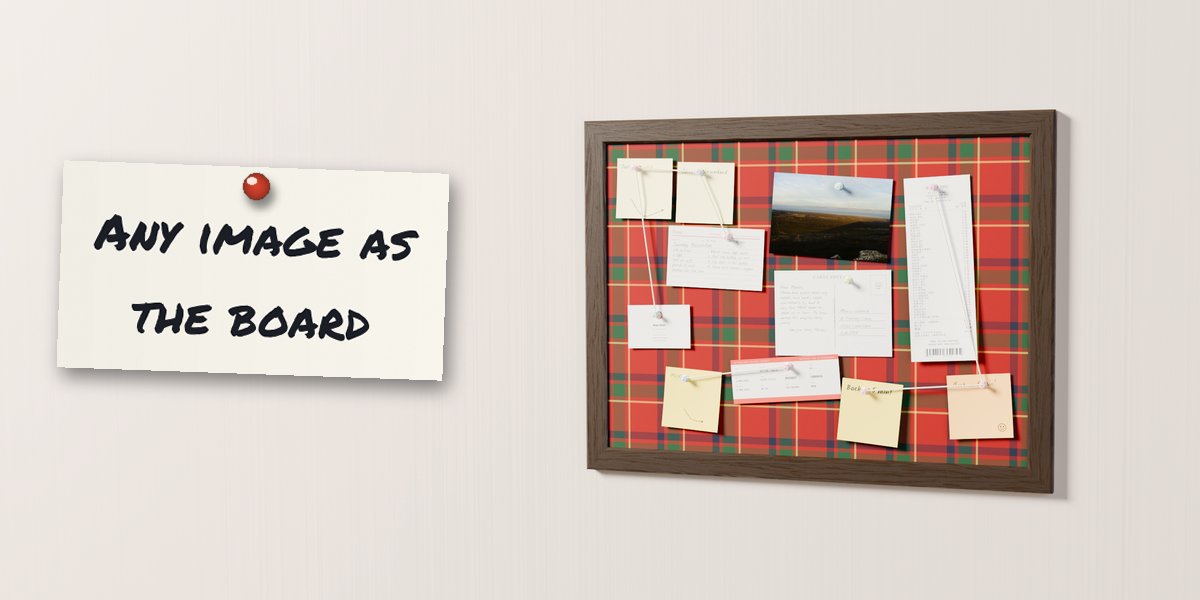
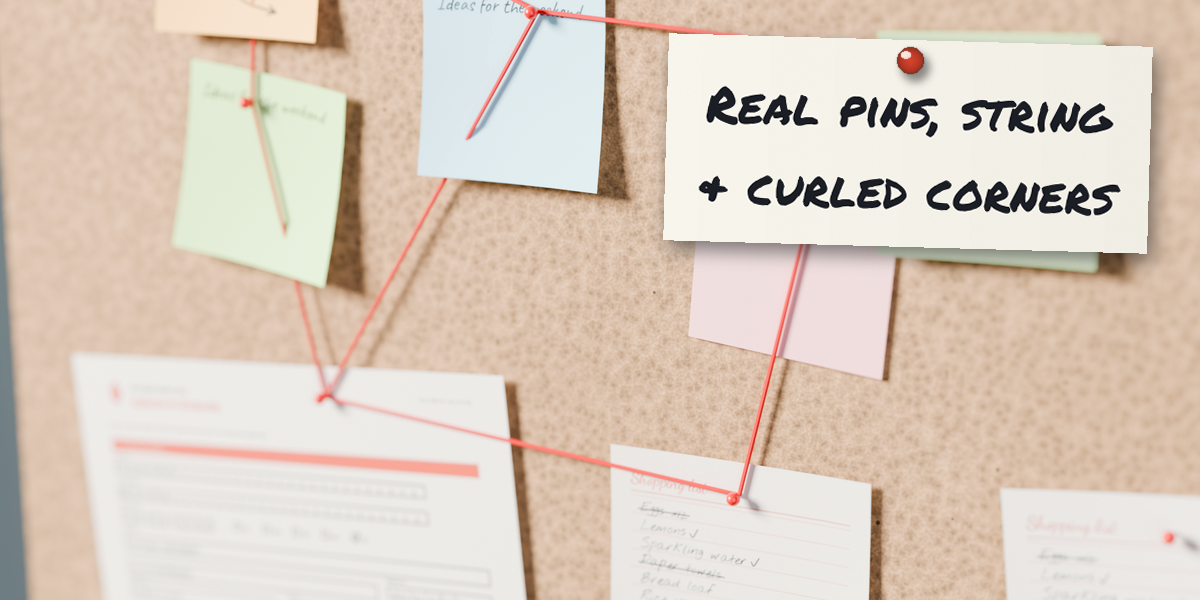
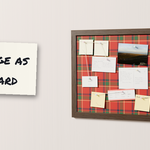
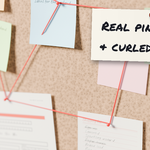
- Board: the surface (cork, dark cork, linen, felt, whiteboard or Your Texture with Open Texture), its color, the frame and a marker tray. Items: which papers are pinned, the layout, how full and how messy. Fasteners: pins, magnets, tape or none, pin colors and spare pins. Link Items with String stretches strings from pin to pin between random items; set how many, their color, or press the dice for new links.
- Export: Convert to Mesh keeps the board as plain mesh objects.
Have questions about this product?
Login to message
| Blender Extension Compatible | Yes |
| Published | about 5 hours ago |
| Blender Version | 4.2 - 5.2 |
| Extension Type | Add-on |
| Render Engine Used | Cycles, Eevee |
| License | GPL |

Discover more products like this
Interior notice-board evidence-board whiteboard memo-board Generator Office procedural mood-board bulletin-board cork-board pinboard