 ZEG
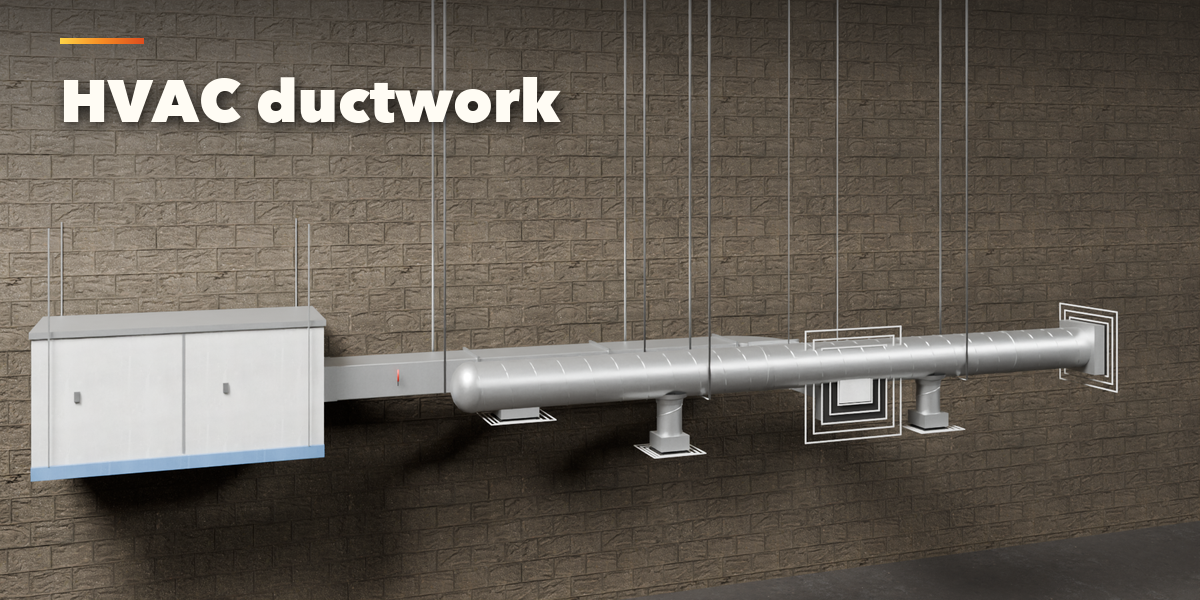
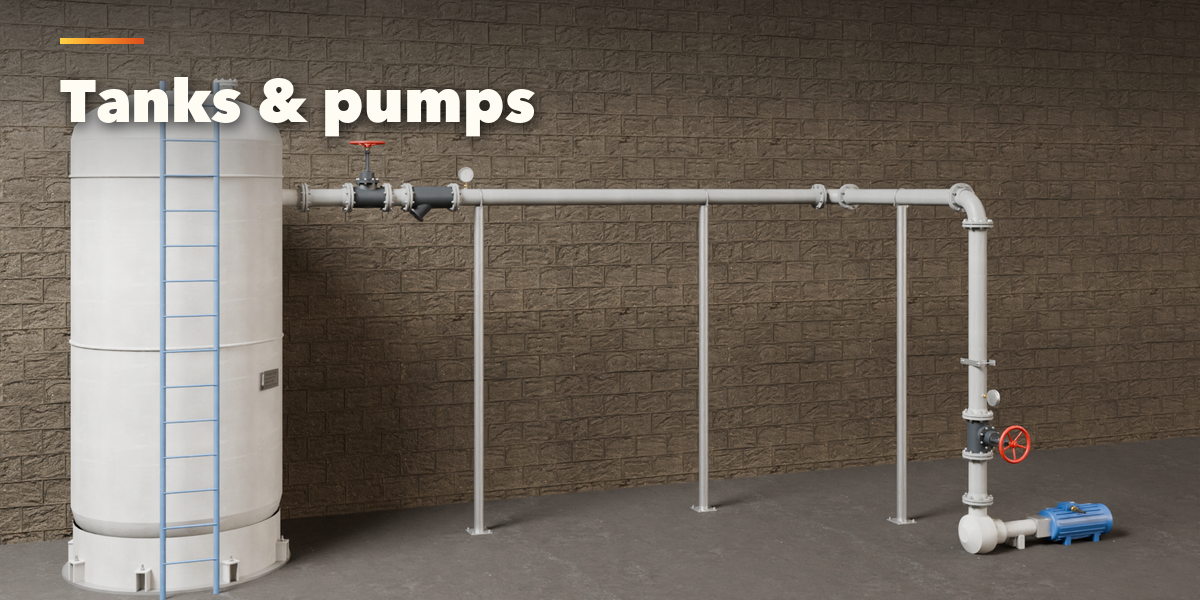
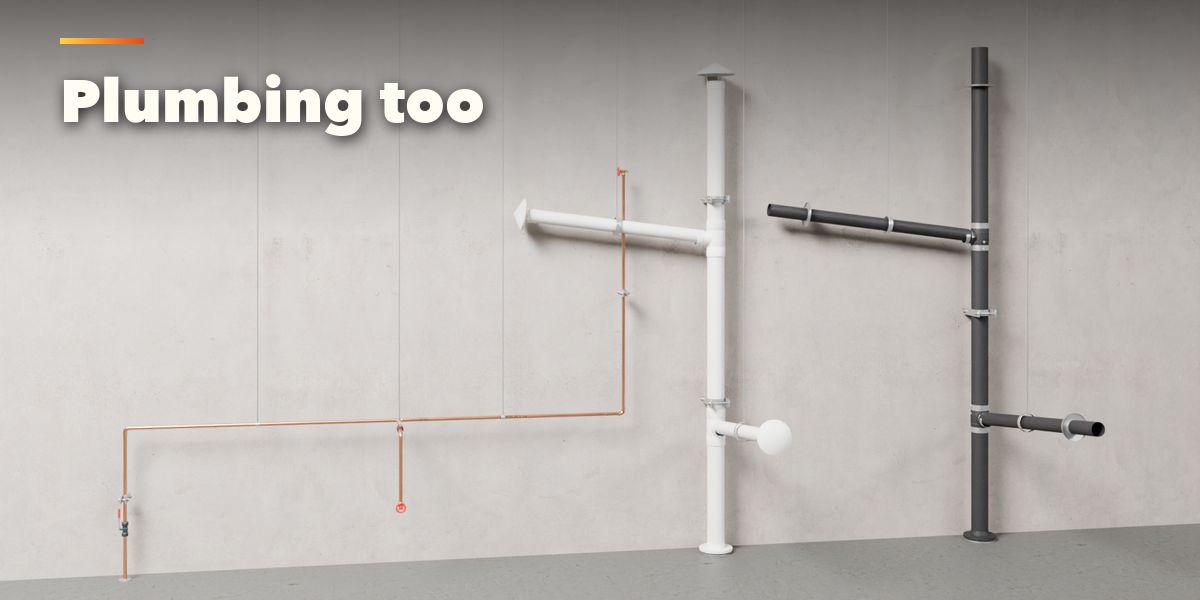
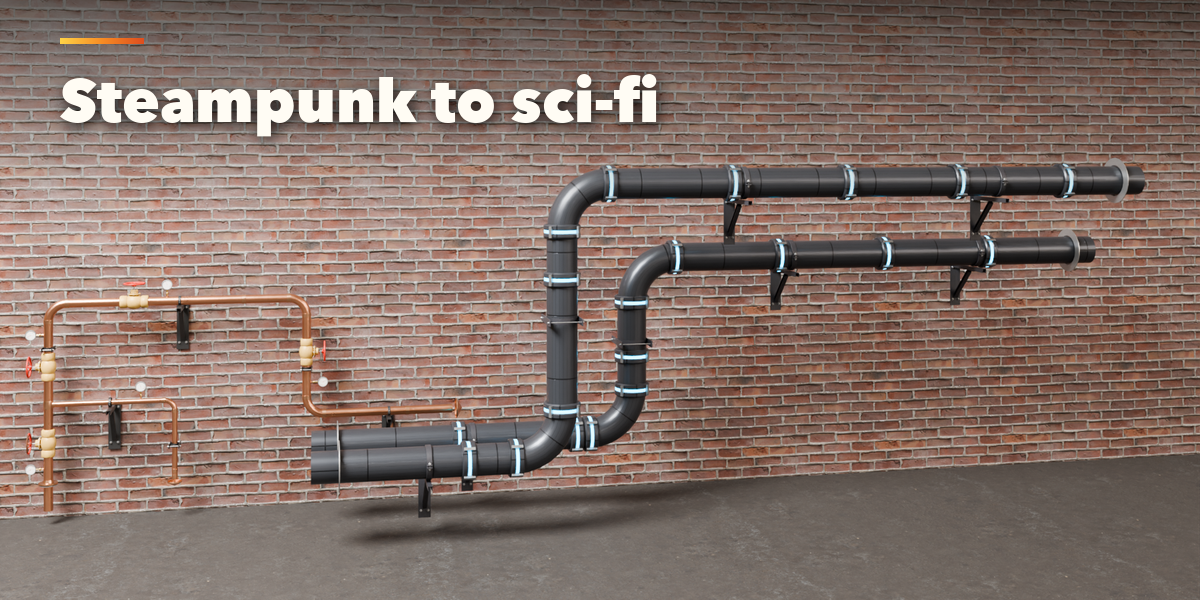
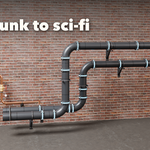
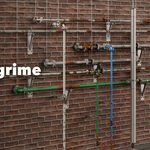
Installation
In Blender open Edit, Preferences, Get Extensions, then use Install from Disk and pick the pipe_network_generator zip.
Usage
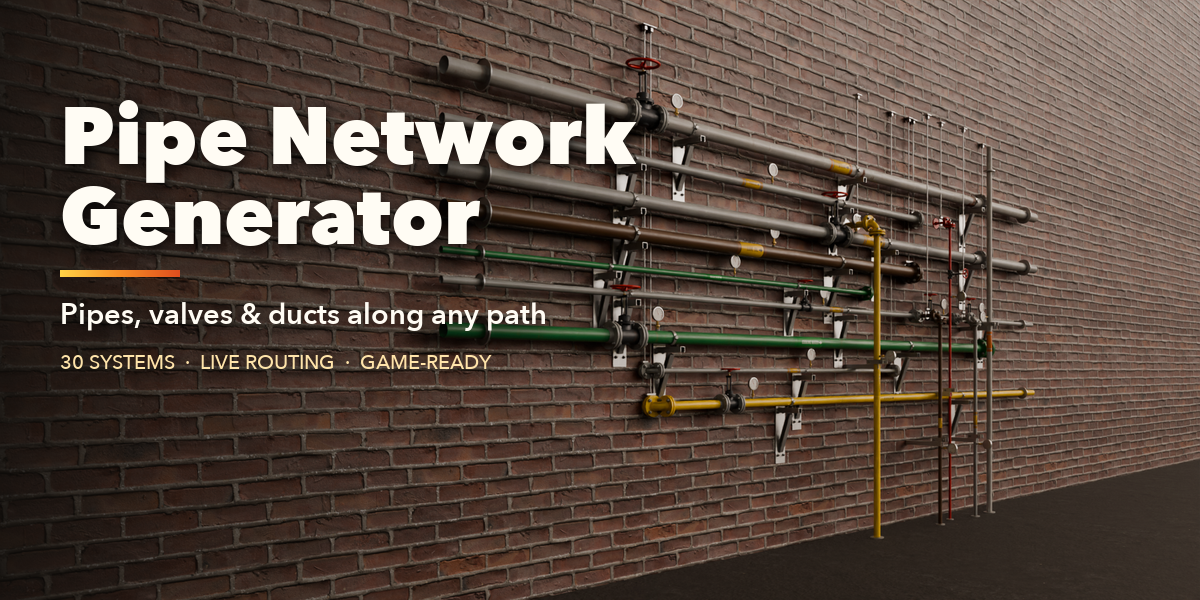
- Open the Pipes tab in the 3D viewport sidebar (N). With nothing selected, click the big picture to pick one of the 30 pipe systems, or browse them by group, then press Add. With a curve selected you can also press Pipes along the curve. Shift+A, Pipe Network has the same systems.
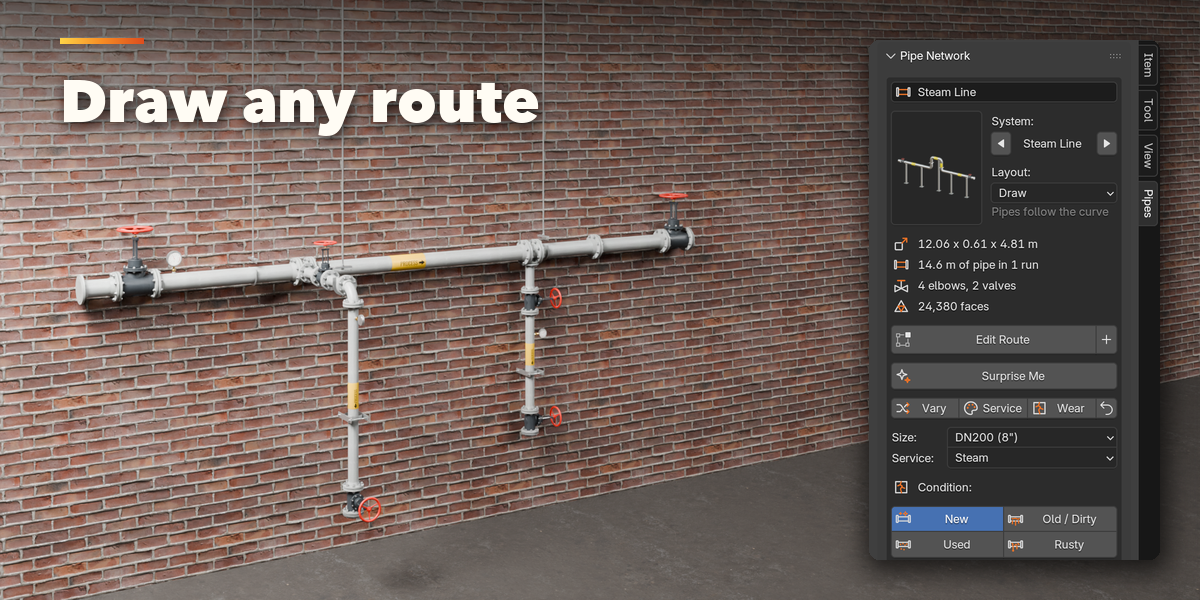
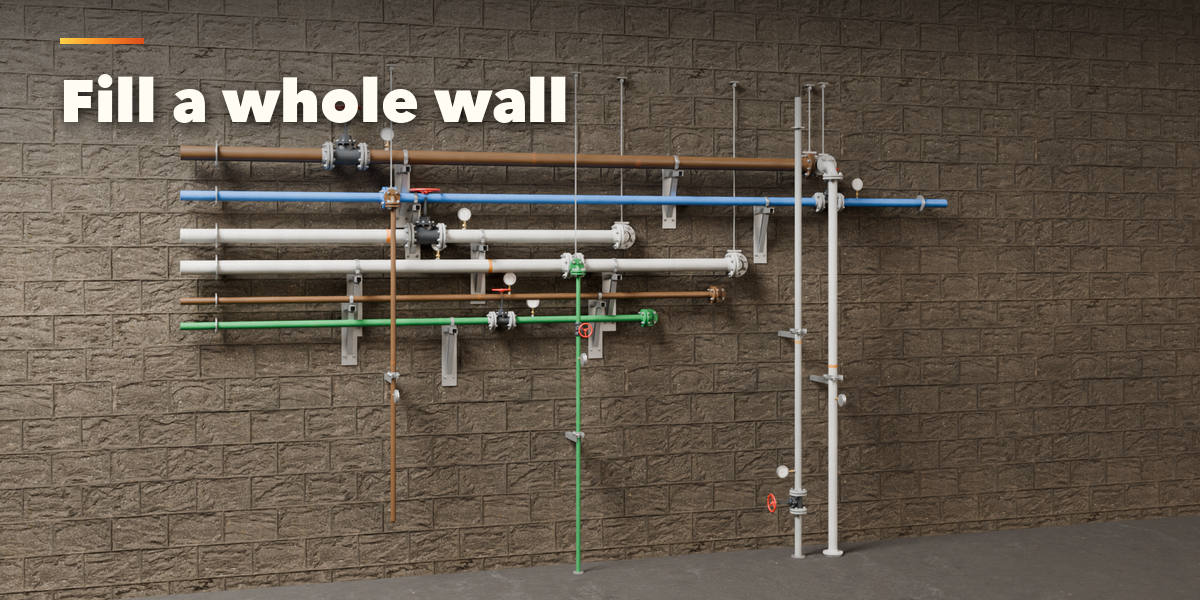
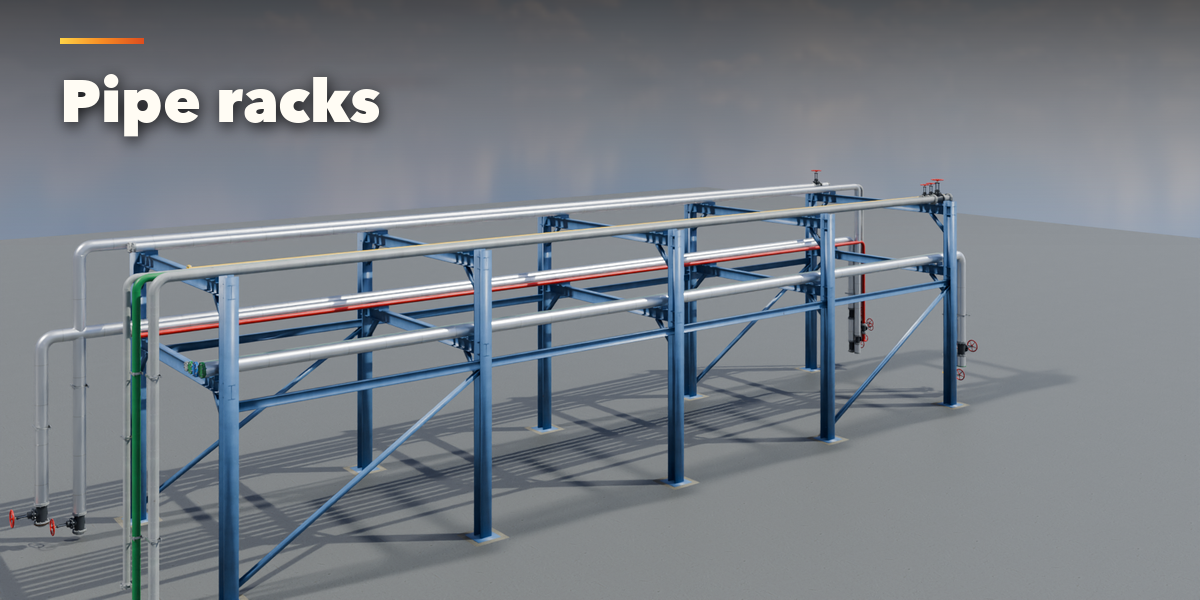
- The card at the top shows the system, the layout and what was built. In Draw mode press Edit Route to edit the curve: pipes follow while you move points, and the plus button adds another run. In A to B mode press Move Targets and move the Start and End empties. In Wall and Pipe Rack mode change the Seed.
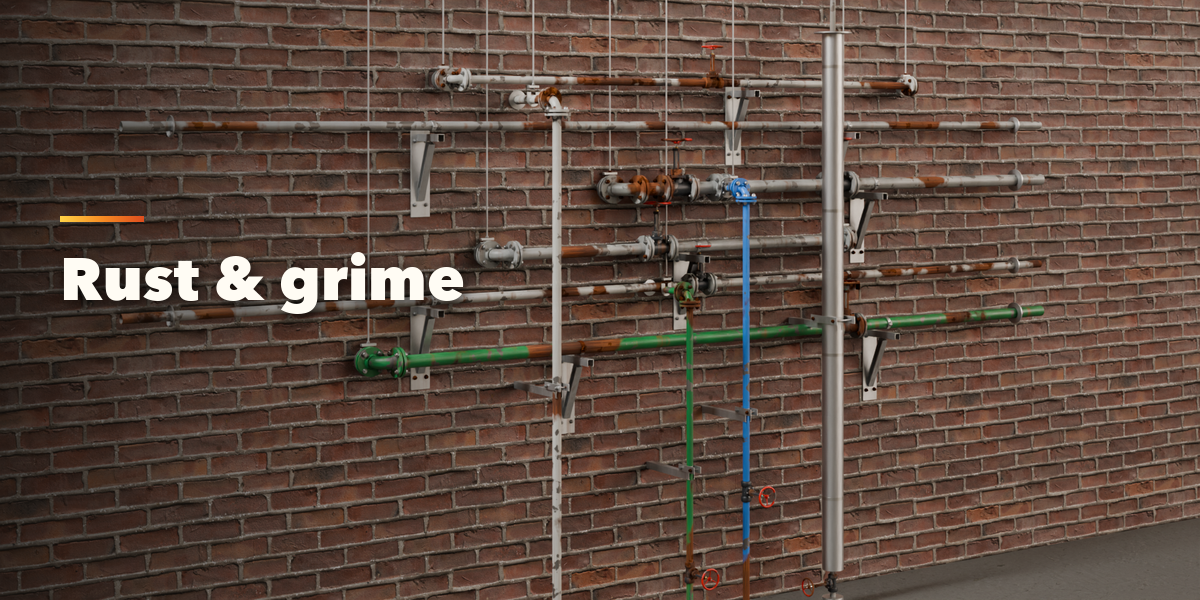
- Surprise Me makes a new random network, Vary changes the current one a little, Service picks a new service and colors, Wear rolls new dirt and rust, and the arrow resets the system.
- The icon tabs hold every setting: Route (layout, bundles, expansion loops, room), Pipe (material, size, joints, bends), Valves & Fittings, Ends & Equipment, Supports, Insulation & Markings, Paint & Wear and Parts & Export (part visibility, detail, Convert to Mesh, Make LODs).
- Everything is built in real meters. Each part (pipes, fittings, valves, insulation, supports, equipment) is its own named object in the network's collection.
Have questions about this product?
Login to message
| Blender Extension Compatible | Yes |
| Published | about 17 hours ago |
| Blender Version | 4.2 - 5.2 |
| Extension Type | Add-on |
| Render Engine Used | Cycles, Eevee |
| License | GPL |

Discover more products like this
factory Ducts Generator plumbing sci fi industrial procedural HVAC pipes pipe network valves game ready