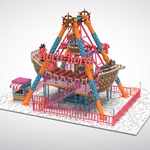
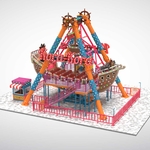
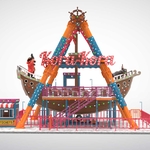
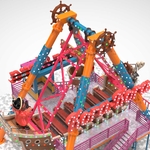
Pirate Ship Ride
 Fuad ADV


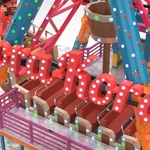

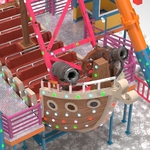
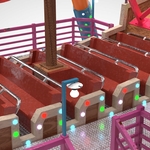
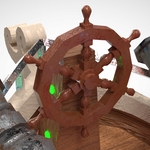
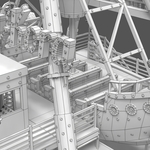
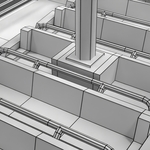
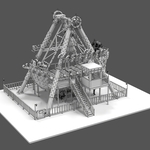
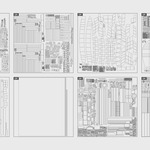
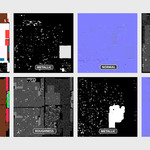
How to use:
Extract the Zip File, and place Pirate_Ship_Ride.blend in the same folder as the Textures folder, then open the blend file.
Pirate_Ship_Ride_blend.zip
Pirate_Ship_Ride_blend/
├── Textures/
└── Pirate_Ship_Ride.blend
Do the same for fbx and obj
Pirate_Ship_Ride_fbx.zip
Pirate_Ship_Ride_fbx/
├── Textures/
└── Pirate_Ship_Ride.fbx
Pirate_Ship_Ride_obj.zip
Pirate_Ship_Ride_obj/
├── Textures/
├── Pirate_Ship_Ride.mtl
└── Pirate_Ship_Ride.obj
How to use for Unity package:
- Import the package into your Unity project.
- Create a new scene or open a scene in your project.
- In the prefab folder Assets/Fuad_ADV/Pirate_Ship_Ride/Prefabs, select the prefab type according to the rendering pipeline you are using, then drag and drop the prefab into your scene hierarchy.
- Materials and textures are already applied based on the Built-in, URP, and HDRP rendering pipelines.
$50
Have questions about this product?
Login to message
| Published | about 1 year ago |
| Blender Version | 3.6 - 4.2 |
| Render Engine Used | Cycles |
| Misc Data | Uvs-Unwrapped, Normal-Mapped, Textured |
| License | Royalty Free |

Discover more products like this
attraction festival amusement park pirate low poly adventure ride park amusement swing ship pirate ship