Pixel Art Renderer
 Pixel Egg Studio
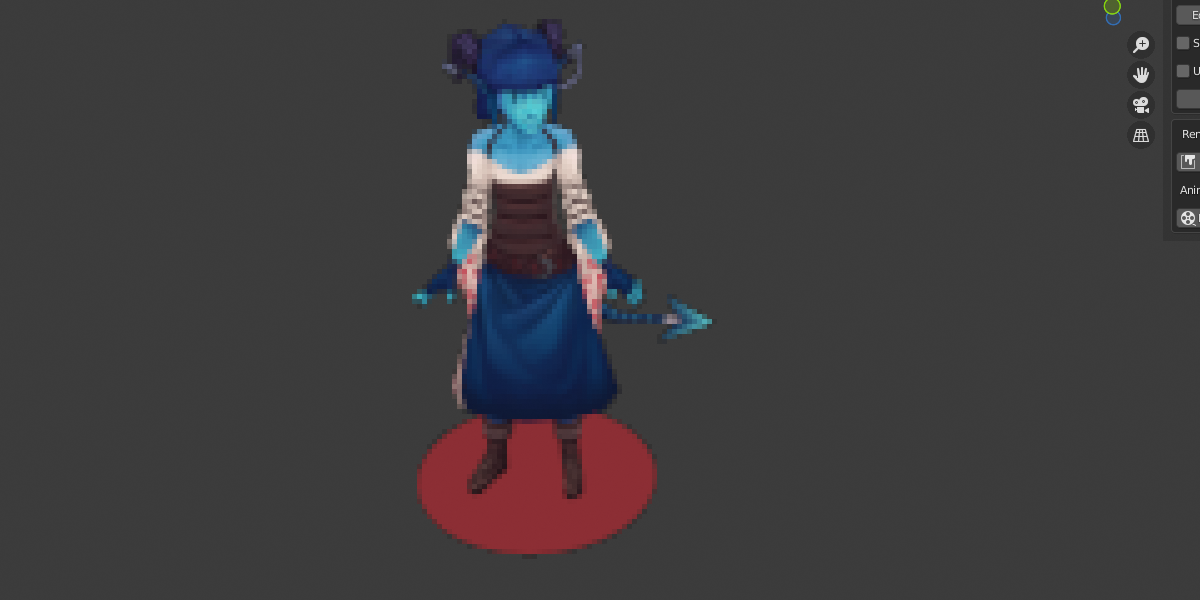
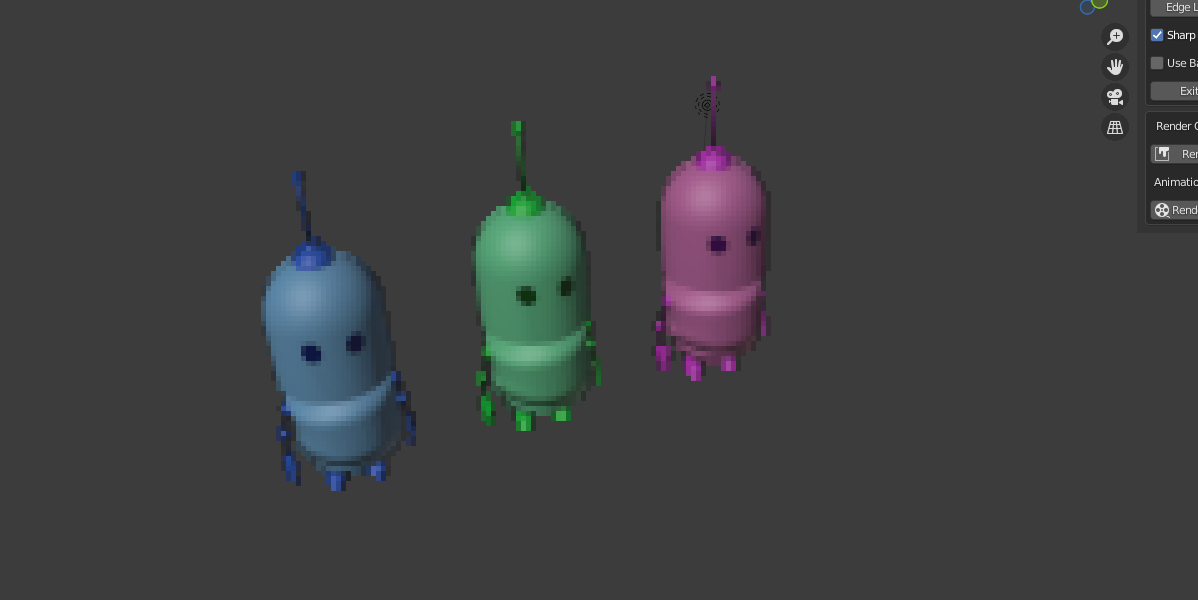
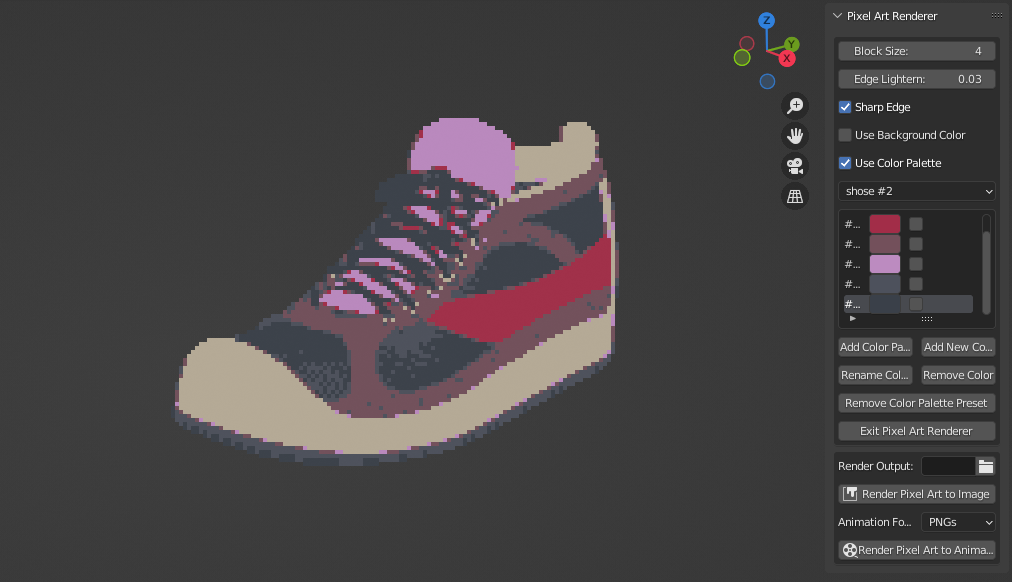

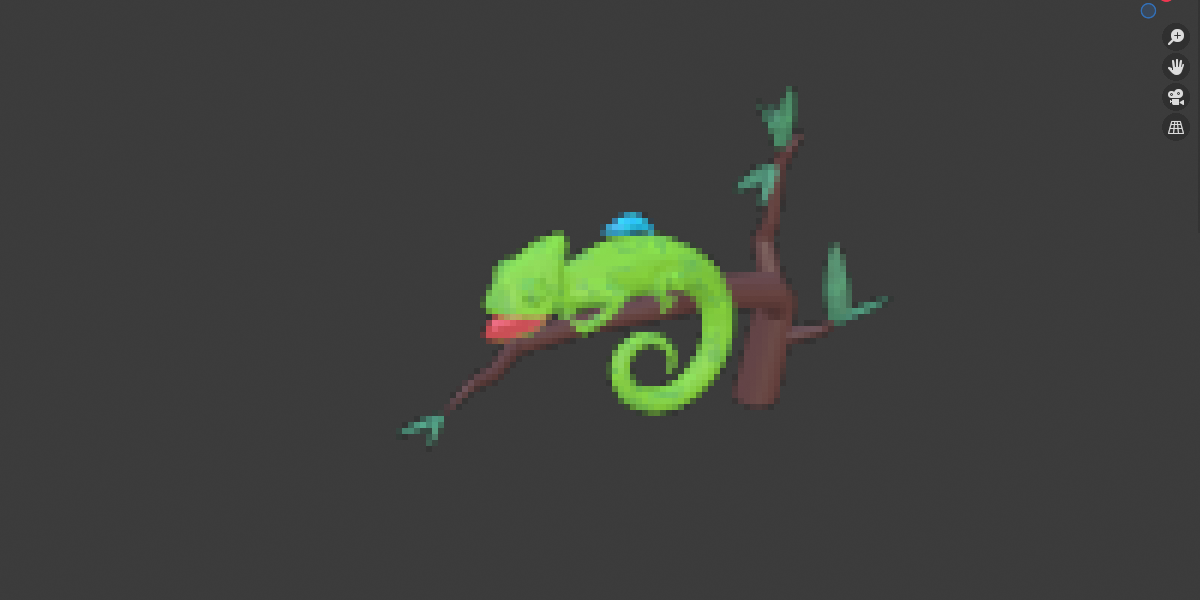
- How to install?
Open Blender, go to File > User Preferences > Add-ons (or Edit > Preferences > Add-ons in 2.80 or later version), then press the “Install Add-on from File” button. Select the ZIP file that you downloaded after purchase and install it.
After installed, tick the add-on checkbox to enable it, and save your user preferences so it stays enabled.
- How to use?
After you install and active the add-on, you can see a Pixel Art Renderer tab in the 3d viewport.