 CGMatter





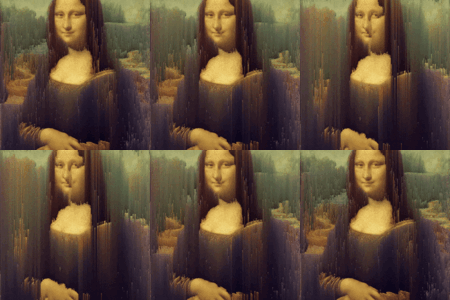

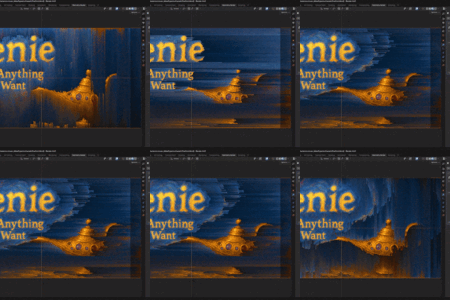

Tutorial
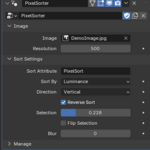
Settings

Image (image): source image to pixel sort.
Resolution (integer): x-axis resolution of the image (start low and then build up).
Sort Attribute (string): name of the attribute you want to store the texture on (used for the material).
Sort By (menu): metric used for pixel sorting.
Direction (menu): sort vertically or horizontally.
Reverse Sort (boolean): invert metric used for pixel sorting.
Selection (float): threshold for which pixels get sorted.
Flip Selection (boolean): invert which pixels get sorted.
Blur (integer): smooths out the threshold for which pixels get sorted (lowers noise).
The result will be stored in a 'PixelSort' attribute that can be used in the material for rendering.
Installation
Install just like any other addon. Drag the .zip right into Blender and click confirm. It will show up in the 3D Viewport N-Panel. The addon is essentially a fancy way to open the Pixel Sort template file with auto-image selection.
$10
Have questions about this product?
Login to message
| Blender Extension Compatible | Yes |
| Sales | 20+ |
| Dev Fund Contributor | |
| Published | over 1 year ago |
| Blender Version | 4.3 - 4.4 |
| Extension Type | Add-on |
| Render Engine Used | Cycles, Eevee |
| License | GPL |
Discover more products like this
datamosh mograph addon glitch effect compositing effect motion graphics datamoshing pixel sort mograph glitch addon procedural shading effect glitch art pixelsorting pixel sorter