 arsha 3D plant designer


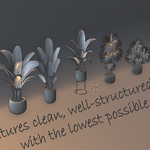
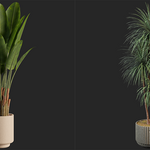
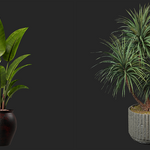

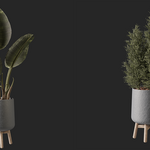
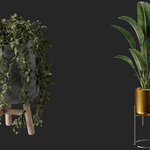
Arsha Plant Library — Plants with one click for Blender
You're building a scene. The lighting looks right, the composition is almost ready... but your environment looks empty and flat. You know it needs plants, but you're terrified of the time it takes to go through files, add objects, and adjust them to see if they work.
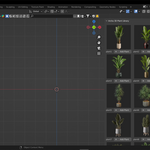
That's exactly why I built the Arsha Plant Library . I needed a faster way to add plants to my scenes without disrupting my creative flow. Now, instead of wasting minutes searching, I simply look at the thumbnails in the Plants panel , click once, and the model appears right in front of my 3D cursor - ready to move, rotate, or render.
Imagine: You're creating a cozy interior rendering. Within seconds, you click on plant3 and a leafy model appears. Two more clicks - plant7 and plant9 - and suddenly the space seems alive. No need to search for file paths, no need to guess which model to load. Just visual, instant selections.
Why it helps you
Stay on top of things : No more interrupting your workflow to import assets.
See before you add : Thumbnails give you a sense of what's going into your scene.
Always ready : Assets are placed in the 3D cursor, pre-selected.
-
Flexible : Works with objects or collections, so your library is easily expandable.
Stay on top of things : No more interrupting your workflow to import assets.
See before you add : Thumbnails give you a sense of what's going into your scene.
Always ready : Assets are placed in the 3D cursor, pre-selected.
Flexible : Works with objects or collections, so your library is easily expandable.
Bring your renders to life faster. Open the Plants panel , select a thumbnail, and let your scene grow.
Compatibility:
Blender: 3.0+
Installation : A demo video (click) is provided to show how the plugin works.
Another lesson in practical use.
Support : Updates and initial support included; contact us if you have any issues or feature requests.