Plasma Reaper – AAA Game-Ready Sci-Fi Weapon + Full Tutorial
 reyhane_3d
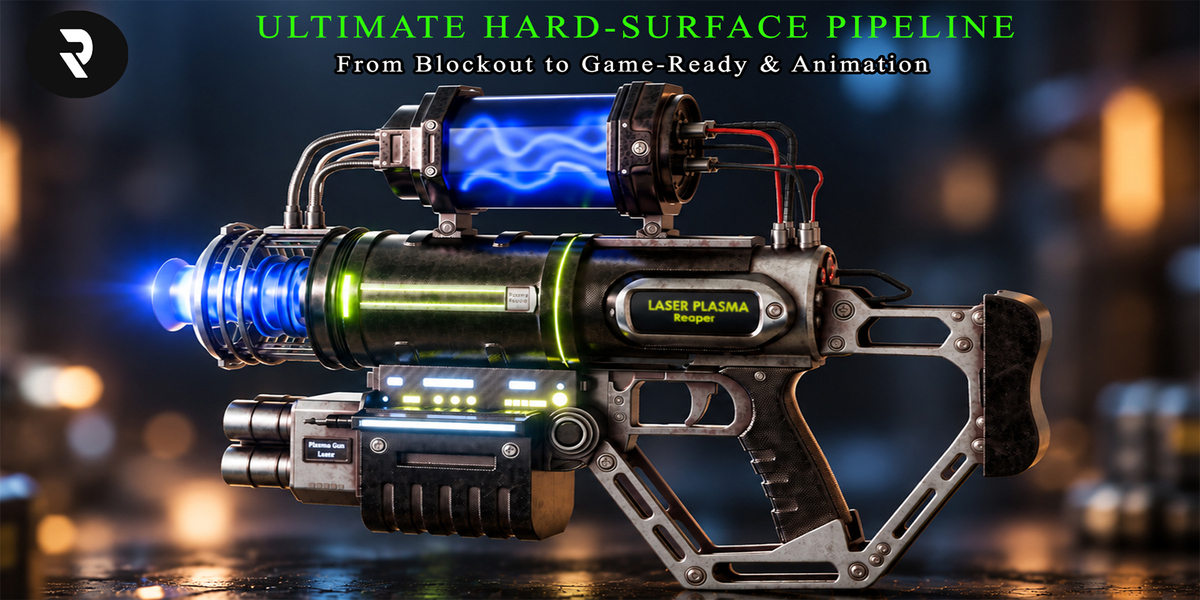
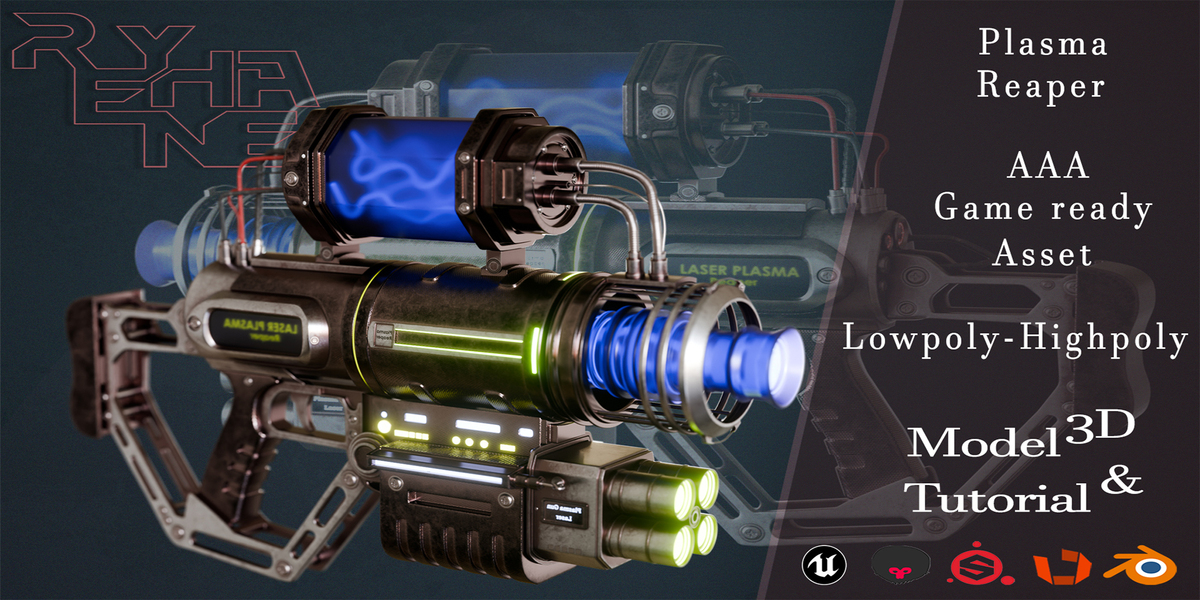
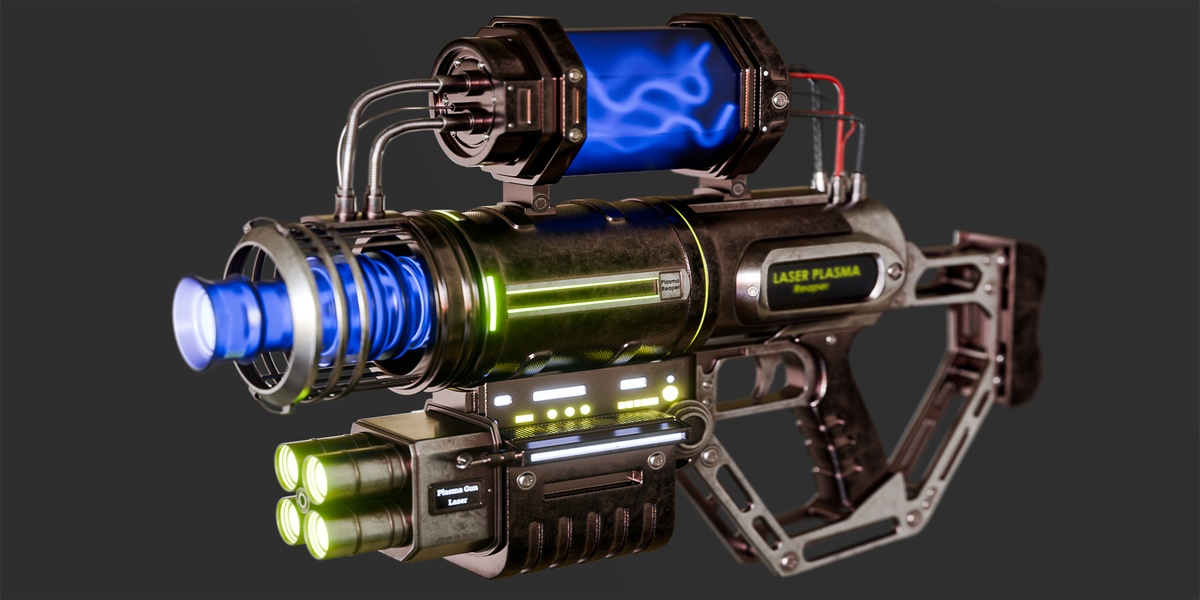
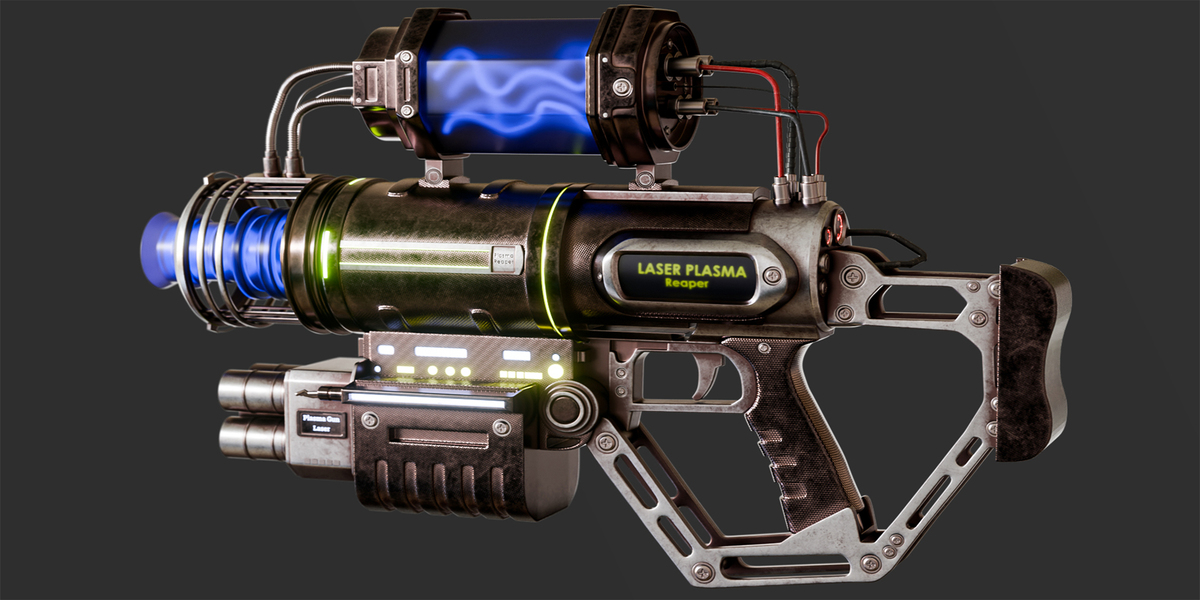
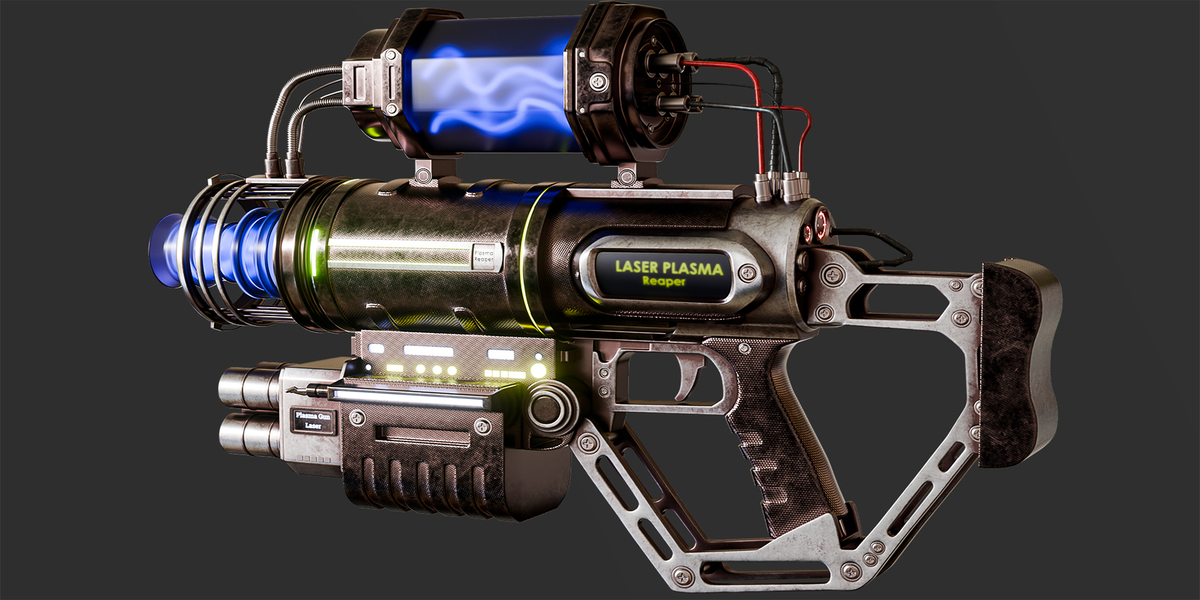
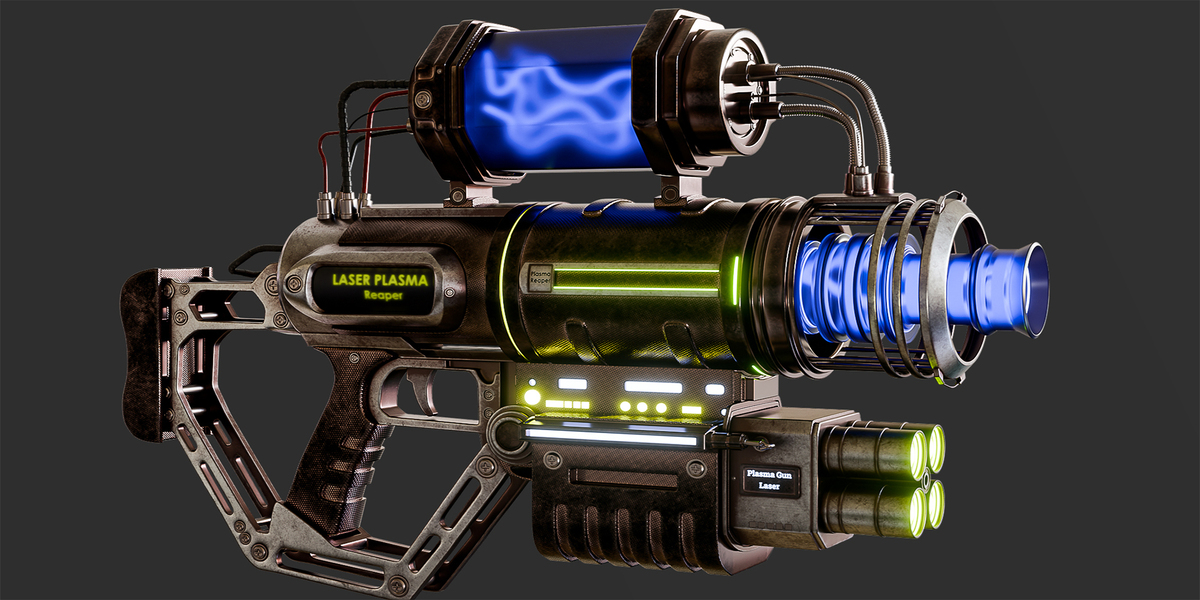
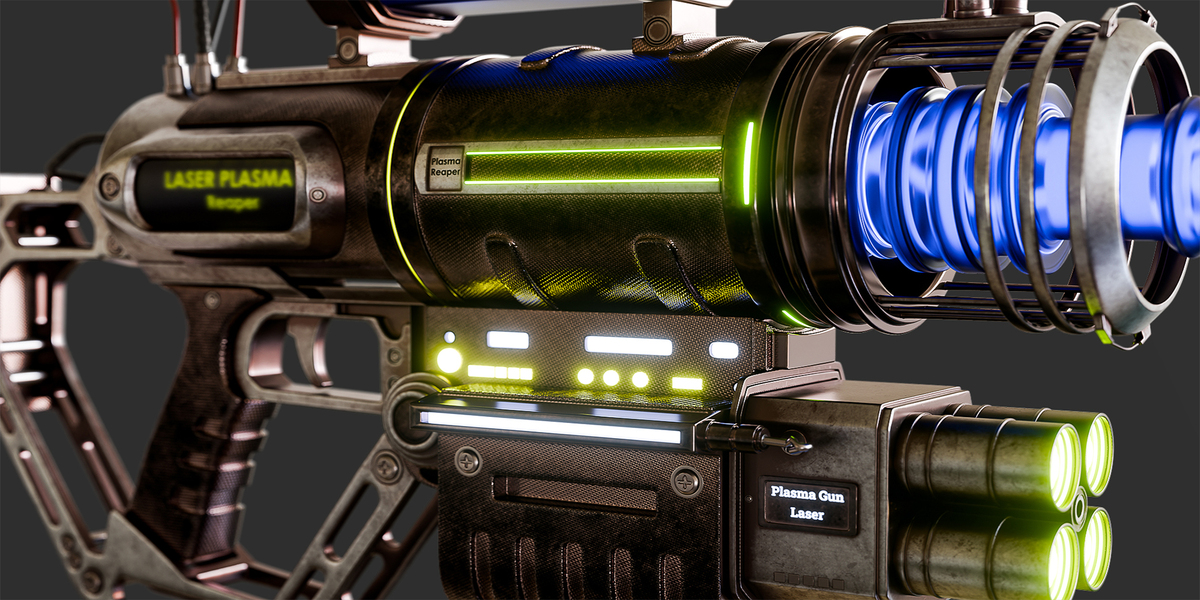
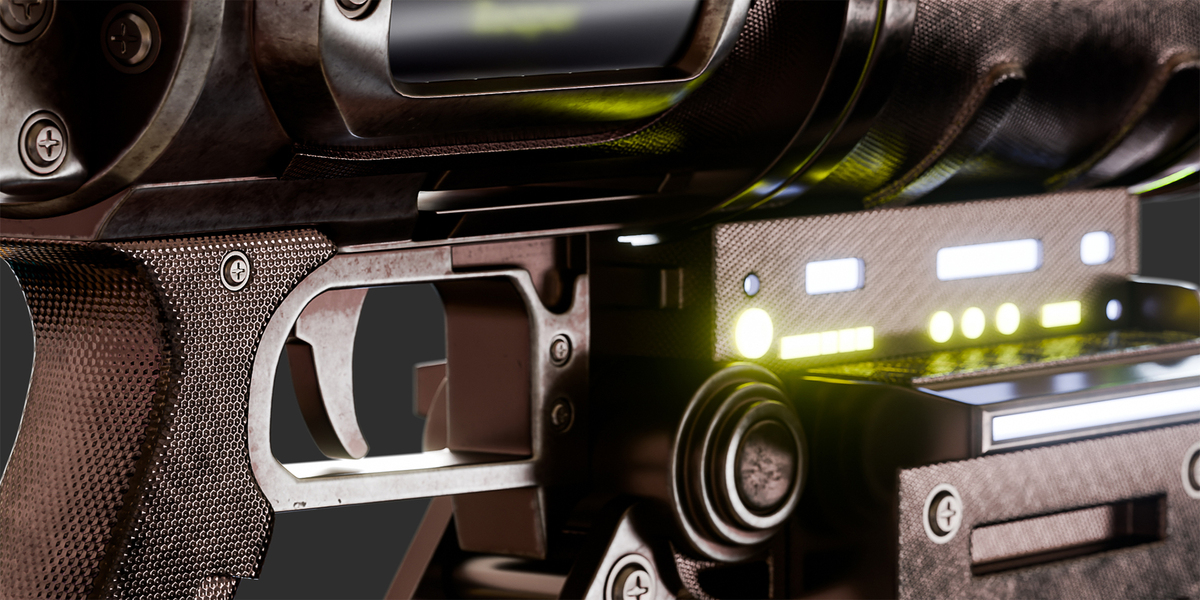
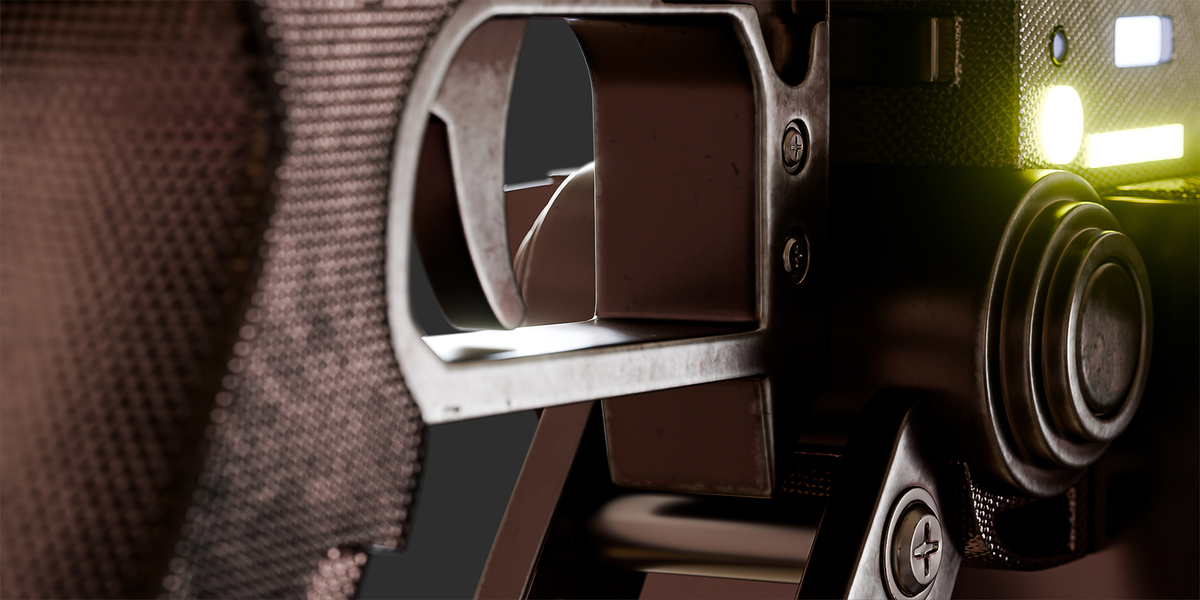
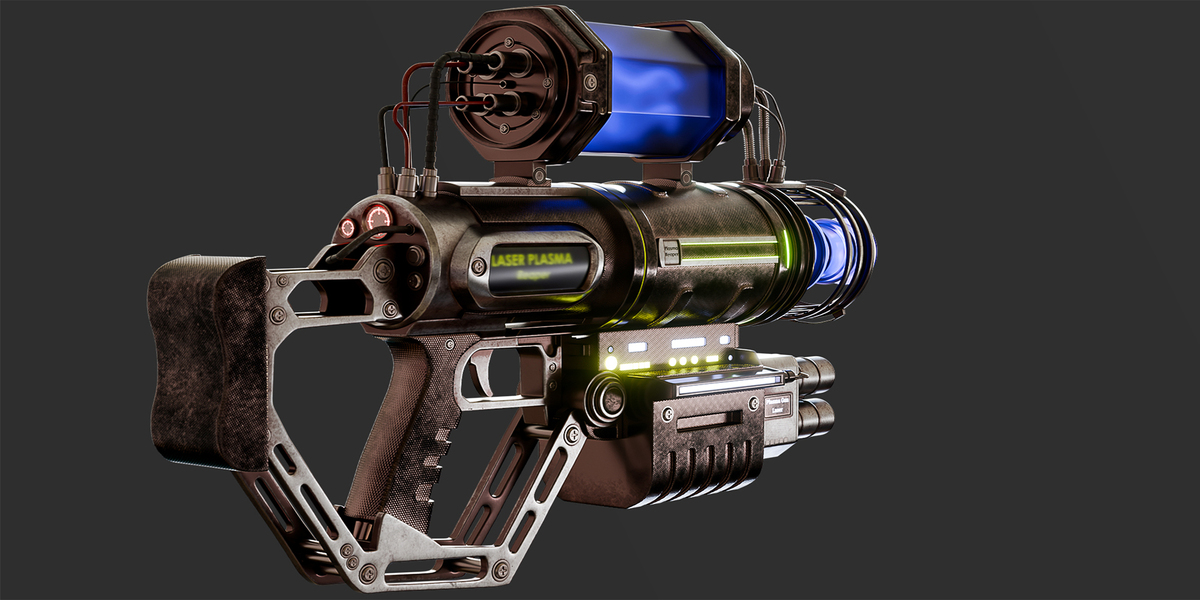
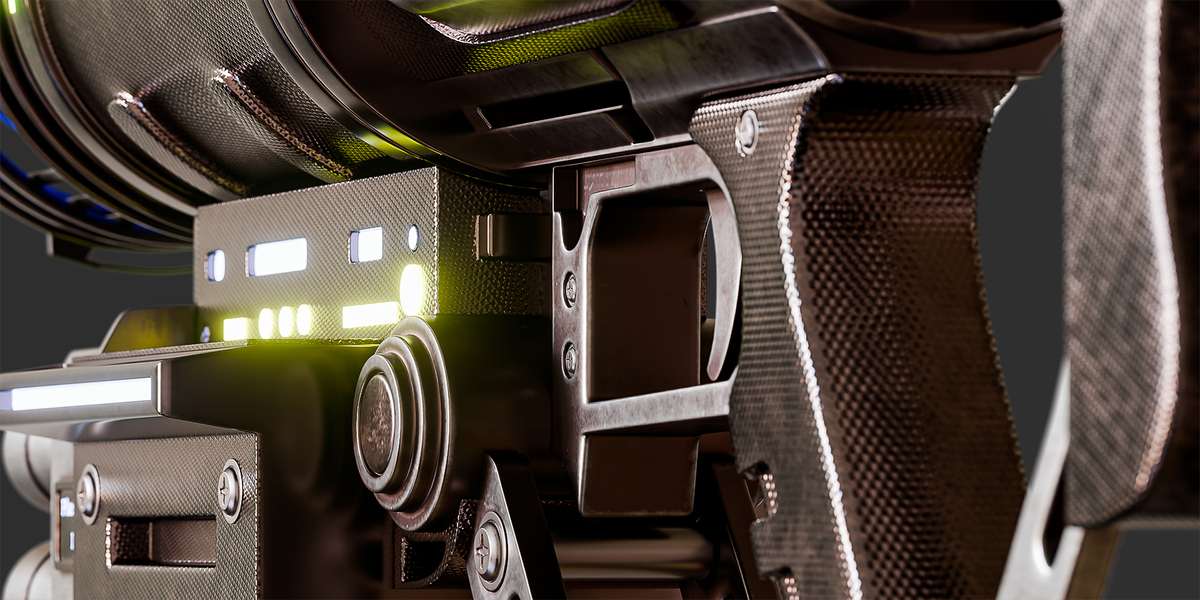
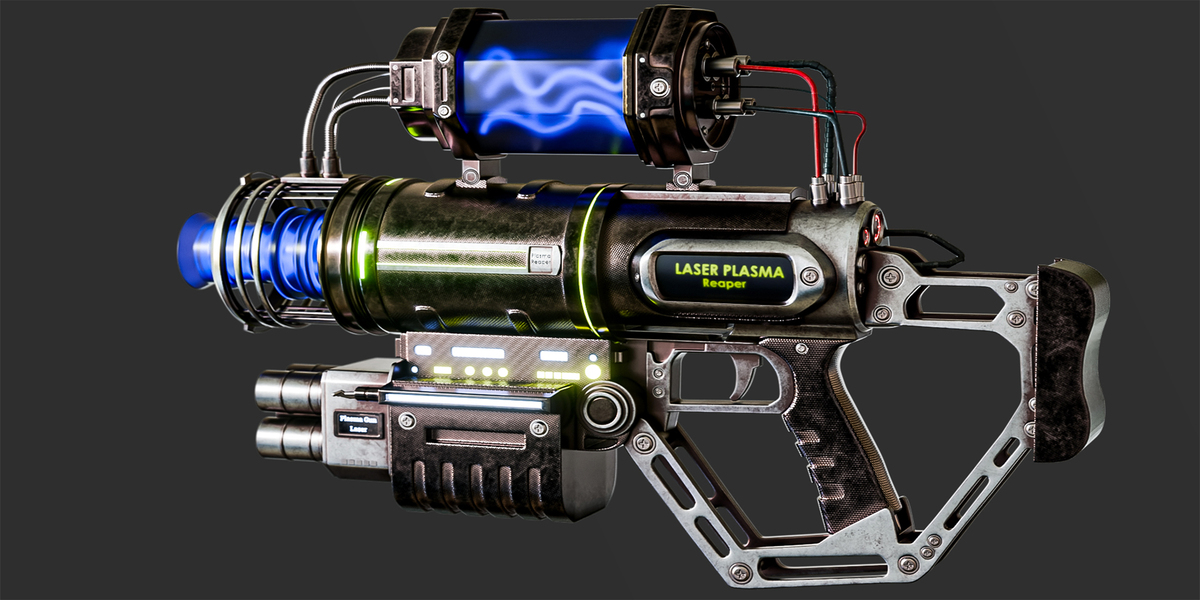
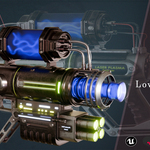
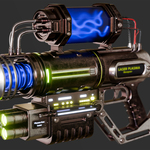
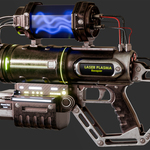
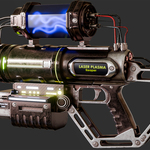
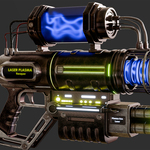
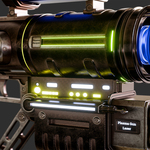
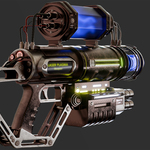

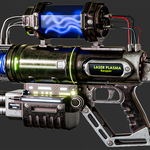
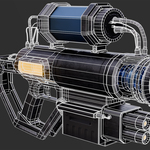
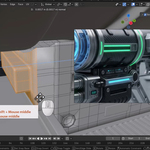
Plasma Reaper – Product Documentation
Product Information
Product: Plasma Reaper – AAA Game-Ready Sci-Fi Weapon
Creator: Reyhane3D
Asset Type: Sci-Fi Weapon / Hard-Surface Game Asset
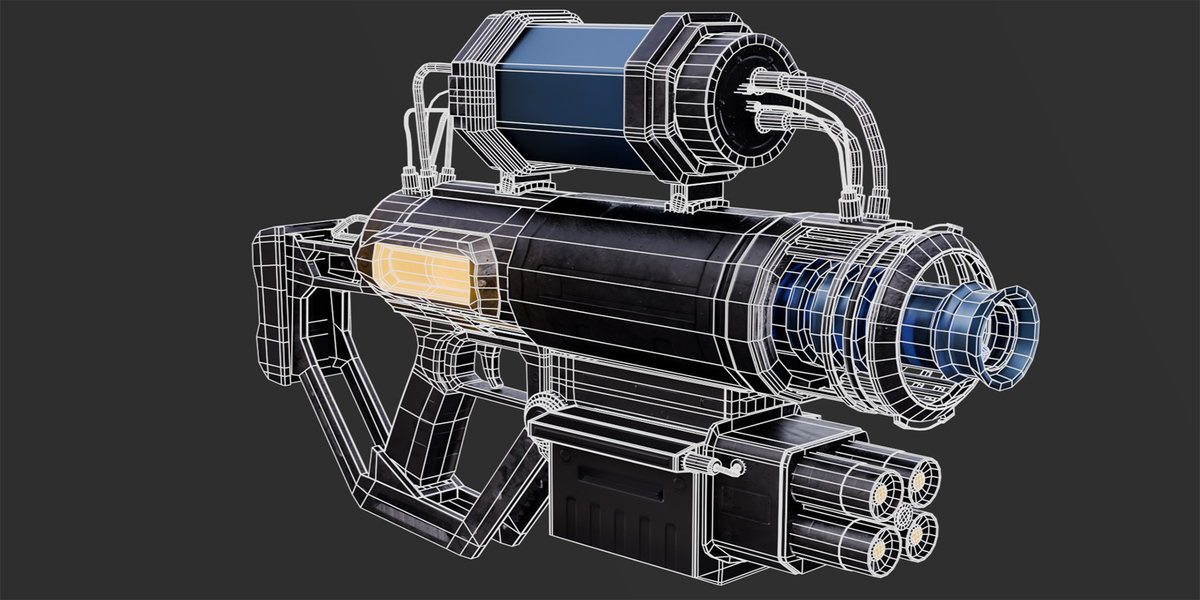
Plasma Reaper is a detailed futuristic weapon asset featuring high-resolution source geometry, an optimized game-ready model, 4K PBR textures, emissive plasma elements, and a complete production workflow tutorial.
Technical Specifications
| Specification | Details |
|---|---|
| High-Poly Geometry | 5,897,392 Tris |
| Low-Poly Geometry | 43,044 Tris |
| Texture Resolution | 4096 × 4096 (4K) |
| Texture Workflow | PBR Metallic / Roughness |
| Model Formats | BLEND, FBX, OBJ |
| Game Engine | Unreal Engine 5 |
| Tutorial Duration | 13+ Hours |
| Tutorial Format | Silent Screen Recording |
Included Content
The Full Pack includes:
High-poly source geometry
Optimized low-poly game asset
4K PBR texture maps
Editable Blender project files
Unreal Engine 5 project and material setup
Complete multi-part production tutorials
PBR Texture Maps
Base Color
Roughness
Metallic
Normal
Ambient Occlusion
Emissive
Opacity / Transparency where applicable
Software Compatibility
The production workflow uses:
Blender
RizomUV
Adobe Substance 3D Painter
Marmoset Toolbag
Unreal Engine 5
FBX and OBJ files can also be imported into compatible 3D applications.
Materials may require adjustment when transferring between different rendering engines.
Getting Started
Blender
Extract the downloaded archives.
Open the included Blender project or import the FBX/OBJ model.
Check the texture file paths and relink any missing textures.
Verify the material configuration.
Open the provided scene to inspect the model and rendering setup.
Unreal Engine 5
Open the included Unreal Engine project, or import the Low-Poly FBX into your existing project.
Import the supplied PBR textures if necessary.
Verify the Base Color, Normal, Roughness, Metallic, and Ambient Occlusion connections.
Check the emissive plasma material and adjust its intensity as needed.
Configure transparent elements using the appropriate glass material.
Verify the model scale, orientation, and appearance in your scene.
Marmoset Toolbag
Import the model.
Assign the supplied texture maps.
Configure the metallic/roughness PBR material.
Configure emissive and transparent components separately.
Adjust lighting and camera settings for your desired presentation.
Complete Production Tutorial
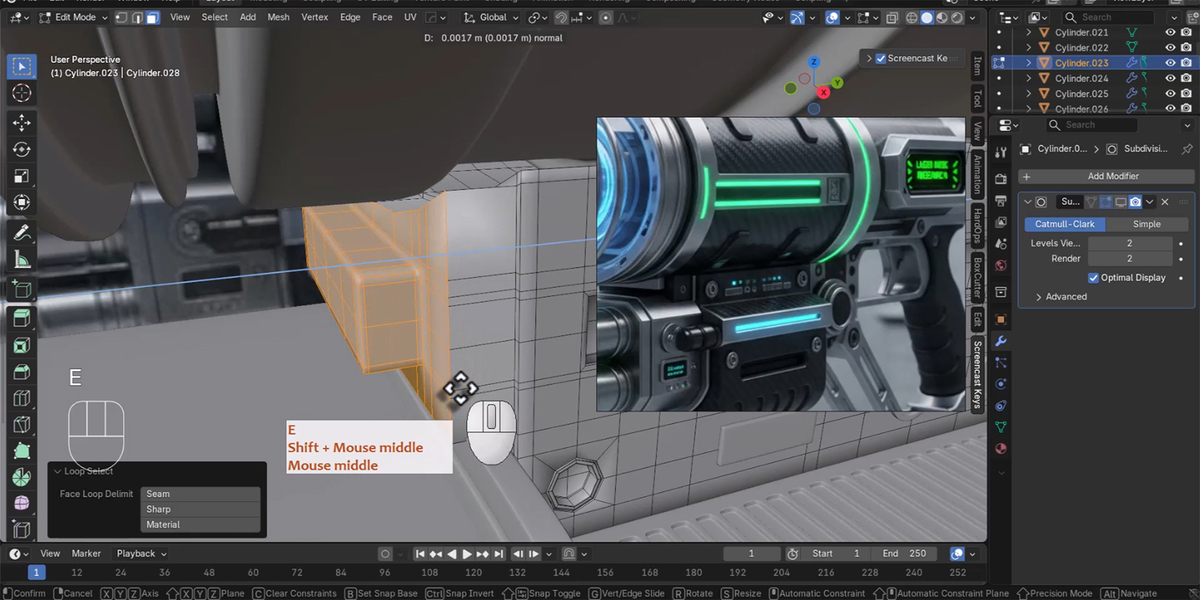
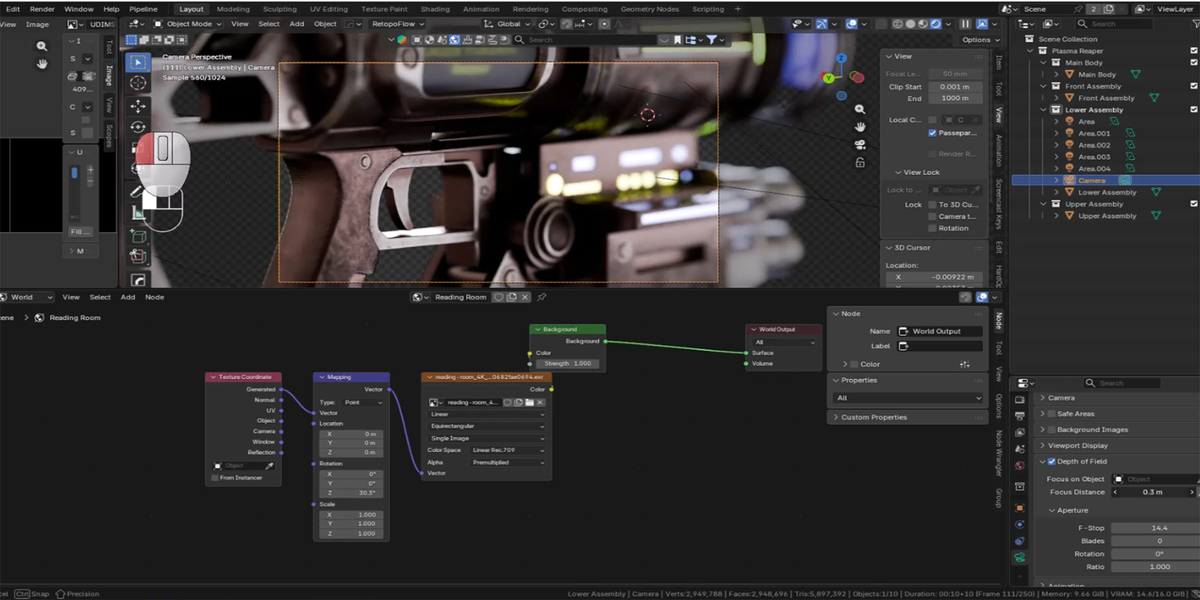
The Full Pack includes more than 13 hours of recorded production footage covering:
High-poly modeling in Blender
Initial UV unwrapping in RizomUV
PBR texturing in Substance 3D Painter
Professional rendering in Marmoset Toolbag
Cinematic rendering and animation in Blender Cycles
Retopology and low-poly optimization
Final UV mapping, baking, and texturing
Wireframe and topology presentation in Blender
Unreal Engine 5 integration and material setup
Tutorial Format
Audio: None
Narration: None
Background Music: None
Mouse Movements: Visible
Mouse Click Indicators: Enabled
All tutorial videos are completely silent screen recordings demonstrating the actual production workflow.
They do not include spoken explanations or audio commentary.
Important Notes
Extract the compressed archives before opening the project files.
Keep texture files organized to prevent missing texture references.
Verify materials after importing FBX or OBJ files into another application.
Use the low-poly version for real-time applications.
Use the high-poly source for detailed rendering, modifications, and custom baking workflows.
The Unreal Engine material setup may need adjustment depending on project lighting and rendering settings.
External applications used during production are not included with the product.
Redistribution or resale of the original asset files and tutorial recordings is not permitted unless expressly authorized by the applicable license.
Creator
Reyhane3D
Professional Hard-Surface 3D Assets for Games & Cinematics.
Video Showcase: https://youtu.be/KXD0jsJSgUI
Have questions about this product?
Login to message
| Published | about 15 hours ago |
| Blender Version | 3.6 - 5.2 |
| Render Engine Used | Cycles, Eevee |
| Misc Data | Uvs-Unwrapped, Low-High-Resolution, Normal-Mapped, Textured |
| License | Royalty Free |
Discover more products like this
game ready 3d tutorial low poly Plasma Reaper blender hard surface pbr-textures high poly Substance painter unreal-engine-5 sci-fi weapon Weapon Modeling