Platformix — Platforms, Stairs & Railings
 shakal0lo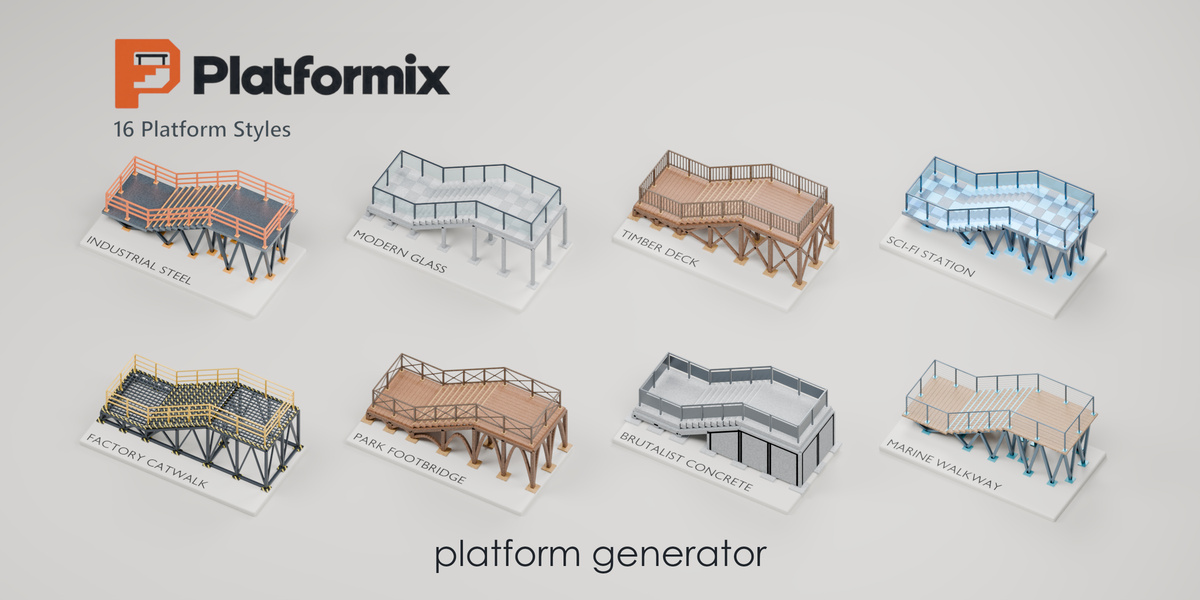
Platformix 1.0.0 — Quick Guide
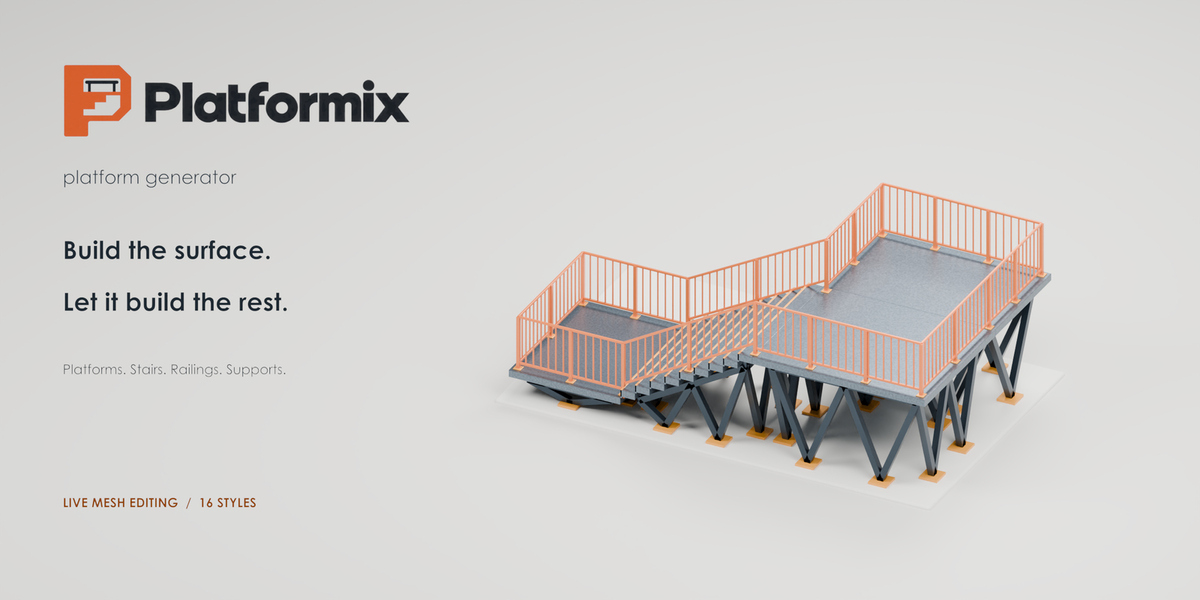
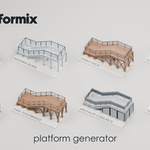
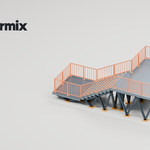
Generate platforms, stairs, railings and supports from an editable mesh. Includes 16 style presets and automatic updates.
Compatible with Blender 4.5–5.2.
Installation
- Open Edit → Preferences → Get Extensions → Install from Disk.
- Select platformix-1.0.0.zip without extracting it, then enable Platformix.
- In the 3D Viewport, press N and open the platformix tab.
If replacing an older version, restart Blender after installation.
Get Started
- Click the style thumbnail and choose a preset.
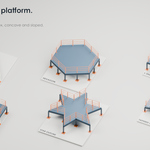
- Expand Platforms and choose Flat Platform or Walkway + Stairs. For your own mesh, select it in Object Mode and click Use Selected Mesh.
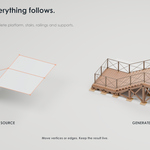
- Click a generated part to select its editable source automatically.
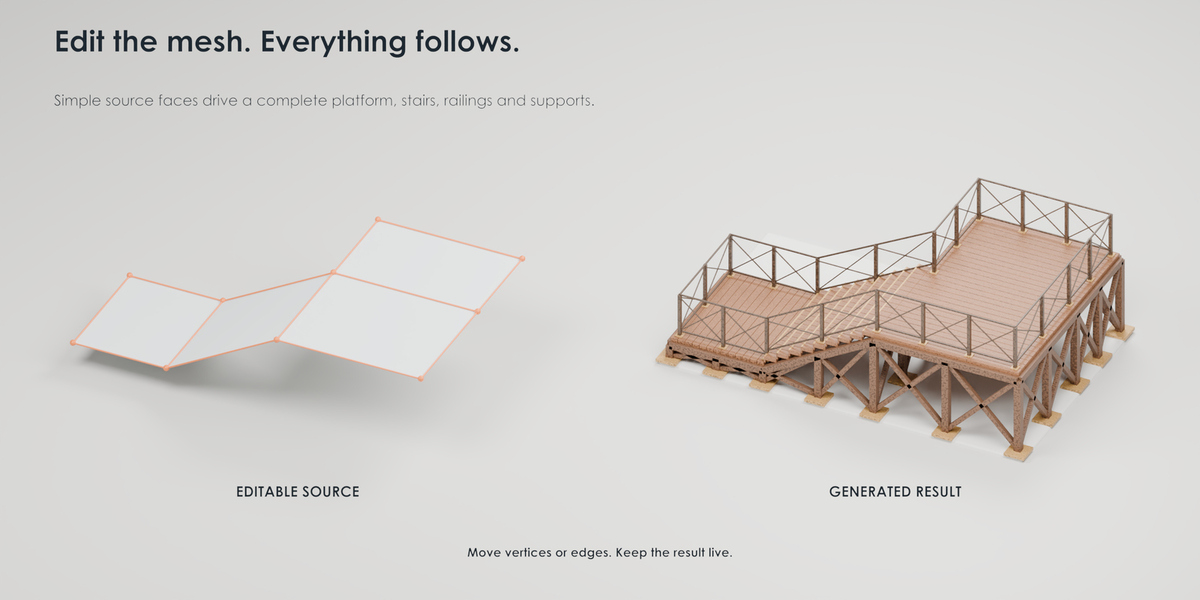
- Press Tab and move vertices or edges. The result updates automatically.
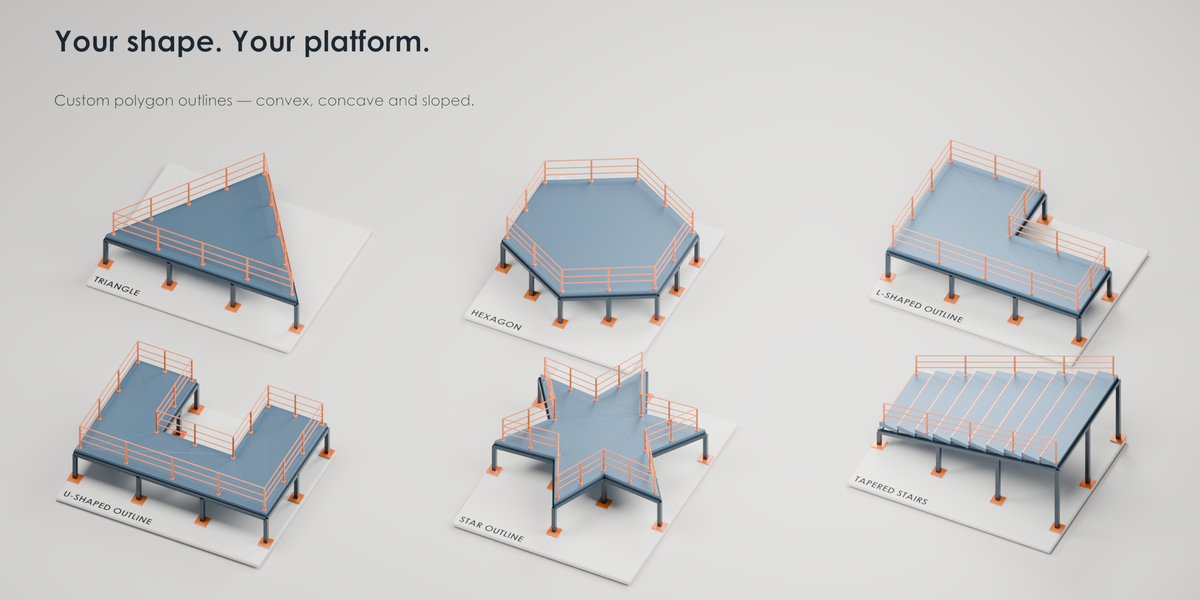
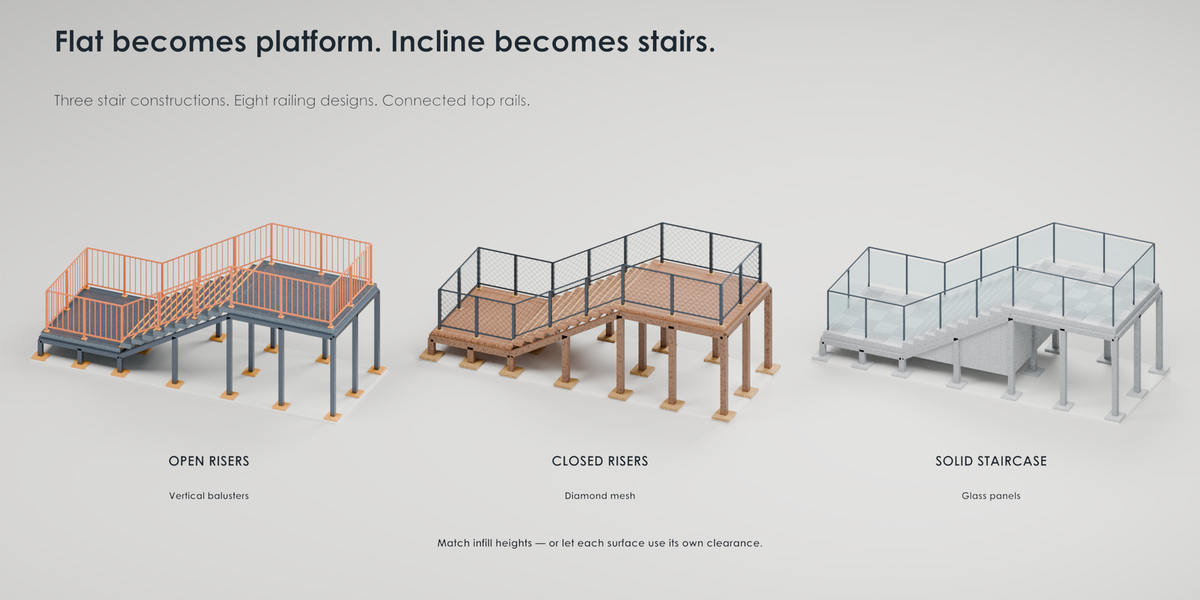
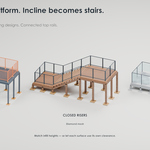
Flat faces become platforms; inclined faces become stairs. Use simple, preferably planar faces with welded shared edges.
Main Controls
- Platforms: Select, Edit, Rename, Frame or Delete a platform. Delete asks for confirmation and removes the platform and its source.
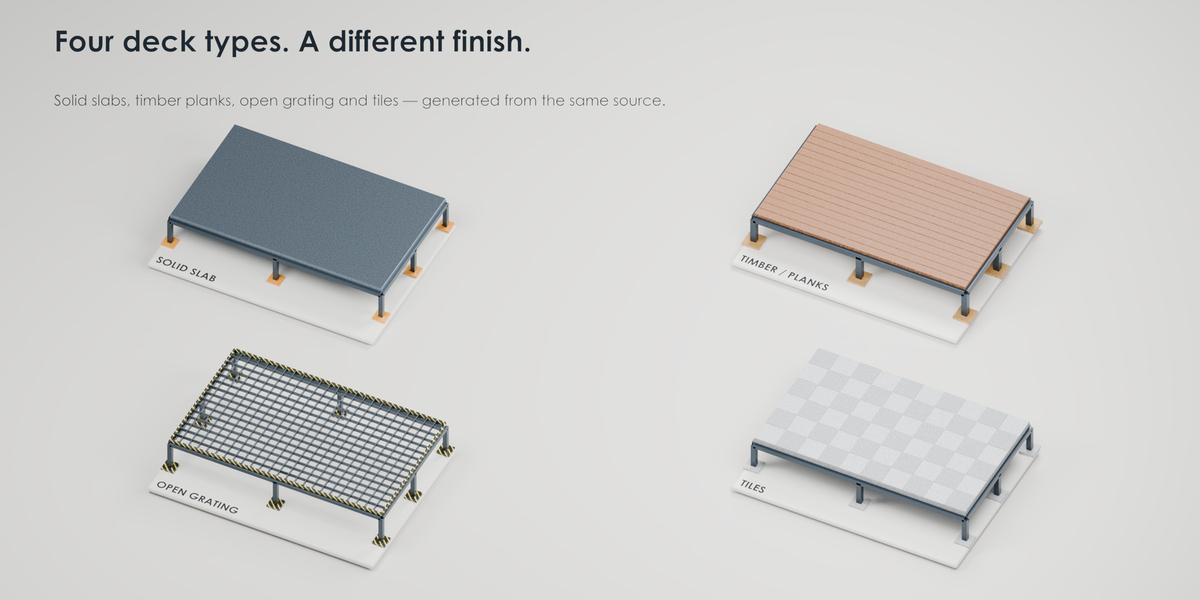
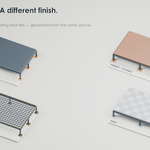
- Deck / Landing: Choose Solid Slab, Timber / Planks, Open Grating or Tiles. Adjust thickness, spacing and gaps.
- Stairs: Choose Open Risers, Closed Risers or Solid Staircase. Adjust maximum riser height and nosing.
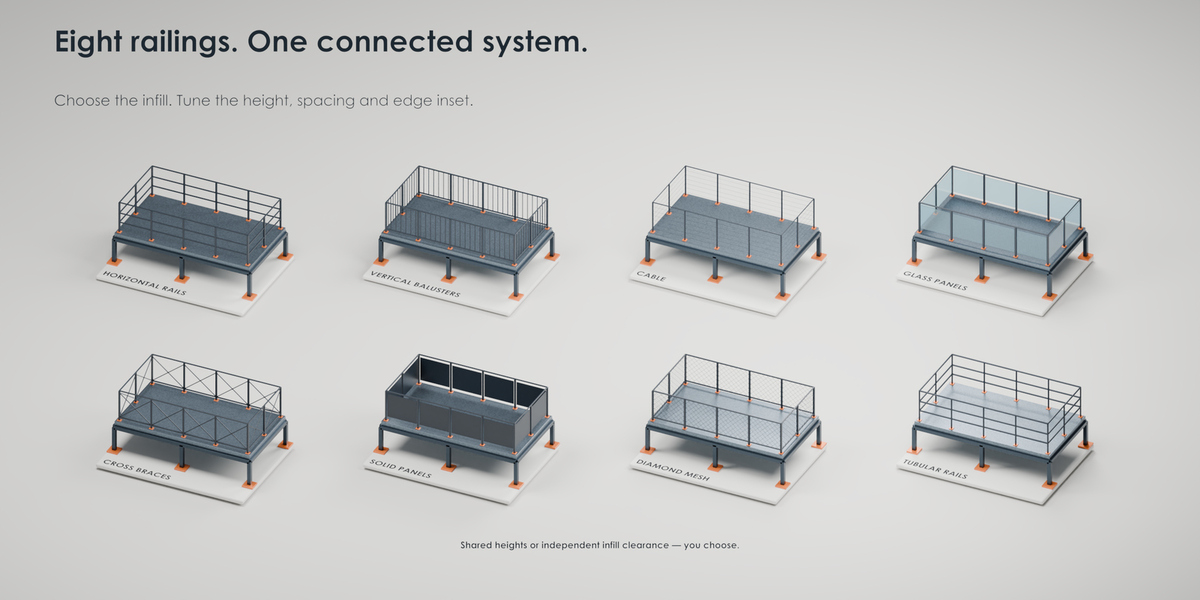
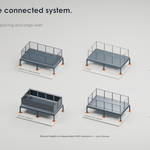
- Railings: Choose from eight designs. Adjust placement, height, inset, sizes and spacing.
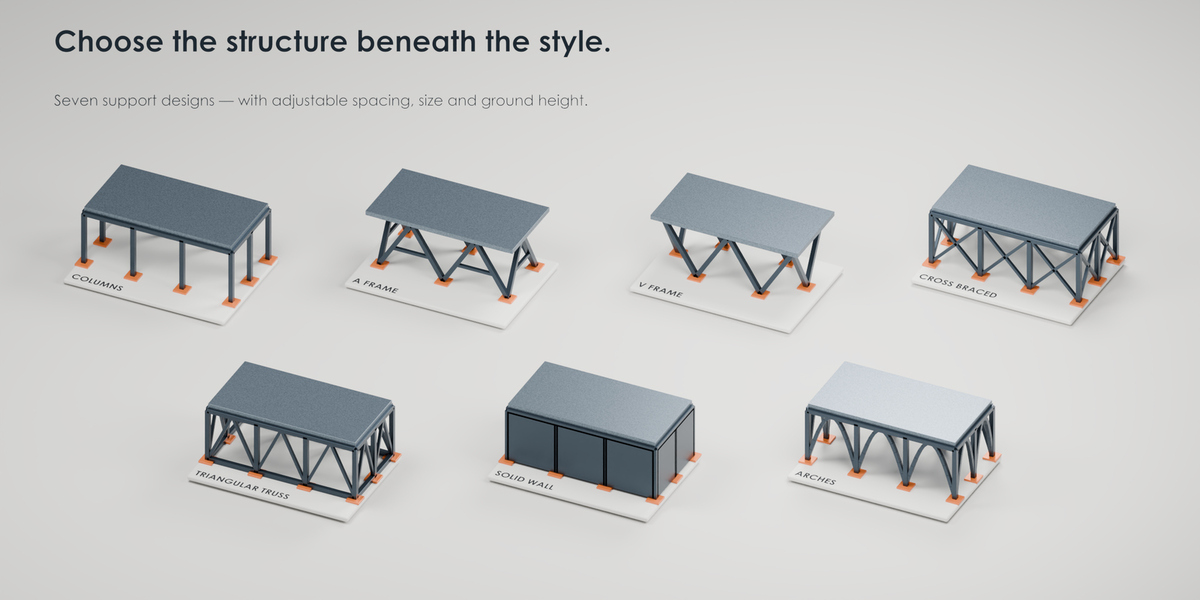
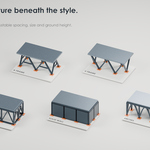
- Supports: Choose from seven structures. Adjust spacing, size, ground height and footings.
- Materials: Customize the Deck, Railing, Support, Accent and Glass slots. Defaults are supplied automatically.
- Others: Adjust Flat Threshold, Maximum Slope and Edge Bevel. Remove Generated Output removes generated parts and keeps the source mesh.
Live Update is always on and generation uses Full quality. Local edits reuse unchanged geometry for faster updates.
Useful Tips
- Use Material Preview or Rendered shading to see materials.
- If stairs do not appear, check the face slope and angle settings in Others.
- If supports are missing, lower Ground Height.
- If unwanted interior railings appear, weld shared edges and remove overlapping faces.
- For short treads, lengthen the sloped face or reduce its elevation change.
- Edit the source rather than generated parts. Source faces stay hidden, while vertices and edges remain editable.
- Source modifiers are not sampled, and supports do not automatically follow terrain.
For help, contact the creator through the Superhive product page.
$10$7.50
Have questions about this product?
Login to message
| Published | 1 day ago |
| Blender Version | 4.5 - 5.2 |
| Render Engine Used | Cycles, Eevee |
| License | GPL |

Discover more products like this
modular stairs procedural construction 3d-asset-game PlatformGenerator platform 2026 addon blender industrial railings