Which Blender version do I need?
Blender 4.2 or newer for building houses. Furnishing, lighting and cameras (InteriorLab) need Blender 5.0 or newer; on Blender 4.2 to 4.5 Plotwright works as before. Tested on 4.5 LTS, 5.1, 5.2 LTS and 5.3. Plotwright is a Blender extension: drag the ZIP into Blender or use Preferences › Get Extensions › Install from Disk.
Is InteriorLab included, or do I buy it separately?
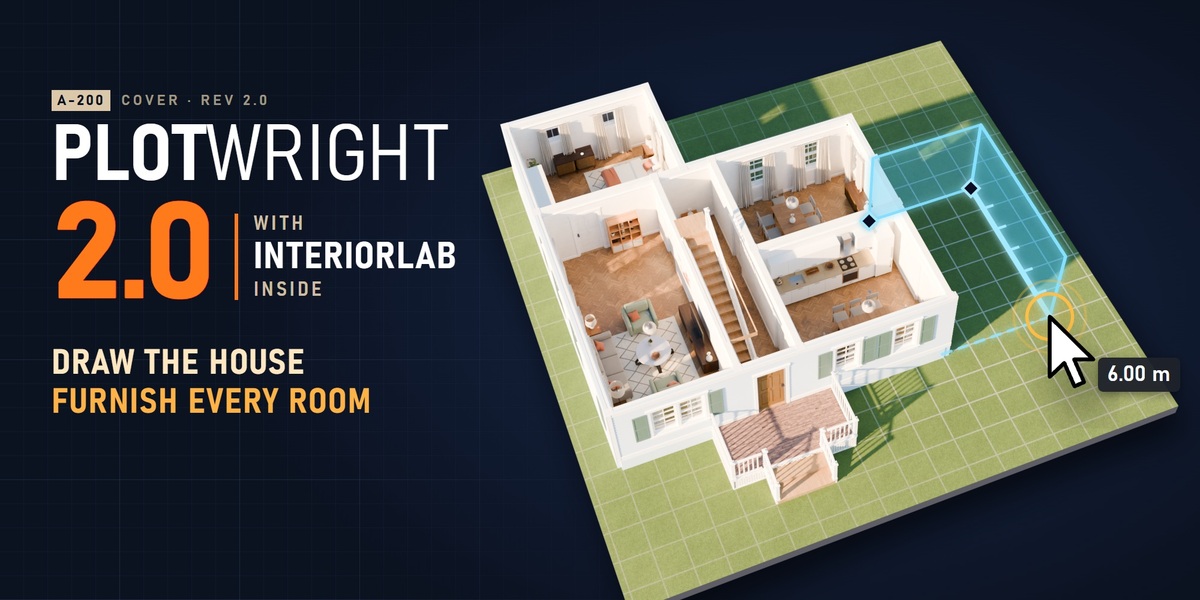
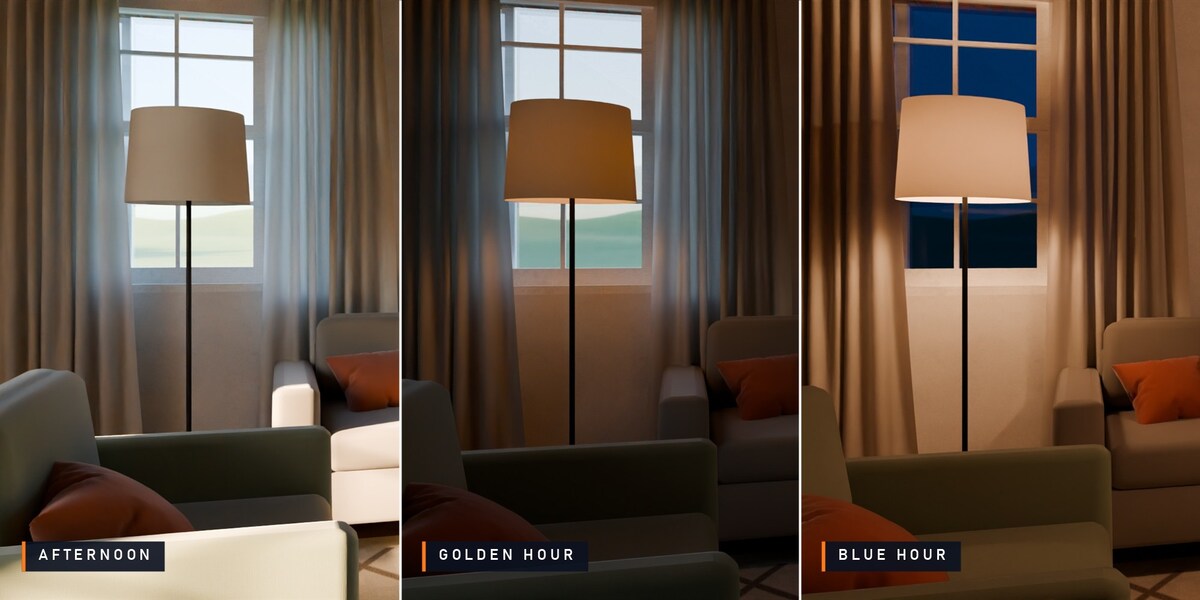
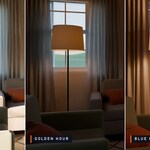
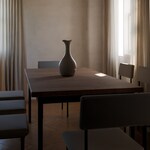
It is included. InteriorLab by Voyde Procedural is inside Plotwright 2.0: one ZIP, one install. Its furnishing, lighting and cameras work in Build Mode and in the Plotwright sidebar, and its own tools are in the sidebar's Interior tab.
How do I furnish a house?
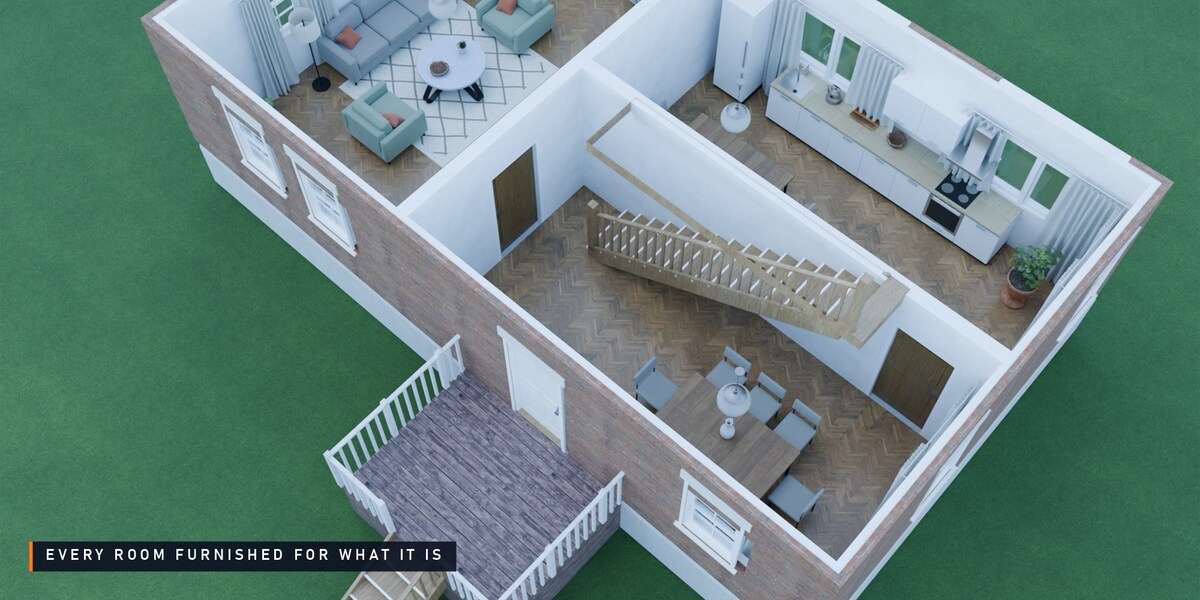
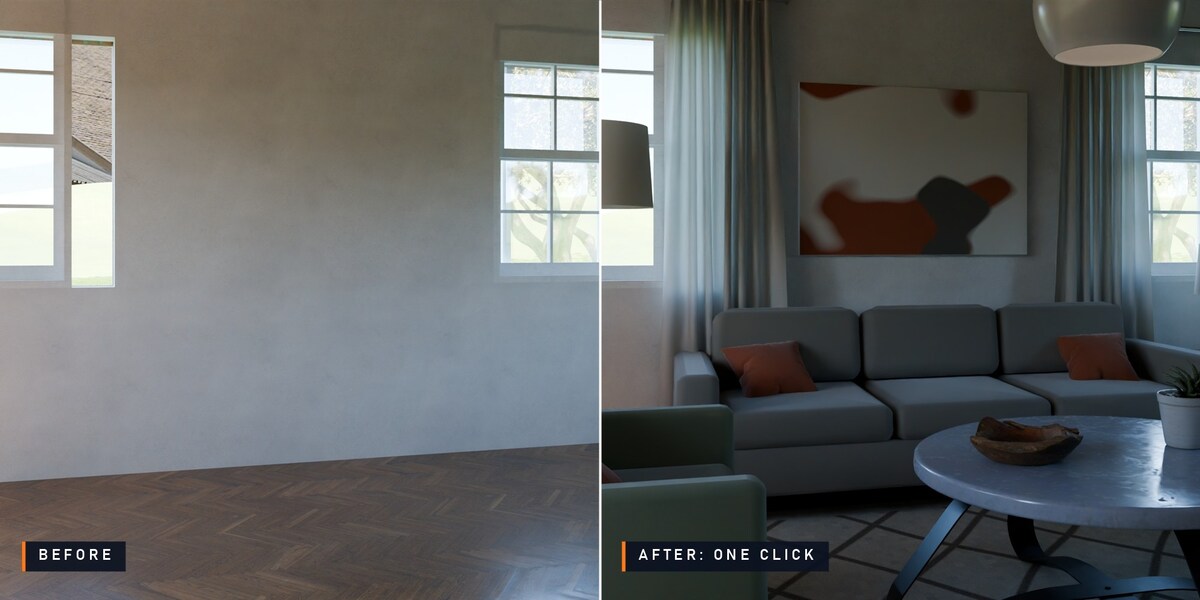
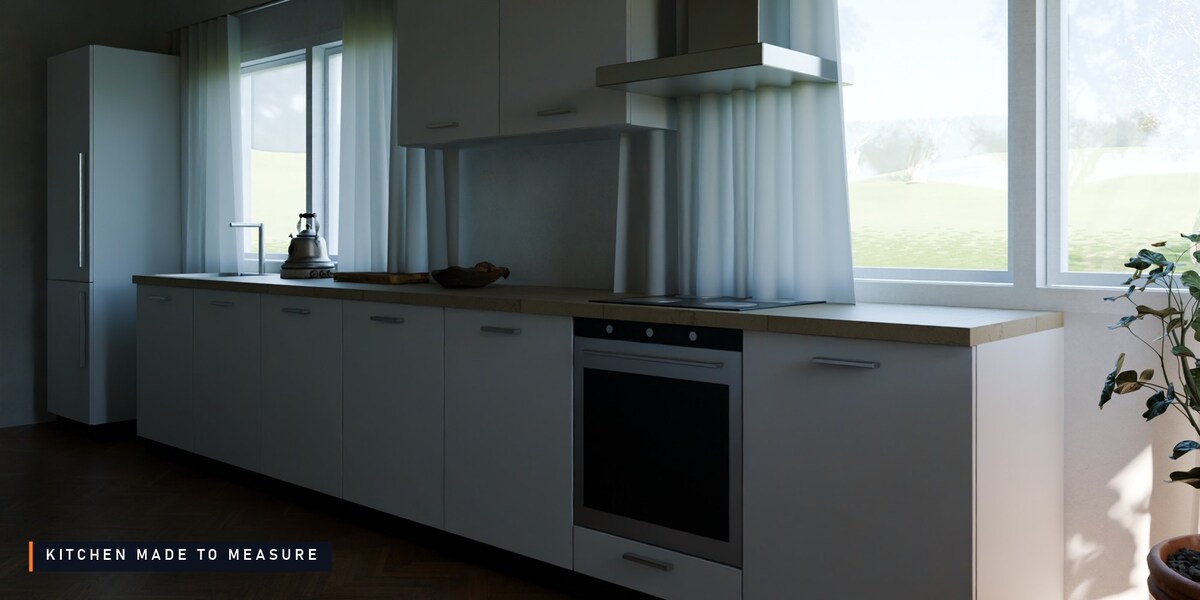
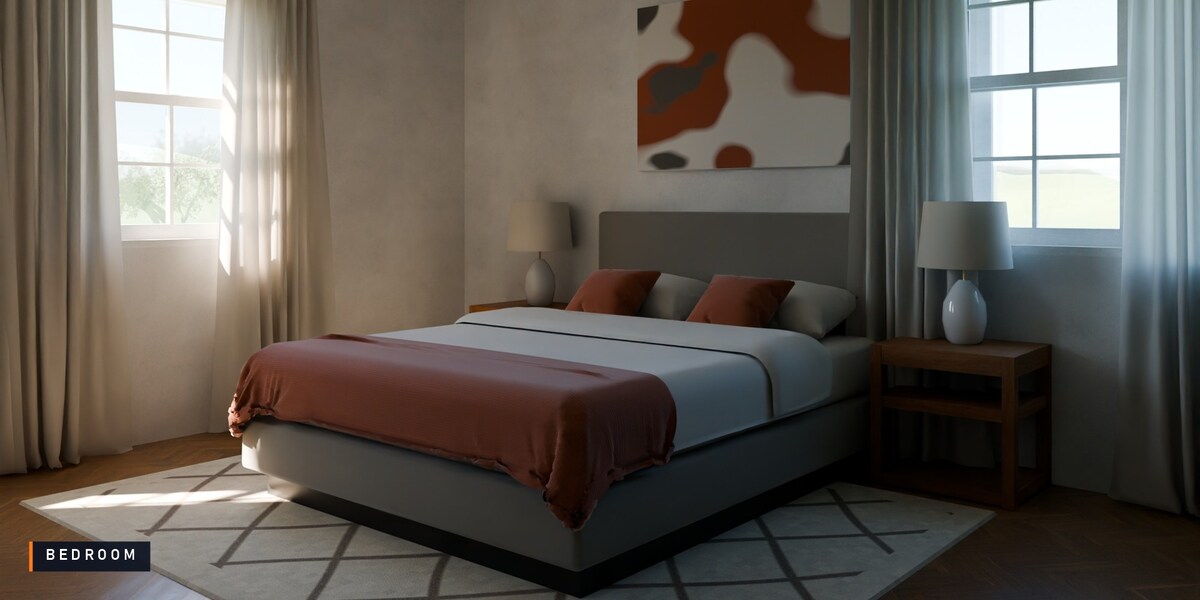
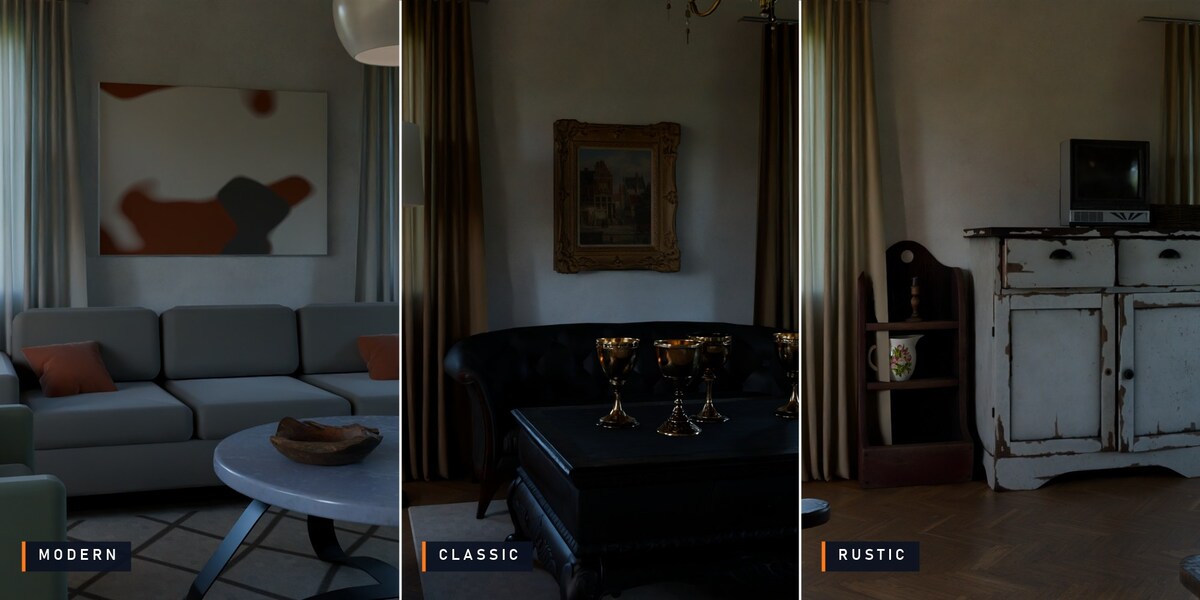
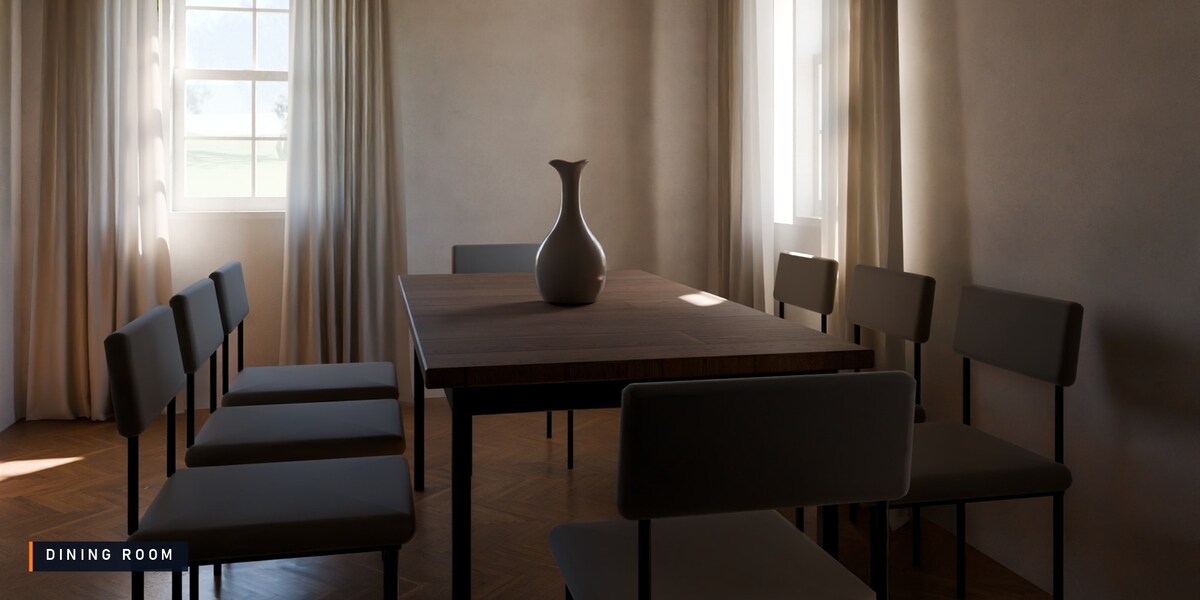
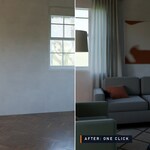
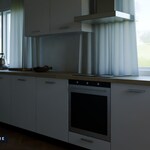
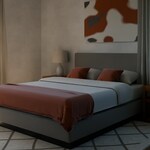
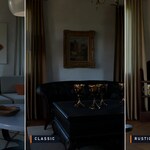
In Build Mode press I (Furnish) and click a room: it is furnished for what it is. Shift+click furnishes the whole floor, Shift+Alt+click the whole house, Alt+click gives the room another arrangement and Ctrl+click takes the furniture out. The chips pick the room type (Auto, Living, Bedroom, Dining, Study, Kitchen, Bath, Hall, Empty) and the style (Modern, Classic, Rustic).
What happens to the furniture when I change the walls?
The interior follows the house: move or add a wall in Build Mode and the rooms that changed are furnished again. Furniture on walls that stayed, stays.
Can I edit a generated house?
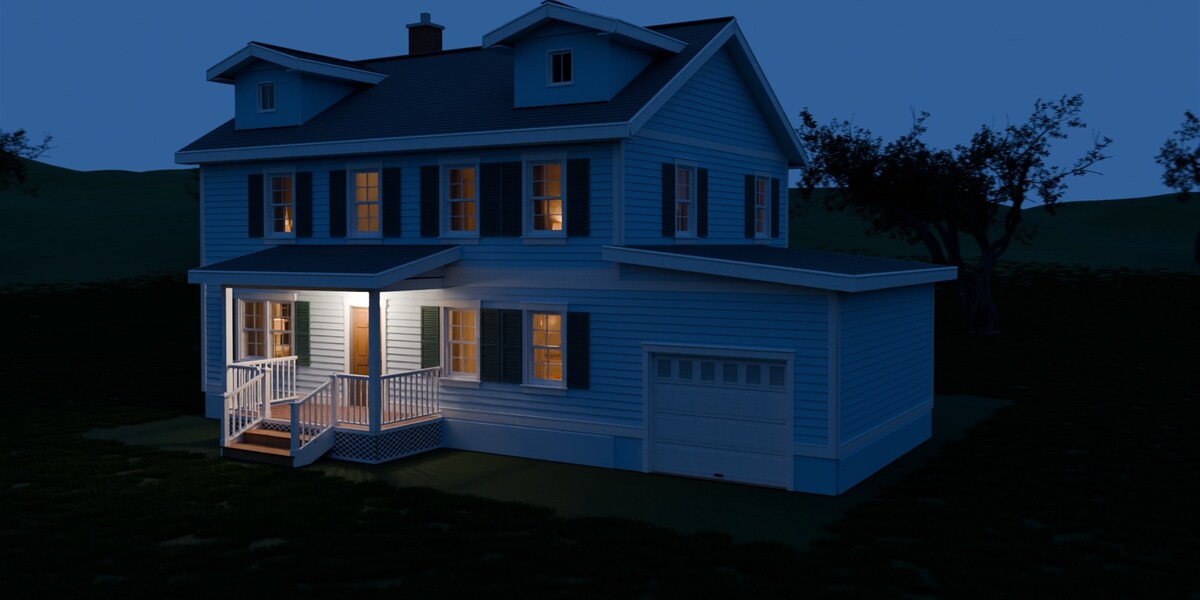
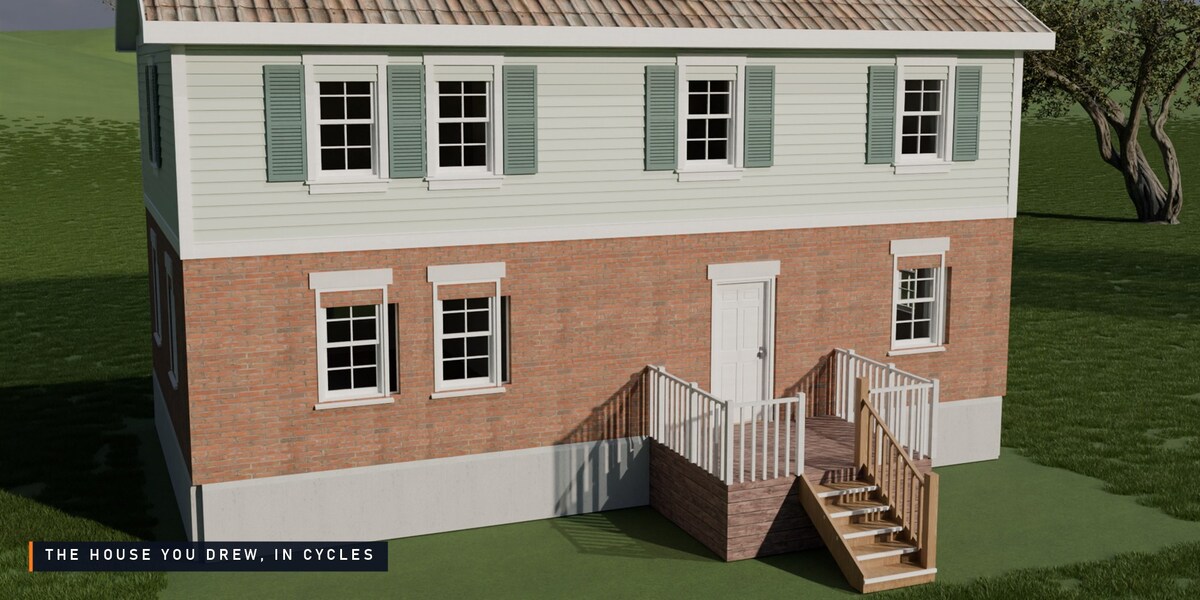
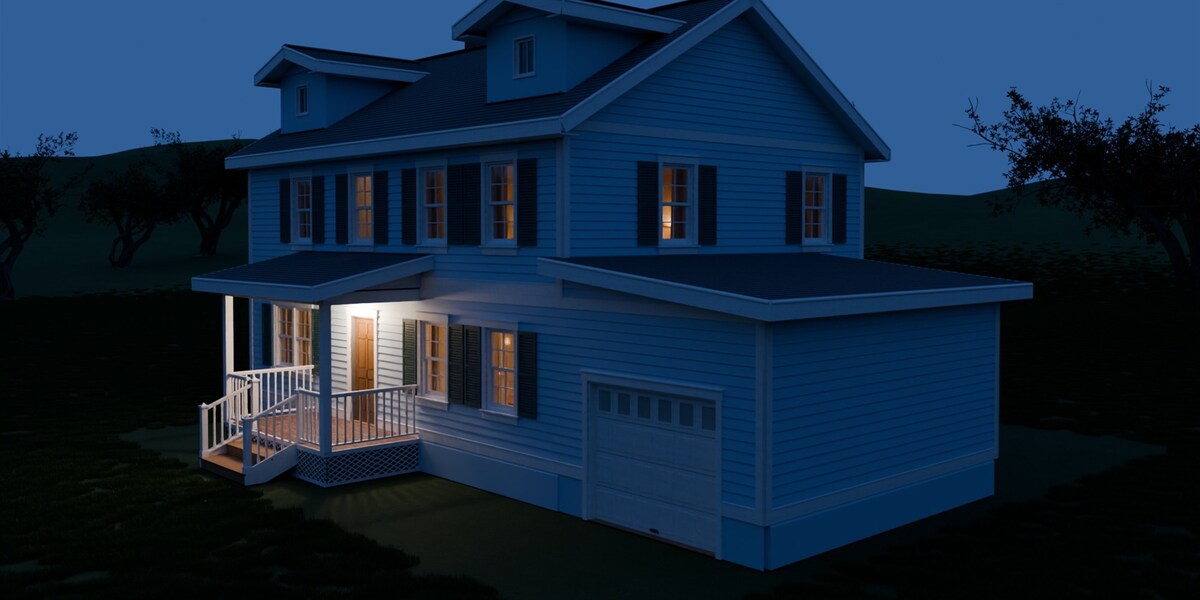
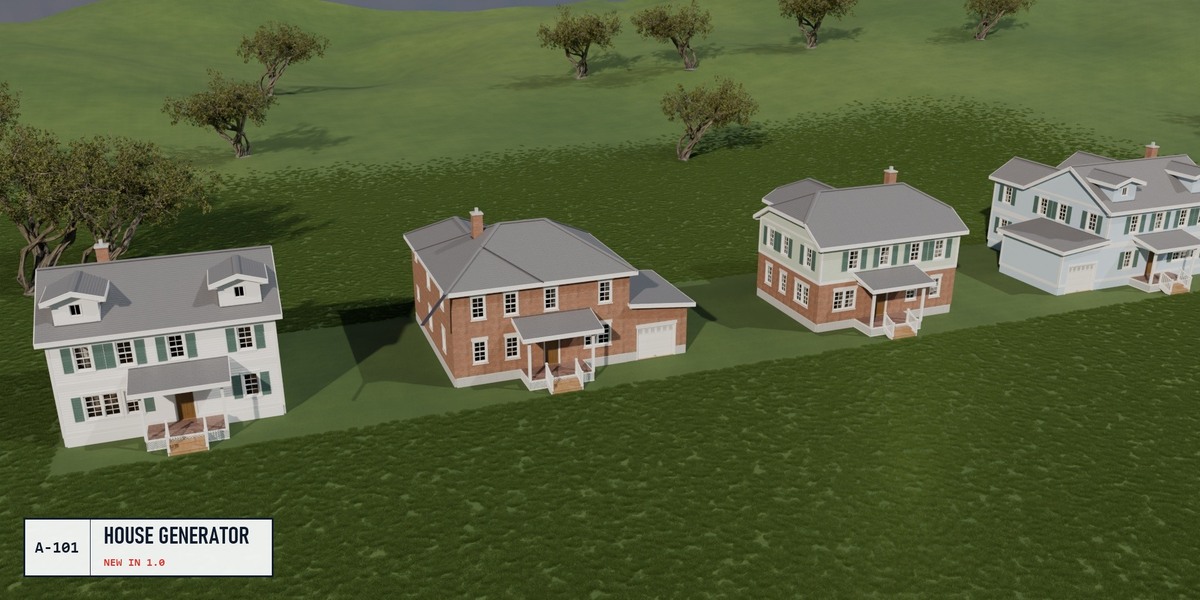
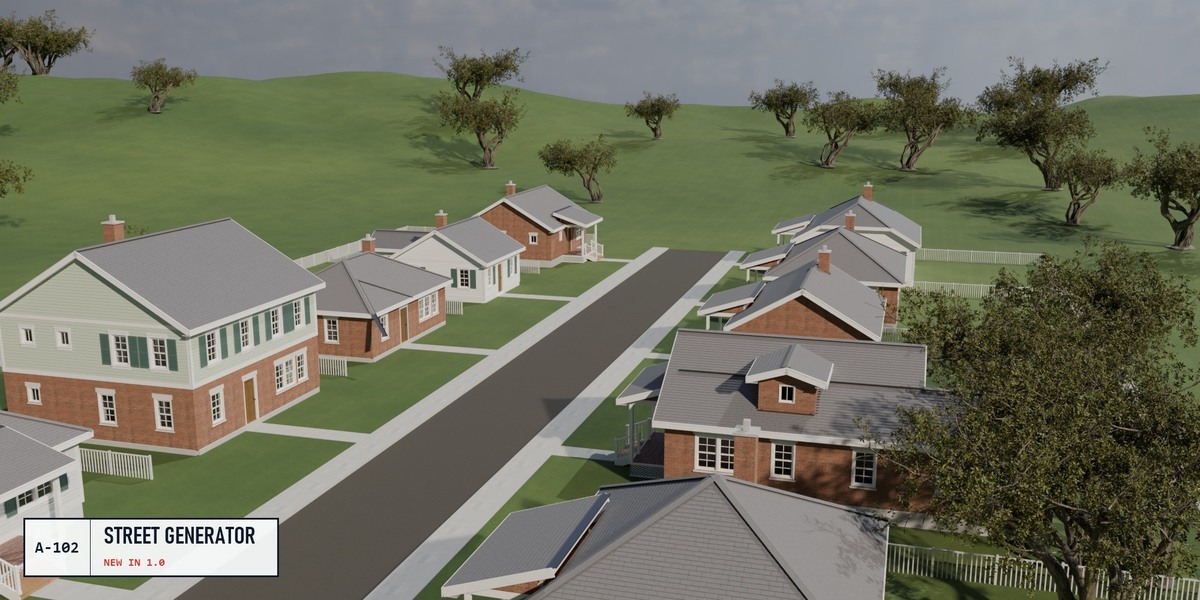
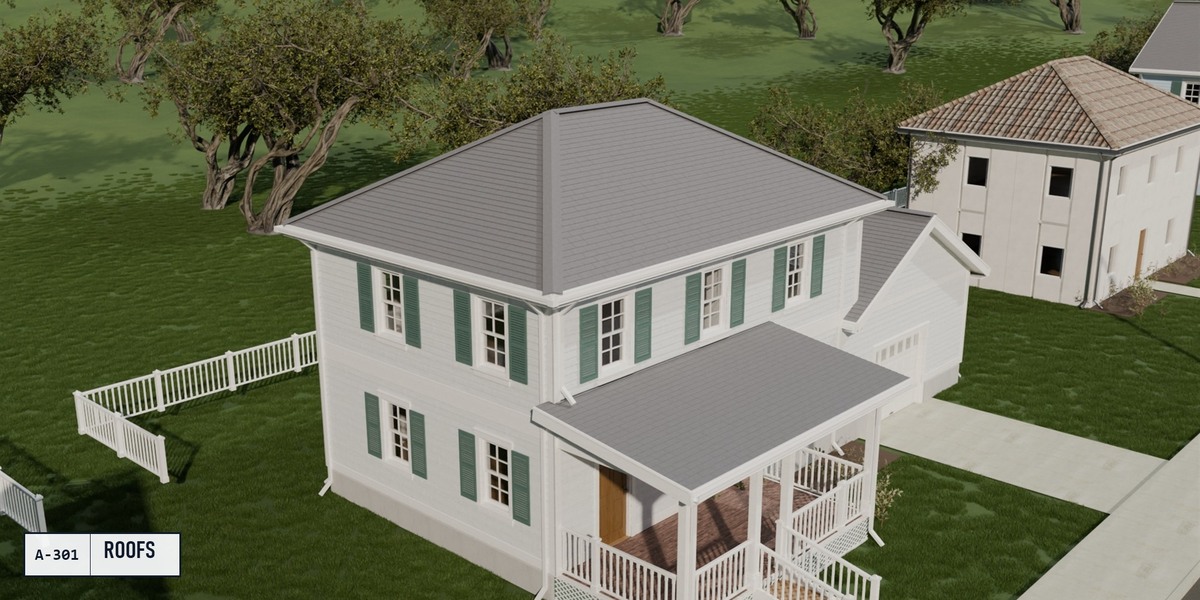
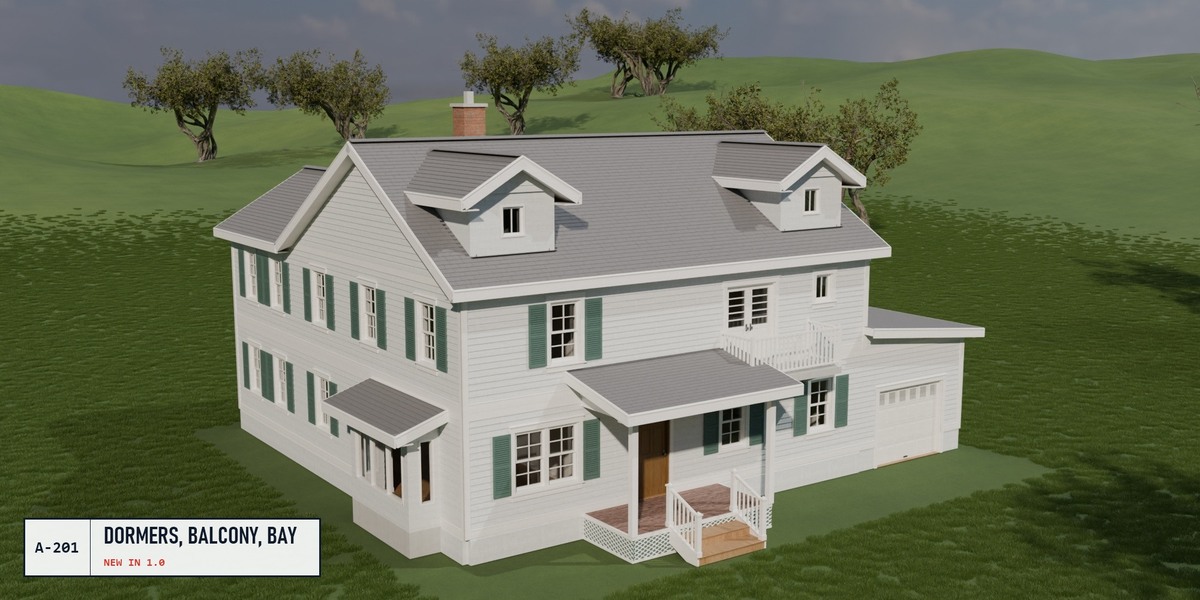
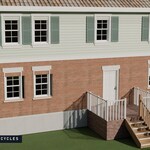
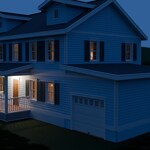
Yes. Generated houses and streets are ordinary Plotwright plots, so every tool works on them: walls, rooms, openings, roofs, stairs, clad, paint, details and furnishing. Tick Locked to protect a house from regeneration.
Can I change a window or door after placing it?
Yes. In Build Mode pick another window or door in the catalog and click the old one: it is swapped in place, re-centred and resized. Shift+click swaps every one like it on that wall, Shift+Alt+click every one round the house. In Edit, select an opening and pick a tile to swap it. Drag an opening to slide it along the wall, Ctrl+click to delete it.
Do I need my own assets?
No. The BasePack (blockout), the Residential pack (siding, brick, plaster, windows, doors, shutters, porches, photographic materials) and a furniture library of 157 pieces (CC0) are built in. You can add your own meshes as packs at any time.
Can I use the houses in Unreal, Unity or Godot?
Yes. The Export panel writes glTF or FBX with Unreal, Unity or Godot naming, merged by material or per part, with LOD meshes (an LOD group in FBX) and convex collision, per house or for all houses.
Can it build a house from a floor plan?
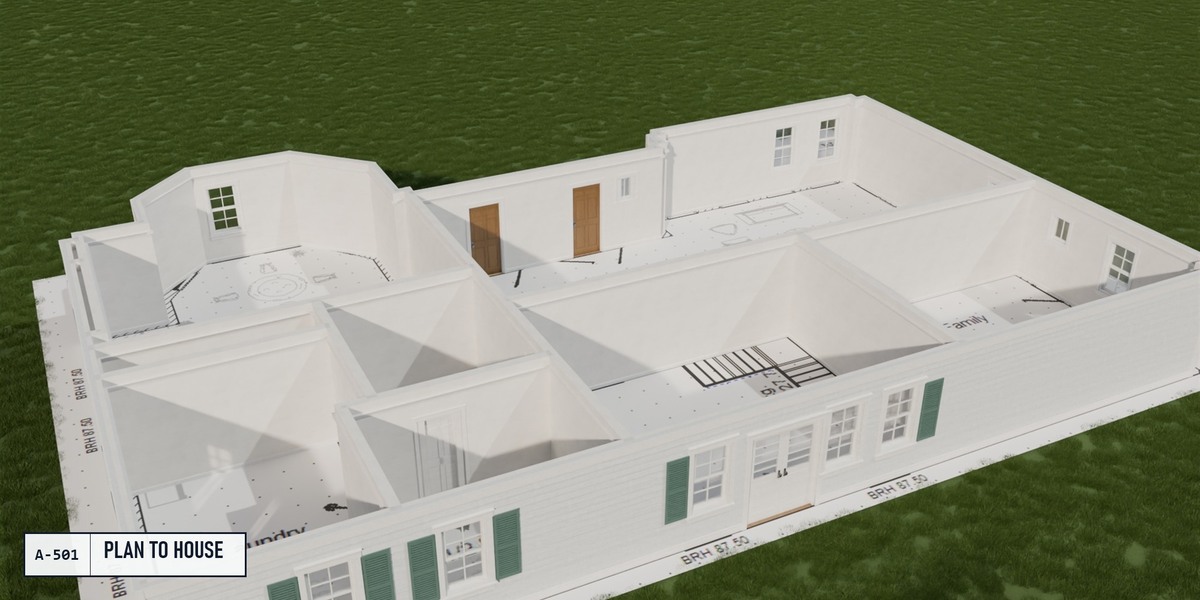
Yes, three ways. Floor Plan to House: pick a plan image, type its width, and Plotwright traces the walls, doors and windows and builds the whole house; Add Floor From Plan adds the next floor from its own plan. Build Walls From Plan builds one floor from a plan you have loaded. Or trace it by hand: Load Floor Plan, calibrate it on two points of a dimension you know, and click your walls over it in Build Mode.
Does it work in EEVEE?
Yes. The packs, materials and sky work in EEVEE and Cycles.
Will it slow down my scene?
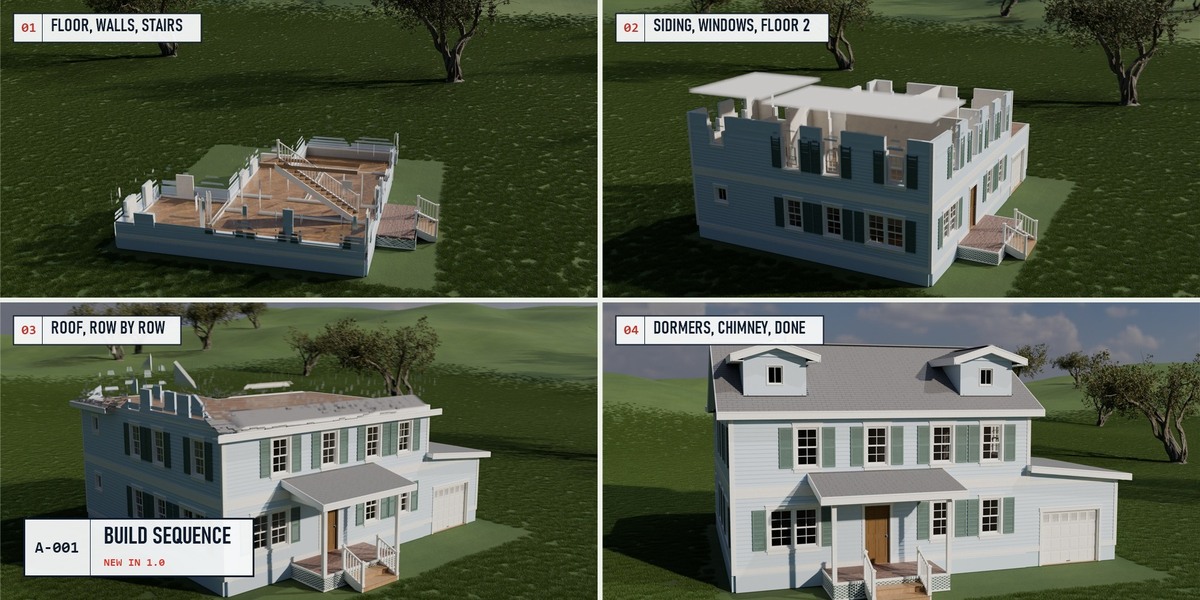
Only the plot you edit is rebuilt, storey by storey. Baked buildings become lightweight collection instances you can place many times.
Does it download anything or need an account?
No. The packs, textures and the furniture library ship inside the add-on, and it never connects to the internet.
Can I use what I make commercially?
Yes. The buildings, interiors, renders and exports you make with Plotwright are yours to use in any project, commercial included. The furniture library is CC0.
How do I get updates?
New versions are delivered through your Superhive account; install them over the old one by drag and drop. Your .blend files keep working.
 Blender Procedural
 Included