Poles and Cables Generator
 Samuels Procedural Tools
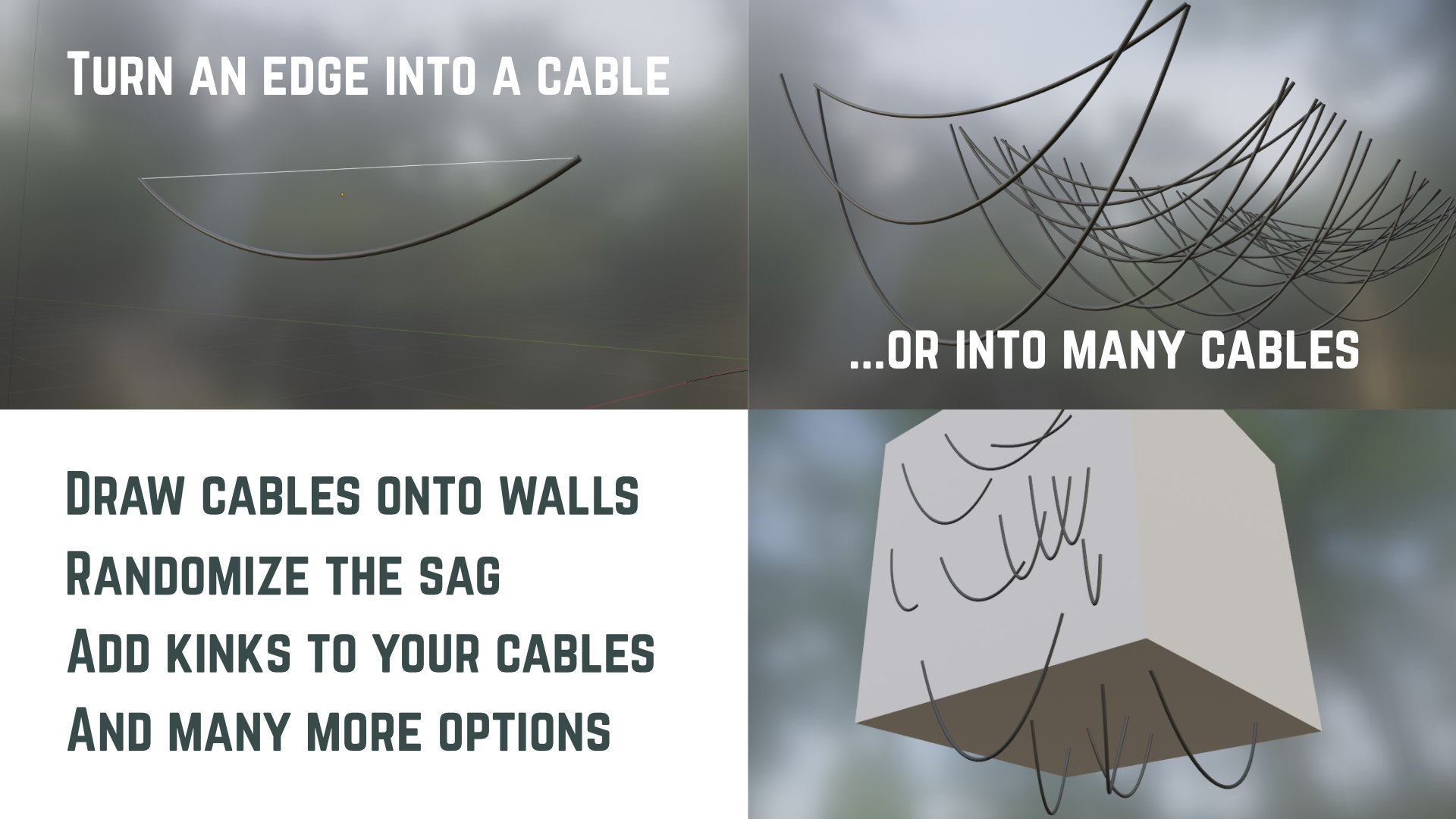
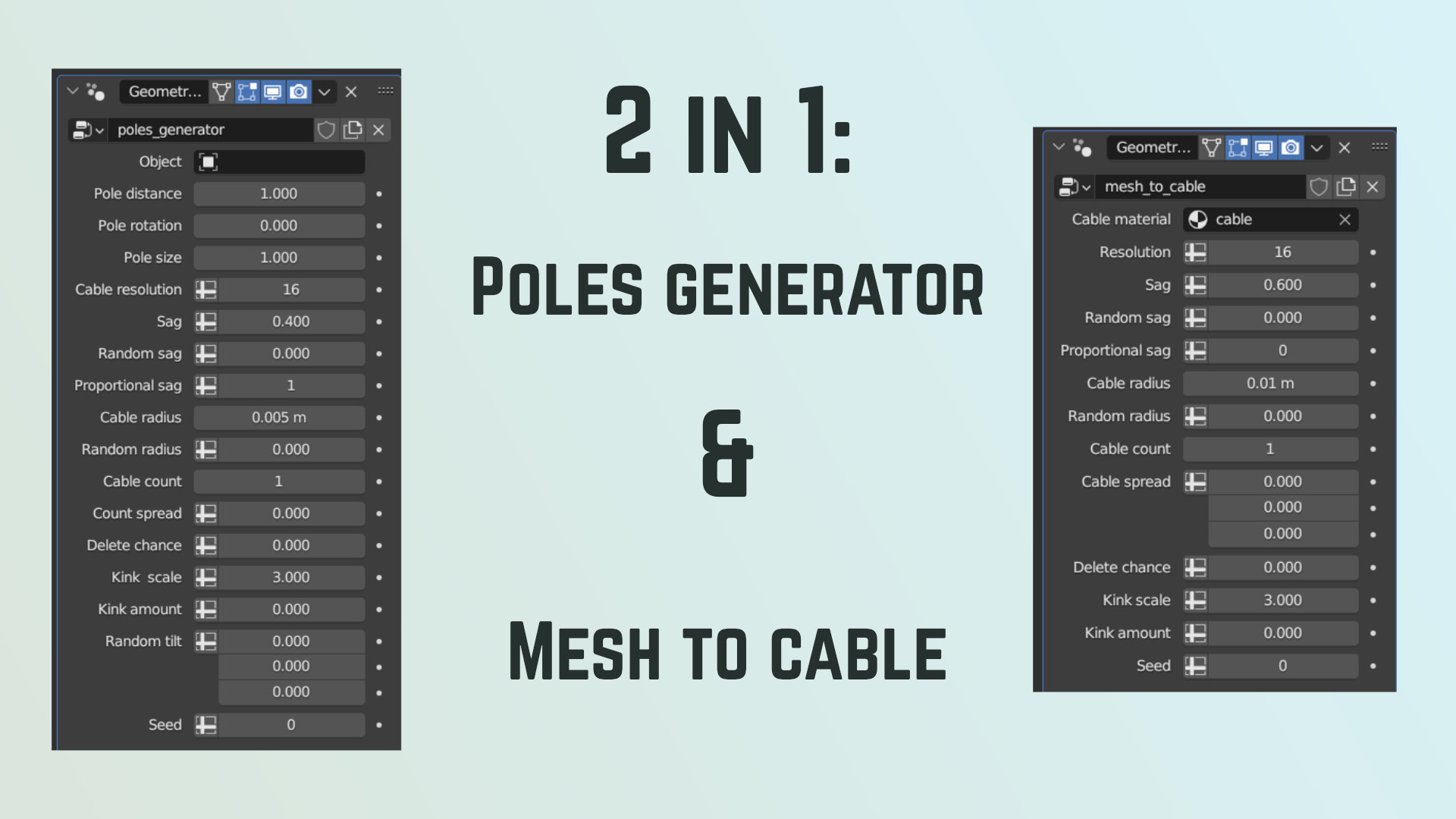
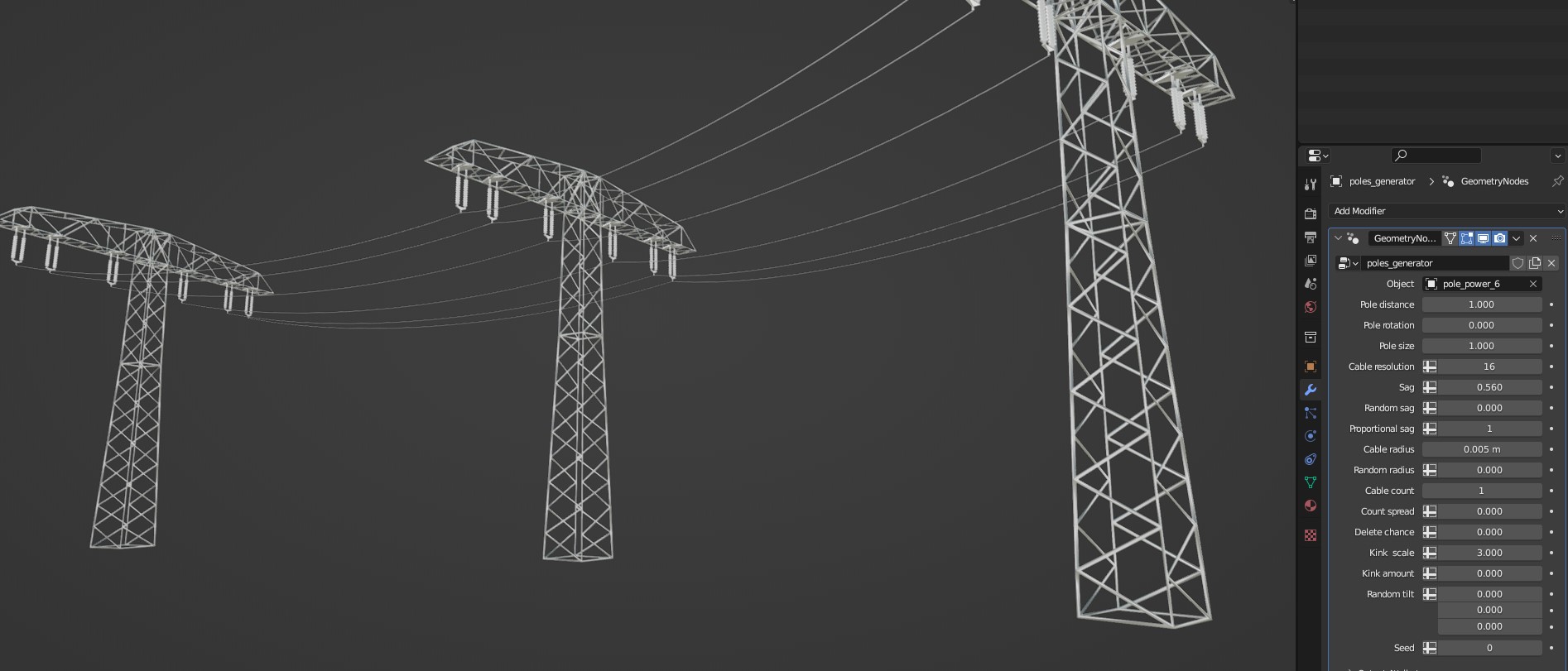
First, make sure that you're using Blender version 3.3 or later. The generators use nodes that may not exist in older versions.
If it still doesn't work and you can't figure out whats wrong, write me a line and I'll look into it.
Yes! Check the documentation to find out how to make them compatible with the poles generator.
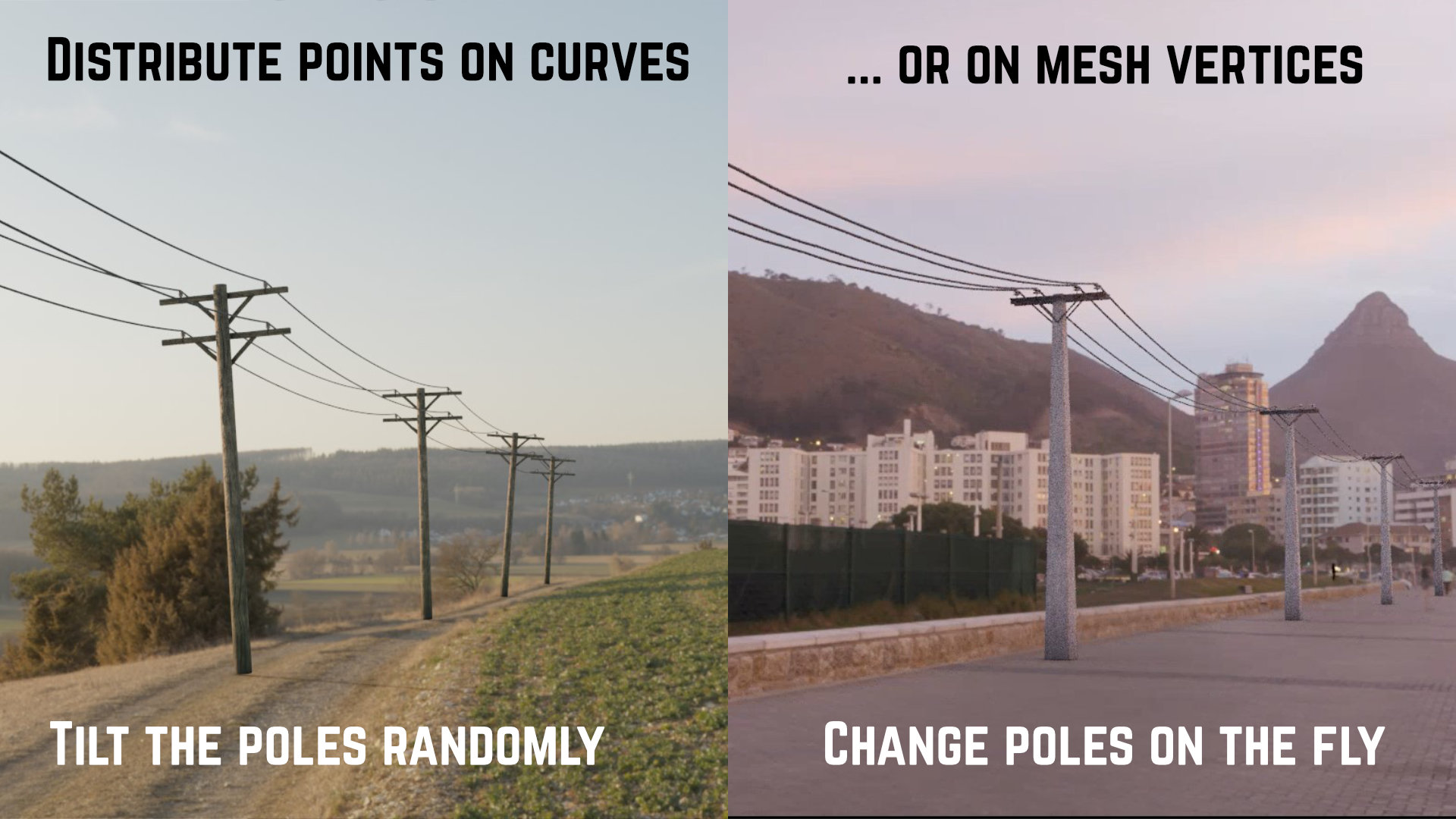
Make sure to change the draw mode from "Cursor" to "Surface" at the top left.
If you use mesh edges as a target, you can create X and Y sections, but the pole will be instanced more than once on it. That's not really a problem for radially symmetrical poles, but it will look weird for T-shaped poles.
-
$6
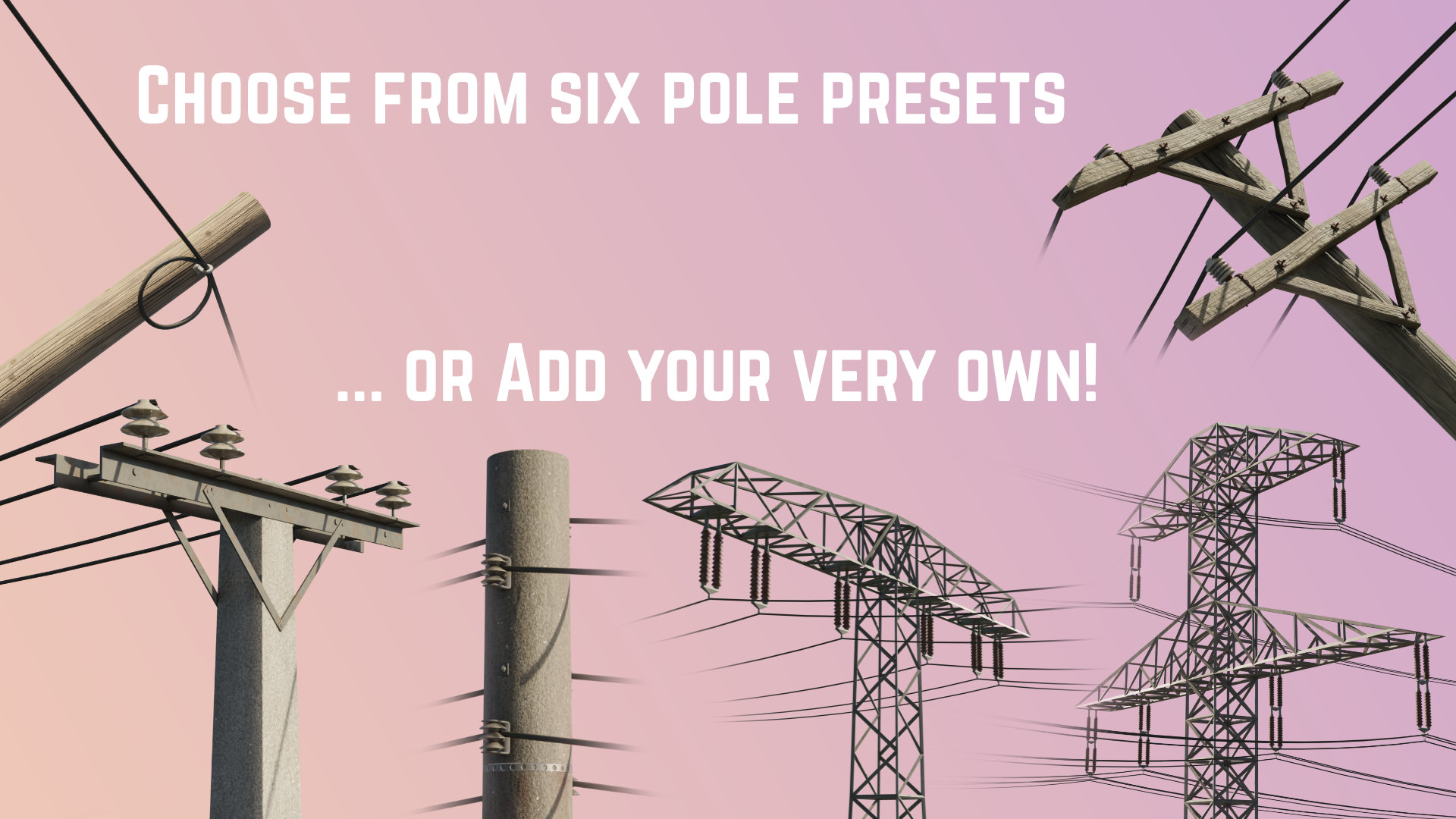
All the nodes plus six pole presets including handcrafted procedural materials for added randomization. Includes a step-by-step guide.
-
$12
All the nodes plus six pole presets including handcrafted procedural materials for added randomization. Includes a step-by-step guide.
-
$3
Pole generator and mesh-to-cable, but without the pole presets. Includes a step-by-step guide.
Have questions about this product?
Login to message
Discover more products like this
electricity poles electricity spring24 cabling summer24 catenary masts Cable power-lines poles wiring