 KushiroCG


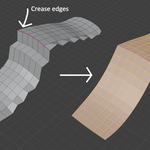
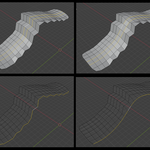
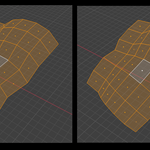
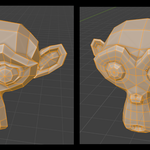
Polish Surface is a simple tool for polish (smoothing) the mesh surface with crease support.
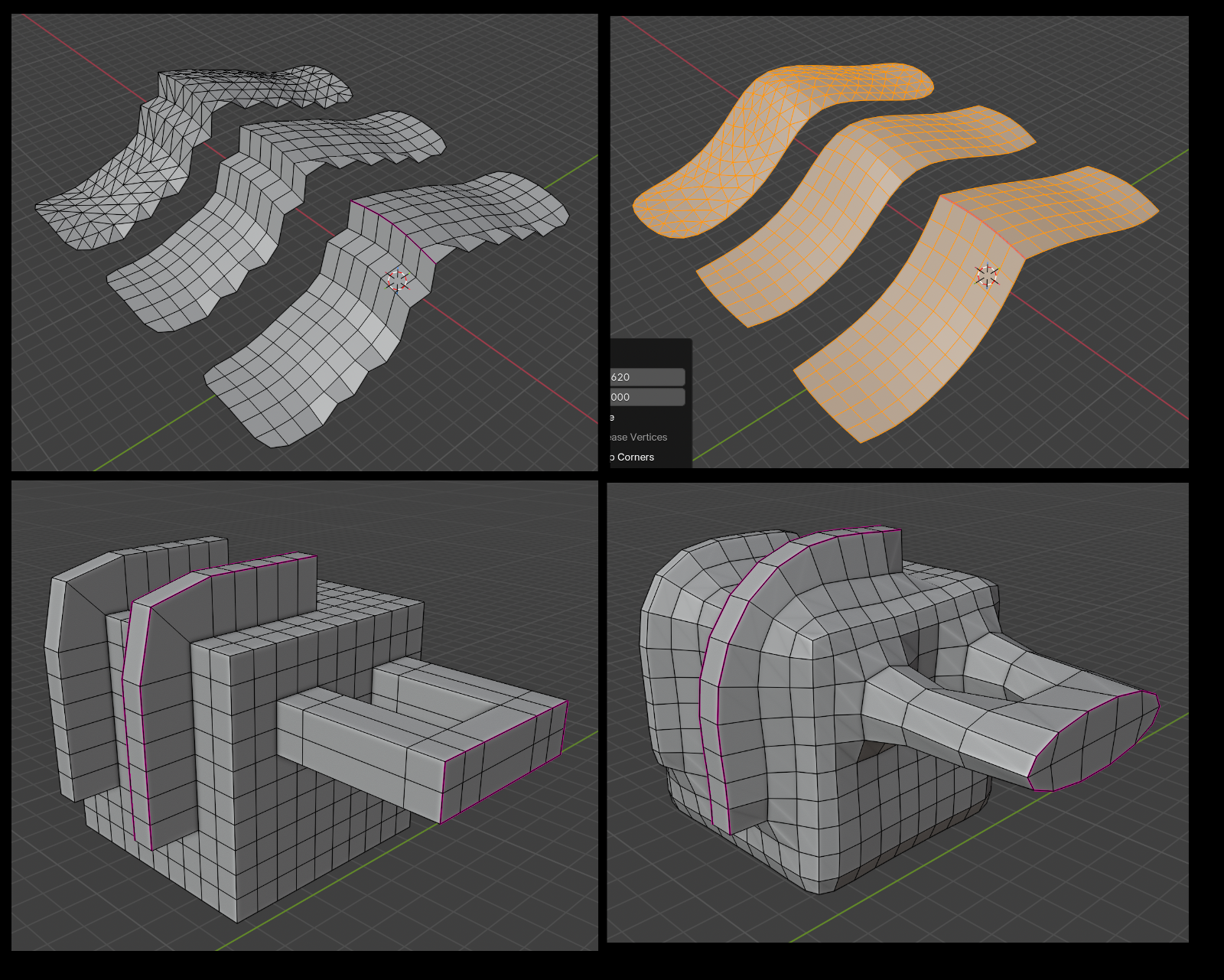
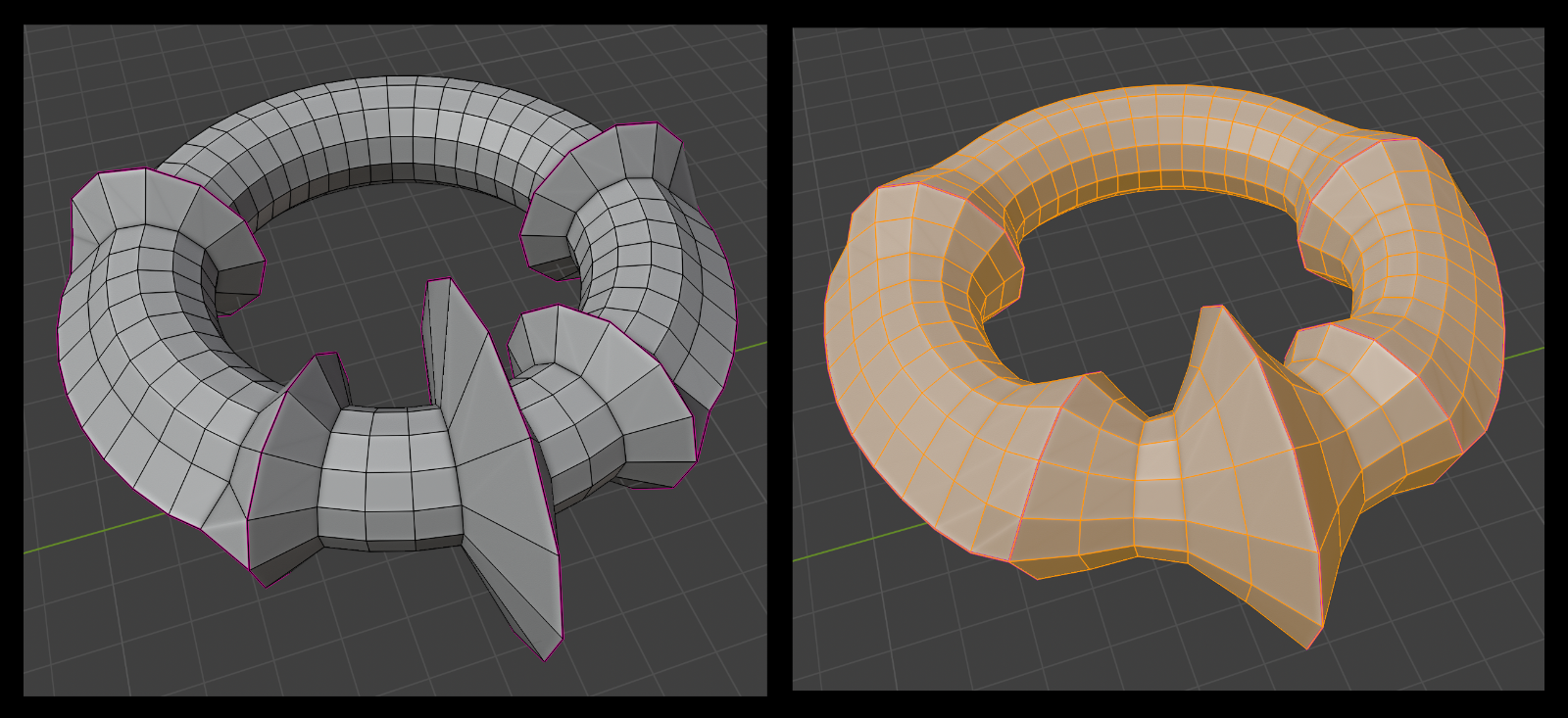
You can set the crease edges (red lines) and run this tool, the tool will cleverly delimit the smoothing area by the crease edges.
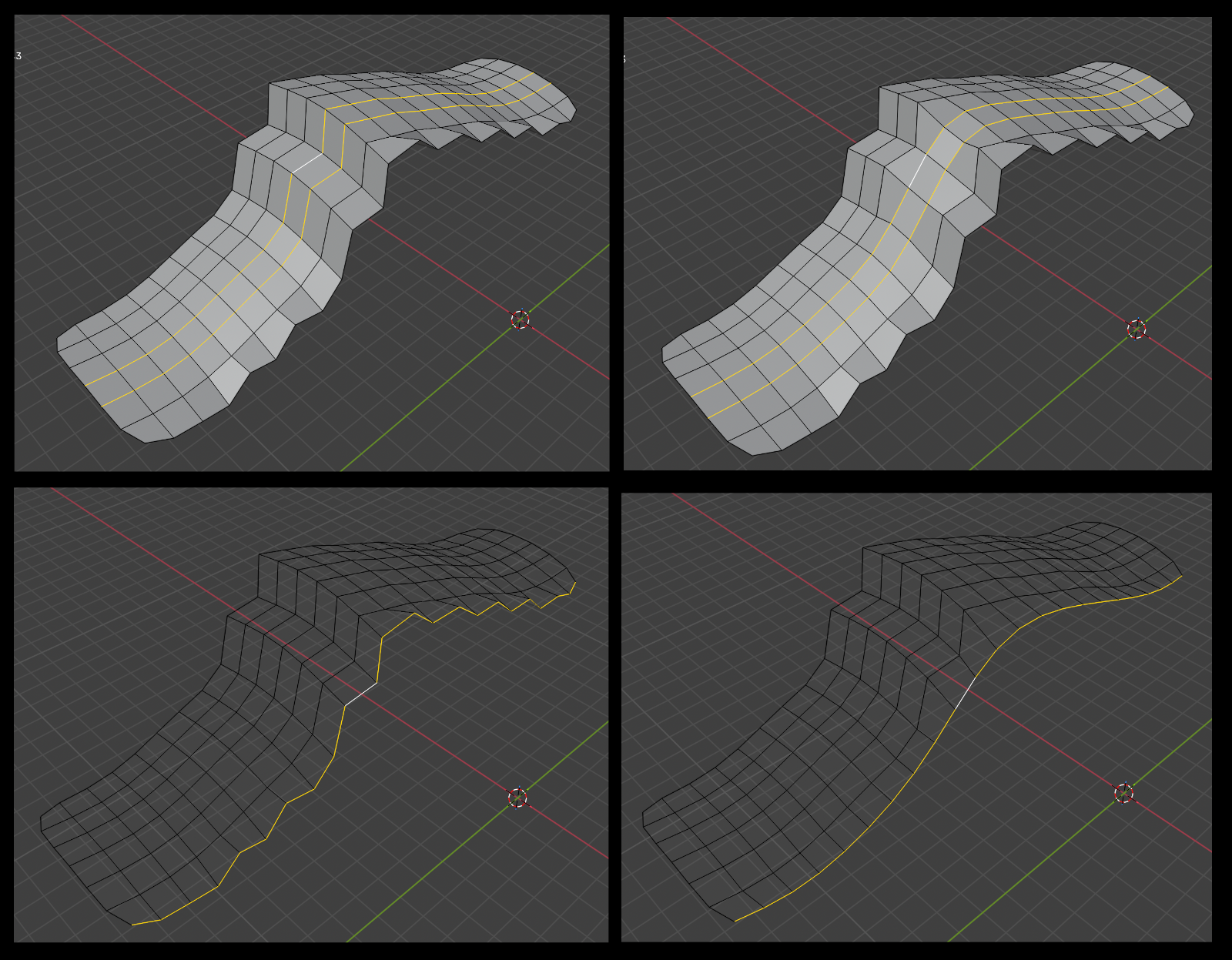
You can also switch to edge mode and select edges, then run this tool to create smooth Hard Surface style borders and metal shapes.
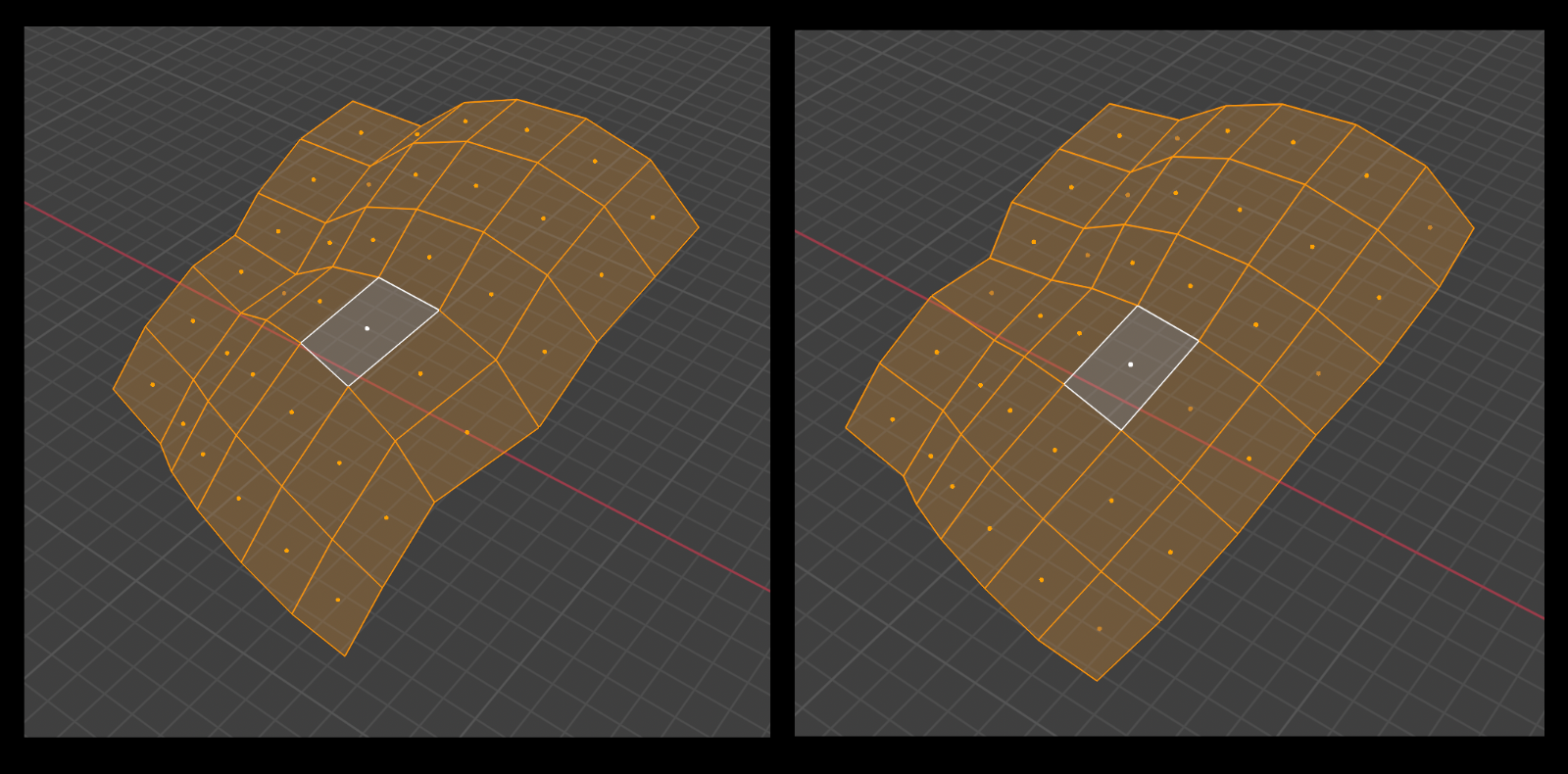
Beside smoothing, the tool has a "straighten" function to make quads shape become more regular.
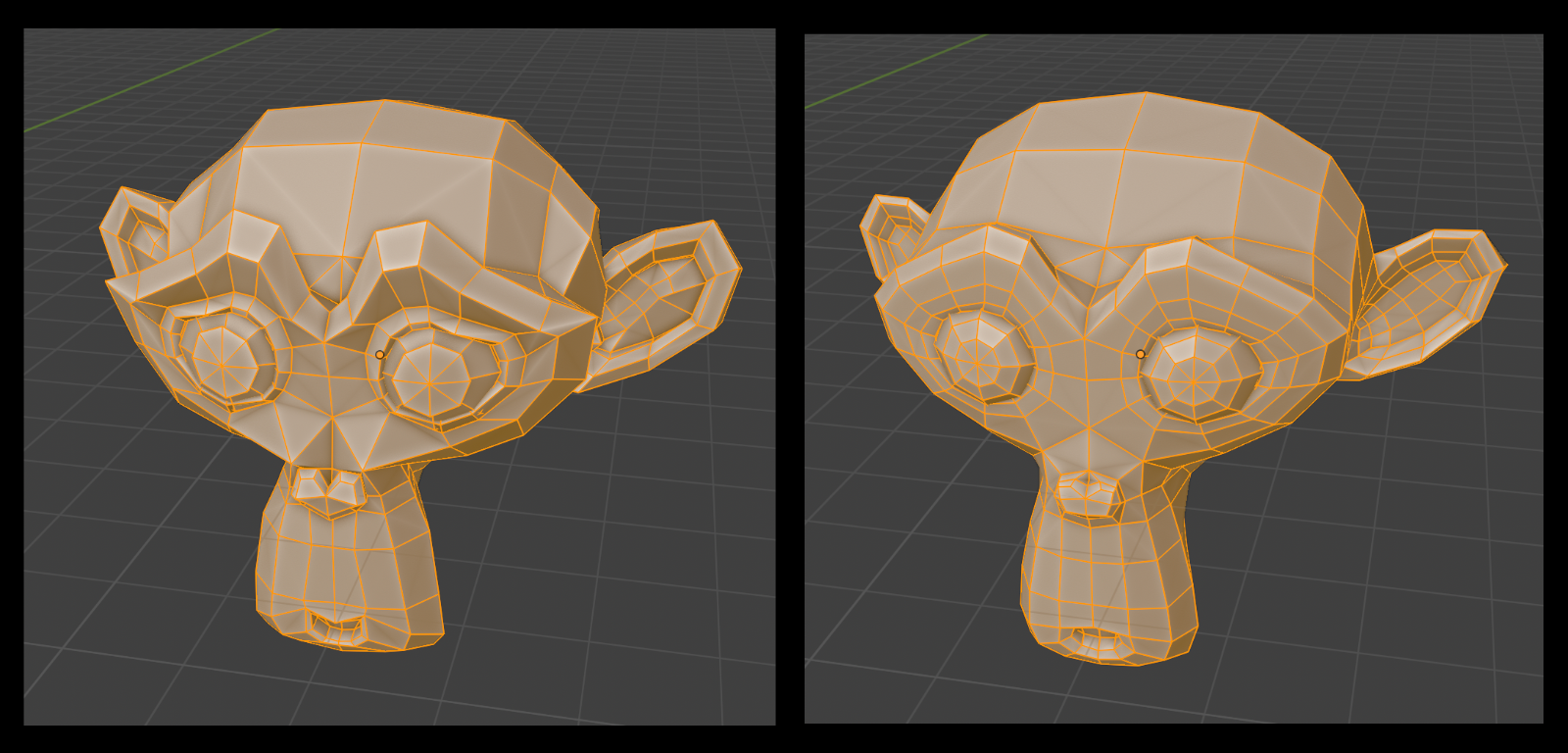
Also this tool has option to smooth and preserve the "volume" of the model when smoothing.
Usage
Go to Edit mode, switch to Edge mode or Face mode,
Select edges-line or faces of the surface,
then right click inside the 3D viewport, select Polish Surface at the bottom of the pop up Context Menu of blender.
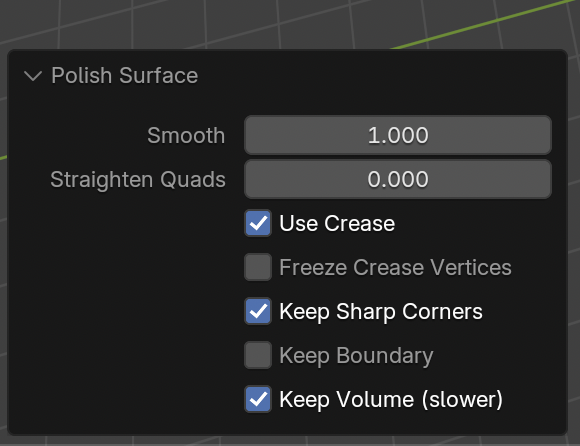
Smooth : the amount of smoothing
Straighten quads : it can be used to straighten the edges of quad face, following the edge-loop.
Use crease : the smoothing will be isolated by the creased edge (creased edge will look sharp)
Freeze crease vertices : it will keep the creased edges vertices unchanged
Keep sharp corners : it will keep the sharpness of the corner of quads
Keep boundary : it will keep geometric boundary (edges with only one face) unchanged
Keep volume : it will smooth the mesh without flattening it and keep the curvature
This is a handy tool for Hard Surface models and character clothes.
Hope that you love it !
X :