 nBevel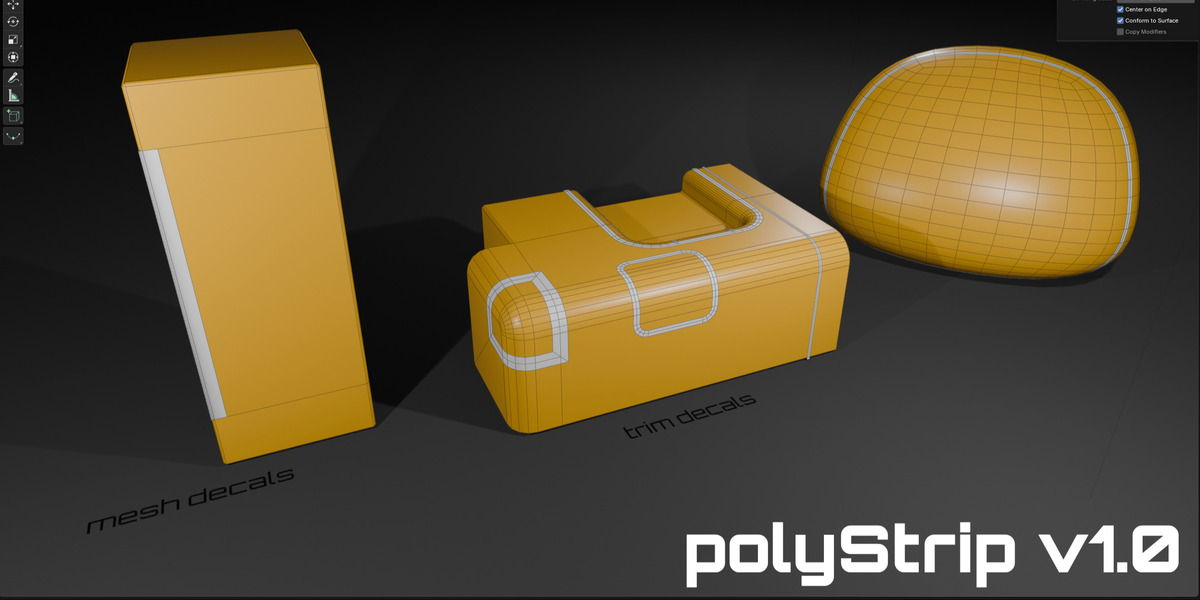
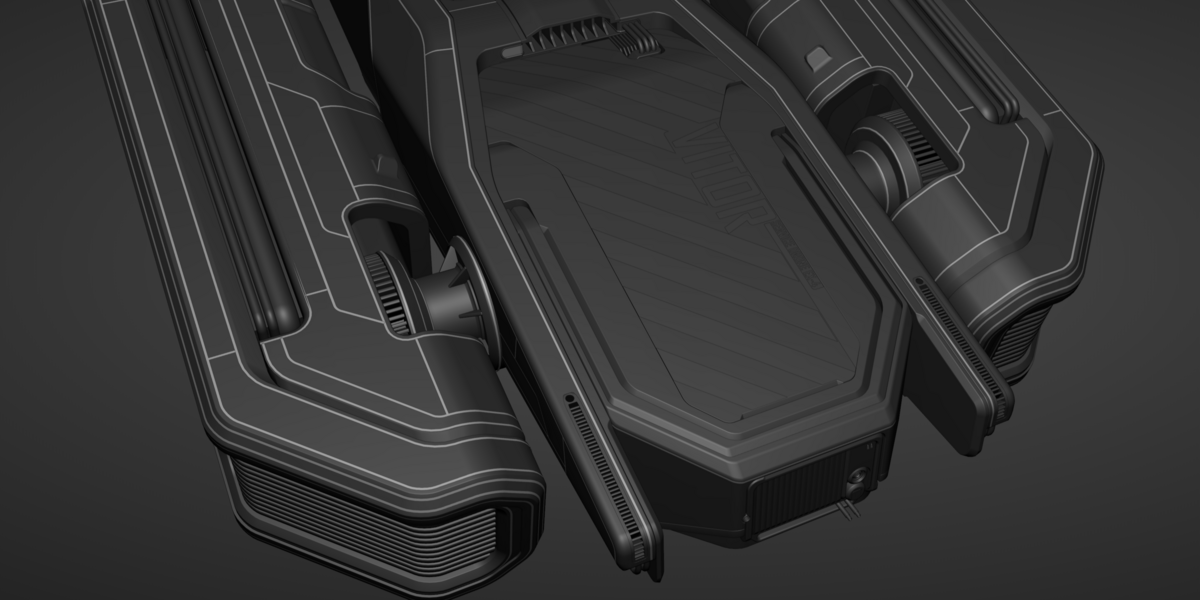
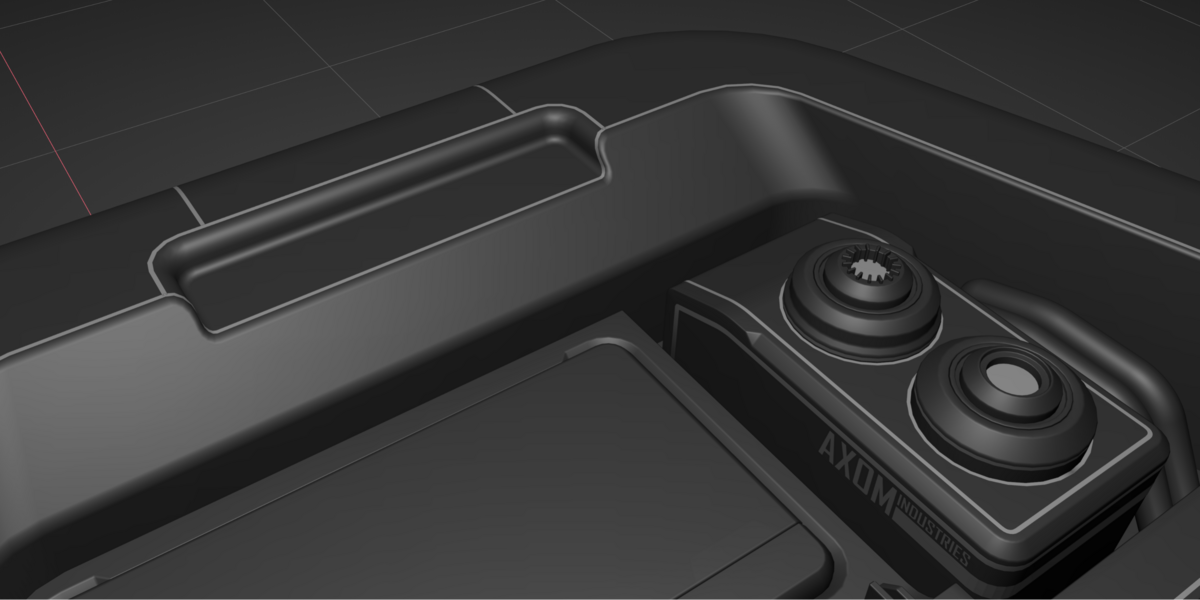
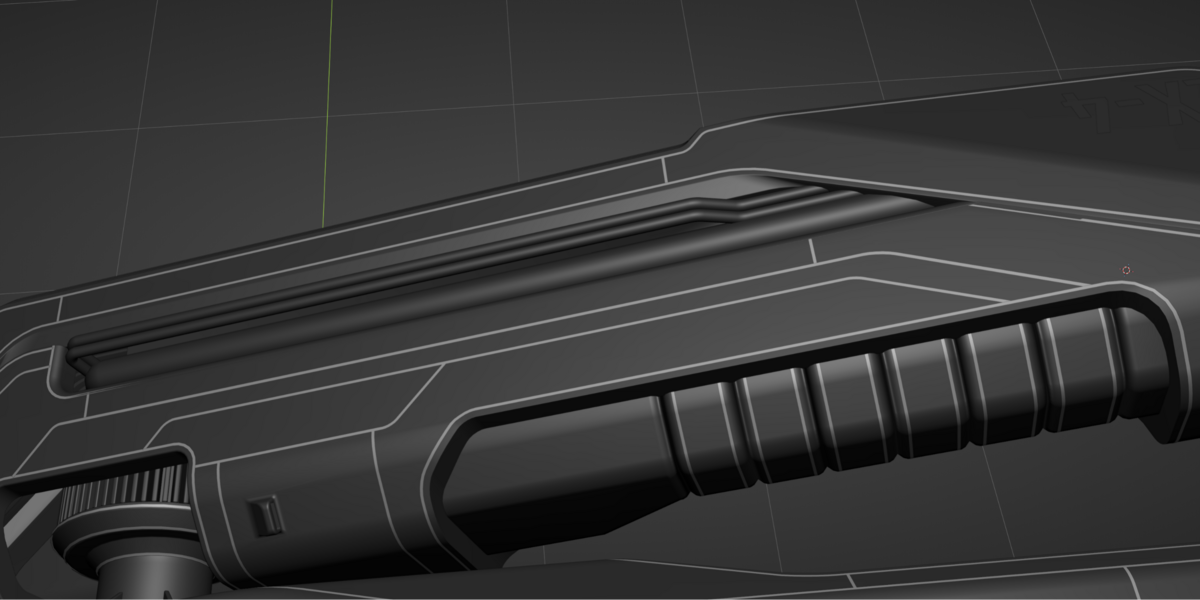
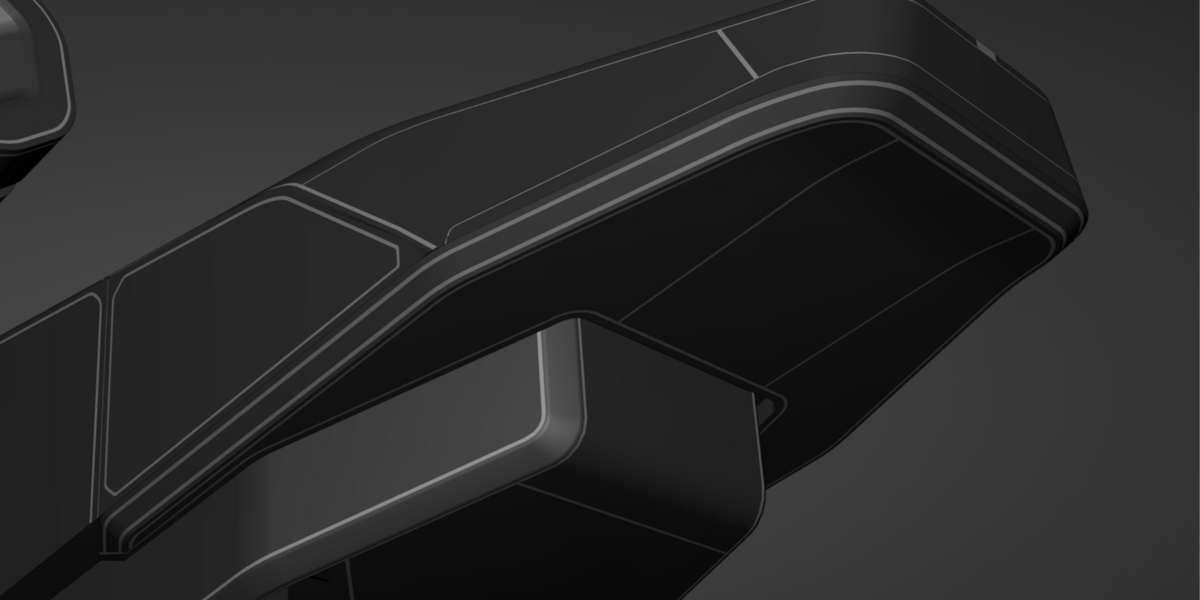
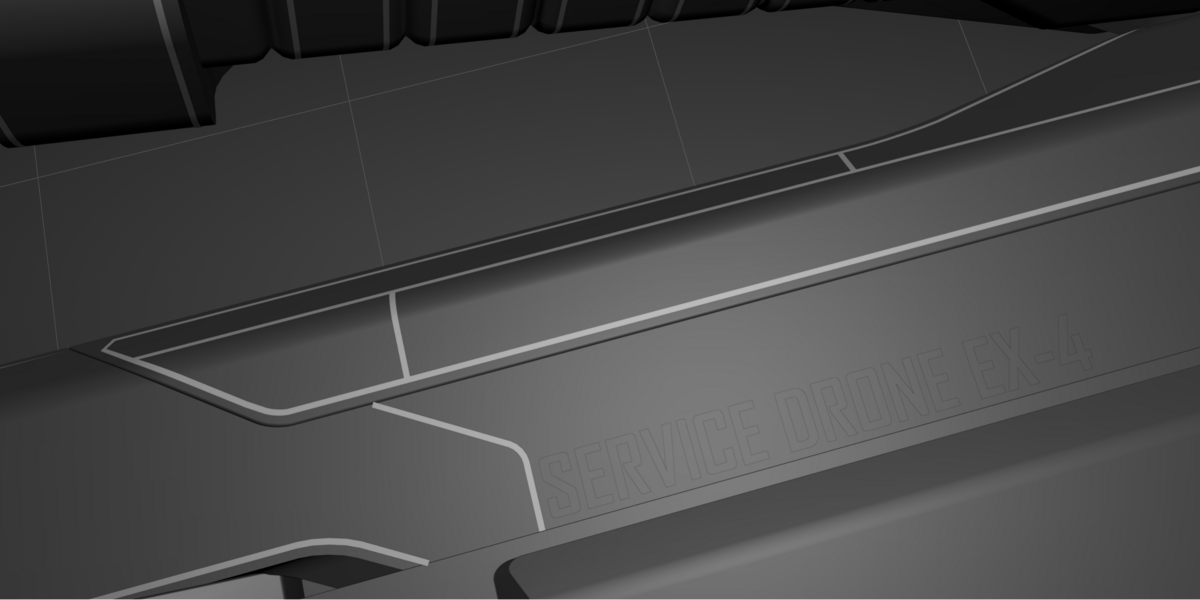
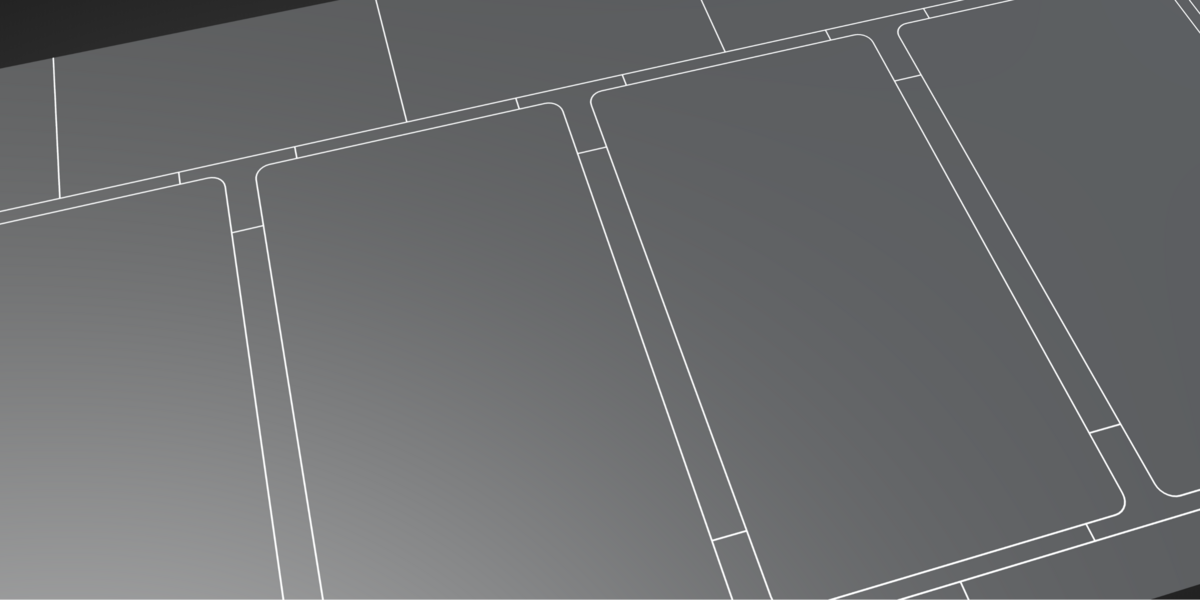
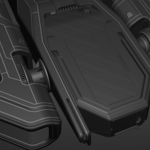
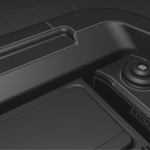
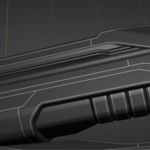
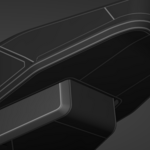
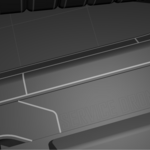
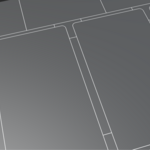
PolyStrip - create strips of polygons with one click by selecting the edges.
Made for panel lines, seams, welds, trims, mesh decals...
Installation:
Preferences > Add-ons > dropdown 'Install from disk' > find .zip file that correlates with your blender version > [Install from disk]
Plugin will appear at the bottom of the right click menu in mesh Edit mode.
How to:
https://www.youtube.com/watch?v=IsK5pWN5CAc
1. Select edge or edge loop
2. Click 'Create detail strip'
3. Adjust offset and strip width
Auto UVs
Copies normals from the mesh underneath
Copies modifiers
Extra segments to stick to curved surfaces better
$12
Have questions about this product?
Login to message
