Portal Projection V1.3 (Addon) | Portals (With Ray Portal BSDF) Made Easy, for Everyone
 Dennis Hafemann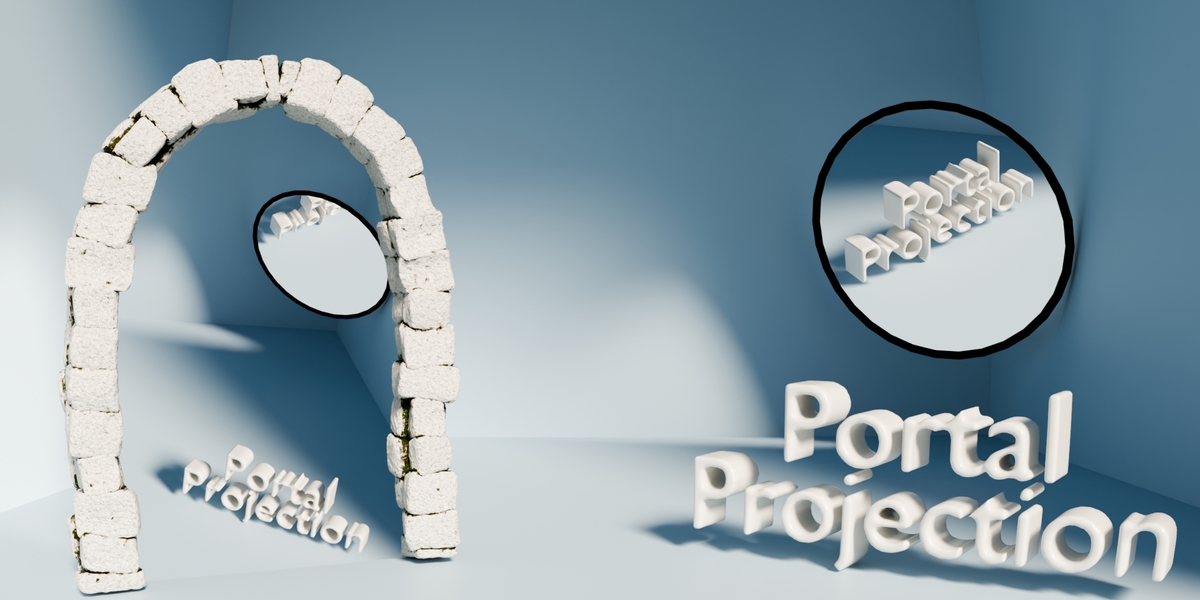
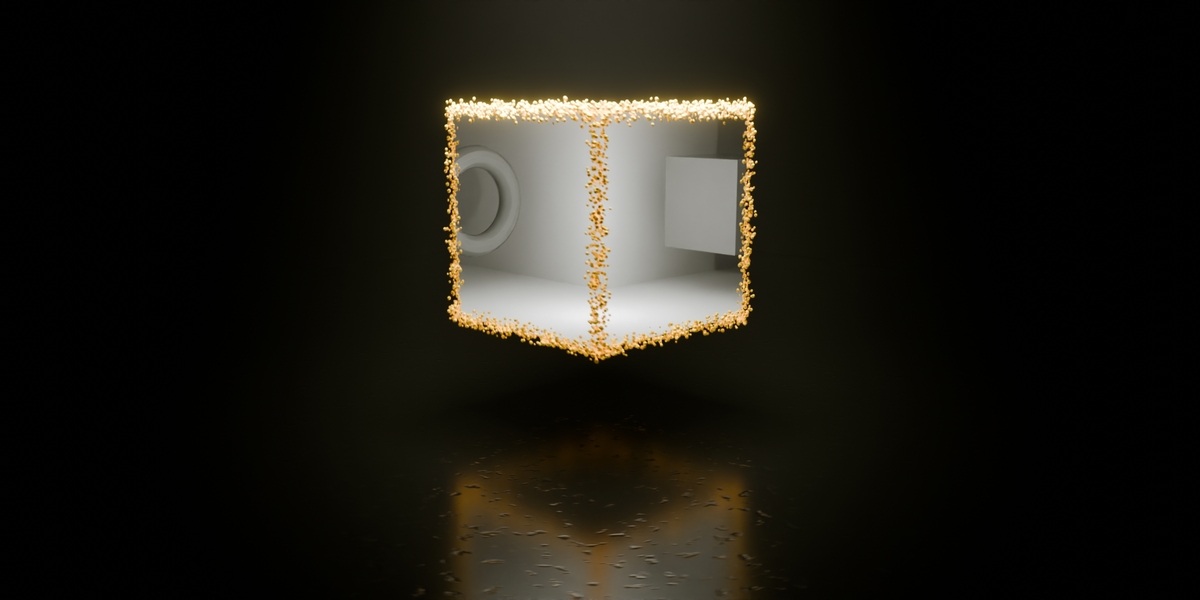
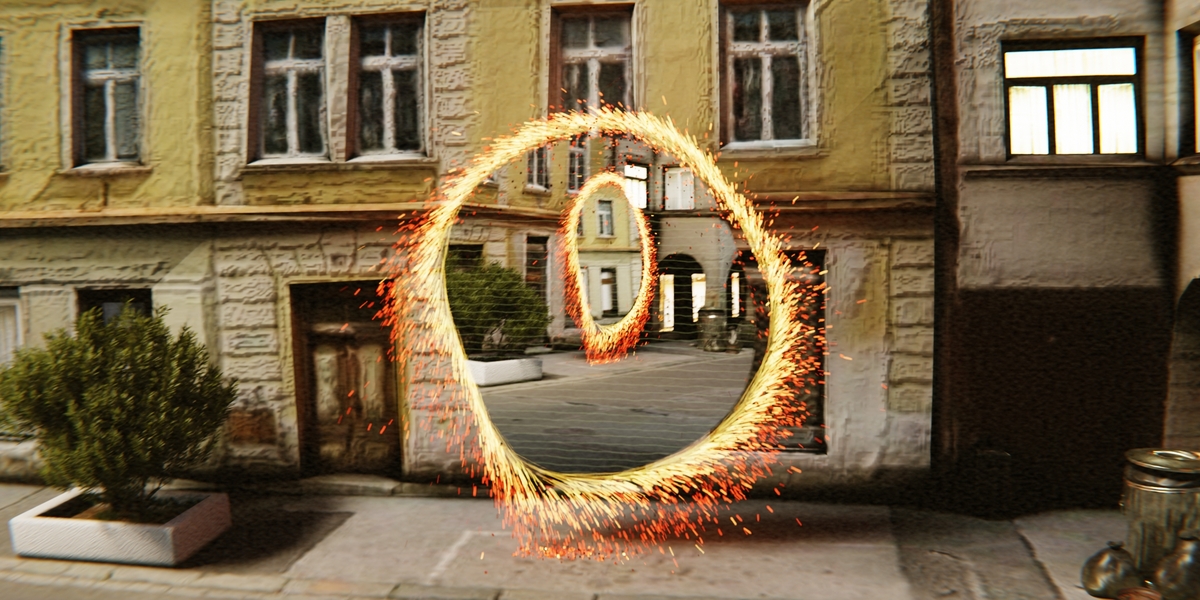
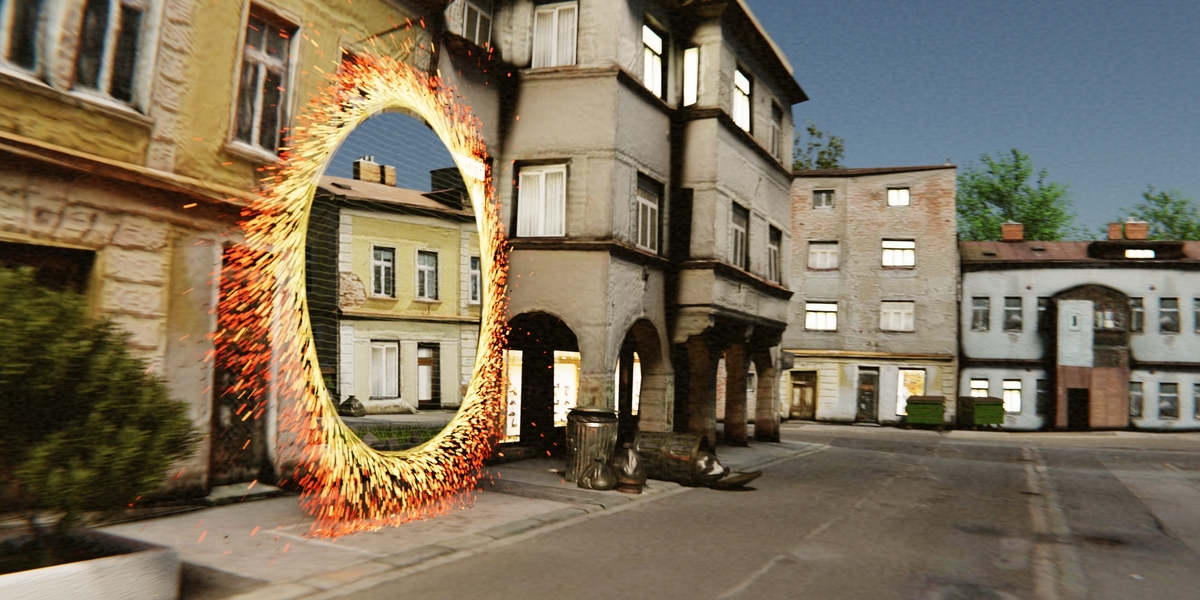


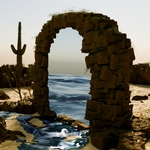
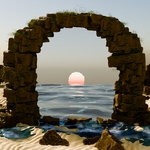
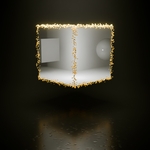
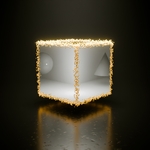
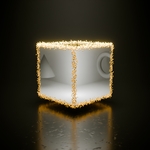
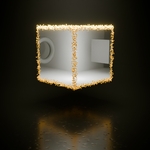
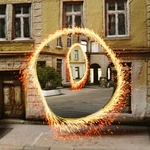
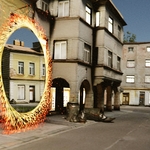
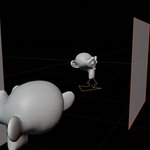
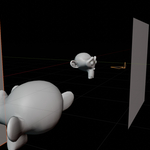
How to use
v.1.3.x
|
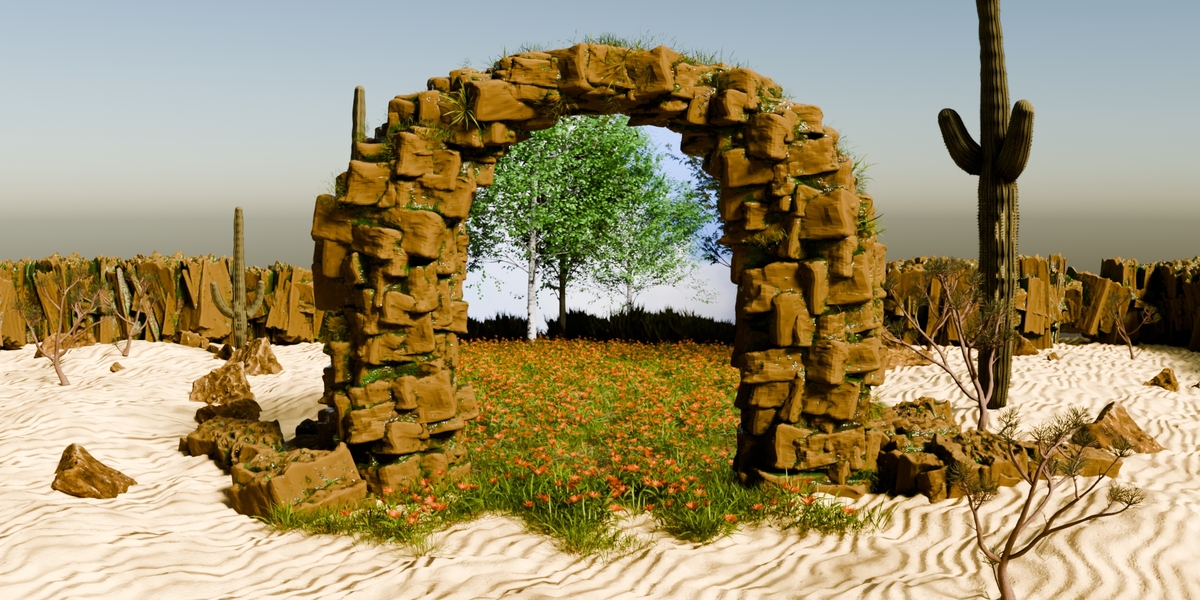
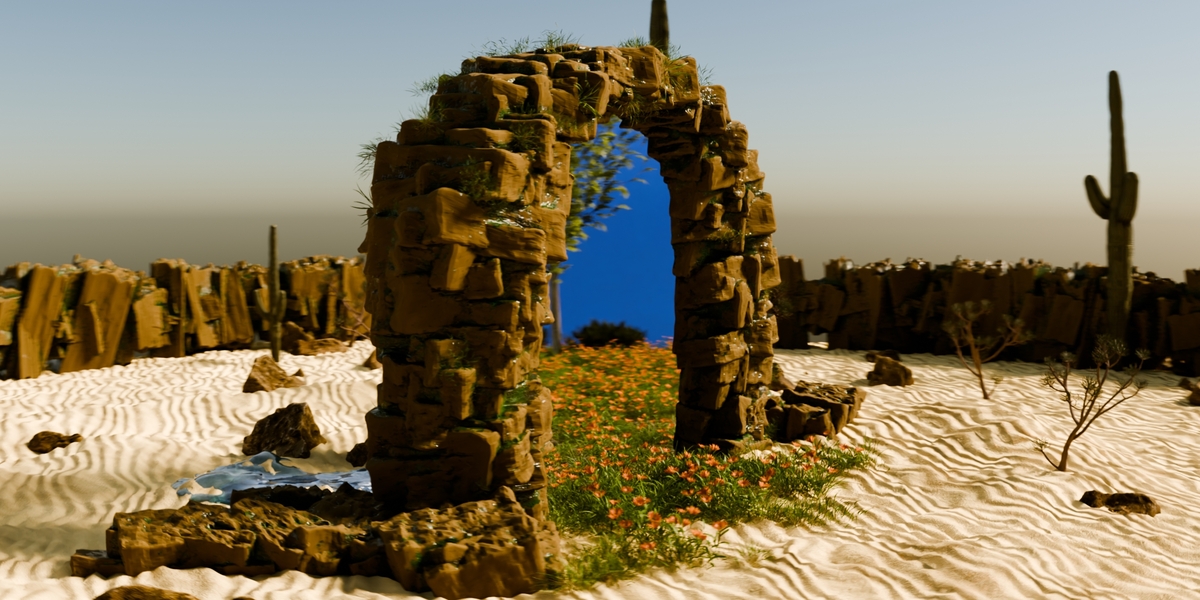
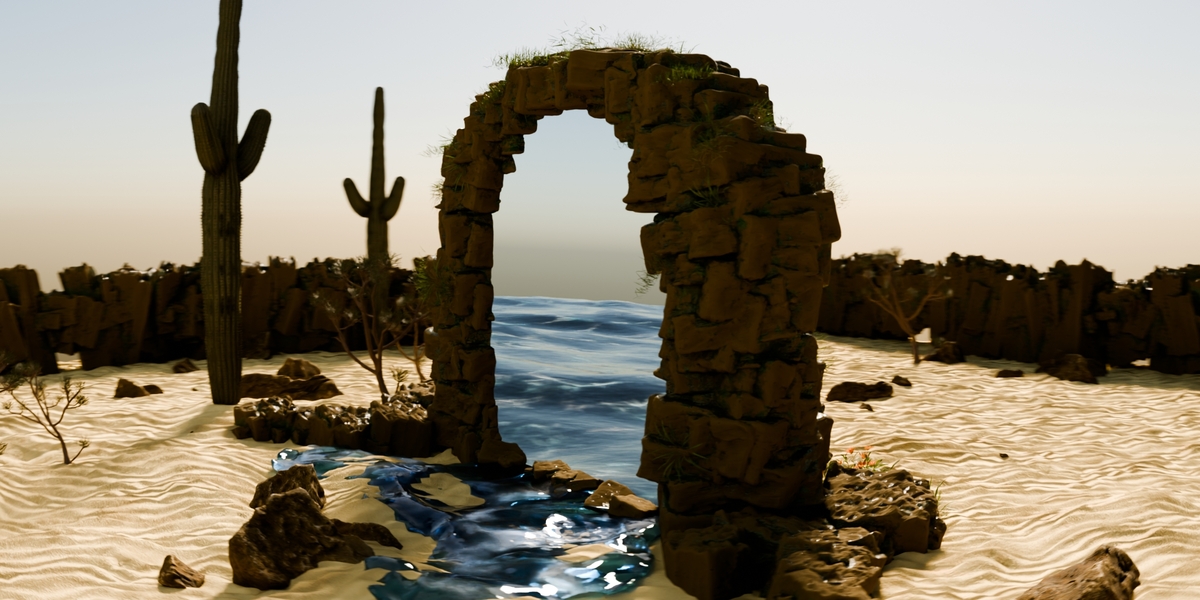
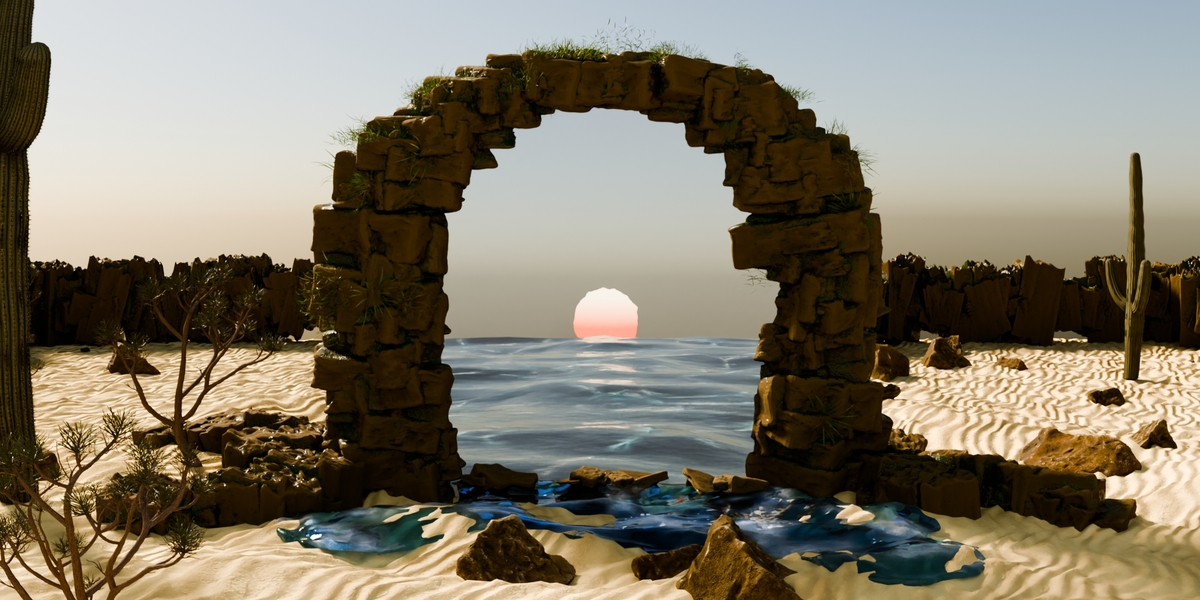
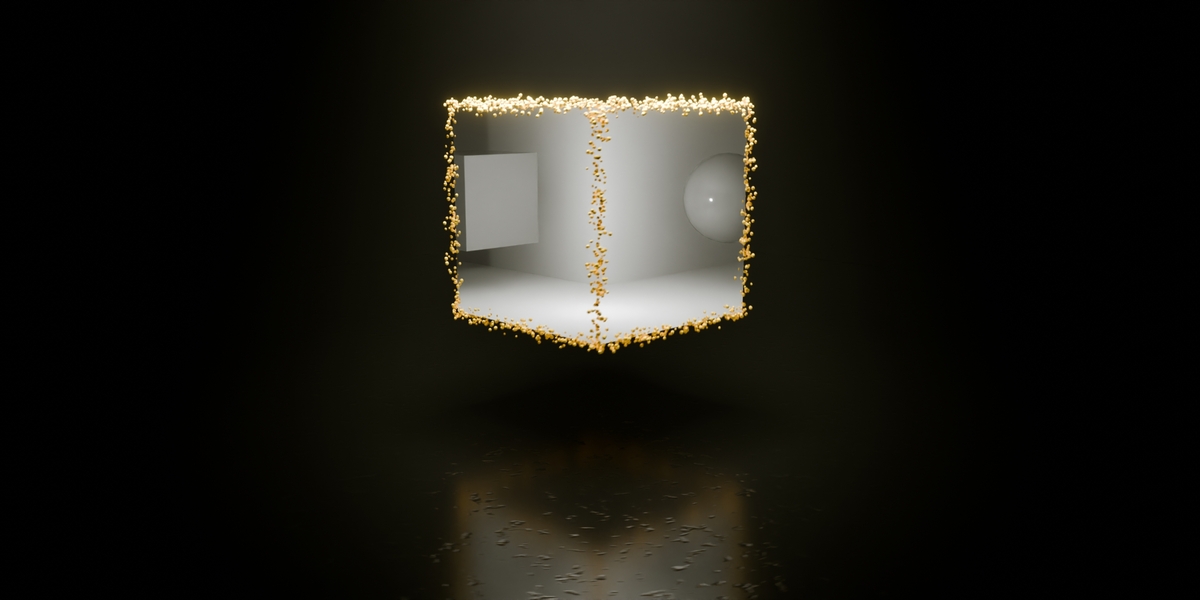
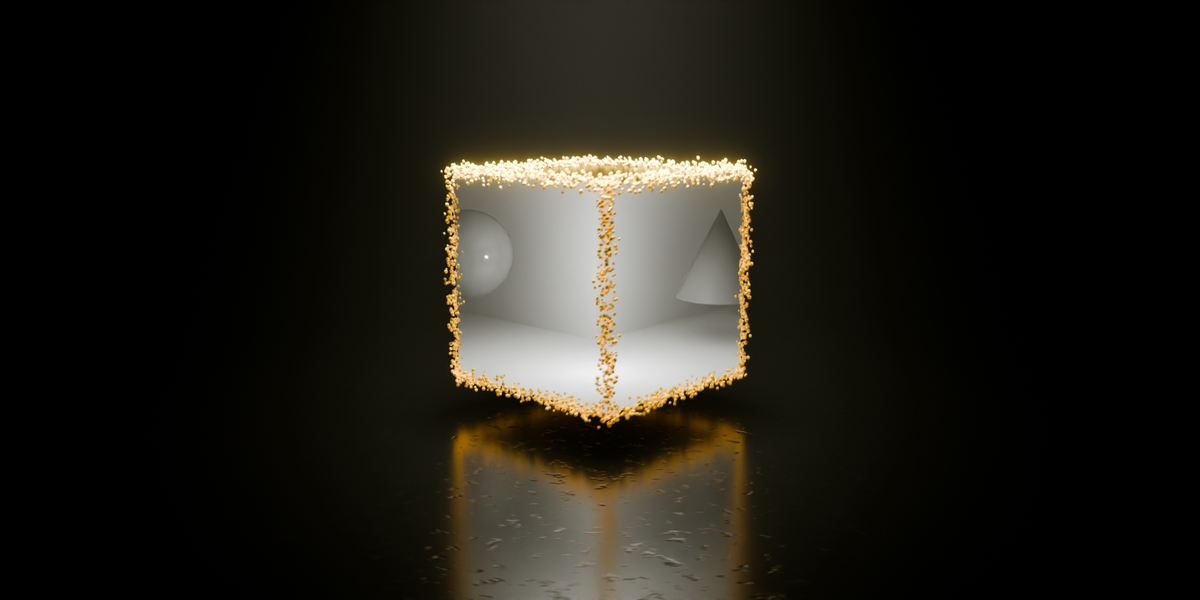
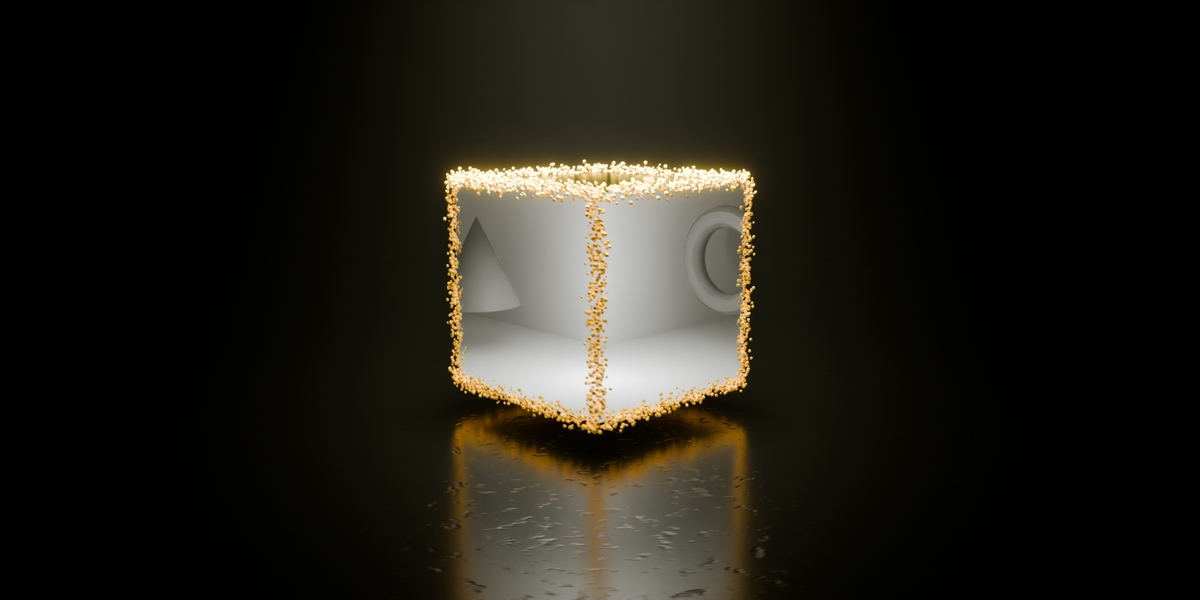
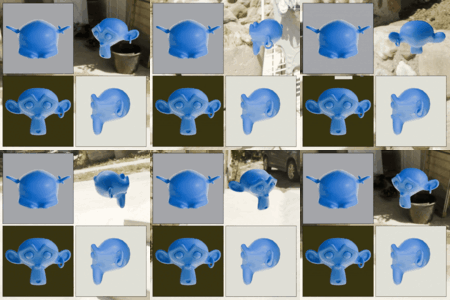
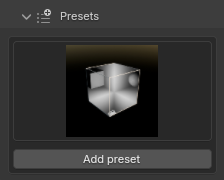
7 predefined presets show how to use Portal Projection and to stimulate your imagination, select and add. |
|
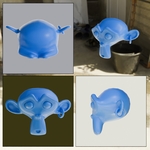
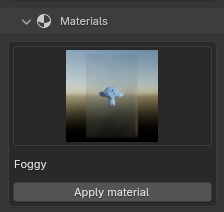
8 predefined materials show how it works to combine the default Portal Projection Material Shader and your own custom materials. From noisy fading over blurry visions and foggy looks to colorful abstract materials. Select and apply the material to all of your selected projection display objects. The selected material will be used when adding a display or applying the material manually to it. |
|
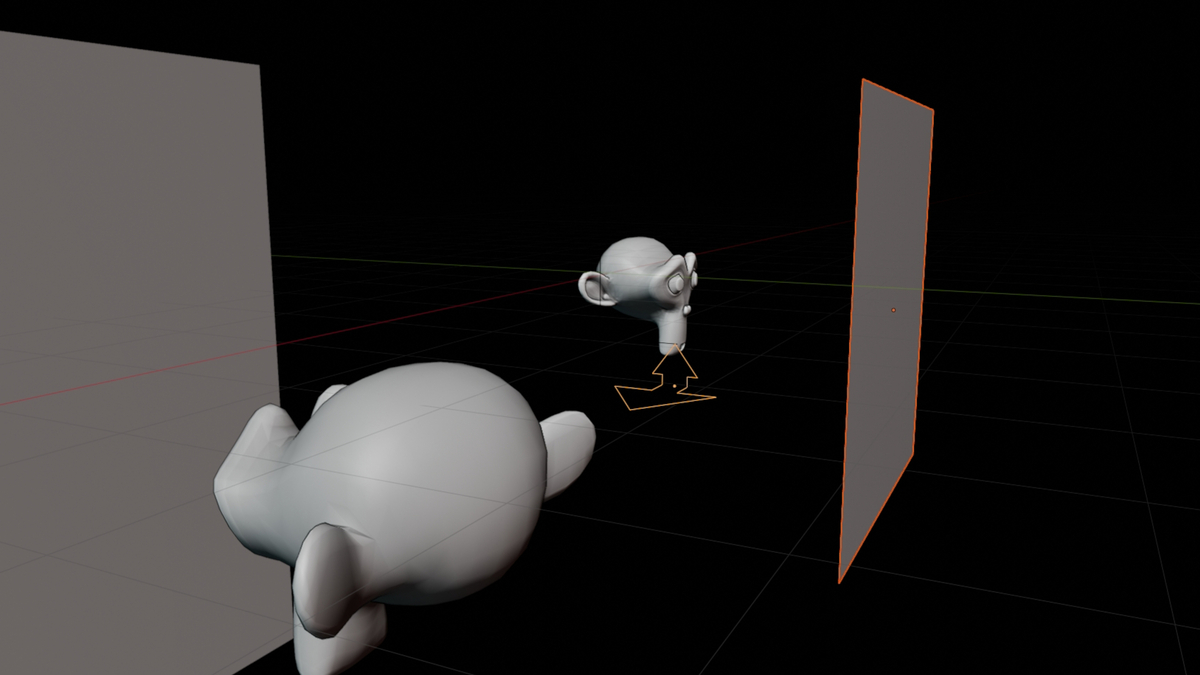
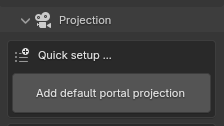
A default button for adding a simple setup, with a camera and a projection display. |
|
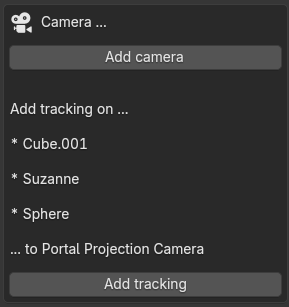
Add camera: Manually add a Portal Projection camera object to your scene. Add tracking: The Addon informs you how the camera tracking will be added. Add a tracking to a newly created empty-object, with the cursor position or the center point of your selected objects, or add a tracking directly to an object. |
|
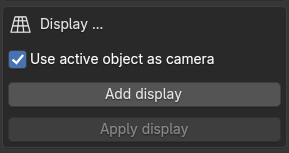
Add display: Adds a new plane object as a Portal Projection display. If the is an active object, this will be used and directly appliyed as the camera object. Apply display: Turns all selected mesh objects into a projection display, using the current selected material and the activated object as the camera (if option is checked). |
|
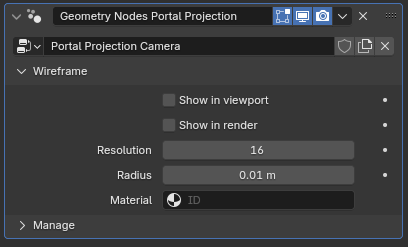
Geometry Nodes Modifier: Portal Projection Camera The "camera" is simply an object for using the position and rotation from, for calculations for the Ray Portal BSDF Display. Control the presentation of the camera in viewport and render mode. |
|
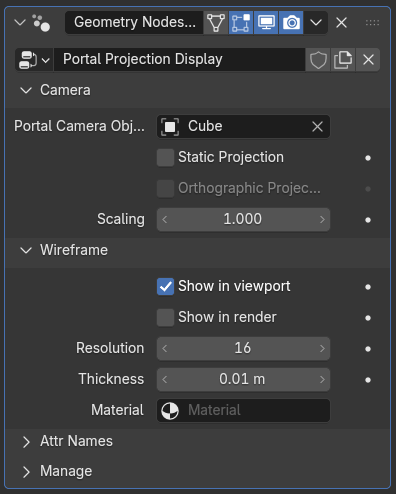
Geometry Nodes Modifier: Portal Projection Display
|
|
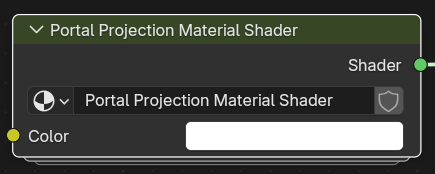
The material shader node which handles the portal projection, camera and display position and rotation to display the portal projection from the camera object. |
Versions Changelog
v1.3.1
- Fixes for Blender version 5.2
- Tracking Object is now active object, when "adding tracking"
- Small improvements when "applying a display"
v1.3.0
- Orthographic Projection View
- New Preset showing Orthographic Projection View in action
- Scaling of projections, regardless of the camera position
- New Material: Green TV Overlay
- Fixed "positioning"-bug in Static Projection in some cases
- Code cleanup
- "Under the hood" improvements
v1.2.0
- UI changes, for better handling and workflow
- Divided UI in sections, for better orientation
- Added 6 presets, for showing how to use Portal Projection
- Added 7 presets, for showing how to use the Portal Projection Material Shader in combination with other materials
- Improved manual handling of cameras and projection displays
- Improved visualization of camera and projection displays
v1.1.0
- Text changes
- Fixes and improvements.
v1.0.0
- First release.
 Included
Includes 12 months of
- Support from Dennis Hafemann
- Product updates
Extend this product’s Support Period +12 months: 50% of product price
Have questions before purchasing?
Login to message
Discover more products like this
window visualizing 3d effect realistic projection abstract Ray portal bsdf portal effect dimension mirror