 ozasuke


Preset For Dyntopo
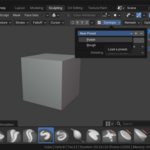
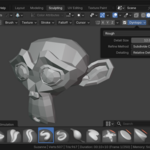
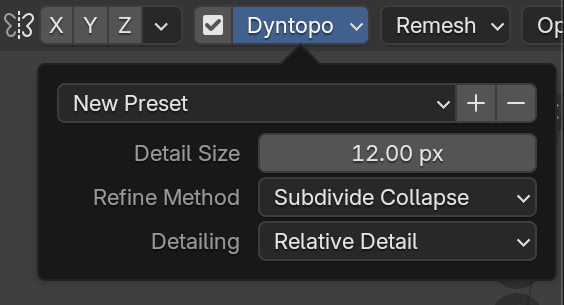
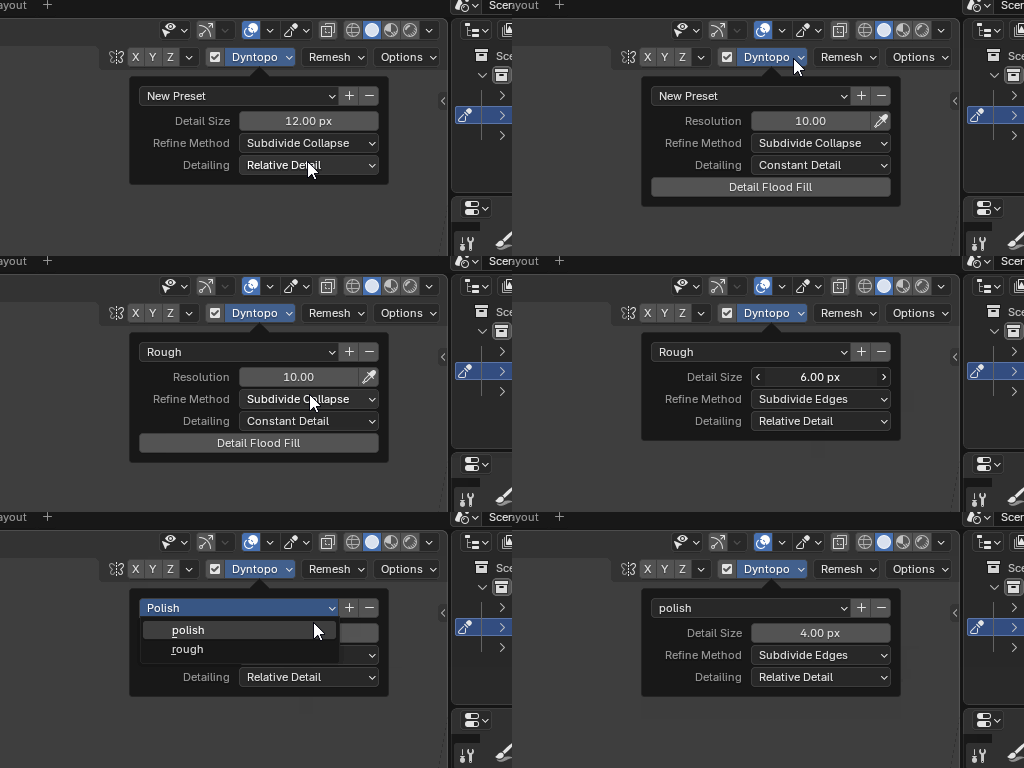
This addon adds preset to dyntopo.
Install in Blender
For instructions on installing add-ons, please refer to the Blender manual (Add-ons - Blender 5.0 Manual)
How to Use
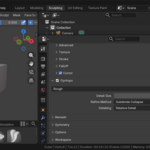
You can open the Dyntopo panel to add or remove presets in sculpt mode.
$1
Have questions about this product?
Login to message
| Blender Extension Compatible | Yes |
| Published | 7 months ago |
| Blender Version | 4.2 - 5.2 |
| Extension Type | Add-on |
| License | GPL |
