Printify 3D Print Generator Animation
 Youthcloud
How do I install PRINTIFY in Blender?
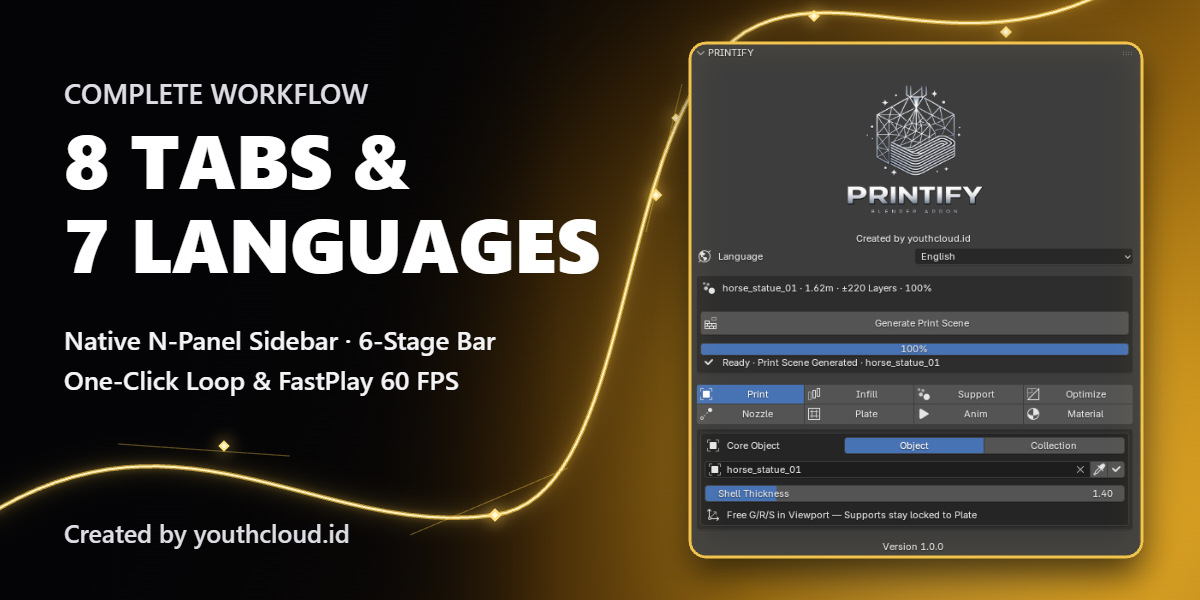
Open Blender 4.0 – 5.3, go to Edit → Preferences → Add-ons (or Get Extensions → Install from Disk in Blender 4.2+), select
printify_original_npanel.zip, and enable it. Press N in the 3D Viewport to open the Printify sidebar tab, or drag the Zip file to Blender Software.How do I speed up playback on a high-poly sculpt?
Open the Optimize tab, choose Balanced or Light, and enable Auto-Light FastPlay. Blender uses a fast proxy while playing and automatically restores 100% raw geometry for final F12 renders.
How do I speed up playback on a high-poly sculpt?
Open the Optimize tab, choose Balanced or Light, and enable Auto-Light FastPlay. Blender uses a fast proxy while playing and automatically restores 100% raw geometry for final
F12 renders.How do I move the entire 3D print rig in my scene?
Select the Build Plate object and press
G to move it along X, Y, or Z. The Core Object, Supports, Nozzle, Guide Rail, and GT2 Belt follow automatically.How do I keep my model’s original UV textures?
Open the Material tab and click Original Mat. to preserve your existing shaders and UVs while keeping the slicing animation and supports active.
Can I use my own custom Nozzle or Build Plate mesh?
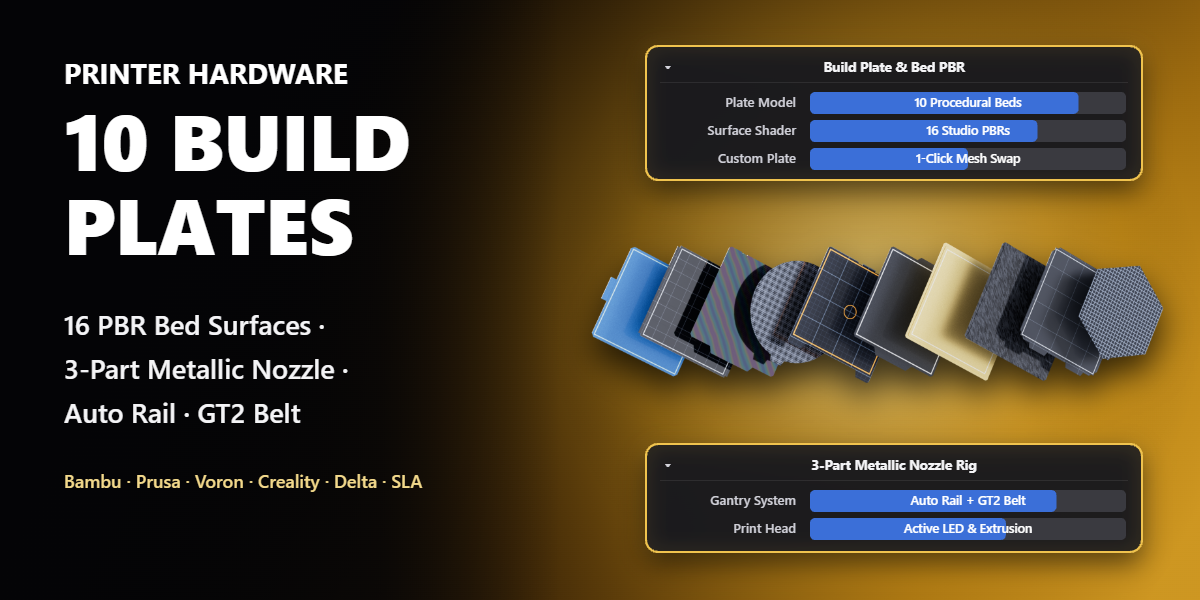
Yes. In the Nozzle tab assign any custom Object or Collection for Nozzle Head, Guide Rail, or Belt. In the Plate tab pick your Custom Plate and optionally click Apply Texture to Custom Plate.
How do I bake a looping animation?
Open the Anim tab, set your Start Frame and End Frame, pick a toolpath pattern, and click Bake Repeat or Ping-Pong Loop.