 ZEG
Installation
In Blender open Edit, Preferences, Get Extensions, then use Install from Disk and pick the zip.
Usage
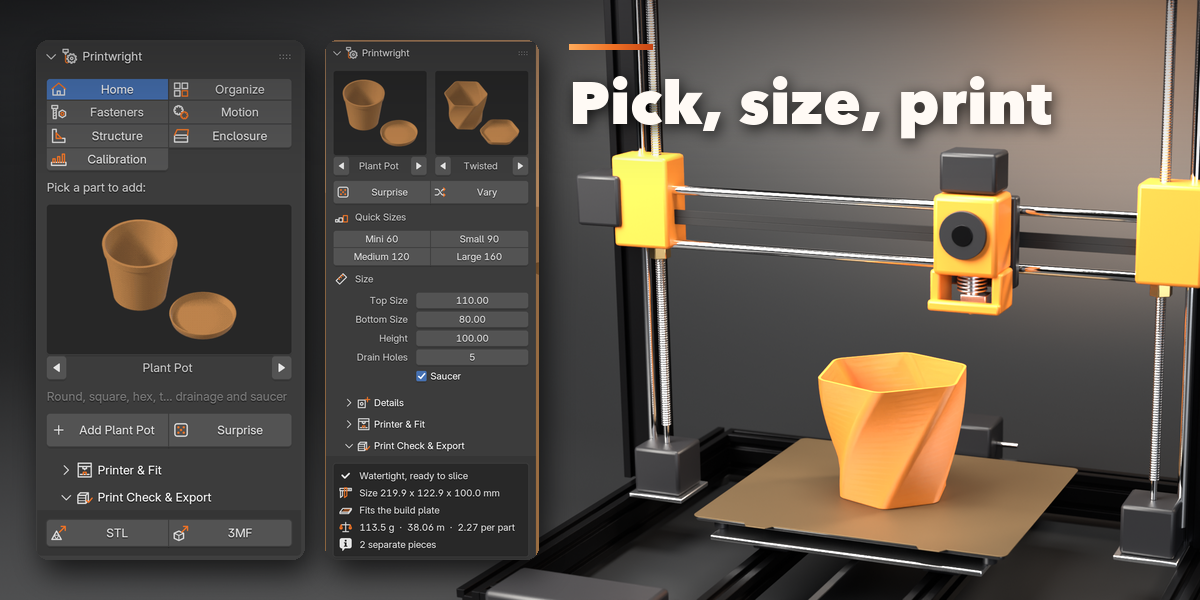
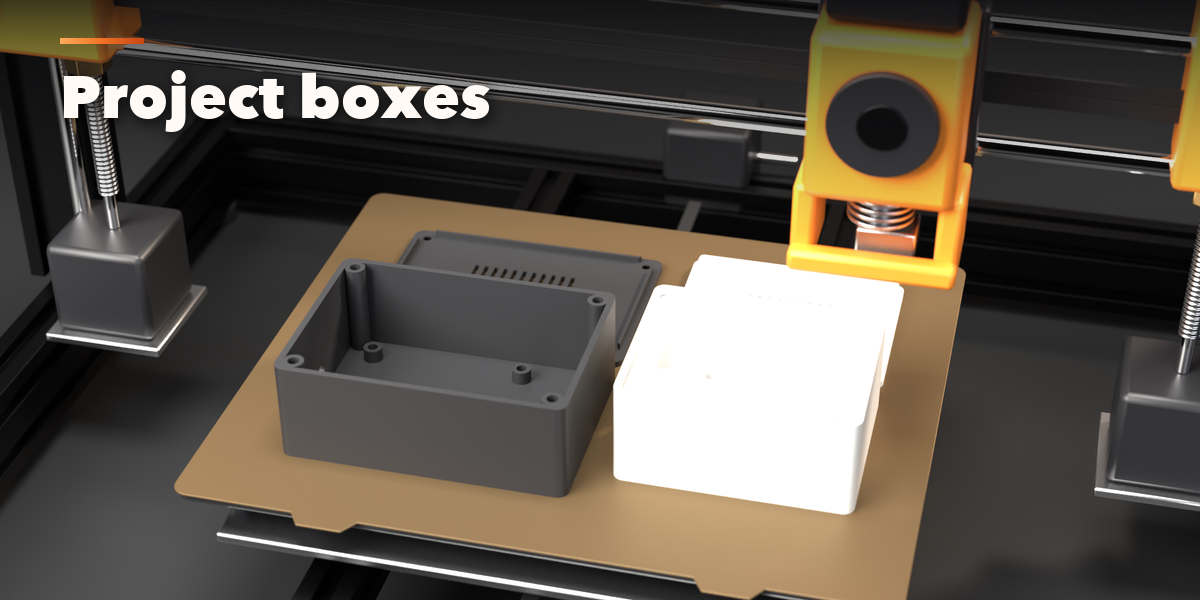
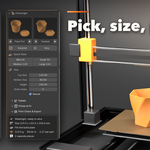
- Open the sidebar (N) in the 3D Viewport and pick the Printwright tab, or use Shift+A, Mesh, Printwright Parts.
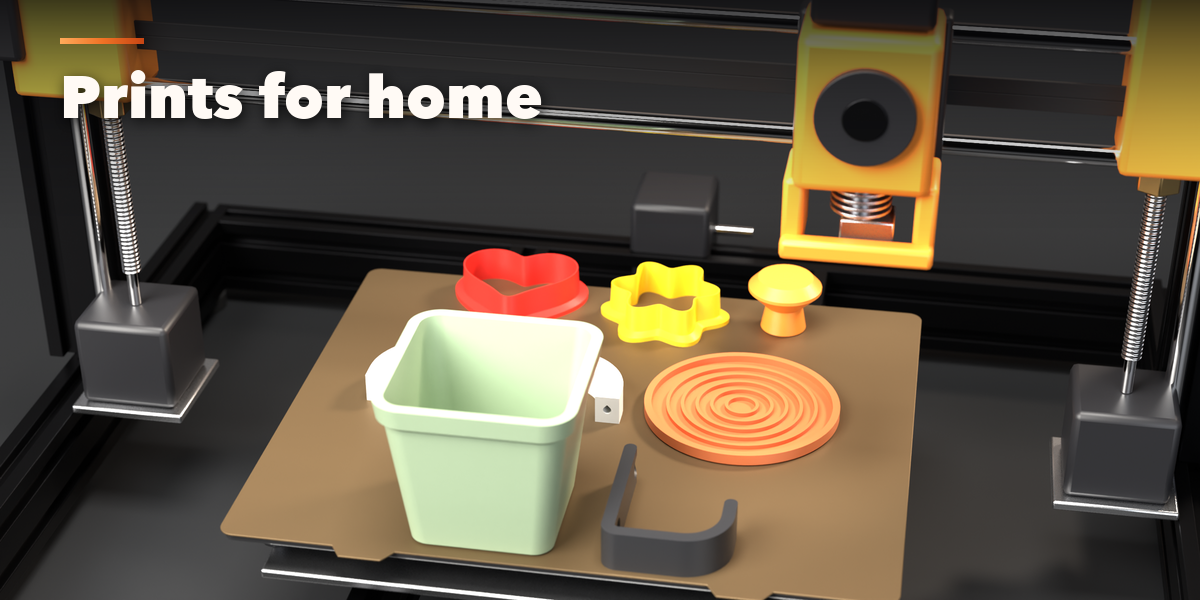
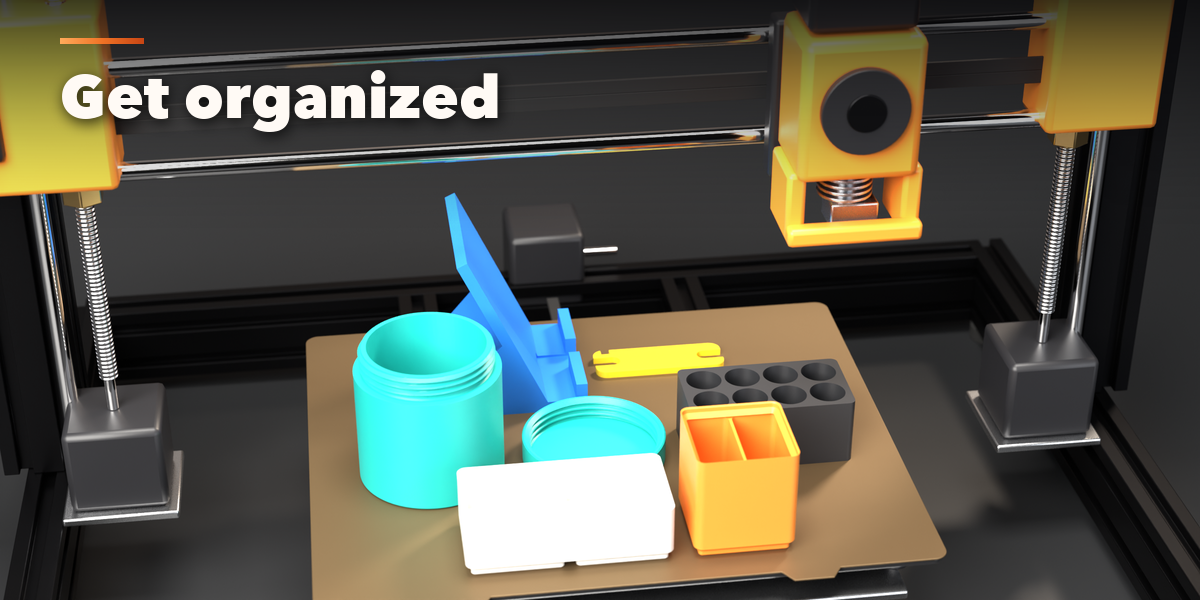
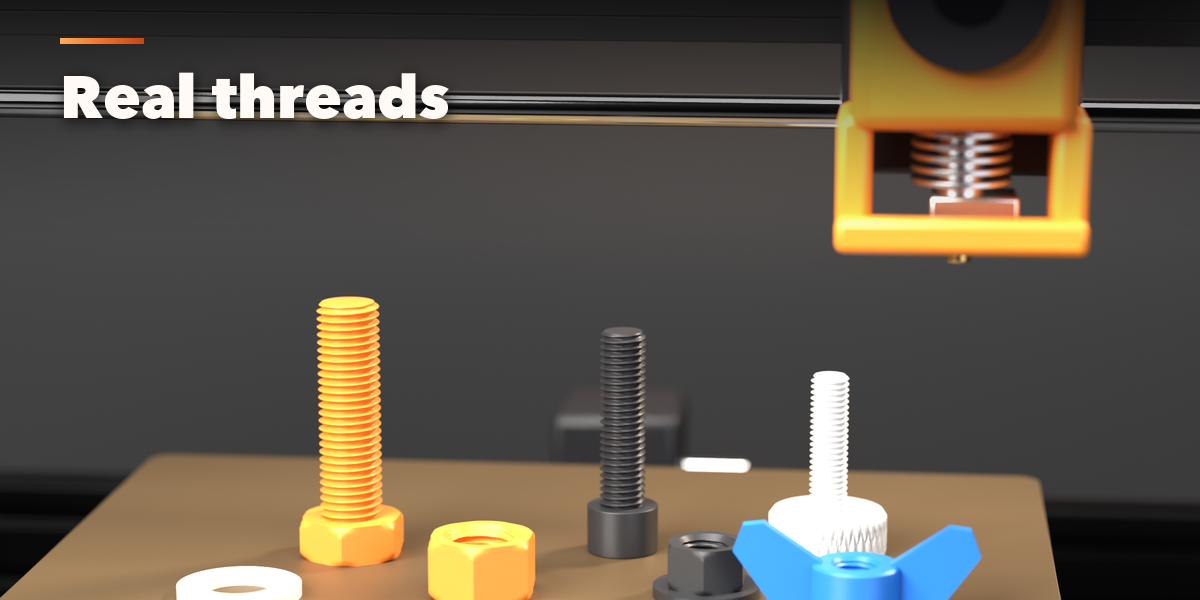
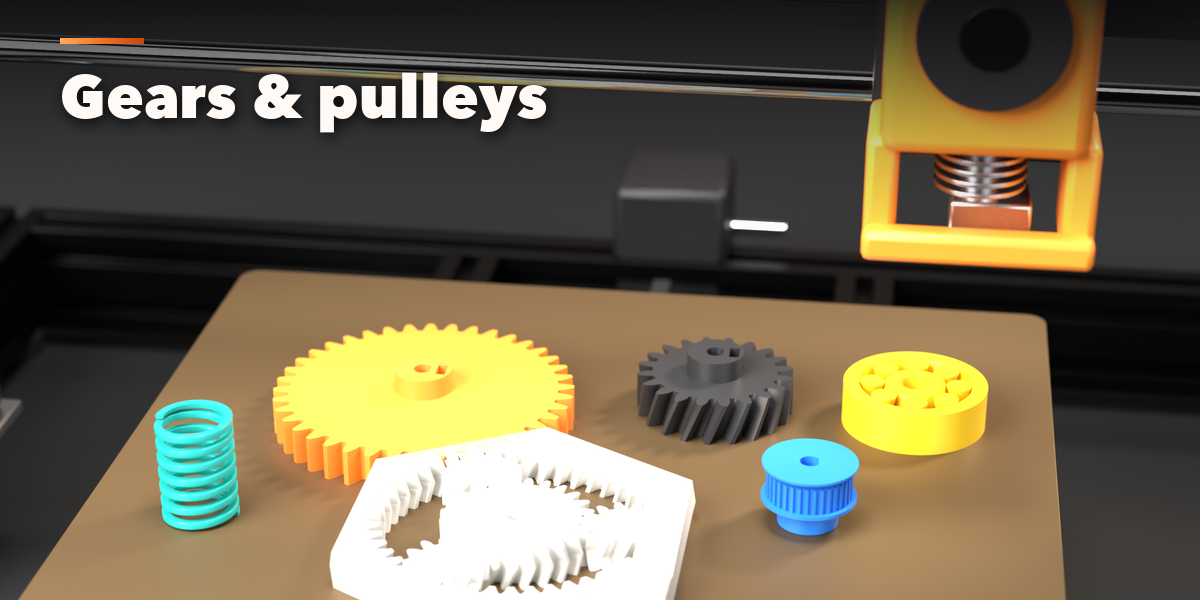
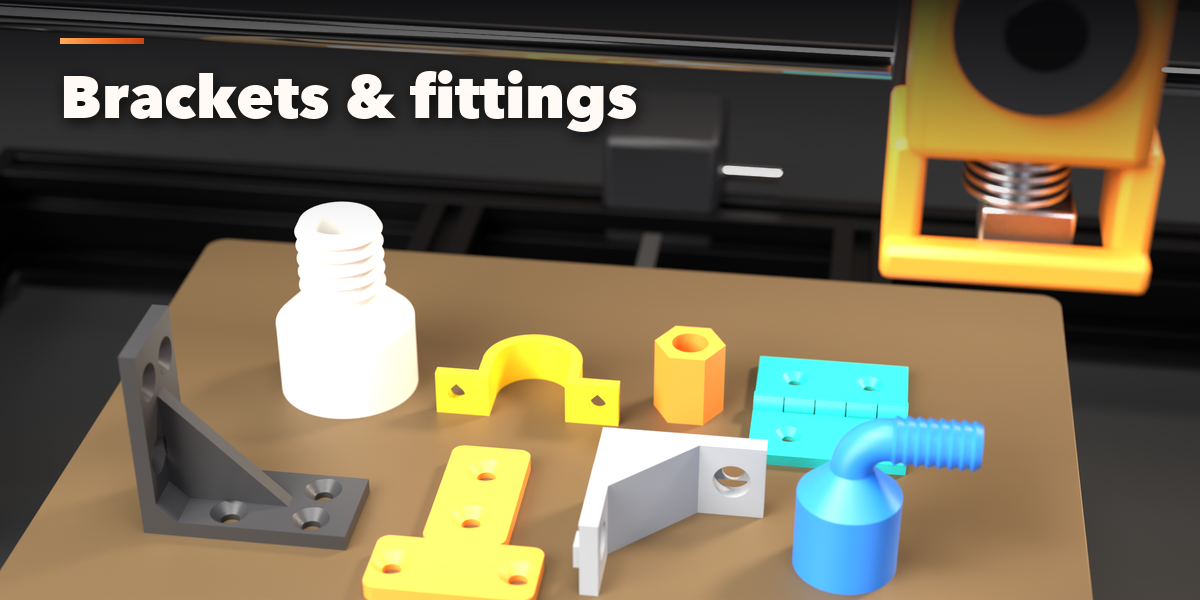
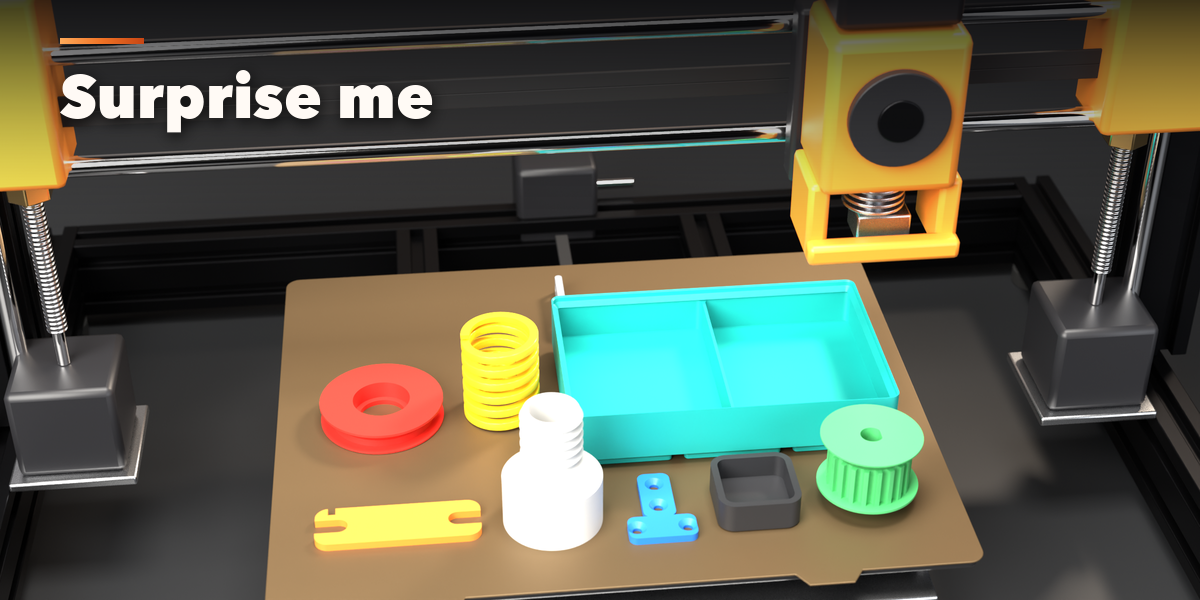
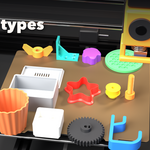
- Pick a part in the gallery and click Add. Click Scene in Millimetres once so 1 Blender unit is 1 mm.
- Choose a style and a quick size, then adjust the values; the part rebuilds live.
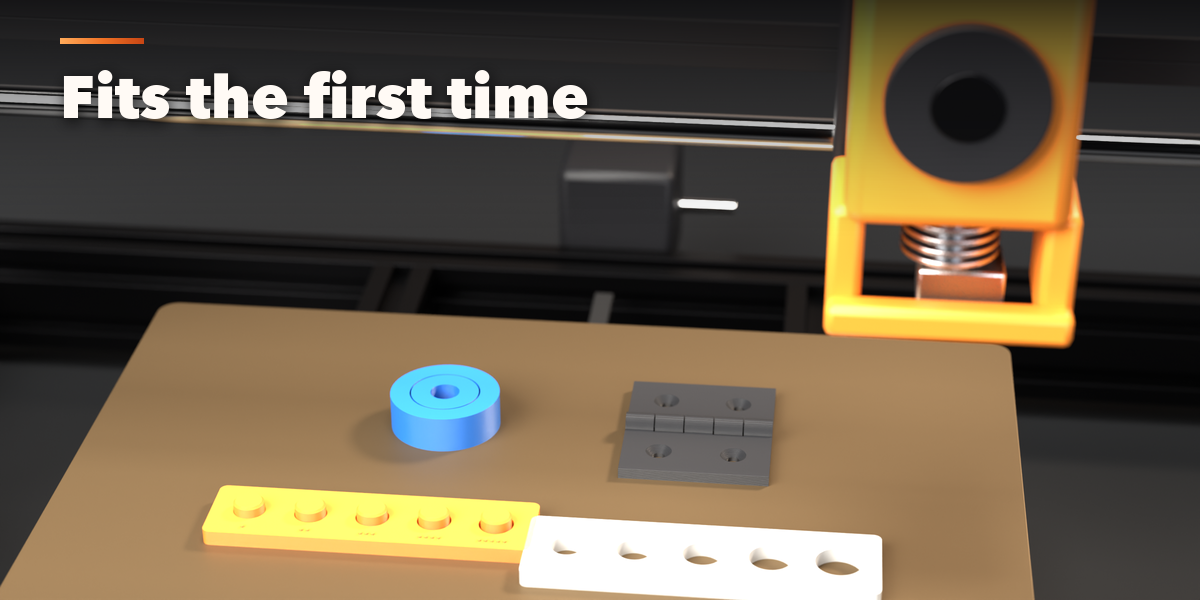
- Under Printer & Fit set your printer and clearance. Print a Tolerance Test once to find your clearance.
- Check the Print Check box and export STL or 3MF.
Have questions about this product?
Login to message
| Blender Extension Compatible | Yes |
| Published | about 9 hours ago |
| Blender Version | 4.2 - 5.2 |
| Extension Type | Add-on |
| Render Engine Used | Cycles, Eevee |
| License | GPL |

Discover more products like this
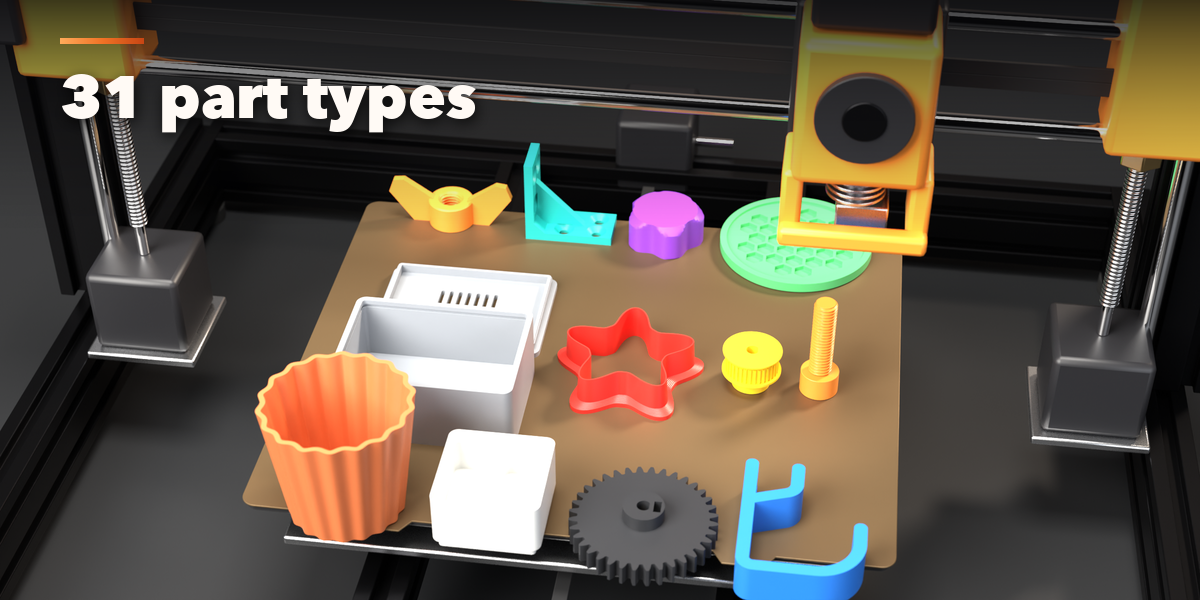
enclosure bolt plant pot gear generator 3d printing thread gridfinity 3MF cookie cutter STL bracket organizer