 Po Buckra Productions







Prism Suite — Early Access Beta
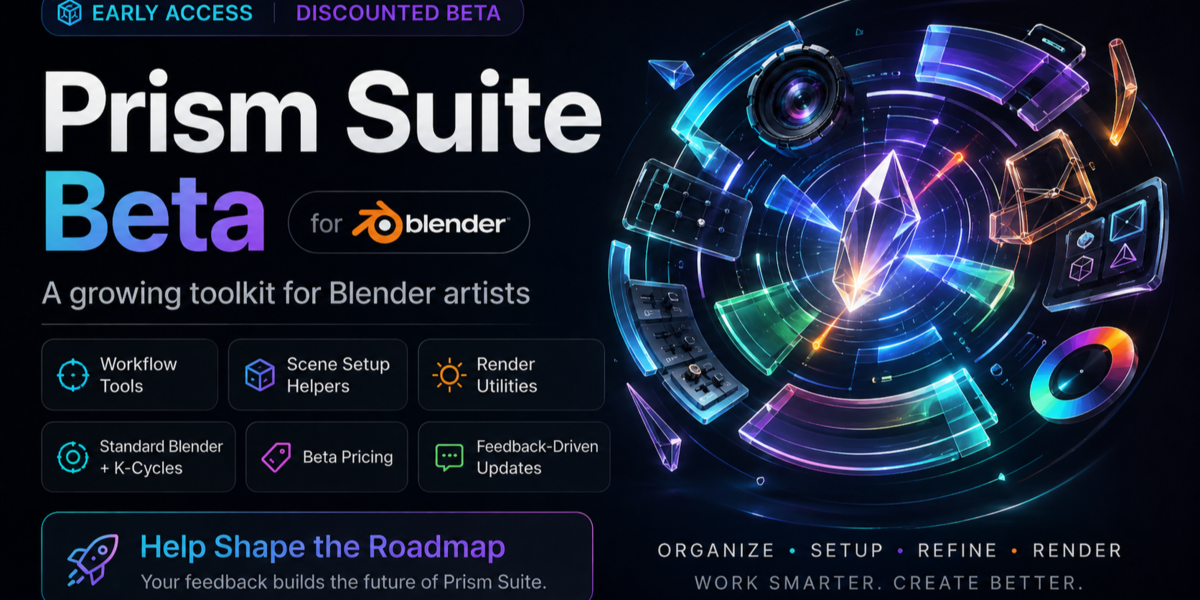
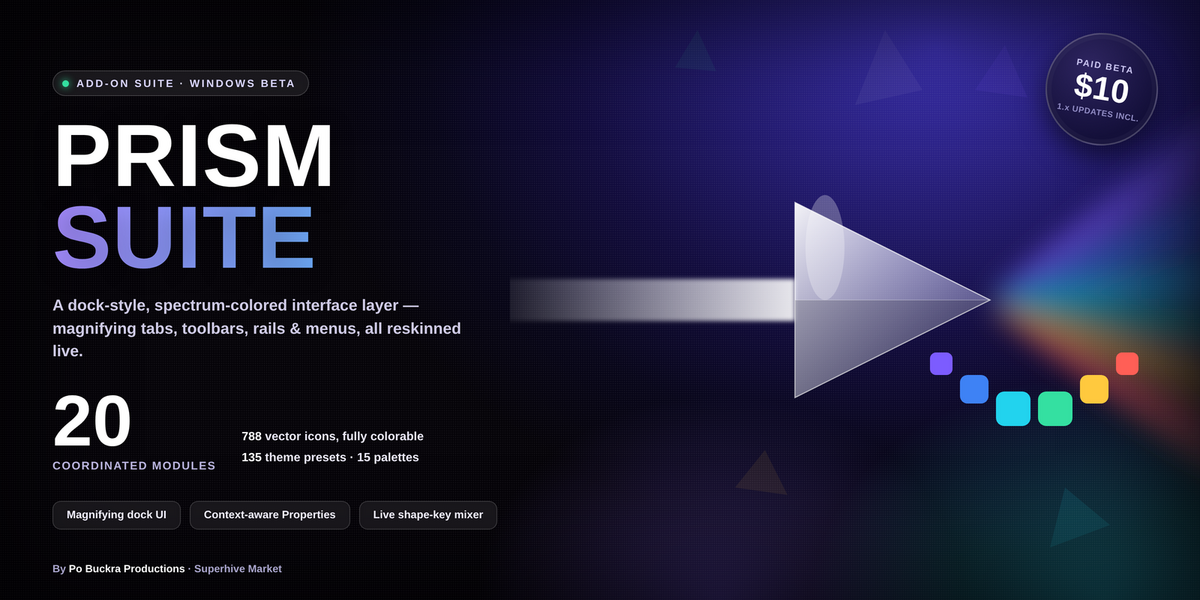
A coordinated interface layer for Blender that makes the tools you already use faster to reach, easier to scan, and a lot nicer to navigate.
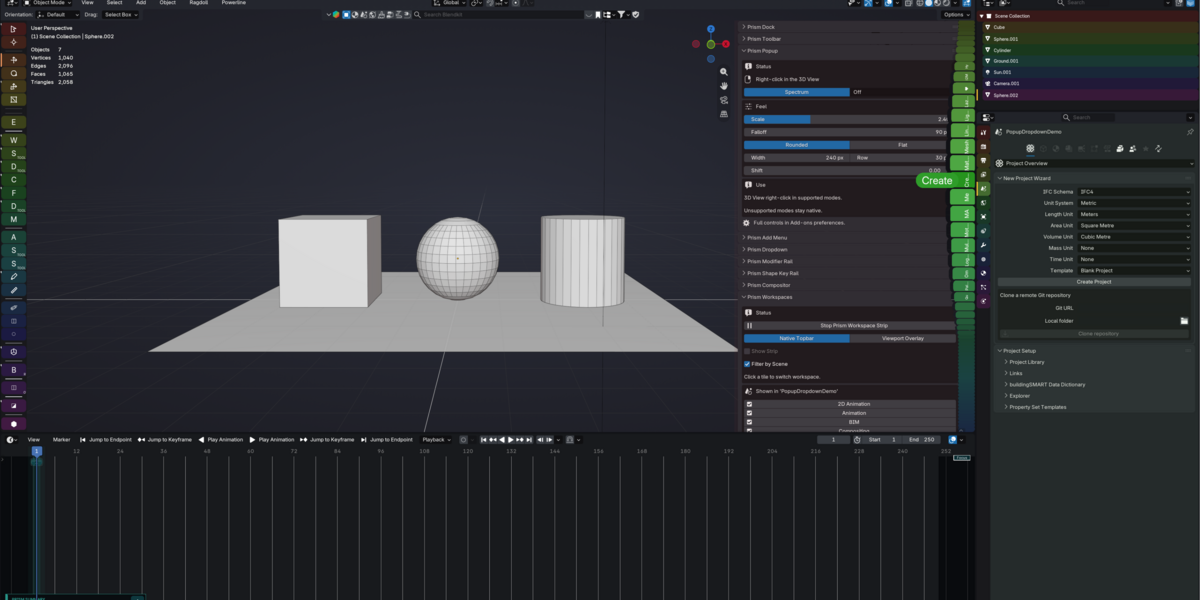
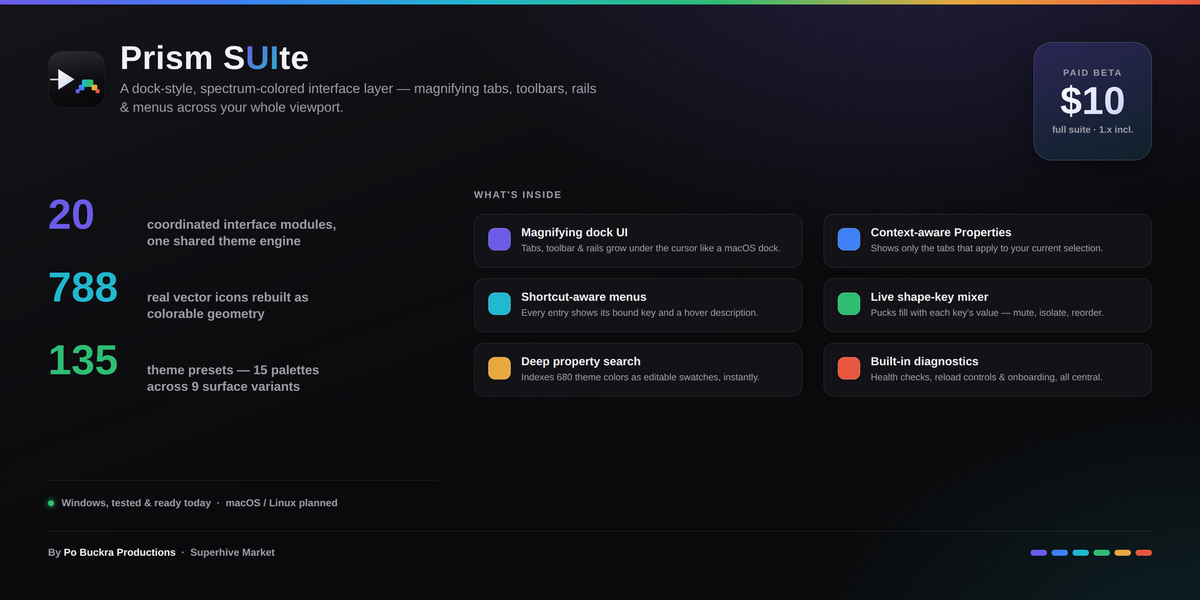
Prism Suite replaces Blender’s flat tab strips, toolbars, menus, and utility rails with a family of magnifying, spectrum-colored interface controls that respond under your cursor like a desktop dock.
Rather than piling another collection of unrelated tools onto Blender, Prism works across the interface as one connected system: sidebar tabs, toolbars, menus, Properties, modifiers, shape keys, animation controls, the Video Sequencer, nodes, compositor tools, search, and more all share the same interaction and theming engine.
This release is the paid Early Access Beta of Prism Suite.
17 Add-ons. One Interface System.
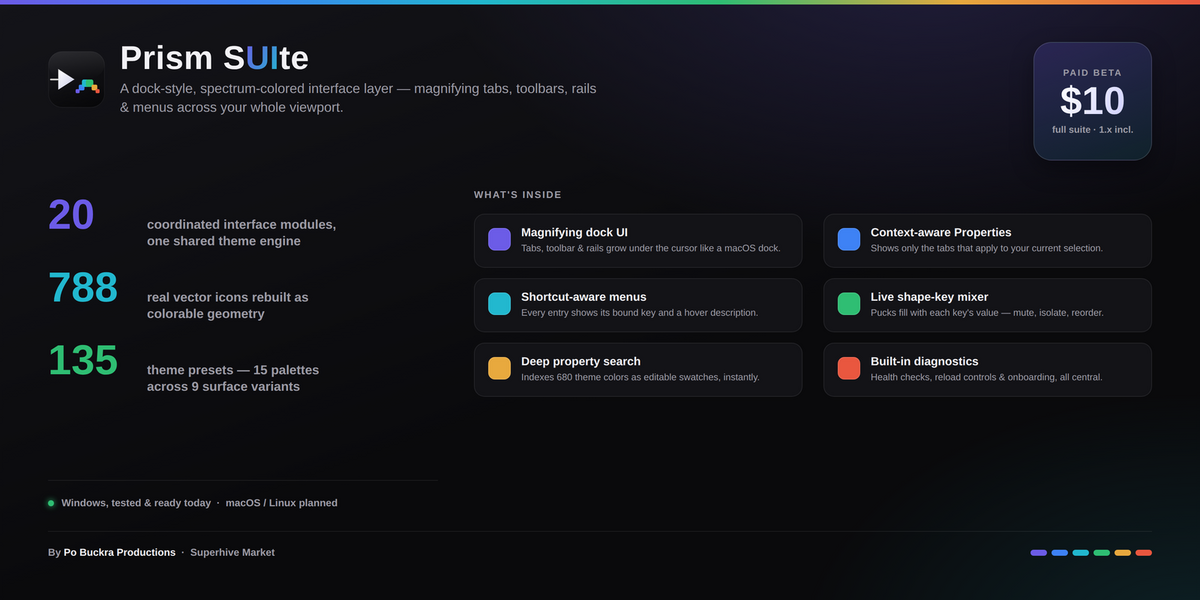
The current beta contains 17 coordinated Blender add-ons, powered by 3 shared system modules for drawing, themes, and vector icons.
That means Prism isn’t a bundle of seventeen unrelated scripts. The pieces are designed to behave like parts of the same interface.
Prism Dock
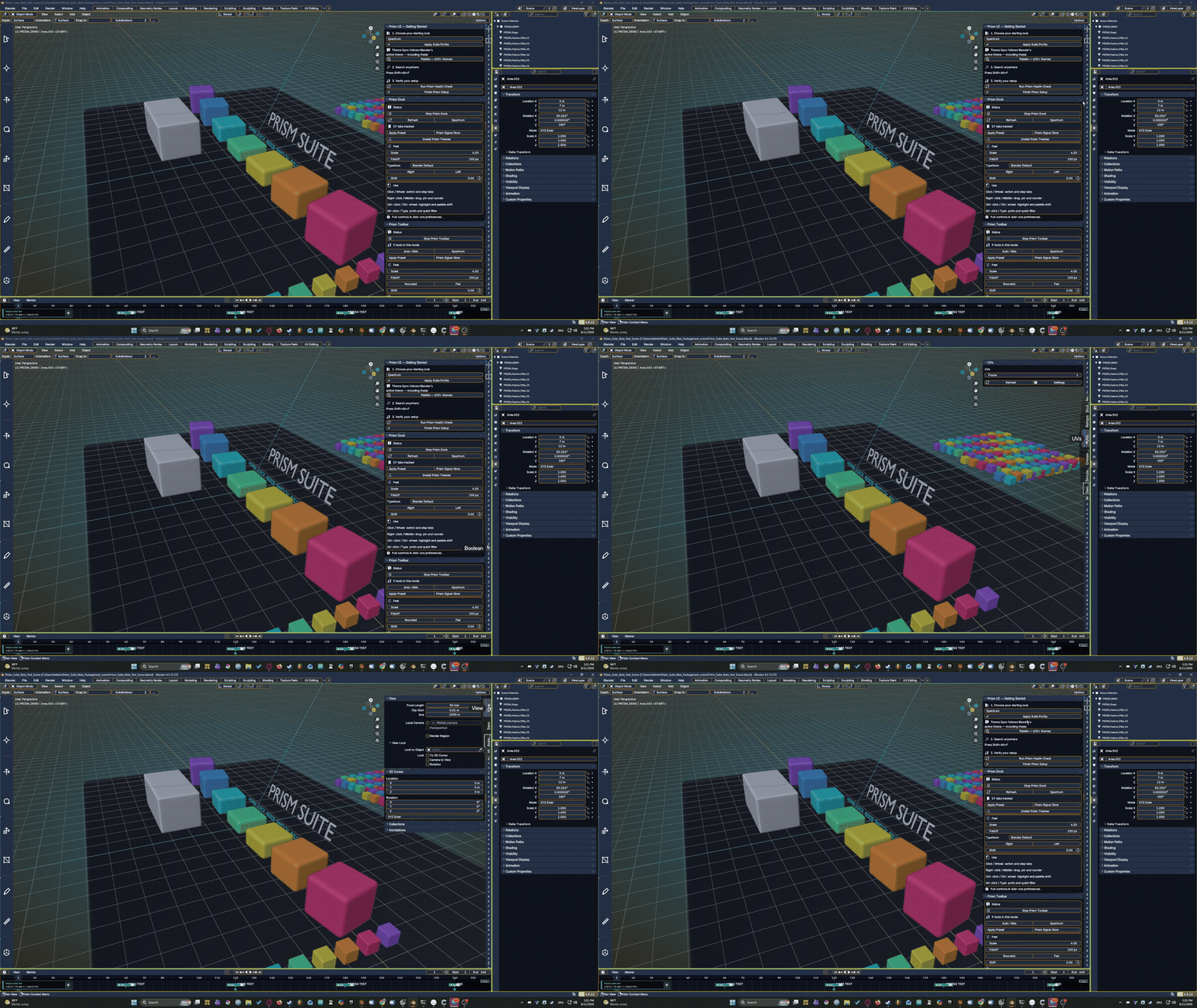
Transforms Blender’s sidebar categories into a magnifying tab strip that grows naturally beneath the pointer.
Prism Toolbar
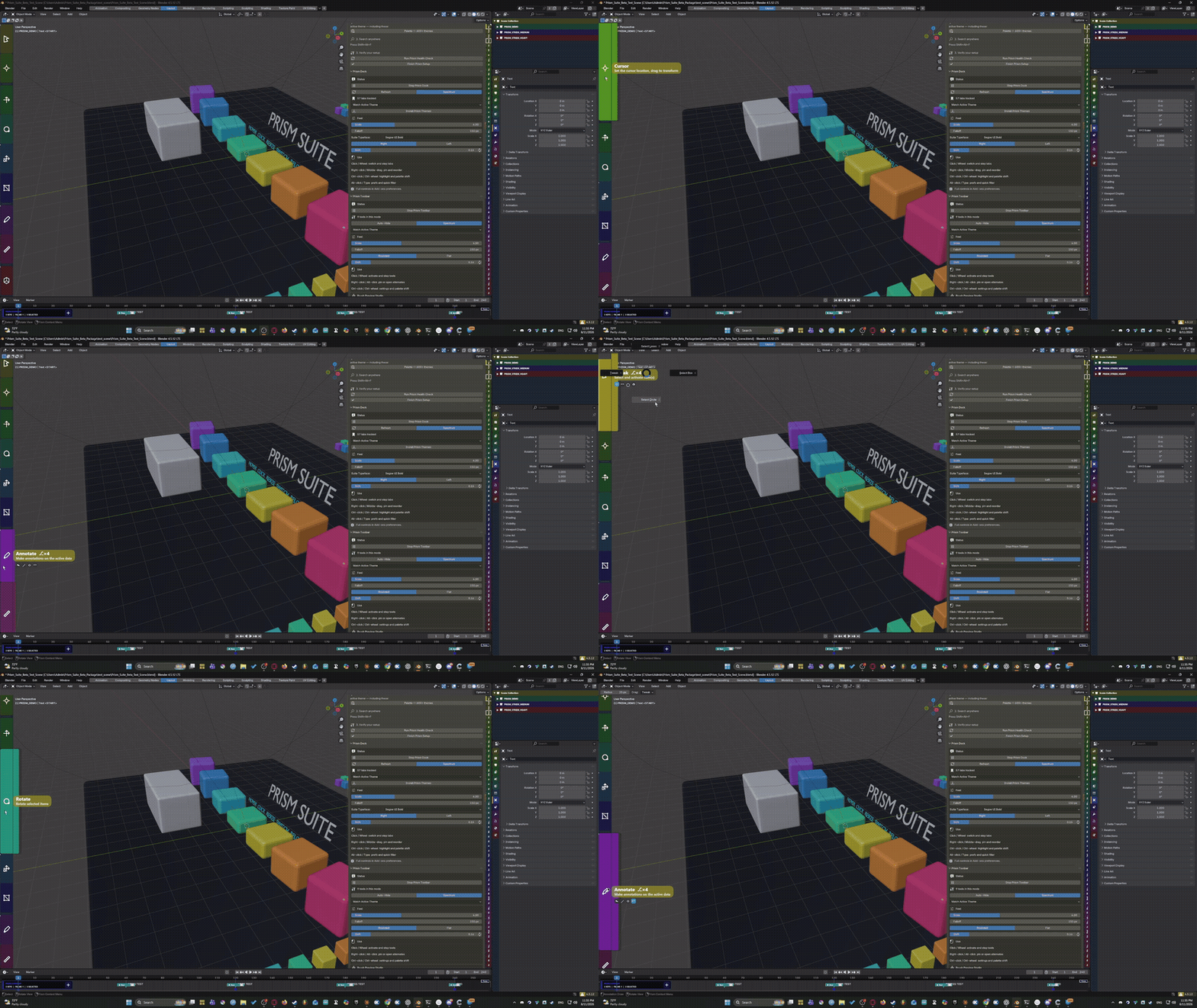
A magnifying 3D View tool rail designed to make Blender’s viewport tools faster to identify and reach.
Pinned tools can be reordered, removed, and sorted based on recorded usage.
Prism Popup
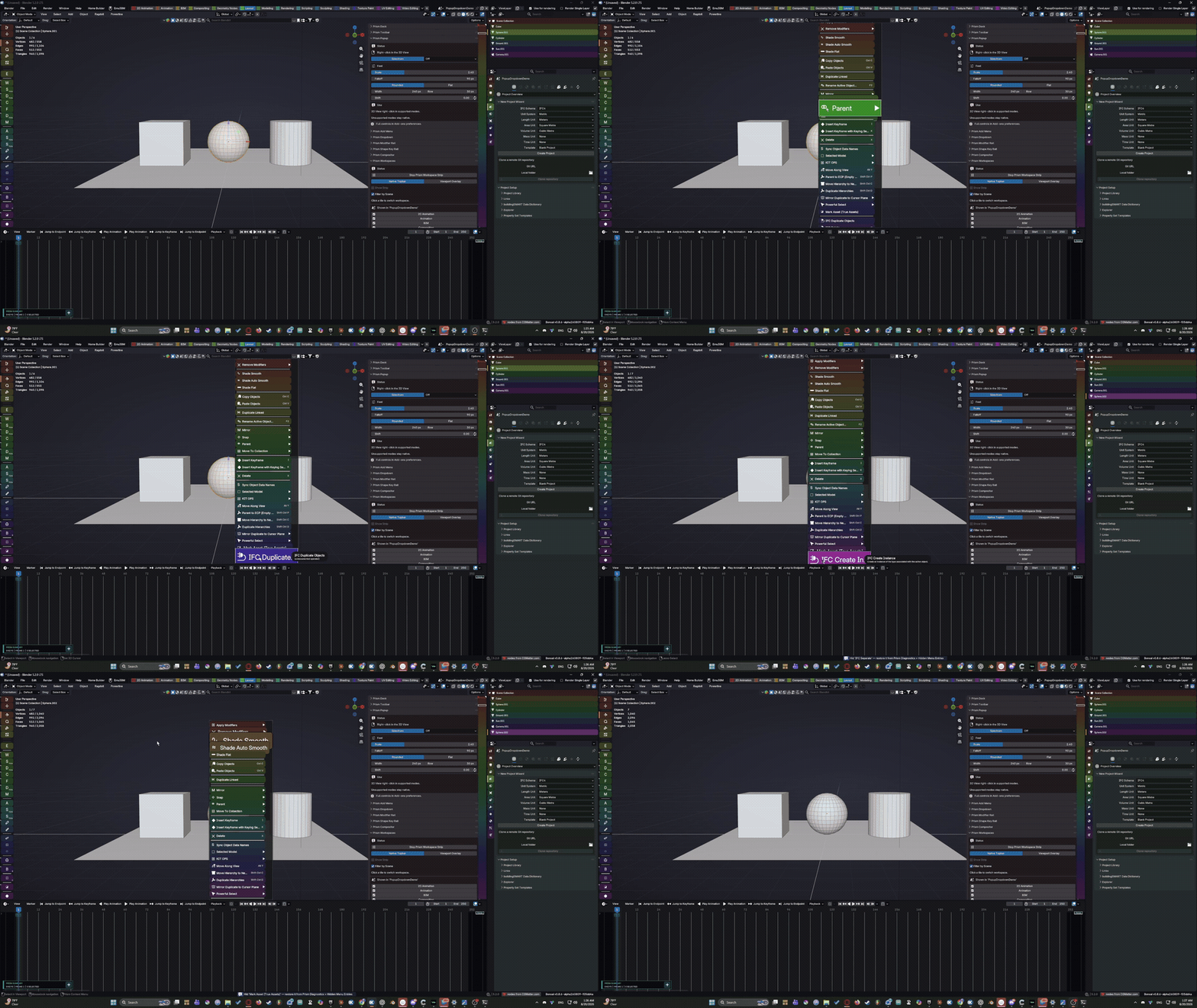
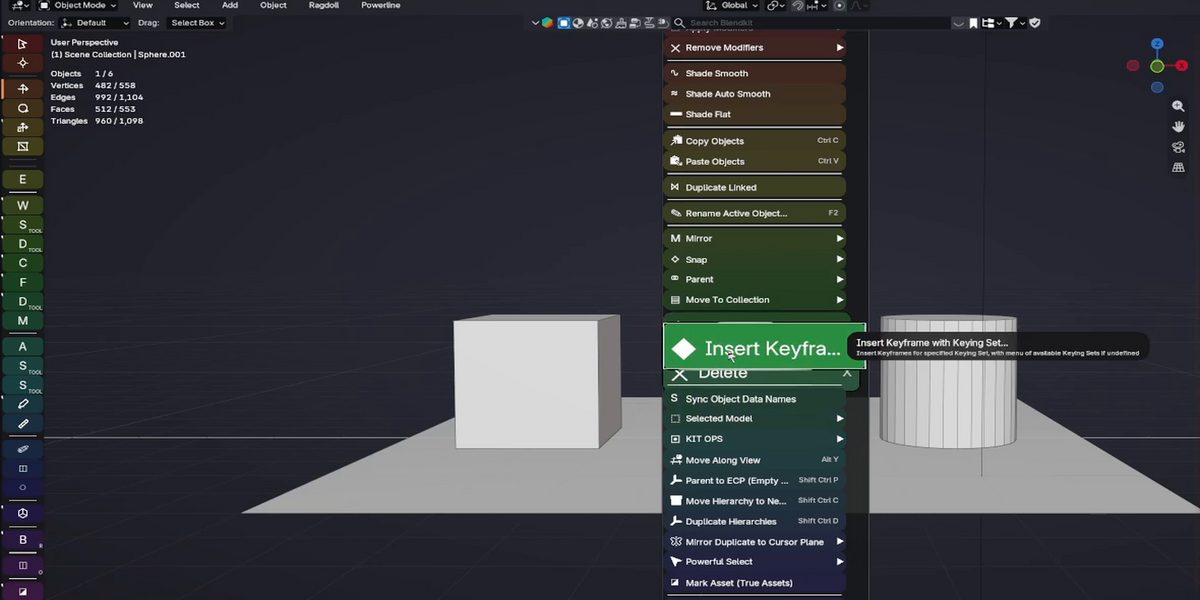
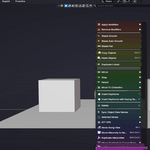
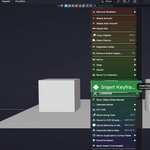
Reworks viewport context menus with Prism’s magnification, colors, shortcuts, descriptions, and scrolling behavior.
Prism Dropdown
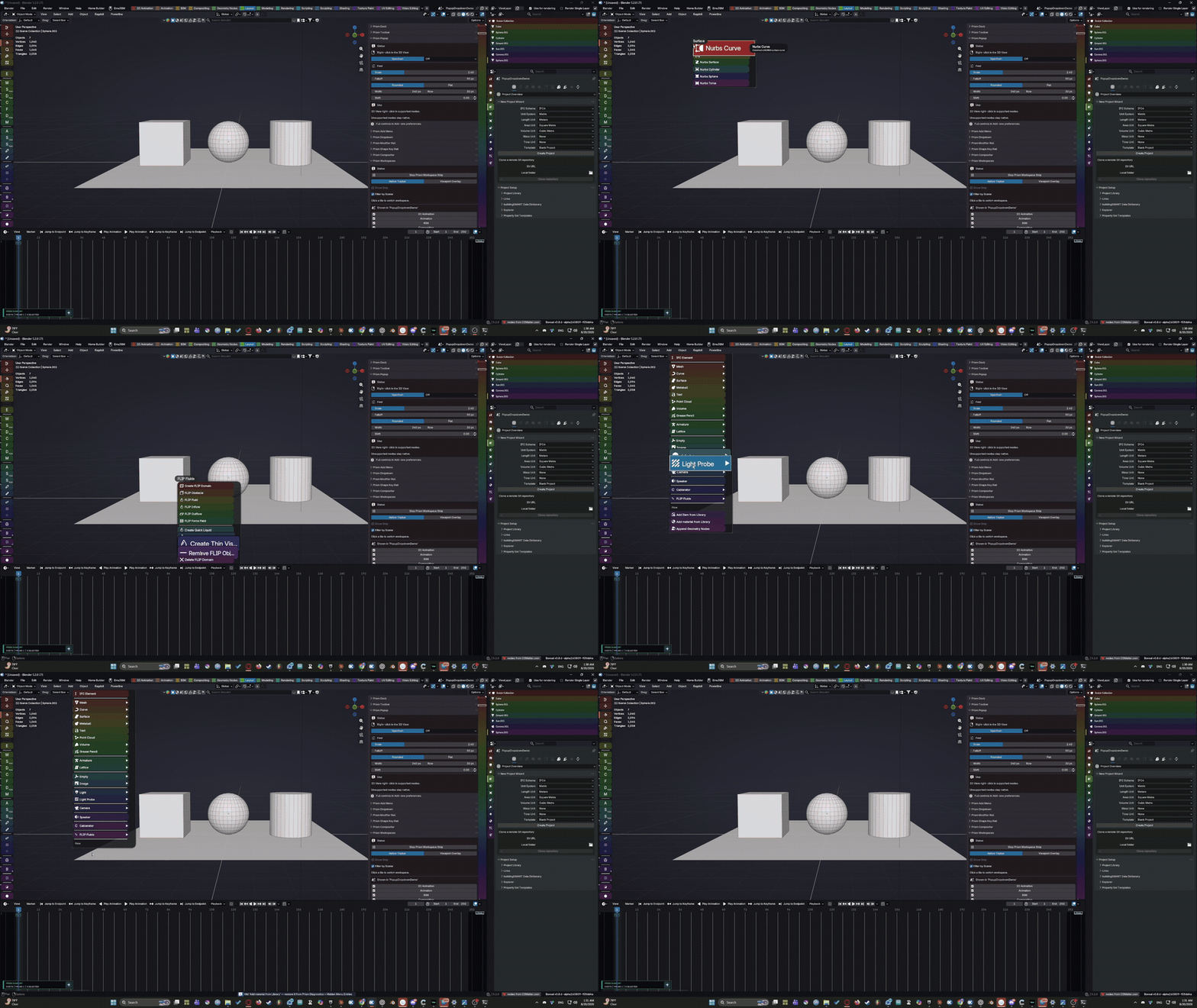
Applies the same interface system to Blender’s editor header menus.
Large menus scroll rather than disappearing beyond the available screen space.
Prism Add Menu
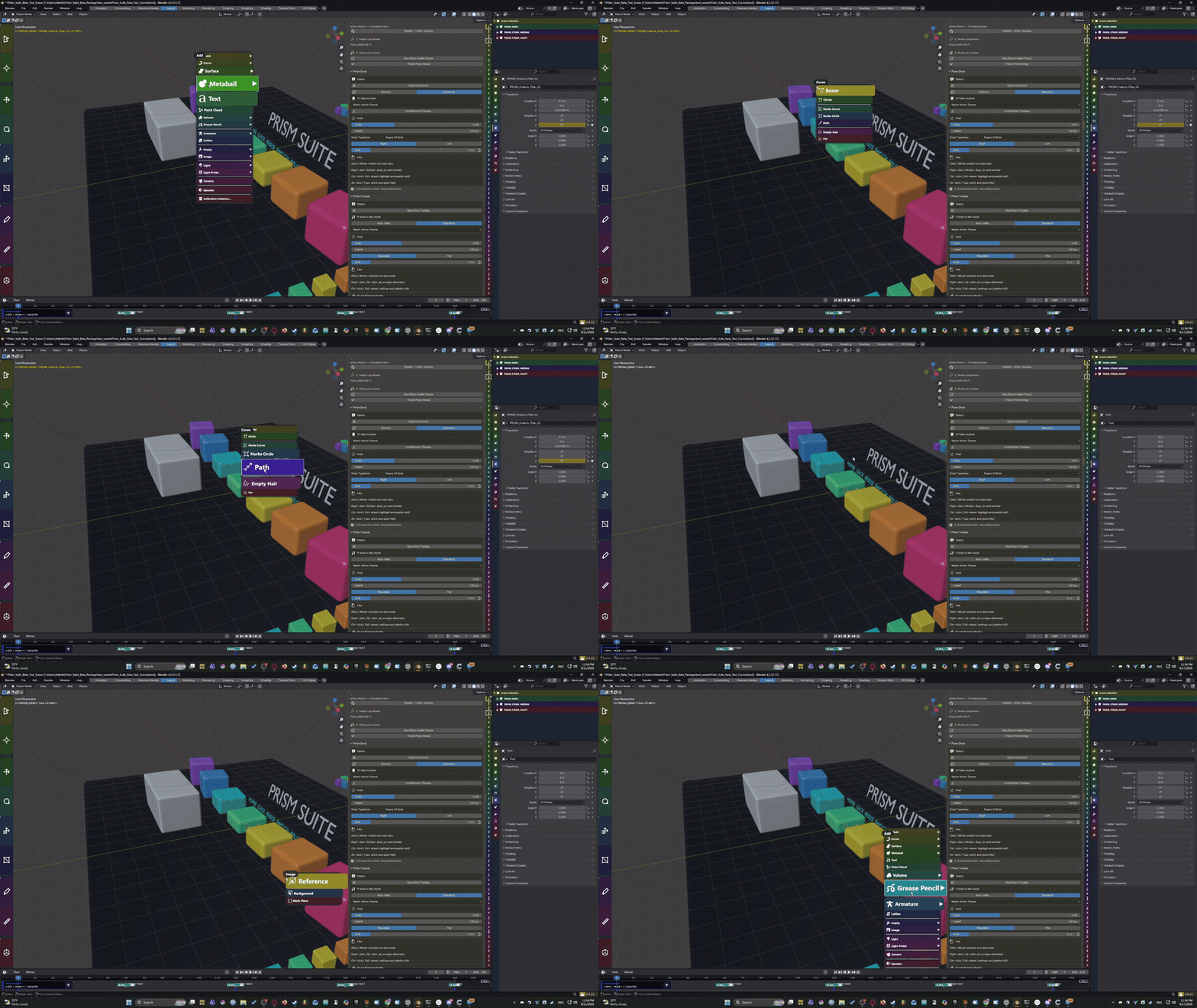
A redesigned Shift+A experience using the same Prism interaction system.
Prism Pie
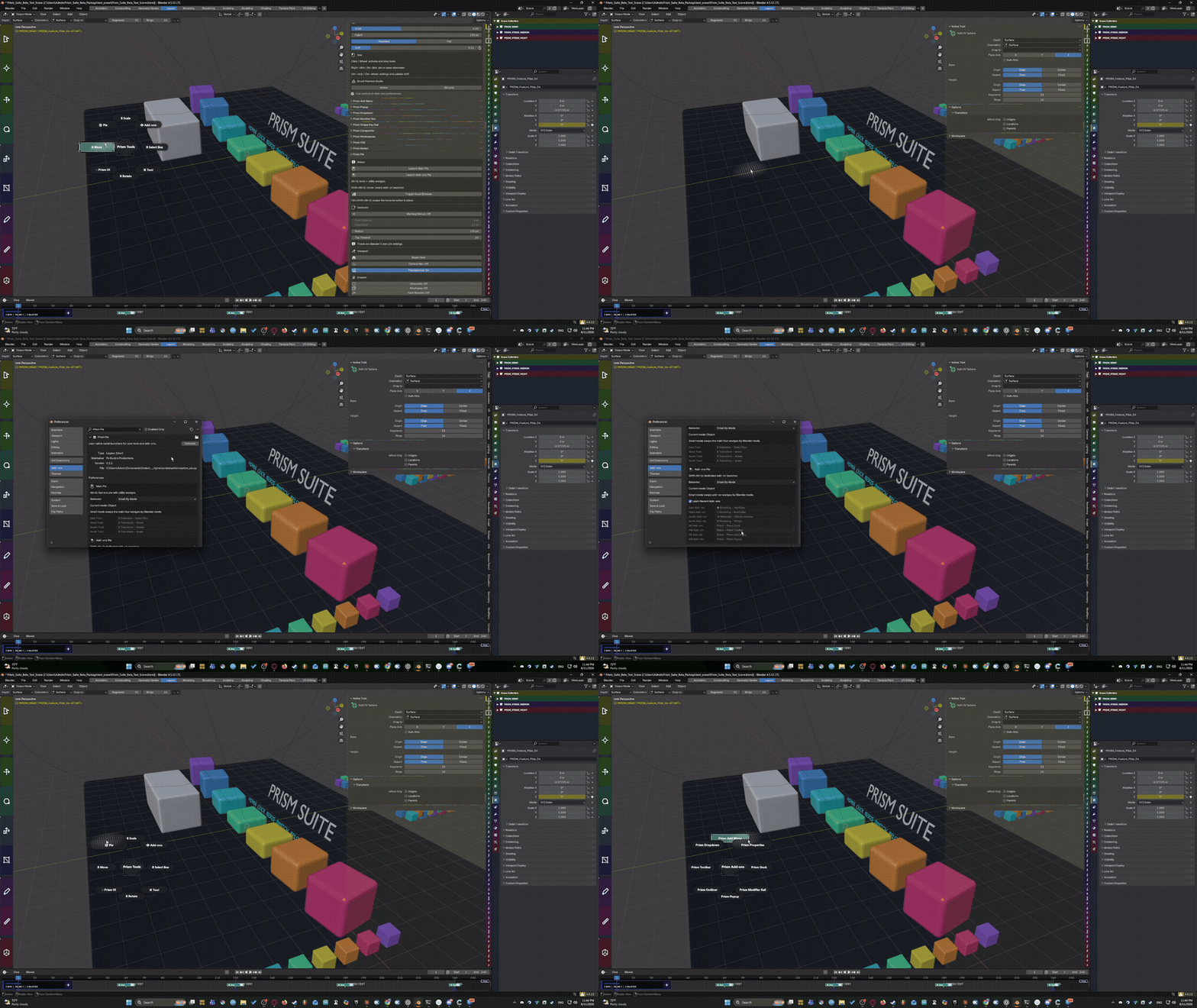
Fast radial launchers for commonly used actions and navigation, including tools for view reset, camera navigation, passepartout, marking-menu behavior, and Asset Browser access.
Prism Outliner
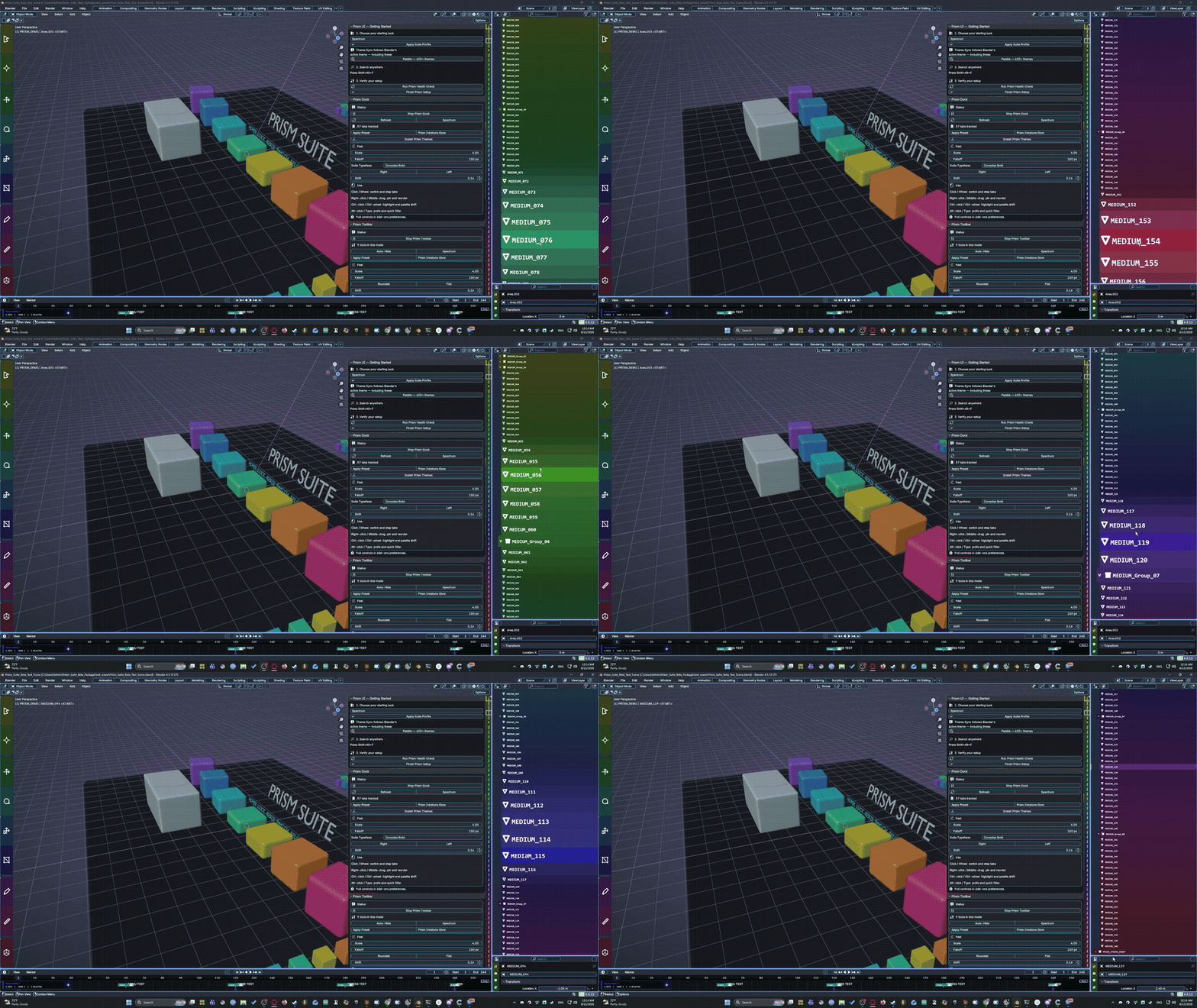
A custom scene-tree interaction layer designed to make navigating Blender’s hierarchy more visual and responsive.
Prism Properties
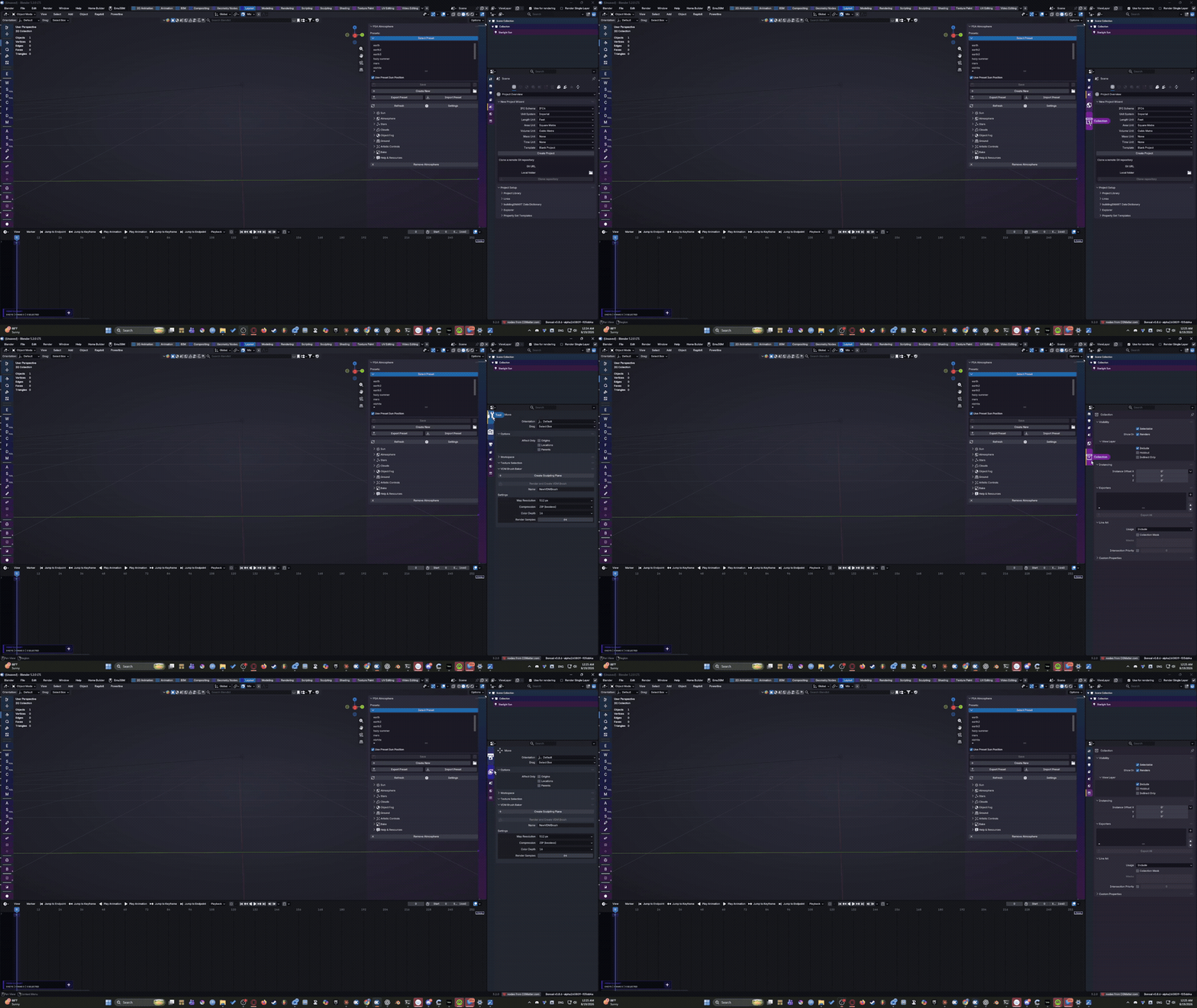
Replaces the long static Properties tab strip with a context-aware Prism strip.
Instead of showing every possible tab all the time, Prism only displays the tabs that actually apply to the current selection.
Prism Modifier Rail
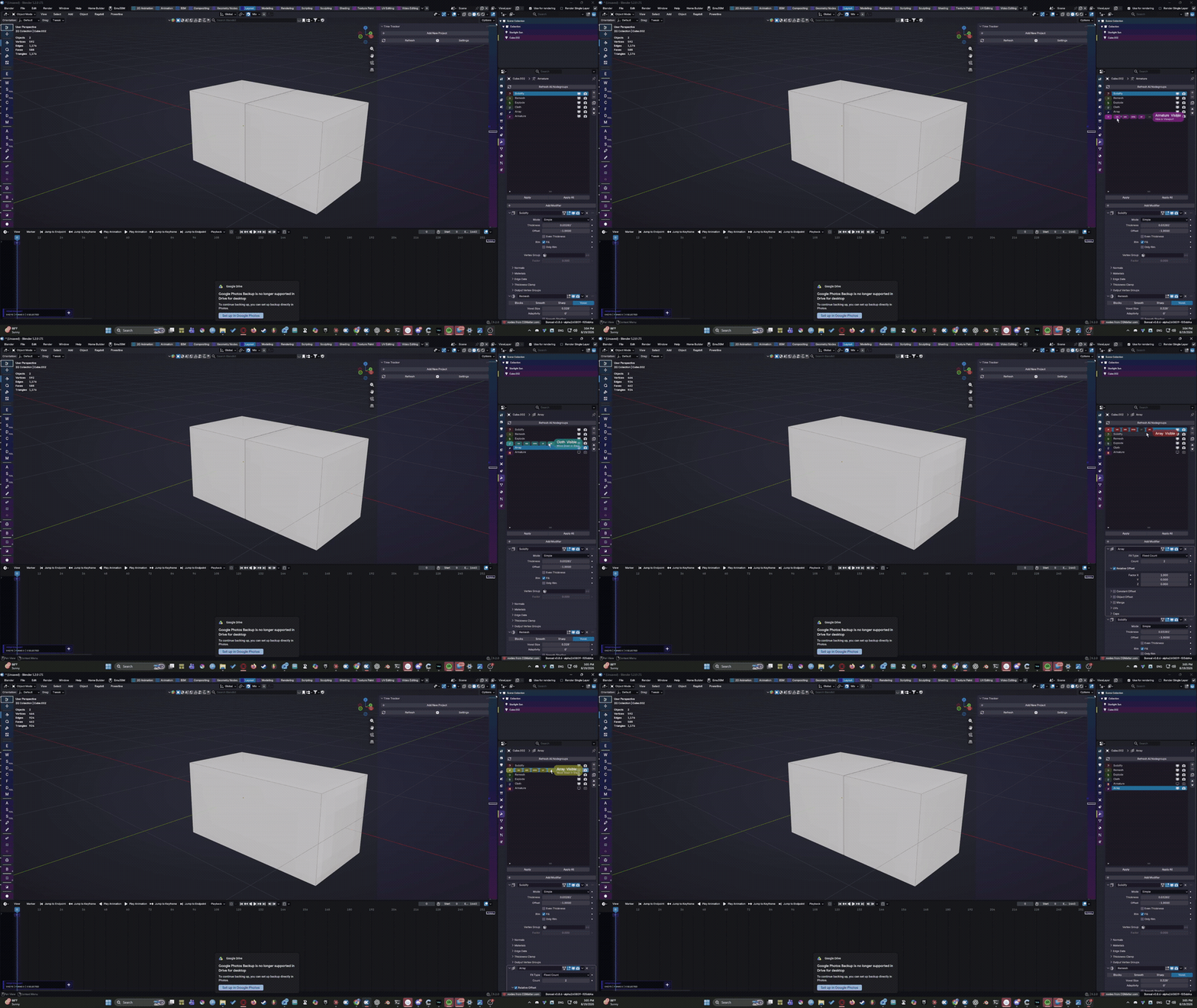
A magnifying rail for navigating the active object’s modifier stack.
Modifiers use their real Blender icon artwork, and controls that cannot currently do anything are automatically dimmed.
Prism Shape Key Rail
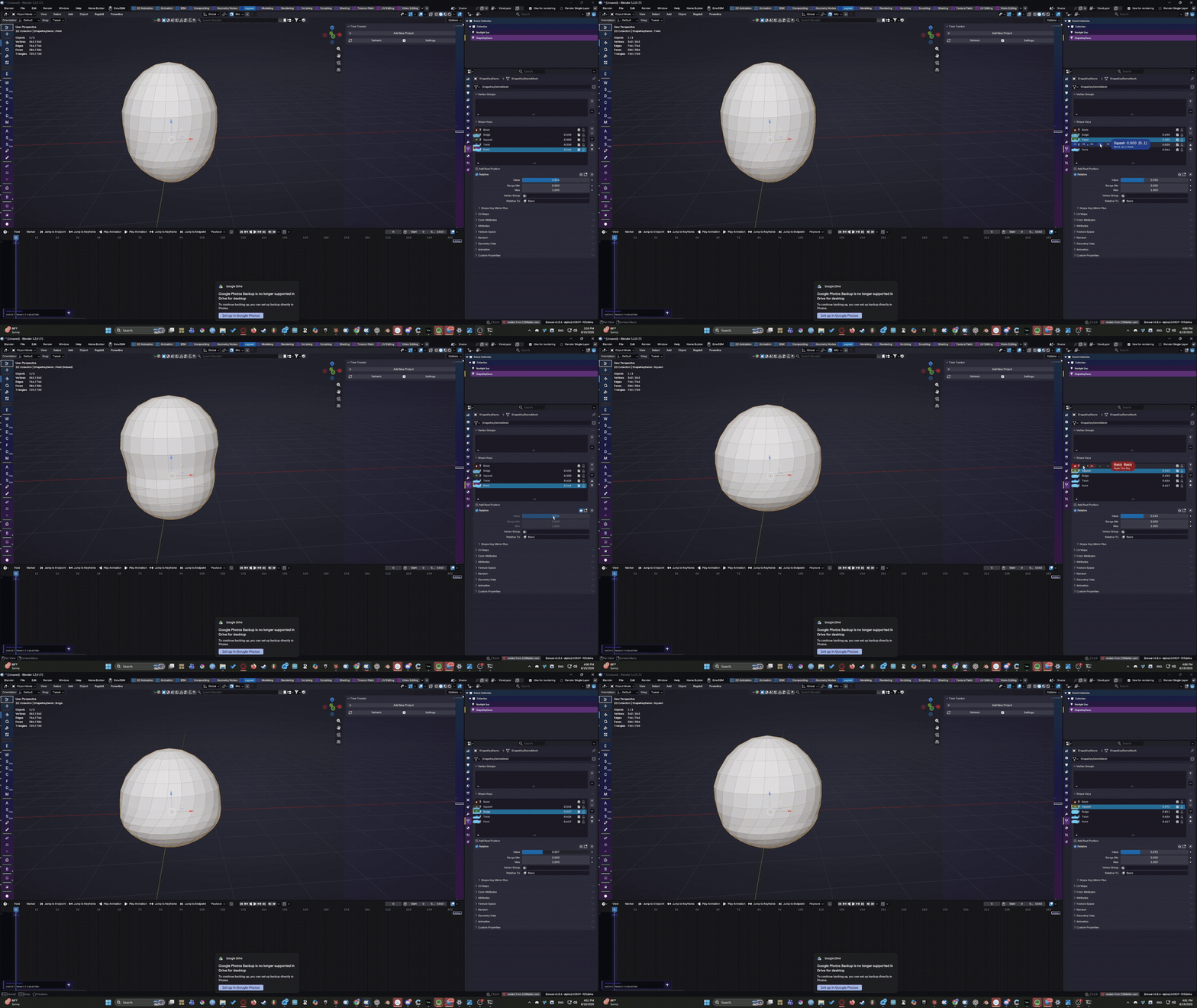
Turns shape keys into a compact visual mixer.
Each puck fills according to the key’s current value and provides quick access to mute, isolate, and reorder controls.
Custom slider ranges are respected instead of assuming every shape key runs from 0–1.
Prism Timeline
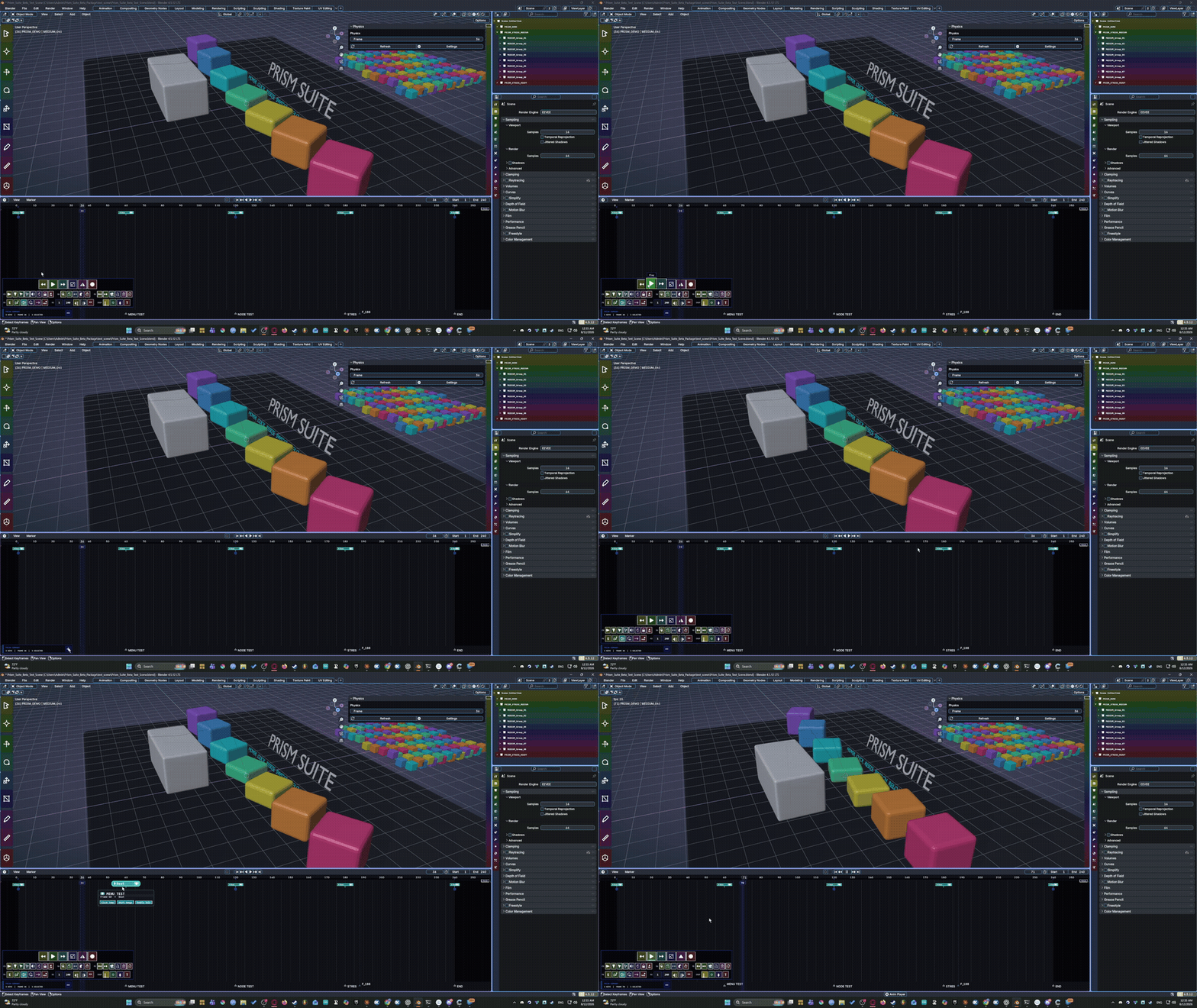
A dedicated magnifying animation transport rail for playback, navigation, keyframe movement, and common timeline operations.
Prism VSE
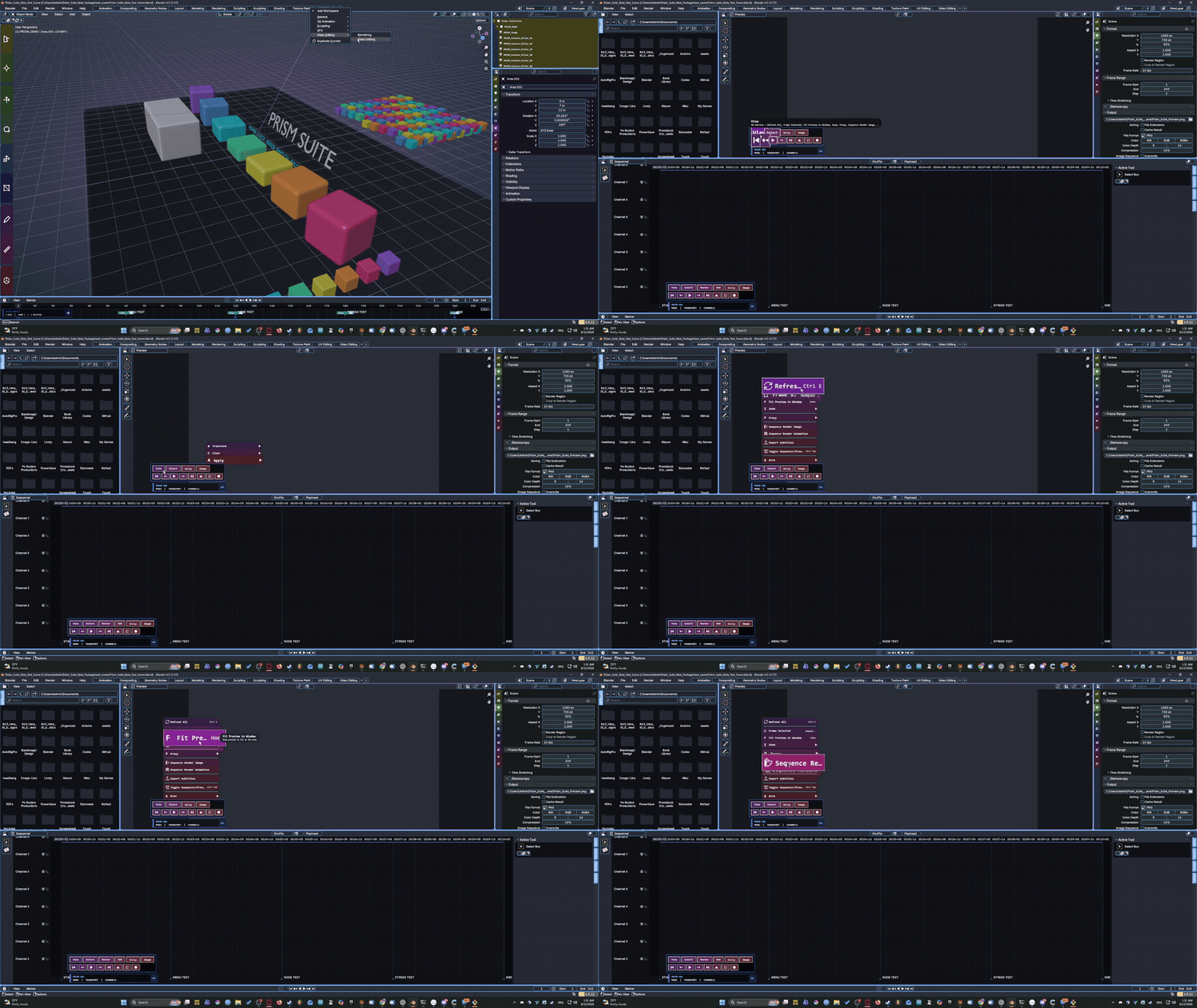
Enhances Blender’s Video Sequence Editor with:
A transport rail
A used-channel rail
Consolidated View / Select / Strip / Image menus
Context-aware menu previews and tooltips
Only channels actually containing strips need to occupy the rail.
Prism Compositor
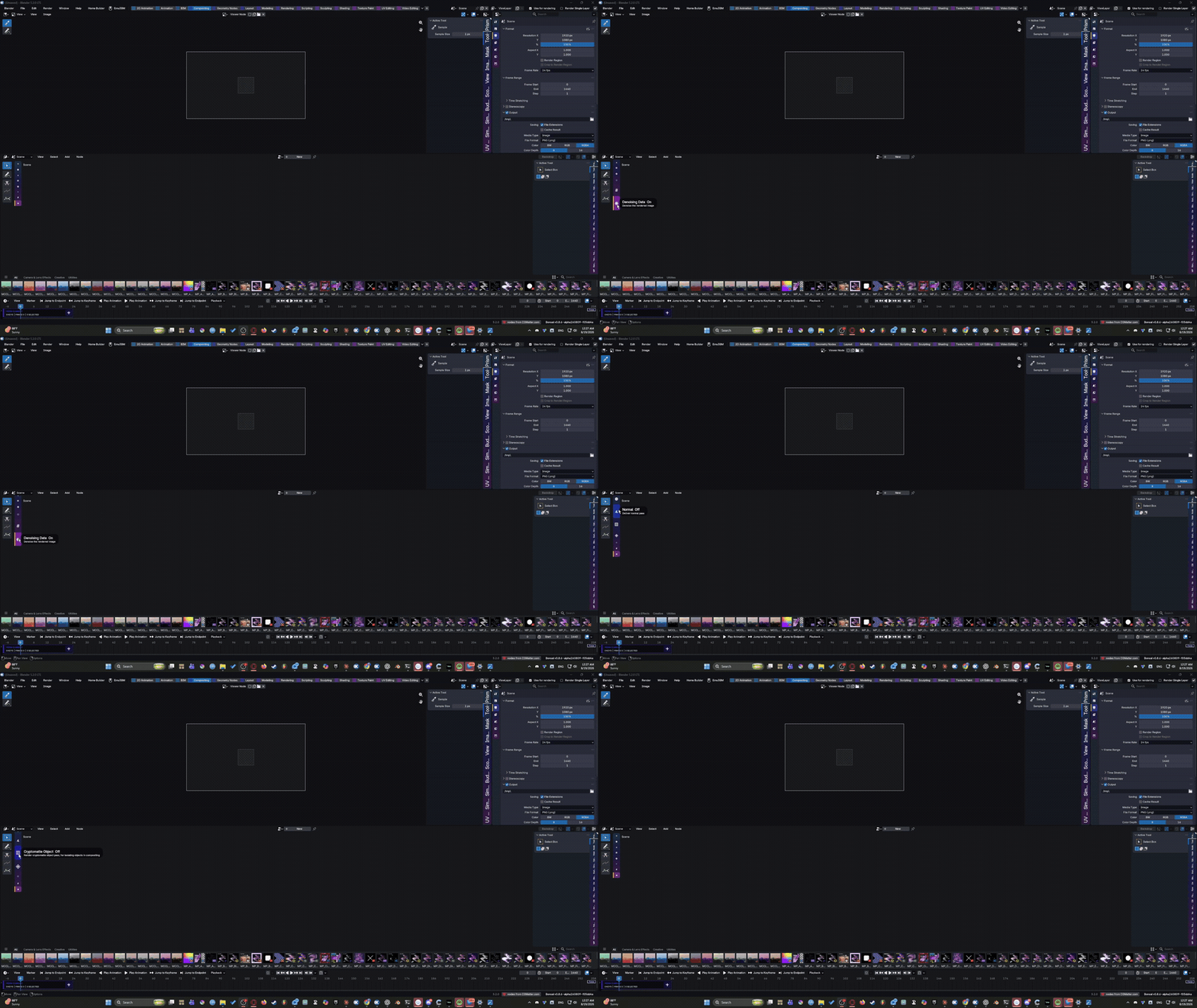
Quick-access rails for compositor nodes and render passes, with hover descriptions pulled from Blender’s own RNA where available.
Prism Nodes
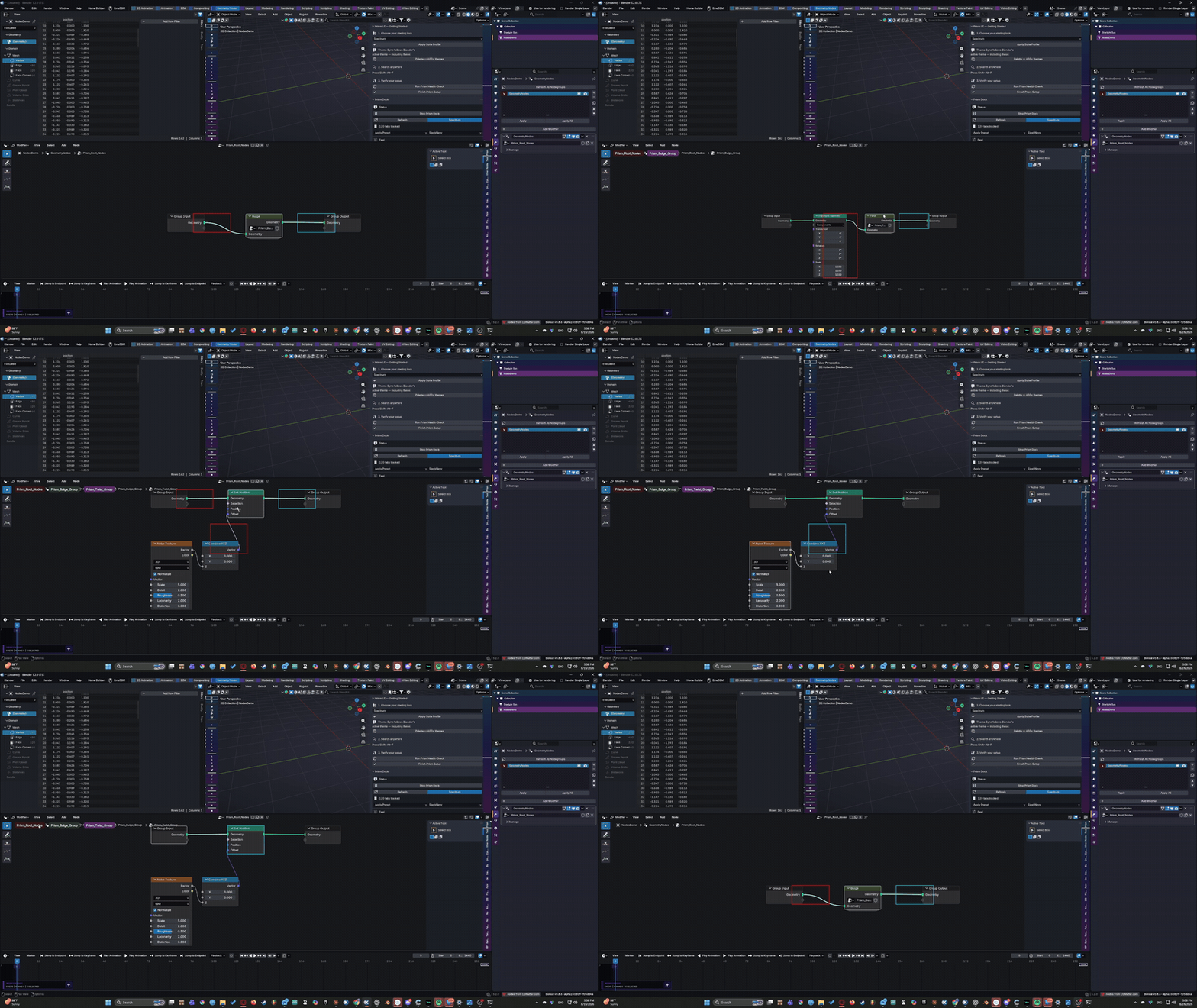
Breadcrumb navigation for nested node groups, making it much easier to see where you are inside complicated Shader, Geometry Nodes, and Compositor trees.
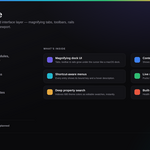
Prism Search
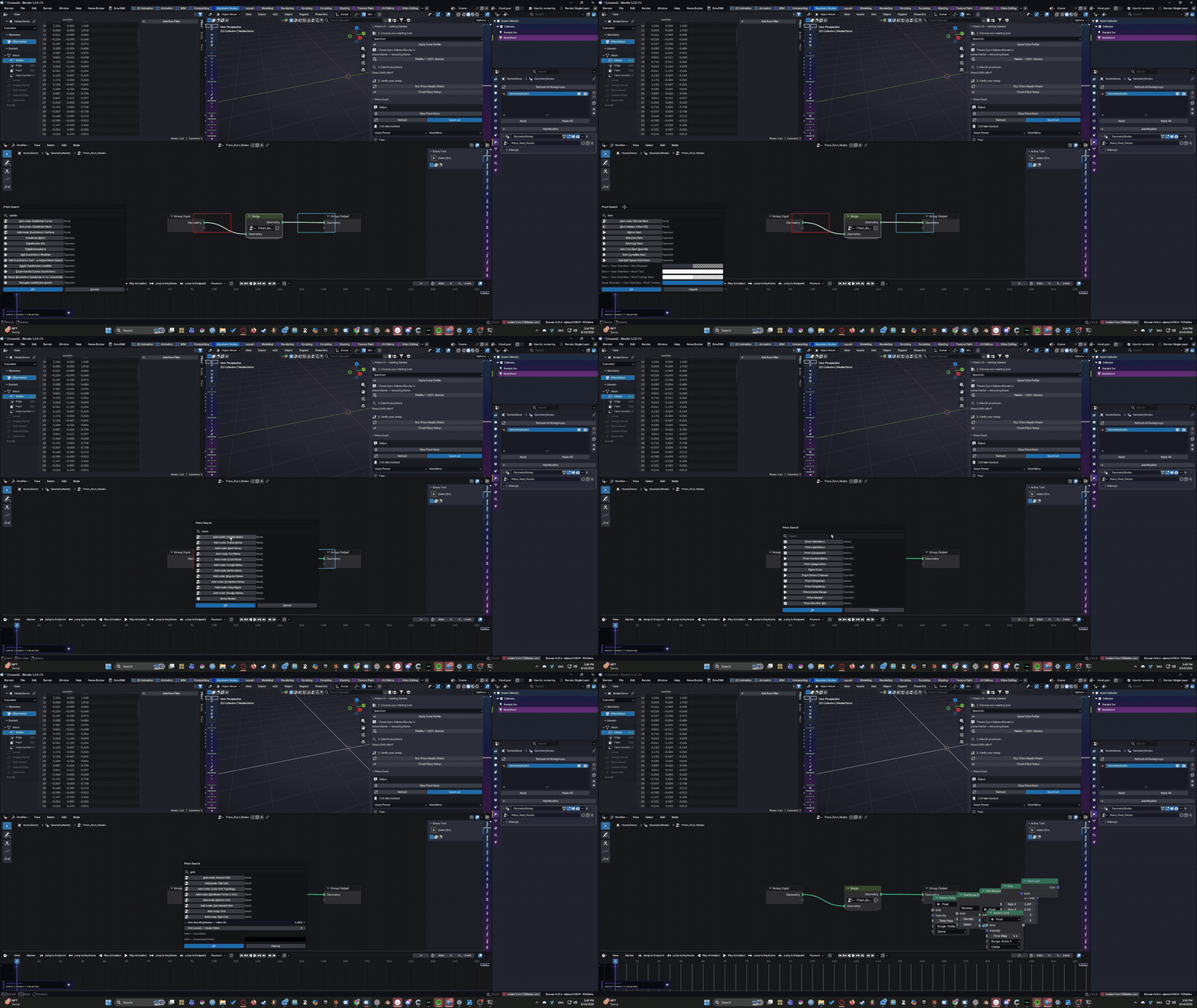
Search across:
Operators
Panels
Add-ons
Node types
Blender theme properties
Search results can display their associated keyboard shortcuts.
Prism Search also indexes 680 Blender theme properties as editable color swatches.
Want every editor grid color in one place? Search grid.
Want to change menu-widget colors without digging through Preferences? Search for them and edit the results directly.
Prism Diagnostics
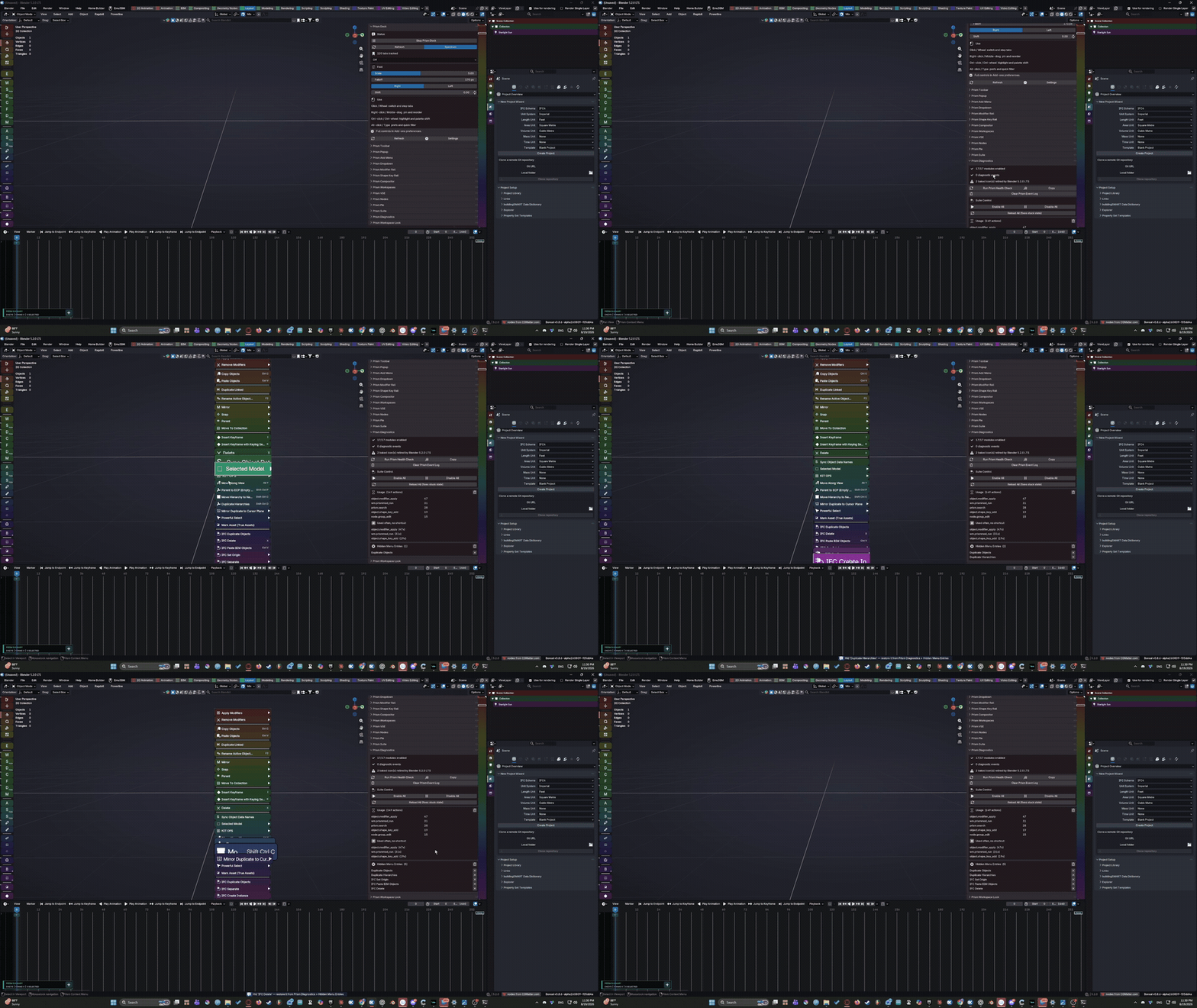
A central control and recovery system for the entire suite, including:
Suite health reporting
Enable / disable / reload controls
Onboarding
Source-integrity checking
Keyboard-shortcut conflict reporting
Usage summaries
Hidden-menu management
Vector-icon controls
Prism Workspaces
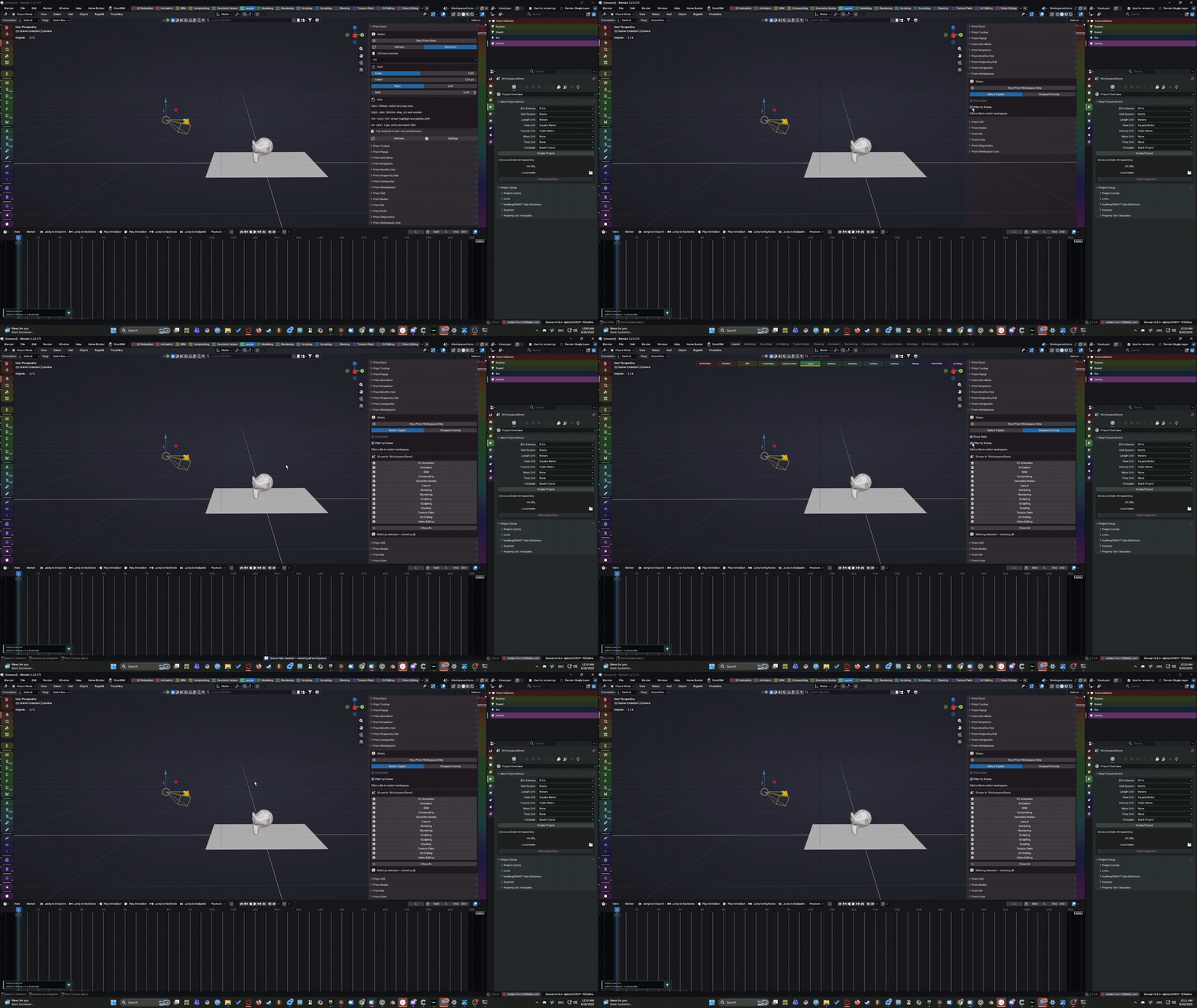
Prism Workspaces
Replaces Blender's workspace tab row — Layout, Modeling, Sculpting, and the rest — with a colored, spectrum-tinted strip.
Run it as a direct swap for the native topbar tabs (same spot, never covered by other UI) or as a magnifying, dock-style overlay in the viewport.
Scenes can opt into their own shortlist of workspaces, so a lighting-only scene doesn't make you scroll past Sculpting and UV Editing to find the one you actually use there.
Real Vector Icons — Not Font Glyphs
Prism includes 788 pieces of Blender’s own icon artwork rebuilt as vector-style triangle geometry.
Because Prism is drawing geometry rather than simply pasting a bitmap or substituting Unicode symbols, icons can take on the color of the Prism surface they belong to and remain sharp when magnified.
Modifier icons can match their rail.
Properties icons can follow their spectrum position.
Menu icons can respond to hover colors.
The geometry is decoded lazily and reused, so Prism only builds icons as they are actually needed during the session.
A suite-wide Vector Icons switch in Prism Diagnostics can return Prism surfaces to the simpler text-mark system at any time.
Menus That Tell You More
Prism menus are more than a visual reskin.
Where Blender provides an unambiguous binding, Prism displays the keyboard shortcut directly beside the command.
Hover briefly over an item and a description appears.
Don't use an entry?
Ctrl+Click it to hide it.
Hidden entries are stored across the Prism menu system and can be restored later from Prism Diagnostics.
Menus that exceed the available screen space scroll instead of clipping important commands off-screen.
135 Included Themes
Prism ships with 135 curated theme presets:
15 palettes × 9 surface variants.
Palettes include:
Arcade, Blueprint, Cinema, Daybreak, Inkstone, Midnight, Orbit, Papertrail, Roseglass, Signal, Sprout, Terminal, Terracotta, Tidepool, and Velvet.
Because the suite shares one theme system, changing the theme can repaint Prism surfaces across Blender at once.
Prefer your existing Blender theme?
Set Prism to Match Active Theme, and it can derive its appearance from Blender’s live theme instead.
Prism Changes the Interface — Not Your Project
Prism does not replace Blender’s modeling, animation, rendering, compositing, or editing systems.
It changes how you interact with them.
The native Blender functionality remains underneath the Prism interface. Prism is designed as an interaction layer over Blender rather than a replacement for Blender’s tools or file format.
Disable a Prism component and the native interface beneath it remains available.
Early Access Beta — $10
This is a paid beta, offered at a significantly reduced introductory price while Prism Suite is tested across more real-world systems, displays, workflows, add-ons, and Blender configurations.
The beta is intended to uncover the kinds of problems that only appear once software leaves the machine it was developed on:
Different resolutions
Different DPI and UI scaling
Multi-monitor layouts
Unusual editor arrangements
Add-on conflicts
Theme combinations
Production-scale projects
Workflows nobody thought to test
If you find something broken, awkward, confusing, slow, or simply capable of being better, please report it.
Usability feedback is every bit as useful as a Python traceback.
Compatibility
Blender: 5.1 LTS through 5.2.x
Recommended: Blender 5.2 LTS
Platform officially tested: Windows
K-Cycles: Secondary, best-effort compatibility target
Prism is written in Python without compiled extensions, so macOS and Linux are expected to be viable future targets, but they have not yet been officially tested for this beta release.
macOS and Linux users willing to experiment are welcome to participate with that limitation in mind.
Easy Installation
The beta ships with a single add-on ZIP containing the complete suite.
On Blender 5.1 and newer, drag the ZIP onto Blender and confirm installation.
All 17 Prism add-ons and the bundled theme presets install together in one operation.
A traditional Preferences → Add-ons → Install workflow and manual installation are also available.
What’s Included
17 registerable Prism add-ons
3 shared system modules
20 coordinated Python modules total
135 curated theme presets
788 vector icons
Installation and Quick Start guide
Full beta- test checklist
Stress-test guide
Known-risks documentation
Generated Prism test scene and build script
Beta feedback/report template
SHA256 checksums
Please Remember: This Is Beta Software
Prism Suite is functional and intended for real use and testing, but this is still a beta.
Bugs, layout edge cases, compatibility problems, unexpected behavior, and changes between builds should be expected.
Maintain normal backups of important .blend files and Blender preferences while testing beta software.
There is no automatic updater in this build. Beta updates are currently delivered as updated add-on files.
Help Build Prism Suite 1.0
Prism Suite is not intended to live in permanent beta.
This release is about getting the complete interface system into the hands of Blender users, finding the remaining rough edges, and turning what already works into something dependable enough to call Prism Suite 1.0.
Get in early. Make Blender yours. Help shape what comes next.
