 Mrs Eliza
Installation
For Blender 4.2 and Newer
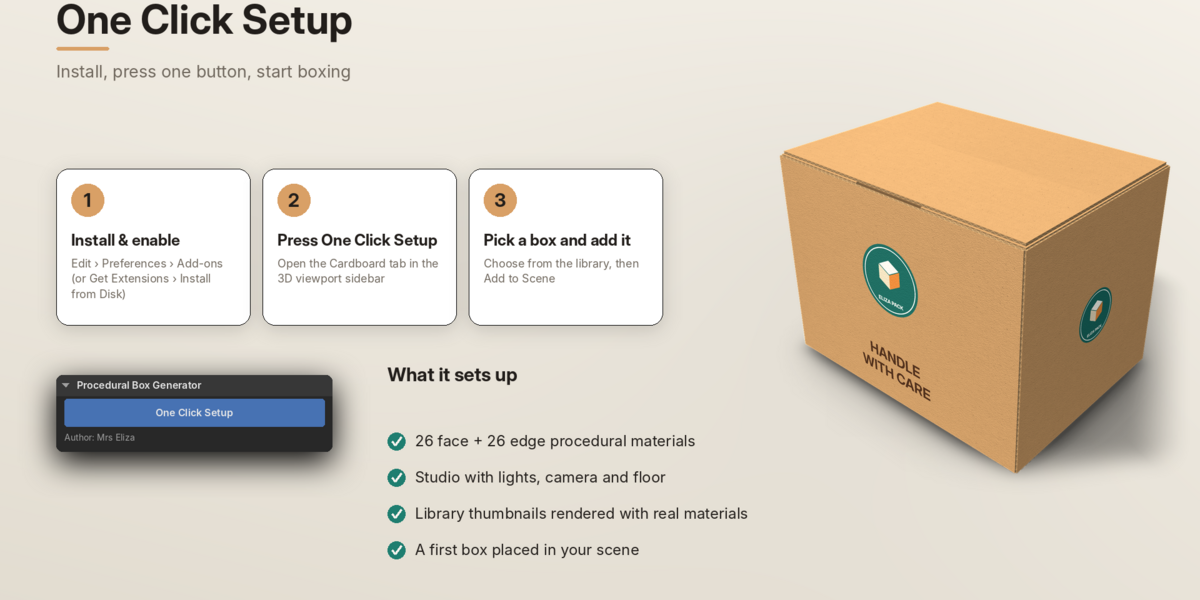
Download the extension ZIP file.
Open Blender and navigate to Edit > Preferences > Get Extensions.
Select Install from Disk.
Choose the downloaded extension ZIP file.
Enable the add-on.
For Blender 3.6 to 4.1
Download the legacy ZIP file.
Open Blender and navigate to Edit > Preferences > Add-ons.
Click Install and select the downloaded ZIP file.
Enable Procedural Box Generator Using Cardboard.
Accessing the Add-on
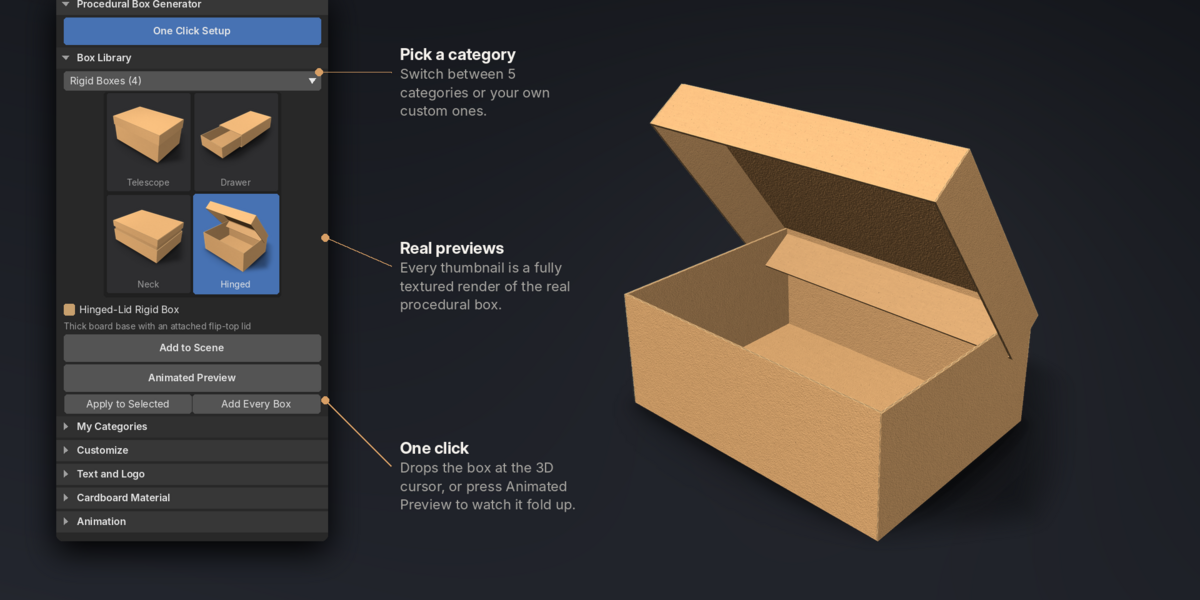
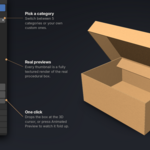
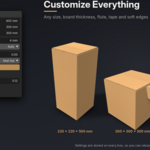
Open the 3D Viewport, press N, and select the Cardboard tab.
Have questions about this product?
Login to message
| Blender Extension Compatible | Yes |
| Published | about 2 hours ago |
| Blender Version | 3.6 - 5.3 |
| Extension Type | Add-on |
| Render Engine Used | Cycles, Eevee |
| License | GPL |