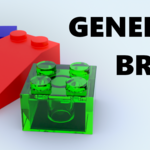
Procedural Brick Generator
 Antic
Antic



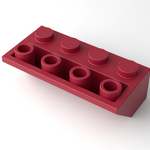
1. Put the modifier into your assets folder
To use the modifier in other projects, you have to mark it as an asset.
2. Drag and drop the modifier onto any object
The modifier doesn't use the original geometry of the mesh it's applied to, so it doesn't matter if you put it on a cube, cylinder, etc.
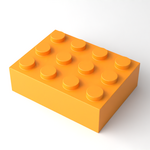
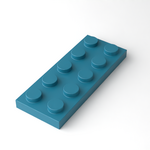
3. Adjust the length, width, type, color and other properties
You can set the type, length and width on the modifier tab. If you don't want to use complex shaders, the color, metallic, roughness and transmission properties can be adjusted right here, too.
$4.99
Have questions about this product?
Login to message
| Dev Fund Contributor | |
| Published | 9 months ago |
| Blender Version | 4.3 - 5.0 |
| Render Engine Used | Blender-Internal, Cycles, Eevee |
| License | Royalty Free |
Discover more products like this
3DBricks 3D Geometry 3D Generator Generator brick 3d toy procedural