Procedural Cyberpunk Building
 Chun Wang




Getting Started
1. Extract the full product folder.
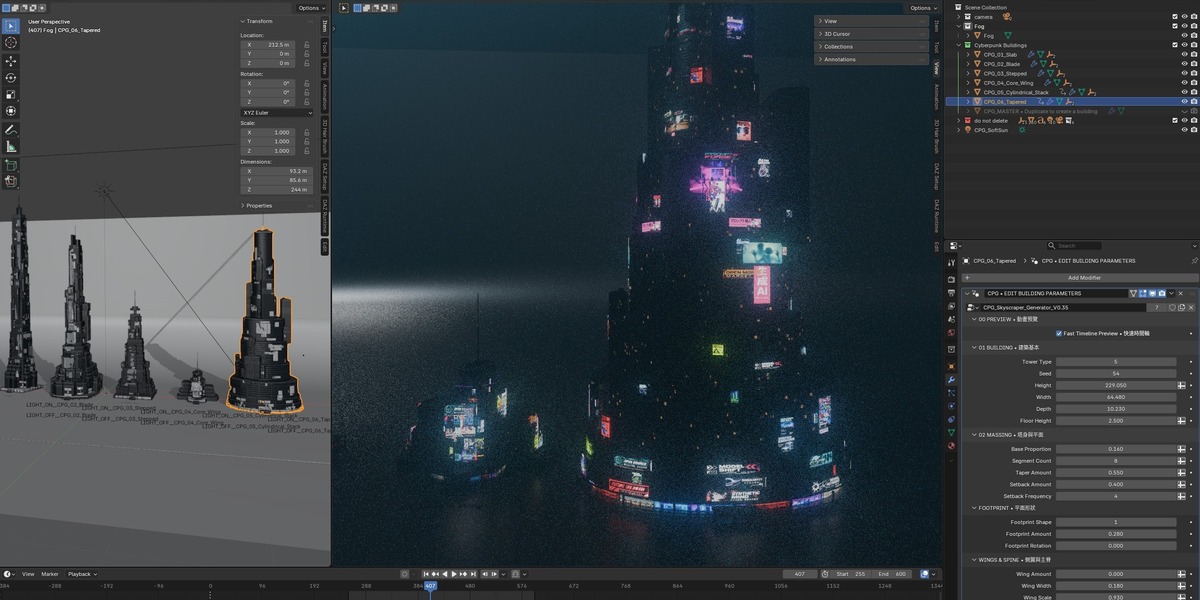
2. Open Cyberpunk_Buildings.blend in Blender 5.1.2.
3. Select one of the buildings in the "Cyberpunk Buildings" collection.
4. Open the Geometry Nodes modifier:
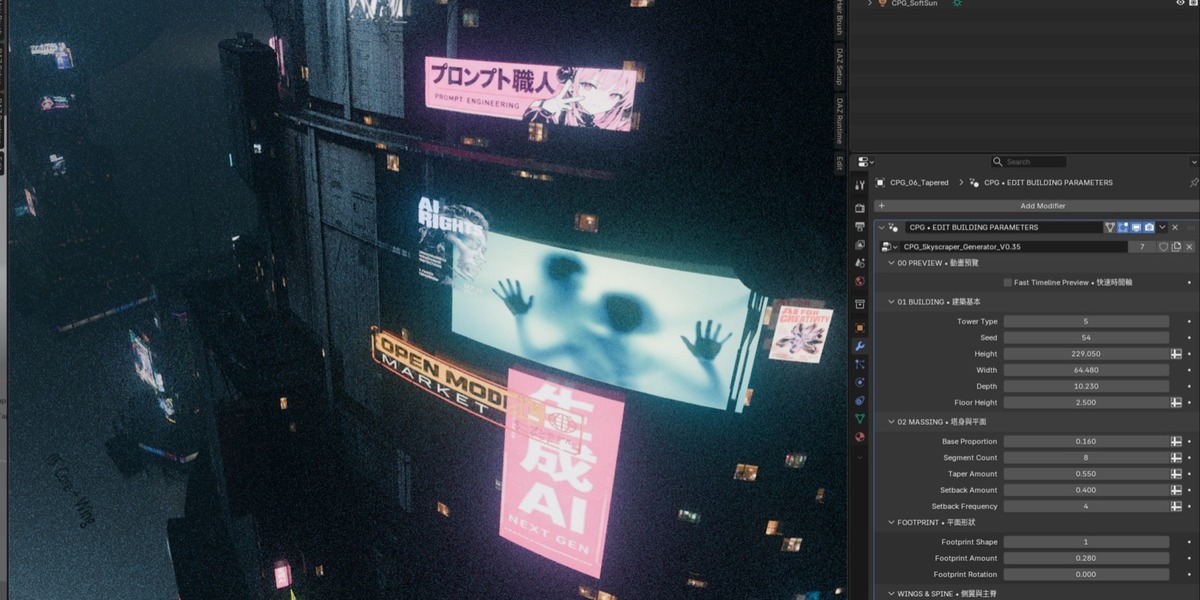
CPG • EDIT BUILDING PARAMETERS
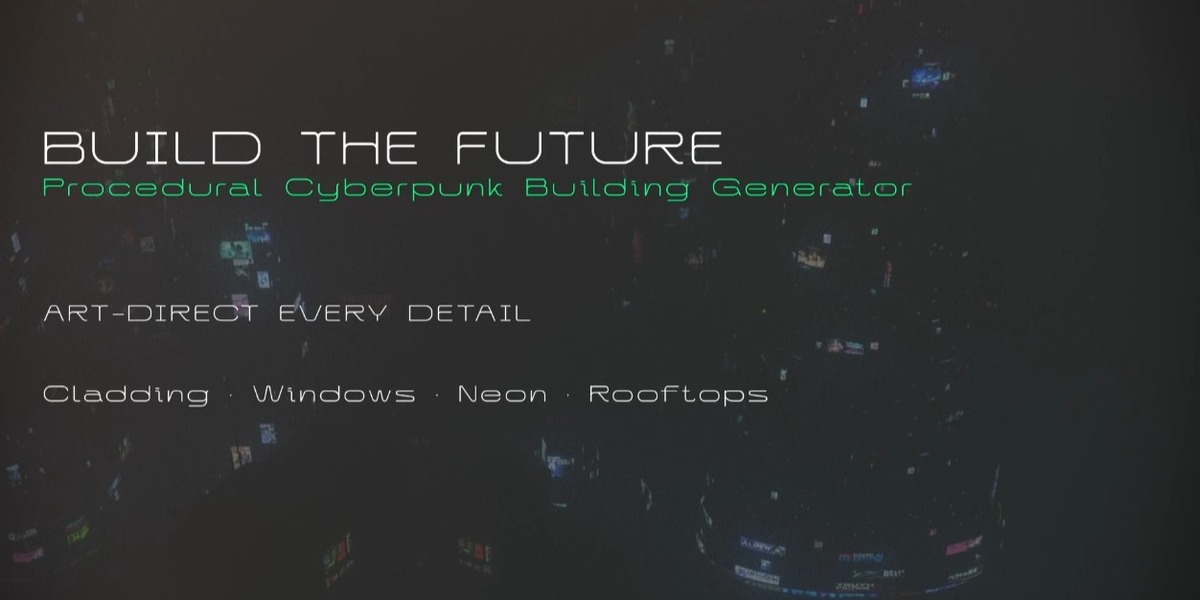
5. Adjust the building settings such as Tower Type, Height, Massing, Facade, Windows, Signage, Neon and Rooftop.
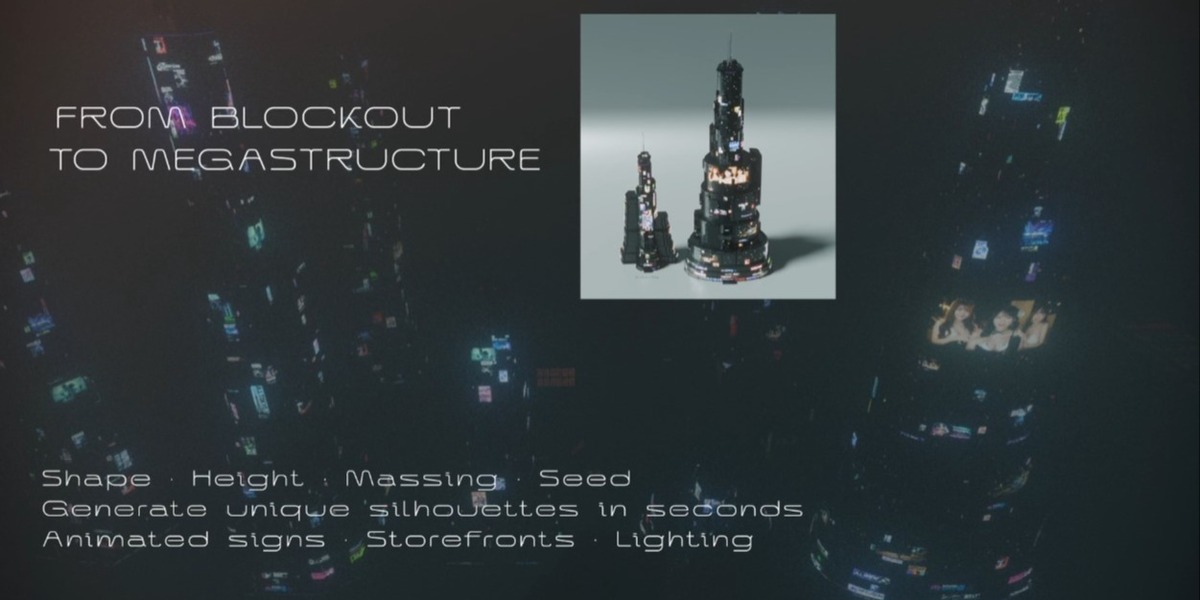
6. Change Seed values to create different variations.
7. Use Fast Timeline Preview while editing animated parameters.
8. Use Cycles for the final rendered look.
Important:
• Keep the "do not delete" collection in the file, as the generator depends on its contents.
• Keep the Assets folder beside the .blend file.
• The product is delivered as an editable .blend project, not an installable add-on.
-
$20
-
$50
-
$80
 Included
Includes 12 months of
- Support from Chun Wang
- Product updates
Extend this product’s Support Period +12 months: 50% of product price
Have questions before purchasing?
Login to message
| Published | 13 days ago |
| Blender Version | 4.3 - 5.2 |
| Render Engine Used | Blender-Internal, Cycles, Eevee |
| Misc Data | Animated |
| License | GPL |
Discover more products like this
futuristic architecture skyscraper procedural cyberpunk scifi city geometre nodes future building environment