 ZEG
Installation
In Blender open Edit, Preferences, Get Extensions, then use Install from Disk and pick the desk_lamp_generator zip.
Usage
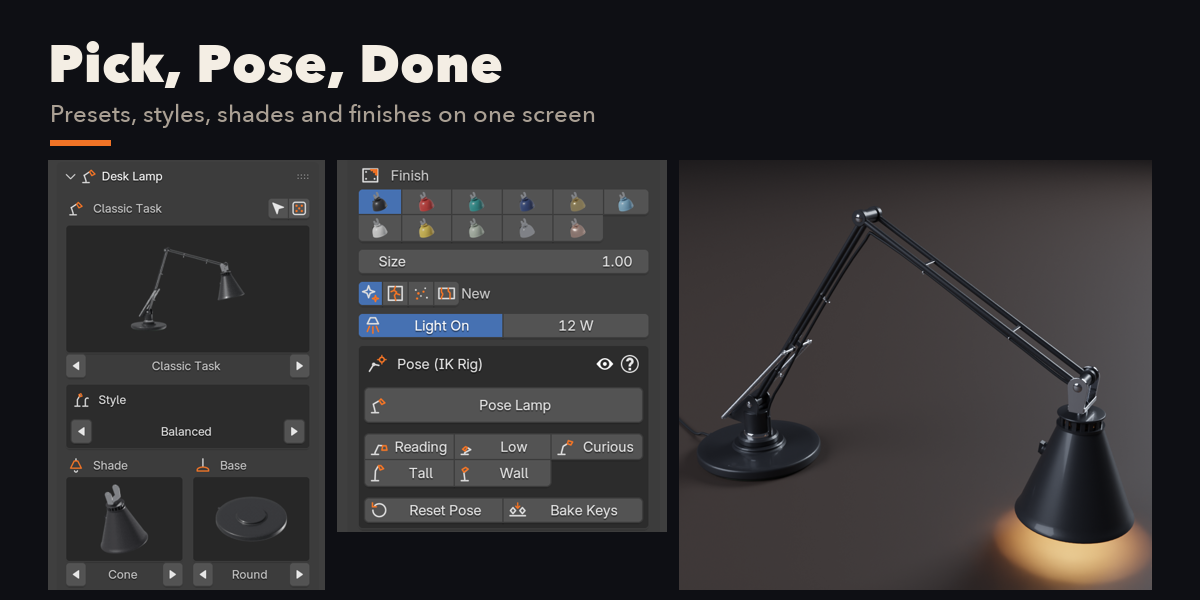
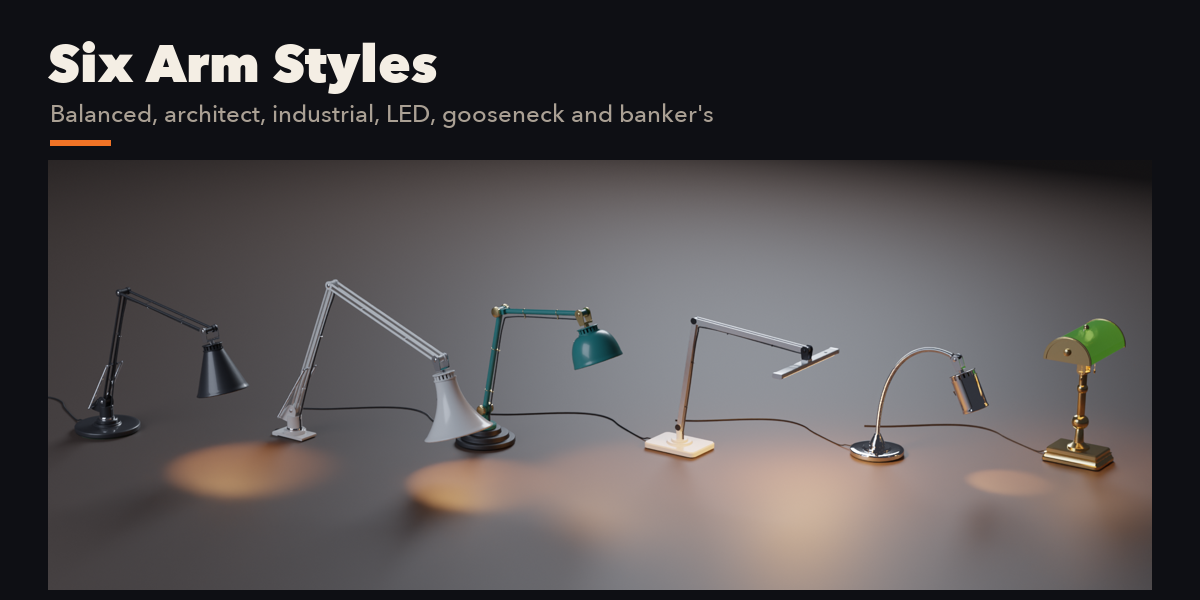
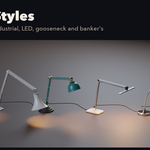
- Open the Desk Lamp tab in the 3D viewport sidebar (N). With nothing selected, click the picture to browse the designs and press Add Desk Lamp, or Surprise Me for a random one. The lamp appears at the 3D cursor.
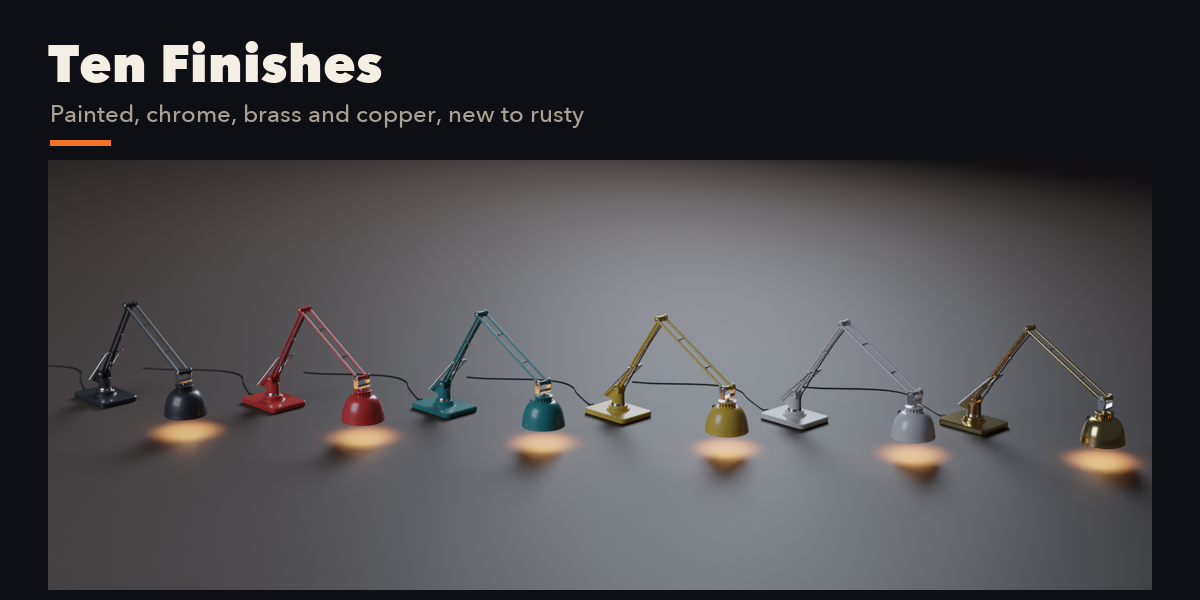
- With the lamp selected, pick the style, shade, base and finish from the pictures, set the size and the condition, and switch the light on or off. Arm & Head holds the arm lengths, rest angles, springs, cable, hardware and detail; Light holds the bulb, power and colour temperature.
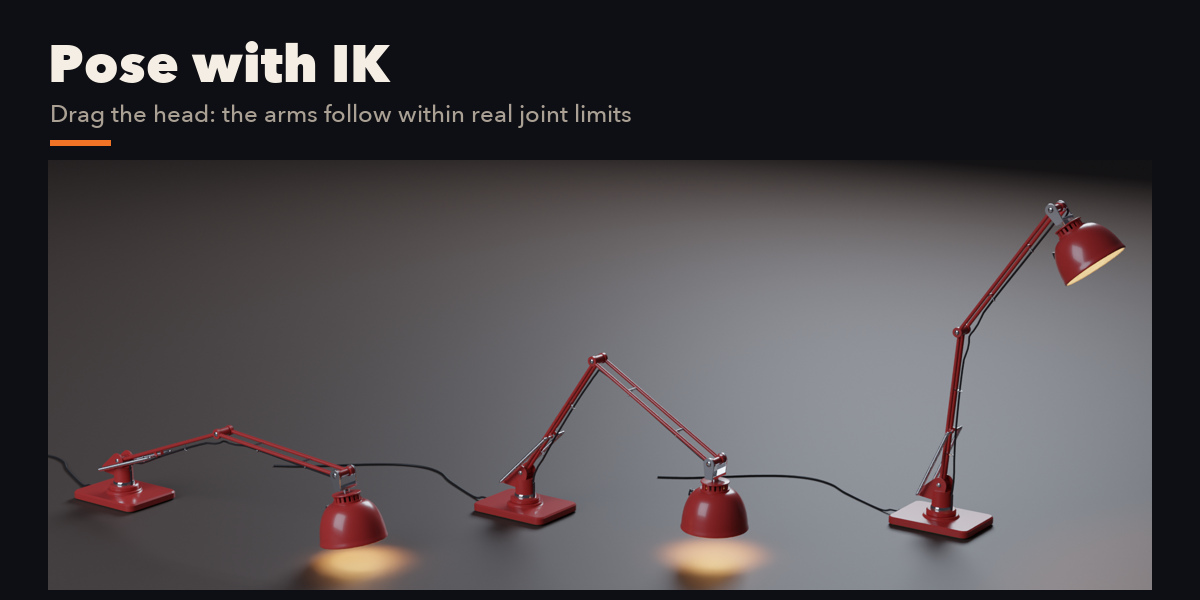
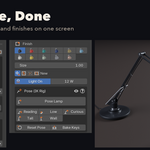
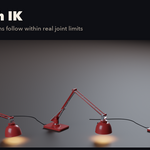
- Pose (IK Rig): press Pose Lamp to enter Pose Mode with the Head control selected. G moves the head and the arms follow; R aims the shade. The ring on the desk (Root) moves and turns the whole lamp. Use the pose buttons for ready-made poses and Reset Pose to go back. Key the Head and Root controls (I) to animate.
- Export: Bake Keys writes the rig's motion as plain keyframes on the deform bones for FBX, glTF and game engines. Convert to Mesh applies the pose and keeps plain meshes.
All sizes are in meters. The root empty sits on the desk under the base, and the arm reaches along +X.
Have questions about this product?
Login to message
| Blender Extension Compatible | Yes |
| Published | about 23 hours ago |
| Blender Version | 4.2 - 5.2 |
| Extension Type | Add-on |
| Render Engine Used | Cycles, Eevee |
| License | GPL |

Discover more products like this
Interior bankers lamp Generator Office Lighting procedural architect-lamp gooseneck ik rig Desk Lamp lamp task lamp