 Mrs Eliza
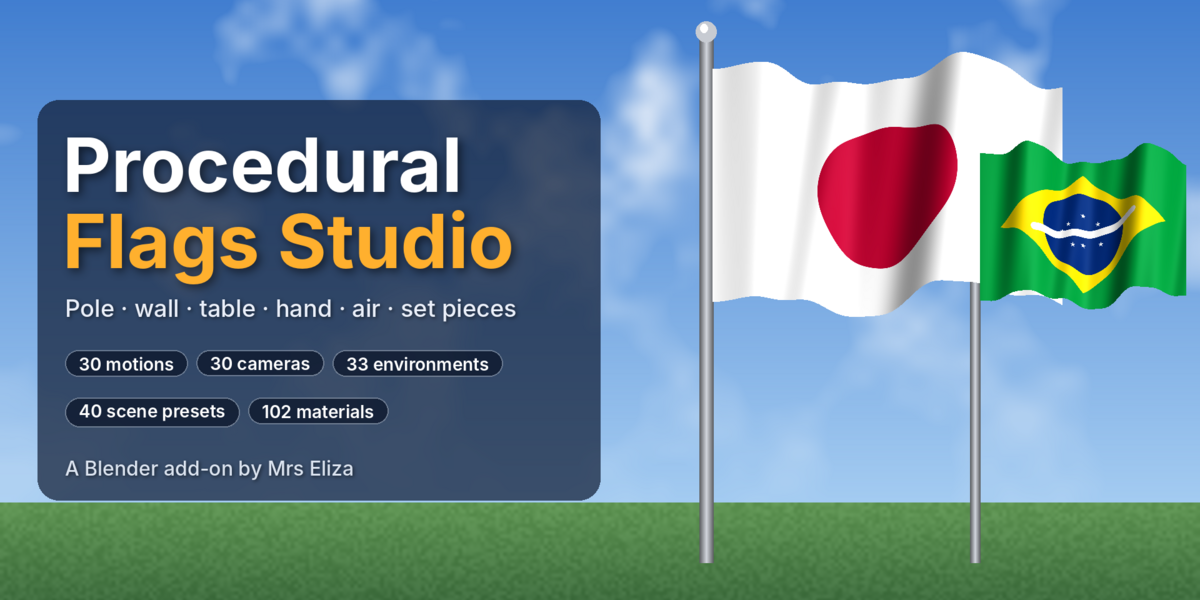
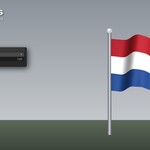
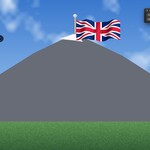
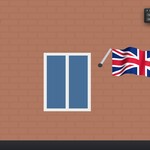
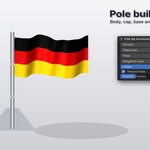
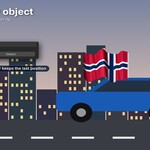
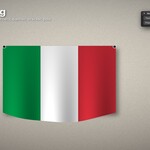
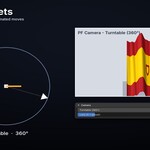
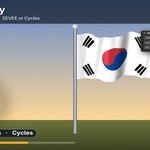
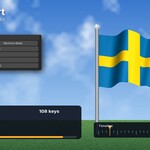
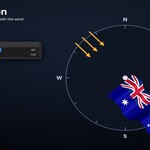
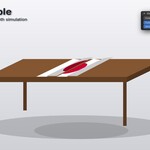
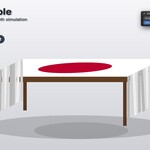
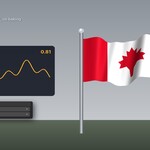
Generate 197 country flags, create realistic procedural fabric, build cinematic environments, and animate flags with complete creative control — all inside Blender.
Procedural Flags Studio 2.0 is a powerful all-in-one Blender add-on designed to transform flag creation into a fast, flexible, and fully procedural workflow.
Create flags from 197 countries and territories, customize their materials, choose from multiple placements, generate realistic fabric shapes, and bring everything to life with 30 built-in motion presets.
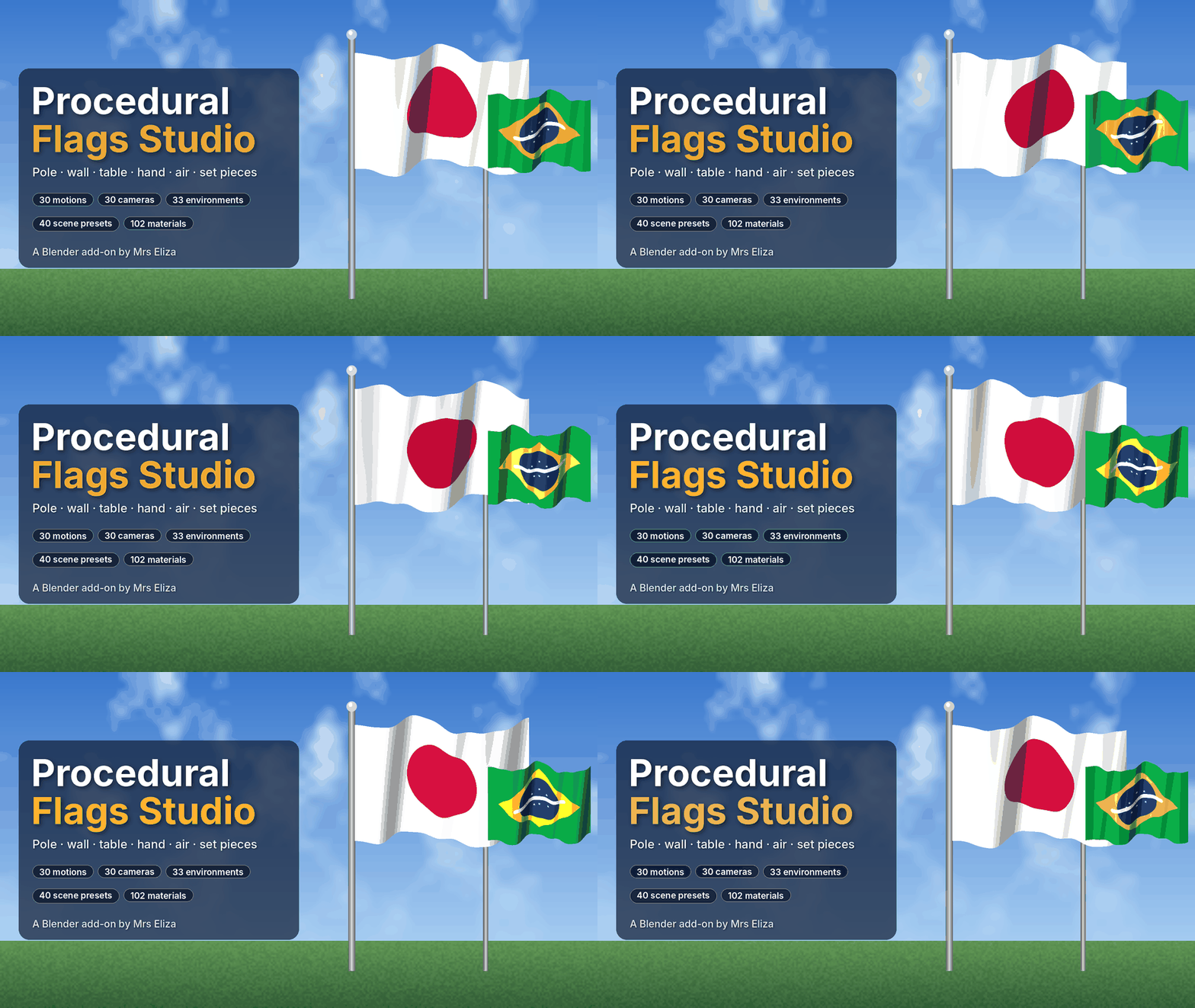
Whether you need a flag displayed on a pole, hanging on a wall, resting on a desk, held by a character, or waving dramatically in an outdoor environment, this add-on gives you the tools to build complete scenes with just a few clicks.
Version 2.0 takes the original flag generator further by introducing an extensive scene-building system featuring 40 scene presets, 102 procedural materials, 30 camera presets, 33 environments, 12 lighting rigs, and advanced animation controls.
No external flag image files are required. Every flag is generated using procedural vector code, while materials are created entirely with shader node graphs.
✨ KEY FEATURES
197 Country Flags: Generate flags representing 193 UN member states, plus Vatican City, Palestine, Kosovo, and Taiwan.
102 Procedural Materials: Create realistic fabric, metal, paper, leather, plastic, rubber, and special surface finishes.
30 Animation Presets: Animate flags with different wind conditions, waves, gusts, and fabric movements.
40 One-Click Scene Presets: Quickly create complete studio, indoor, outdoor, and urban scenes.
30 Camera Presets: Choose from 16 static camera angles and 14 animated camera movements.
33 Environments: Generate matching backgrounds and lighting for different presentation styles.
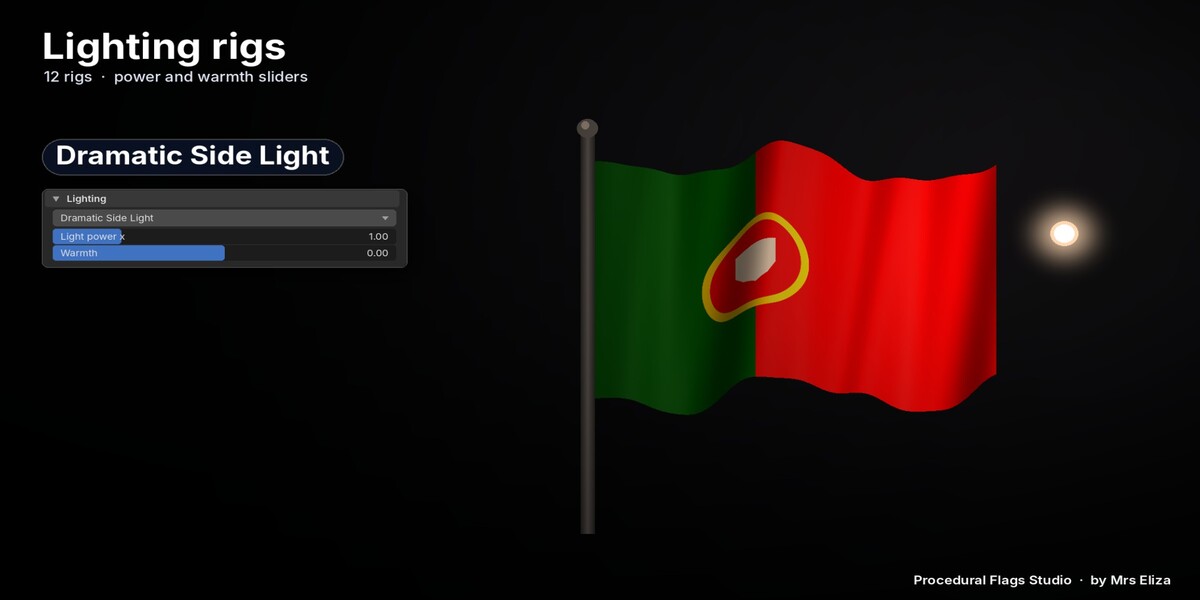
12 Lighting Rigs: Create professional lighting setups for product renders and cinematic scenes.
6 Flag Placement Modes: Display flags on tables, walls, in the air, in hands, on poles, or within environmental set pieces.
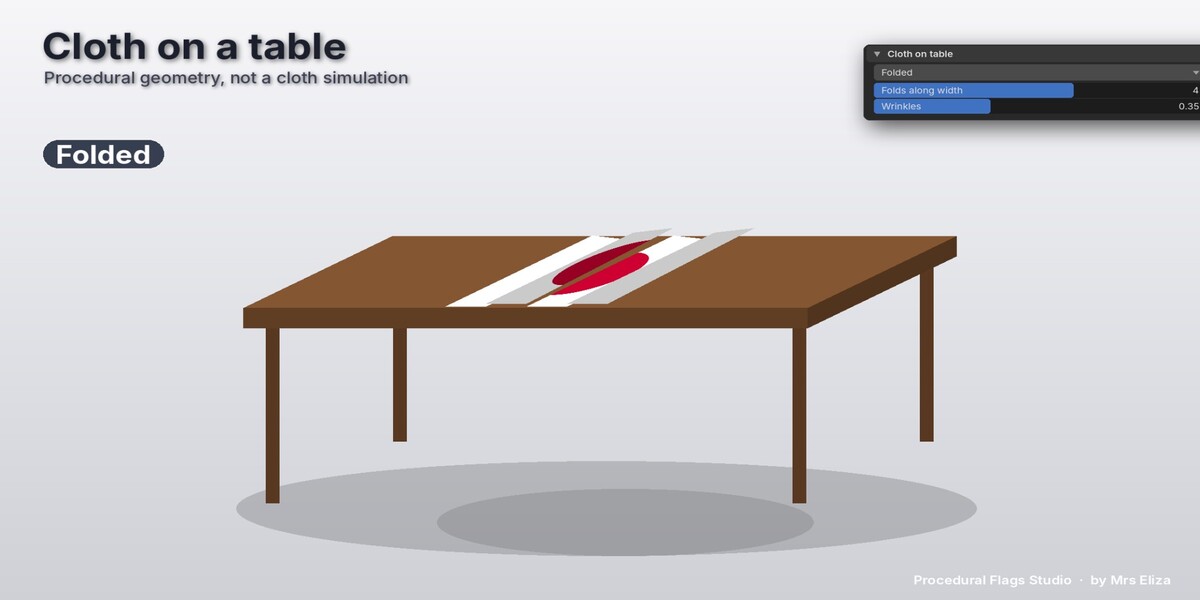
Procedural Cloth Shapes: Create flat, folded, partly folded, rolled, draped, and other flag configurations.
Advanced Wind Controls: Adjust strength, speed, wave length, turbulence, stiffness, damping, randomness, and gusts.
Custom Flag Designer: Create your own flags using 10 built-in layouts.
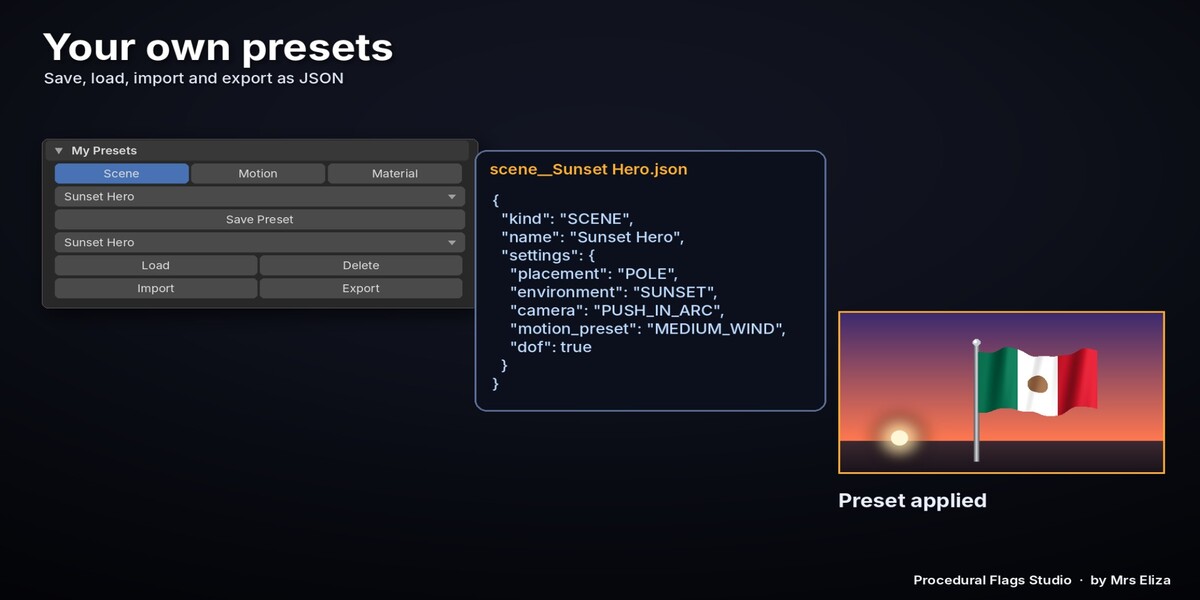
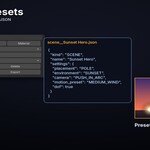
Custom Preset System: Save, load, import, and export your scene, motion, and material presets as JSON files.
Bake & Export: Convert procedural motion into shape keys and export to multiple formats.
-
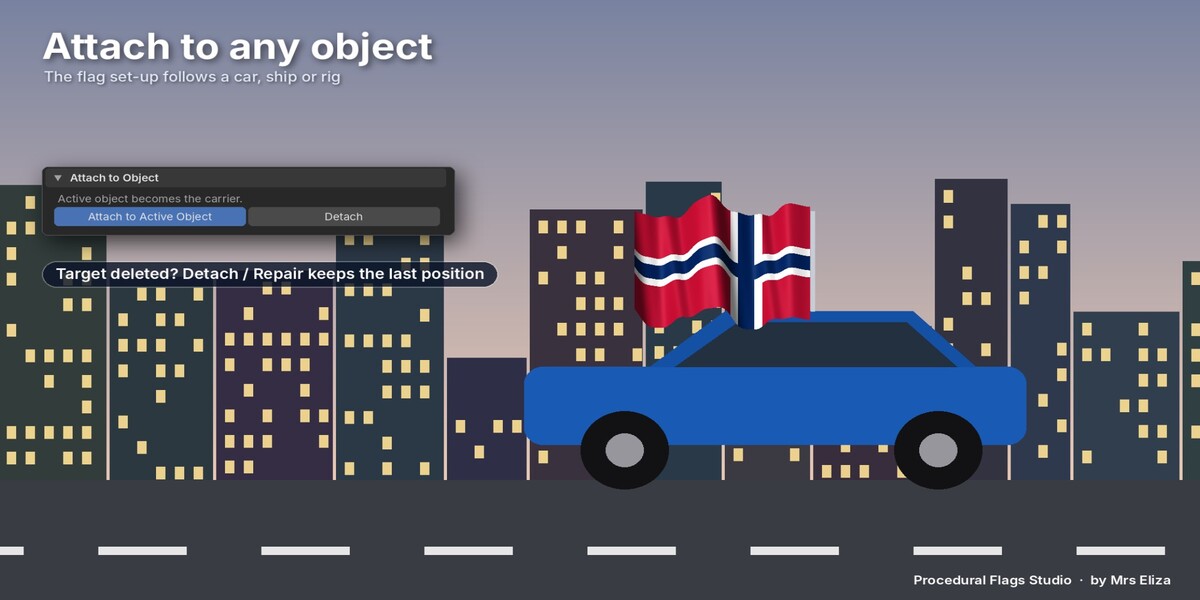
Attach to Objects: Parent flag setups to vehicles, ships, and other objects.
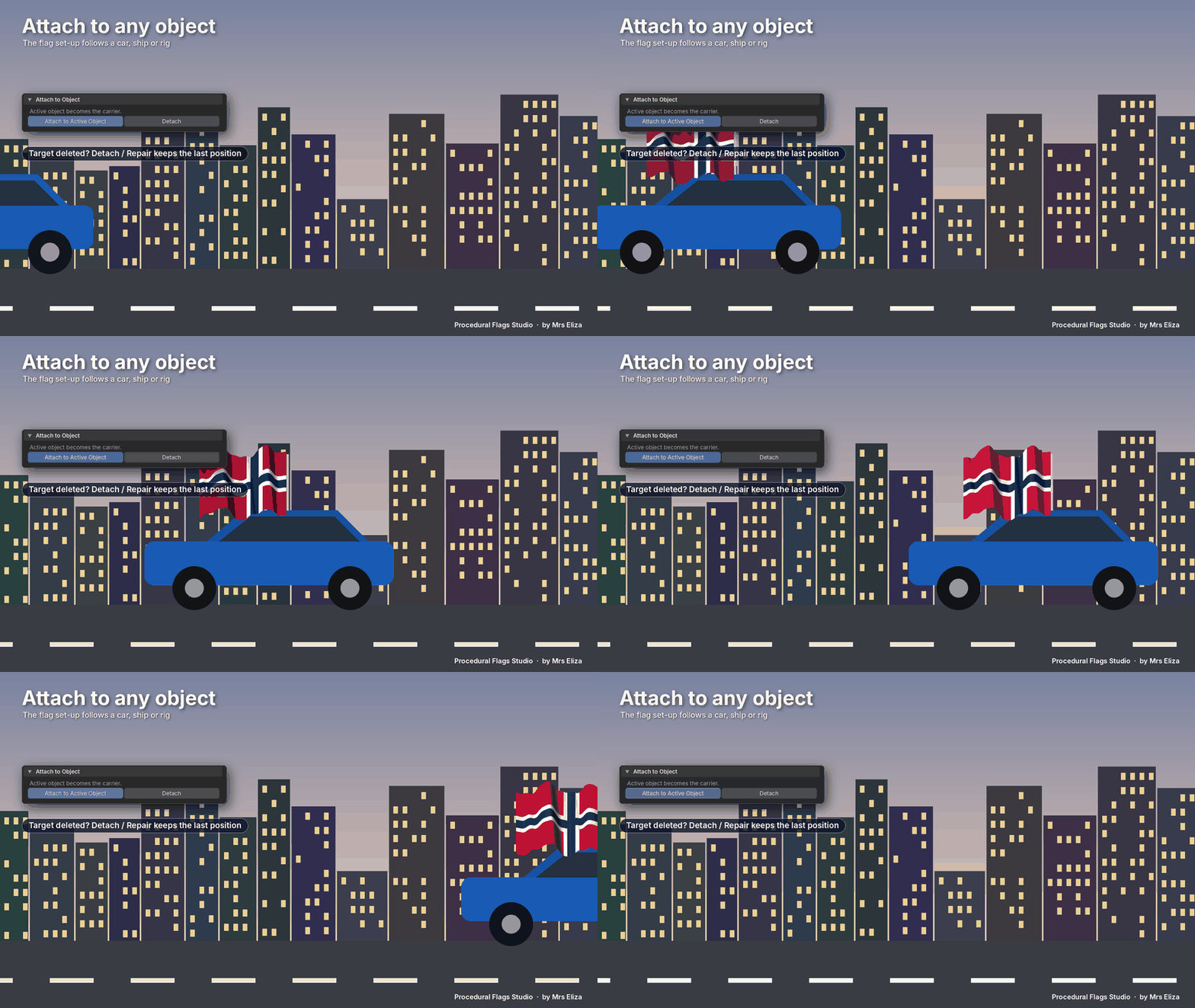
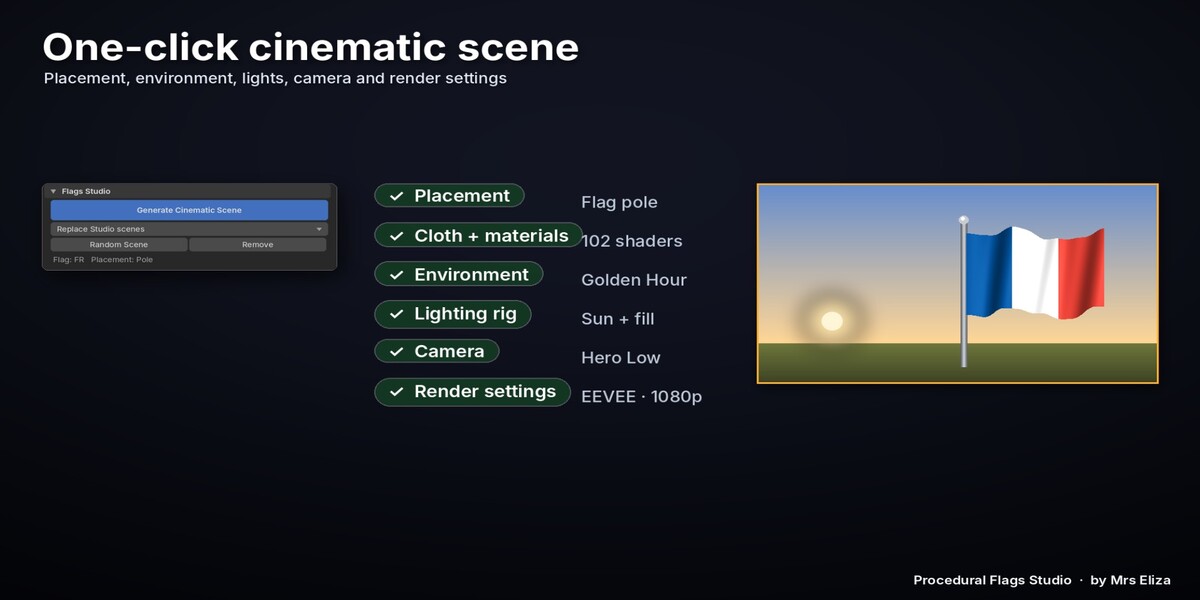
Automatic Scene Generation: Build complete scenes with cameras, environments, lighting, placement, and animation.
📦 WHAT'S INCLUDED?
| Included Content | Quantity |
|---|---|
| Country and territory flags | 197 |
| Procedural materials | 102 |
| Outdoor weathering materials | 33 |
| Flag placement modes | 6 |
| Set piece options | 11 |
| Motion presets | 30 |
| Motion control sliders | 12 |
| Camera presets | 30 |
| Environments | 33 |
| Lighting rigs | 12 |
| Scene presets | 40 |
| Procedural surfaces | 19 |
| Additional metal, rope and skin finishes | 15 |
| Custom flag layouts | 10 |
🌍 197 COUNTRY FLAGS
Create national flags directly inside Blender without importing external image files.
The built-in flag library contains 197 flags, covering:
193 United Nations member states.
Vatican City.
Palestine.
Kosovo.
Taiwan.
Every flag is generated using the add-on's own procedural vector code.
Important: Complex coats of arms and heraldic emblems are represented using simplified procedural designs. Their general colors and layouts are preserved, but intricate heraldic details are not reproduced.
🏗️ COMPLETE FLAG PLACEMENT SYSTEM
Choose exactly how and where your flag should appear with six flexible placement options.
01. Table / Desk Placement
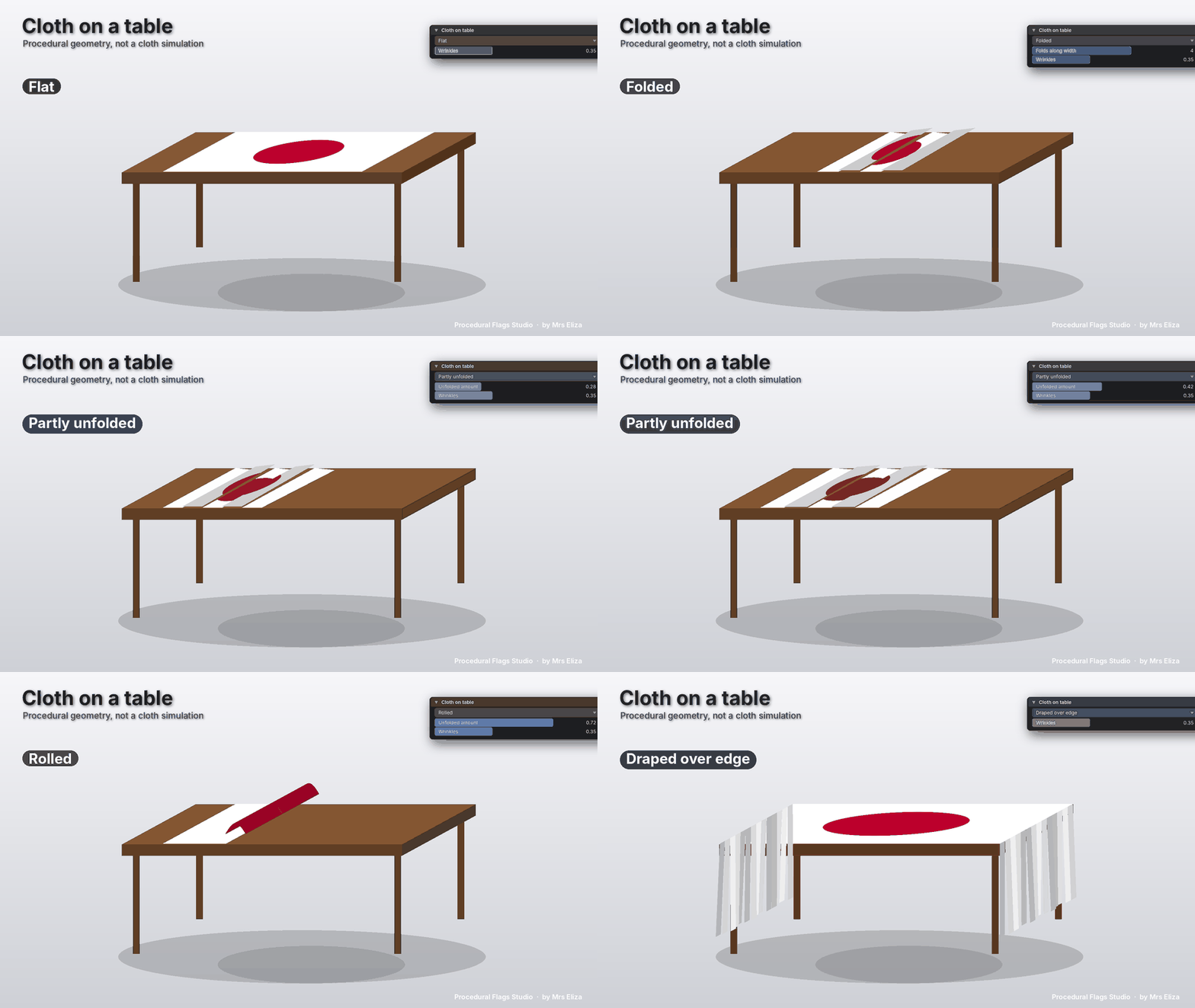
Display flags on tables, desks, and other flat surfaces.
Available cloth configurations:
Flat flag.
Folded flag.
Partly folded flag.
Rolled flag.
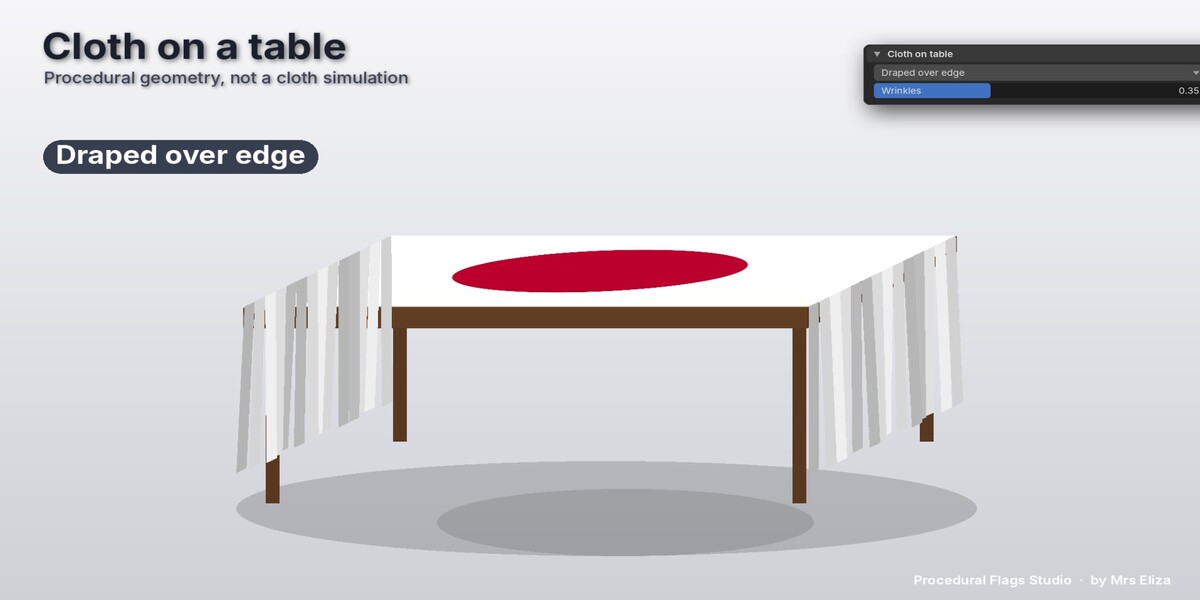
Draped over a table edge.
Desk flag on a stand.
Customization Options:
7 table material options, including wood, dark wood, marble, white, dark, glass, and concrete.
3 tabletop shapes.
3 leg styles.
Optional candle.
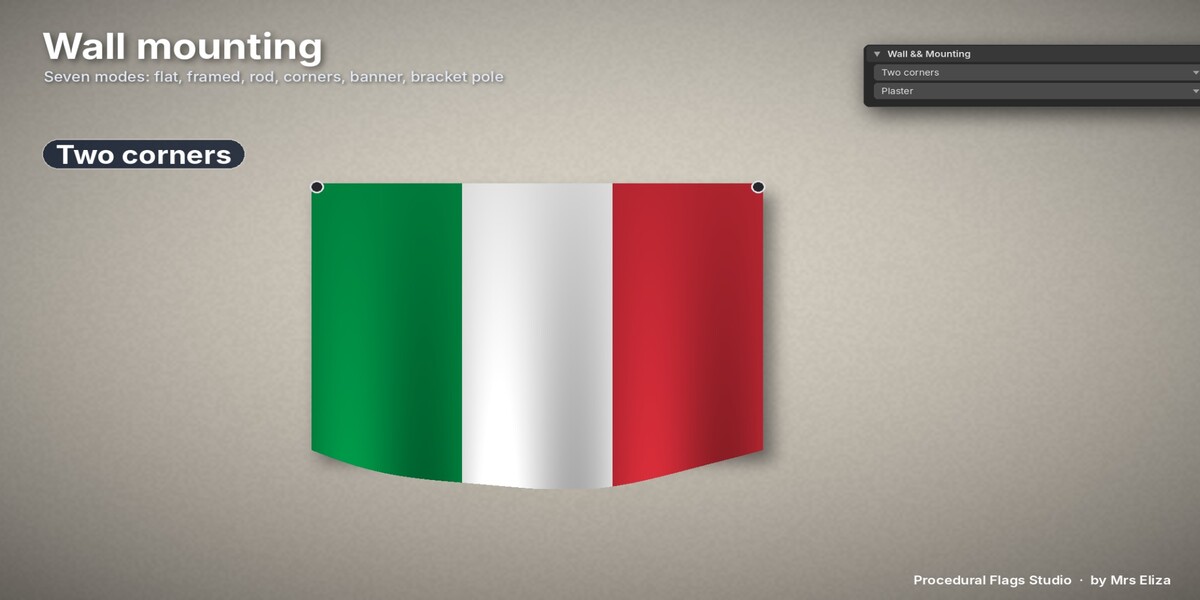
02. Wall Placement
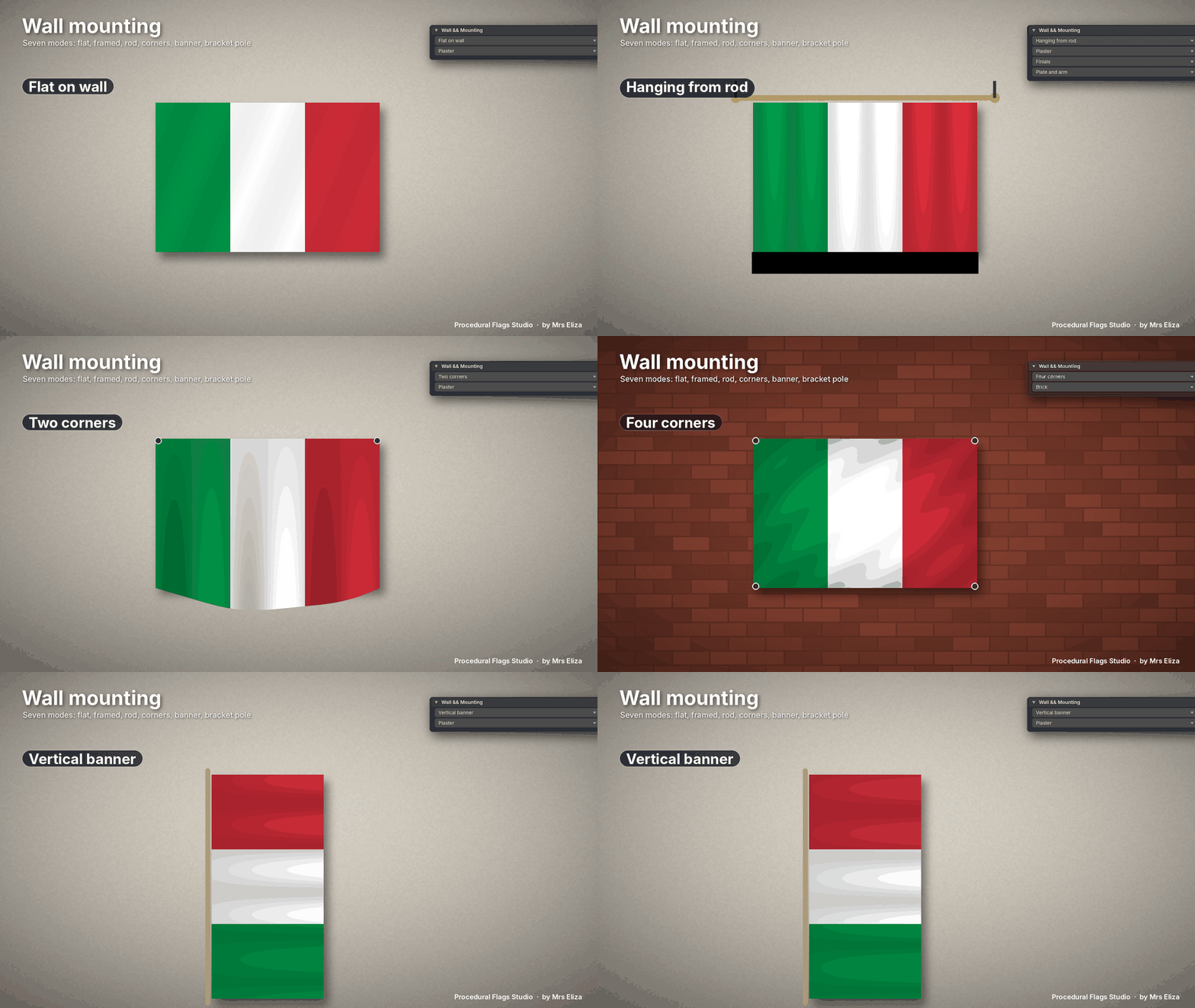
Create flags and banners mounted on different wall surfaces.
Available mounting styles:
Flat on wall.
Framed flag.
Four-corner mounting.
Two-corner mounting.
Hanging from a rod.
Vertical banner.
Bracket pole.
9 Wall Surfaces:
Plaster.
White paint.
Grey paint.
Dark paint.
Brick.
Stone.
Concrete.
Wood.
Tile.
03. Free in Air
Create floating flags without a traditional pole or mounting structure.
Choose how the flag is supported:
Held by nothing.
Attached along the top edge.
Attached at two top corners.
Attached at one corner.
Adjust the flag height to achieve your desired composition.
04. Hand Held
Generate a flag attached to a stick, with an optional display hand.
Choose from four stick styles:
Straight.
Grip rings.
Decorative.
Loop end.
Ideal for parade scenes, character presentations, sports environments, and cinematic compositions.
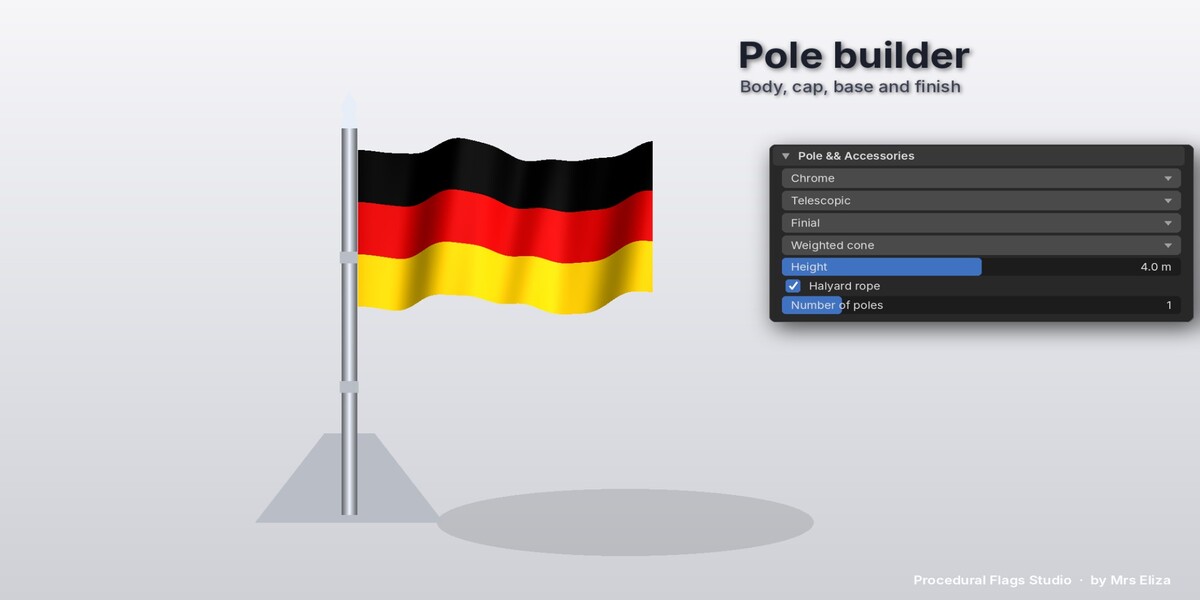
05. Flag Pole
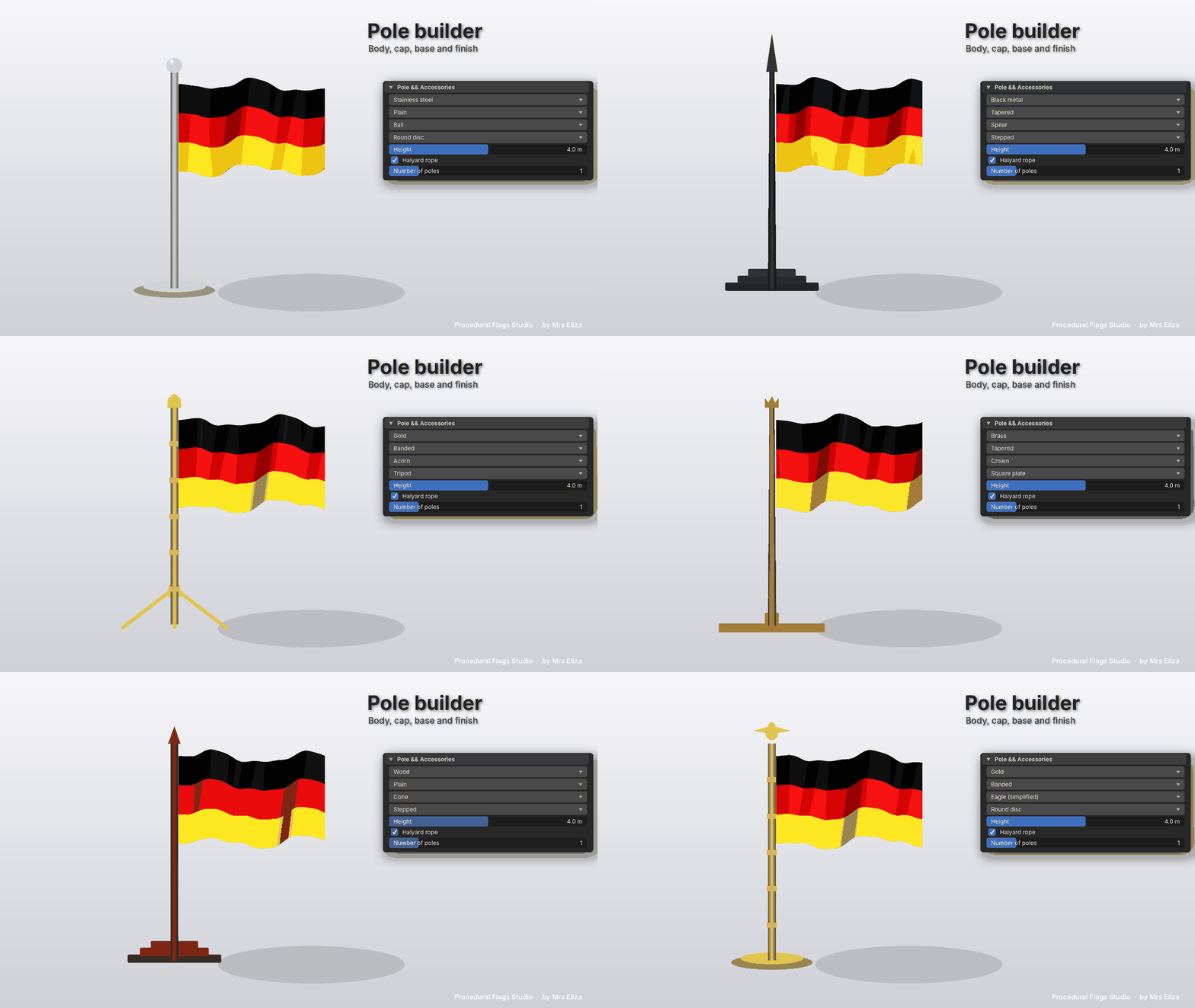
Create professional flagpole arrangements with extensive customization.
Support for 1 to 7 poles.
4 pole body styles.
8 pole cap options.
7 pole base options.
Optional halyard rope.
Adjustable half-mast position.
Pole Cap Options: Ball, spear, acorn, finial, crown, cone, simplified eagle, or none.
Pole Base Options: None, round disc, square plate, stepped, tripod, weighted cone, or ground spike.
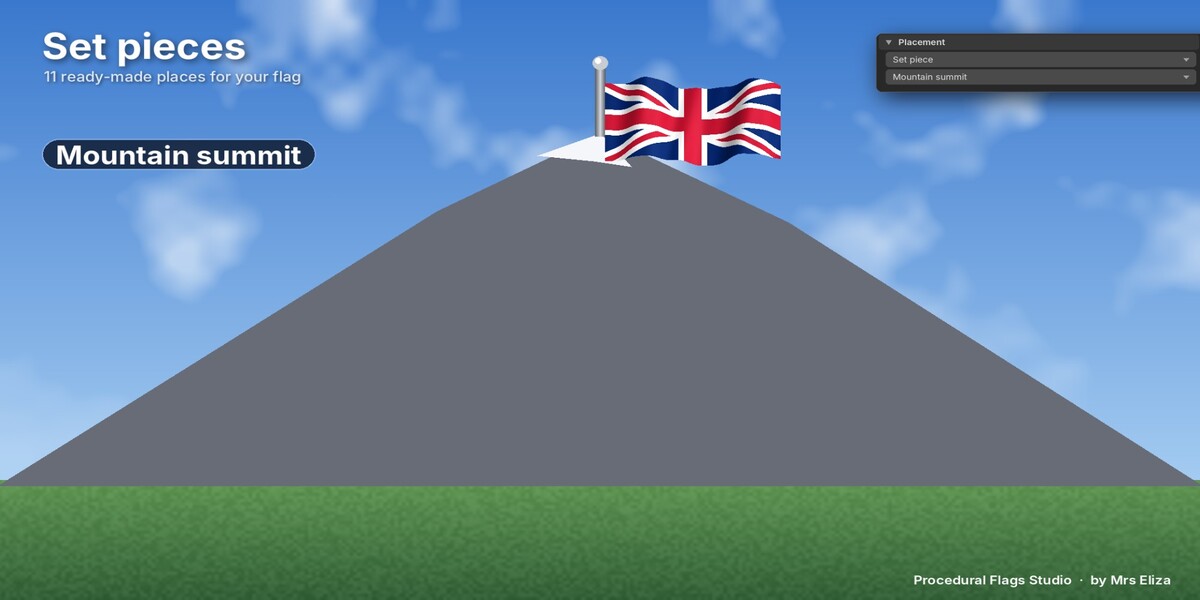
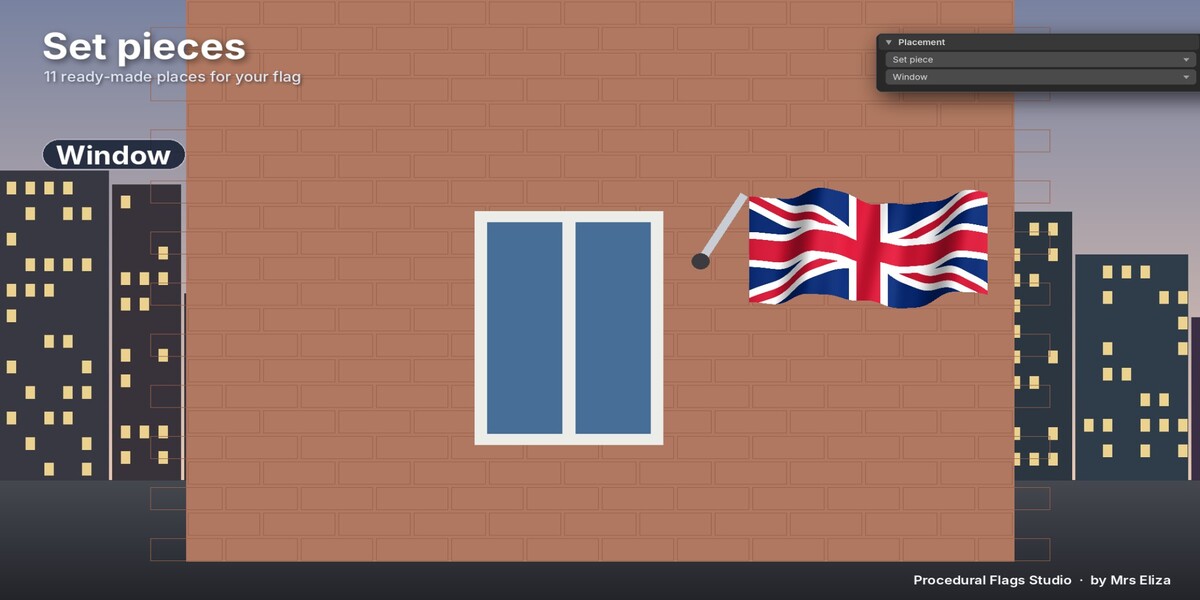
06. Set Piece Placement
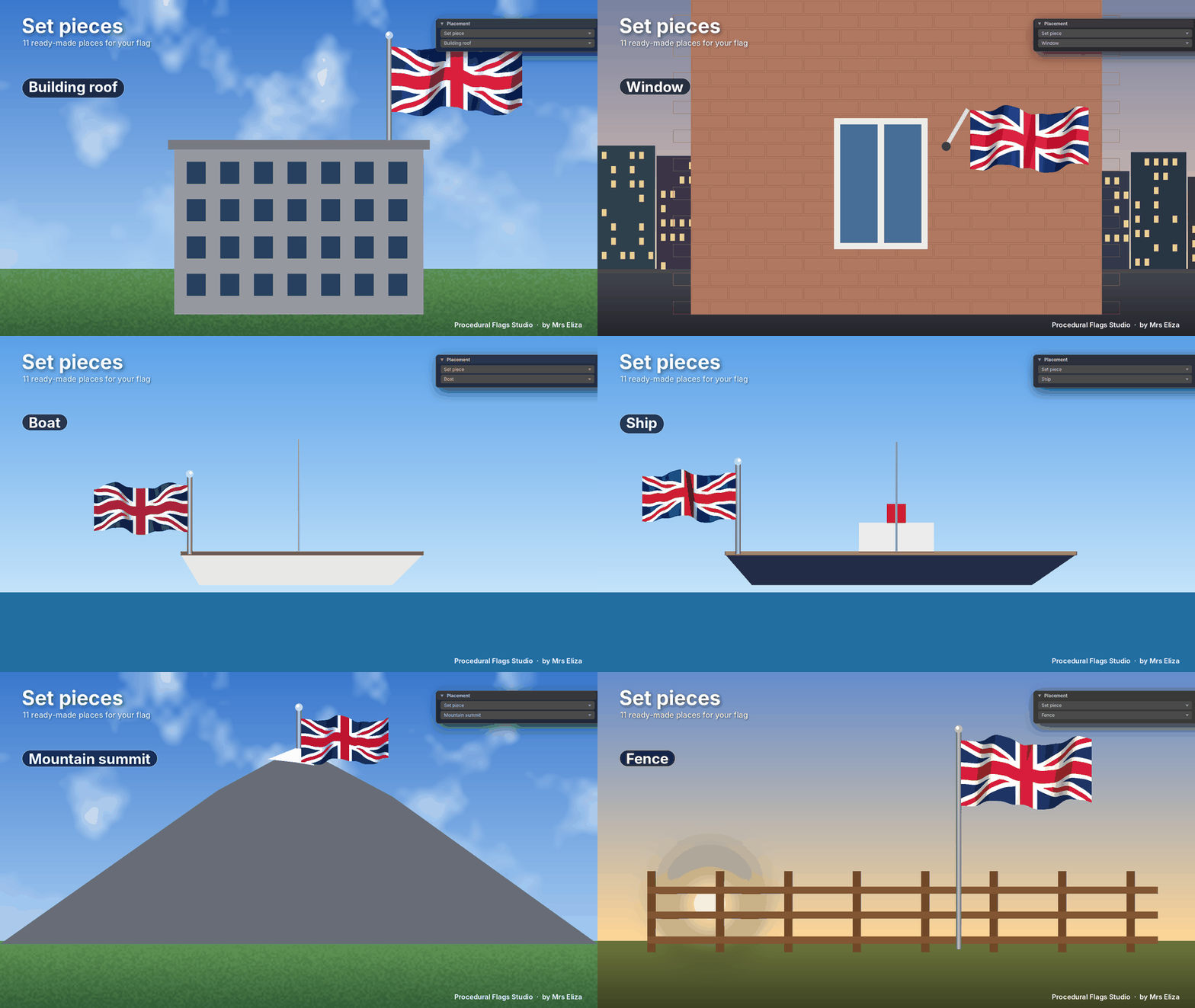
Place flags directly into environmental scenes using 11 built-in set pieces:
Building roof.
Building facade.
Balcony.
Window.
Vehicle.
Boat.
Ship.
Stadium.
Mountain summit.
Stage.
Fence.
Additional Edge Shapes:
All placement modes support three flag edge styles:
Rectangle.
Swallowtail.
Pennant.
🎭 PROCEDURAL CLOTH SHAPE SYSTEM
Create different fabric appearances without relying on traditional cloth simulation.
The add-on generates cloth shapes using procedural geometry.
Available Shapes:
Flat.
Folded.
Partly folded.
Rolled.
Draped over a table edge.
Desk flag on stand.
Wall-mounted configurations.
Adjust the shape and placement to create the right presentation for your scene.
Note: These are procedurally calculated shapes, not physics-based cloth simulations.
🌬️ ADVANCED FLAG ANIMATION SYSTEM
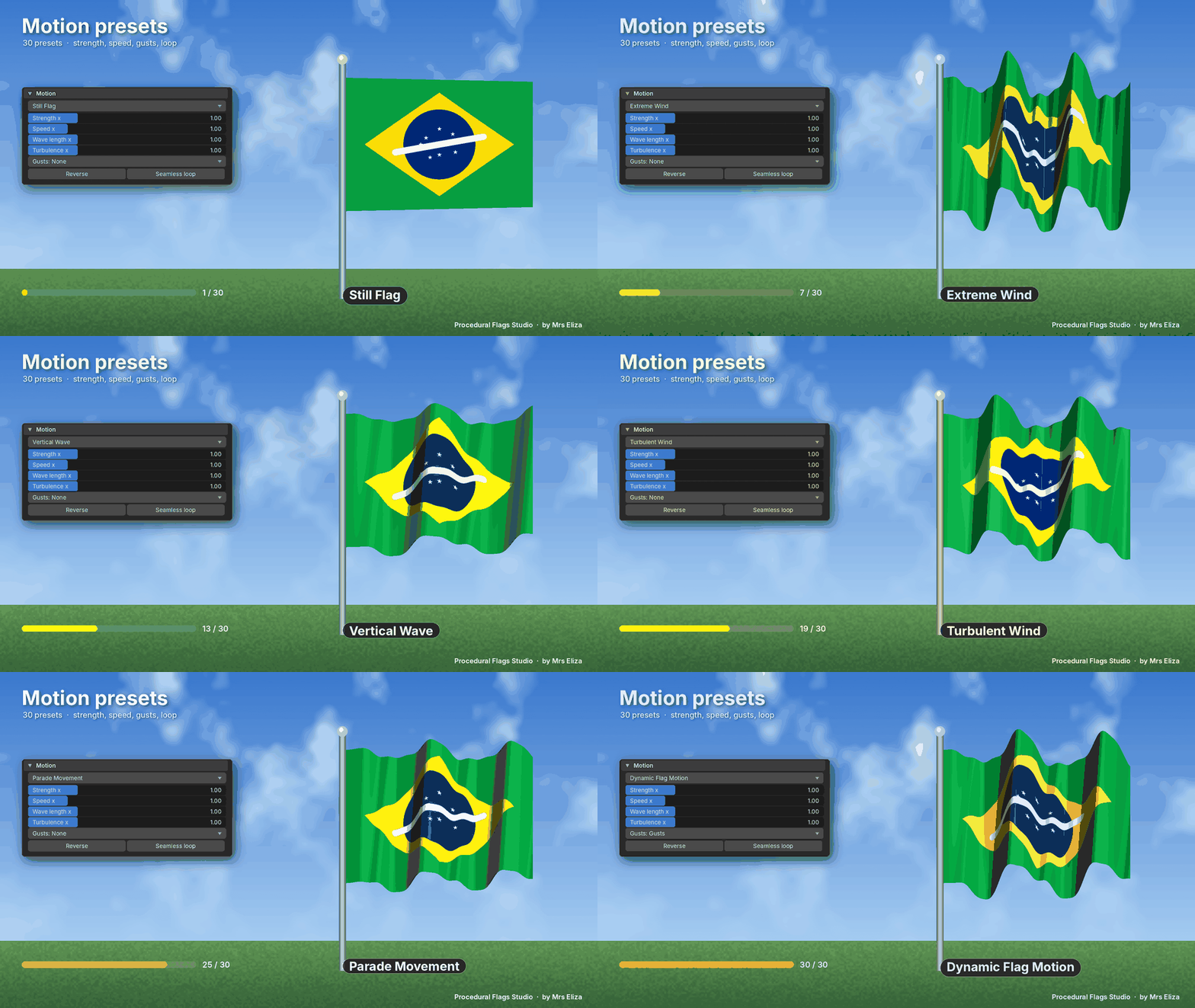
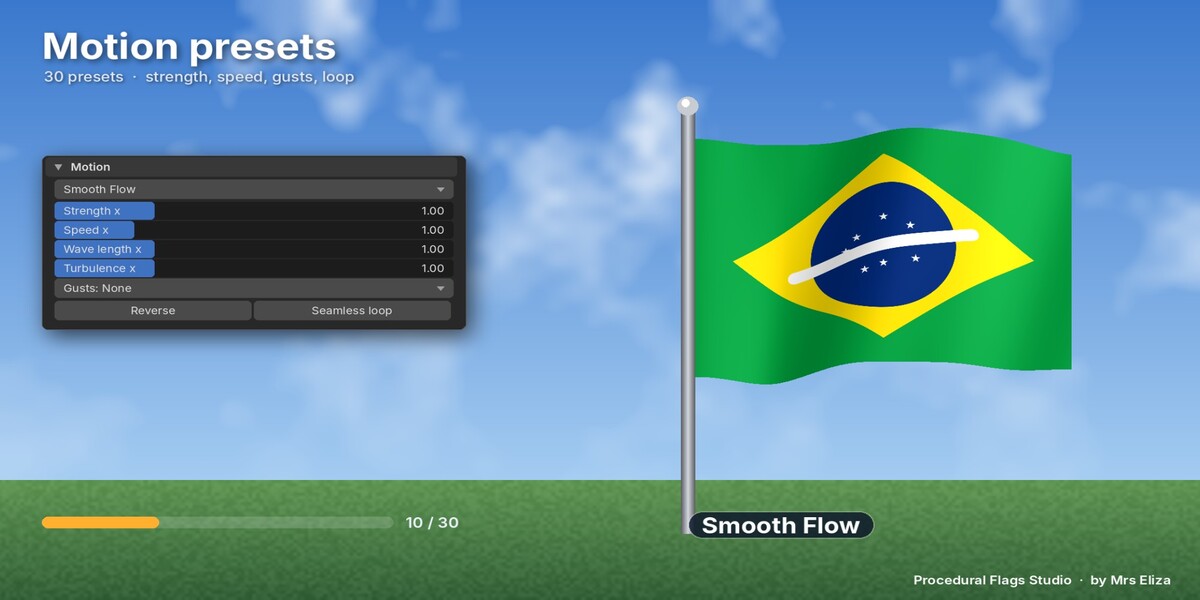
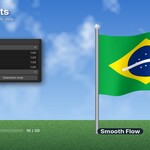
Bring your flags to life with 30 built-in animation presets and 12 adjustable motion controls.
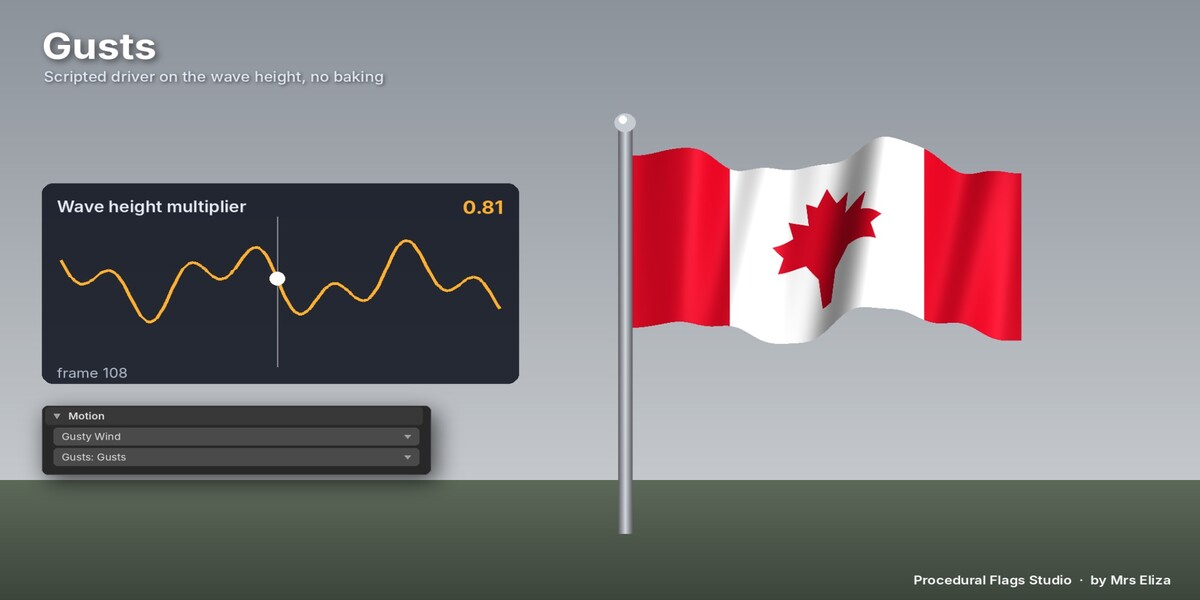
The animation system uses Wave modifiers and scripted gust drivers, so there is no simulation to run.
Simply generate your flag, choose an animation style, and press Space to preview the movement.
30 ANIMATION PRESETS
Explore a wide range of motion styles:
Still Flag
Gentle Breeze
Light Wind
Medium Wind
Strong Wind
Storm Wind
Extreme Wind
Slow Waves
Fast Waves
Smooth Flow
Heavy Flutter
Rapid Flutter
Vertical Wave
Horizontal Wave
Diagonal Wave
Circular Ripple
Double Wave
Irregular Wind
Turbulent Wind
Gusty Wind
Wind Burst
Coastal Breeze
Mountain Wind
Indoor Airflow
Parade Movement
Cinematic Wave
Slow Motion
Dramatic Storm
Soft Fabric Movement
Dynamic Flag Motion
ADVANCED MOTION CONTROLS
Strength: Control the height and intensity of flag movement.
Speed: Adjust how quickly the waves travel through the fabric.
Wave Length: Control the distance between wave crests.
Turbulence: Introduce small irregular movements for more natural fabric behavior.
Stiffness: Make the fabric appear softer or more rigid.
Damping: Reduce secondary movement and excessive fluttering.
Randomness: Add irregular variations to the motion.
Gusts: Choose between no gusts, regular gusts, and burst-style wind pulses.
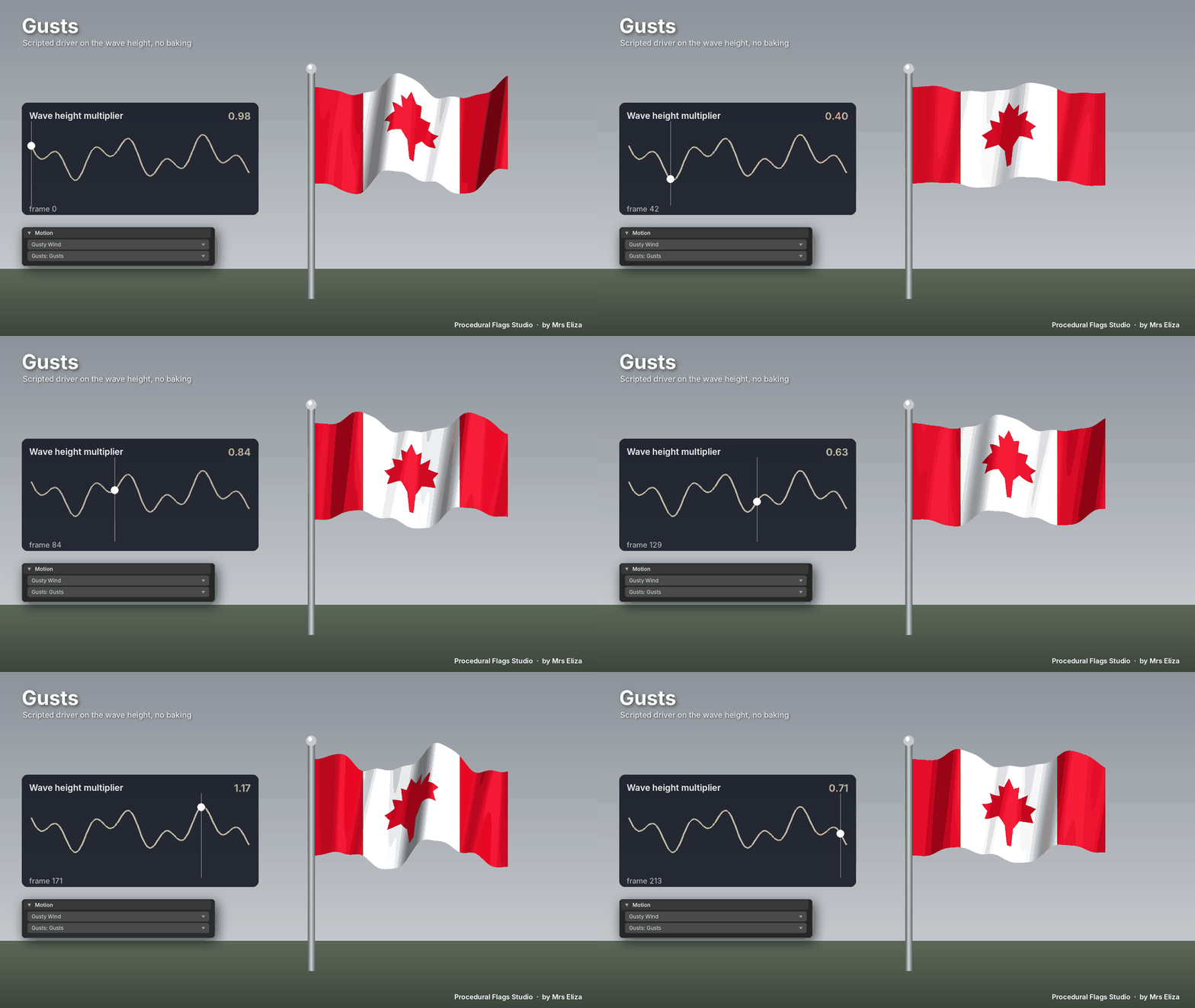
Wave Direction: Control the direction of movement along the width, height, or diagonal axis.
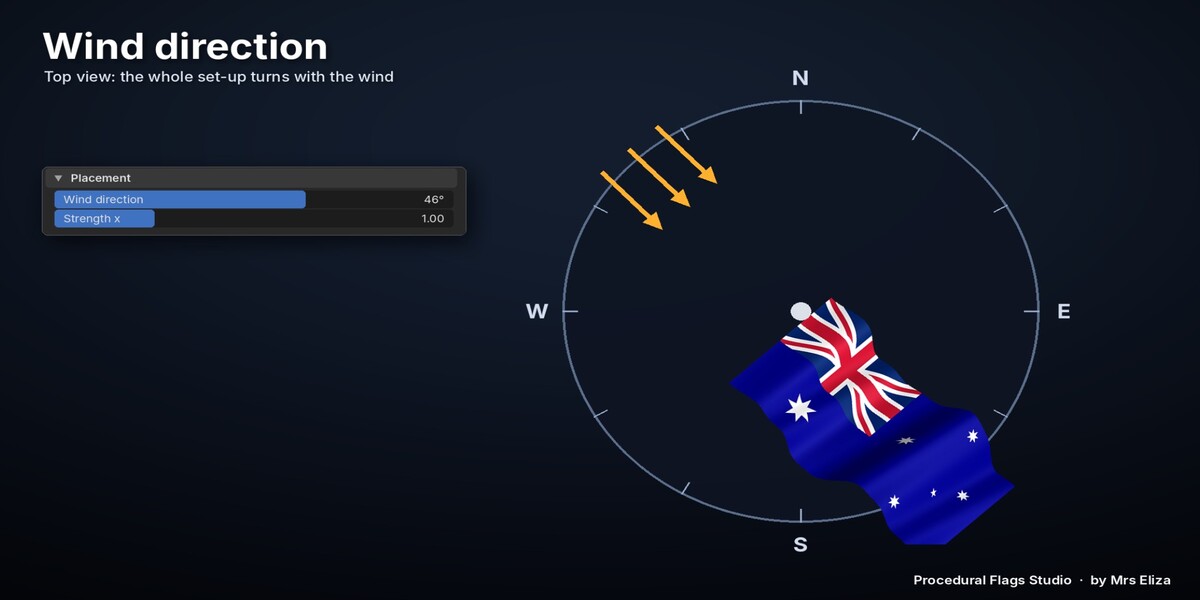
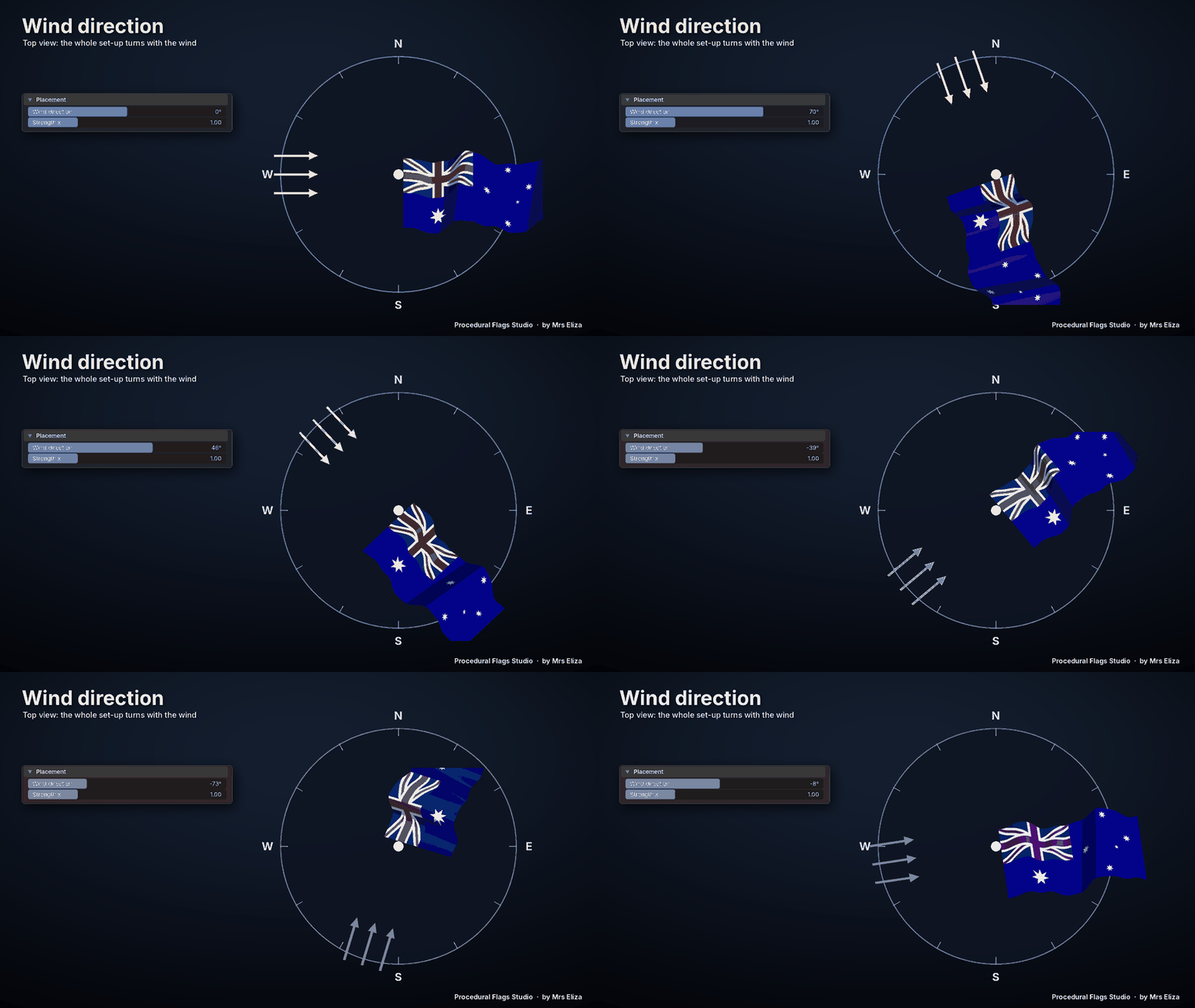
Wind Direction: Rotate the complete flag assembly around its vertical axis from -180° to 180°.
Reverse: Reverse the animation direction.
Phase Offset: Adjust the animation phase from 0 to 20.
Seamless Loop: Enable loop-safe animation by adjusting wave speeds to repeat over the timeline length.
Timeline Defaults: 240 frames at 24 FPS.
LIVE MOTION UPDATE
With Live Motion Update enabled, changes to motion sliders can be applied immediately without generating the scene again.
🎥 PROFESSIONAL CAMERA SYSTEM
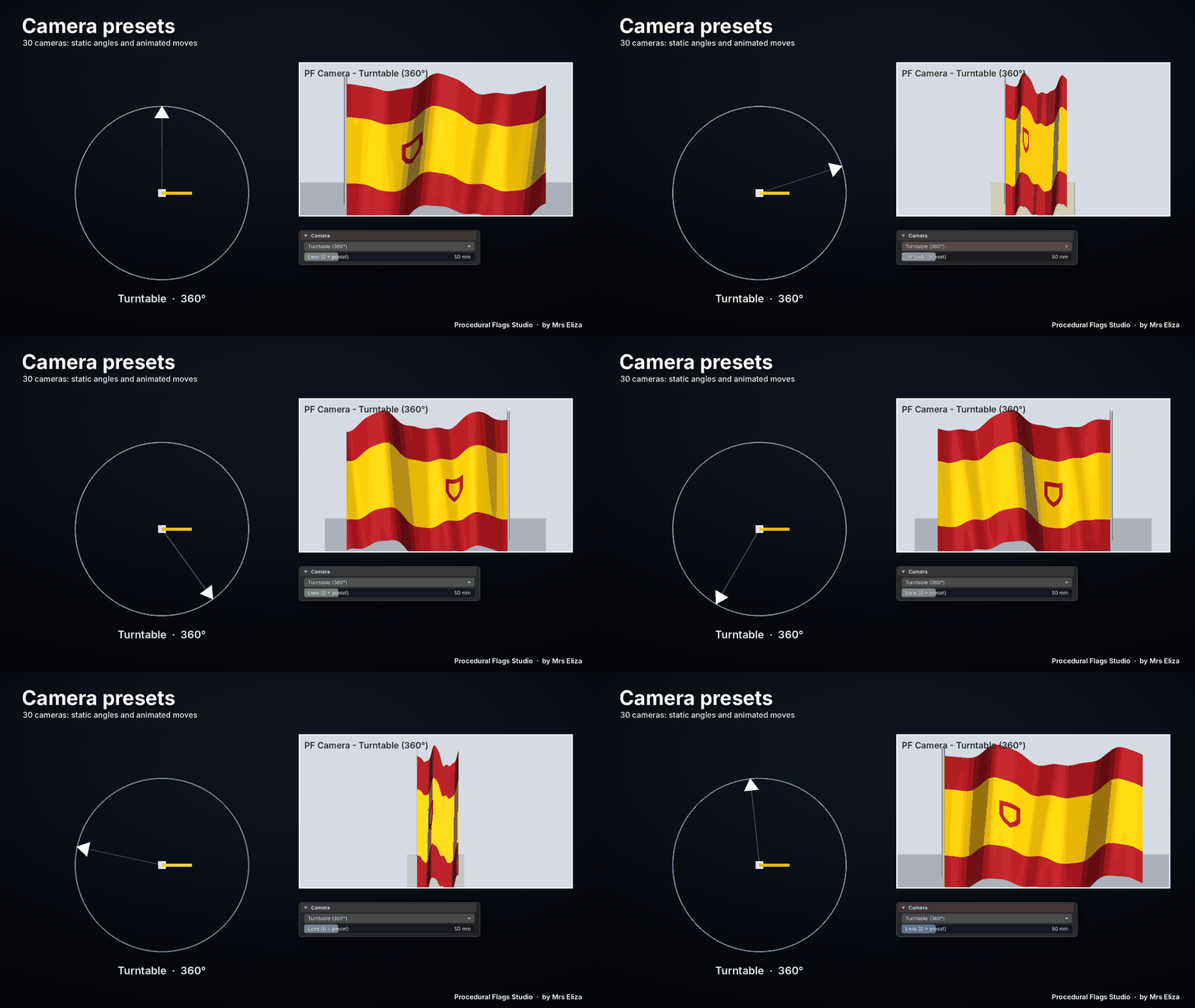
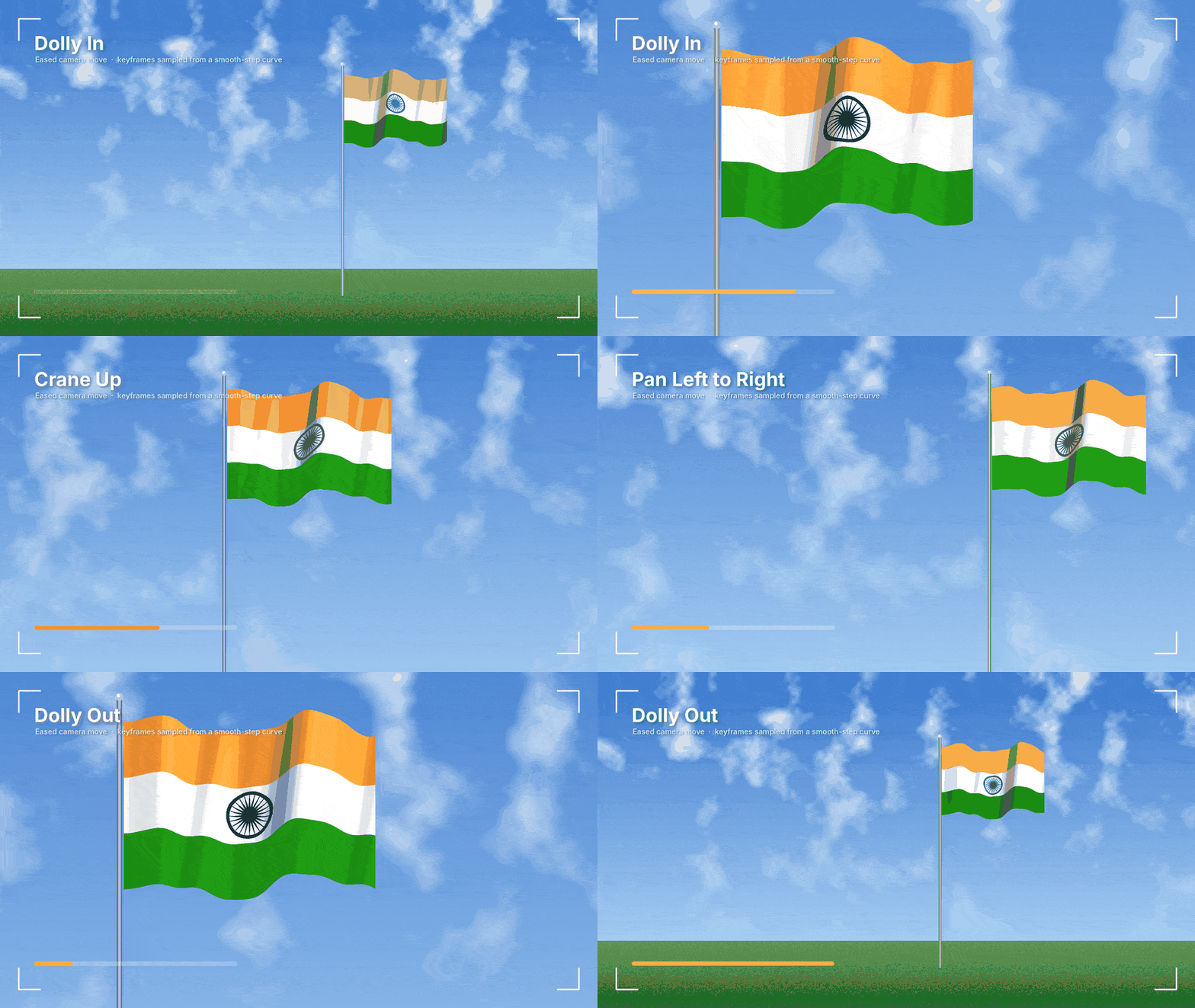
Choose from 30 camera presets to create professional compositions for product renders, presentations, and cinematic animations.
16 STATIC CAMERA PRESETS
Front.
Front Close-up.
Front Wide.
Three-quarter Left.
Three-quarter Right.
Side Left.
Side Right.
Low Angle.
Hero Low Wide.
High Angle.
Top Down.
Rear View.
Telephoto Compression.
Wide Establishing.
Fabric Macro.
Dutch Angle.
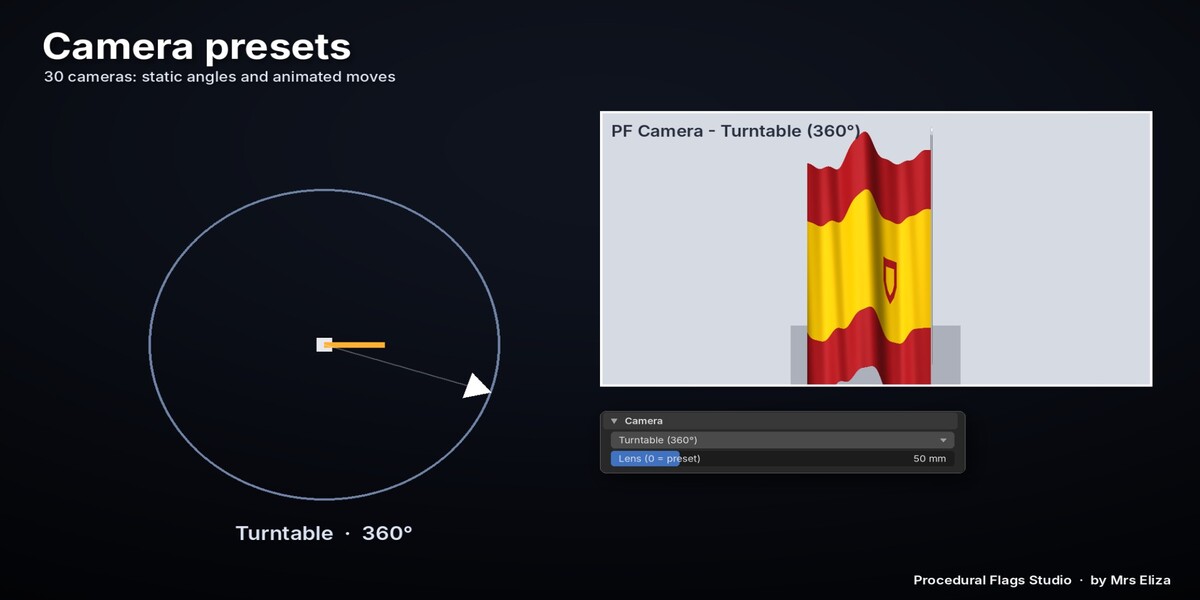
14 ANIMATED CAMERA PRESETS
Slow Orbit (90°).
Fast Orbit (180°).
Turntable (360°).
Half Orbit (180°).
Dolly In.
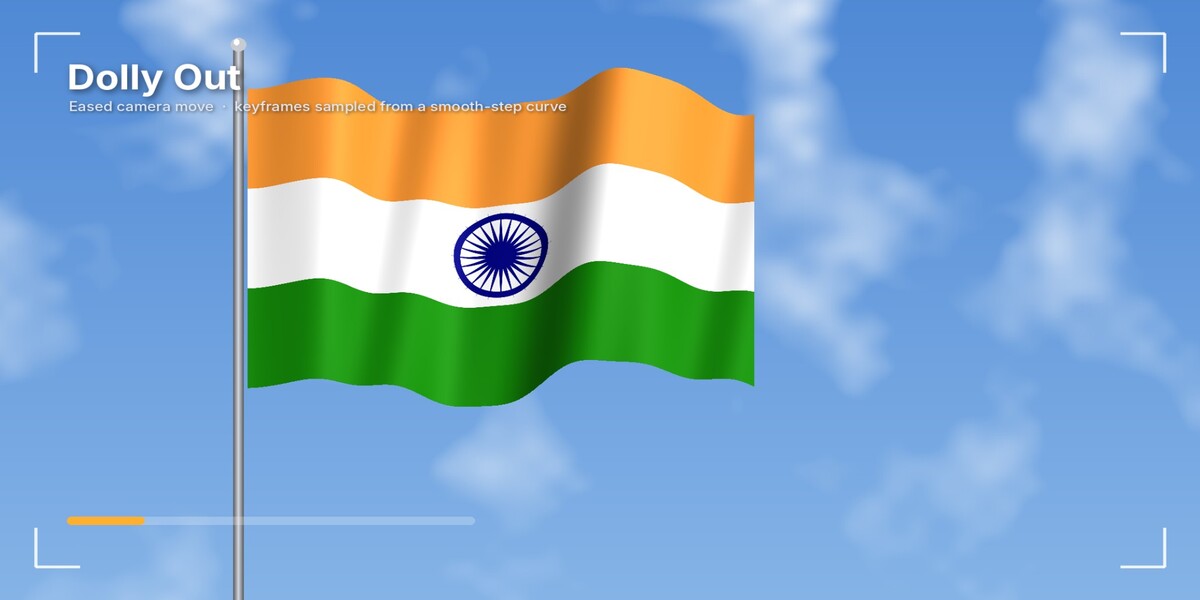
Dolly Out.
Cinematic Push-in.
Crane Up.
Crane Down.
Pan Left to Right.
Pan Right to Left.
Low Reveal.
Fly-by.
Slow Drift.
CAMERA CUSTOMIZATION
Take control of your composition using:
Automatic framing based on flag size.
Adjustable lens settings.
Camera distance.
Azimuth offset.
Elevation offset.
Movement easing.
Depth of field.
F-stop control.
Animated cameras use keyframes with smooth-step easing.
Choose between Linear, Ease In, and Ease Out movement styles.
🌅 33 ENVIRONMENTS & 12 LIGHTING RIGS
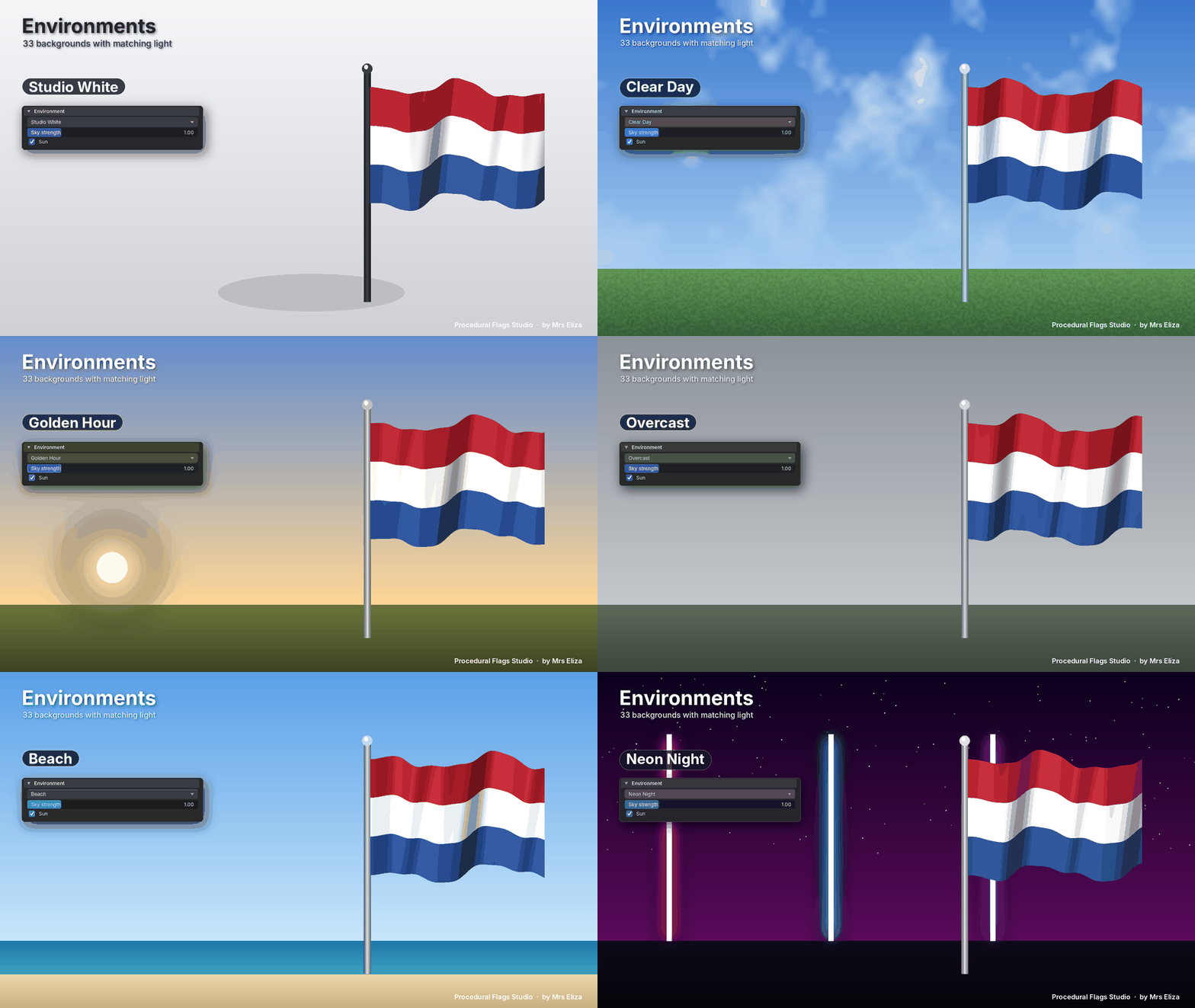
Create the right atmosphere for your flags with a collection of ready-made environments and professional lighting setups.
Every generated scene receives a suitable camera, background, and lighting configuration, which can be customized whenever needed.
STUDIO ENVIRONMENTS
Studio White.
Studio Grey.
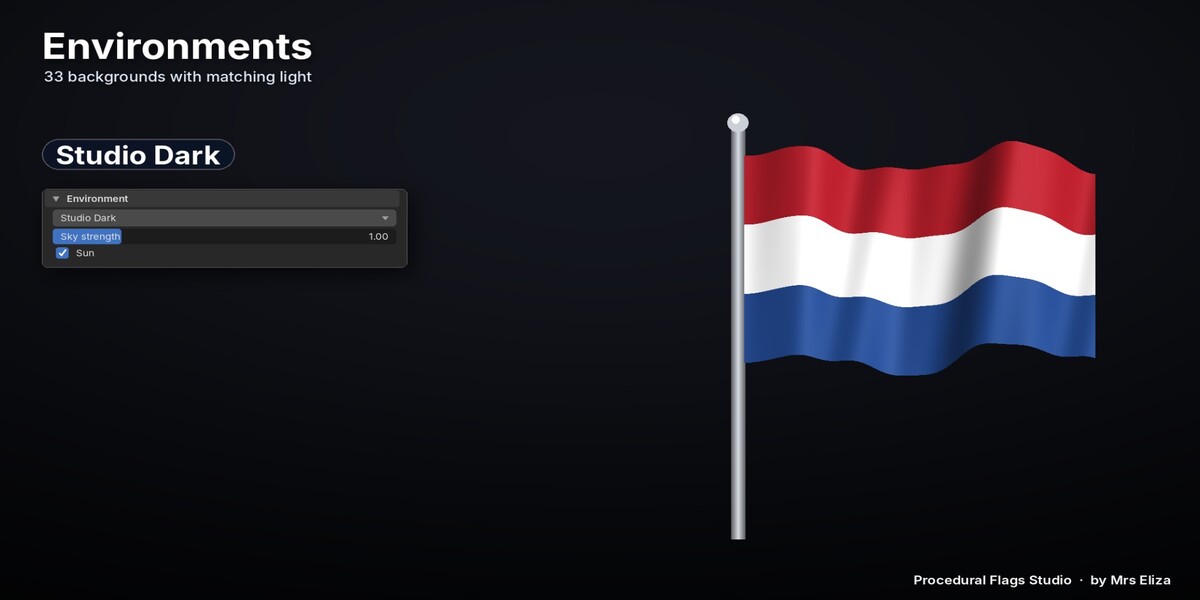
Studio Dark.
Studio Gradient.
Studio Custom Colour.
Product Showcase.
Logo Reveal (Black).
INDOOR ENVIRONMENTS
Museum Hall.
Office.
Diplomatic Room.
Conference Hall.
Dark Stage.
OUTDOOR ENVIRONMENTS
Clear Day.
Sunrise.
Sunset.
Golden Hour.
Blue Hour.
Night.
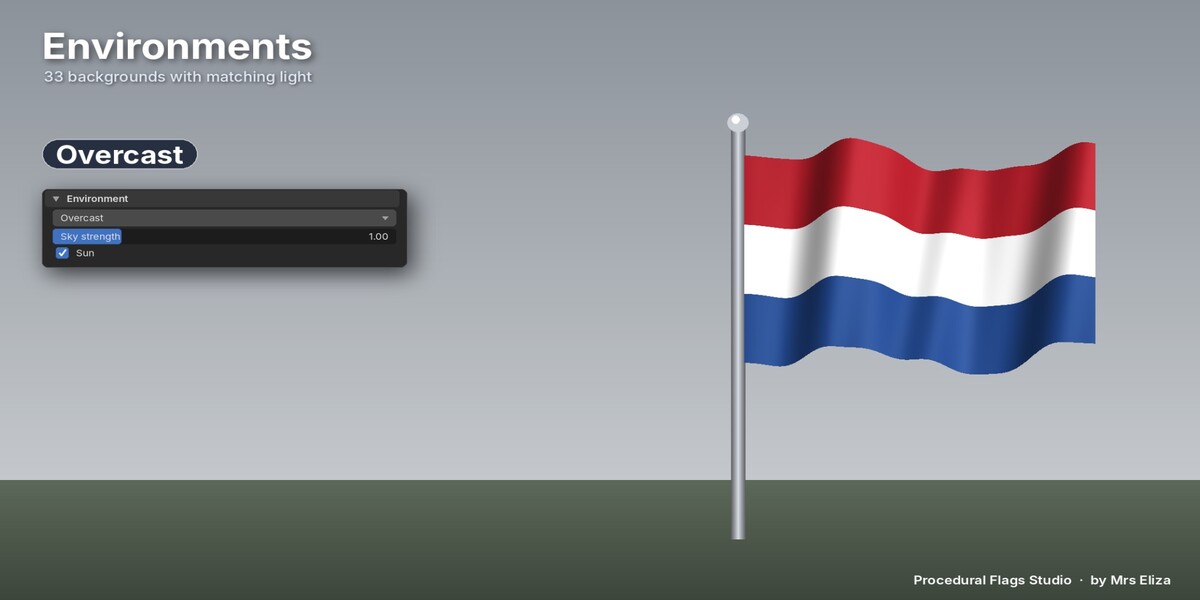
Overcast.
Stormy Sky.
Foggy Morning.
Snow Field.
Desert.
Beach.
Meadow.
Mountain View.
URBAN ENVIRONMENTS
City Street.
Plaza.
Harbour.
Rooftop.
Stadium (Day).
Airfield.
Neon Night.
12 LIGHTING RIGS
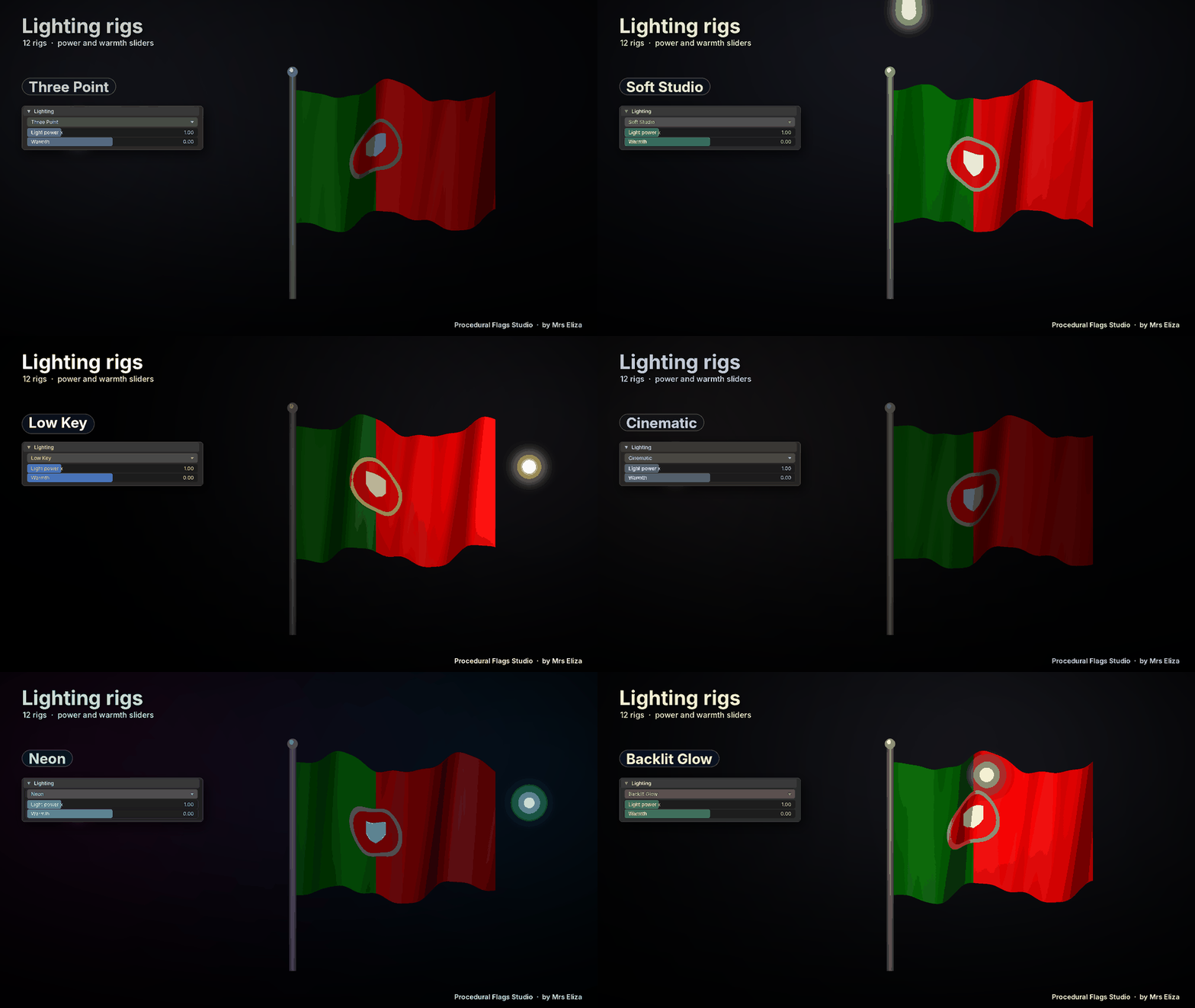
Three Point.
Soft Studio.
High Key.
Low Key.
Dramatic Side Light.
Cinematic.
Spotlight.
Sun (From Environment).
Moonlight.
Neon.
Flat (Even).
Backlit Glow.
LIGHTING CUSTOMIZATION
Adjust lighting power.
Control light warmth.
Enable or disable the sun.
Set custom sun angles.
Control hard shadows.
Customize the overall lighting appearance.
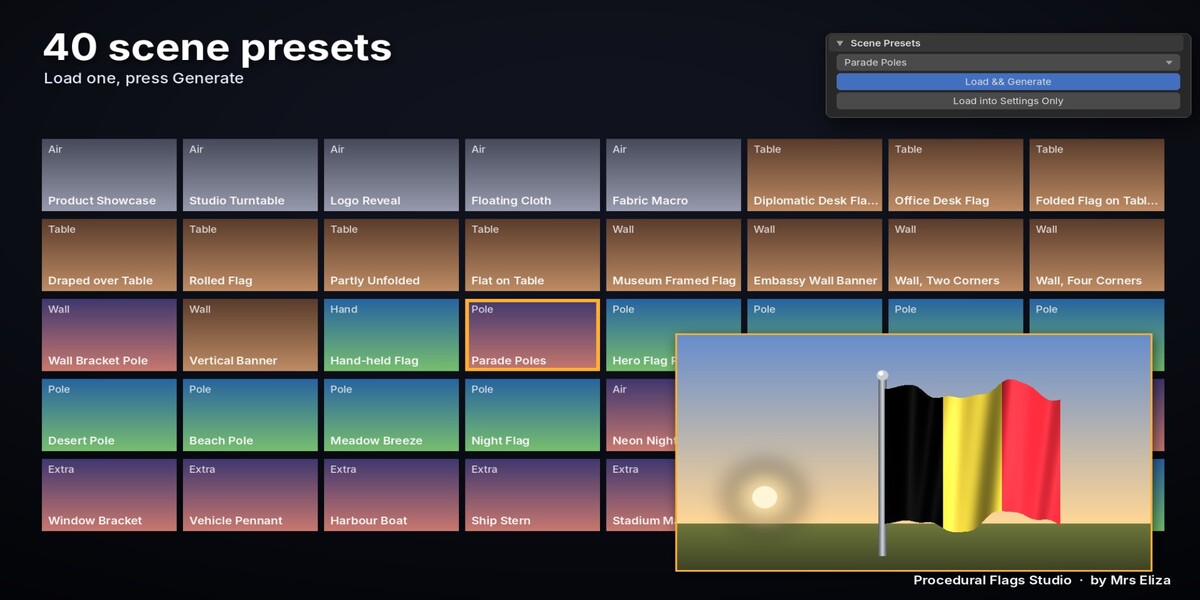
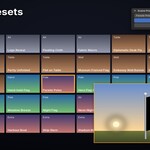
🎬 40 ONE-CLICK SCENE PRESETS
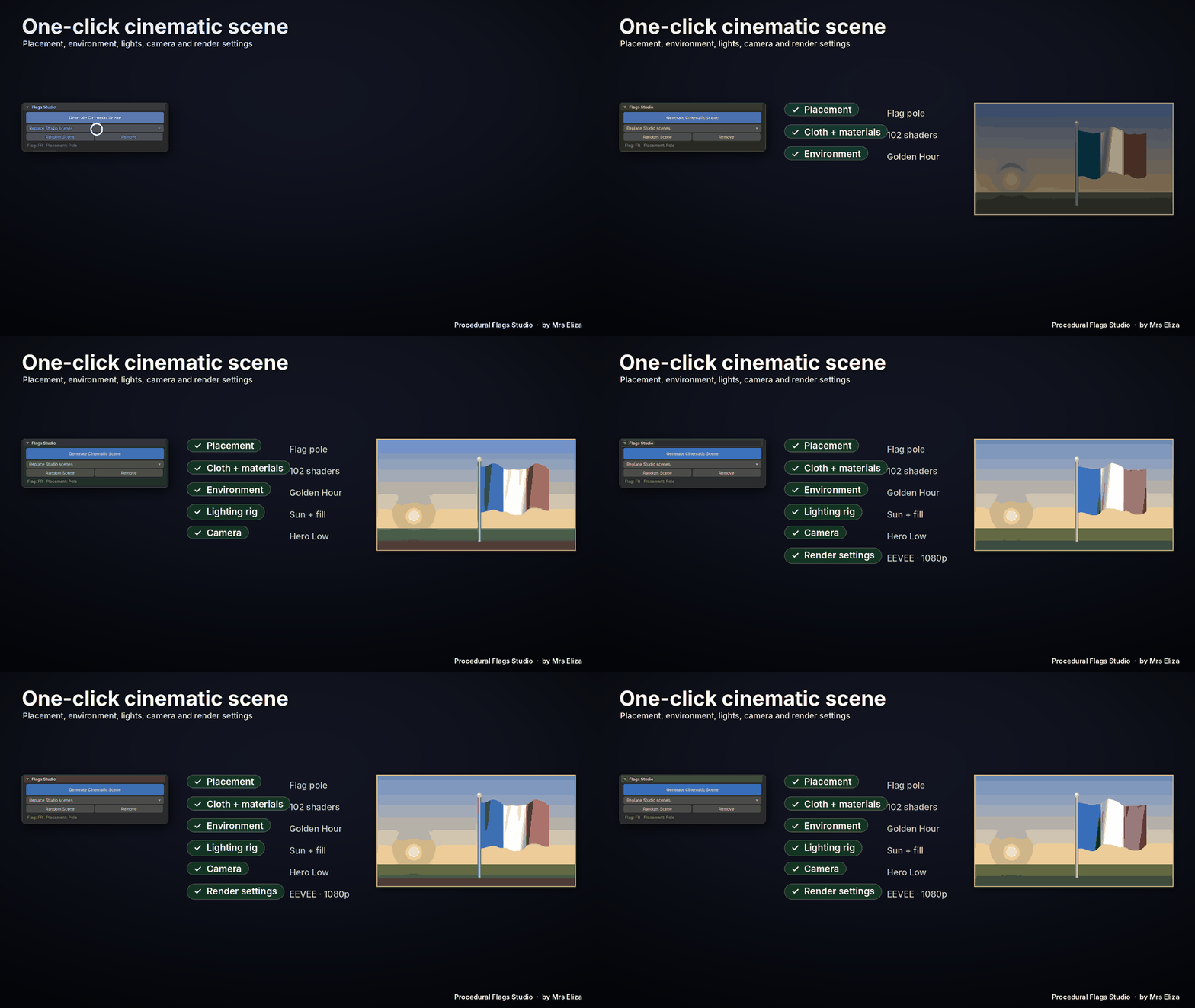
Create complete flag scenes instantly with 40 ready-made scene presets.
Each preset loads the required scene settings, including placement, environment, camera, lighting, and motion configurations.
Choose Load & Generate to create the complete scene immediately, or use Load Into Settings Only to customize the settings before generating.
STUDIO SCENES (5)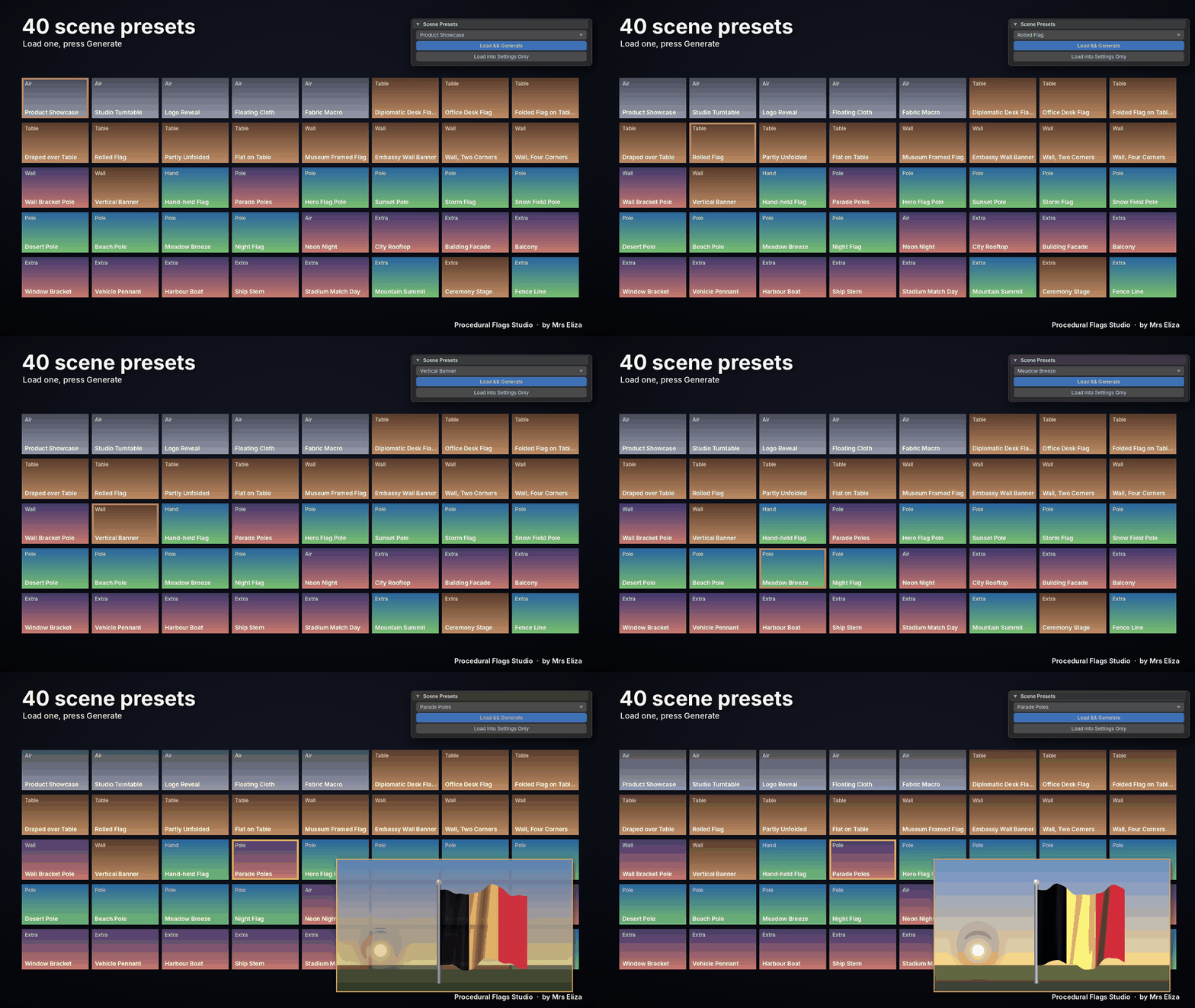
Studio Turntable.
Logo Reveal.
Floating Cloth.
Fabric Macro.
INDOOR SCENES (13)
Diplomatic Desk Flag.
Office Desk Flag.
Folded Flag on Table.
Draped Over Table.
Rolled Flag.
Partly Unfolded.
Flat on Table.
Museum Framed Flag.
Embassy Wall Banner.
Wall Two Corners.
Wall Four Corners.
Vertical Banner.
Ceremony Stage.
OUTDOOR SCENES (11)
Hand-held Flag.
Hero Flag Pole.
Sunset Pole.
Storm Flag.
Snow Field Pole.
Desert Pole.
Beach Pole.
Meadow Breeze.
Night Flag.
Mountain Summit.
Fence Line.
URBAN SCENES (11)
Wall Bracket Pole.
Parade Poles.
Neon Night.
City Rooftop.
Building Facade.
Balcony.
Window Bracket.
Vehicle Pennant.
Harbour Boat.
Ship Stern.
Stadium Match Day.
🎨 102 PROCEDURAL MATERIALS
Create detailed flag surfaces using 102 materials built entirely with Blender shader nodes.
The material system uses procedural shader components such as Principled BSDF, bump, noise, wave, and brick textures.
No external image files are required for the material generation.
MATERIAL CATEGORIES
01. Fabric (22 Materials)
Cotton, silk, canvas, ripstop nylon, tapestry, and more.
02. Sheer (5 Materials)
Chiffon, organza, tulle, gauze, and other translucent fabric styles.
03. Aged & Worn (8 Materials)
Weathered, sun-faded, battle-worn, scorched, and aged surfaces.
04. Paper & Leather (7 Materials)
Procedural paper and leather finishes.
05. Plastic & Rubber (5 Materials)
Different plastic and rubber surface appearances.
06. Metal (9 Materials)
Gold foil, brushed steel, chrome, and other metal finishes.
07. Special (13 Materials)
Neon glow, LED screen, marble, stained glass, and other special appearances.
08. Outdoor (33 Materials)
A comprehensive collection of outdoor weathering and surface finishes.
MATERIAL CUSTOMIZATION
Adjust the appearance of your flags using the Material panel and Customize Material controls.
Available controls include:
Brightness.
Saturation.
Roughness.
Fabric relief.
Weave scale.
Surface wear.
Edge fray.
Opacity.
Glow.
Tint.
Texture resolution.
Choose texture sizes from 512 px to 8192 px to match your project requirements.
🖌️ CUSTOM FLAG DESIGNER
Go beyond the included country flags and create your own custom flag designs.
The built-in Flag Designer provides 10 different layouts to help you build custom flag compositions.
Export Flag PNG: Save your designed flags as high-quality PNG images with resolutions up to 16K wide.
Add Flag Materials to Asset Browser: Mark your procedural flag materials as assets so they can be reused in other Blender projects.
💾 MY PRESETS – SAVE, SHARE & REUSE
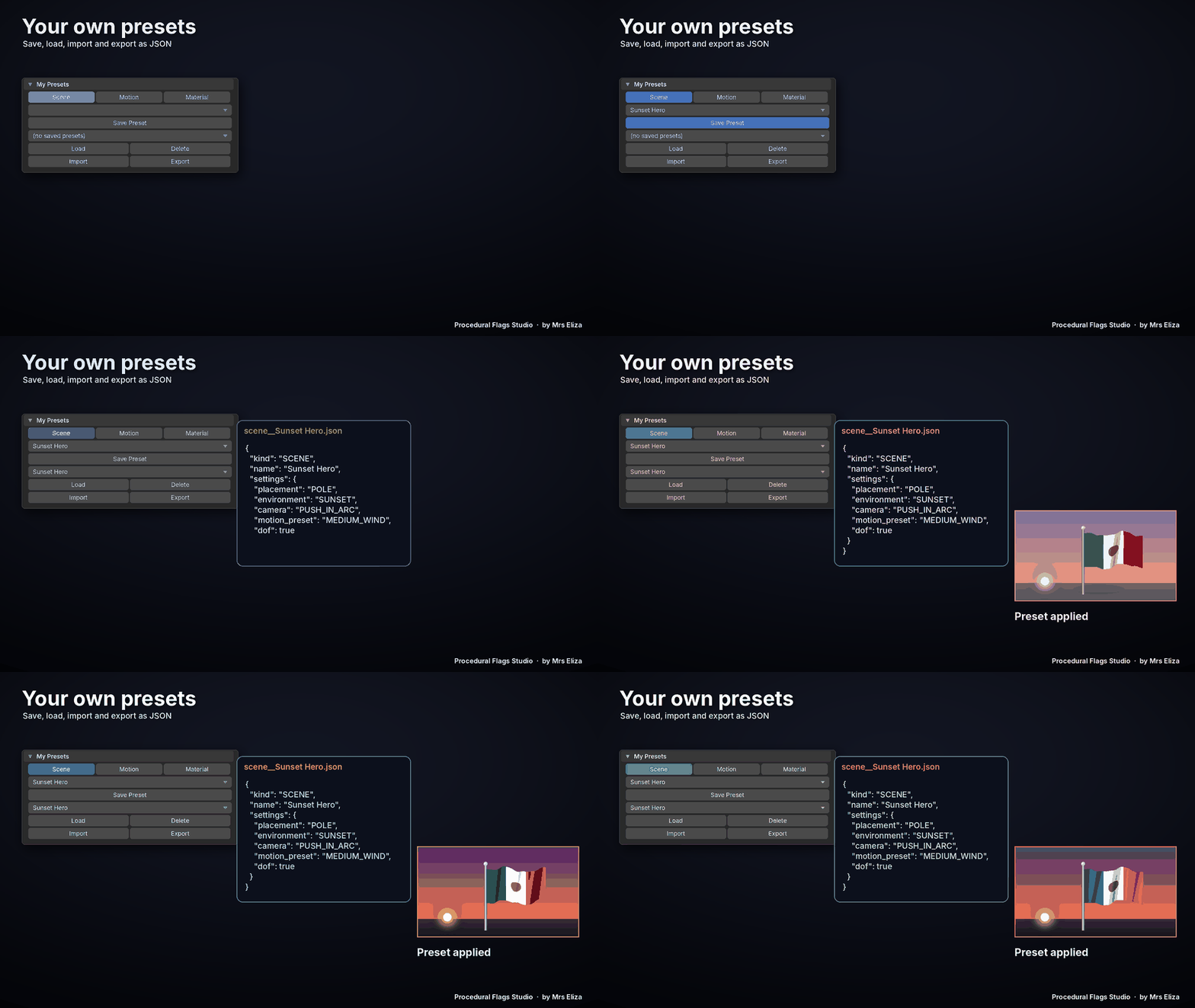
Create your own reusable collection of scene, motion, and material configurations.
The My Presets system allows you to:
Save current scene settings under a custom name.
Save motion configurations.
Save material configurations.
Load previously saved presets.
Delete unwanted presets.
Import presets from JSON files.
Export presets as shareable JSON files.
10 example presets are also included in the example_presets folder to help you get started.
📤 BAKE, EXPORT & OBJECT ATTACHMENT
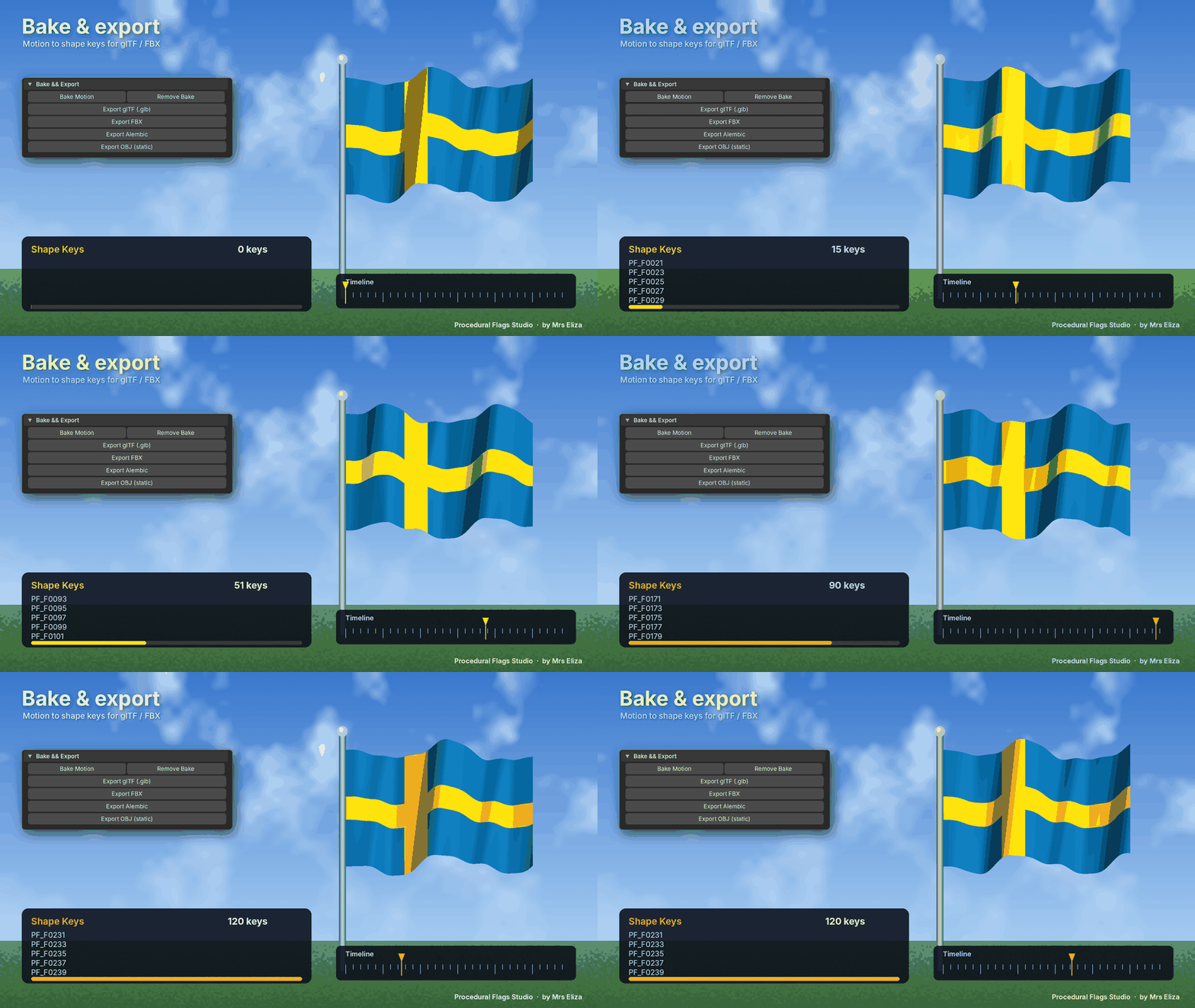
Prepare your procedural flag animations and scenes for use in other applications.
BAKE MOTION
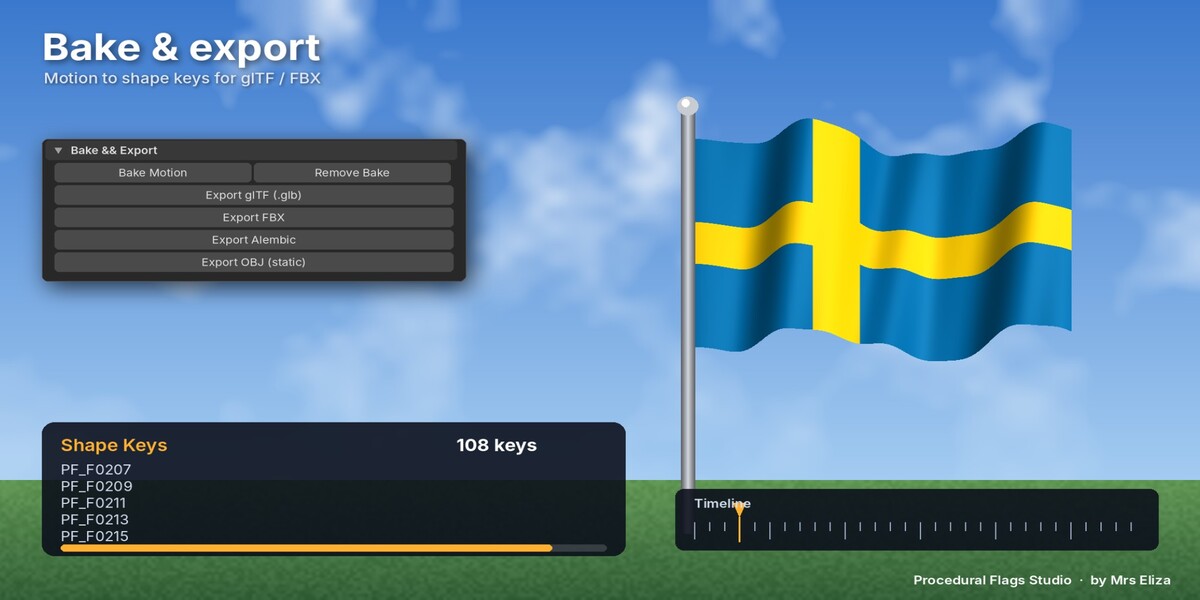
Convert procedural wave animations into shape keys.
Bake Motion converts the generated movement into shape keys.
Remove Bake removes the baked animation and restores the previous workflow.
EXPORT FORMATS
The add-on supports:
glTF Binary (.glb).
FBX.
Alembic.
OBJ.
Export Notes:
Bake Motion before exporting to FBX or glTF because these formats support shape keys but do not carry the original modifiers.
Alembic exports the modifier result directly.
OBJ exports the static shape.
ATTACH TO OBJECT
Make another object the carrier for your flag setup.
Useful for attaching flags to:
Cars.
Ships.
Vehicles.
Other animated objects and rigs.
Use Attach to connect the flag setup to the active object and Detach to release it.
🖥️ RENDER SETTINGS & OUTPUT CONTROL
Control the final quality and appearance of your generated scenes directly from the Render panel.
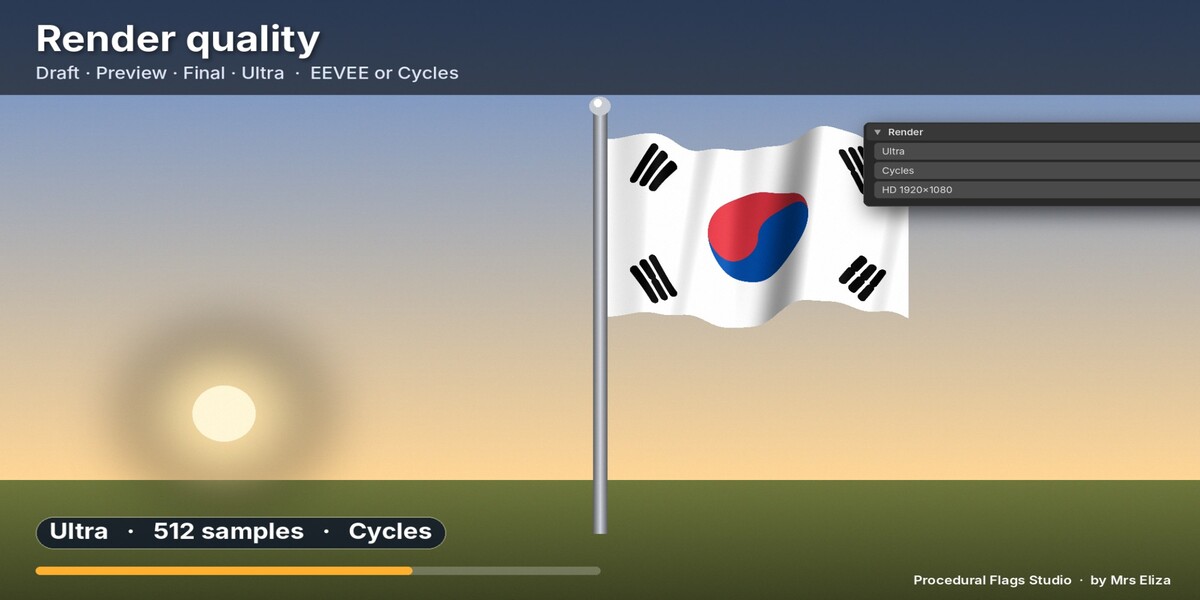
QUALITY PRESETS
Draft: 16 samples.
Preview: 48 samples.
Final: 160 samples.
Ultra: 512 samples.
You can also enter a custom sample count.
RENDER ENGINES
EEVEE.
Cycles.
RENDER CUSTOMIZATION
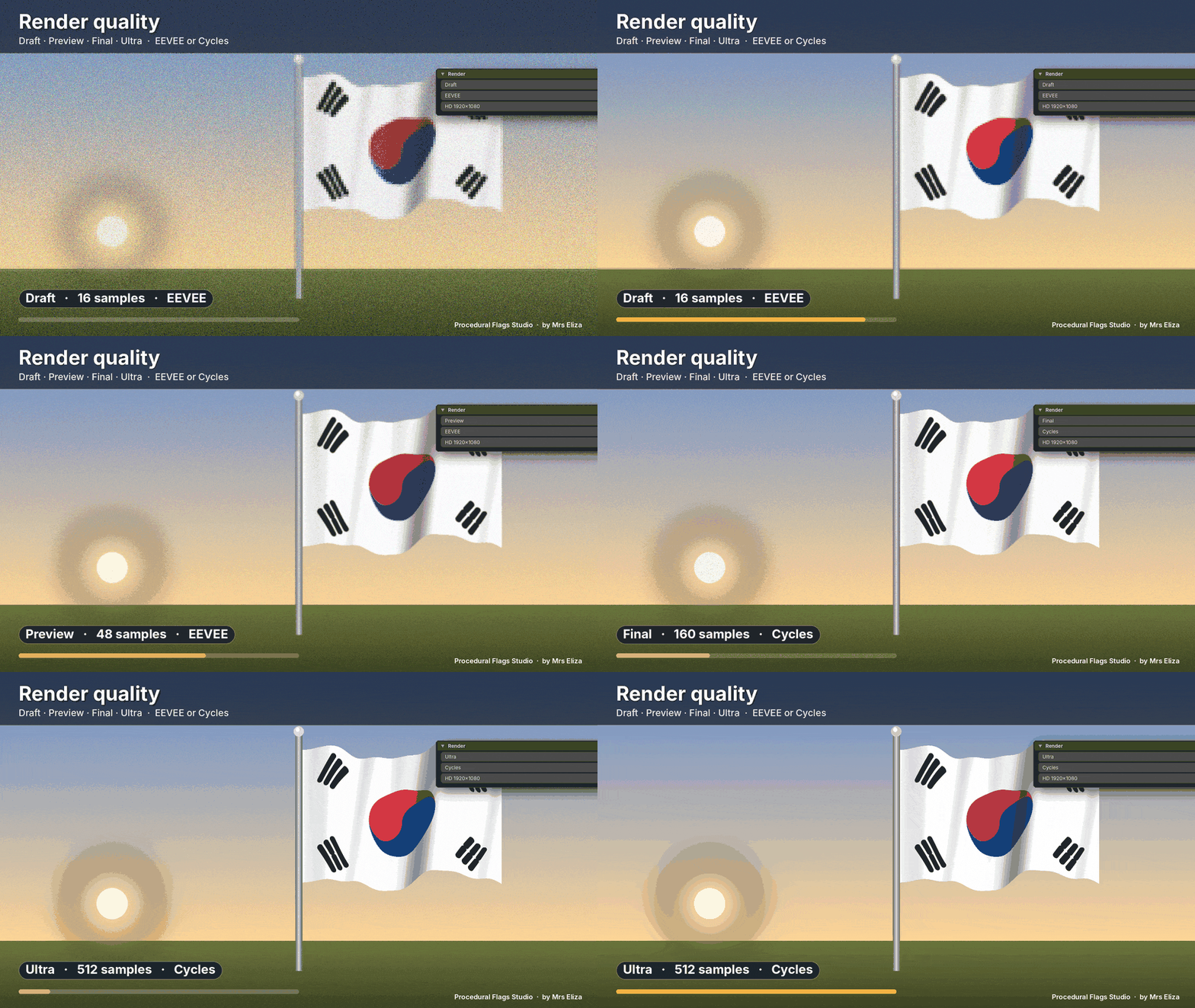
Resolution.
Samples.
Denoising.
Transparent background.
Motion blur.
Color management.
Output format.
Output folder.
Supported Color Transforms:
AgX.
Filmic.
Standard.
Supported Output Formats:
PNG.
JPEG.
OpenEXR.
MP4.
Use Render Still for a single image or Render Animation for the complete animated sequence.
The default output folder is //renders/.
🚀 QUICK START GUIDE
Getting started is simple. Choose a flag, generate a scene, and play the animation.
Step 1 – Select a Flag
Open the original Flag Library panel and choose one of the 197 available flags.
Step 2 – Generate a Scene
Open Flags Studio and click Generate Cinematic Scene, or choose a preset from Scene Presets and click Load & Generate.
Step 3 – Preview Animation
Press Space to play your flag animation.
Step 4 – Customize Your Scene
Adjust Placement, Motion, Environment, and Camera settings to achieve your desired result.
Step 5 – Render
Open the Render panel, select your preferred quality, resolution, and render engine, then choose Render Still or Render Animation.
SCENE GENERATION OPTIONS
Control how the add-on handles previously generated studio scenes.
Replace Studio Scenes: Remove previous Studio scenes before generating a new one.
Add New Scene: Keep existing Studio scenes and optionally hide them.
Current Scene Only: Generate the flag setup while keeping your own world, lights, and cameras.
🔧 INSTALLATION GUIDE
Procedural Flags Studio 2.0 supports Blender 3.6 and newer.
There are two installation packages depending on your Blender version.
FOR BLENDER 4.2 OR NEWER
Open Blender.
Navigate to Edit → Preferences → Get Extensions.
Open the menu in the upper-right corner.
Choose Install from Disk.
Select
procedural_flags_studio-2.0.0.zip.Complete the installation.
Press N in the 3D Viewport and open the Flags tab.
FOR BLENDER 3.6 TO 4.1
Open Blender.
Navigate to Edit → Preferences → Add-ons.
Click Install.
Select
procedural_flags_studio_legacy-2.0.0.zip.Enable Procedural Flags Studio.
Press N in the 3D Viewport.
Open the Flags tab.
The original panels appear at the top, while the new Flags Studio panels are located below them.
Upgrading from Version 1.0
Install version 2.0 over the existing version. The add-on ID and original settings remain unchanged, allowing previous files to continue opening.
💡 WORKFLOW TIPS
Start with a scene preset, then change one setting at a time.
Use 2048 px textures for general projects.
Use 4096 px textures for close-up renders.
Fabric Macro and Rolled Flag scenes benefit from higher texture resolutions.
Increase mesh resolution if strong wind makes the cloth appear faceted.
If a flag is taller than its pole, increase the pole height. The add-on automatically reduces the flag size and displays a warning.
Enable Live Motion Update to apply motion slider changes immediately.
Use Custom Sun Angle if the environment lighting and sun direction do not match.
Use Rebuild Thumbnails from the original panels if preset thumbnails are missing or outdated.
⚠️ IMPORTANT NOTES & KNOWN LIMITATIONS
Please review the following limitations before purchasing.
Procedural Cloth, Not Physics Simulation
Cloth shapes are generated using procedural geometry rather than a physics-based cloth solver. Folds, rolls, drapes, and wall configurations are calculated shapes.
There is no collision detection between moving cloth and other objects.
Procedural Motion
Gravity, stiffness, and damping influence the generated motion but are not physics-solver parameters.
Simplified Heraldic Designs
Complex coats of arms are represented by simplified procedural emblems. Colors and general layouts are preserved, but detailed heraldic artwork is not reproduced.
Environment and Sun Alignment
The Nishita sky and Studio sun use matching angles, but the sky rotation convention is unverified. Custom Sun Angle is available for manual adjustment.
Seamless Animation Loops
Seamless loops assume the Wave modifier speed uses radians per frame. This behavior has not been verified.
Export Compatibility
Export functions rely on Blender's native exporters and are untested. Bake Motion before exporting to FBX or glTF.
High-Resolution Textures
8192 px textures can require several GB of RAM.
Fog Effects
Fog in Stormy Sky and Foggy Morning environments is approximated using the world gradient. Actual volume fog is not created.
Development Roadmap
The following features are planned for Phase 2 and are not included in the current release:
Historical flags.
Regional and state flags.
Military and naval flags.
Organization and sports flags.
Maritime flags.
Color and design search.
Favorites and recent items.
Layered flag designer with SVG import.
Stitched hems and seams.
Testing Status
Version 2.0.0 has been tested against a simulated Blender API and has not been run in a live Blender session. Certain functions, particularly exporters, sky rotation, and seamless-loop behavior, remain unverified.
⭐ WHY CHOOSE PROCEDURAL FLAGS STUDIO 2.0?
Stop spending time manually creating flags, fabric setups, lighting environments, and animation systems.
With 197 flags, 102 procedural materials, 40 scene presets, 30 animation presets, and a complete camera and lighting system, Procedural Flags Studio 2.0 gives you a comprehensive workflow for creating flag-based scenes inside Blender.
From a simple desk flag to a dramatic national flag waving on a mountain summit, you can build, customize, animate, and render your scenes using one integrated tool.
Create. Customize. Animate. Render.
Everything you need for professional flag visualization, all in one Blender add-on.