Blender Easy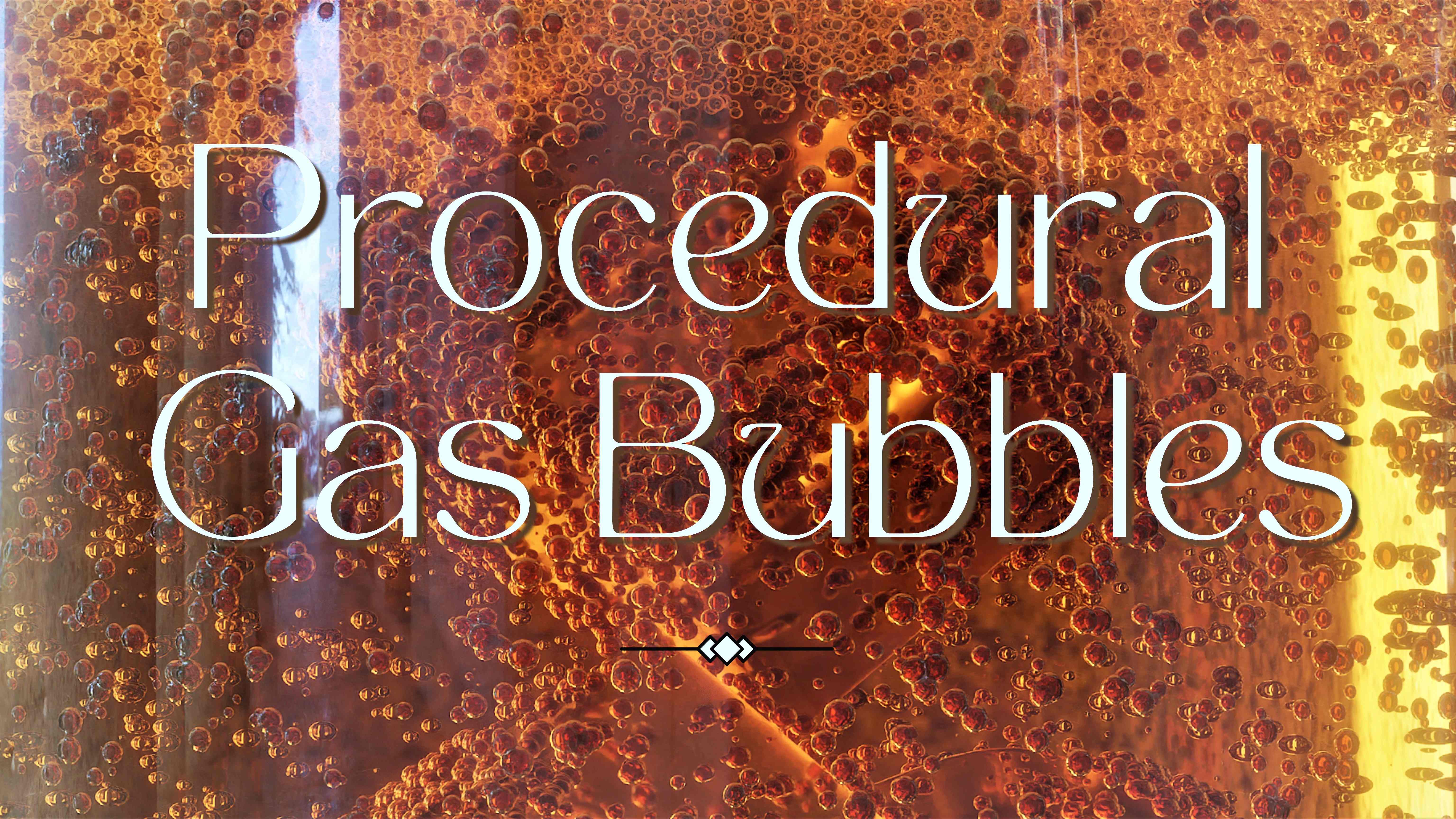


This tool made with Geometry Nodes allows you to quickly generate realistic animated bubbles inside a mesh and foam on the surface.
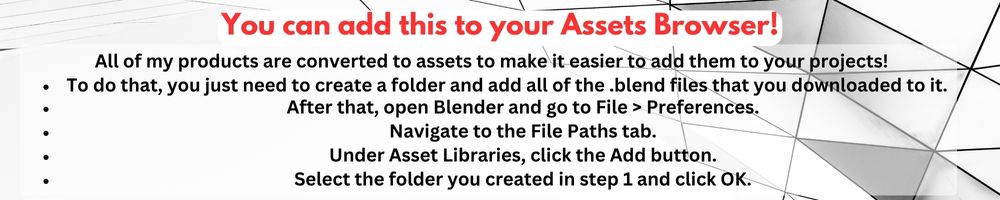
To use that you need to "Append" the "GasBubbles.blend" to your scene and select the "GasBubbles" inside the "NodeTree" folder.
Select the mesh you want to apply the effect, add a Geometry Node modifier to it and select the GasBubbles.
Increase the the density and the emission until it fits to the object and animate it using "Buoyancy" "Spin" and "Turbulence.

Adjust the collision.
You can easily add a foam layer to it!

You can watch the video above to see how to use it.