PGT - Procedural Generation Toolkit
 Jonas Mangelschots


How to use it
Open the sidebar in the 3D Viewport (N), go to the PGT tab and click the image to choose a tool.
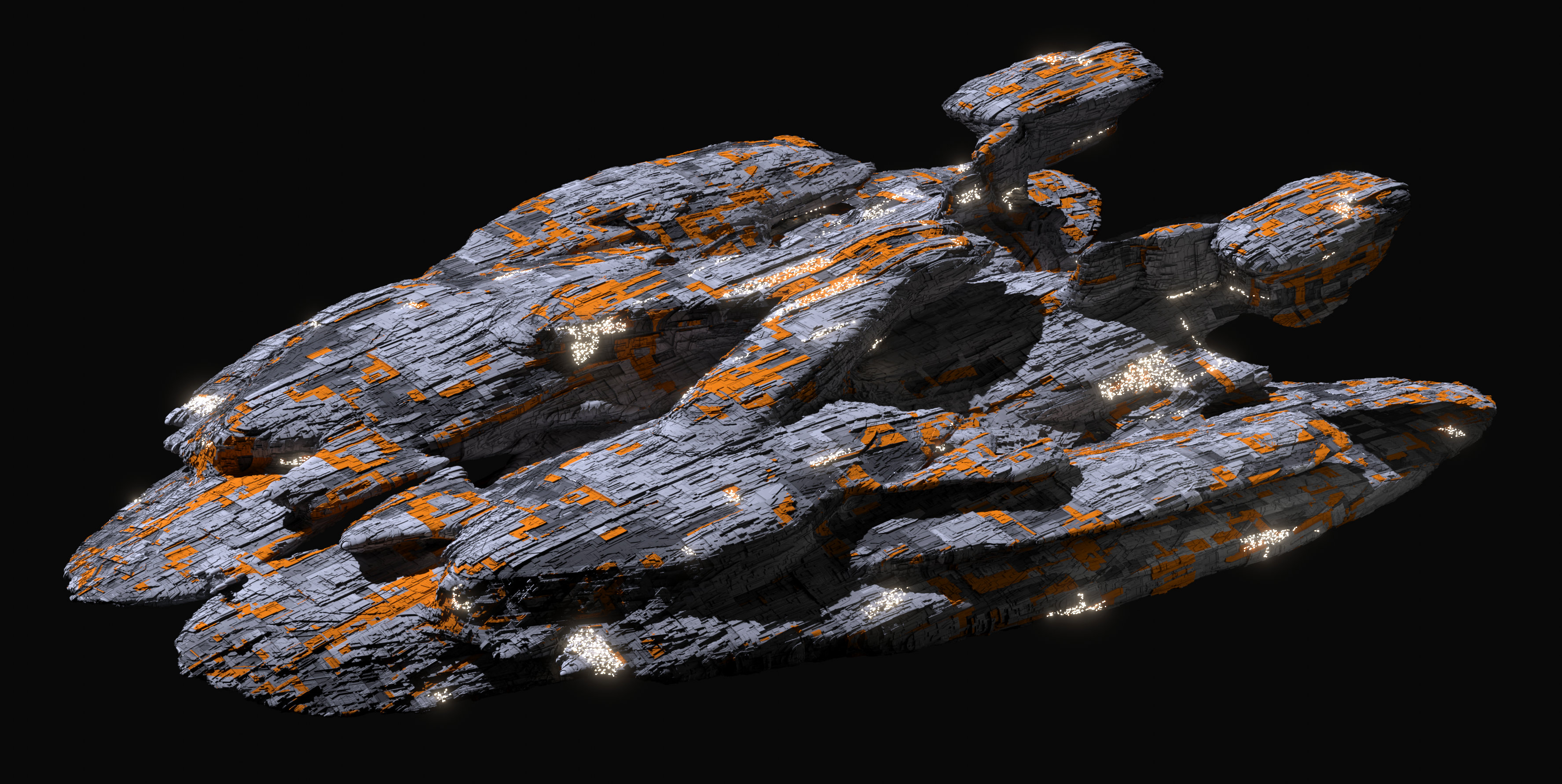
Generate Spaceship
Set the Seed, Initial Scale, Amount Of Parts, Wings, Structures, Weapons, Expansion and Voxel Resolution, then click Generate Spaceship.
Mesh Scramble
Select a mesh and choose which steps to use. Each one has its own settings:
- Seed: the basic shape, with type, factor and radius
- Twist: angle, limits and axis
- Shape Transform: remesh mode, depth and scale
- Sub Divide: type and amount
- Smooth and Smooth Edges
- Mirror: X, Y and Z
- Fuse Mesh: voxel remesh, with size and smooth shading
Sci-Fi Materials
Select a mesh, choose Scifi Material or Advanced Scifi Material and click Add. For the best result, render in Cycles with the GPU and add a Subdivision modifier with Adaptive Subdivision on.
Studio
Select your objects and click Build Studio. Your objects aren't changed.
- Look: Dark, Glow, Soft Lavender or Colored Wall, which adds a Wall Color setting
- Framing: Standard, Close, Low, High, Macro or Off Center
- Light Setup: click an image to fill in the light settings, then change any of them
- Lights: Key, Rim, Backlight, Backdrop Glow, Light Angle, Light Height and Strip Lights. Each has its own color, and Main Color sets them all at once
- Camera: Camera Angle, Camera Height and Zoom
- Scene: Wall Brightness, Floor Offset, Exposure and Bloom
Remove Studio deletes the scene and restores your previous camera, world and color settings.
The Studio doesn't change your render settings. For glass and crystals, click Set Crystal Render Settings, which sets up Cycles with high light bounces and caustics, on your GPU if you have one.
Buttons for every tool
- Randomize All Parameters gives you a new variation.
- Reset All Parameters returns to the defaults.
- Copy Seed and Paste Seed copy the current settings and bring them back later.
- Apply All Mods And Duplicate keeps a copy with the modifiers applied.
- The Presets panel saves and loads your settings.
Compatibility
-
Blender 4.0 to 5.2: download the 6.0 zip for your edition,
PGT_Base_6.0_Blender_4.0-5.2.ziporPGT_PRO_6.0_Blender_4.0-5.2.zip. This is the current version. - Older Blender: download the zip numbered for your Blender version. Older zips don't have the newest tools.
Installation
- Download the zip. Don't unzip it.
- PRO on Blender 4.2 and newer: go to Edit > Preferences > Get Extensions, search for Cell Fracture and click Install. Base doesn't need this.
- In Preferences > Add-ons, click the arrow in the top right and choose Install from Disk. On Blender 4.0 and 4.1, click Install.
- Select the zip and tick Procedural Generation Toolkit in the list.
- If you've installed a PGT product before, restart Blender.
- Press N in the 3D Viewport and open the PGT tab.
Support
Questions, bugs and feedback are all welcome on Discord or Instagram.
Have questions about this product?
Login to message
| Downloads | 4100+ |
| Published | over 4 years ago |
| Blender Version | 2.8 - 5.2 |
| Extension Type | N/A |
| License | GPL |
Discover more products like this
space generation scifi procedural blender procedural Spaceship