Procedural Ground Materials Pack
 Jobas Studios


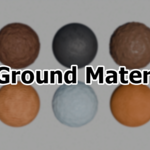
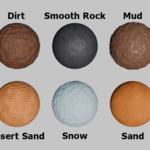
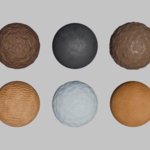
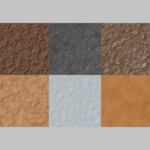
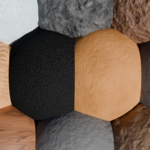
Procedural Ground Materials Pack
Thank you for checking out our Procedural Ground Materials Pack! This pack includes 10 high-quality materials, fully procedural and ready to use in Blender 4.5. Our materials are designed to give you maximum realism, flexibility, and ease of use, whether for renders, VFX, game assets, or motion graphics.
-
Blender 4.5-ready
Key Features
-
100% Procedural: No image textures required.
-
Customizable: Easily tweak colors, roughness, and textures in the Shader Editor.
-
Render Ready: Optimized for Cycles and Eevee.
How to Use the Materials
Step 1: Open Your Project
Open the Blender project where you want to apply the materials.
Step 2: Use Append to Import Materials
-
Go to File → Append in Blender’s top menu.
-
Navigate to the
.blendfile included in this pack. -
Click the file, then choose Material to view all available materials.
-
Select the material(s) you want to import and click Append.
Step 3: Apply the Material
-
Select your object.
-
Open the Shader Editor or Properties → Material.
-
Choose the imported material from the list.
Step 4: Customize (Optional)
-
Adjust color, metallic, roughness, and bump settings to fit your scene.
Tips for Best Results
-
Combine materials with HDRI lighting for realistic reflections.
-
Procedural materials scale without losing quality – perfect for large or small assets.
Have questions about this product?
Login to message
| Dev Fund Contributor | |
| Published | 11 months ago |
| Blender Version | 4.5 |
| Render Engine Used | Cycles, Eevee |
| License | Royalty Free |