 Mrs Eliza












Installation
Download
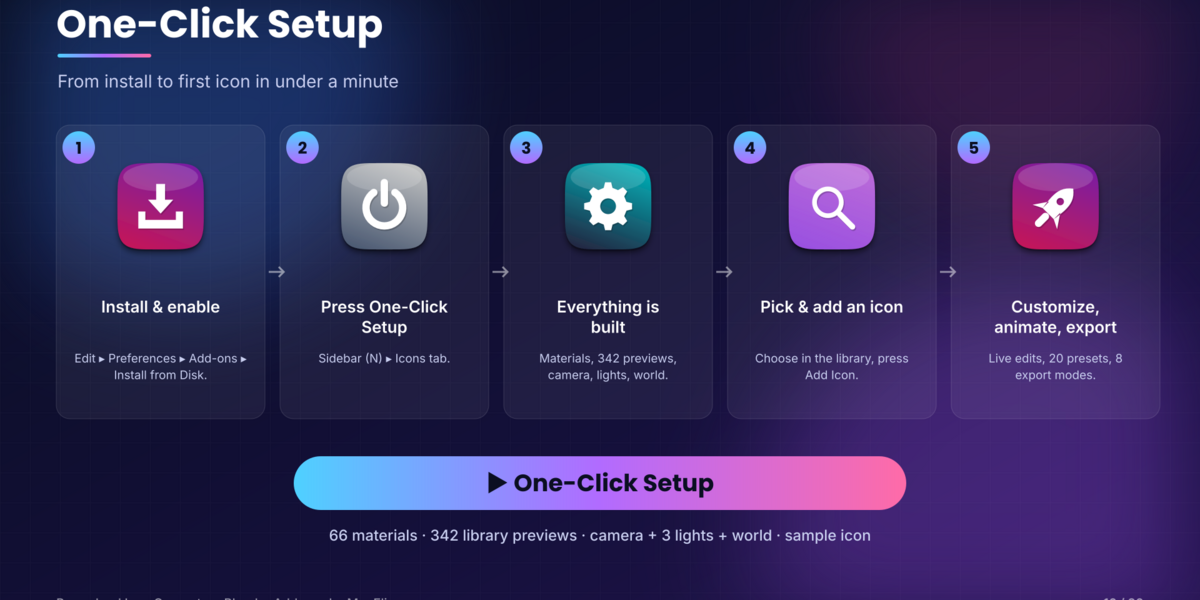
procedural_icon_generator.zip.Do not unzip the file.
Open Blender and navigate to Edit > Preferences > Add-ons.
Click the dropdown arrow in the top-right corner.
Select Install from Disk.
Choose
procedural_icon_generator.zipand confirm.Enable Procedural Icon Generator using its checkbox.
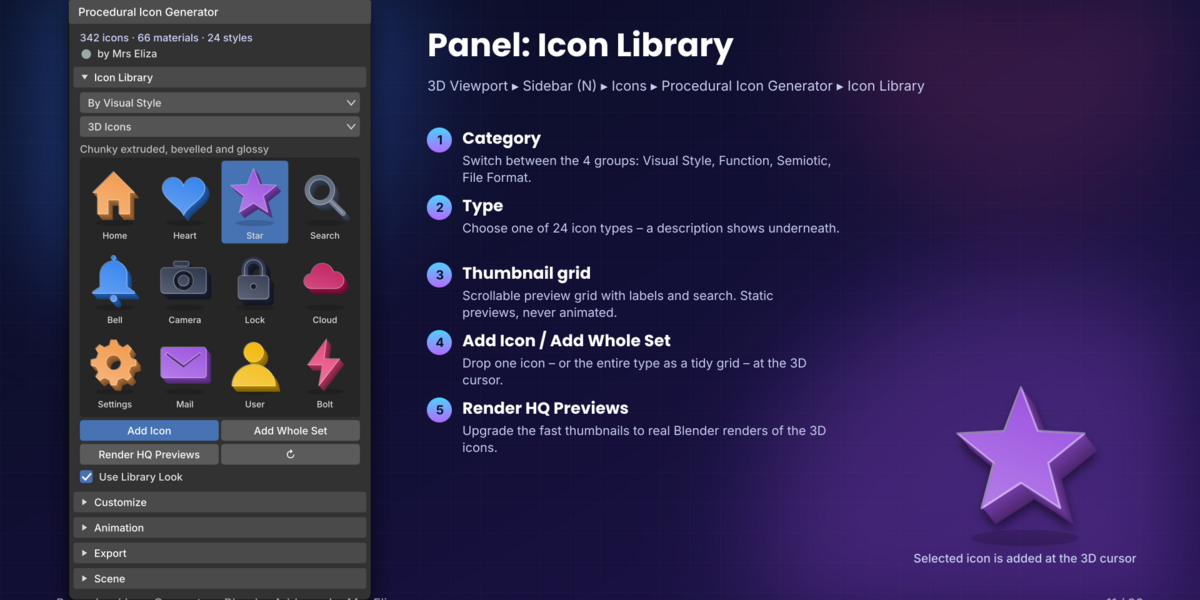
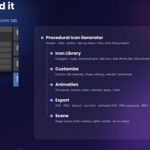
Accessing the Add-on
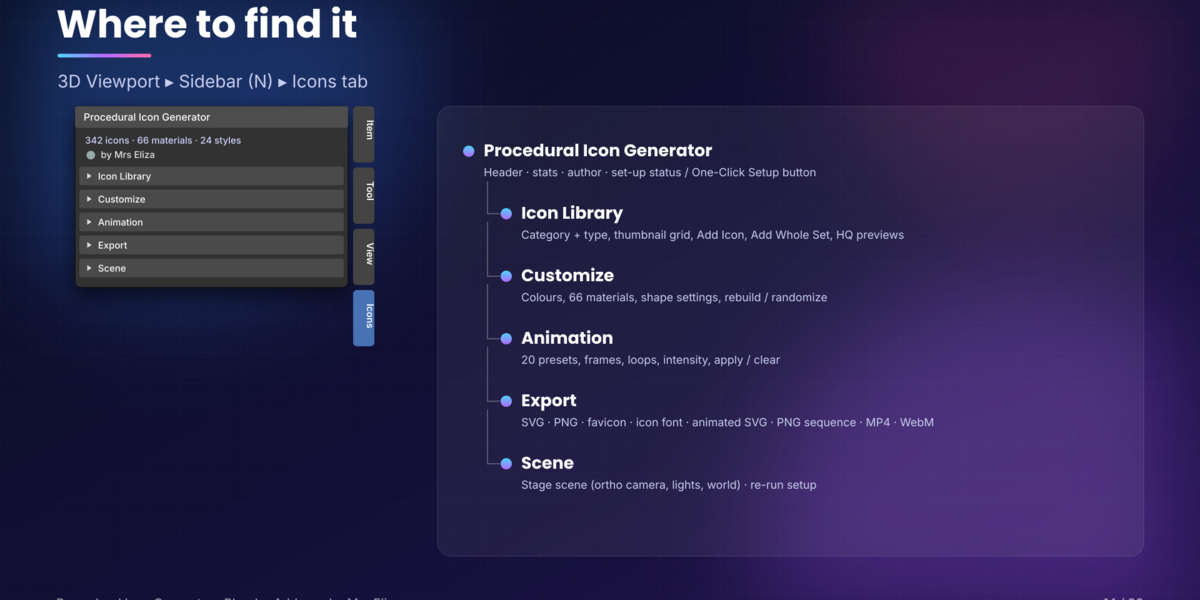
Open the 3D Viewport.
Press N to open the sidebar.
Select the Icons tab.
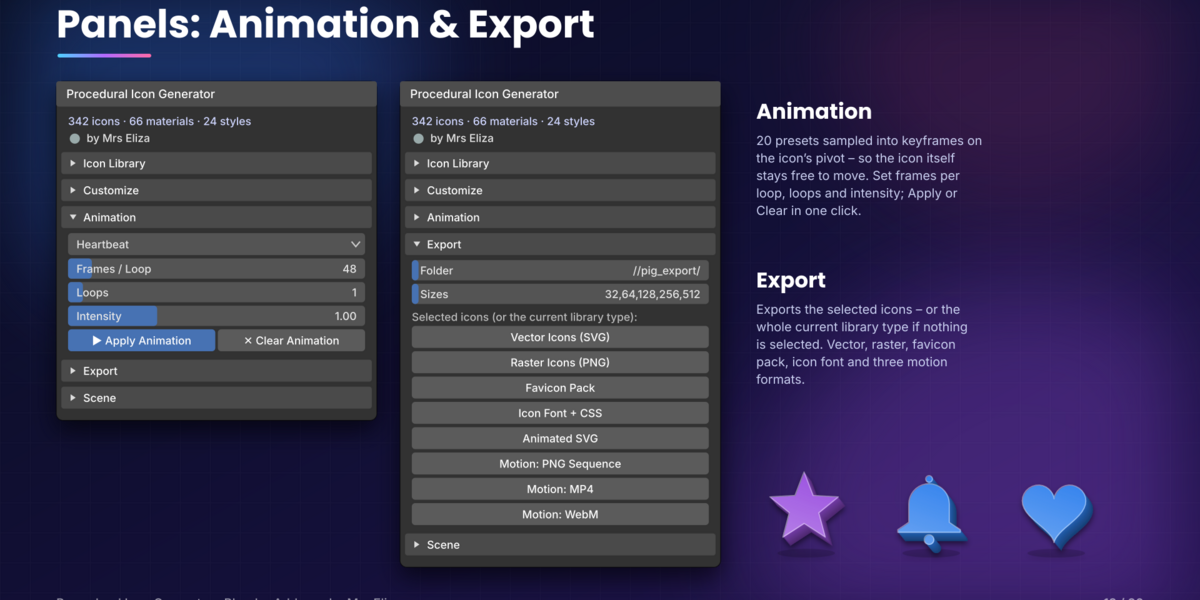
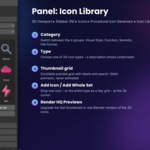
Open the Procedural Icon Generator panel.
Have questions about this product?
Login to message
| Published | about 1 hour ago |
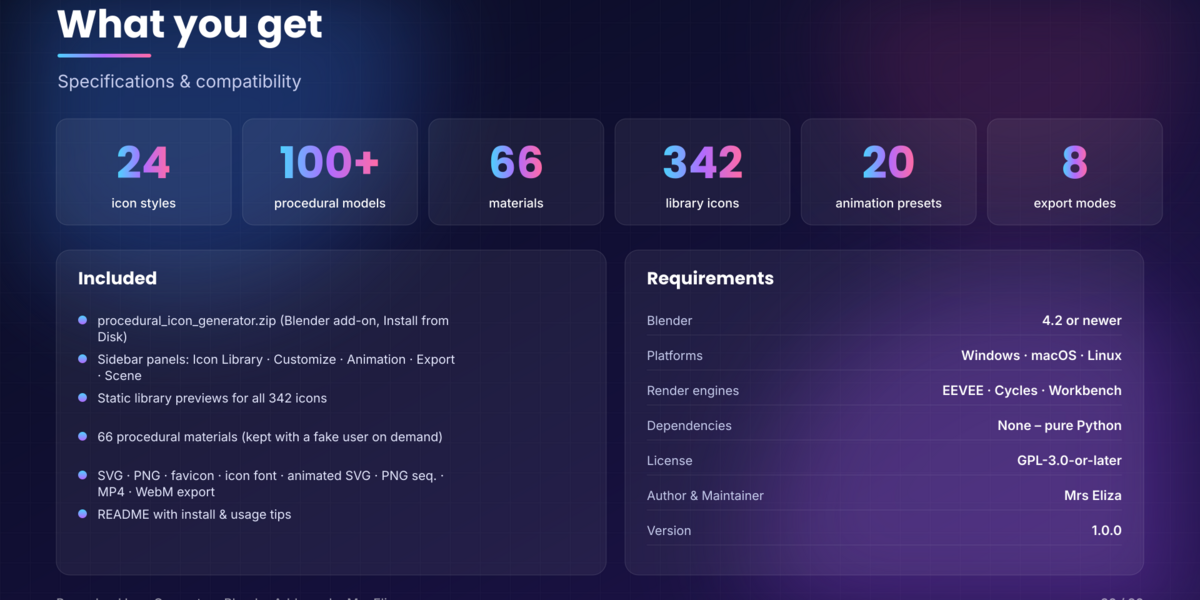
| Blender Version | 4.2 - 5.3 |
| Extension Type | N/A |
| Render Engine Used | Cycles, Eevee |
| License | GPL |
Discover more products like this
svg export Procedural Icons Icon Font Graphic design blender addon Icon Library Icon Animation 3d-icons UI Design procedural materials icon generator Favicon Generator