 Difffuse Studio




Why Procedural Interiors?
Turning a floor plan into a 3D interior can be slow and repetitive. Building every wall manually, extruding them, adding openings for doors and windows… it often becomes a time-consuming task.
Procedural Interiors streamlines that process. Load your reference image directly inside the add-on, trace over it, and the complete structure is generated automatically, clean, accurate and ready to edit.
And if you’re starting without a reference, it’s just as simple. The intuitive interface allows you to design an interior from scratch in only a few clicks, making the entire workflow fast and accessible.

Build Interiors in Seconds
Generate the structure of a home with just a few controls. Adjust the layout, proportions and style on the fly and watch your space take shape instantly.
Fully Procedural and Editable
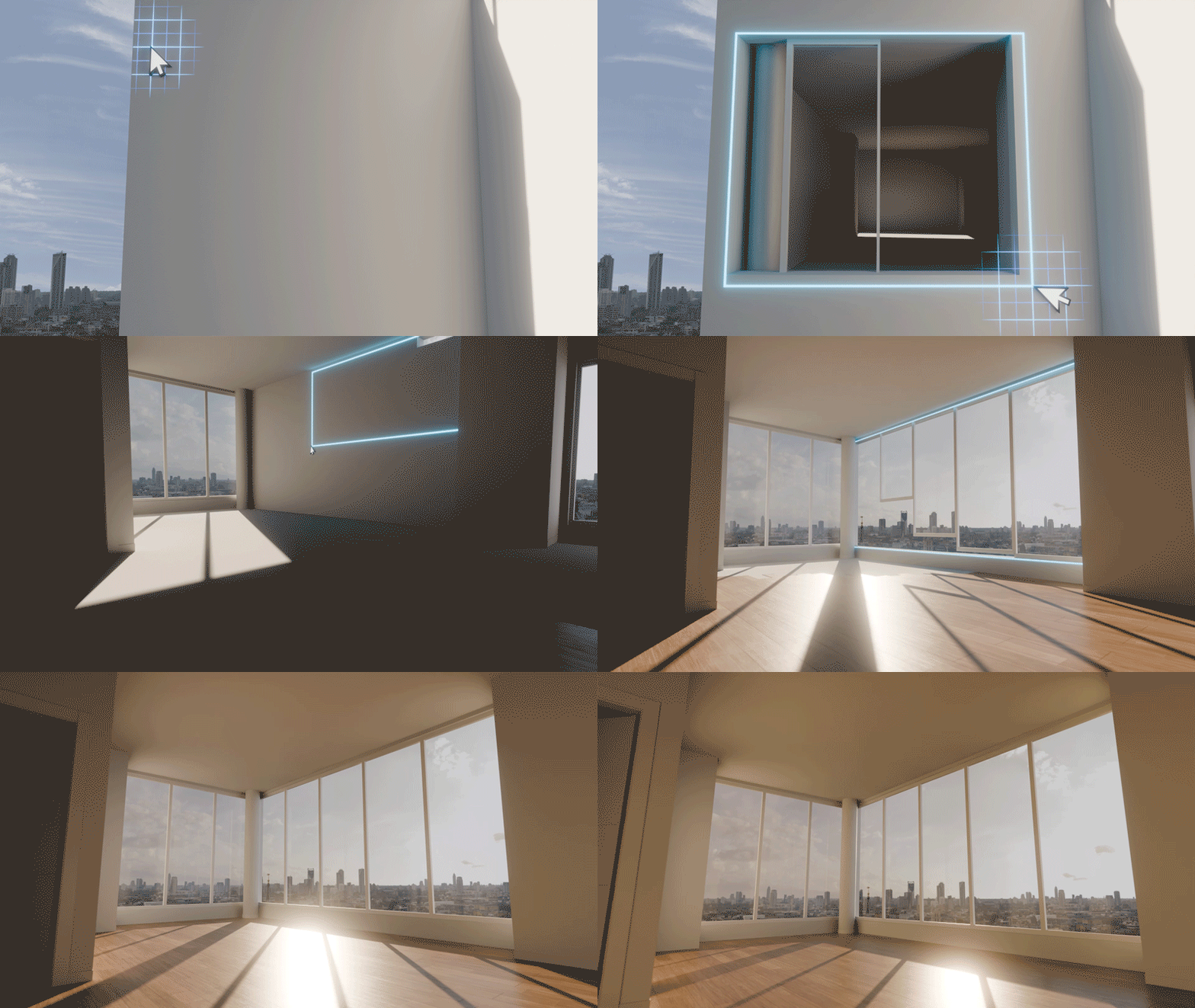
Everything you create stays fully procedural and easy to reshape. Kitchens, closets and other subspaces adapt automatically to the layout you’ve defined. The Parametrize tab gives you direct control over every architectural element, walls, openings, doors, windows, and more letting you adjust their properties at any moment.
You can update elements individually or apply changes to all matching instances across a floor or multiple floors, keeping everything consistent without repetitive work. And because everything remains fully editable, you can still refine or swap out any part afterwards, whether that’s a different type of door, a custom staircase, or a room that needs to break the rules. You get a fast procedural foundation with complete freedom to shape the details the way you want.
Furnish Subspace: One-Click Room Setup
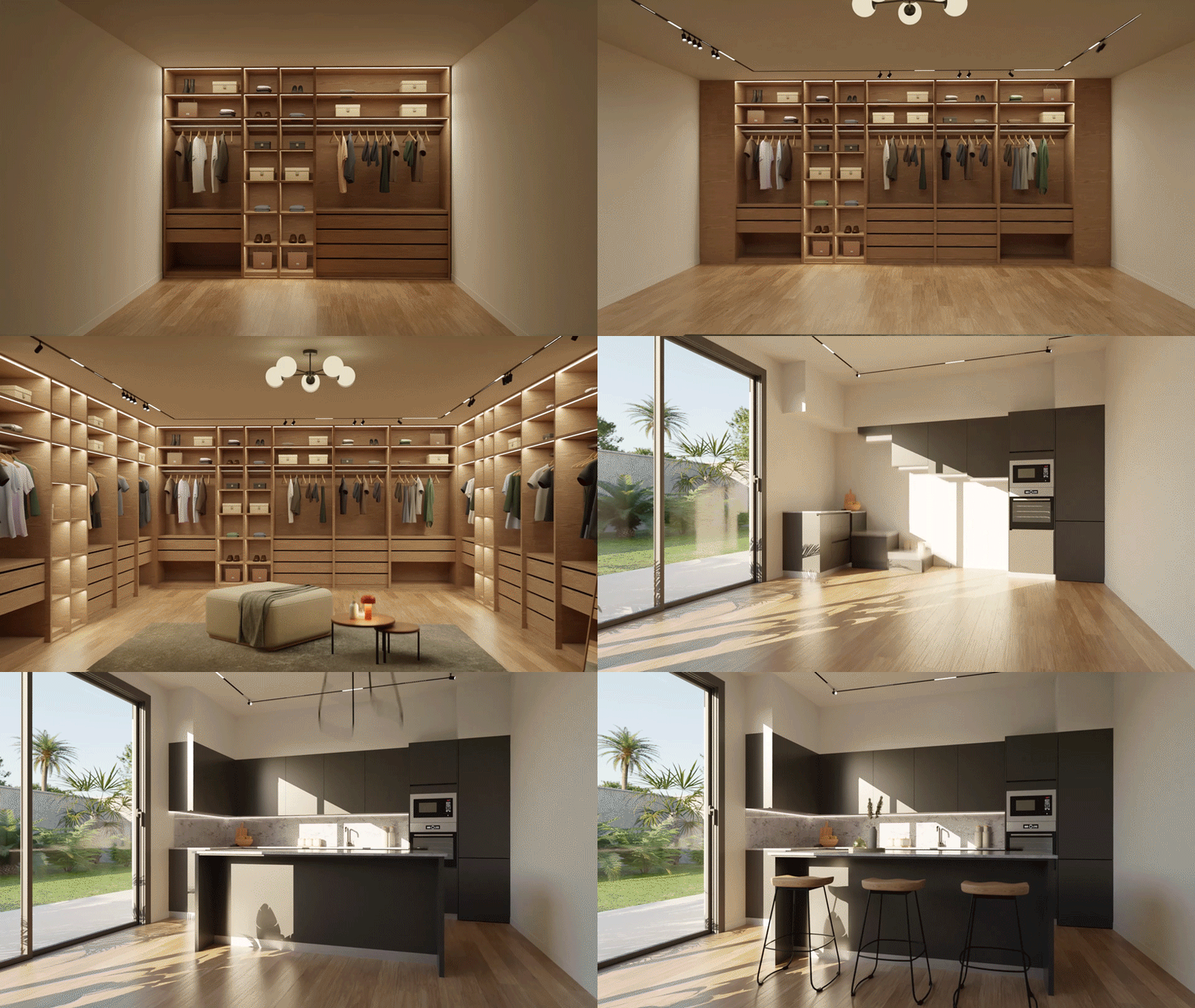
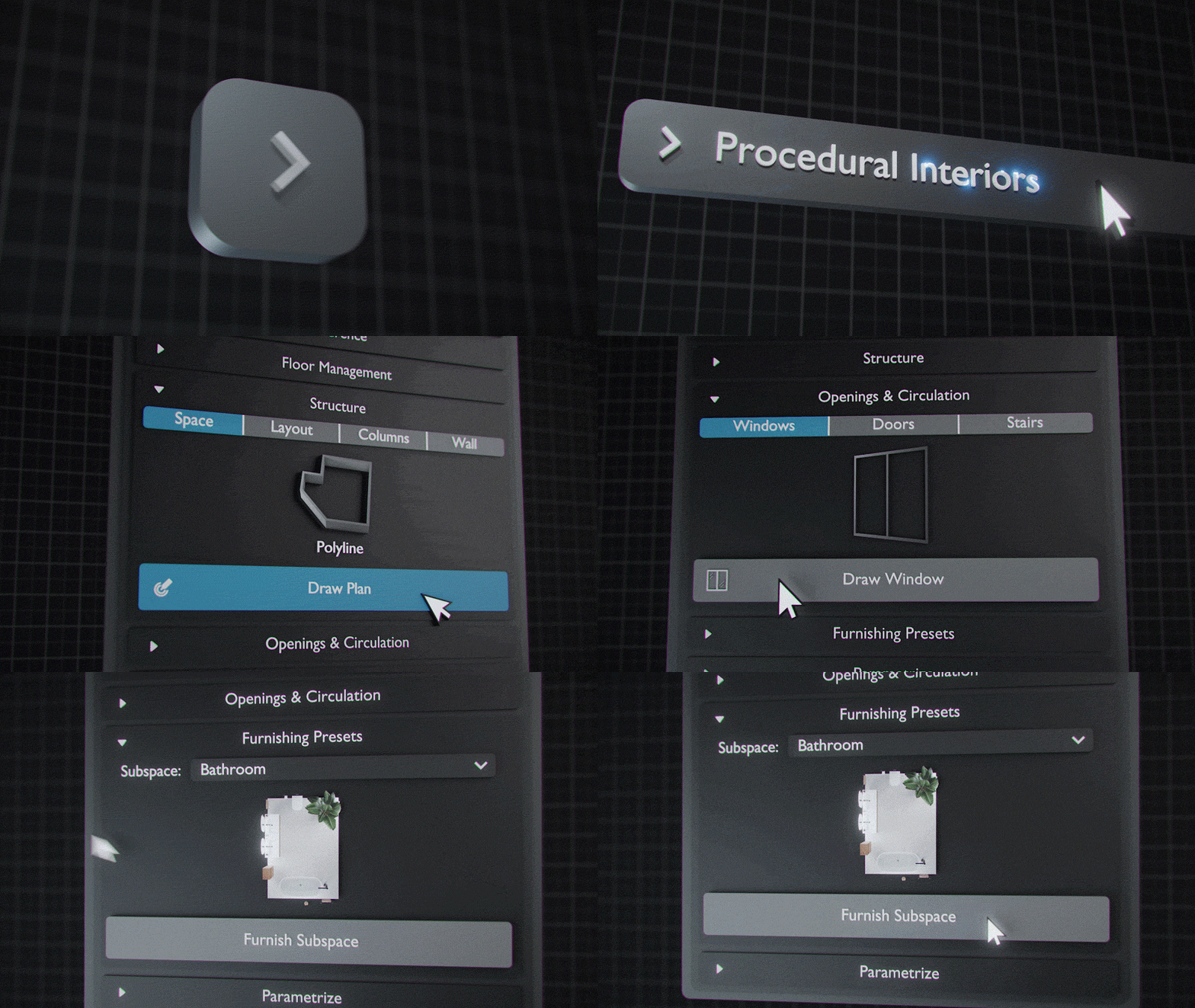
Need a finished room fast? Furnish Subspace automatically populates your selected area with furniture. Choose between different layout presets and let the system organize the space for you. Perfect for quick visualization or first-pass layouts.
150+ Ready-to-Use Assets
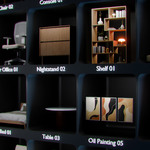
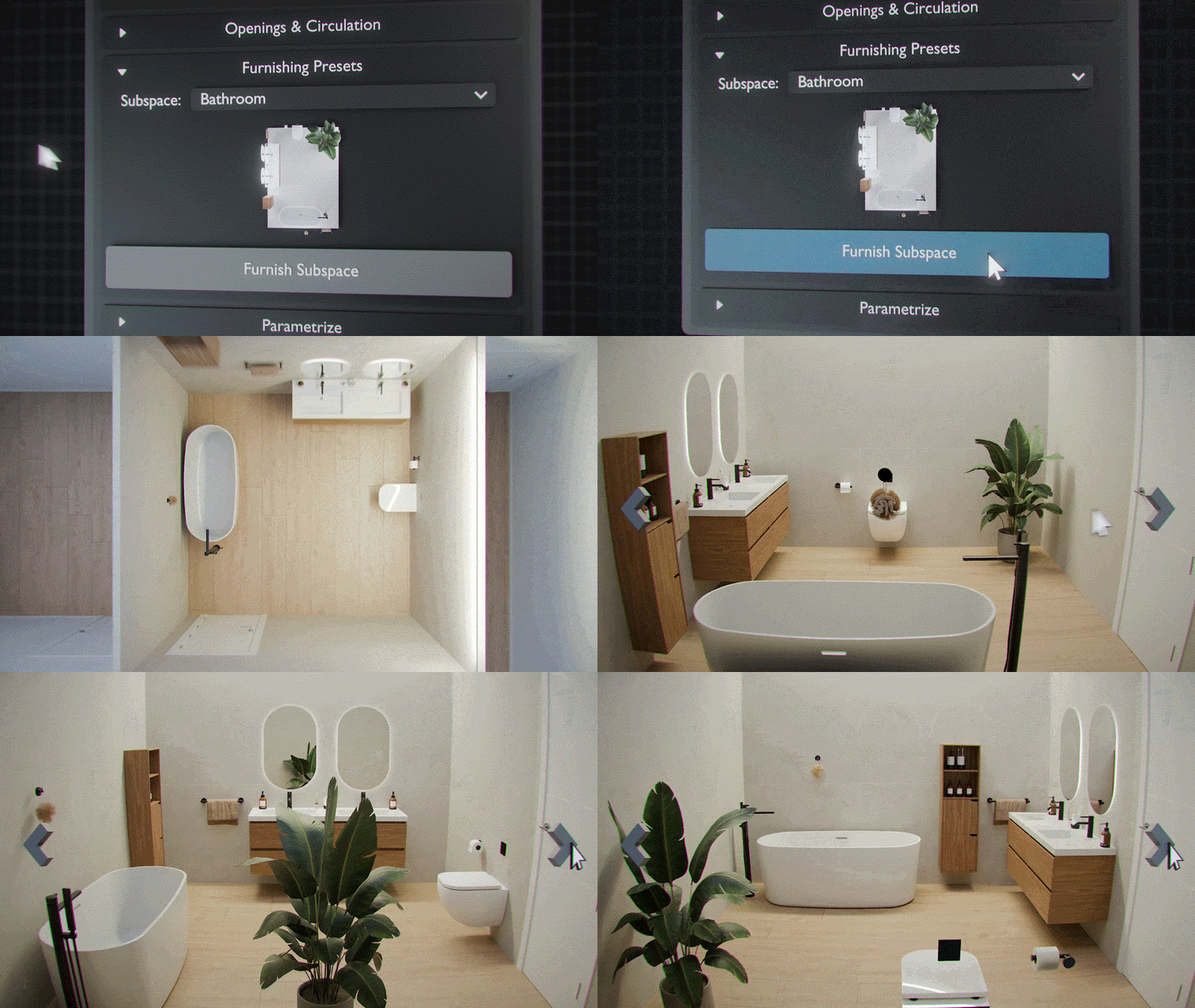
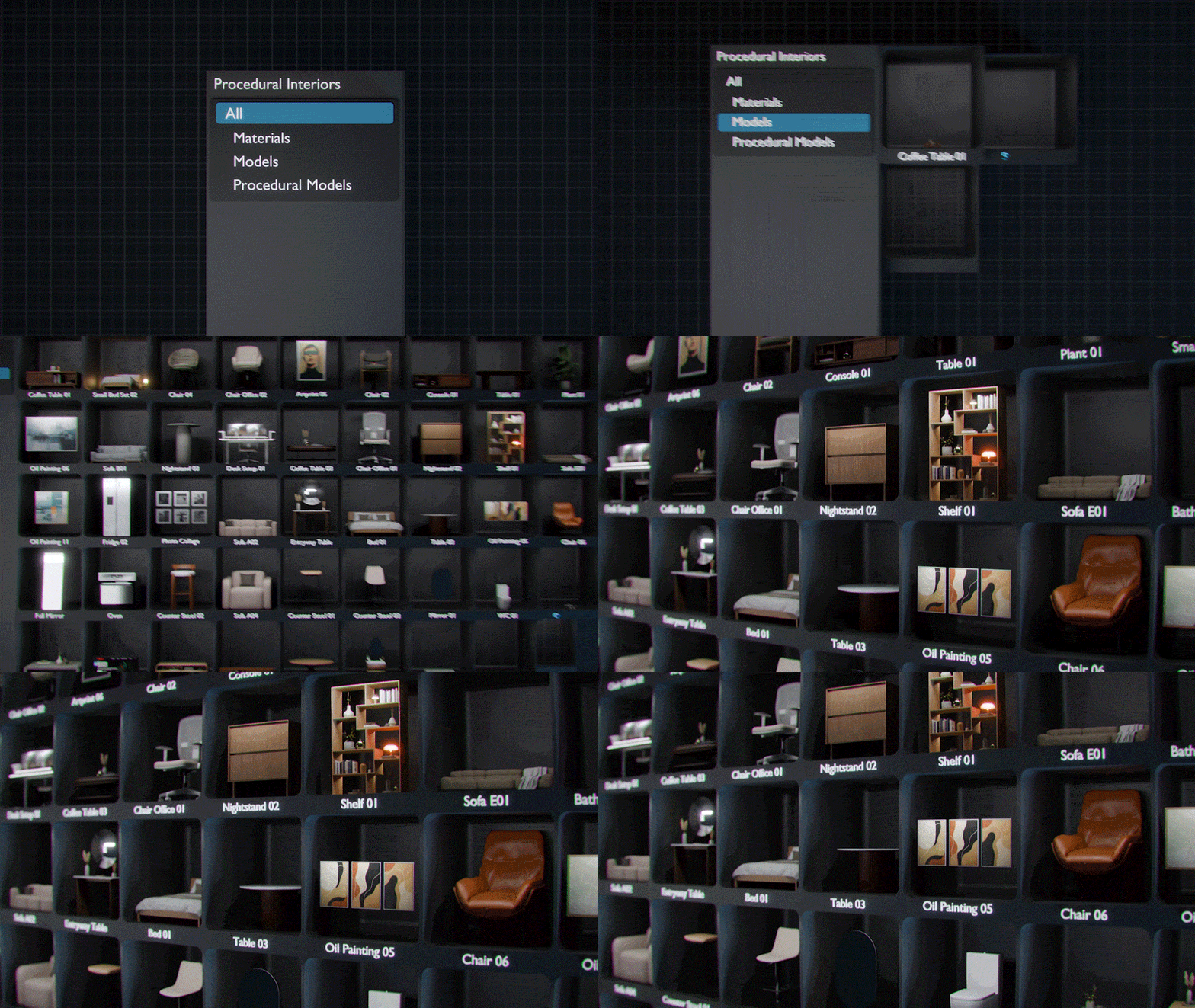
Procedural Interiors includes a collection of more than 150 assets crafted with care: furniture, decor pieces and practical items designed to drop seamlessly into your scenes.They blend perfectly with any other asset library you already use, so you're free to combine the procedural structure, the included pack, and external collections to shape the exact look you're aiming for.
Intuitive and Easy-to-Use UI
The add-on comes with a clean and straightforward interface designed to make interior creation feel natural. Whether you're shaping a full home or fine-tuning a single room, the UI guides you smoothly through each step so the whole process stays fast and enjoyable.
Designed Exclusively for Blender
Procedural Interiors is built specifically for Blender and takes full advantage of its procedural system. The add-on includes an Apply Model button that converts the procedural result into standard meshes, allowing you to further manipulate the model manually as you would in a regular blender workflow, or even export your interiors to other software when needed. The geometry can be transferred without issues, although some materials or textures may require minor adjustments.
Feedback and Improvement
Procedural Interiors is designed to streamline interior creation in Blender, and we’re committed to expanding it in ways that genuinely support your workflow. Every project is different, and your insight helps us understand what features matter most.
If there’s anything you’d like to see improved or added, we’d be excited to hear it. Your feedback plays a key role in shaping the future of the add-on and ensuring it becomes an even more powerful tool for interior artists.
Join our Discord to share your thoughts together, we can keep making Procedural Interiors better with each update.
Please note: We are currently working on improving Imperial unit compatibility. The add-on may not function correctly with Imperial settings at the moment, but we are addressing this and updates will be released in the coming weeks.