Procedural Planet Generator — Terrain, Oceans, Clouds, Rings & Moons
 blenderVfxMaster
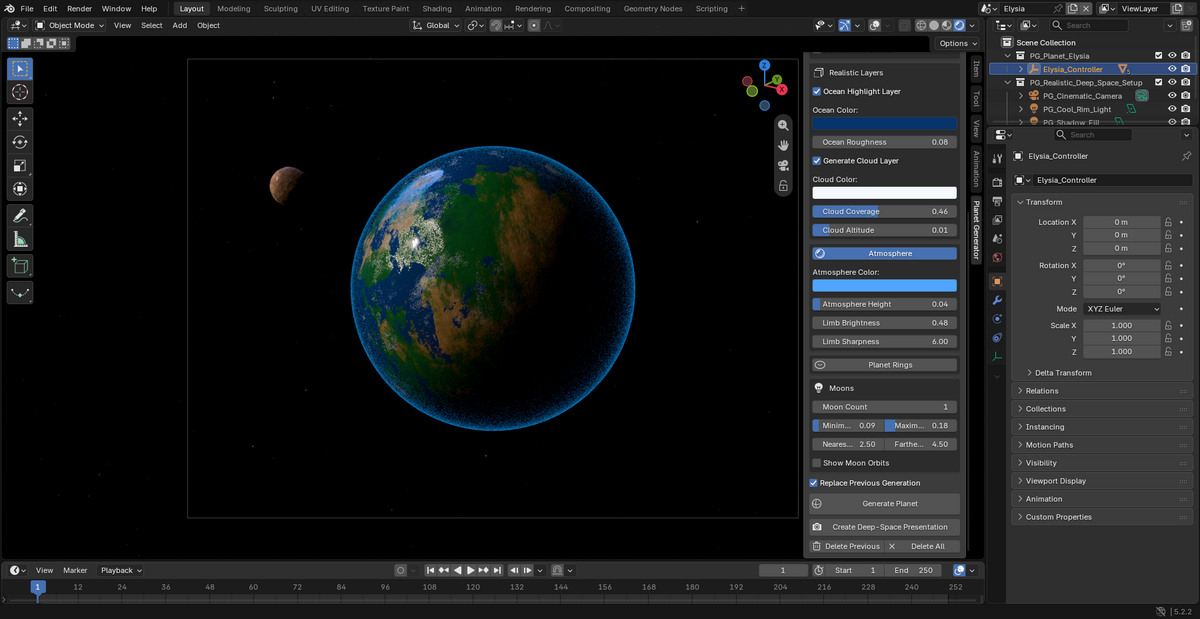
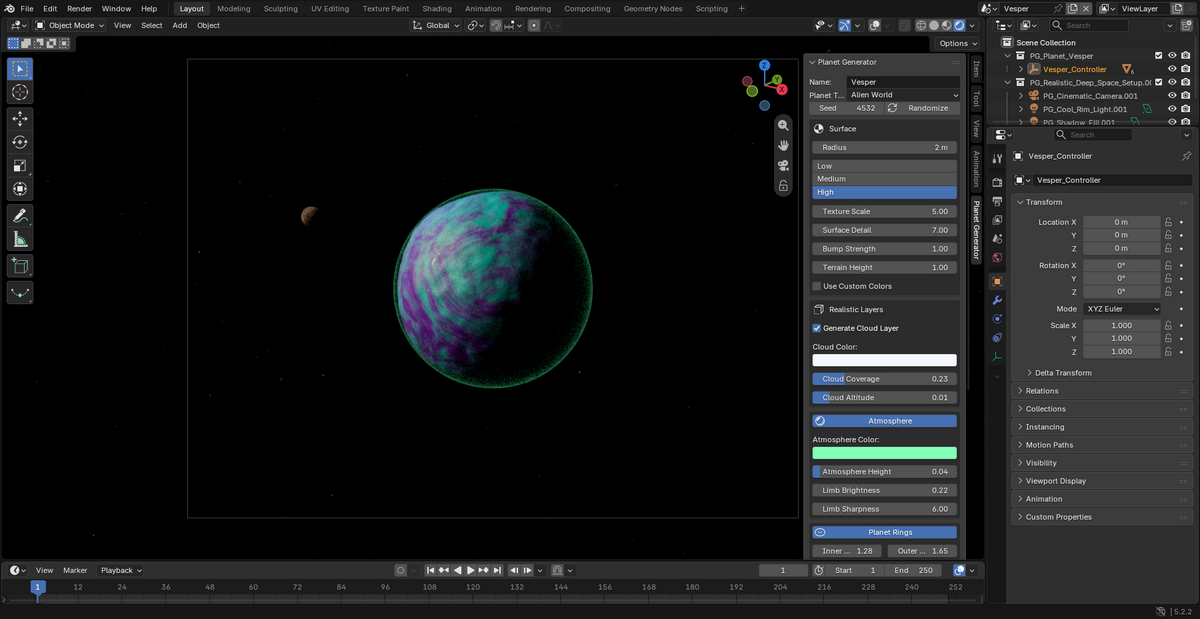
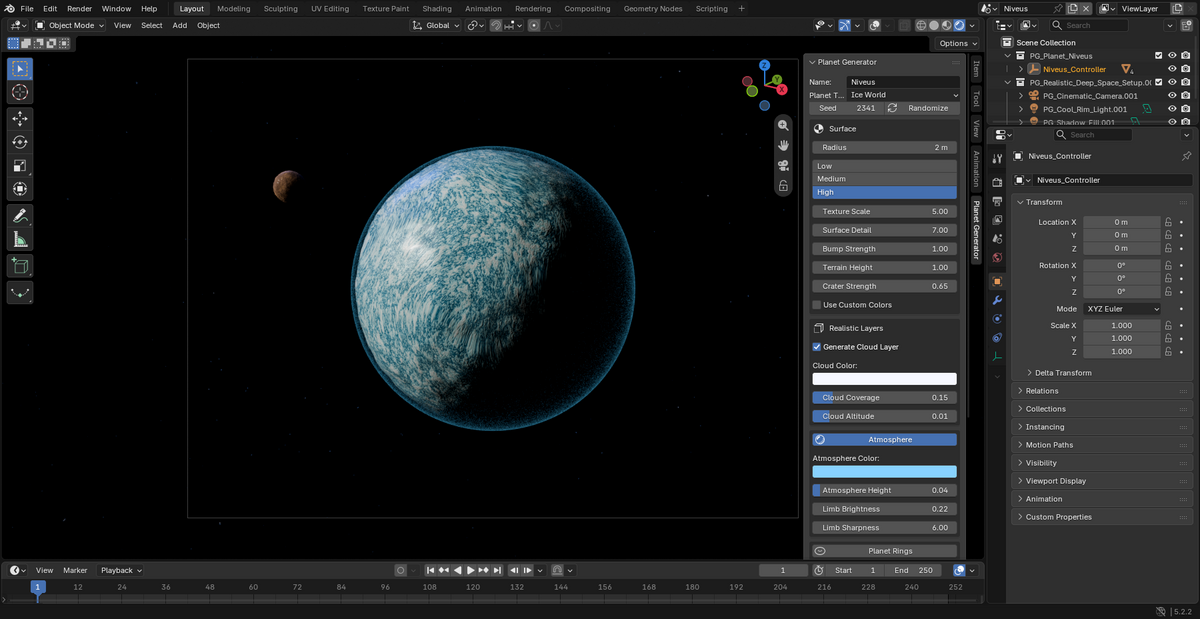
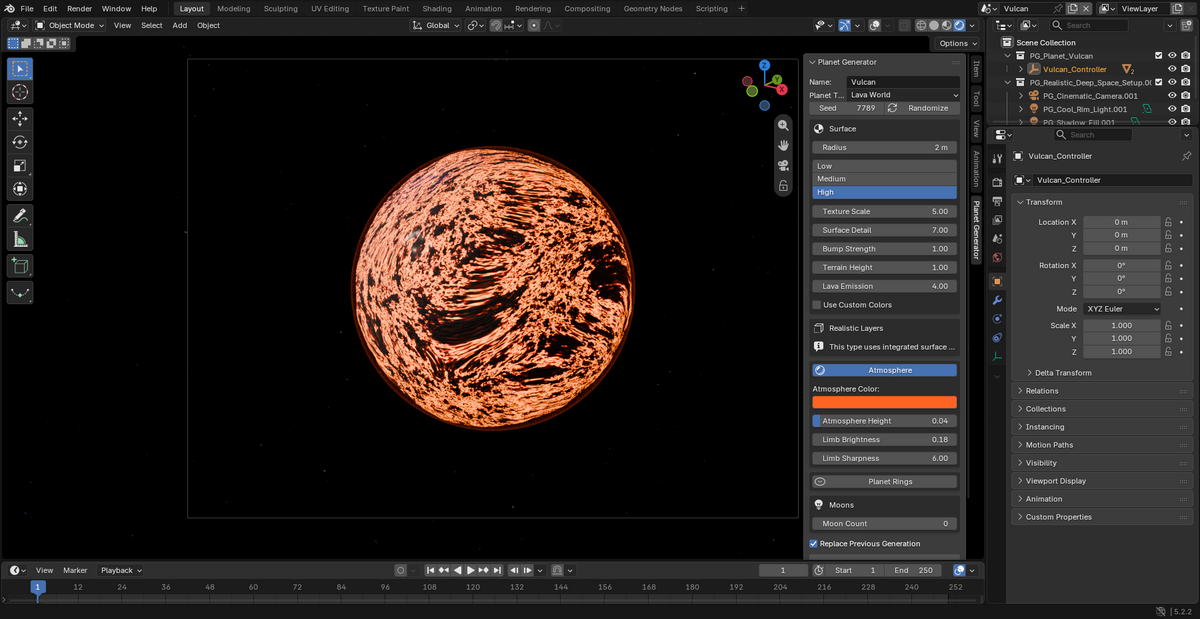
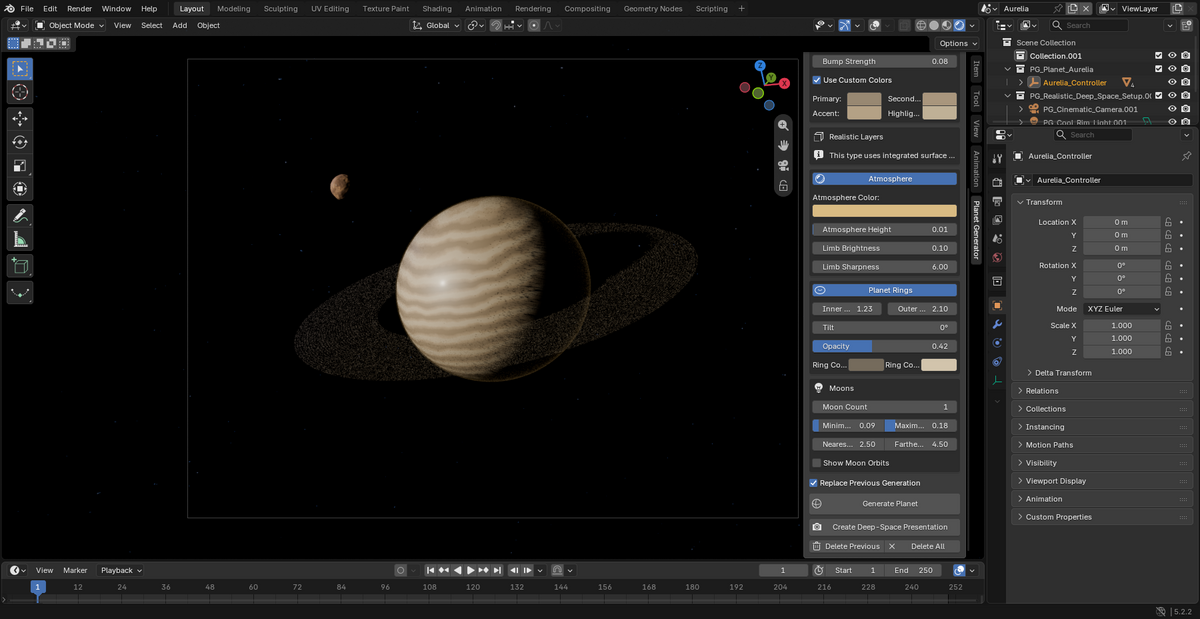
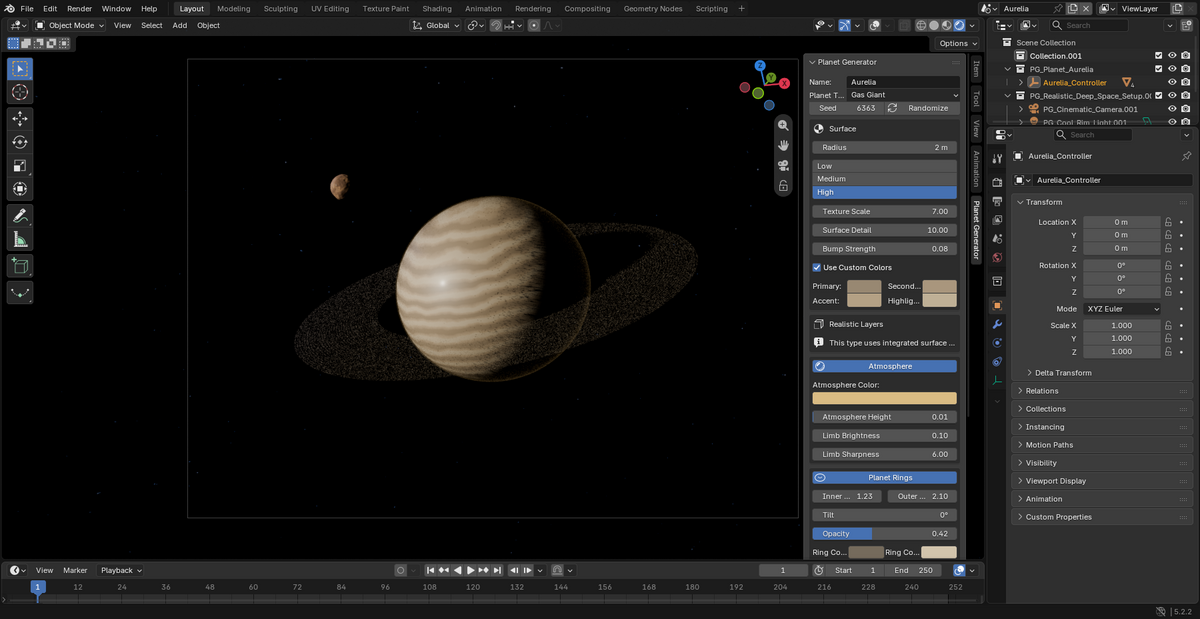
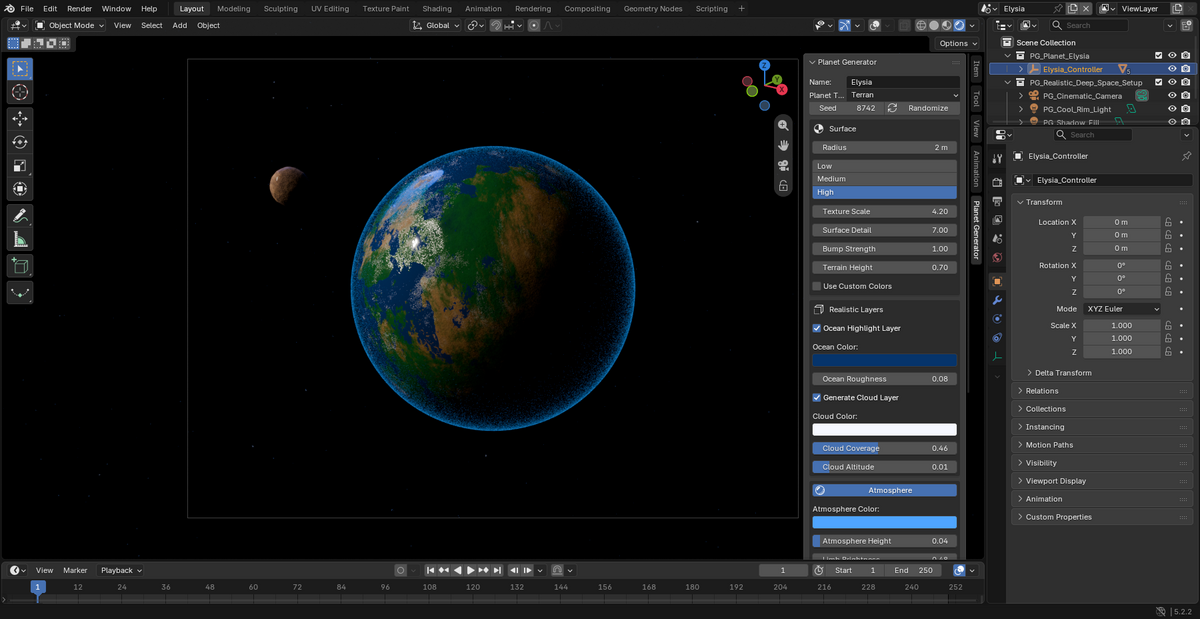
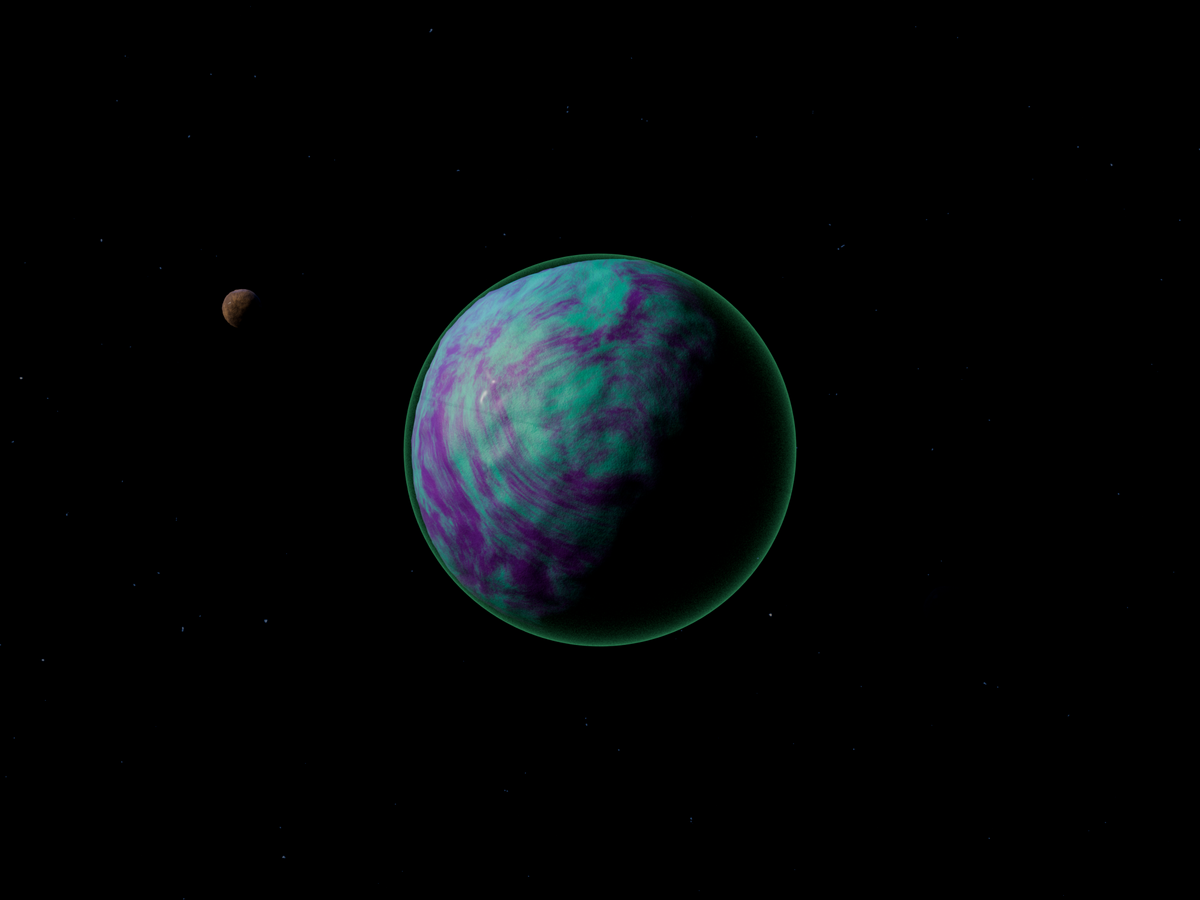
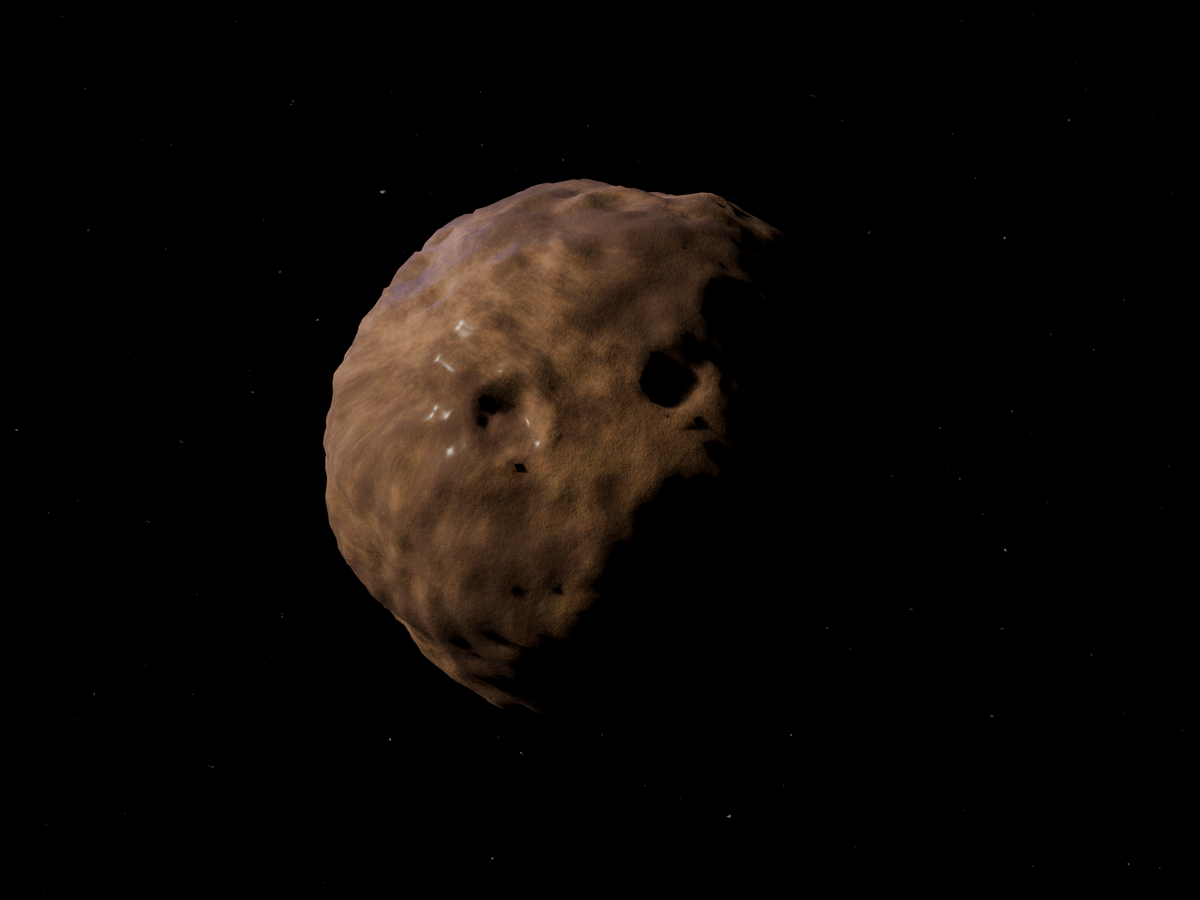
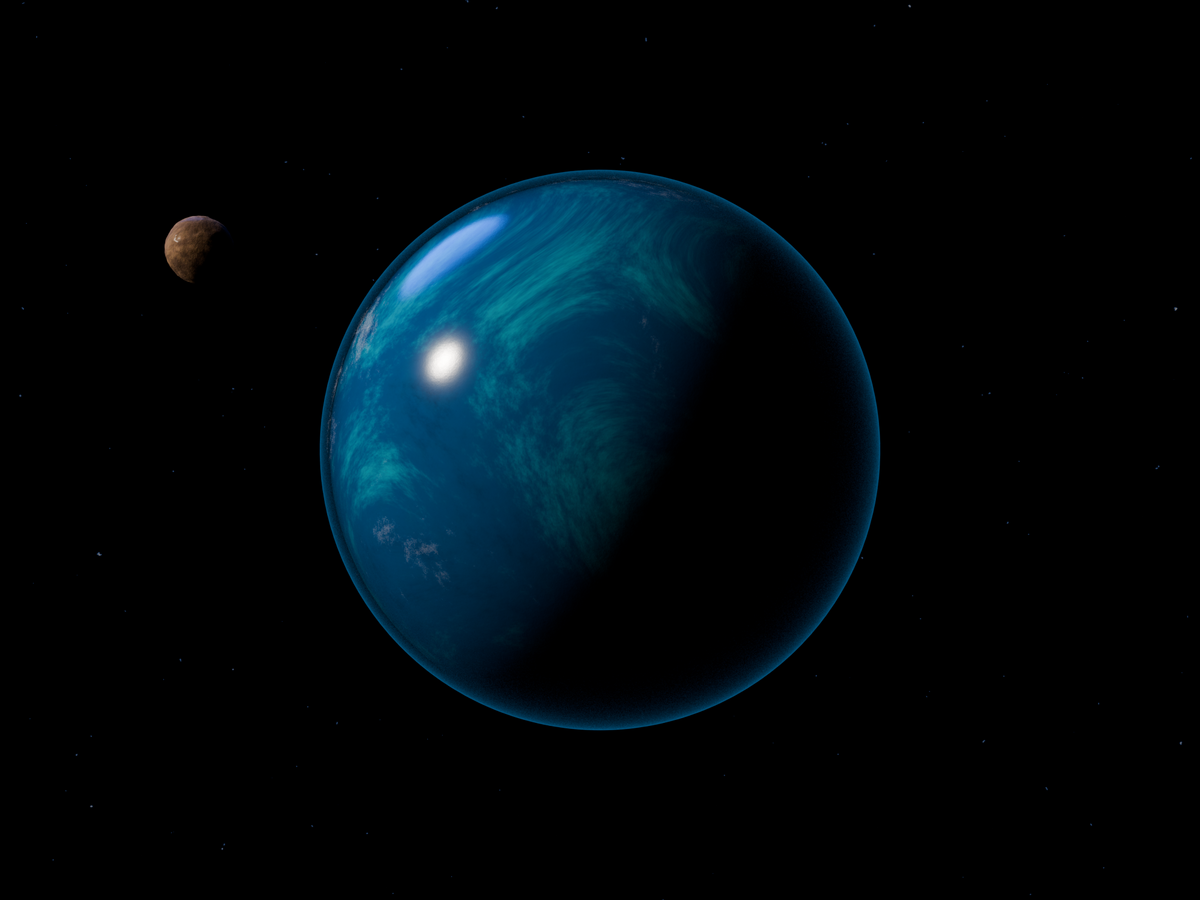
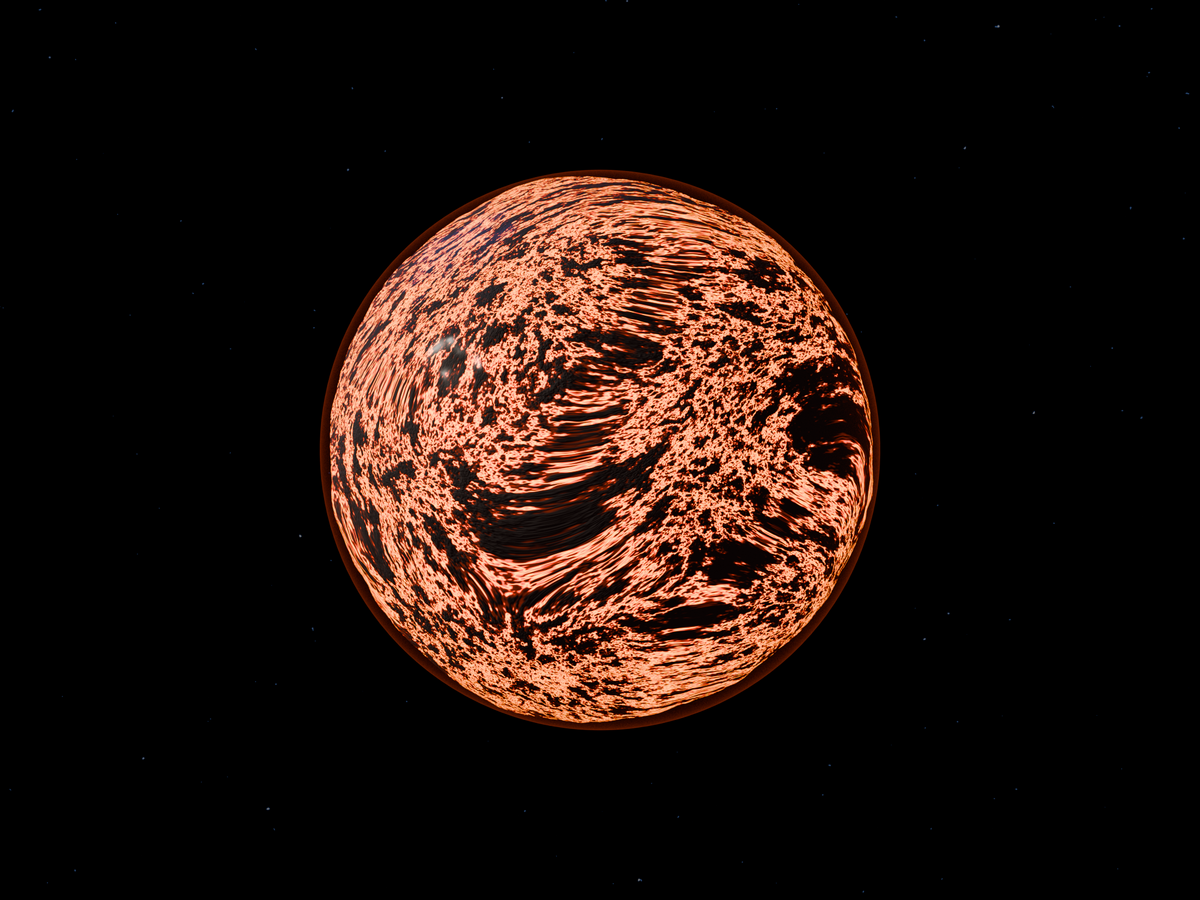
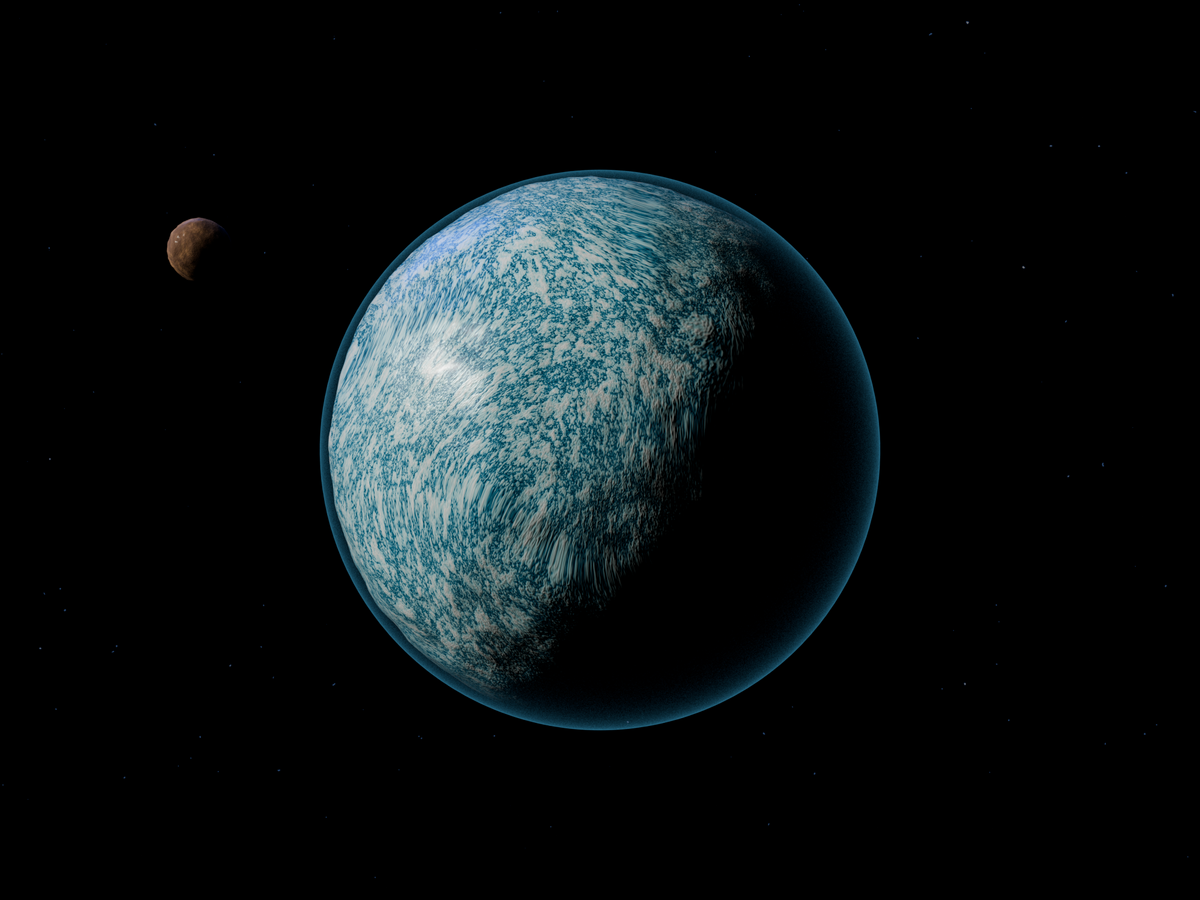
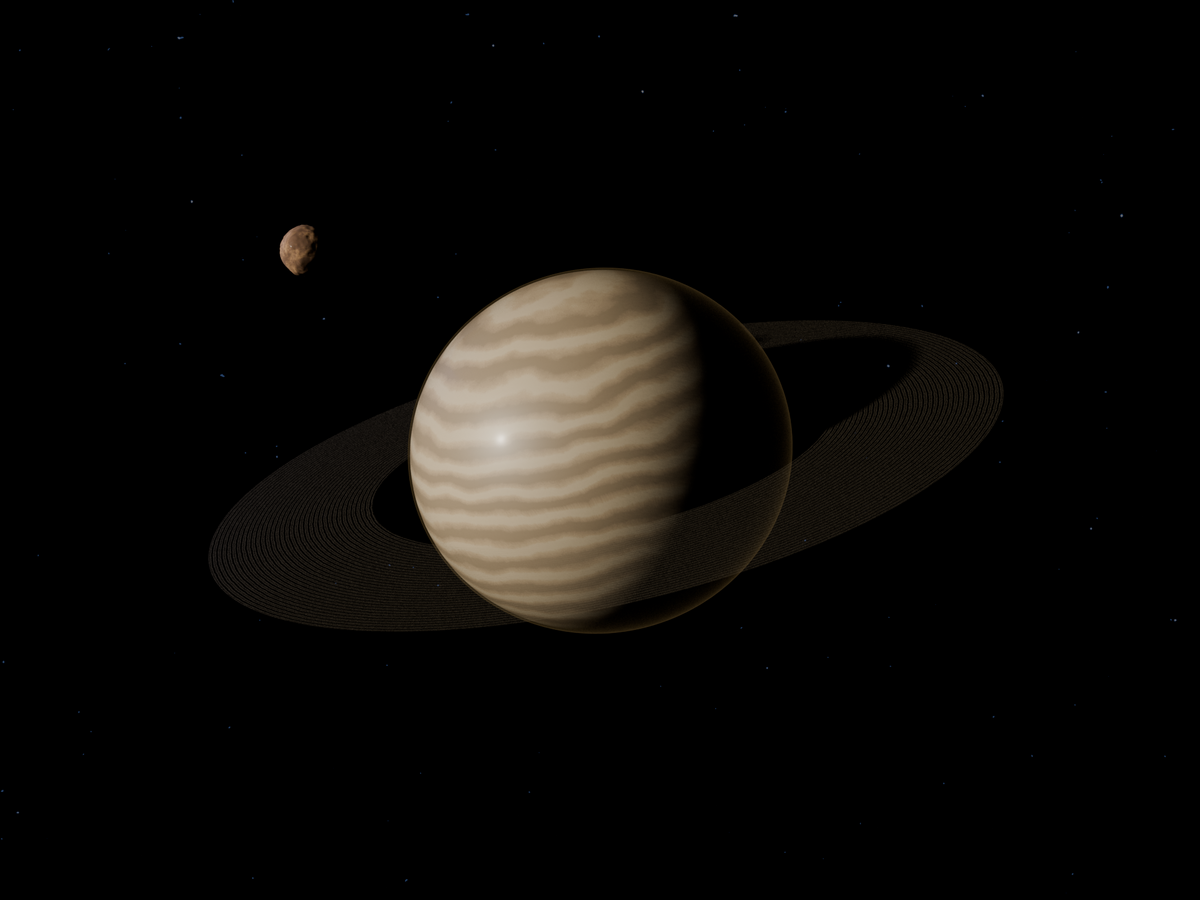
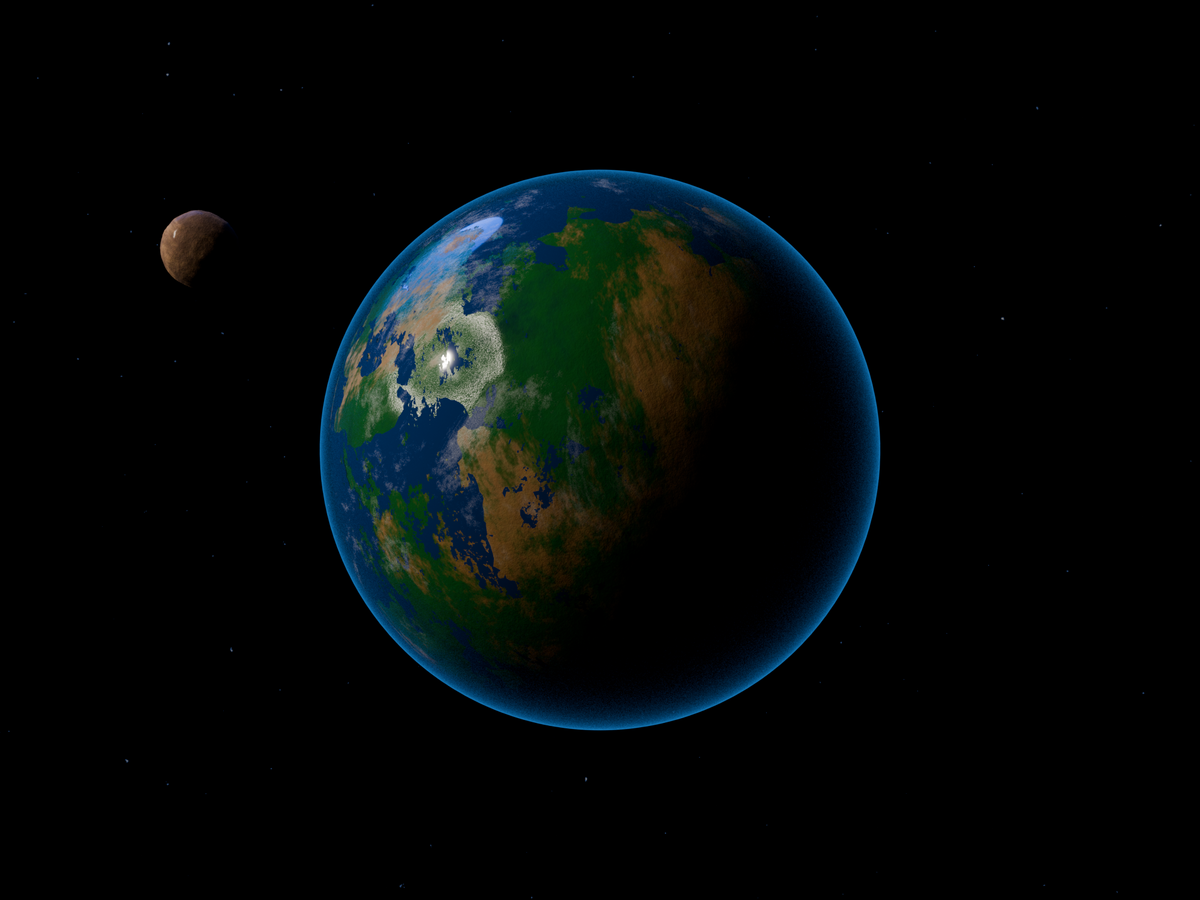
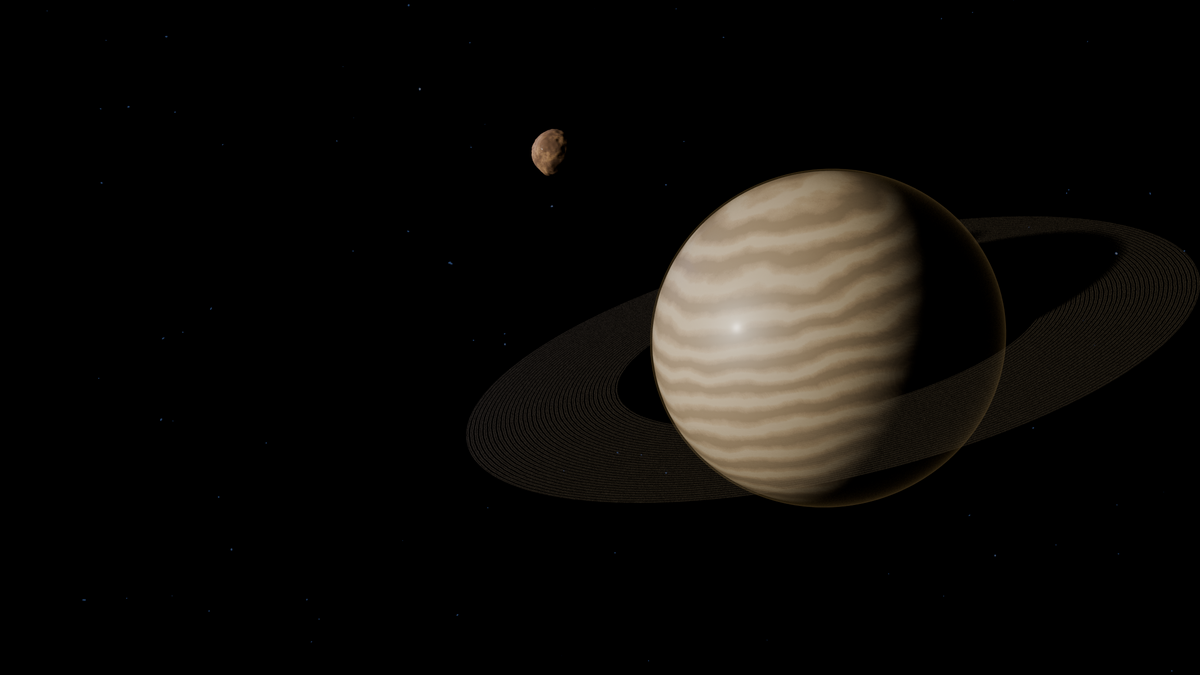
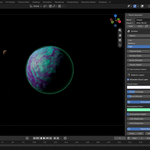
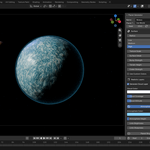
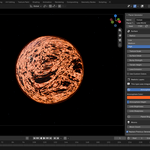
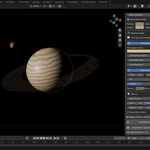
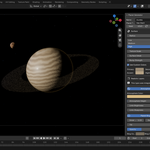
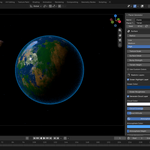
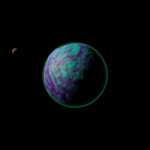
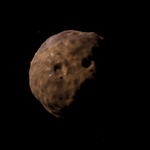
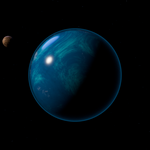
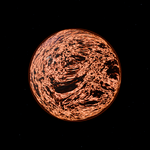
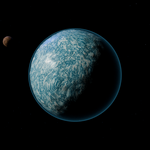
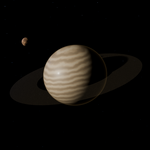
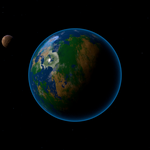
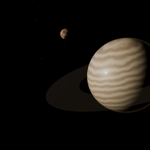
Procedural Planet Generator 2.0
A dependency-free Blender extension that creates editable procedural planet systems from native geometry and shader nodes.
Compatibility
- Blender 4.2 or newer
- Tested with Blender 5.2 LTS
- Eevee and Cycles
- Windows, macOS, and Linux
- No external textures or Python packages required
Installation
- Open Blender.
- Choose Edit → Preferences → Extensions.
- Choose Install from Disk.
- Select
procedural_planet_generator-2.0.0.zip. - Enable Procedural Planet Generator.
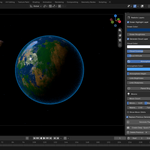
- In the 3D Viewport, press N and open the 行星生成器 tab.
Quick Start
- Position the 3D Cursor.
- Choose a planet type.
- Set the seed, radius, and quality.
- Adjust surface, ocean, clouds, atmosphere, rings, and moons.
- Click 生成行星 / Generate Planet.
- Optionally create the deep-space presentation scene and press F12.
Planet Types
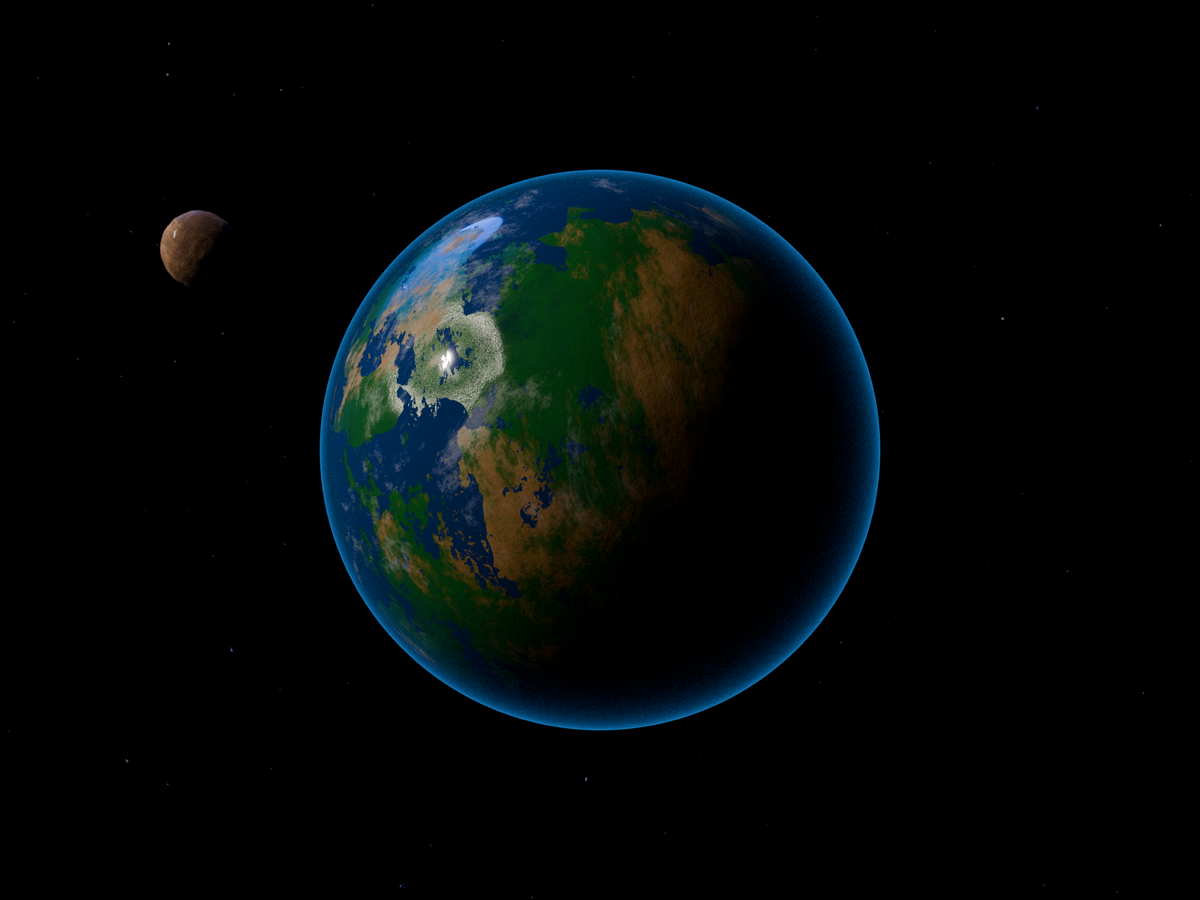
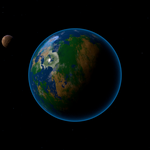
- Terran: terrain, oceans, clouds, and atmosphere.
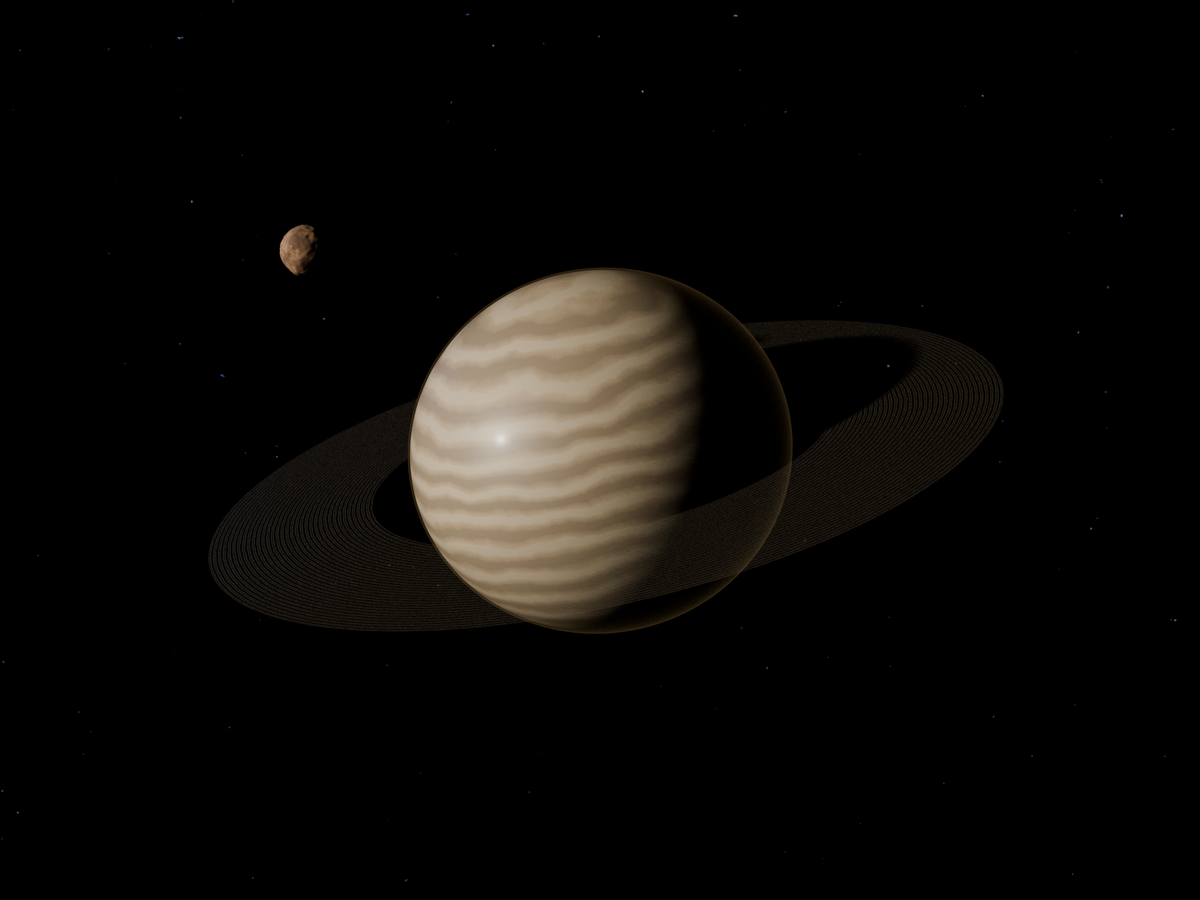
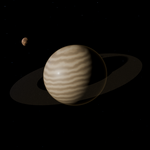
- Gas Giant: turbulent bands and equatorial flattening.
- Ice: reflective ice, relief, fissures, and craters.
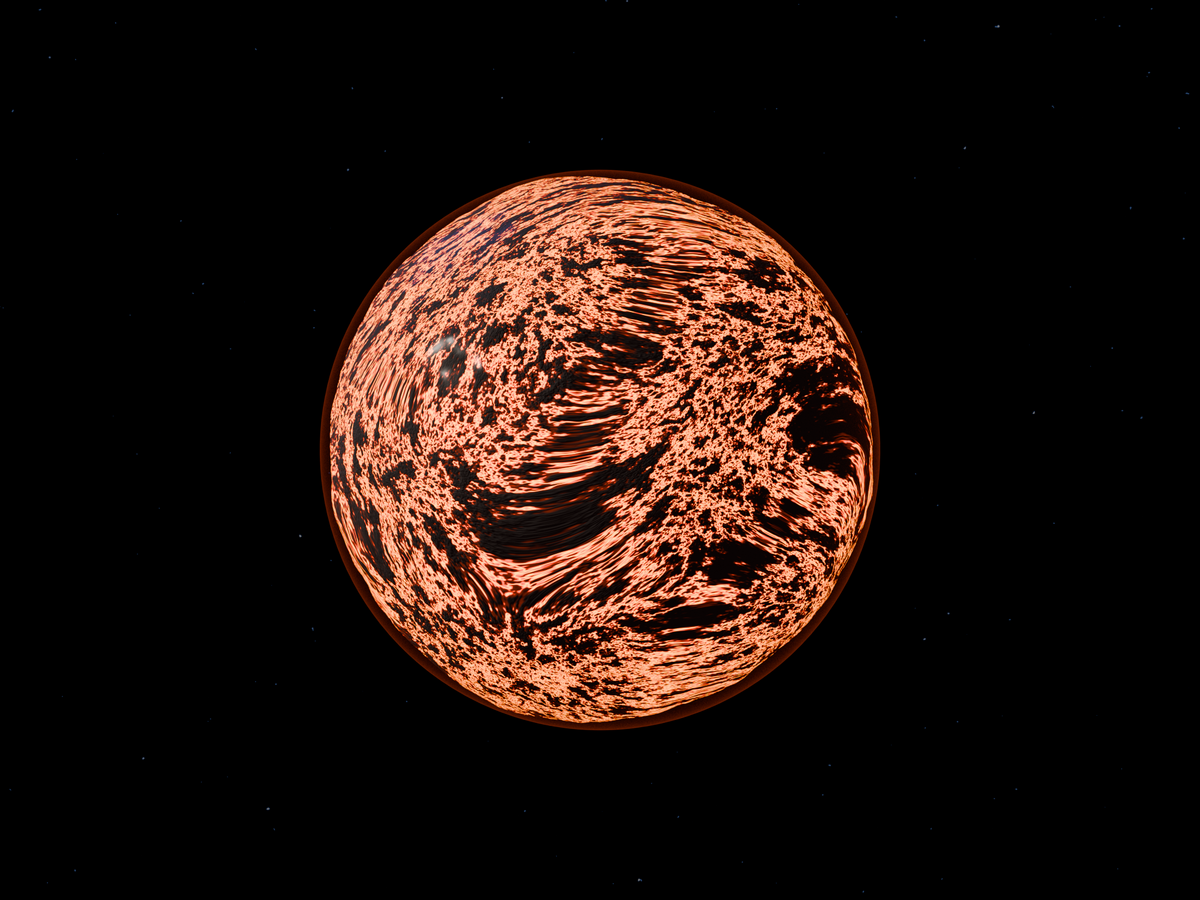
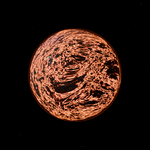
- Lava: volcanic terrain and glowing cracks.
- Ocean: layered deep-water shading and clouds.
- Barren: rocky relief with crater bowls and rims.
- Alien: extraterrestrial colors with optional clouds and atmosphere.
Main Controls
- Surface: radius, quality, texture scale, detail, bump, terrain height, and crater strength.
- Ocean and Clouds: independent glossy ocean and cloud shells.
- Atmosphere: color, height, brightness, and limb sharpness.
- Rings: inner/outer radius, tilt, opacity, colors, and procedural bands.
- Moons: up to 12 cratered moons with optional orbit guides.
Generated Structure
Each result is placed in a dedicated PG_Planet_* collection. A root controller parents the surface, ocean, clouds, atmosphere, rings, moons, and orbit guides. All meshes and materials remain normal editable Blender data.
Performance
- Use Low quality while exploring seeds.
- Use Medium for normal work.
- Use High for final close-up renders.
- Reduce moon count if generation is slow.
Troubleshooting
Panel missing: enable the extension, open a 3D Viewport, press N, and select 行星生成器.
Planet looks dark: use Material Preview/Rendered mode or create the included presentation scene.
Eevee/Cycles differences: adjust ring opacity and atmospheric brightness for the selected engine.
License & Support
GPL-3.0-or-later. When reporting an issue, include Blender version, OS, render engine, planet type, seed, quality, and the console error.
Have questions about this product?
Login to message
| Blender Extension Compatible | Yes |
| Published | about 1 month ago |
| Blender Version | 4.2 - 5.2 |
| Extension Type | Add-on |
| Render Engine Used | Cycles, Eevee |
| License | GPL |
Discover more products like this
blender addon sci fi space procedural planet procedural planet generator ocean clouds terrain atmosphere rings moons