 Darth Mickey


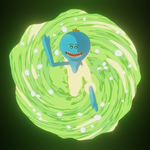
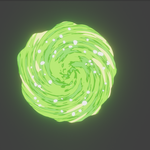
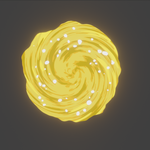
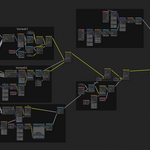
The portal is based on procedural material and geometry node.

How to use it?
1. You can change portal's appearance in shader editor.
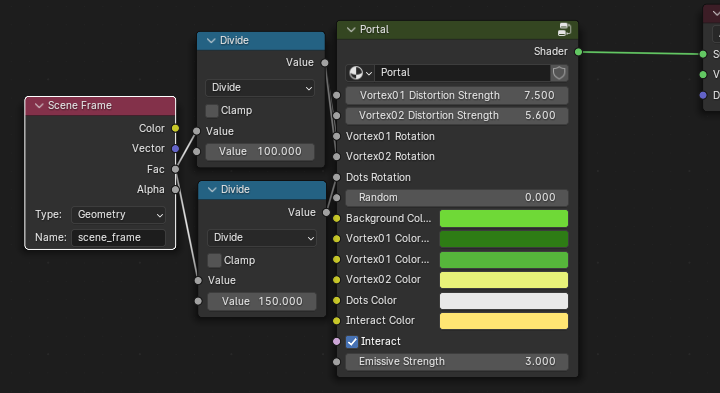
2. Choose the collection of interactive objects to create the edge glow effect.
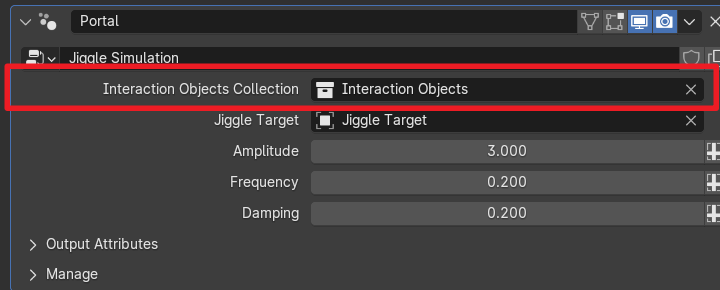
3. Choose Jiggle Target to create Jiggle effect(while playing animation).
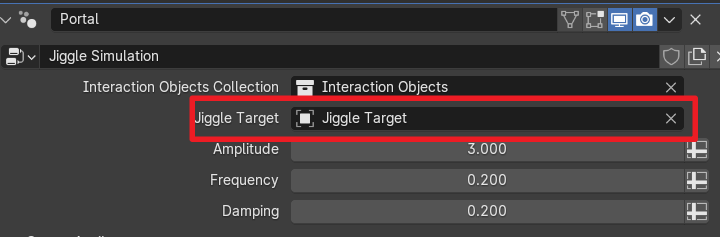
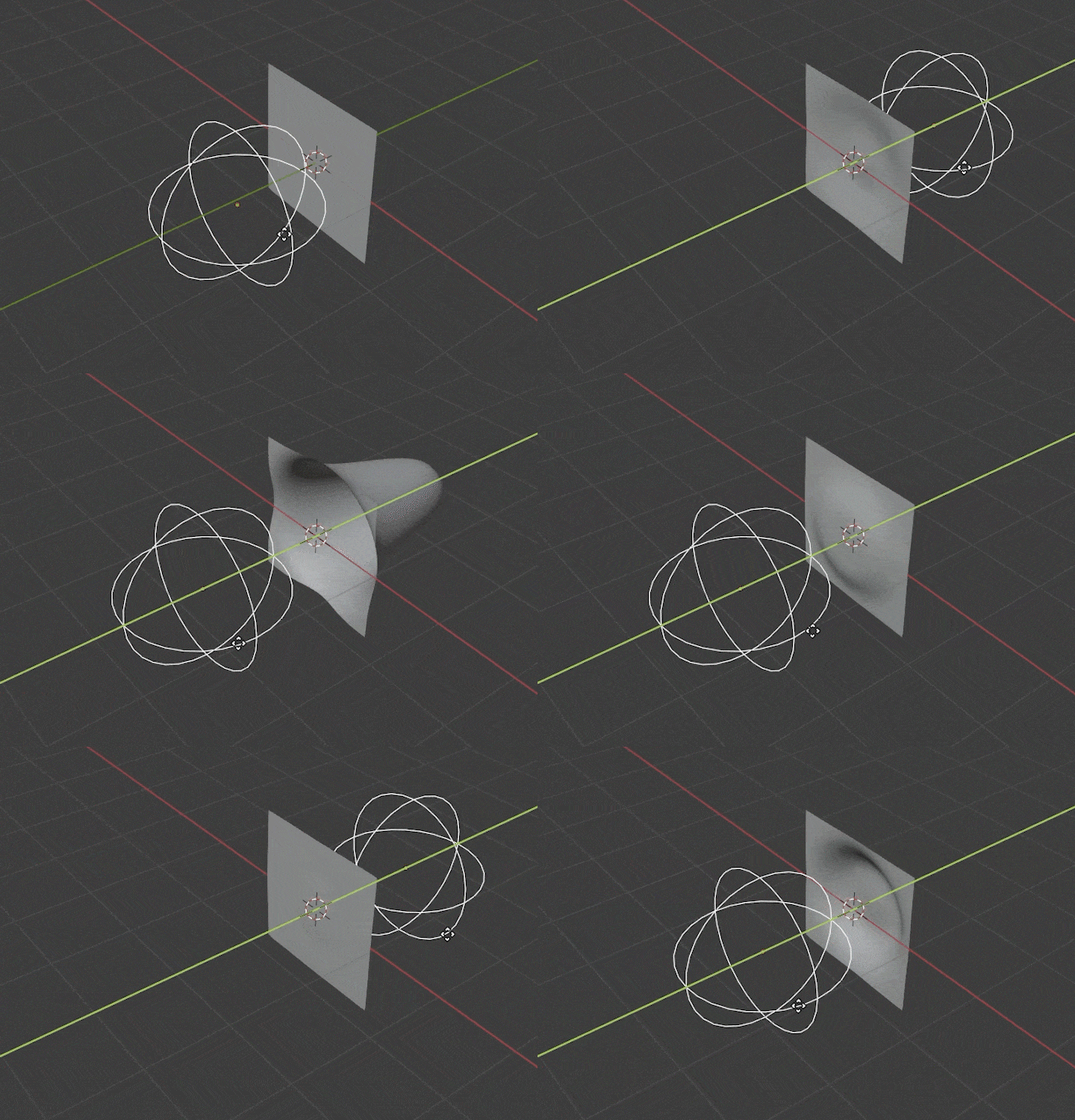
3. Change the amplitude, frequency and damping to change jiggle effect.Also, the speed of the target object will affect the amplitude, the scaling of the target object will affect the size of the jiggle area.

