 Mrs Eliza
Technical Information
Software: Blender
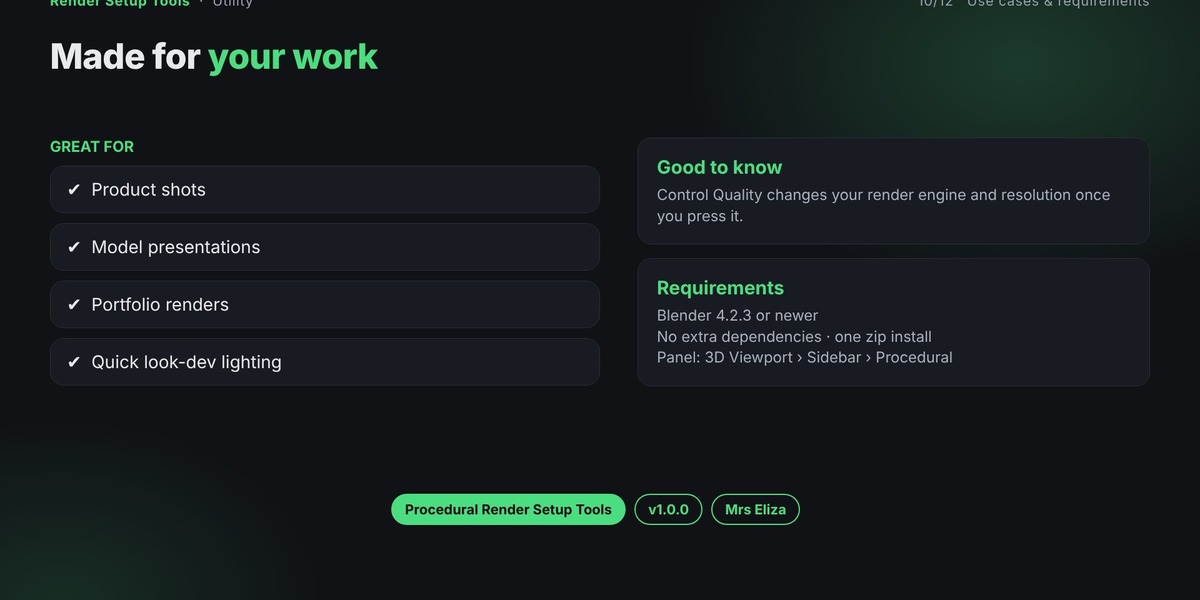
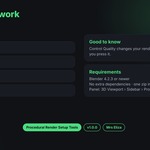
Minimum Blender Version: 4.2.3 or newer
Addon Version: 1.0.0
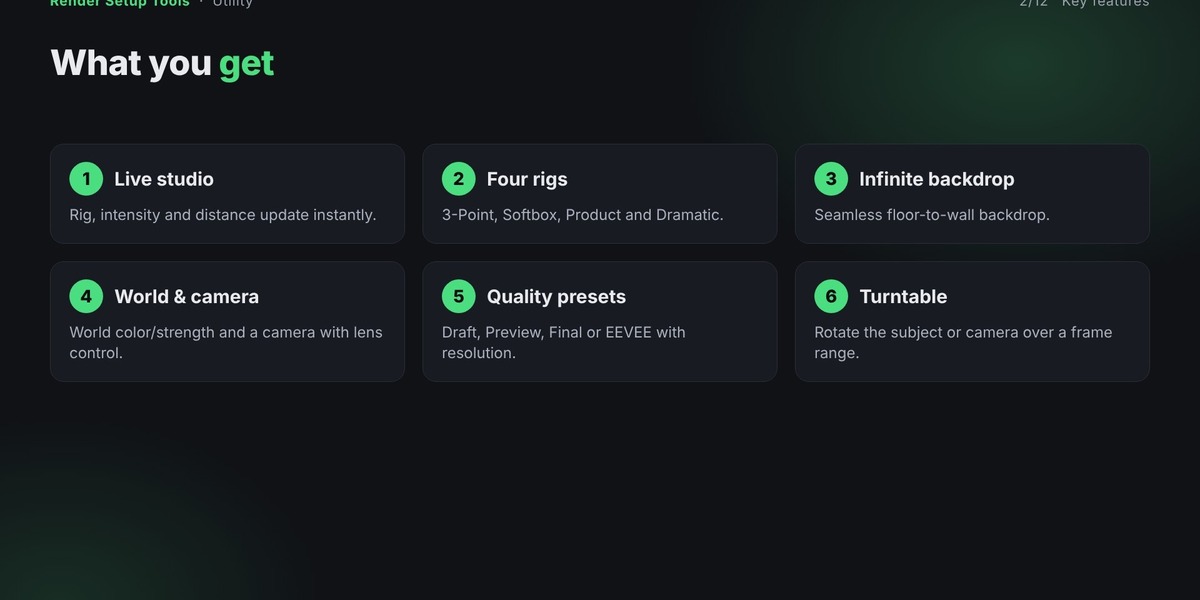
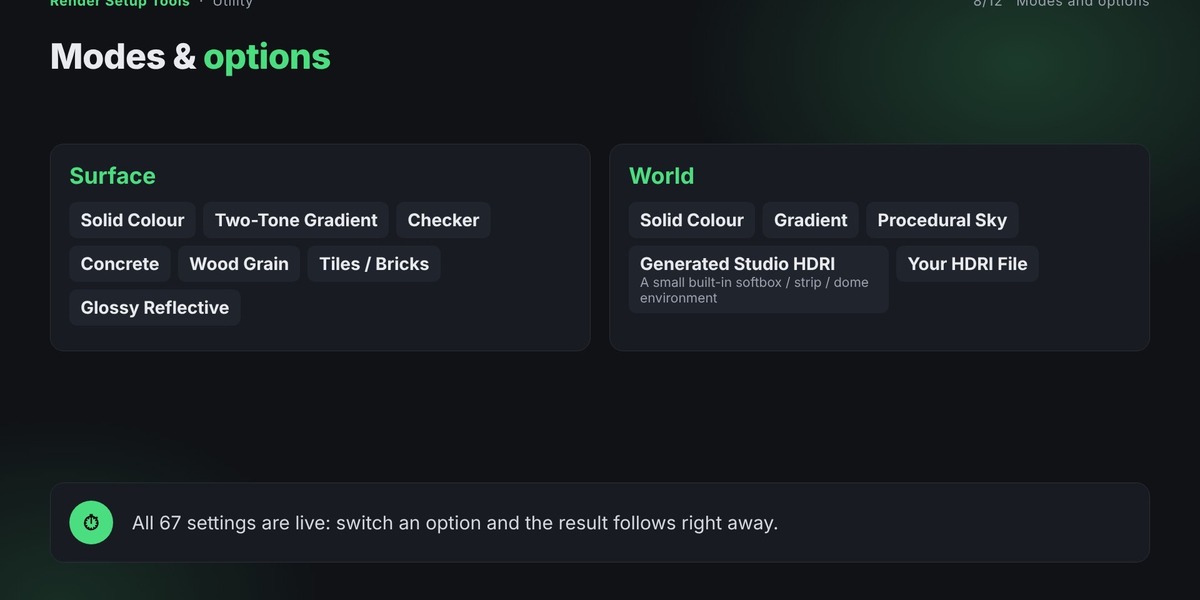
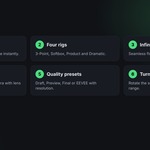
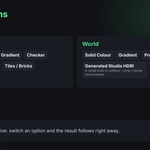
Lighting: Procedural studio lighting controls
Backdrop: Procedural surfaces and shapes
Rendering: Cycles and EEVEE options
Animation: Procedural turntable setup
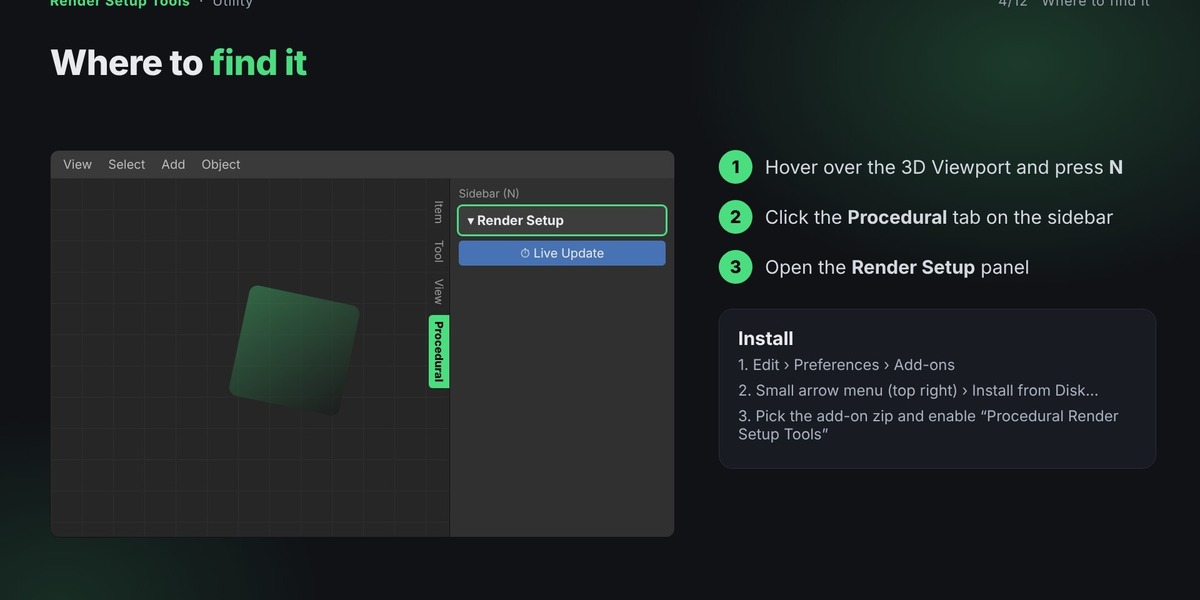
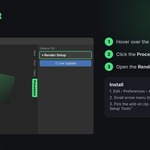
Installation: Install the downloaded ZIP through Blender Preferences. Do not unzip it first.
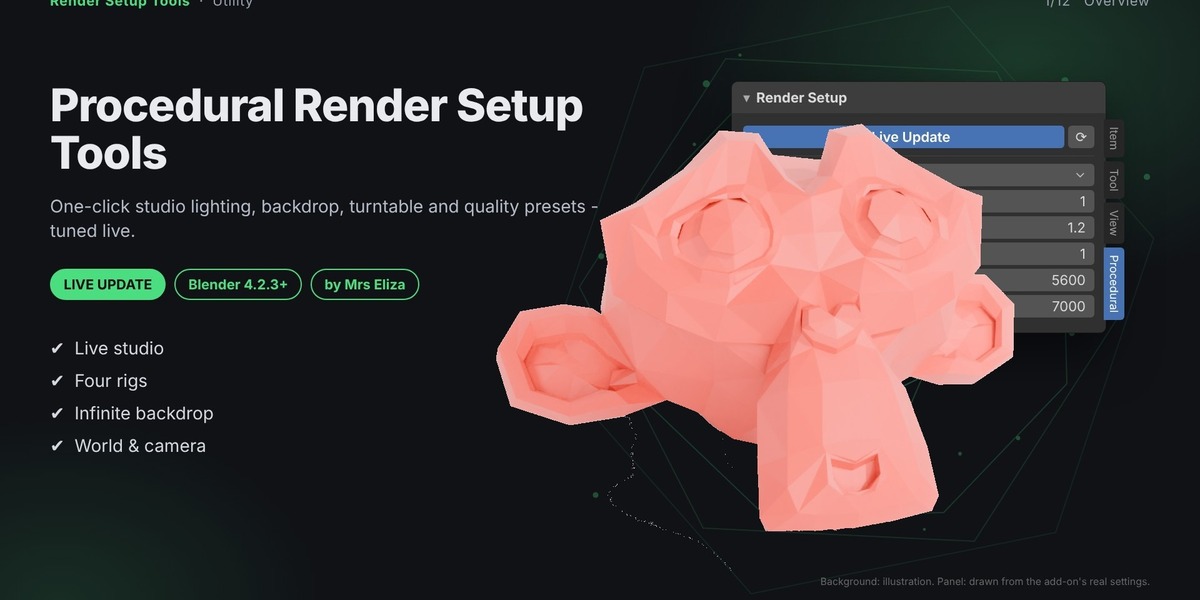
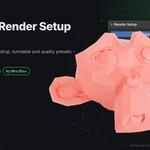
Build your studio, perfect your lighting, customize your camera, and create professional renders with a streamlined procedural workflow.
Frequently Asked Questions
Q: Can I create transparent renders?
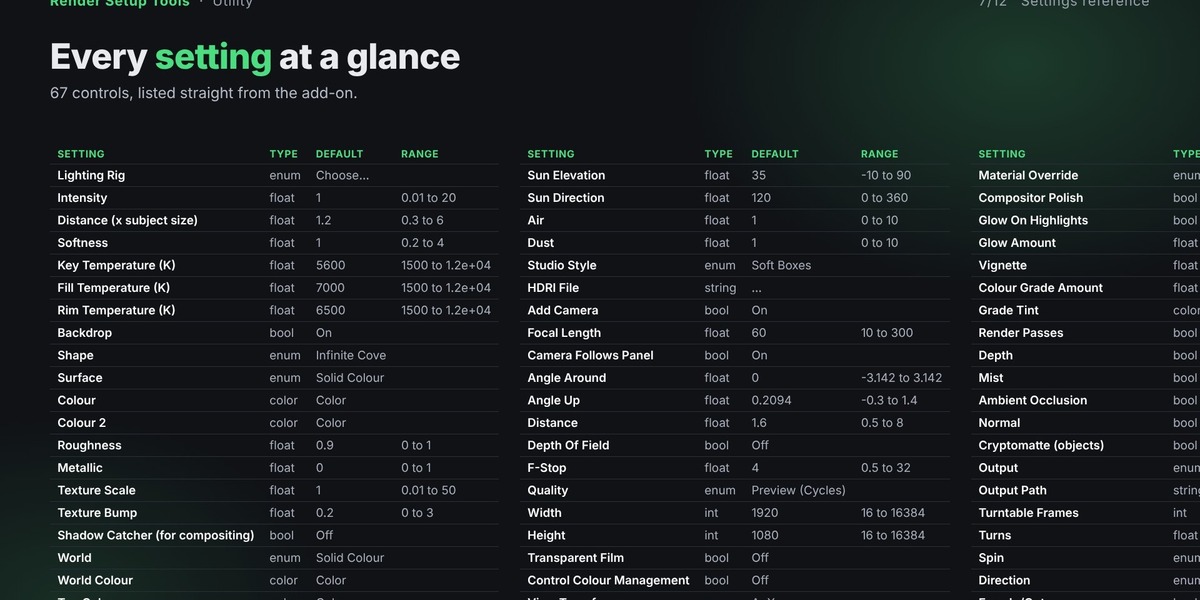
Yes. Enable Transparent Film. You can also use Shadow Catcher for compositing, which makes the backdrop invisible while retaining the subject's shadow.
Q: Can I create rotating product animations?
Yes. Use the Turntable controls to spin the subject, camera, or environment. You can customize frames, turns, direction, and easing.
Q: Why did my render engine change?
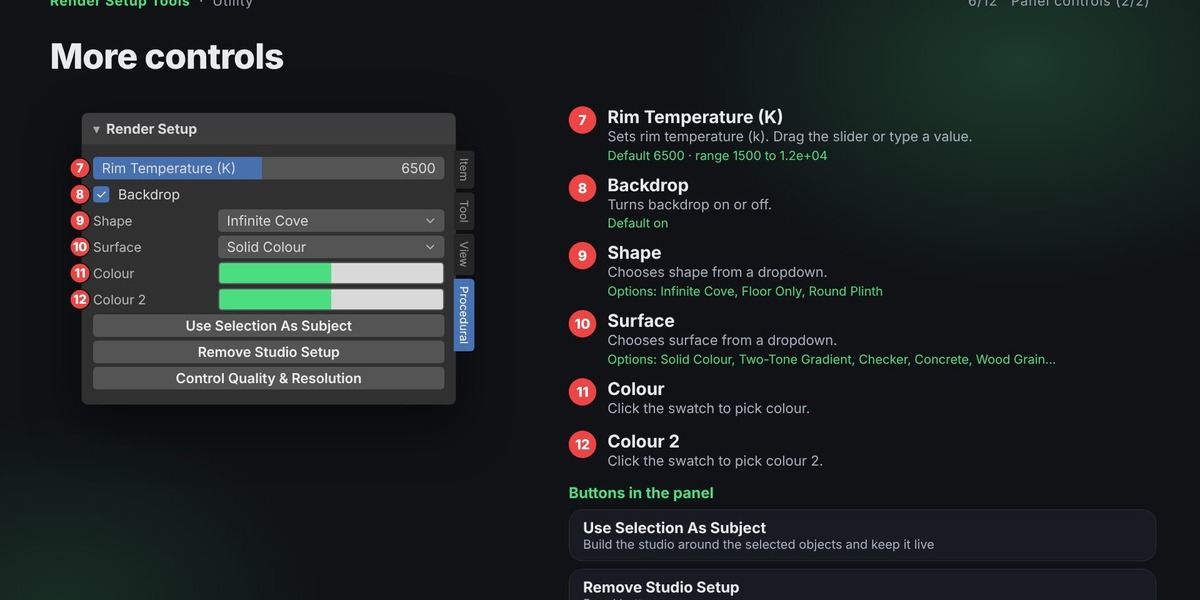
The Control Quality & Resolution button changes the render engine and resolution when pressed. Choose your preferred quality before using this control.
Q: Why is my turntable not rotating?
Check your timeline frame range and make sure the Turntable Frames setting is configured correctly.
Q: Where is the studio setup stored?
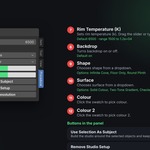
The studio is organized inside a collection named MRSE_StudioRig. Use Remove Studio Setup to delete the generated studio collection.
Q: Which Blender versions are supported?
The addon supports Blender 4.2.3 or newer.
Q: How do I create my first studio setup?
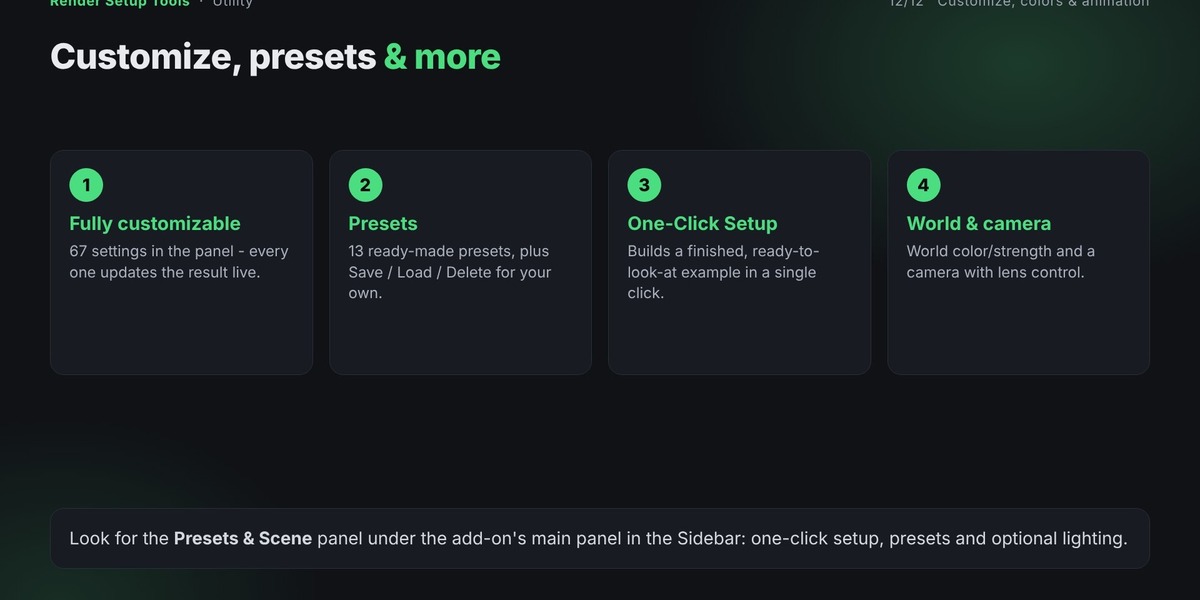
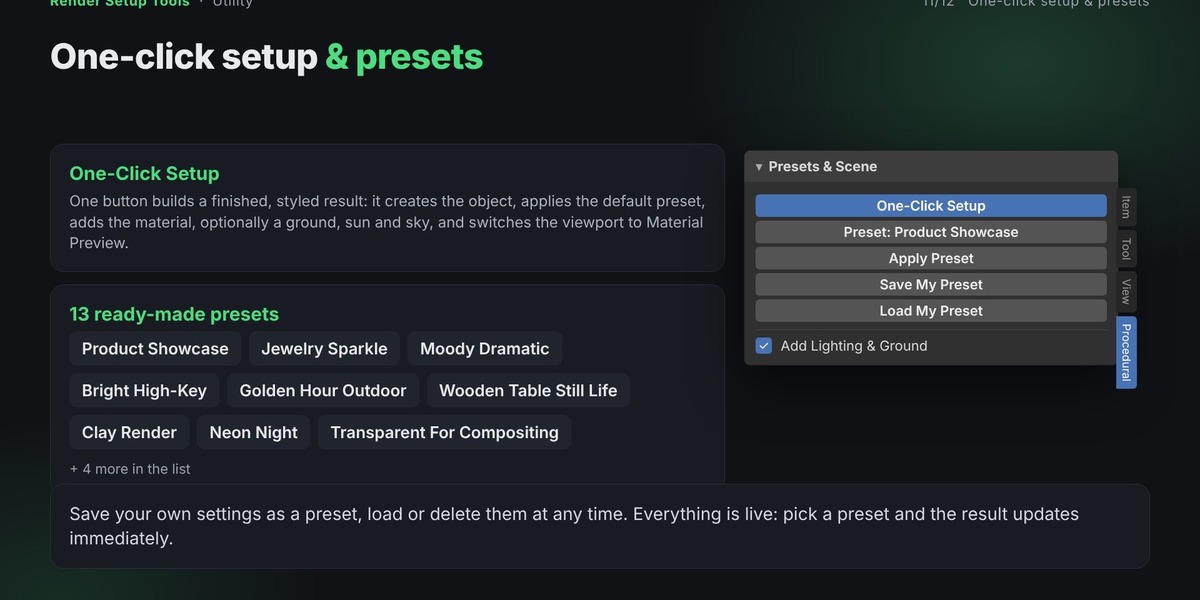
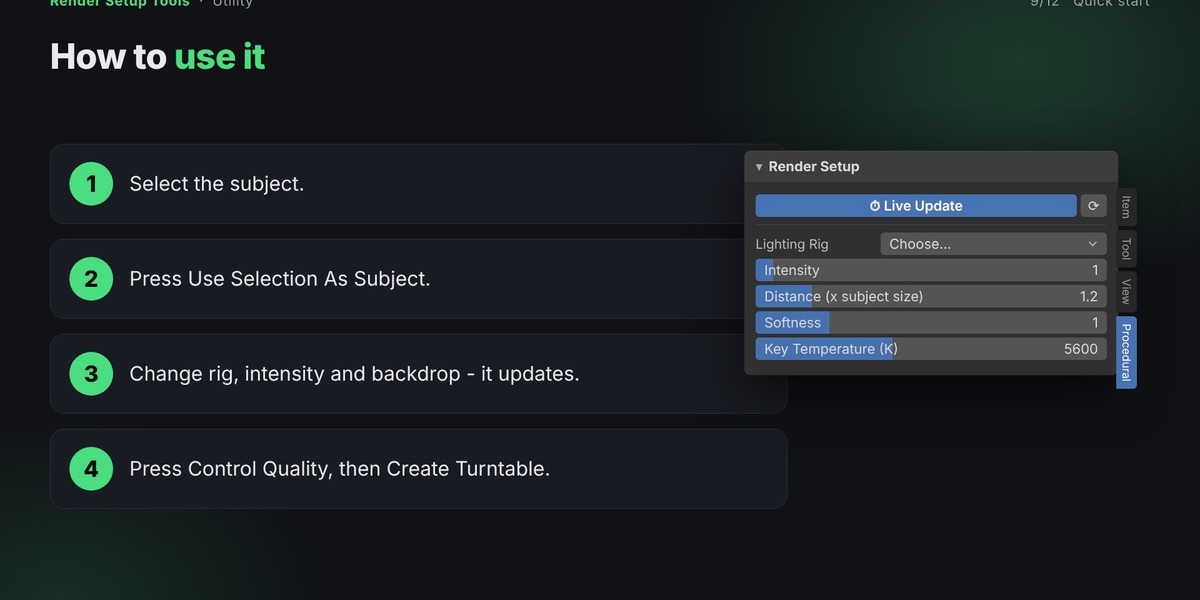
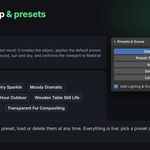
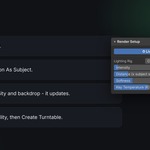
Select your subject in the viewport and click Use Selection As Subject. The addon builds the studio around your selected objects.
Q: Why are my lights the wrong size?
Select your subject and press Use Selection As Subject again. This rebuilds the studio around the current subject selection.
Q: Does the addon update settings automatically?
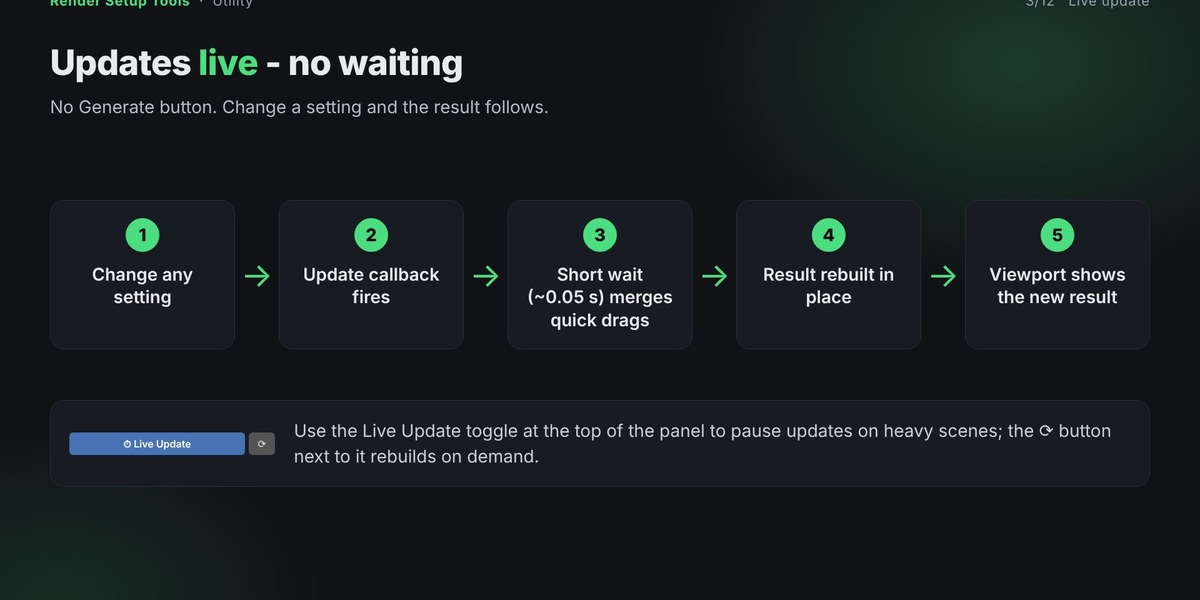
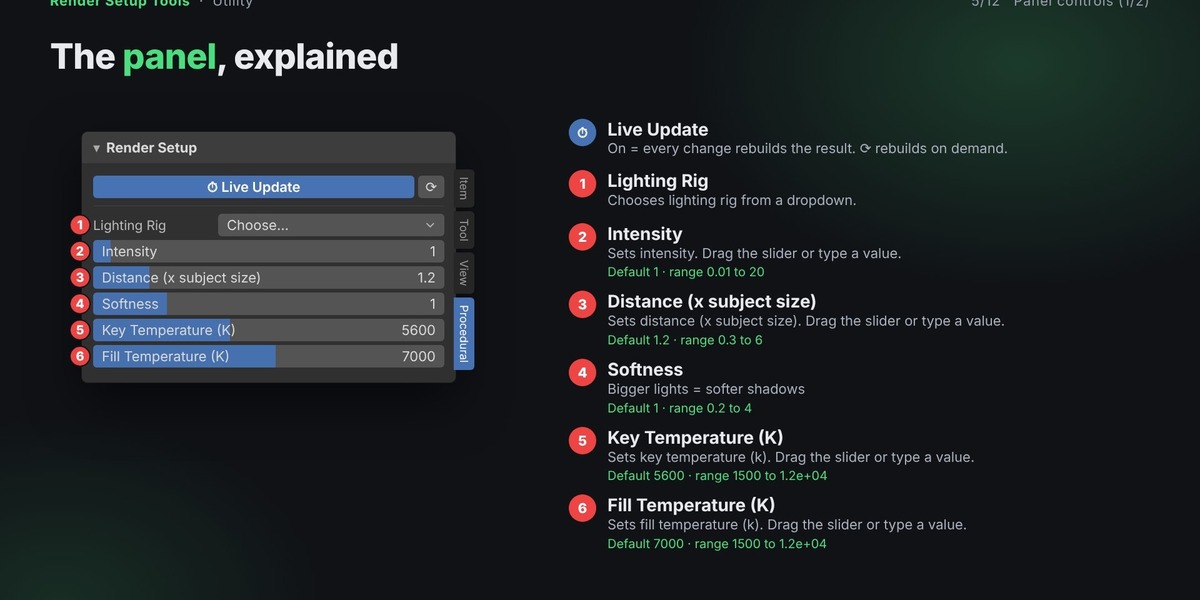
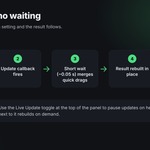
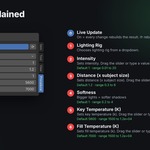
Yes. Live Update is enabled by default. Changes to settings automatically schedule a rebuild. You can also use the manual rebuild button.
Have questions about this product?
Login to message
| Sales | 10+ |
| Published | over 2 years ago |
| Blender Version | 4.2 - 5.0 |
| Extension Type | Add-on |
| Render Engine Used | Eevee |
| Misc Data | Low-High-Resolution |
| License | GPL |
Discover more products like this
render setup blender tools Studio Lighting procedural-lighting Camera setup render presets blender addon HDRI Generator product rendering Turntable animation product showcase 3D rendering