 Mrs Eliza
Overview
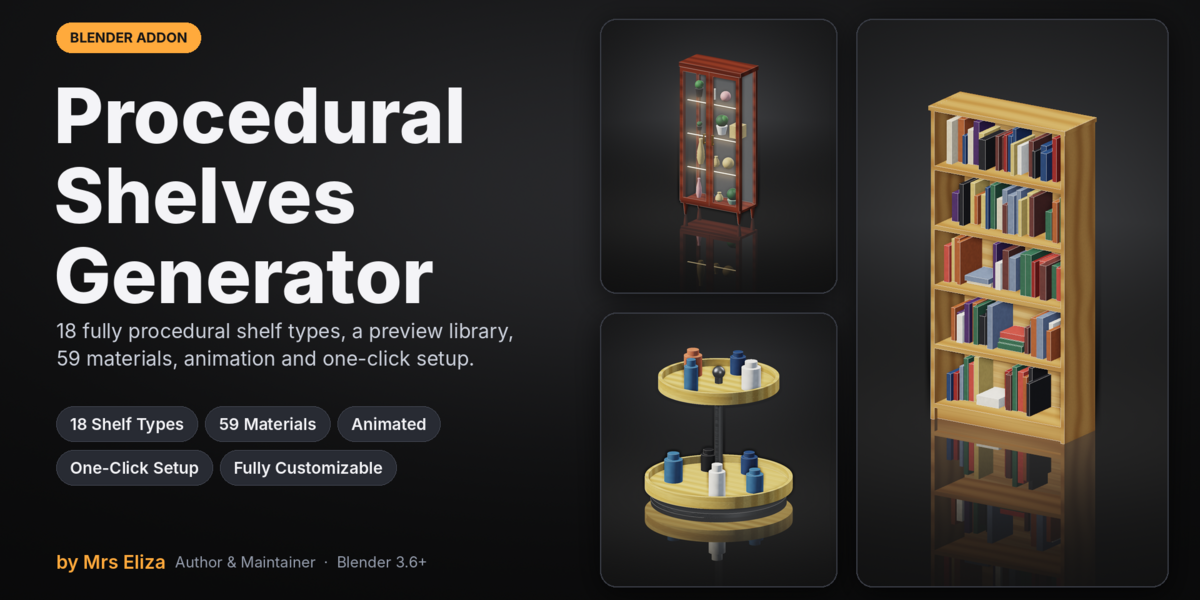
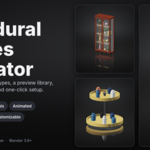
Create professional 3D shelves, bookcases, storage systems, display units, and modular furniture directly inside Blender with a fully procedural workflow.
Procedural Shelves Generator is a versatile Blender add-on designed to generate 18 different types of shelves using customizable procedural geometry. Easily adjust dimensions, materials, structural elements, doors, columns, decorative objects, and animations through a dedicated sidebar interface.
Whether you're designing modern interiors, furniture collections, retail displays, architectural environments, or product visualization scenes, this add-on gives you the flexibility to create and customize shelves without manually modeling everything from scratch.
Everything is generated directly inside Blender using procedural geometry, without requiring external models, image textures, or imported assets.
Key Features
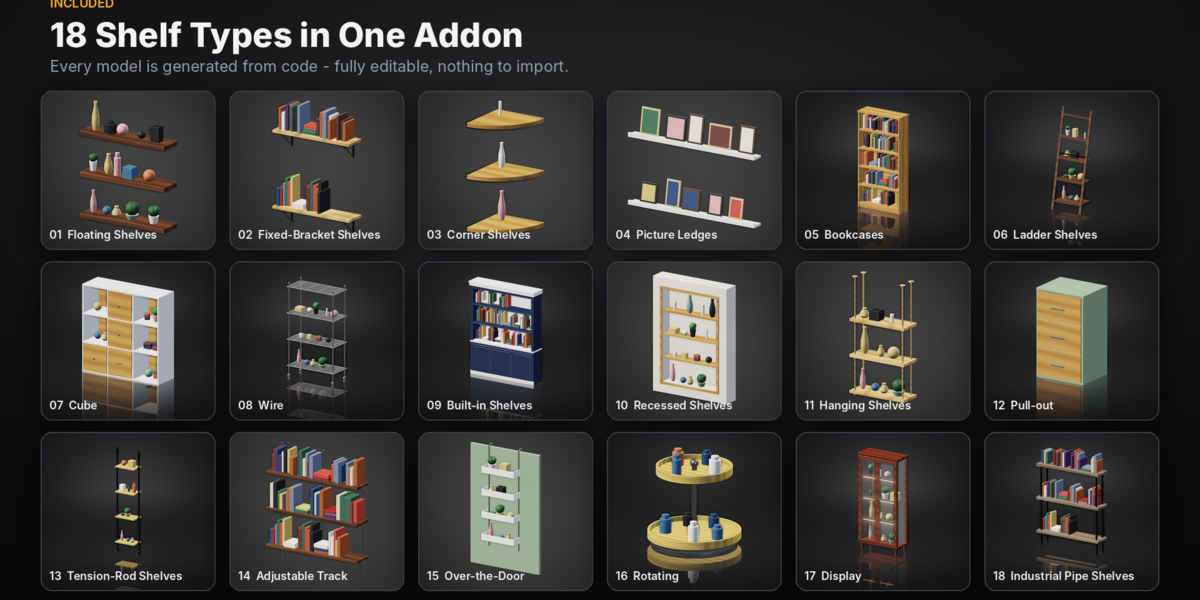
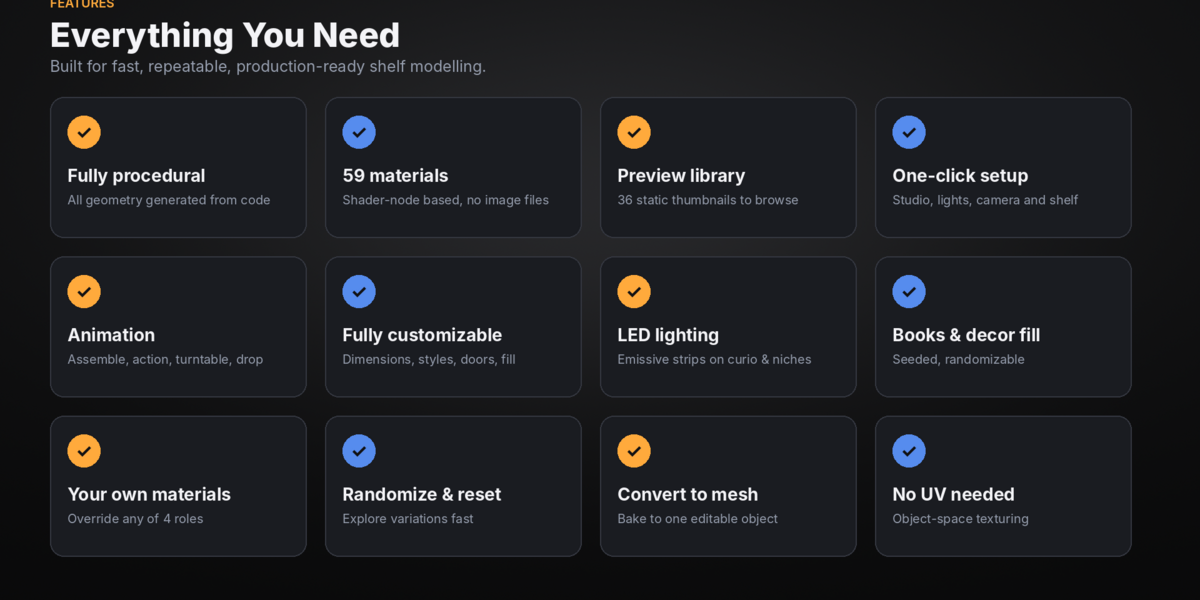
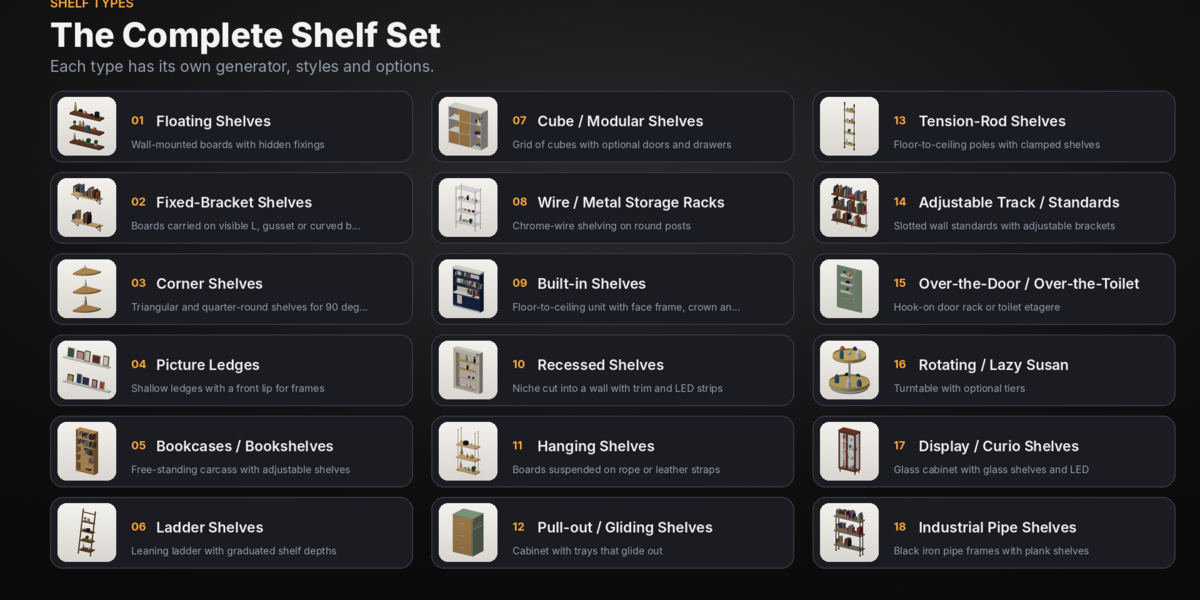
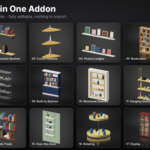
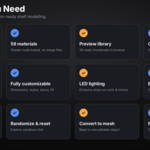
18 Procedural Shelf Types – Generate different styles of shelves for residential, commercial, and industrial environments.
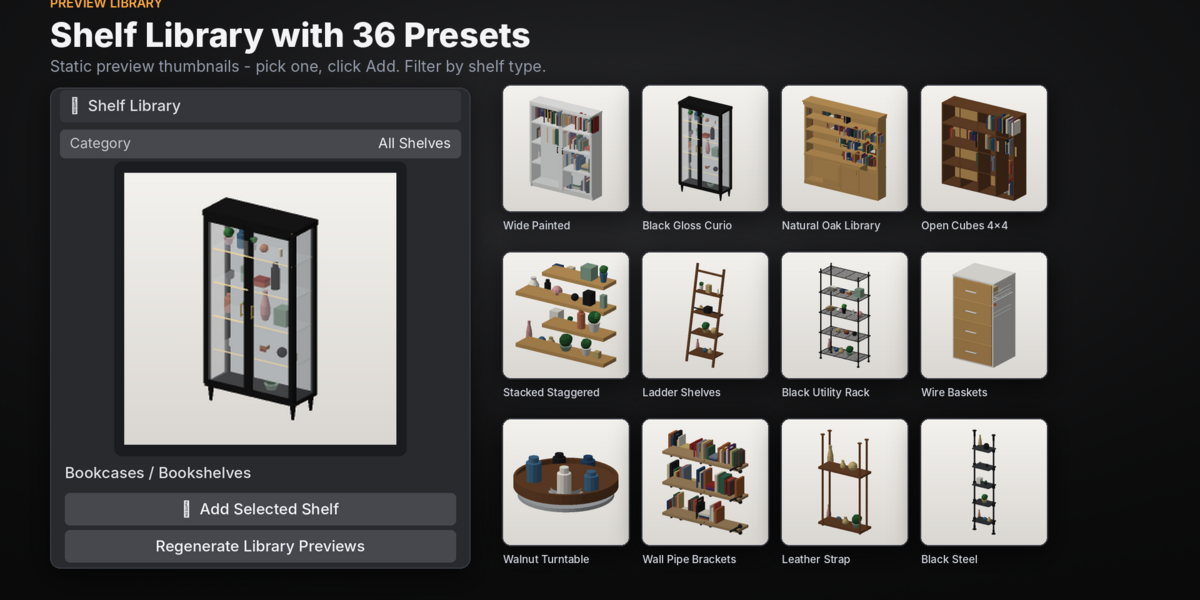
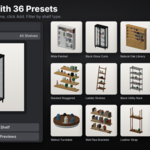
36 Shelf Presets – Explore a visual library with two presets for each shelf type.
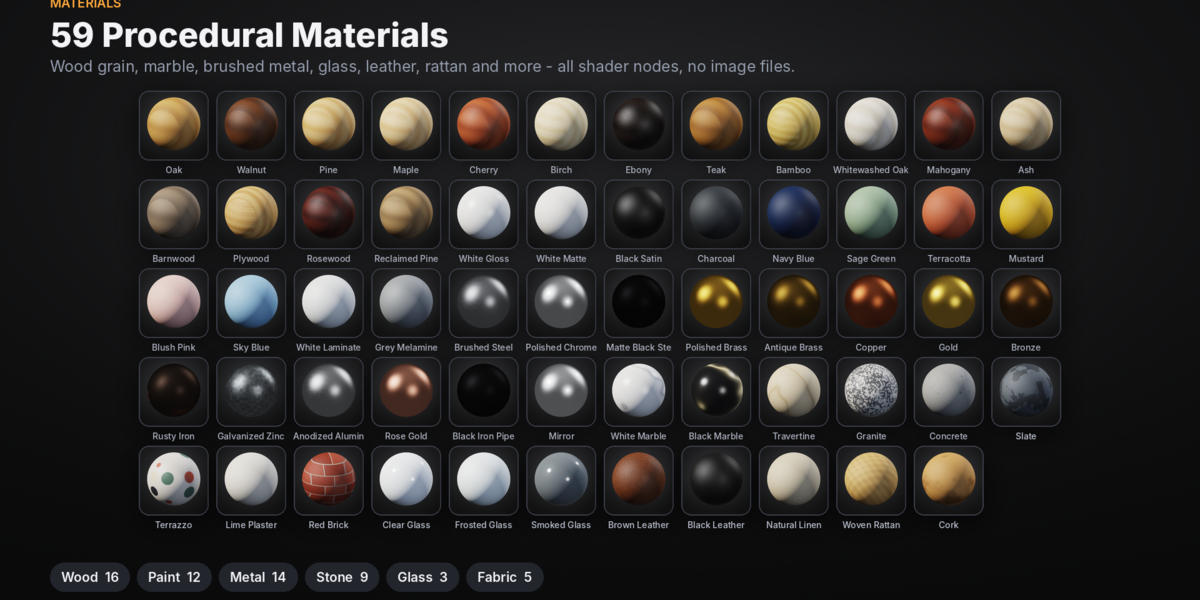
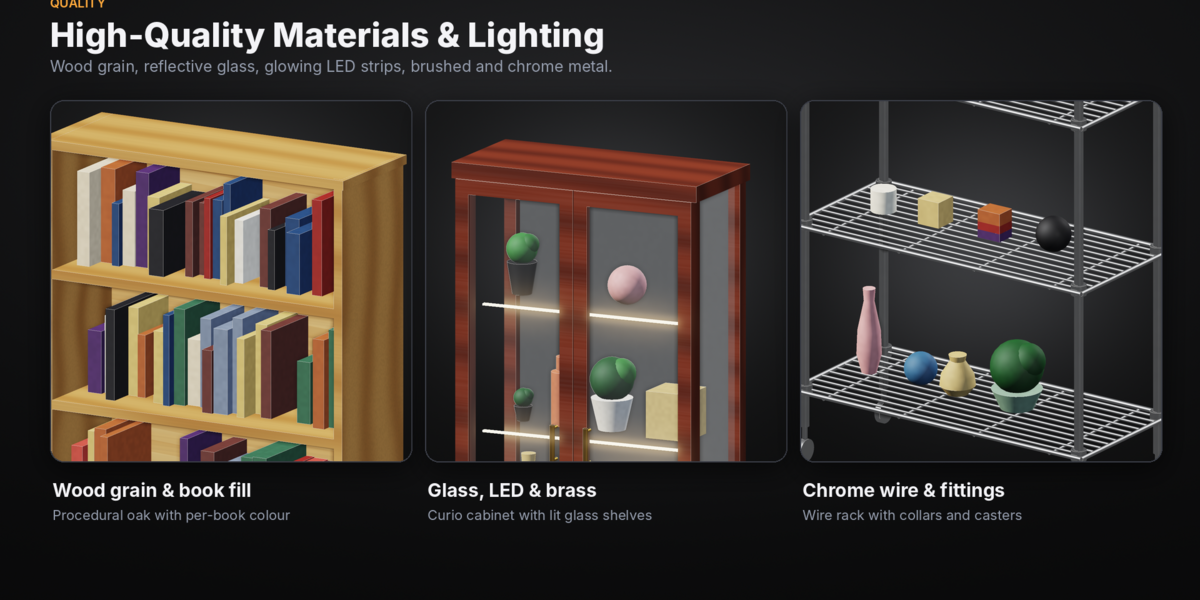
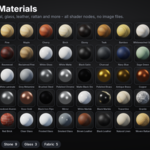
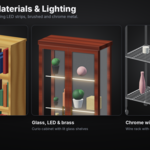
59 Procedural Materials – Choose from wood, paint, metal, stone, glass, and fabric materials.
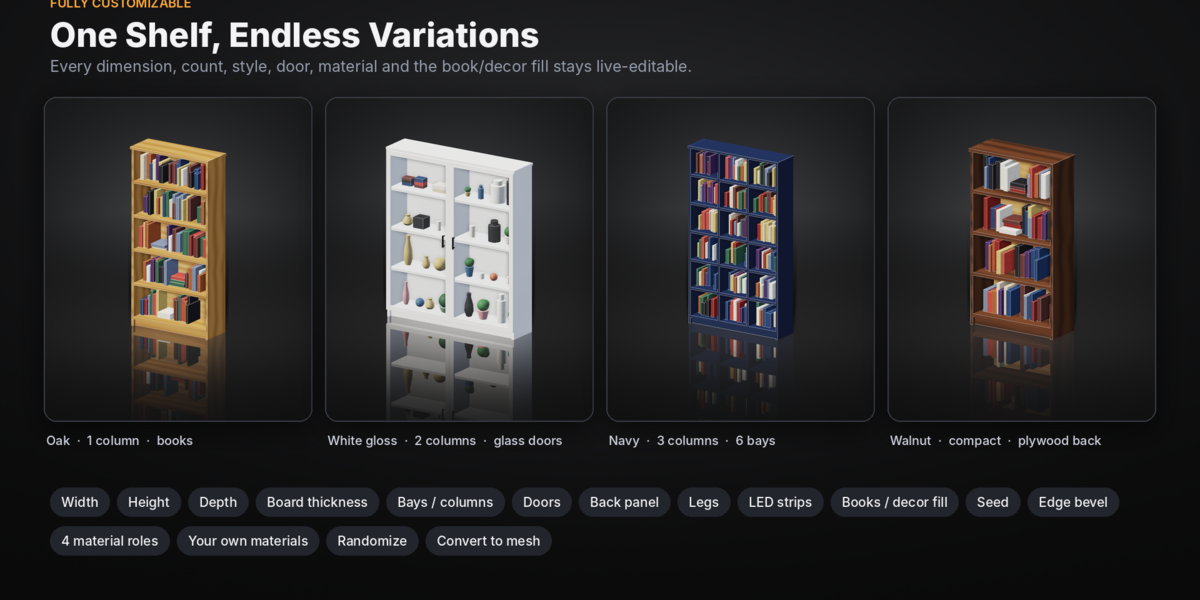
Fully Customizable Geometry – Adjust width, height, depth, thickness, bays, columns, and structural elements.
Live Update System – See your design changes directly in the viewport.
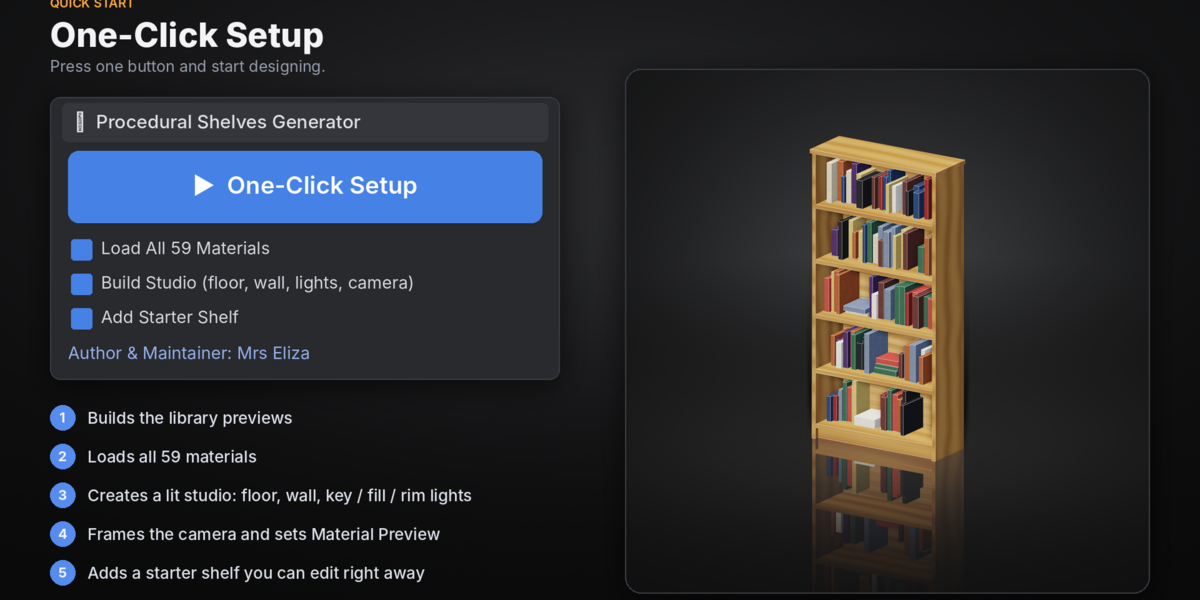
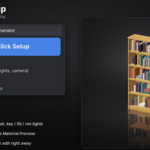
One-Click Studio Setup – Automatically create a studio environment with floor, wall, lighting, camera, materials, and a starter shelf.
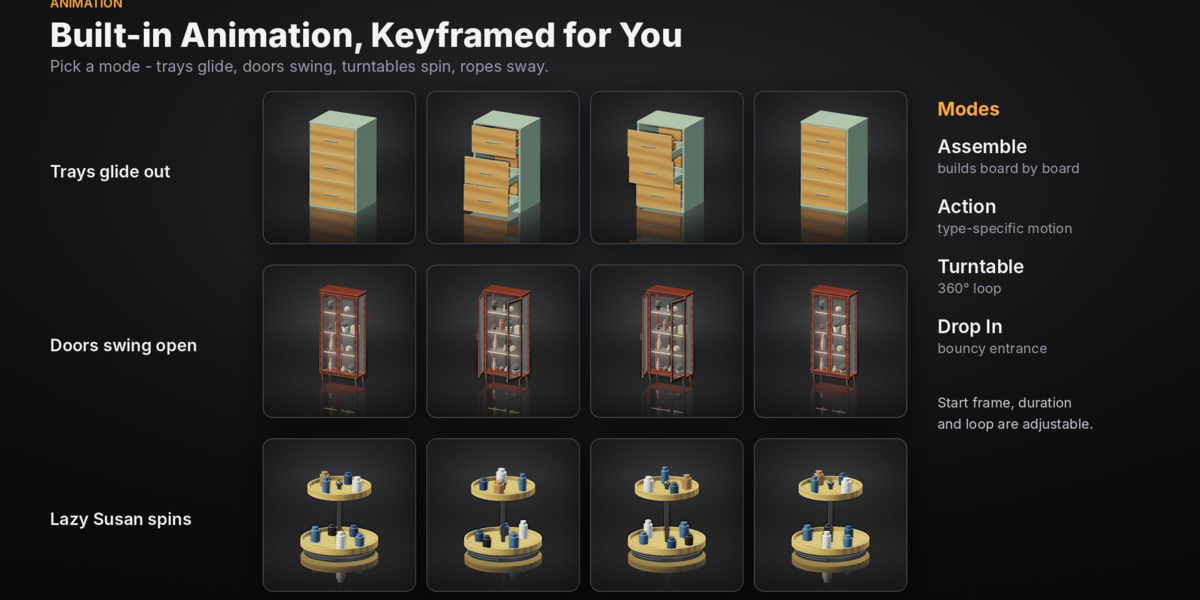
Built-In Animation – Create assembly, type-specific action, turntable, and drop-in animations.
Custom Material Support – Assign your own materials to different shelf components.
Decorative Fill System – Add procedural books and decorative objects.
Randomize Function – Generate different design variations quickly.
Reset Presets – Restore the original preset configuration.
Convert to Single Mesh – Convert the generated shelf into one editable mesh object.
Organized UI – Manage all settings from one dedicated sidebar panel.
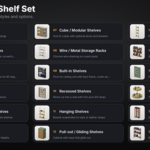
18 Procedural Shelf Types
Create different shelf designs for furniture visualization, interior design, architecture, and product presentations.
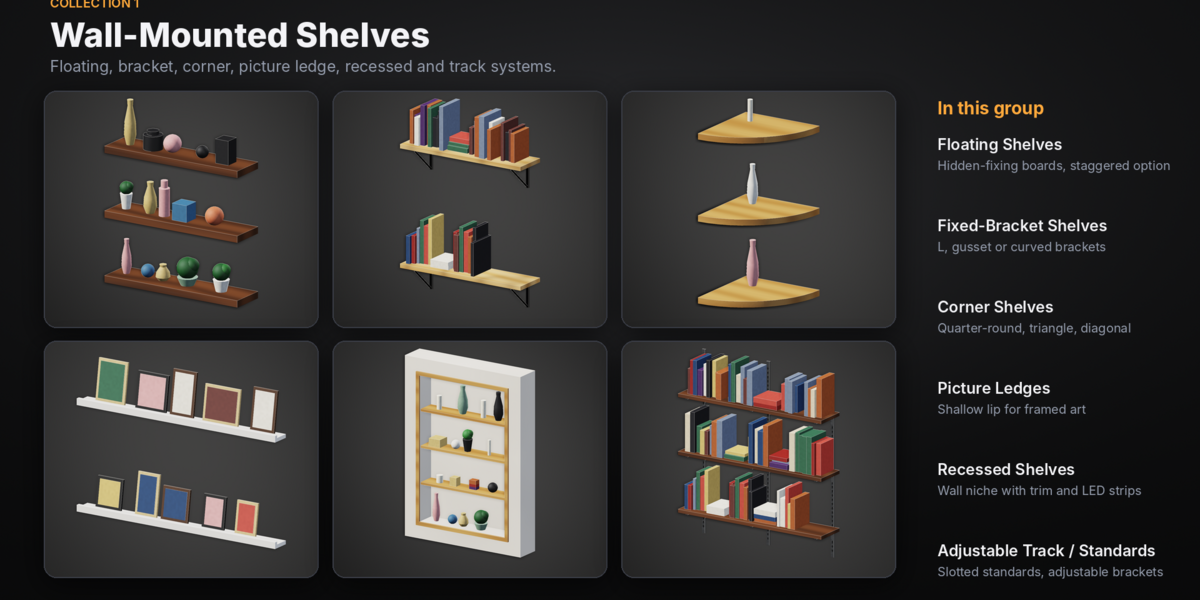
Wall-Mounted & Decorative Shelves
-
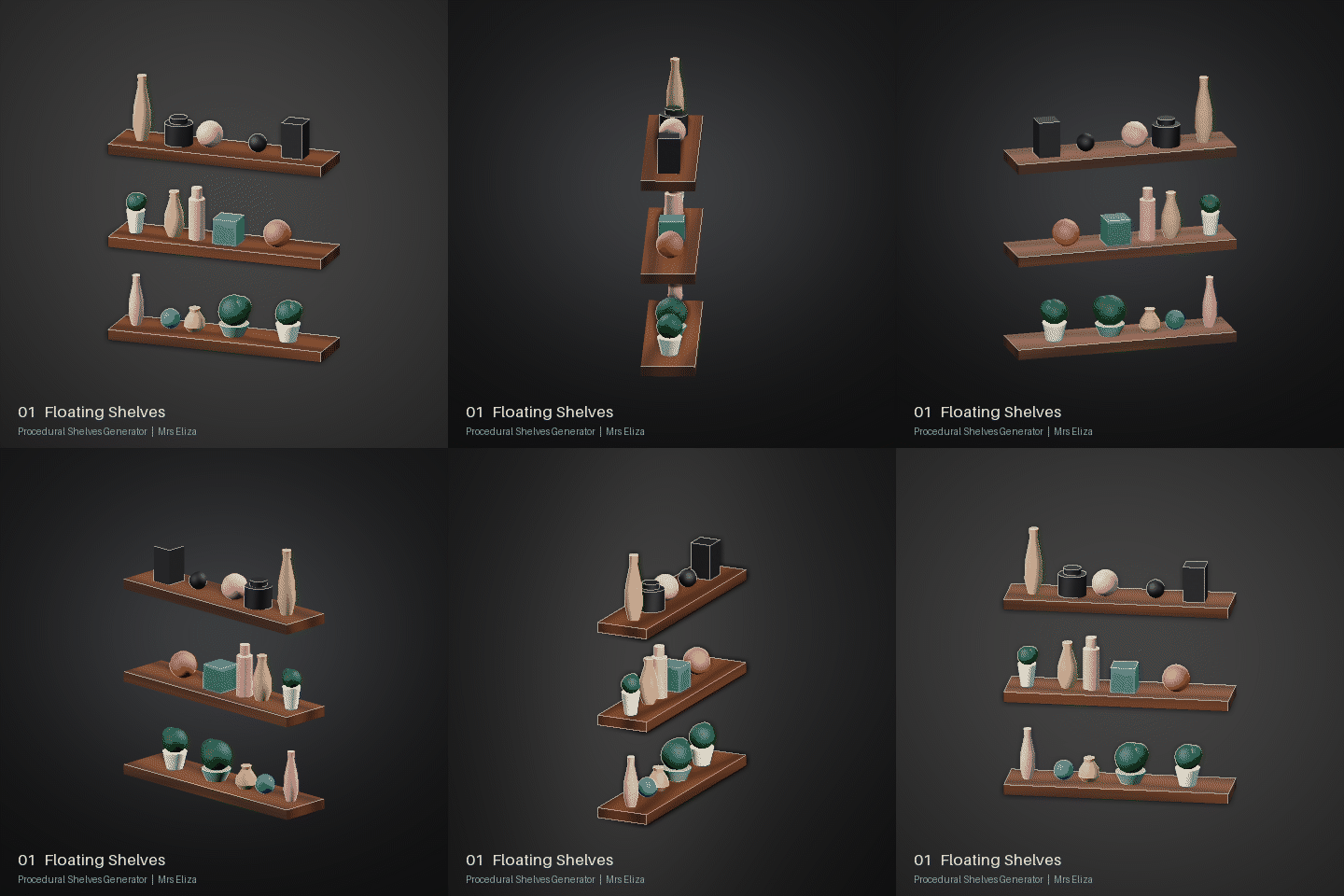
Floating Shelves
-
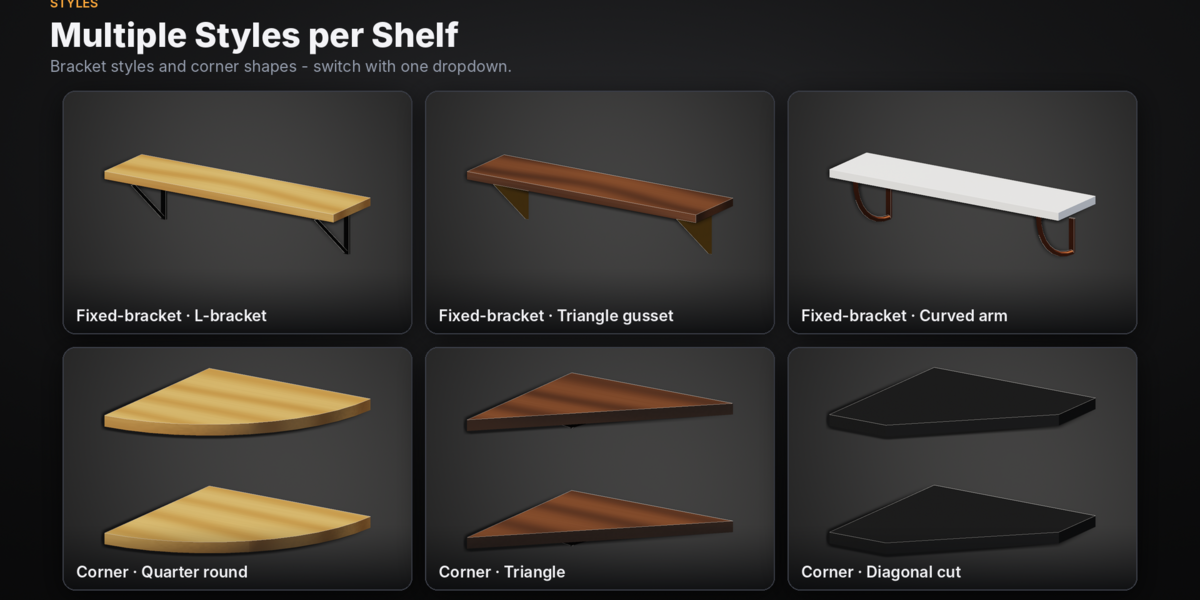
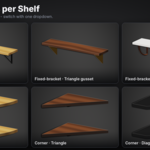
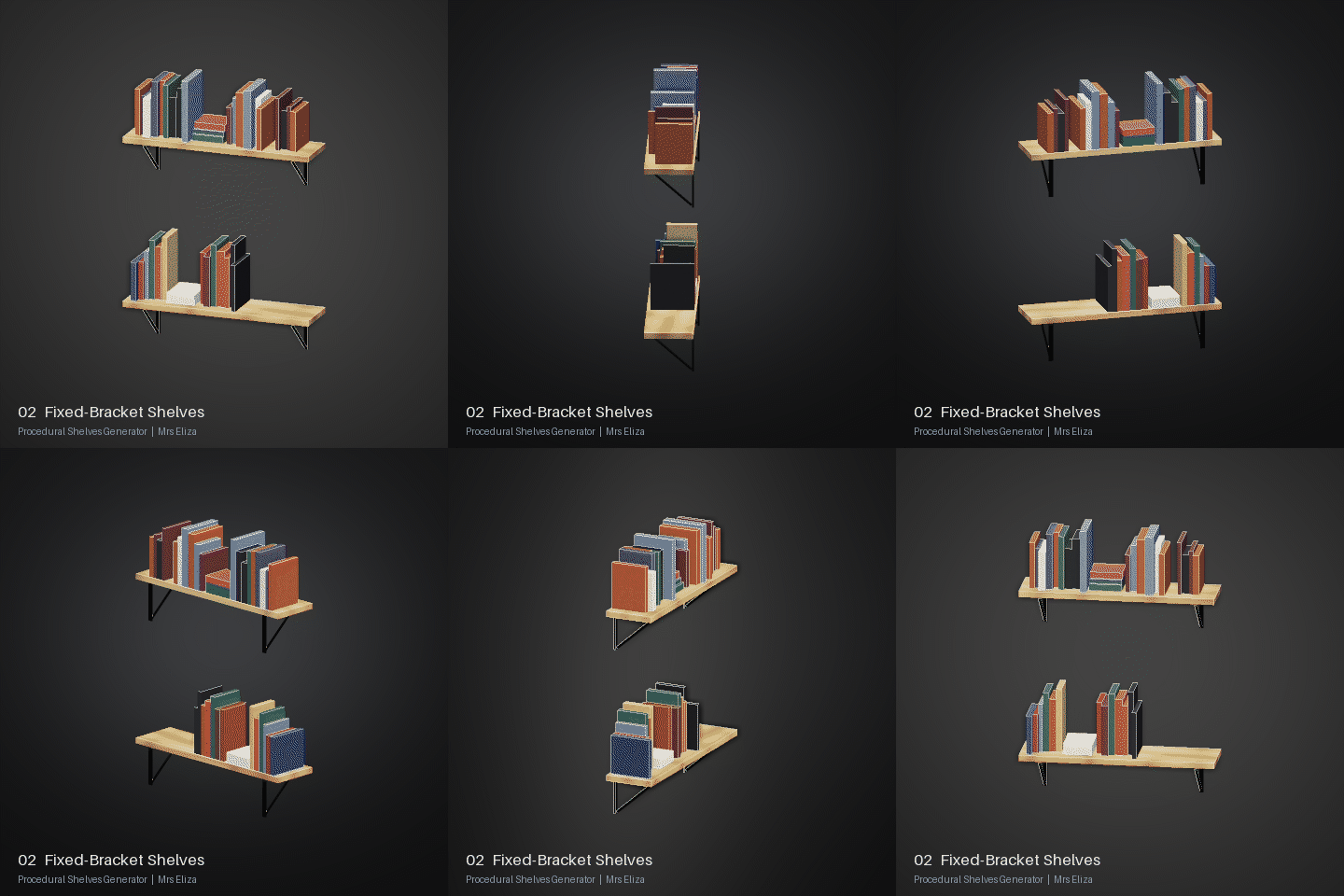
Fixed-Bracket Shelves
-
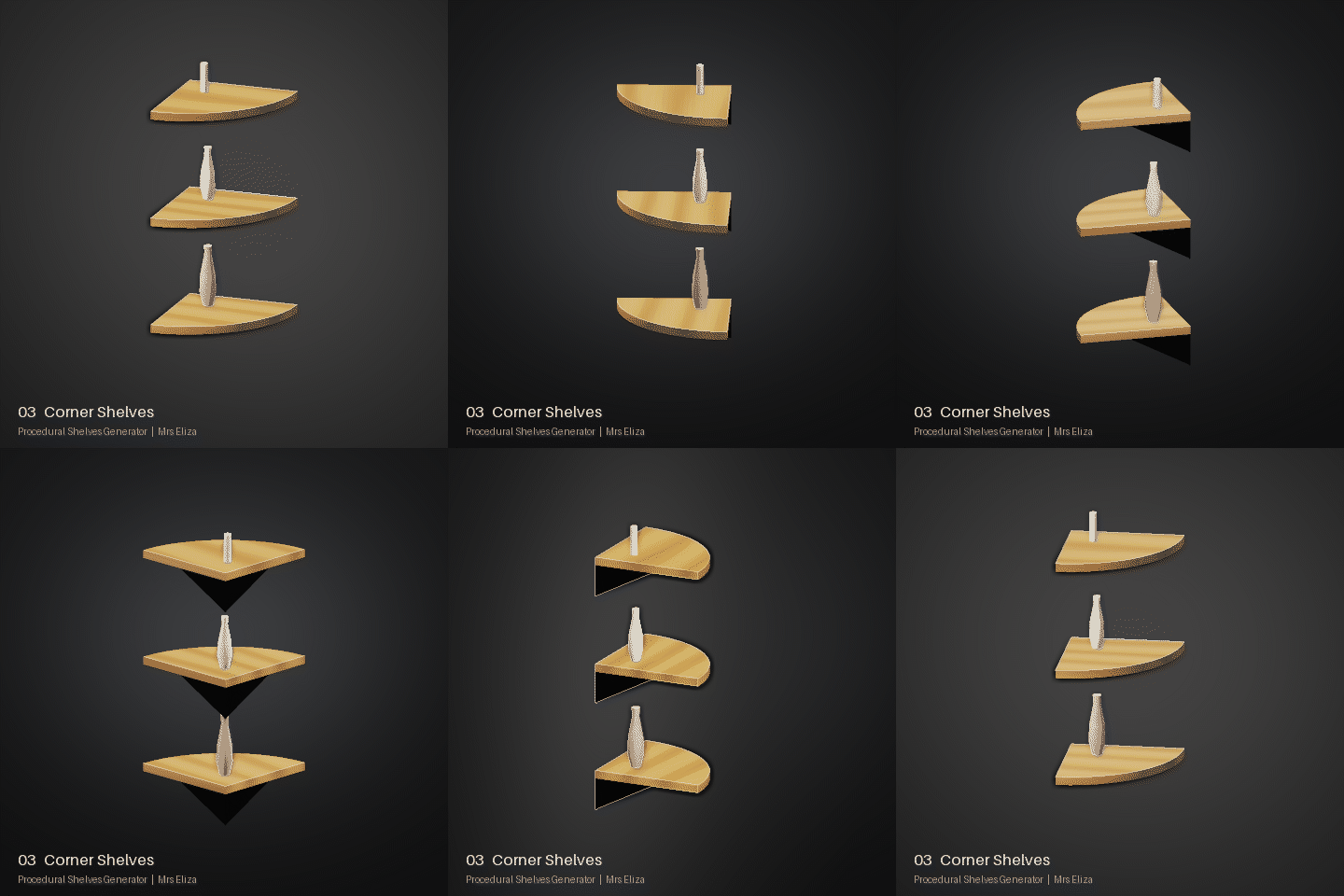
Corner Shelves
-
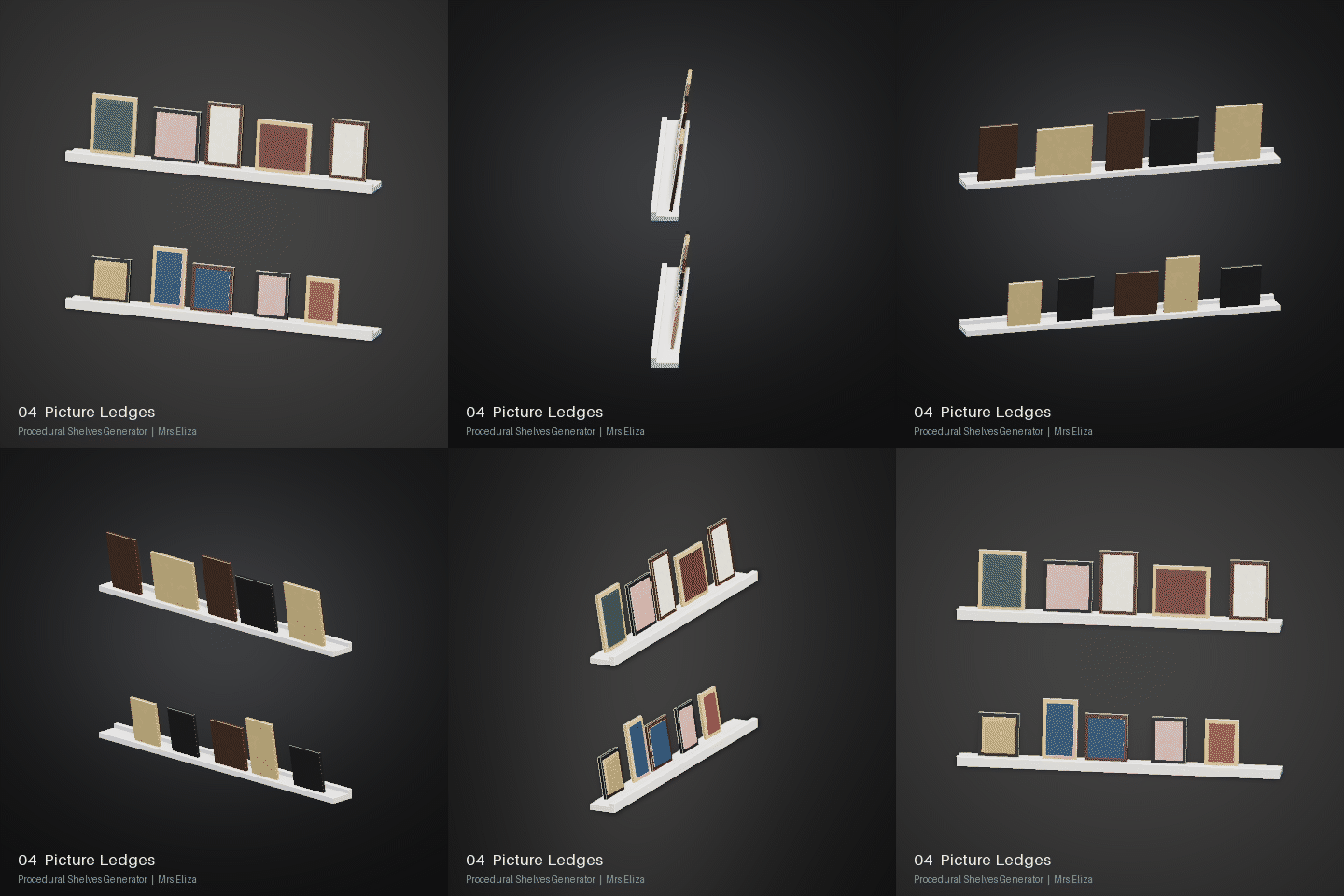
Picture Ledges
-
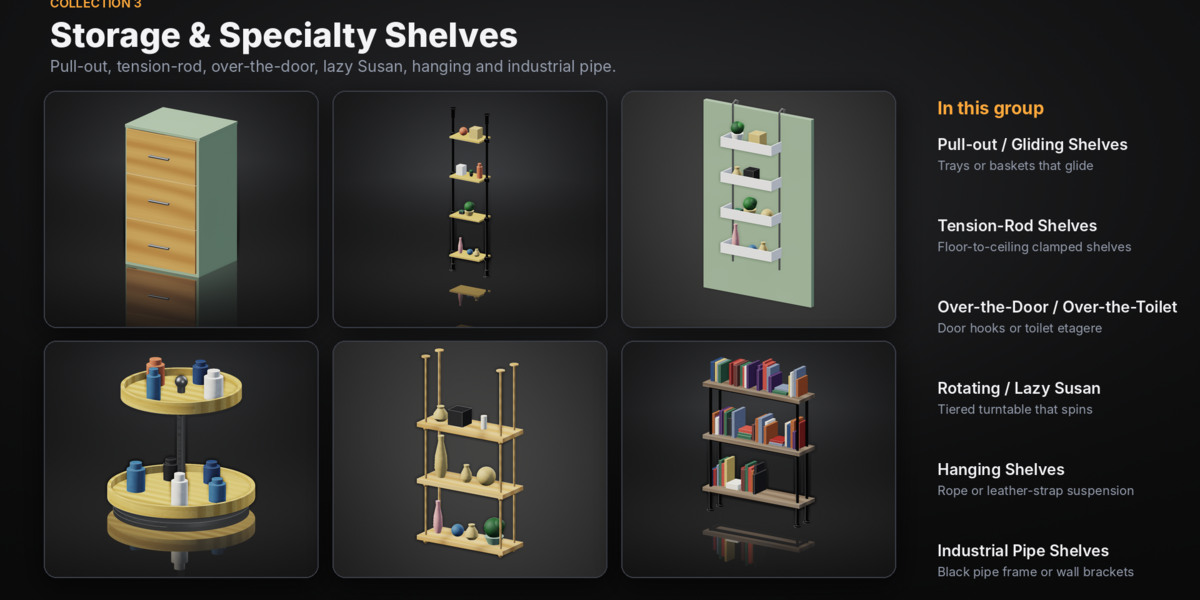
Hanging Shelves
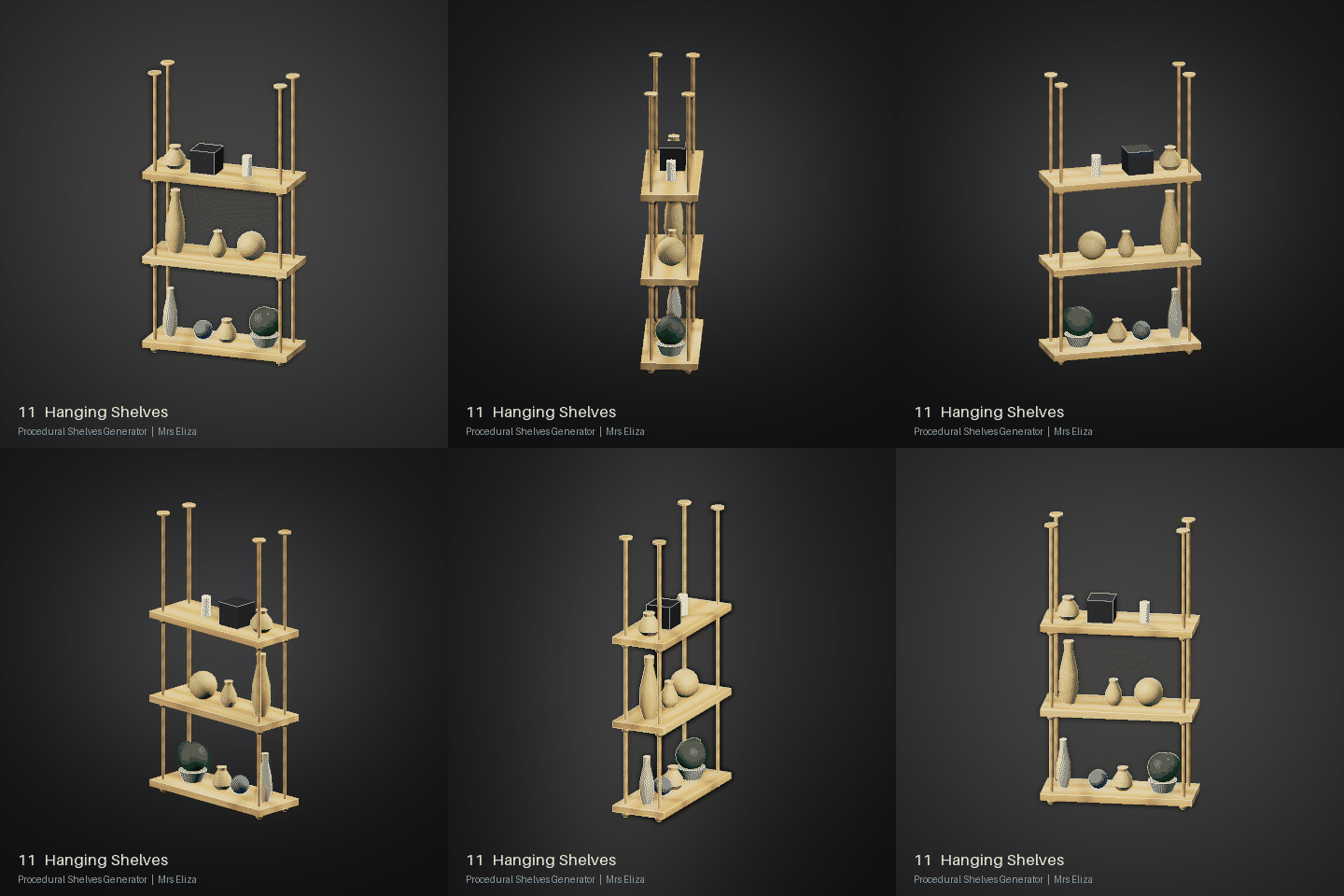
Storage & Furniture Shelves
-
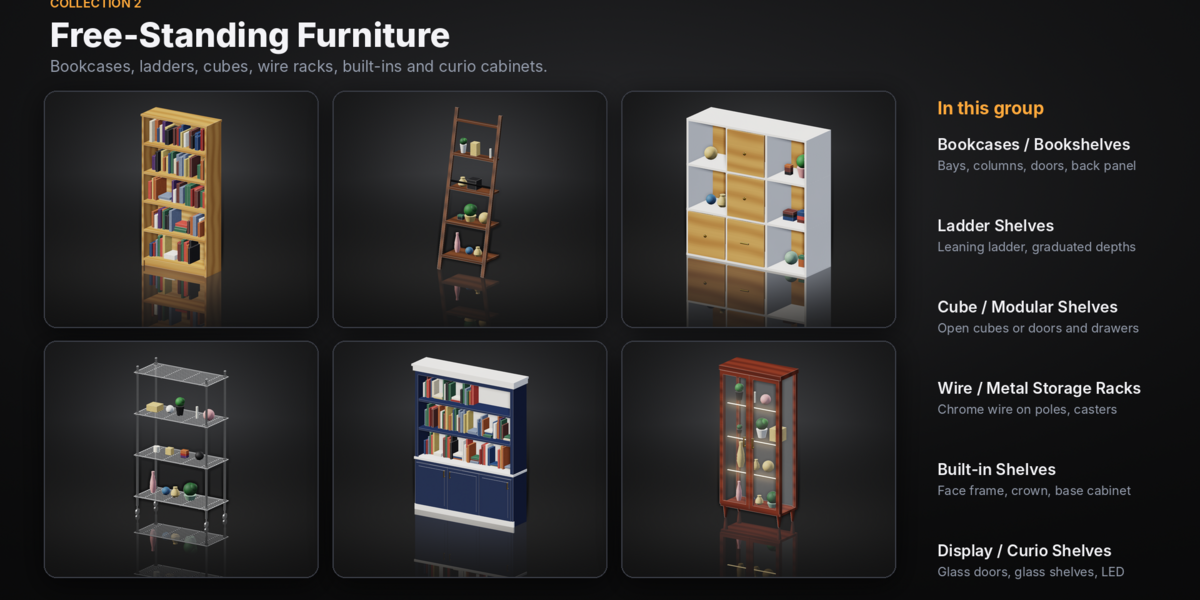
Bookcases / Bookshelves
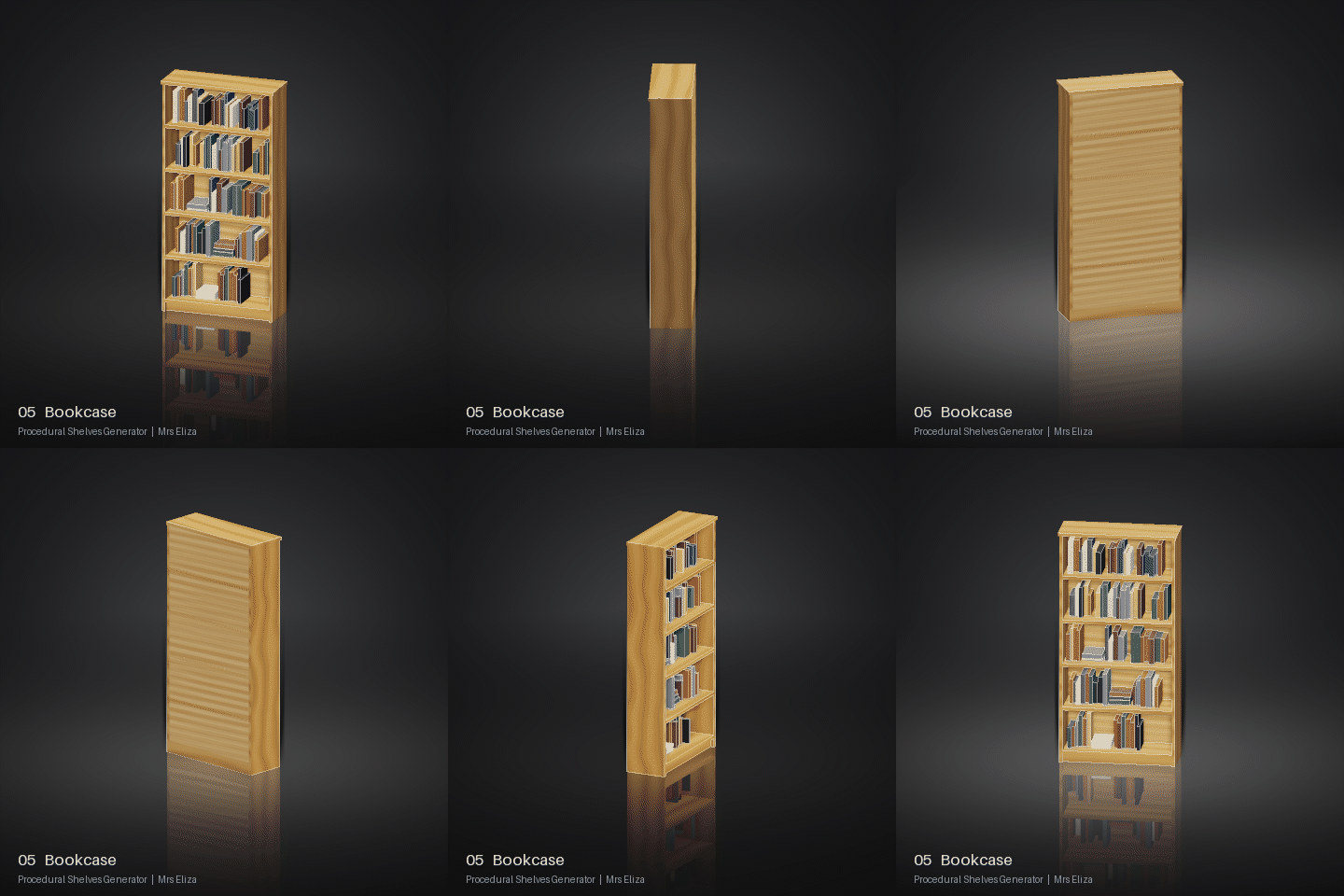
-
Ladder Shelves
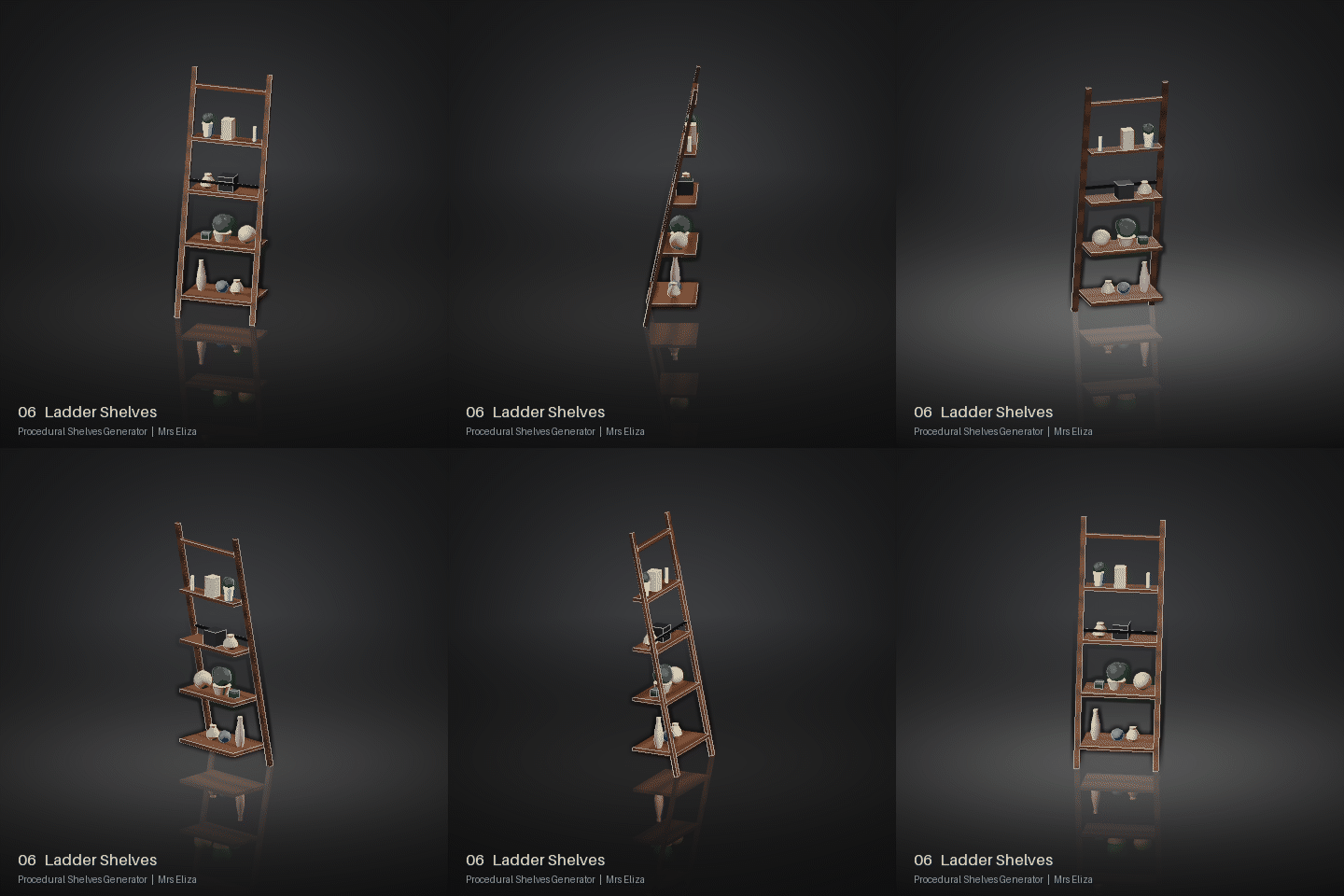
-
Cube / Modular Shelves
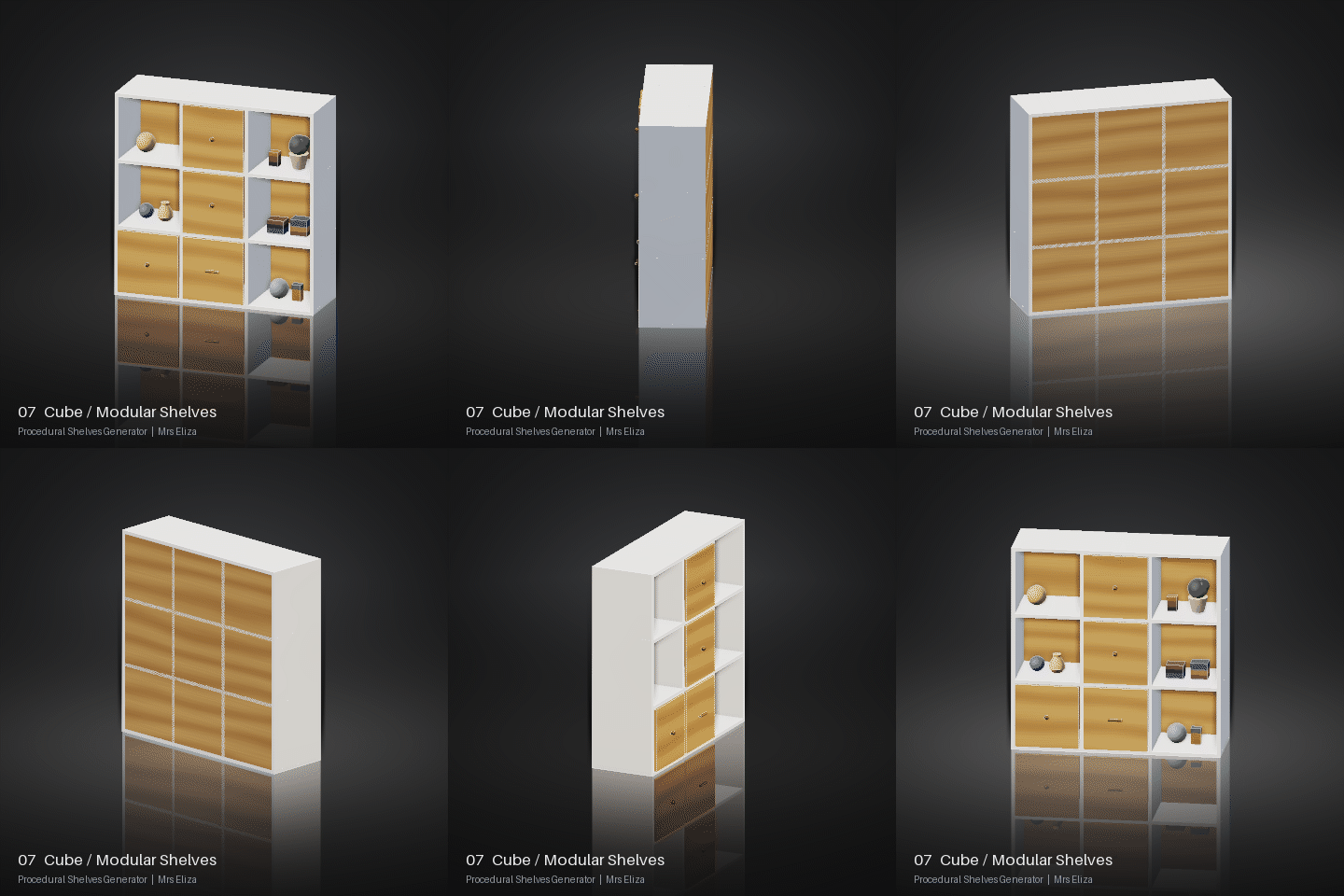
-
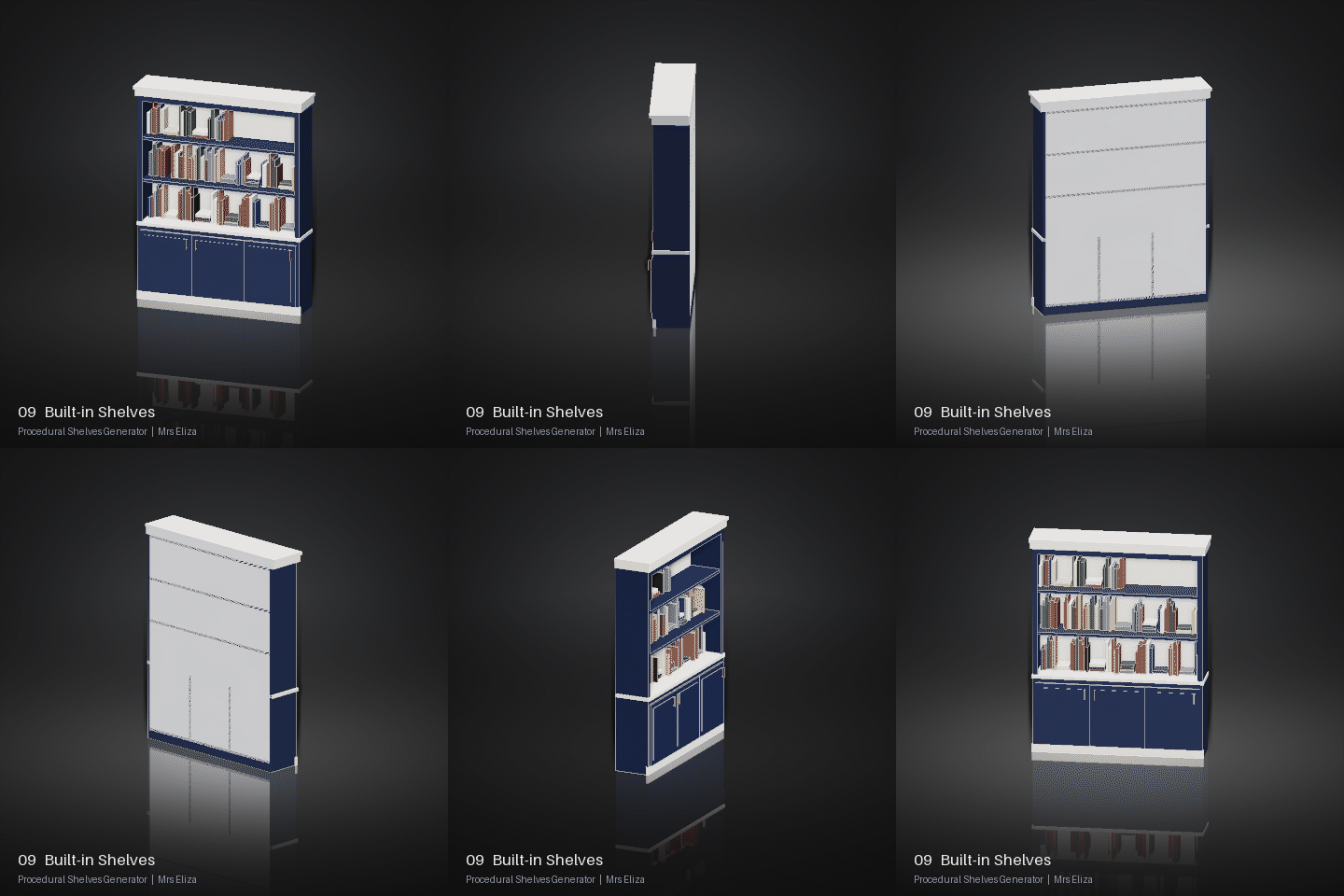
Built-In Shelves
-
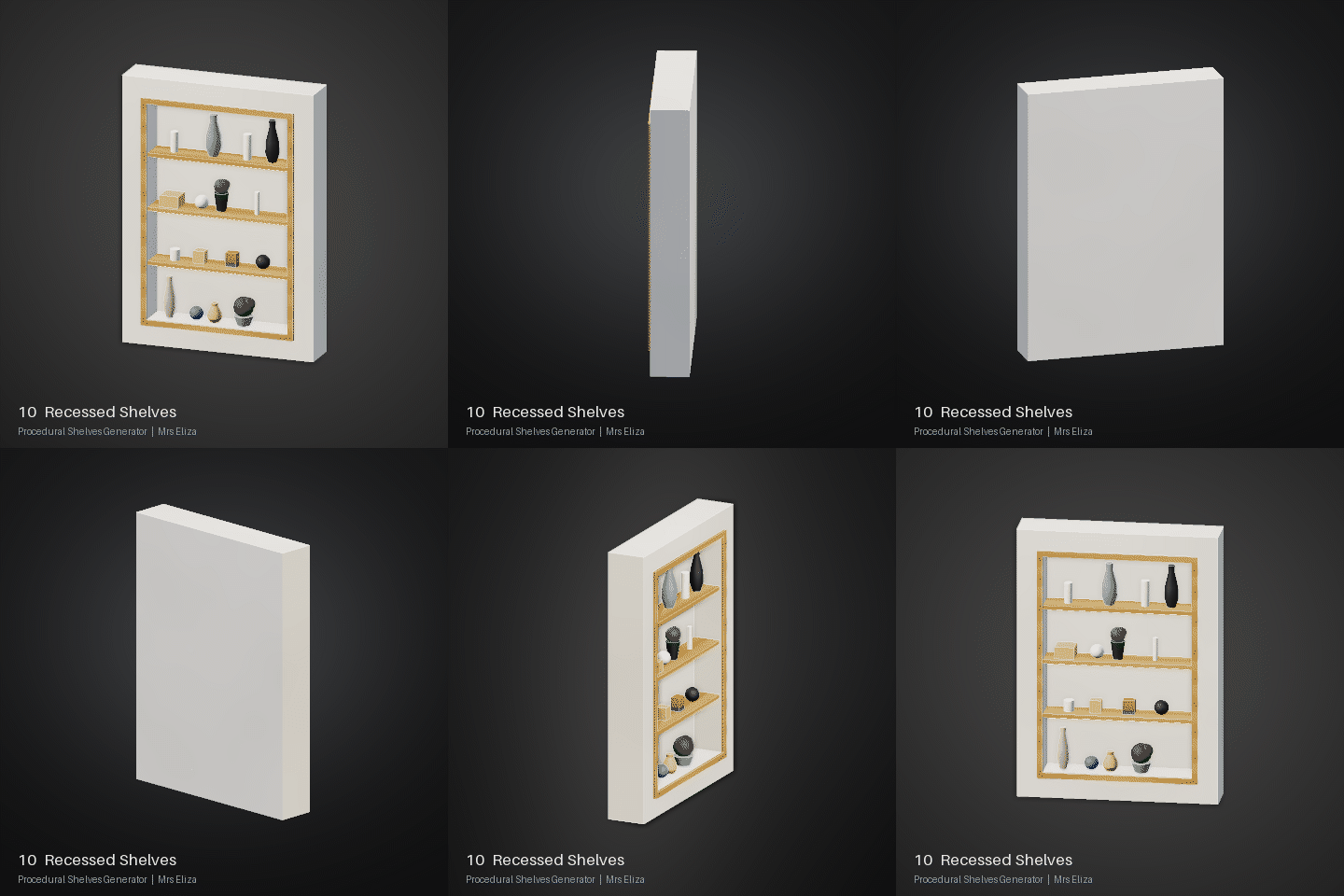
Recessed Shelves
-
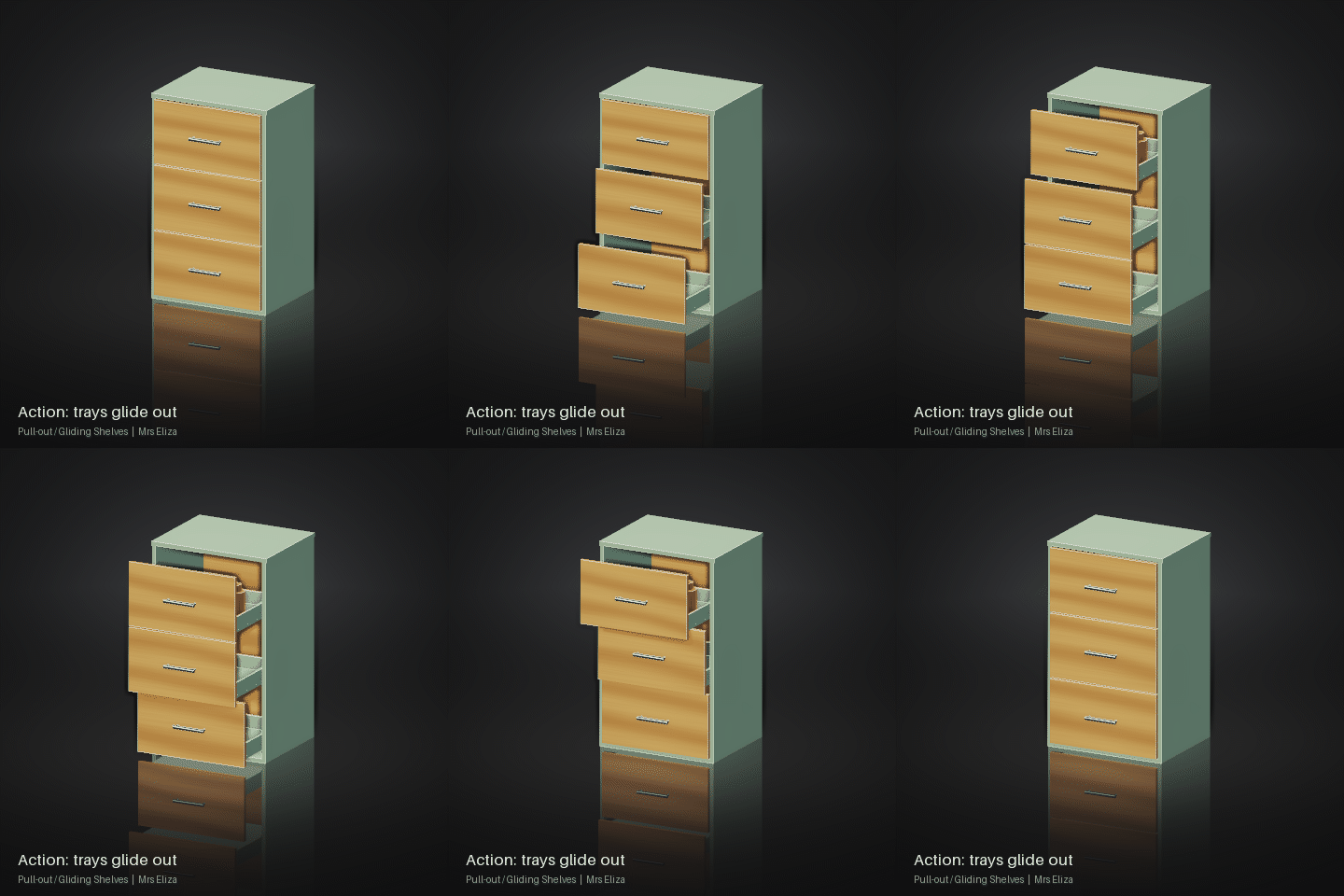
Pull-Out / Gliding Shelves
-
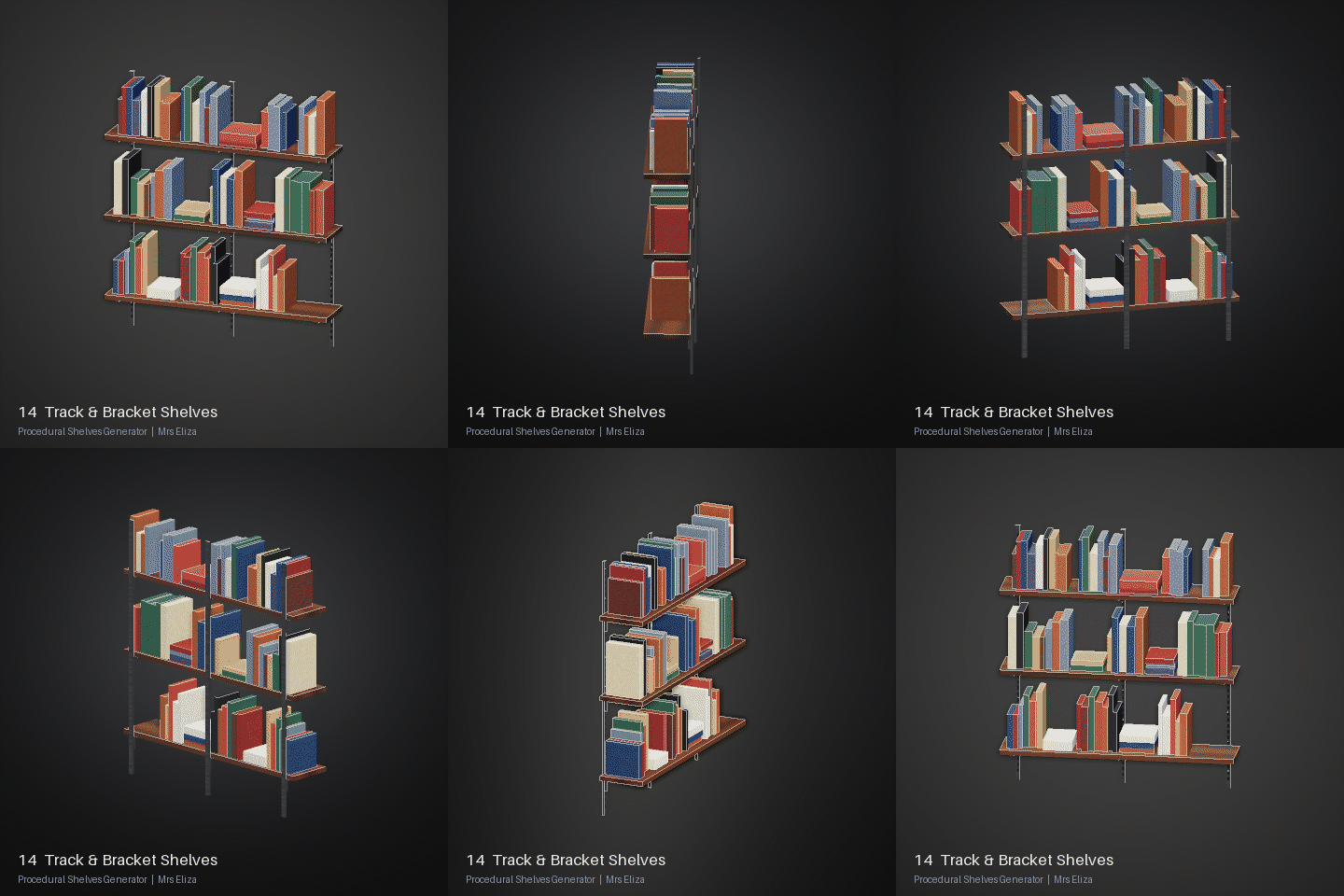
Adjustable Track / Standards-and-Bracket Shelves
Specialized & Display Shelves
-
Wire / Metal Storage Racks
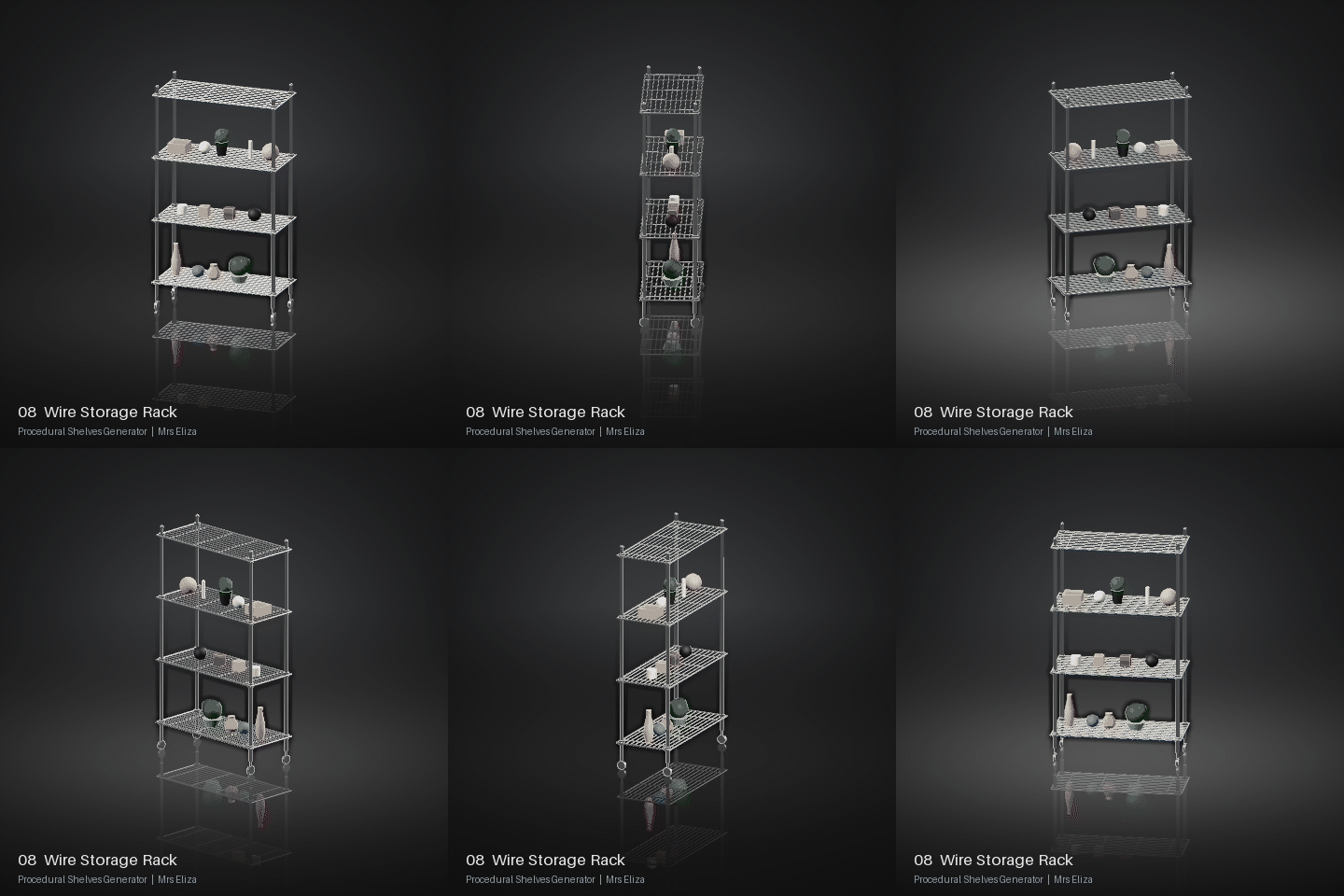
-
Tension-Rod Shelves
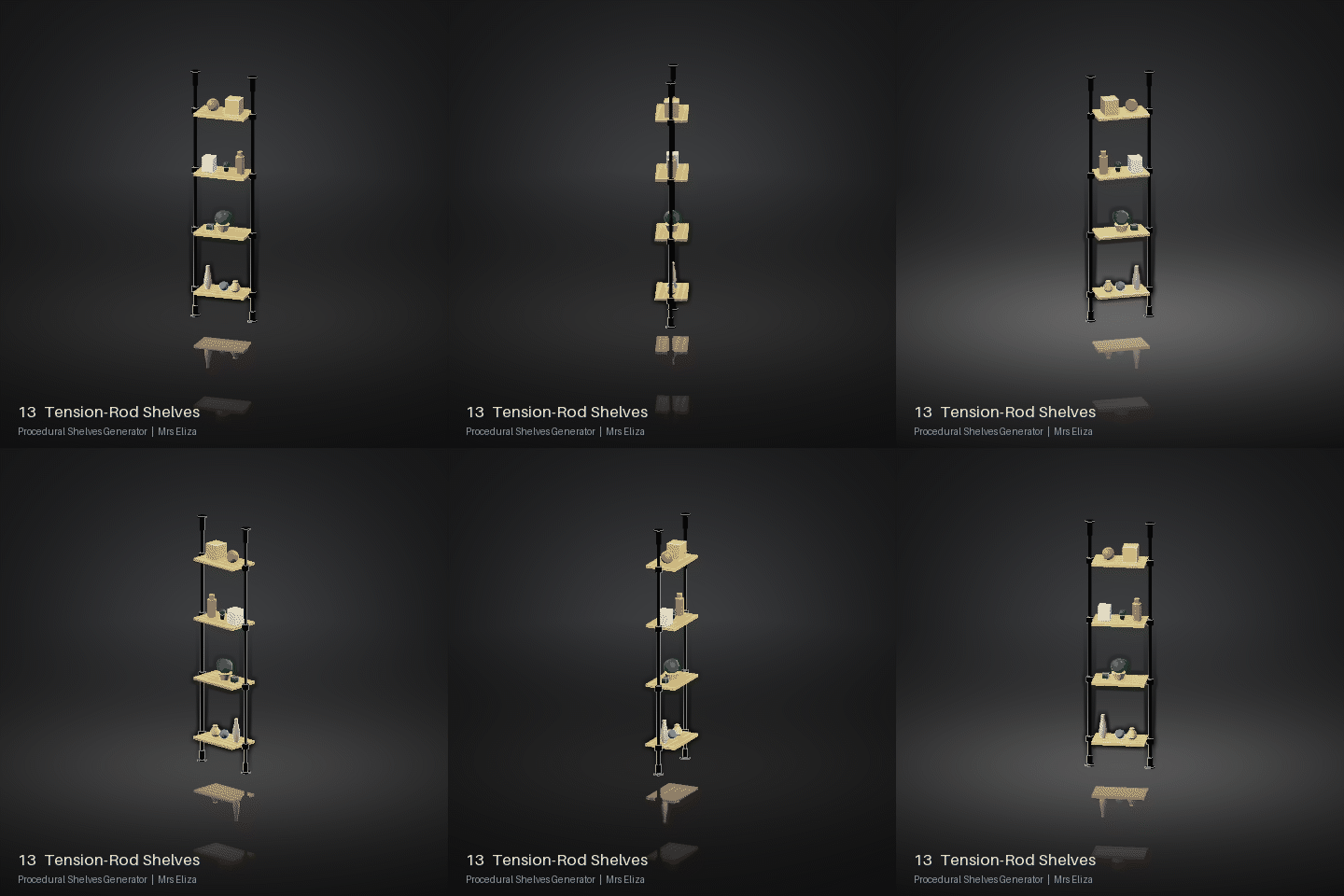
-
Over-the-Door / Over-the-Toilet Shelves
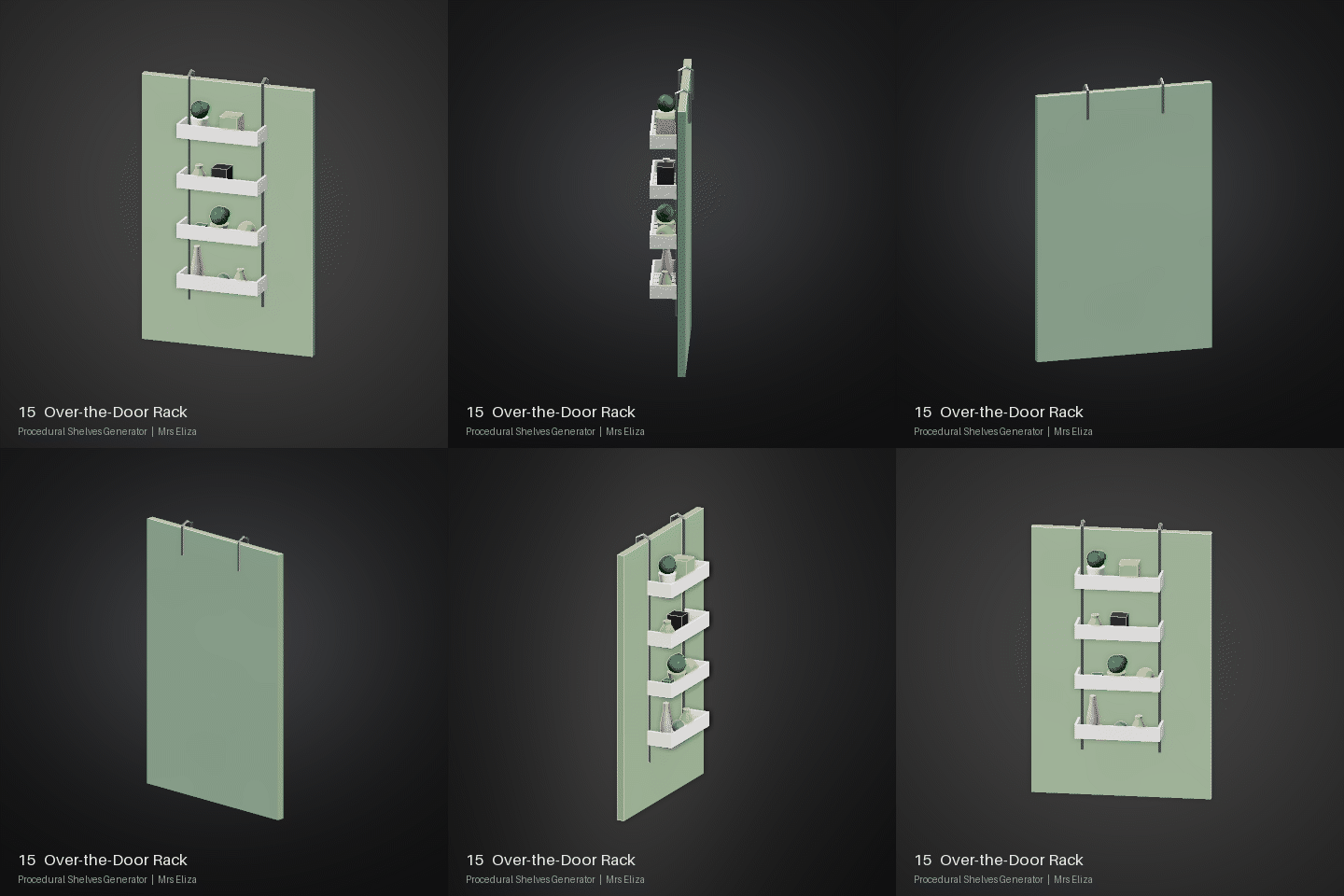
-
Rotating / Lazy Susan Shelves
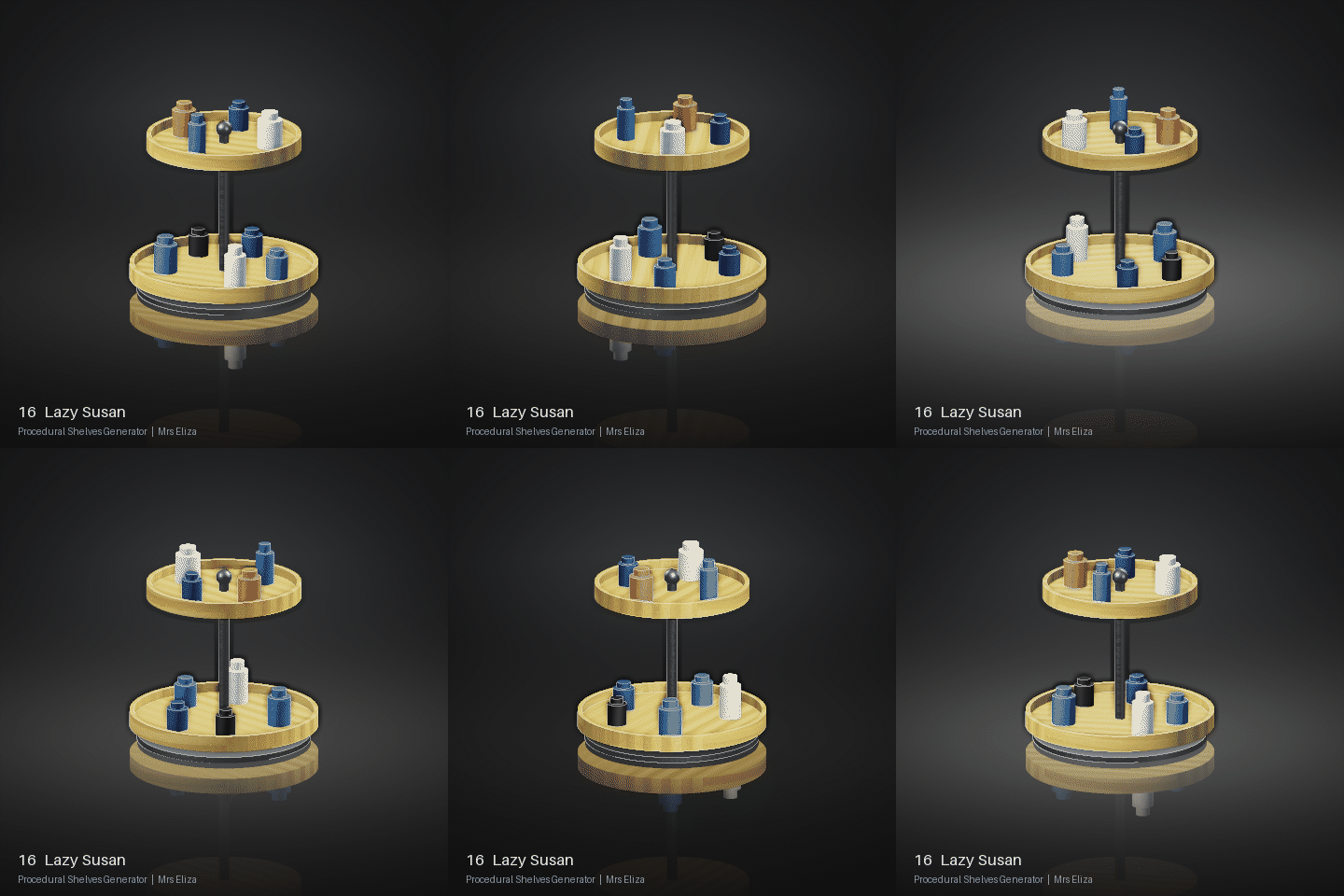
-
Display / Curio Shelves
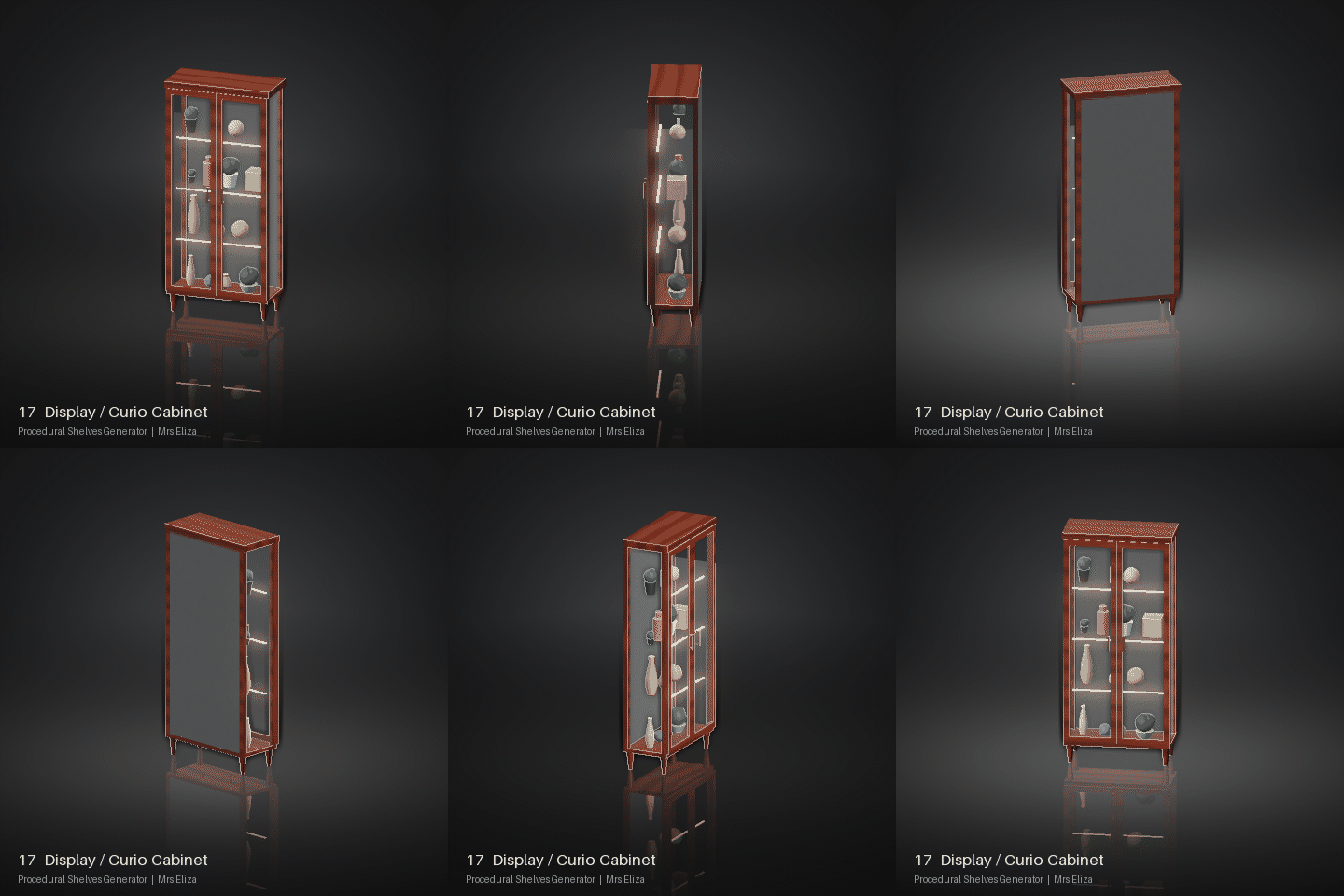
-
Industrial Pipe Shelves
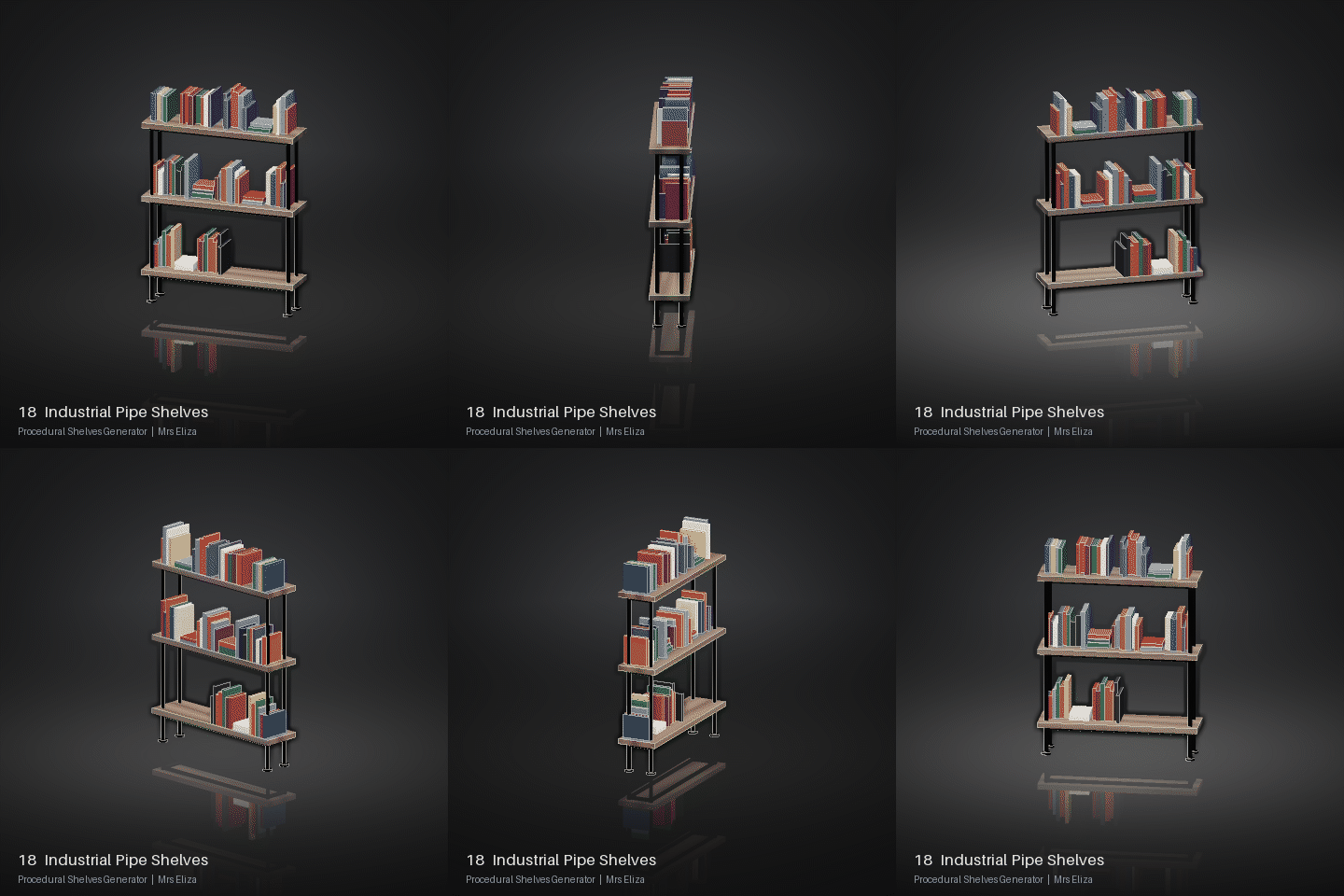
Each shelf type provides its own structural design and can be customized using the available procedural controls.
Shelf Library & Preview System
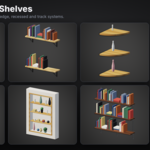
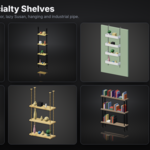
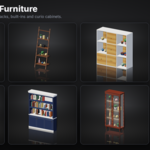
Explore the included shelf collection through an organized visual library.
Library Features:
36 ready-made shelf presets.
Two presets for each shelf type.
Static thumbnail previews.
Category-based filtering.
Quick shelf selection.
One-click shelf creation.
Browse the available designs, select a preset, and add it directly to your Blender scene.
Fully Customizable Shelf Geometry
Take control of your shelf design with detailed procedural modeling options.
Shape & Dimension Controls:
Width
Height
Depth
Board Thickness
Number of Bays
Number of Columns
Door Settings
Back Panel Options
Legs
Edge Bevel
Additional Customization:
LED Strip Options
Books and Decorative Fill
Random Seed
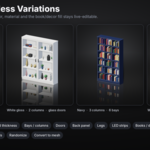
Structural Variations
Adjust the settings to create different shelf configurations while maintaining a fully procedural workflow.
Live Update: Changes are reflected directly in the viewport, allowing you to experiment with different designs without rebuilding everything manually.
59 Procedural Materials
Customize the appearance of your shelves with 59 node-based procedural materials.
Material Categories
Wood Materials – 16
Create natural and decorative wooden shelf surfaces.
Paint Materials – 12
Apply painted finishes and different color variations.
Metal Materials – 14
Create metallic structural components and hardware.
Stone Materials – 9
Add stone-inspired surfaces to your furniture designs.
Glass Materials – 3
Create glass shelf components and transparent display elements.
Fabric Materials – 5
Apply fabric-style materials to suitable shelf components.
Material Assignment System
The add-on includes four independent material roles:
Main Material
Hardware Material
Accent Material
Glass Material
Choose materials from the built-in swatch library or enable Use My Own Materials to assign your own custom materials.
All included materials are generated using shader nodes and do not require external image textures or UV maps.
Decorative Fill & Shelf Details
Make your shelf designs more visually interesting with additional procedural elements.
Available Options:
Book placement.
Decorative object fill.
Fill customization.
Random Seed control.
Edge bevel adjustments.
Use these options to create more complete furniture displays and presentation-ready arrangements.
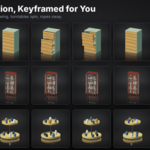
Built-In Animation System
Bring your procedural shelves to life with four built-in animation modes.
1. Assemble Animation
Create a construction-style animation where the shelf builds itself board by board.
Useful for:
Furniture assembly presentations.
Product demonstrations.
Modeling breakdowns.
Construction-style animations.
2. Action Animation
Apply motion specific to the selected shelf type.
Examples include:
Pull-out trays sliding outward.
Cabinet doors swinging open.
Lazy Susan shelves rotating.
Hanging shelves swaying.
3. Turntable Animation
Create a looping 360-degree rotation of your shelf.
Ideal for:
Product showcases.
Furniture previews.
Marketplace presentations.
Portfolio animations.
4. Drop In Animation
Create a bouncy entrance effect as the shelf drops into position.
Useful for:
Product advertisements.
Motion graphics.
Animated presentations.
Animation Controls
Animation Mode
Start Frame
Duration
Looping
All animations are keyframed automatically, and the resulting keyframes remain editable inside Blender's Graph Editor.
One-Click Studio Setup
Create a complete studio environment with a single operation.
One-Click Setup automatically:
Loads the procedural materials.
Creates a studio floor.
Creates a background wall.
Sets up lighting.
Adds a camera.
Creates a starter shelf.
This provides a convenient starting point for previewing and presenting your generated shelf designs.
Spend less time preparing scenes and more time creating and customizing furniture.
Randomize, Reset & Convert to Single Mesh
Additional tools make it easier to manage your generated shelf designs.
Randomize
Explore different procedural variations and discover new shelf configurations.
Reset
Restore the original preset settings when you want to start again.
Convert to Single Mesh
Bake the generated shelf into one editable mesh object for further manual modeling and customization.
User Interface Design
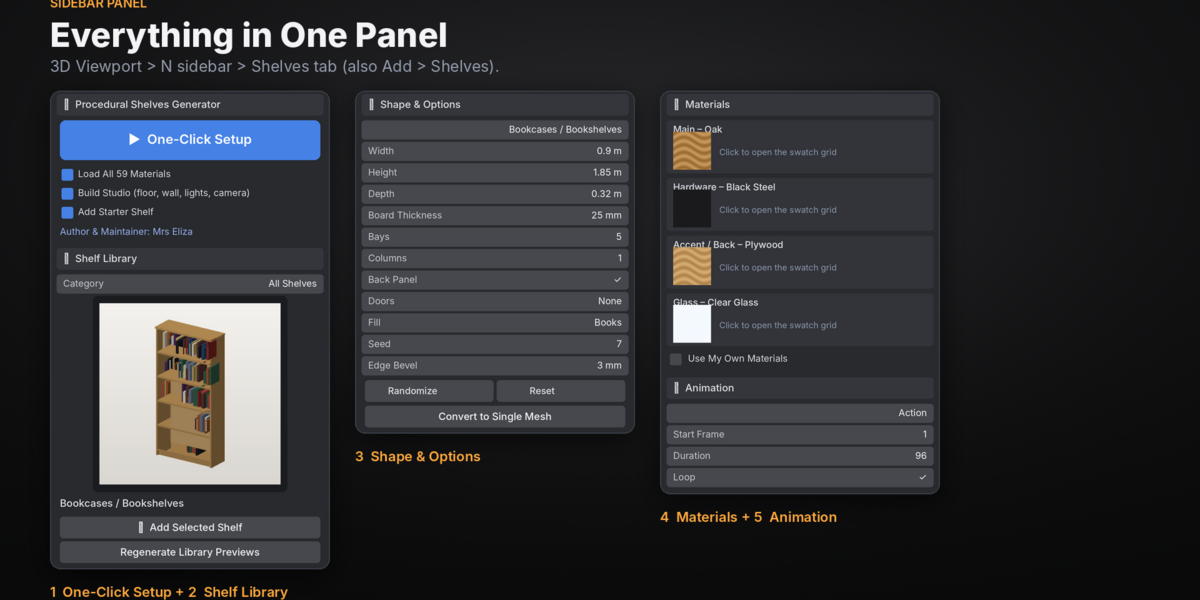
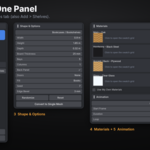
The add-on provides a dedicated and organized sidebar interface, allowing you to access the main tools and customization options from one location.
Shelves Panel
The main interface for accessing the procedural shelf generator.
One-Click Setup
Create the studio environment, load materials, and generate a starter shelf.
Shelf Library
Browse 36 shelf presets, filter by category, and select designs through visual thumbnails.
Shape & Options
Customize shelf dimensions, structure, bays, columns, doors, back panels, decorative fill, random seed, and bevel settings.
Materials
Manage the four material roles using the built-in material swatch grid or assign your own materials.
Animation
Choose between Assemble, Action, Turntable, and Drop In animation modes. Customize the starting frame, duration, and looping.
The interface keeps the workflow organized while providing convenient access to the available procedural controls.
One-Click Workflow
Create and customize a shelf in just a few steps.
Open Blender.
Go to the 3D Viewport.
Press N to open the sidebar.
Select the Shelves tab.
Click One-Click Setup to prepare your studio.
Open Shelf Library.
Filter by category and choose a shelf preset.
Click Add Selected Shelf.
Open Shape & Options to customize the geometry.
Use Materials to change the appearance.
Open Animation to apply your preferred animation.
Preview your final result in the viewport or render your scene.
Your shelf remains procedurally editable, allowing you to explore different designs and settings.
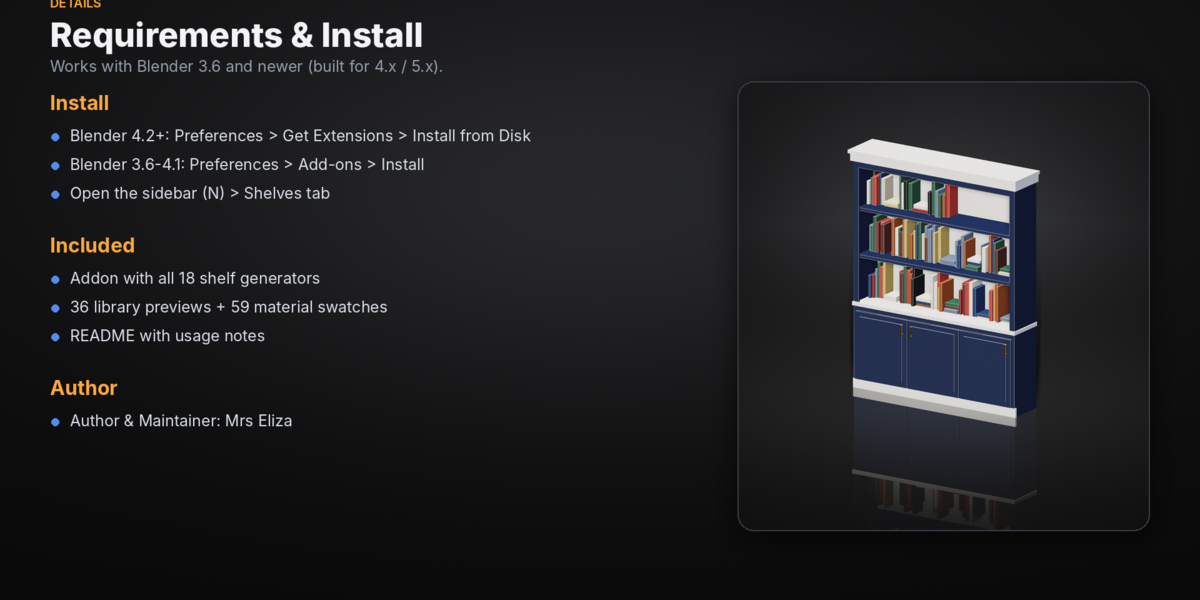
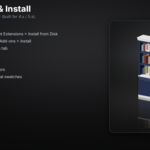
Requirements & Installation
Supported Blender Versions:
Blender 3.6
Blender 3.7
Blender 3.8
Blender 3.9
Blender 4.x
Blender 5.x (as stated in the documentation)
No additional add-ons or external image files are required.
Installation for Blender 4.2 and Newer
Download the Extension ZIP package.
Open Blender.
Navigate to Edit → Preferences → Get Extensions.
Select Install from Disk.
Choose the extension ZIP file.
Enable Procedural Shelves Generator.
Installation for Blender 3.6 – 4.1
Download the Add-on ZIP package.
Open Blender.
Navigate to Edit → Preferences → Add-ons.
Click Install.
Select the add-on ZIP file.
Enable Procedural Shelves Generator.
After installation, open the 3D Viewport and press N to access the Shelves tab.
You can also create shelves through:
Add → Shelves
Technical Information & Notes
Product: Procedural Shelves Generator
Author & Maintainer: Mrs Eliza
Blender Compatibility: 3.6 and newer
Shelf Types: 18
Library Presets: 36
Procedural Materials: 59
Animation Modes: 4
Generation Type: Procedural Geometry
Material System: Shader Nodes
UV Unwrapping: Not Required
External Image Textures: Not Required
Important Notes:
Materials use object-space coordinates, so generated shelves do not require UV unwrapping.
Product preview images show shelves created using a separate software renderer. Actual Blender results depend on the render engine, materials, and lighting.
The Shelves panel shown in promotional images is an illustrative interface layout.
Frequently Asked Questions (FAQ)
Q: Which Blender versions are supported?
The add-on supports Blender 3.6 and newer. Separate installation packages are provided for Blender 3.6–4.1 and Blender 4.2+.
Q: How do I open the Shelves Generator?
Open the 3D Viewport, press N, and select the Shelves tab from the sidebar.
Q: Can I create different types of shelves?
Yes. The add-on includes 18 procedural shelf types, including floating shelves, bookcases, corner shelves, industrial pipe shelves, display shelves, and more.
Q: How many presets are included?
The Shelf Library includes 36 presets, with two presets for each of the 18 shelf types.
Q: Can I customize the shelf dimensions?
Yes. You can adjust width, height, depth, board thickness, bays, columns, doors, back panels, and other available structural options.
Q: Do changes update automatically?
Yes. The procedural controls update your shelf directly in the viewport, allowing you to see your modifications while working.
Q: Can I use my own materials?
Yes. Enable Use My Own Materials in the Materials section to assign custom materials to the four available roles: Main, Hardware, Accent, and Glass.
Q: Are the included materials image-based?
No. The 59 materials are created using shader nodes. They do not require external image files or UV maps.
Q: Can I animate the shelves?
Yes. The add-on includes Assemble, Action, Turntable, and Drop In animation modes.
Q: Can I edit the animation keyframes?
Yes. Generated animation keyframes remain editable in Blender's Graph Editor.
Q: Can I animate different shelf types with different movements?
Yes. The Action mode provides shelf-type-specific movements, such as sliding trays, swinging doors, rotating Lazy Susan shelves, and swaying hanging shelves.
Q: What does One-Click Setup do?
It loads materials, creates a studio floor and wall, sets up lighting and a camera, and adds a starter shelf to your scene.
Q: Can I generate different shelf variations?
Yes. Use the Randomize function to explore different procedural variations.
Q: Can I restore the original preset?
Yes. Use the Reset function to restore the preset configuration.
Q: Can I edit the shelf manually after generation?
Yes. Use Convert to Single Mesh to bake the generated shelf into one editable mesh object.
Q: Do I need to unwrap the shelf UVs?
No. The included materials use object-space coordinates, so UV unwrapping is not required.
Q: Do I need external models or texture files?
No. The shelf geometry and included procedural materials are generated inside Blender.
Credits
Author & Maintainer: Mrs Eliza
Product: Procedural Shelves Generator
Included Assets: Procedurally generated geometry and shader-based materials
License: Not specified in the supplied documentation
12 Marketplace Tags
Procedural Shelves, Shelves Generator, Blender Addon, 3D Furniture, Bookshelf Generator, Storage Shelves, Modular Furniture, Procedural Modeling, Interior Design, Display Shelves, Furniture Generator, 3D Architecture