 Mrs Eliza
Troubleshooting and FAQ
Problem |
Fix |
|---|---|
No Signage tab |
Check the add-on is enabled in Preferences › Add-ons, then press N in the 3D Viewport. |
Neon does not glow |
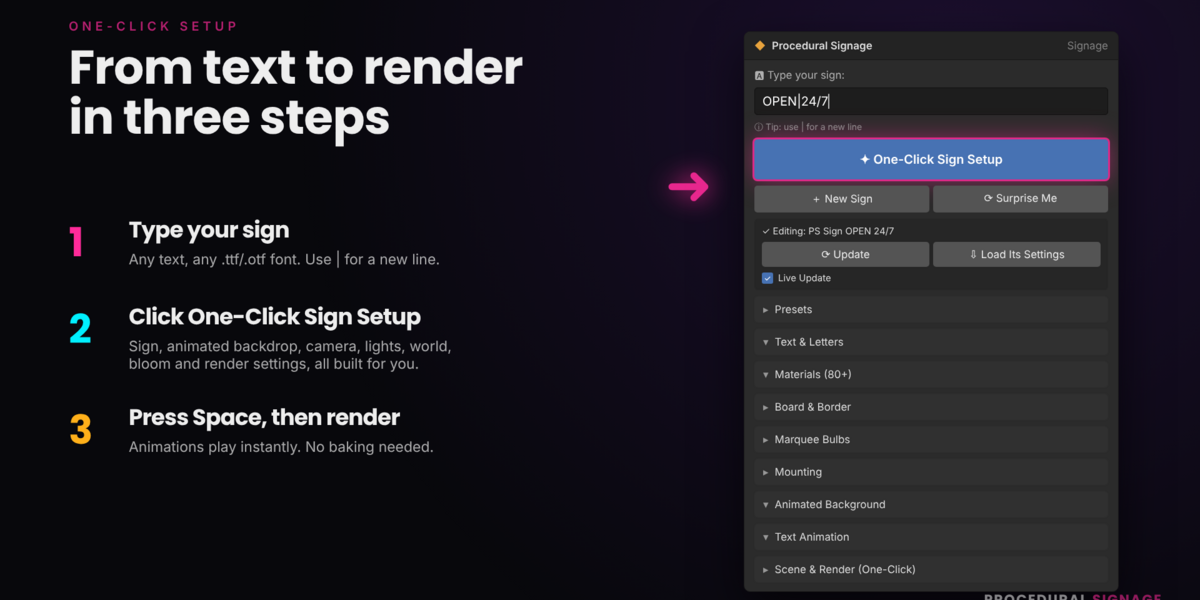
Make sure Bloom / Glow is on in Scene & Render and the viewport is in Rendered mode. Raise Glow Strength if needed. |
Glow too strong or washed out |
Lower Bloom Strength, or raise Bloom Threshold. |
Board is the wrong size |
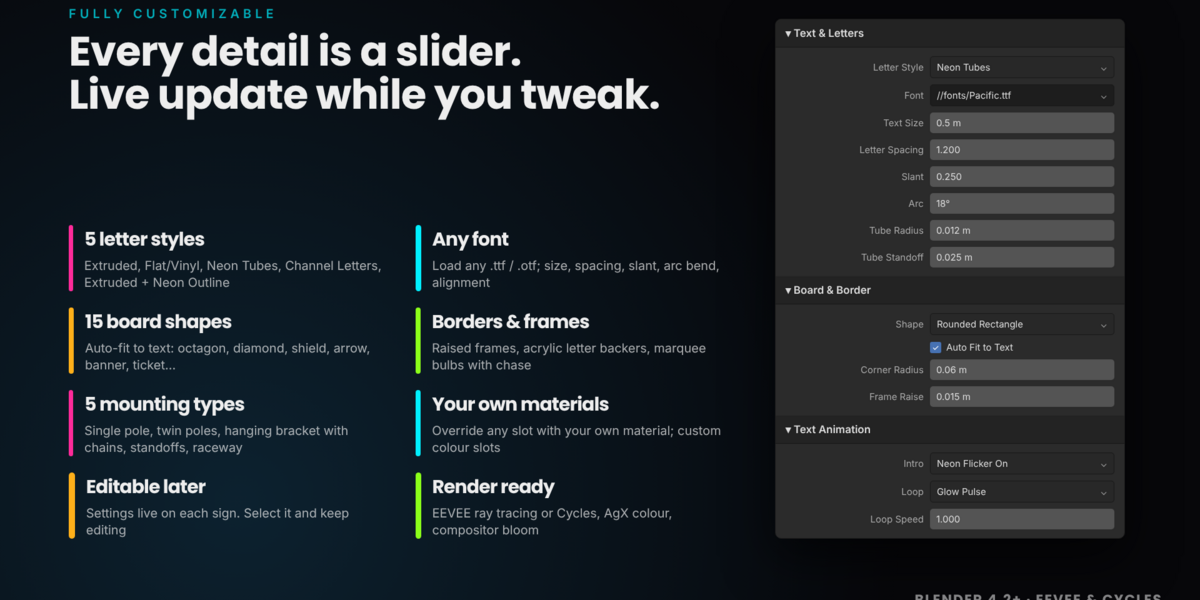
Turn on Auto Fit to Text, or switch it off and set Width and Height yourself. |
My font is not used |
Point Font to a |
Animation does not play |
Press Space with the mouse over the viewport. Intros start at the Start Frame set in Text Animation. |
Typewriter text looks wrong in a render |
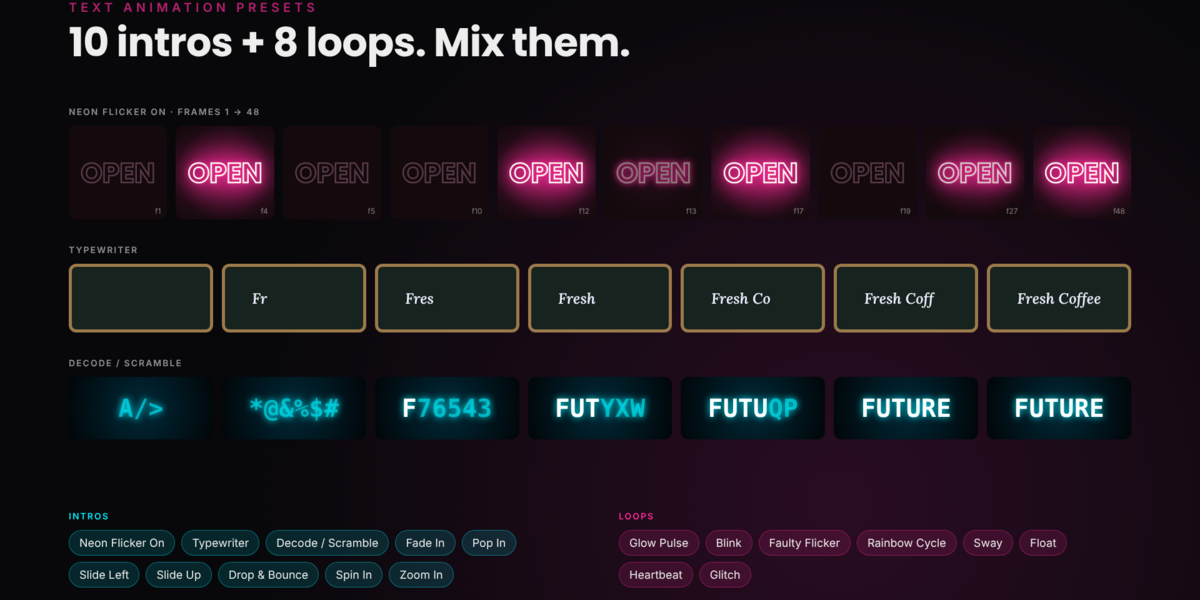
One-Click turns on Render › Lock Interface; keep it on when rendering Typewriter or Decode. |
Changes do not appear |
Select the sign first. With Live Update off, click Update. |
Have questions about this product?
Login to message
| Blender Extension Compatible | Yes |
| Published | 2 days ago |
| Blender Version | 4.2 - 5.2 |
| Extension Type | Add-on |
| Render Engine Used | Cycles, Eevee |
| License | GPL |
Discover more products like this
geometry nodes blender addon 3d billboard street props procedural signs blender 3d Sign Board Maker