 Mrs Eliza
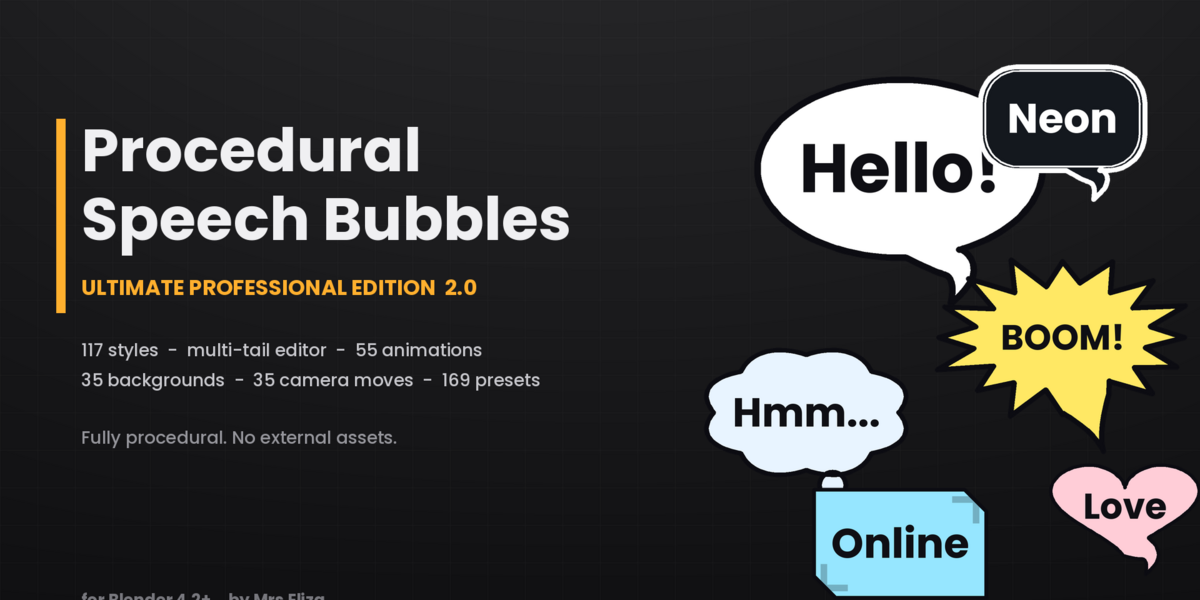
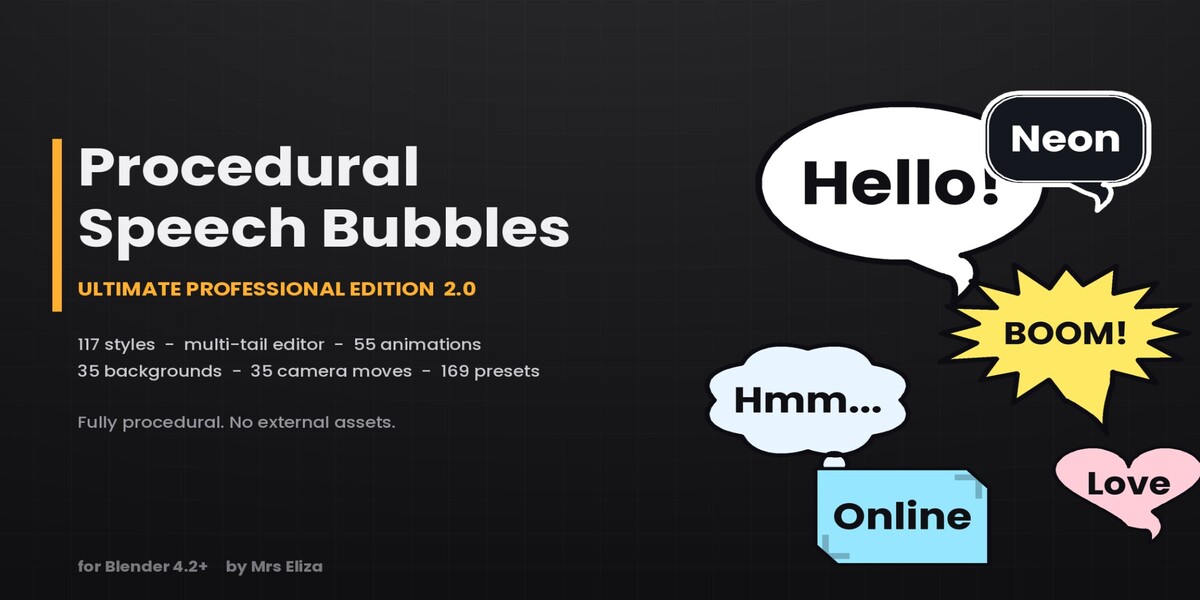
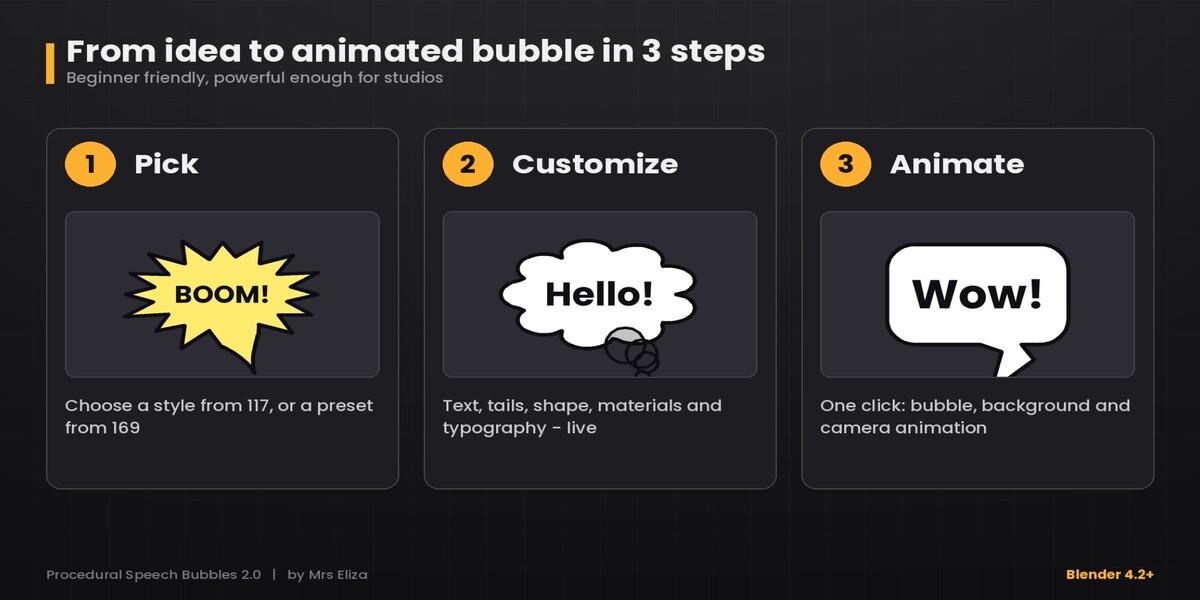
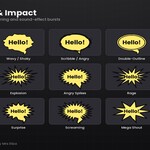
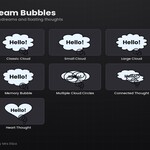
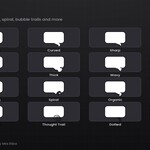
Create professional comic, manga, dialogue, and motion-graphics speech bubbles directly inside Blender!
Overview
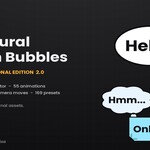
Procedural Speech Bubbles 2.0 transforms Blender into a complete comic, manga, and motion-graphics dialogue studio. Create stunning speech bubbles, customize their shapes, add multiple tails, style typography, and animate entire scenes — all from one convenient panel inside the 3D View.
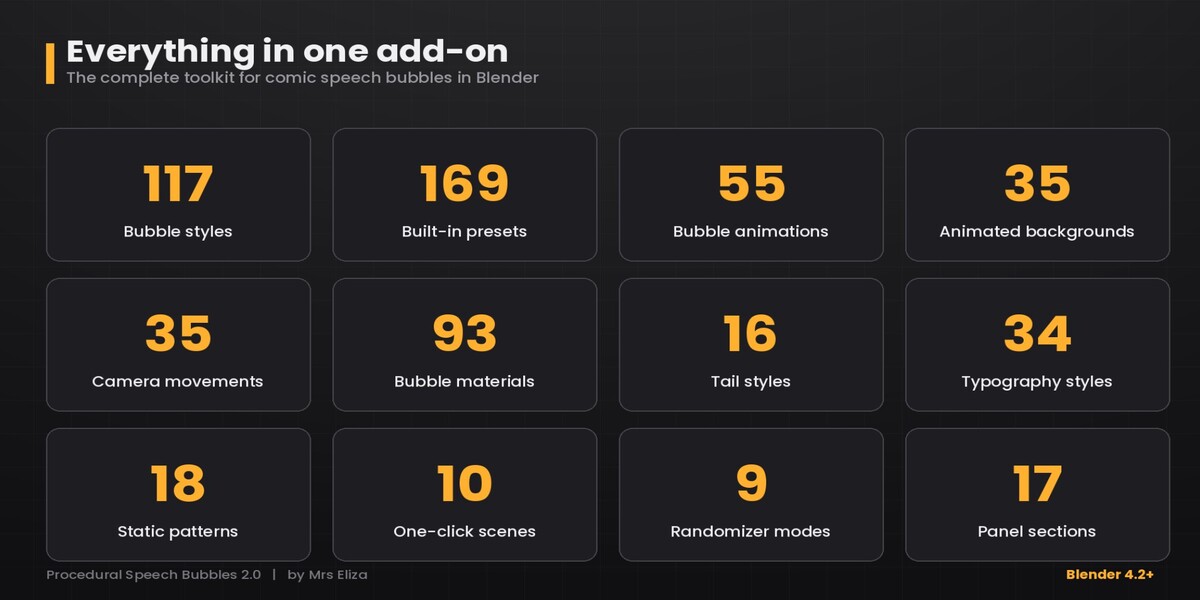
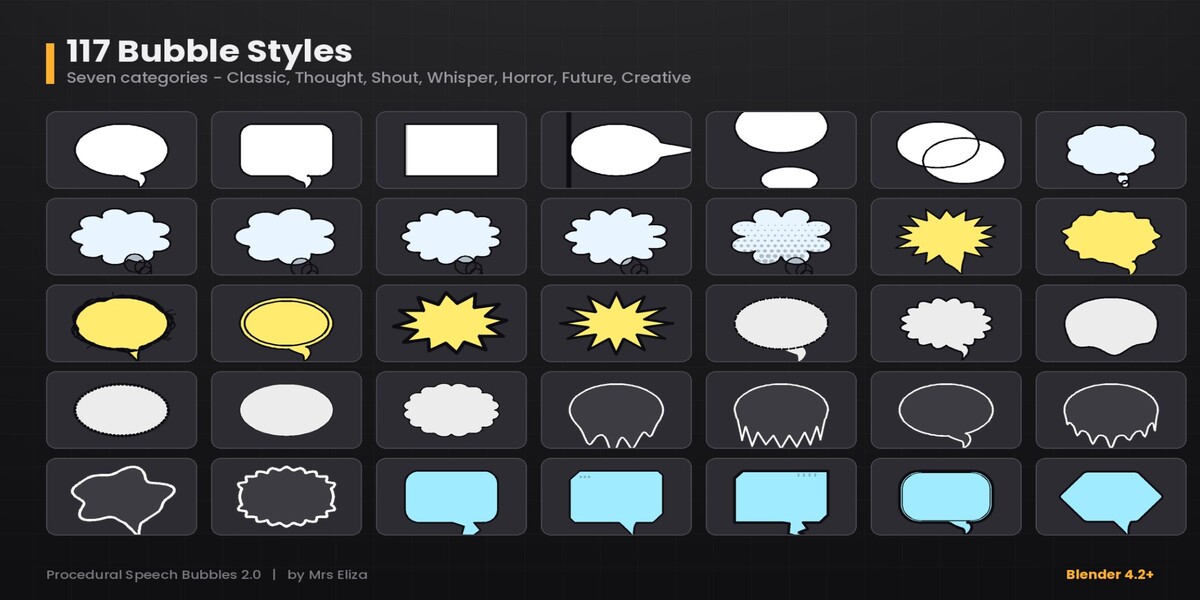
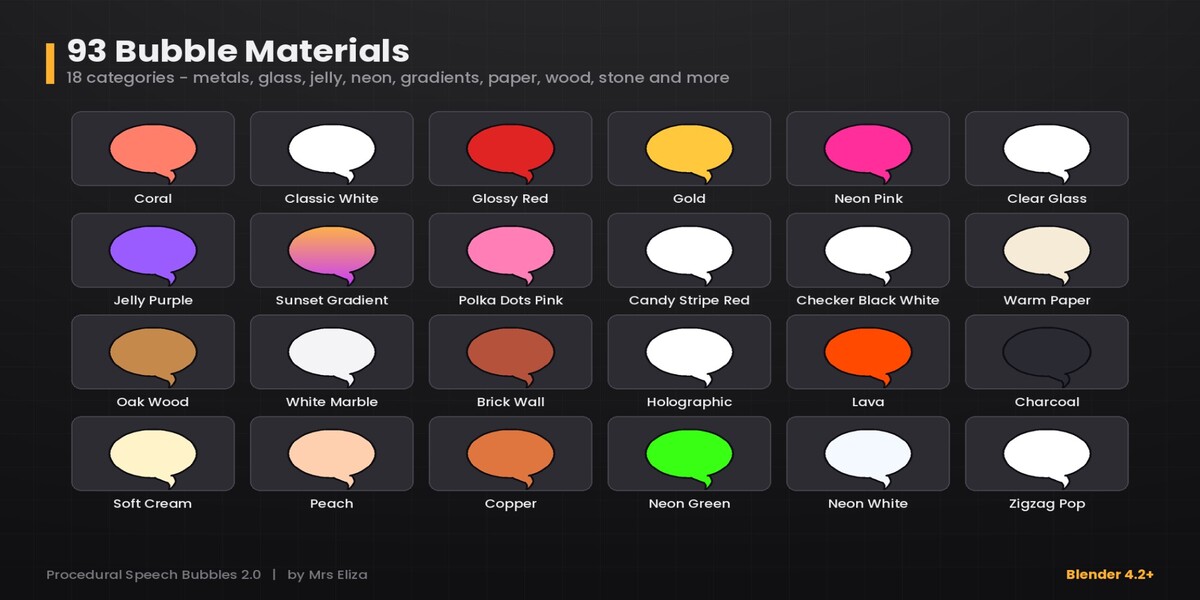
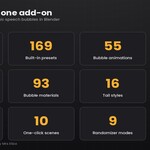
Choose from 117 unique bubble styles, customize your designs with 93 materials, explore 169 ready-made presets, and bring your creations to life with 55 bubble animations, 35 animated backgrounds, and 35 camera animations.
Everything is generated procedurally. No external image assets, texture downloads, or additional files are required.
Key Features & Highlights
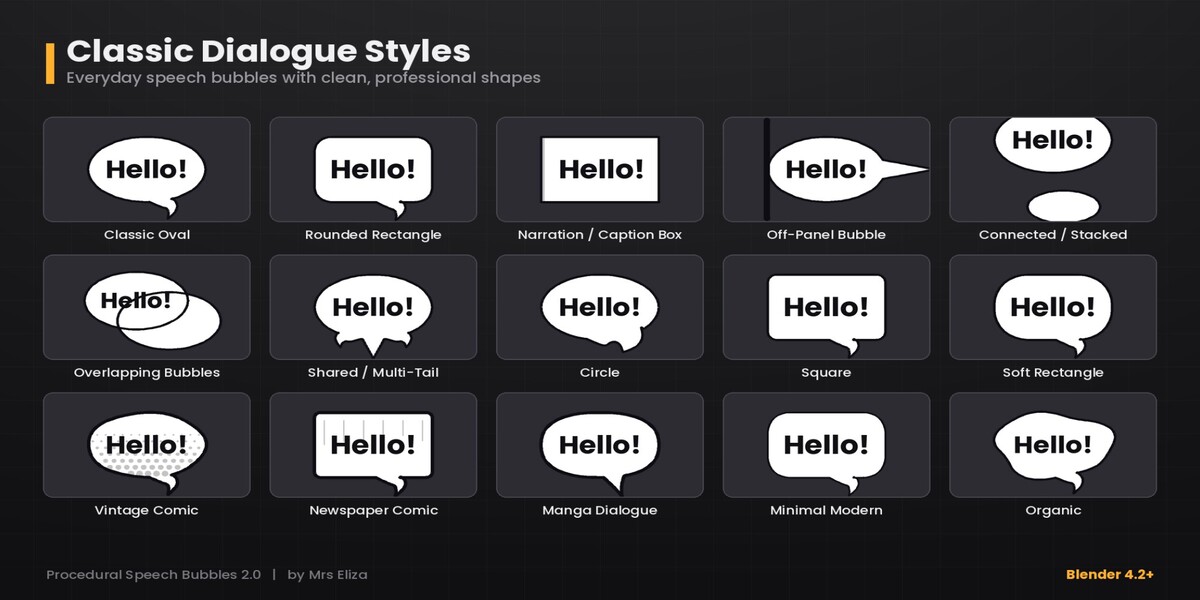
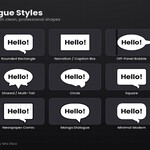
1. 117 Procedural Speech Bubble Styles
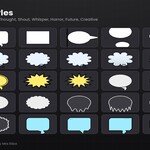
Explore seven creative categories designed for different visual storytelling needs:
Classic
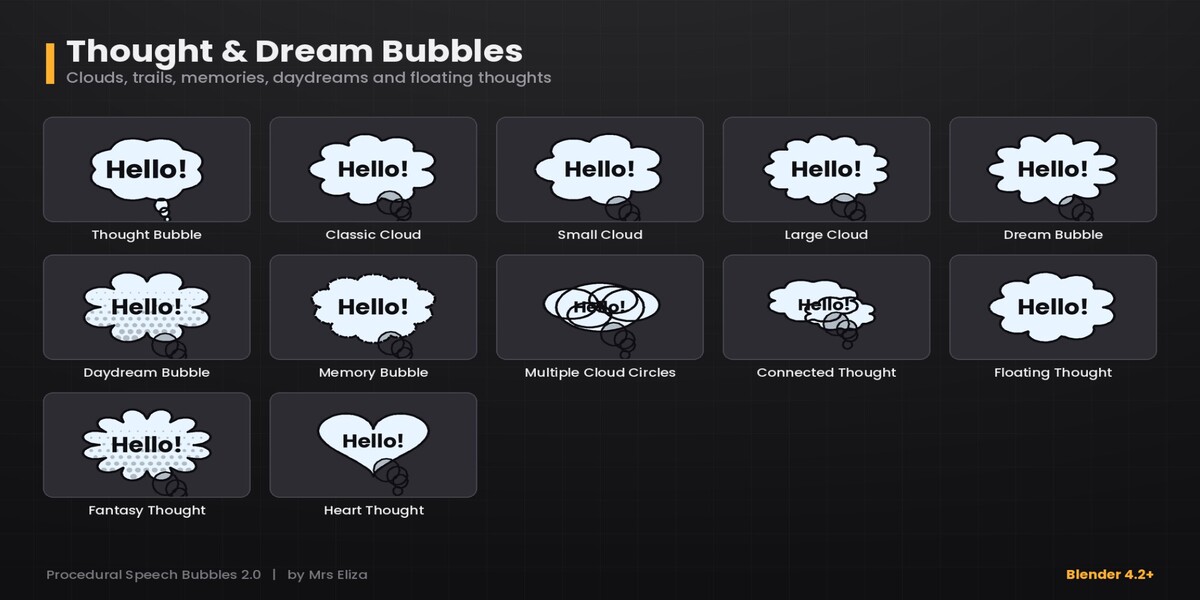
Thought
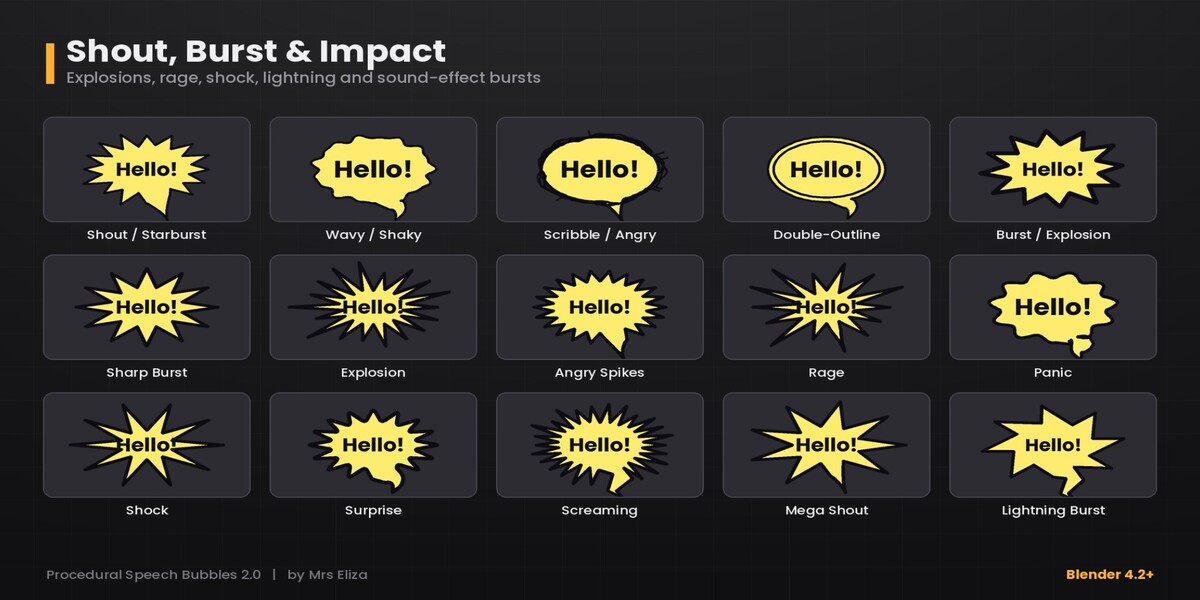
Shout
Whisper
Horror
Future
Creative
Each style includes searchable options, favorites, and preview thumbnails for quick selection.
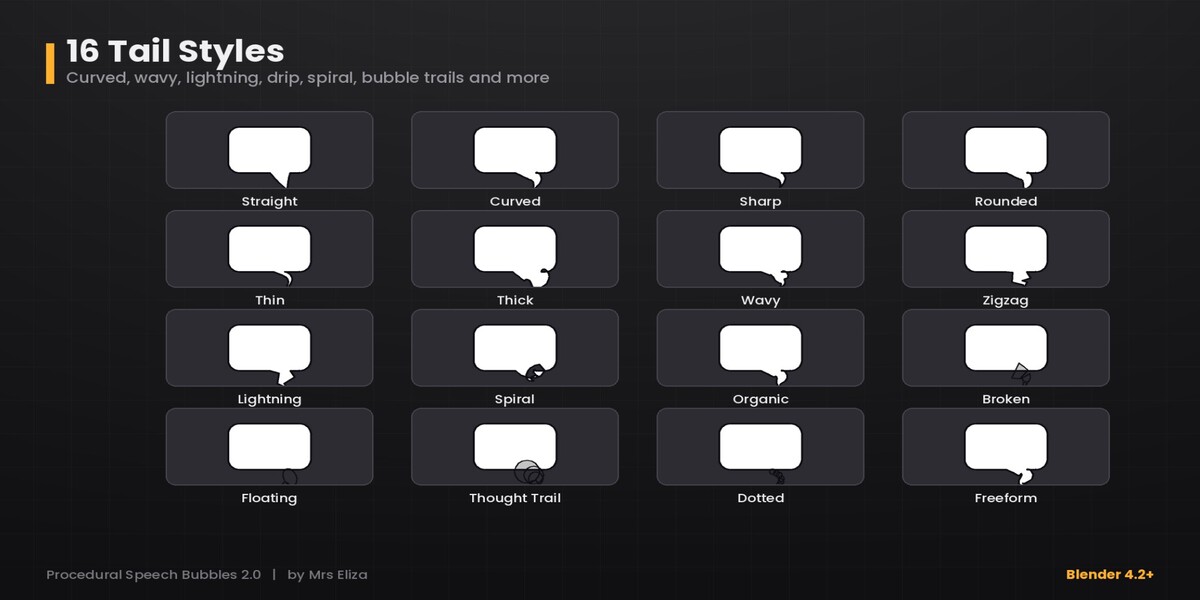
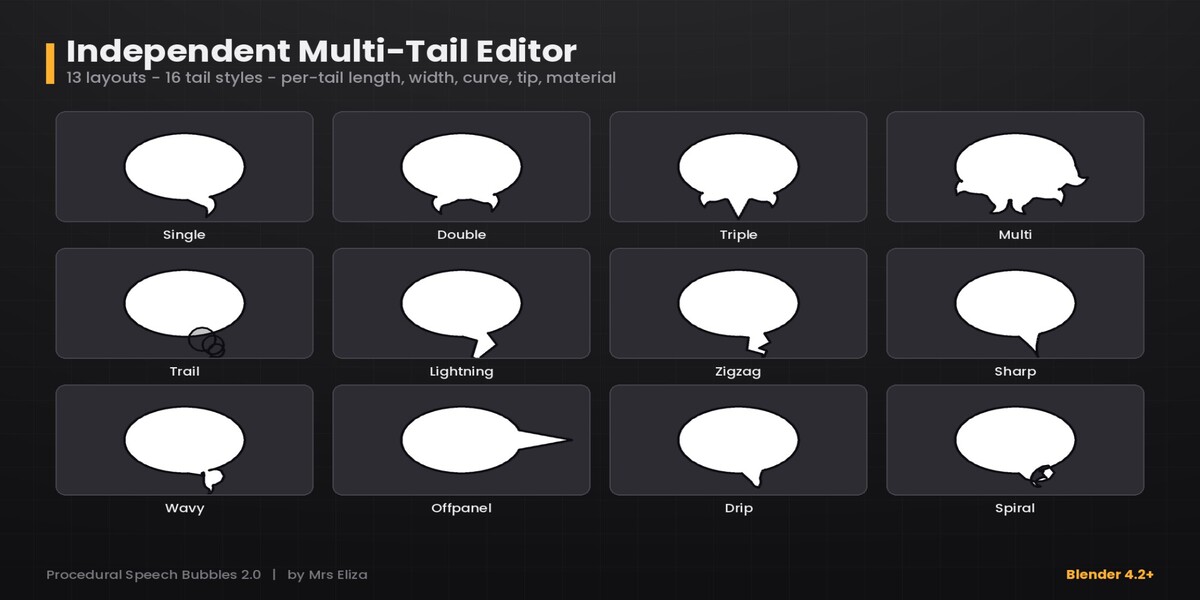
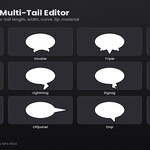
2. Advanced Multi-Tail Editor
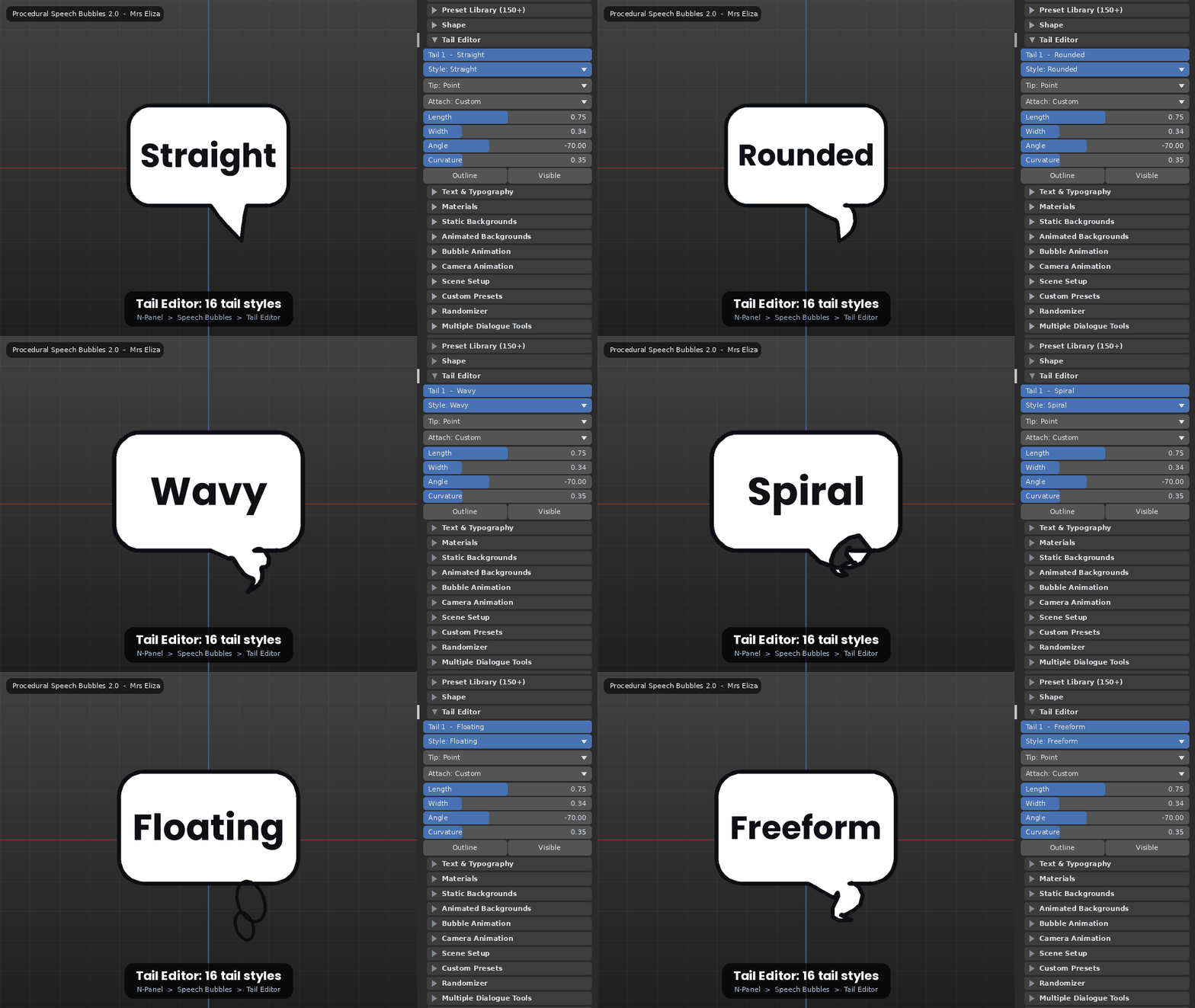
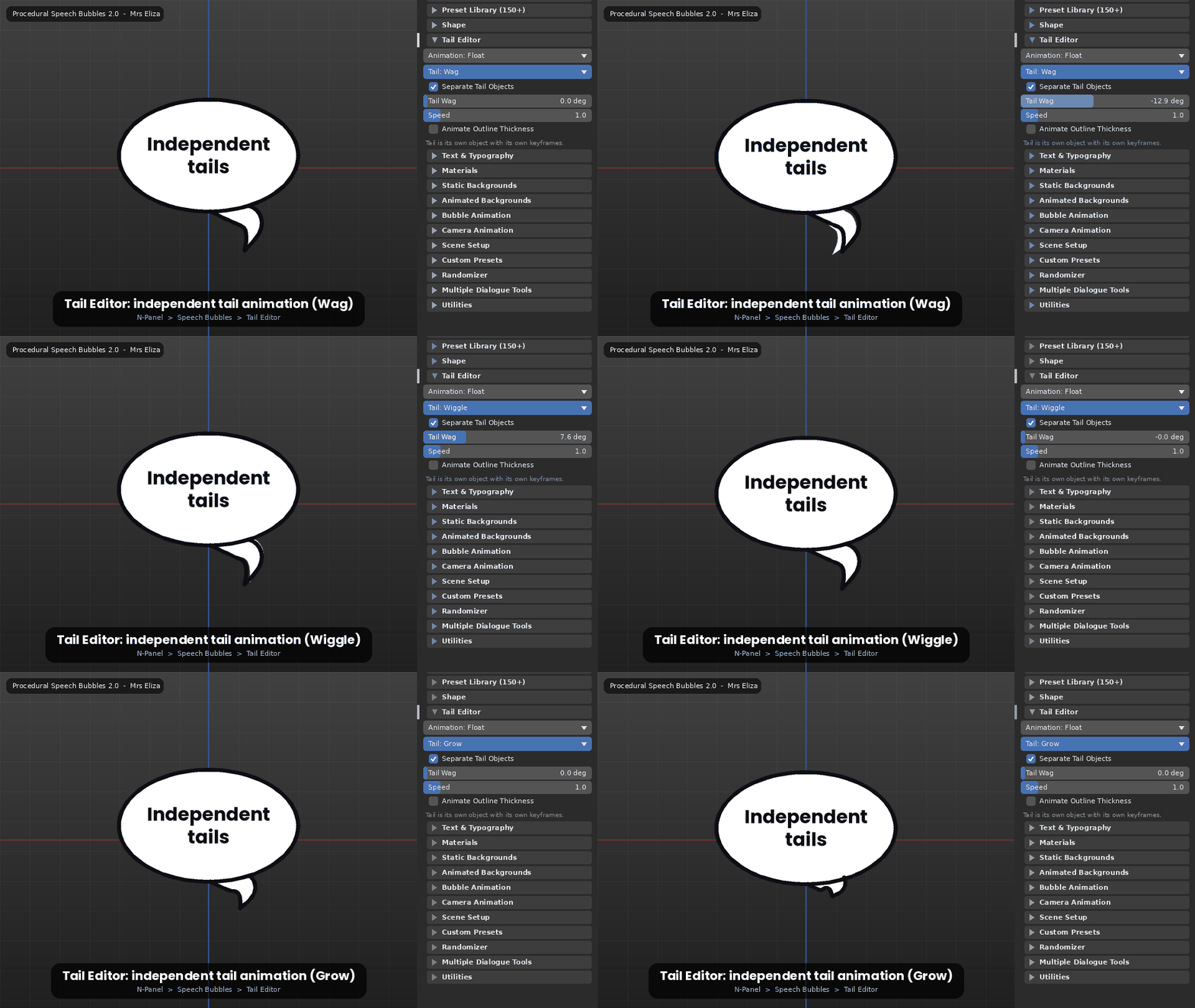
Create expressive dialogue bubbles with independently customizable tails.
13 different tail layouts
16 unique tail styles
Independent tail length and width controls
Adjustable curves and tips
Double, triple, trail, lightning, off-panel, drip, and spiral layouts
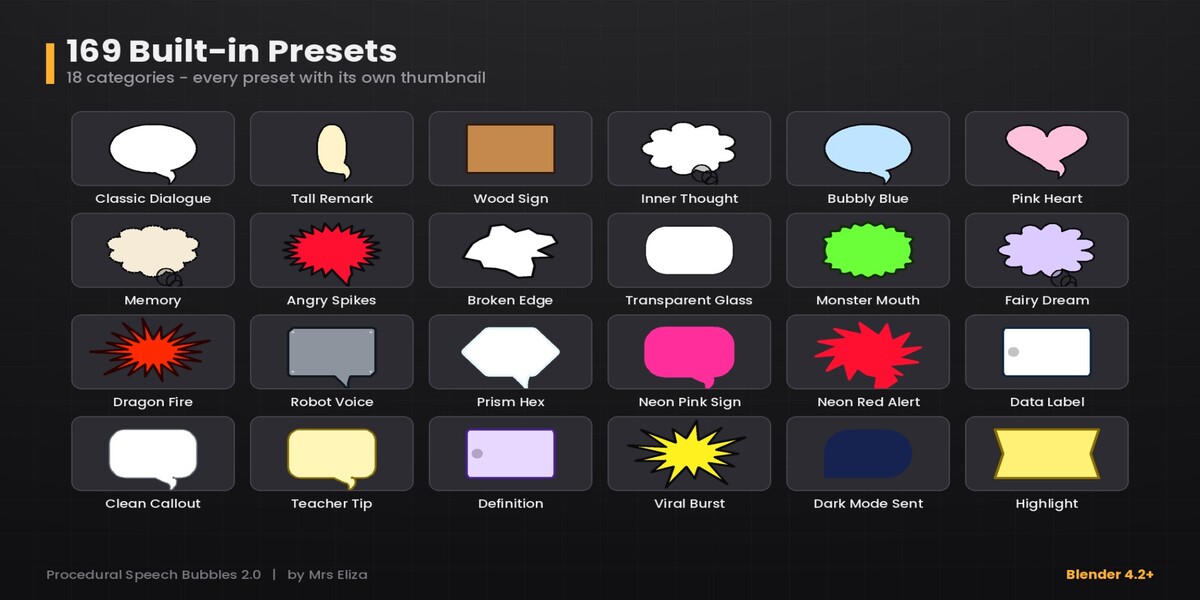
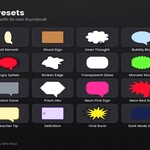
3. 169 Ready-Made Presets
Speed up your workflow with a collection of professionally designed presets across 18 categories.
Browse presets with thumbnails.
Apply ready-made designs instantly.
-
Save your own custom presets.
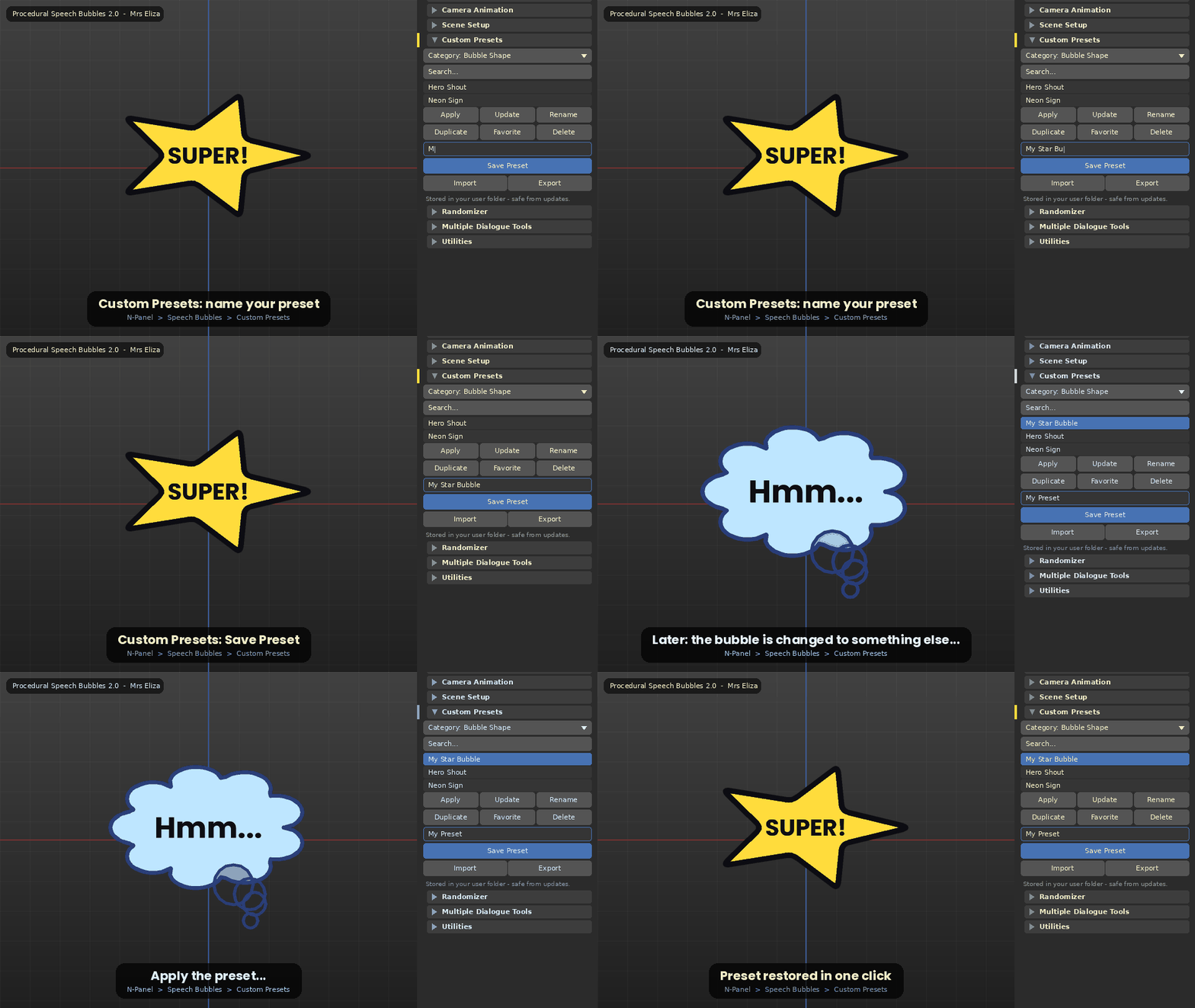
Import and export presets in JSON format.
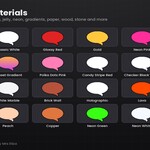
4. 93 Professional Bubble Materials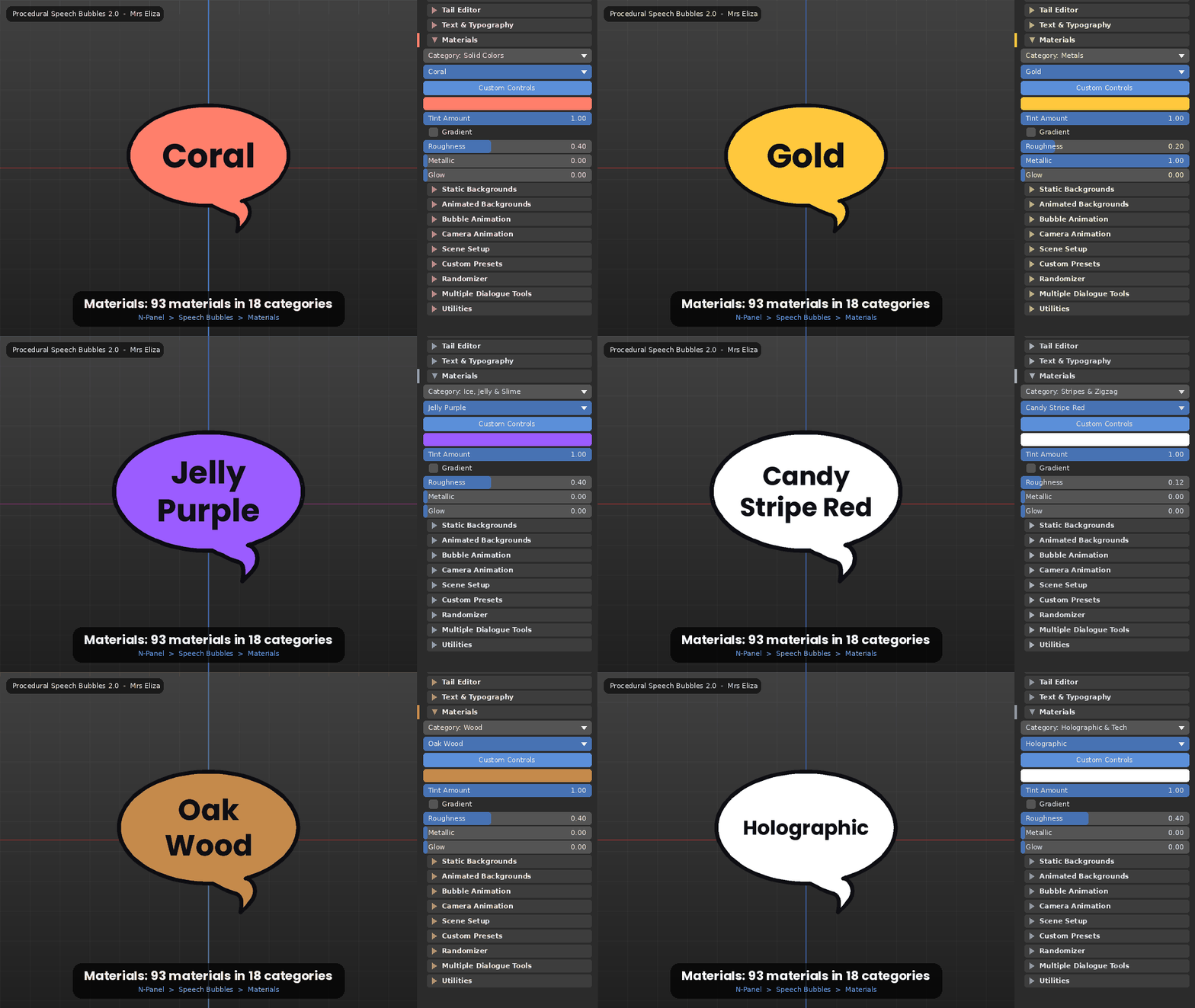
Give your speech bubbles a unique appearance with a versatile material collection.
Includes:
Metallic materials
Glass effects
Jelly materials
Neon effects
Gradient materials
Paper textures
Wood materials
Stone materials
Holographic materials
And more!
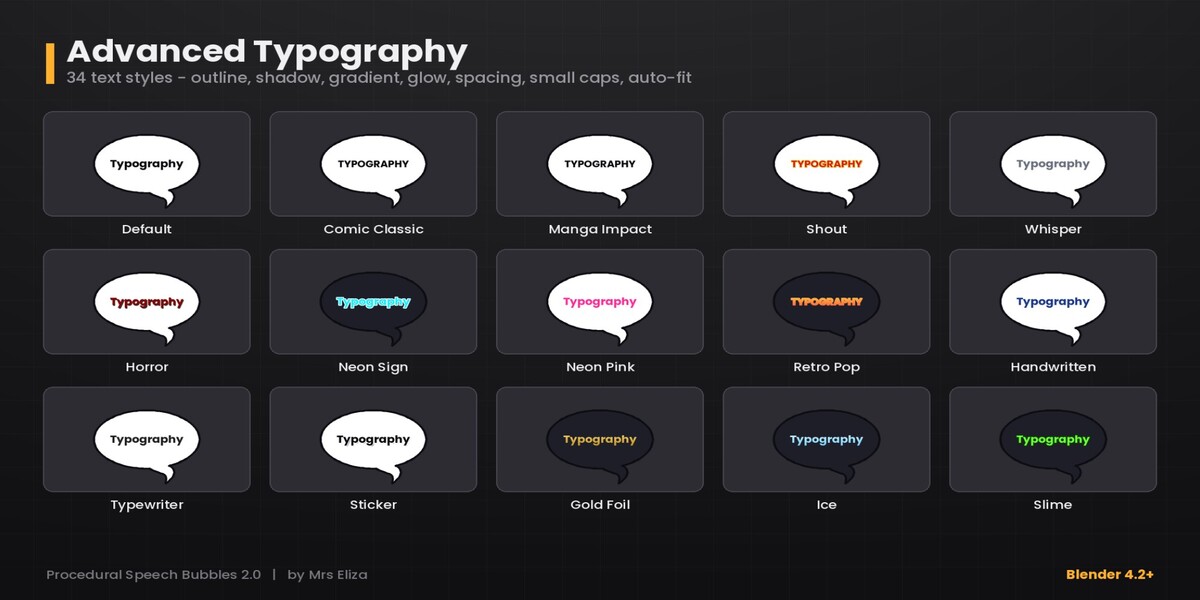
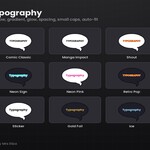
5. 34 Typography Styles
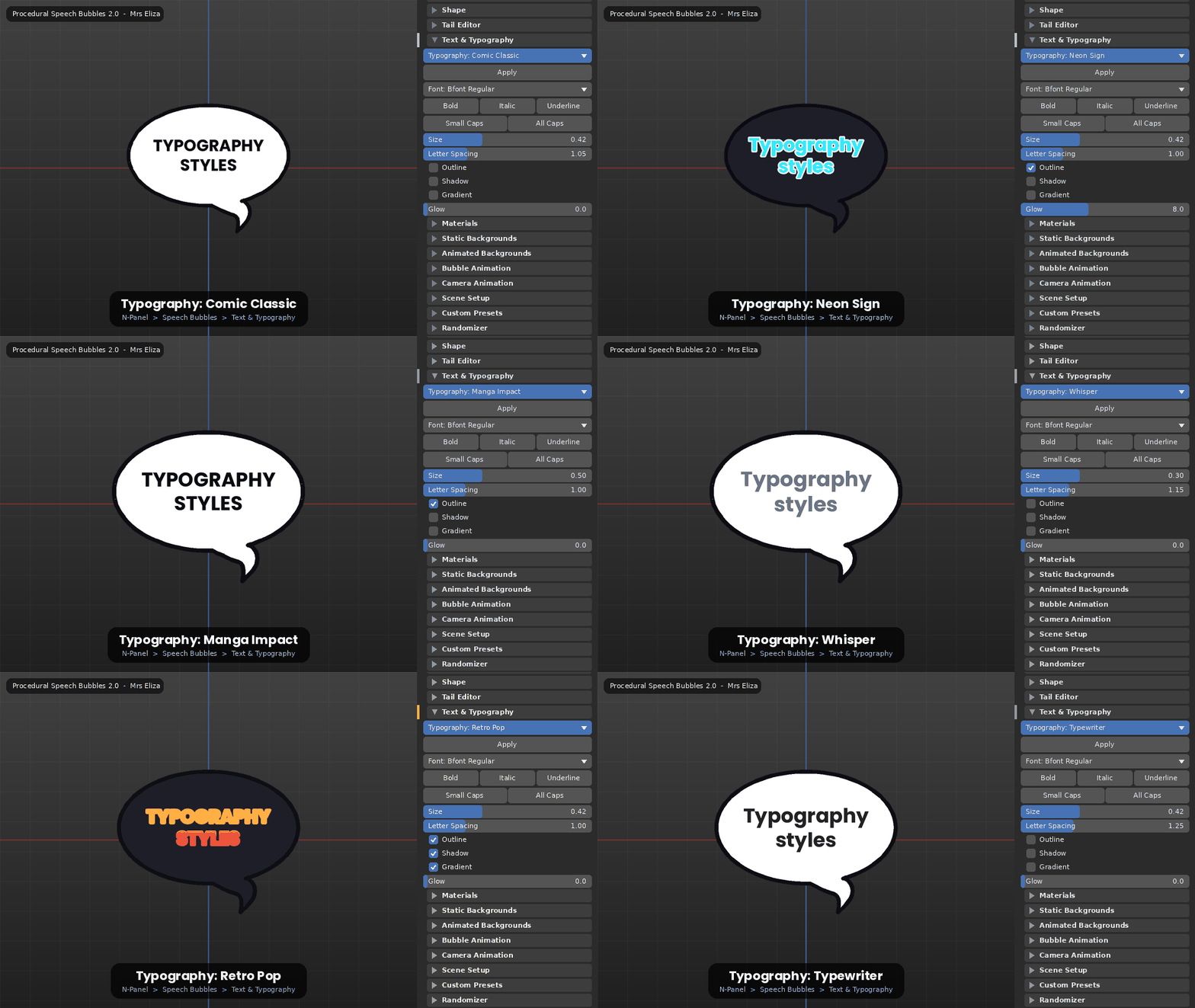
Customize your dialogue text with a variety of professional typography effects.
Text outlines
Shadows
Gradient effects
Glow effects
Letter spacing
Small caps
Automatic text fitting
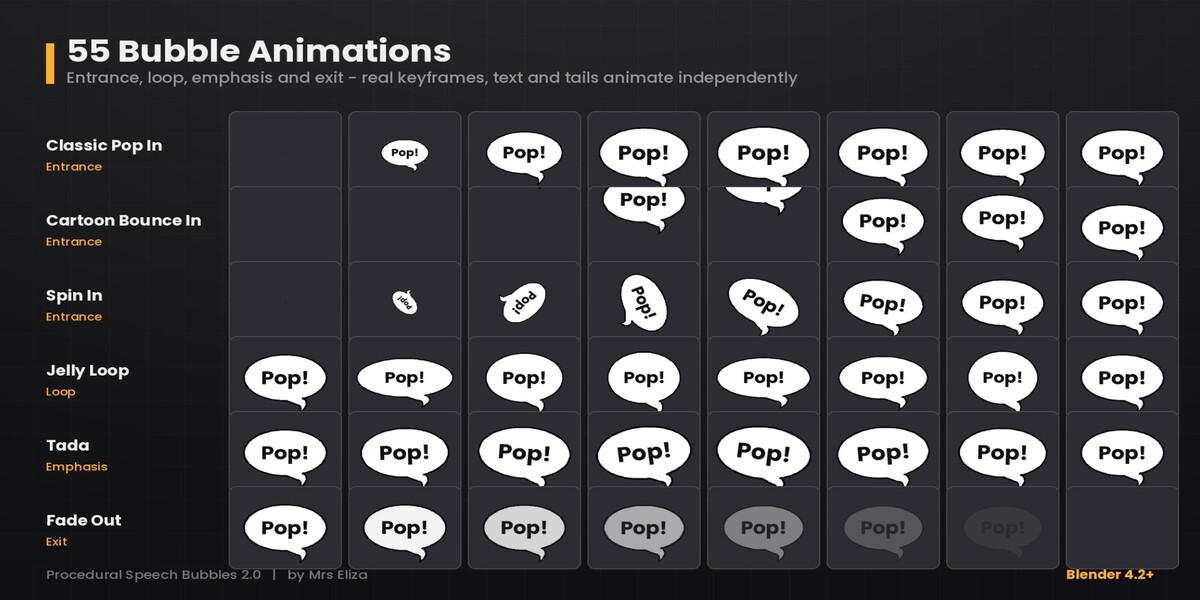
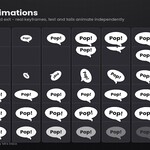
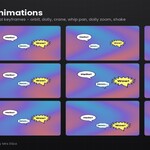
6. 55 Bubble Animations
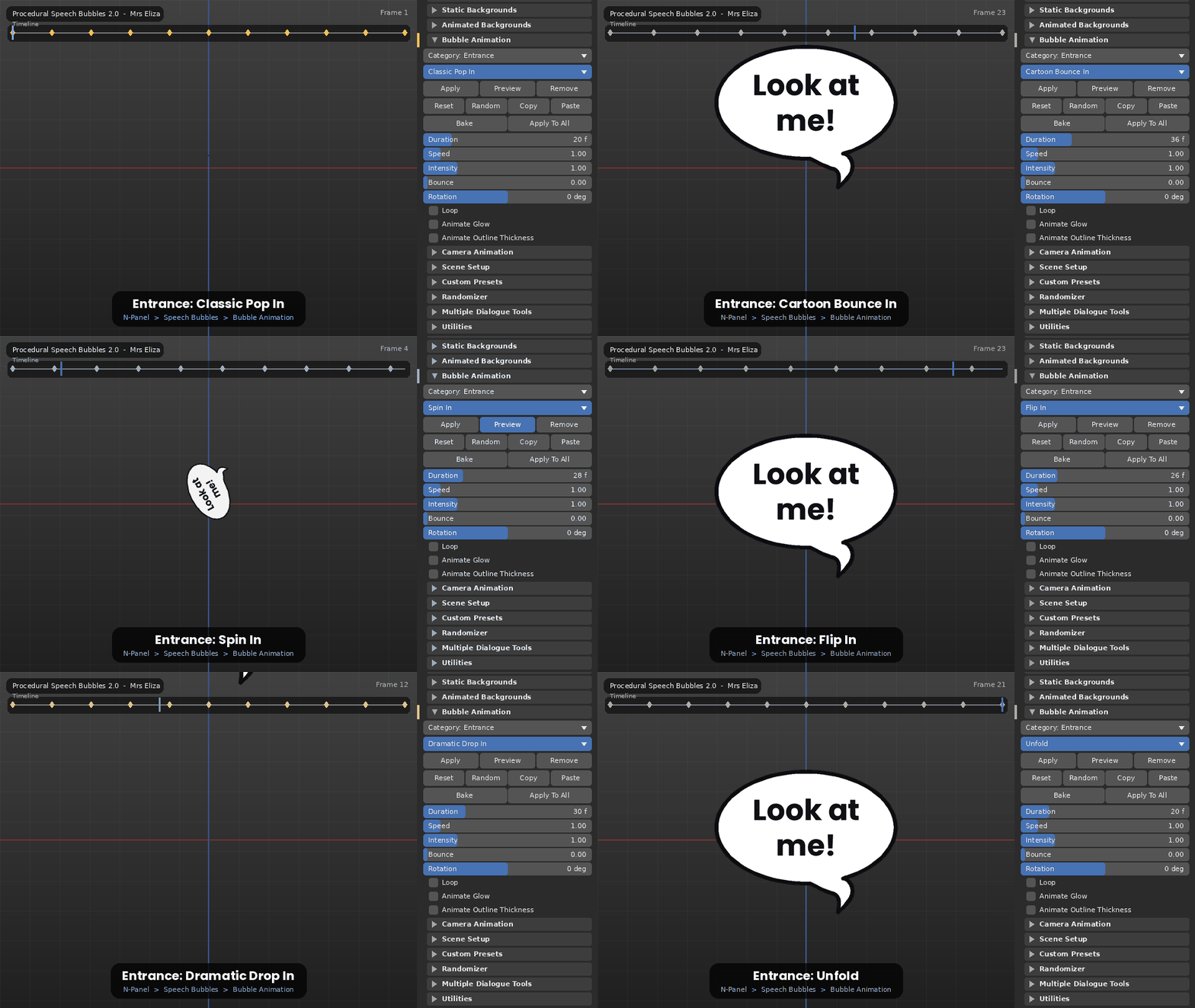
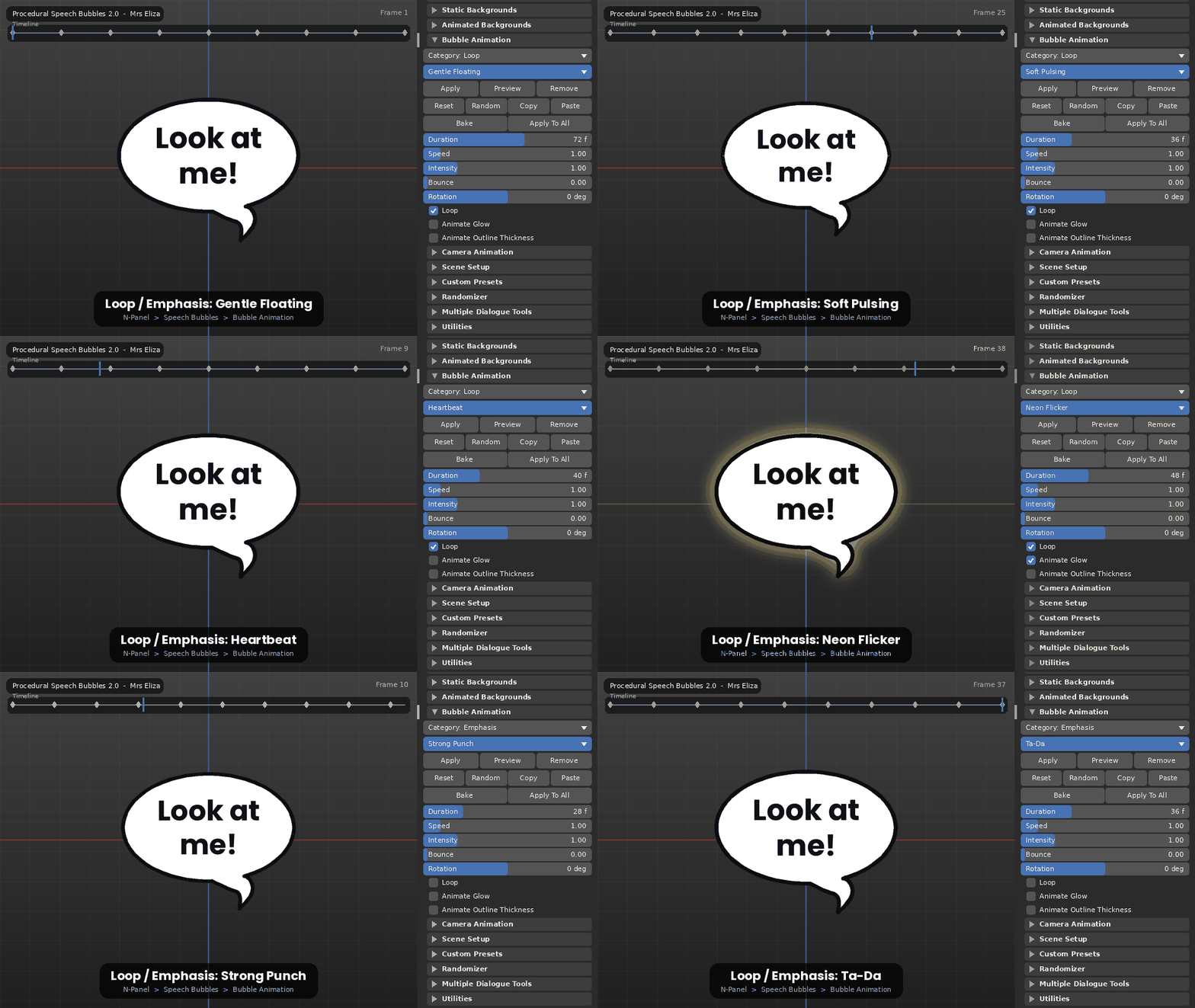
Bring your dialogue to life with real Blender keyframe animations.
Animation categories include:
Entrance animations
Loop animations
Emphasis animations
-
Exit animations
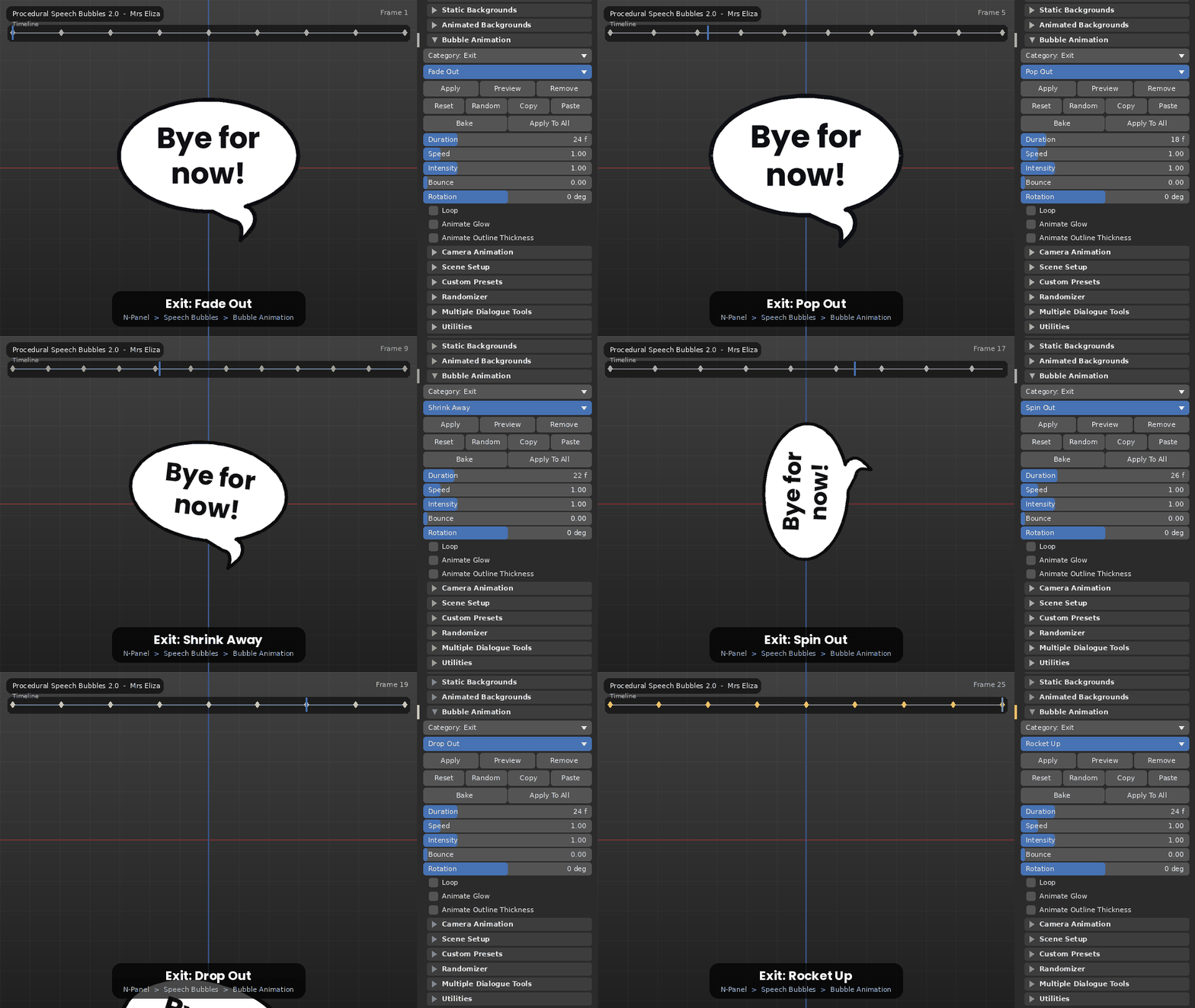
Animate bubbles, text, and tails with editable keyframes.
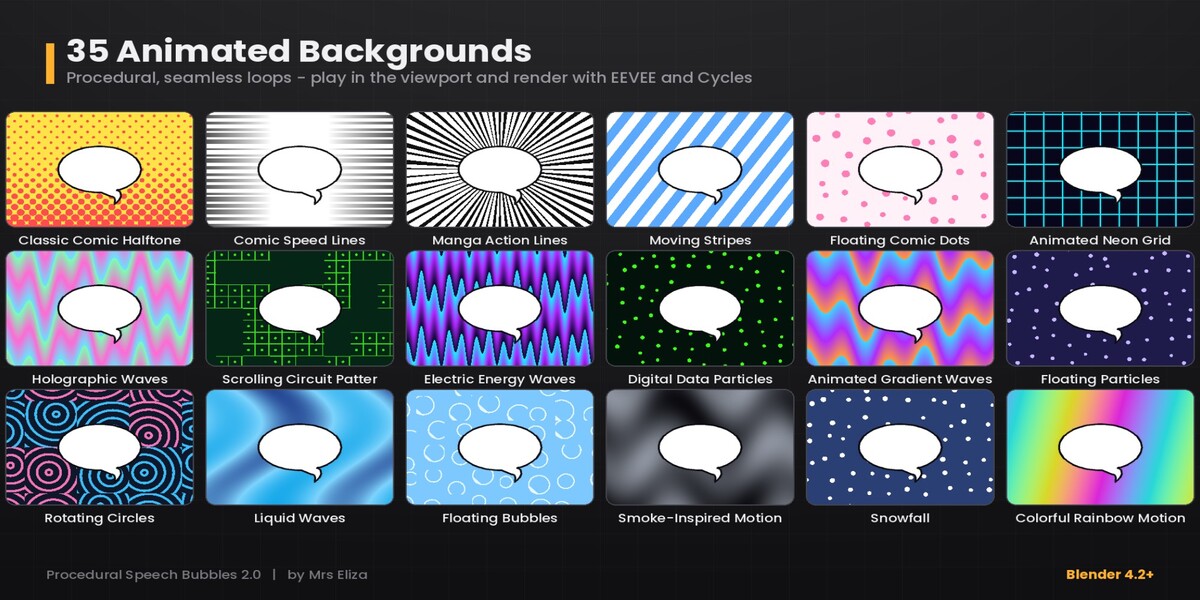
7. 35 Animated Backgrounds
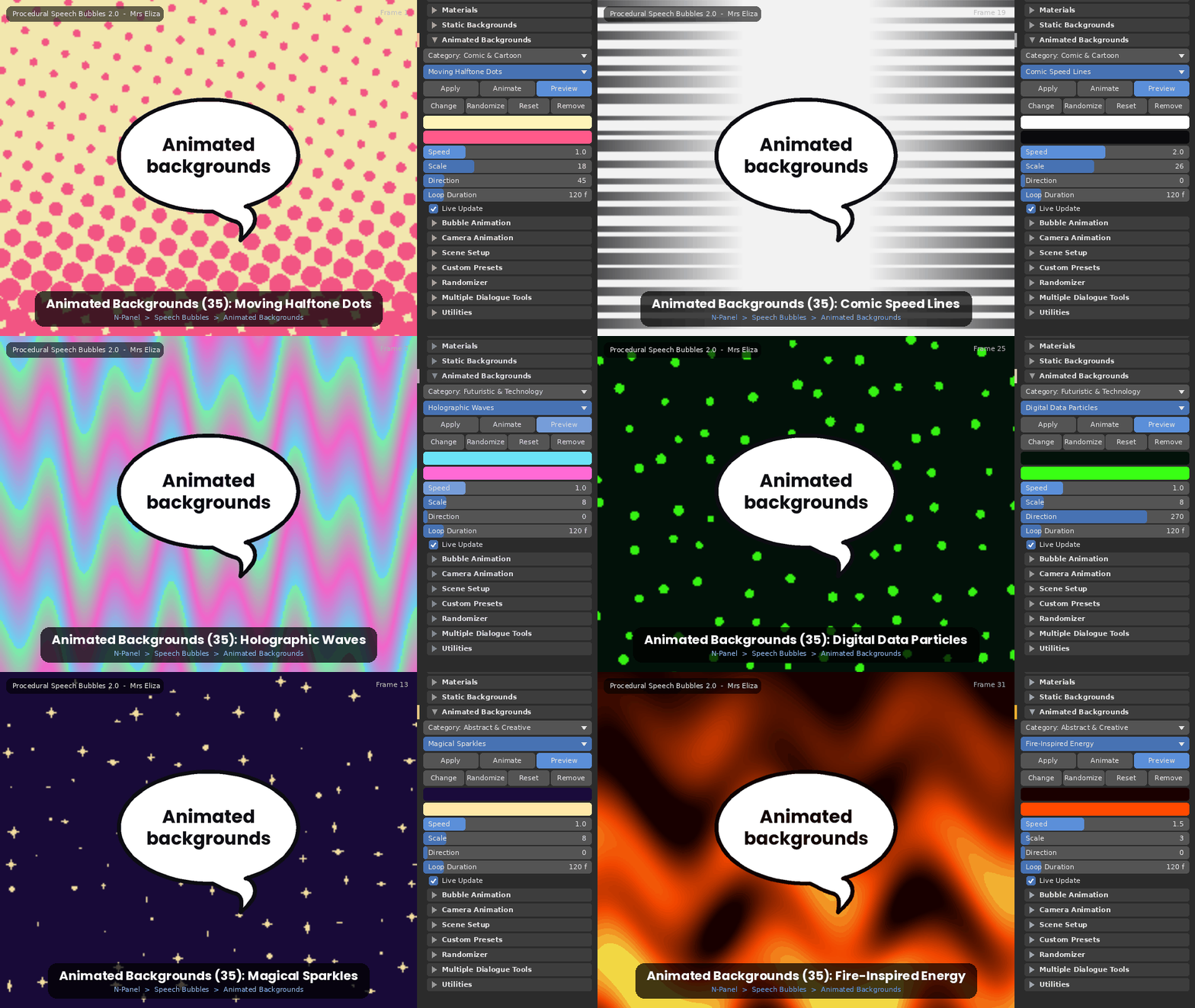
Create dynamic backgrounds using procedural animations that loop seamlessly.
You also get:
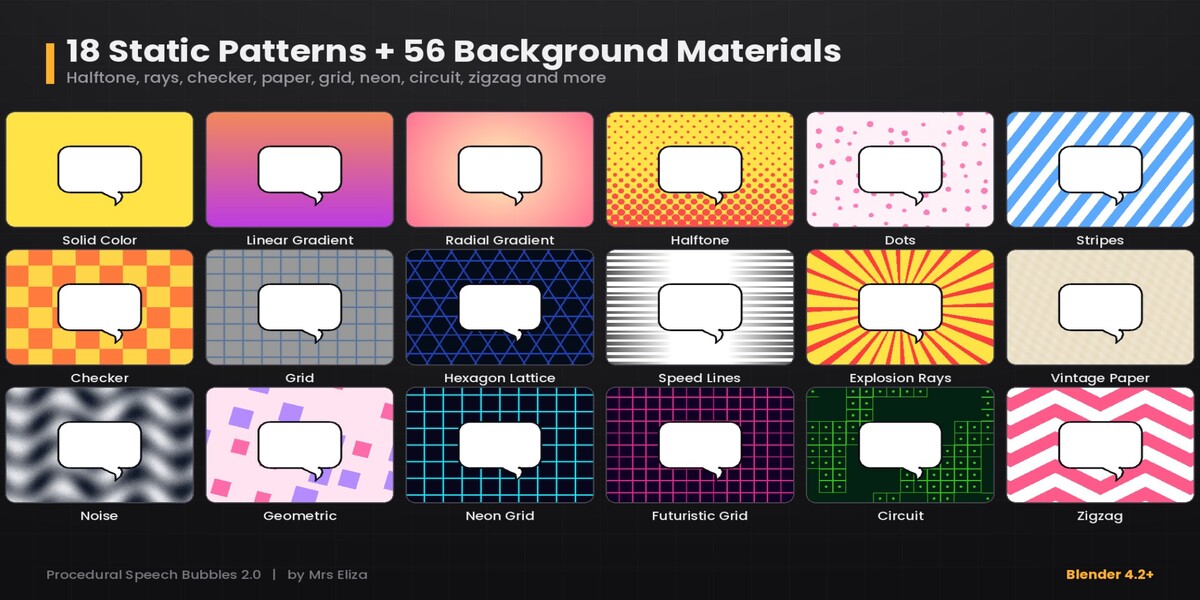
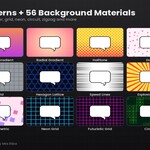
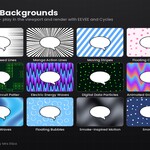
18 static background patterns
56 background materials
One keyframed phase value for animated backgrounds
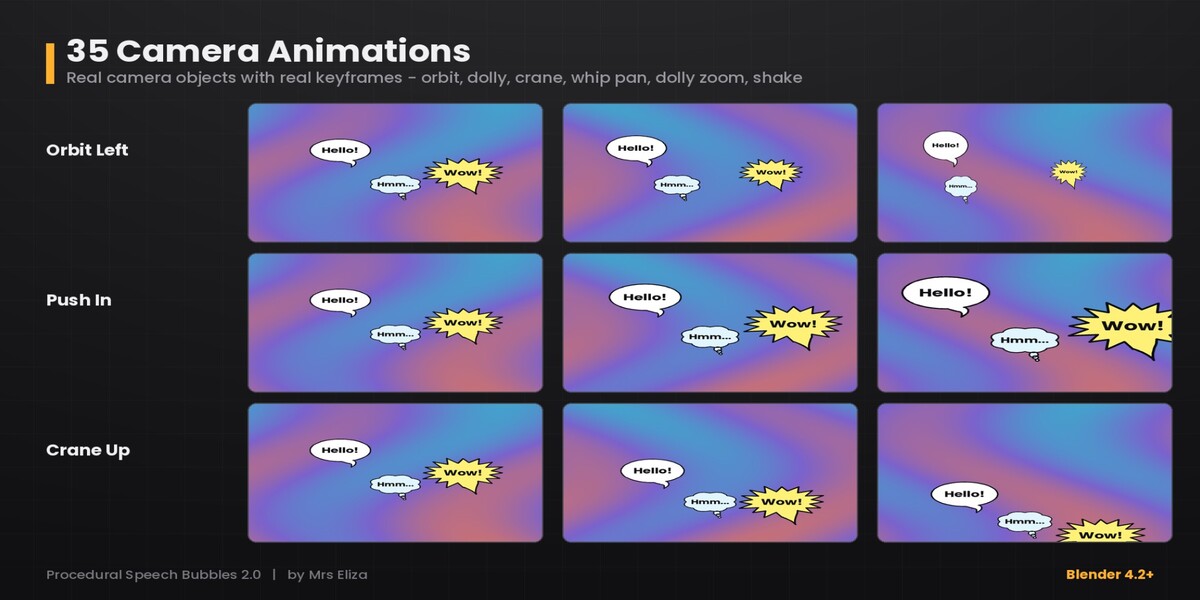
8. 35 Camera Animations
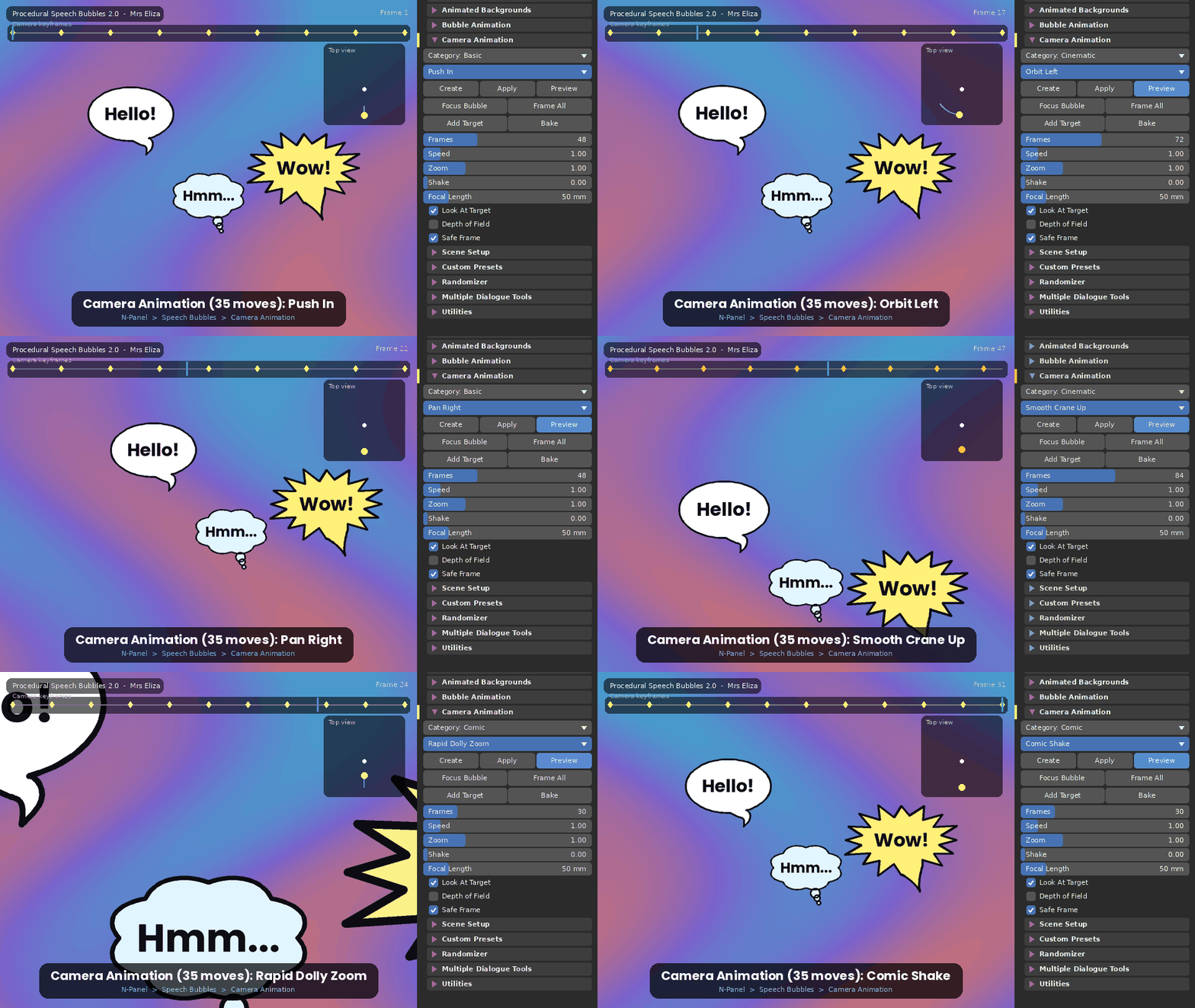
Add cinematic movement to your scenes using a real camera rig with editable keyframes.
Available camera movements include:
Orbit
Dolly
Crane
Whip Pan
Dolly Zoom
Camera Shake
And more!
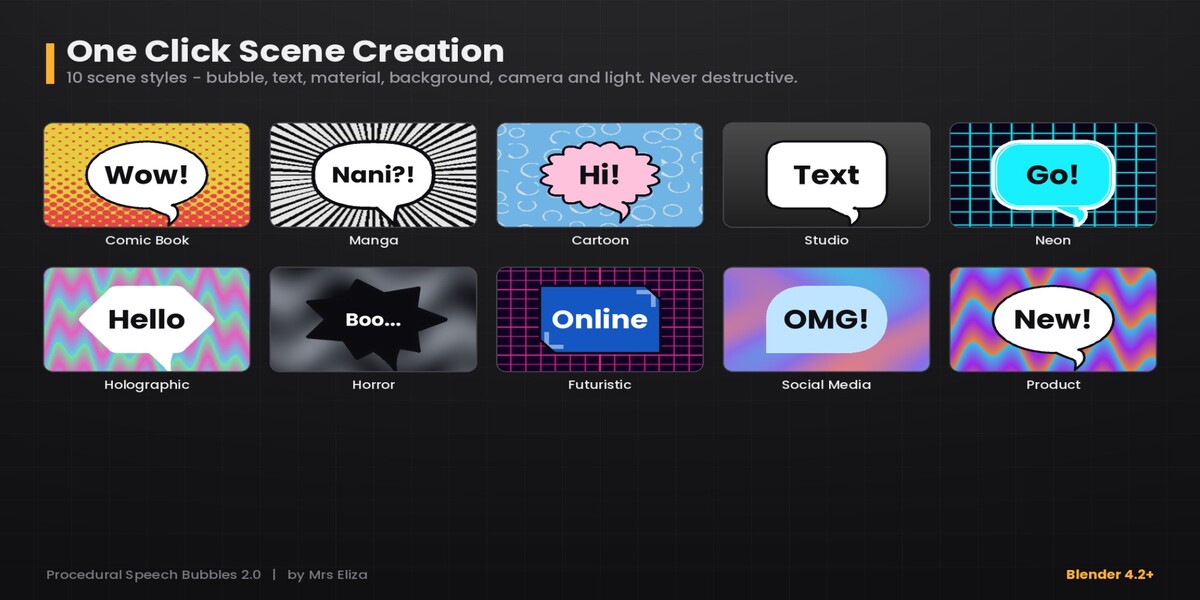
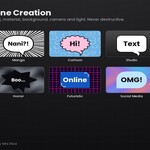
9. 10 One-Click Scene Setups
Build complete visual scenes with a single click.
Available scene styles:
Comic
Manga
Cartoon
Studio
Neon
Holographic
Horror
Futuristic
Social Media
Product
Each setup can create the bubble, text, materials, background, camera, and lighting together.
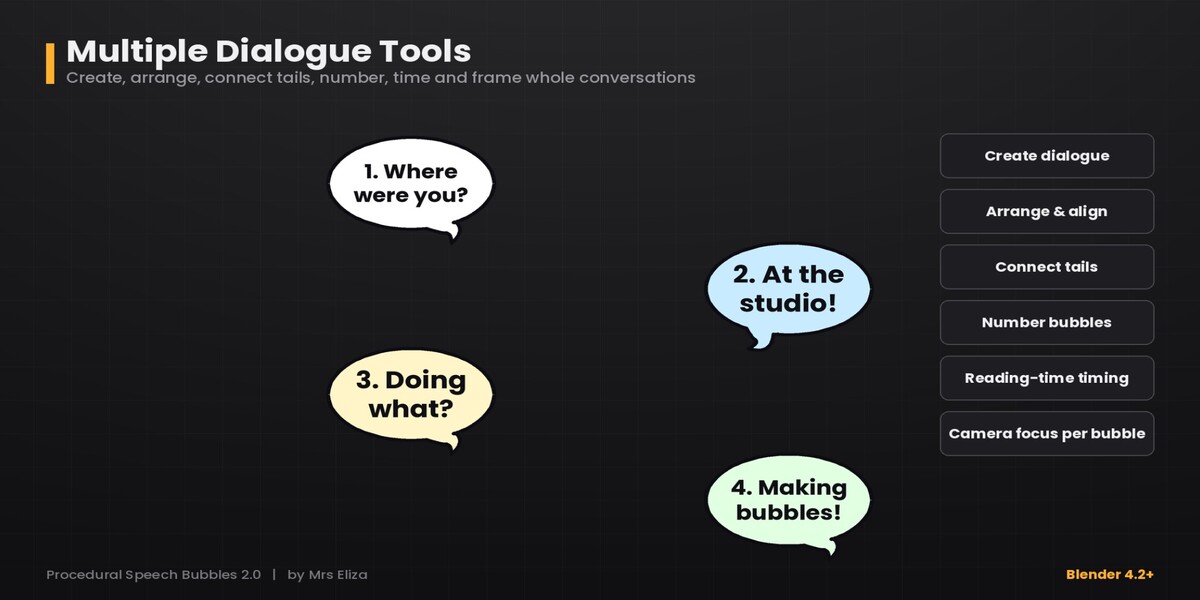
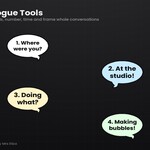
10. Multiple Dialogue Tools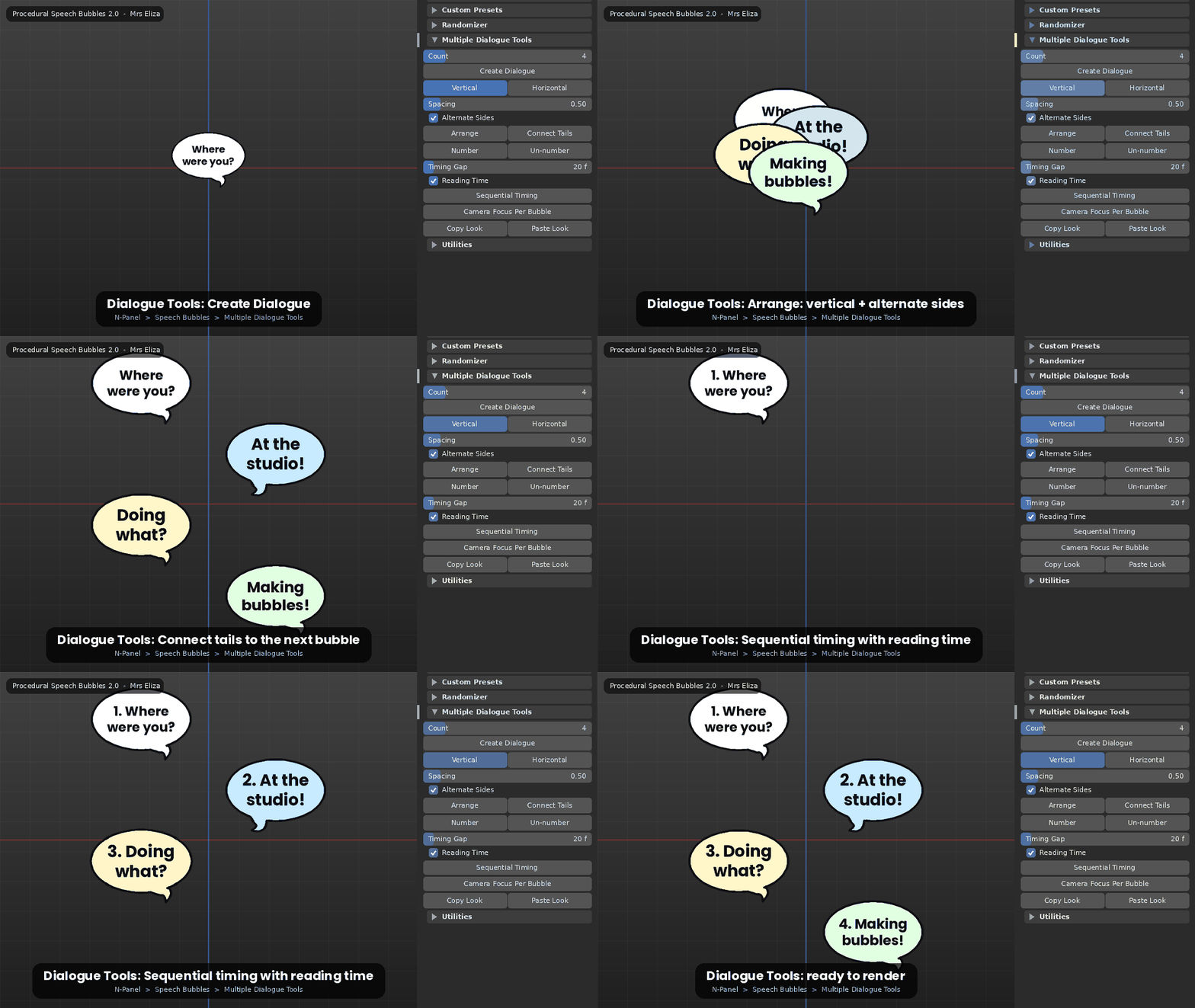
Create complete conversations with multiple speech bubbles.
Create and arrange dialogue bubbles.
Connect individual tails.
Automatically number bubbles.
Set dialogue timing.
Copy and paste bubble appearances.
Frame conversations using camera focus shots.
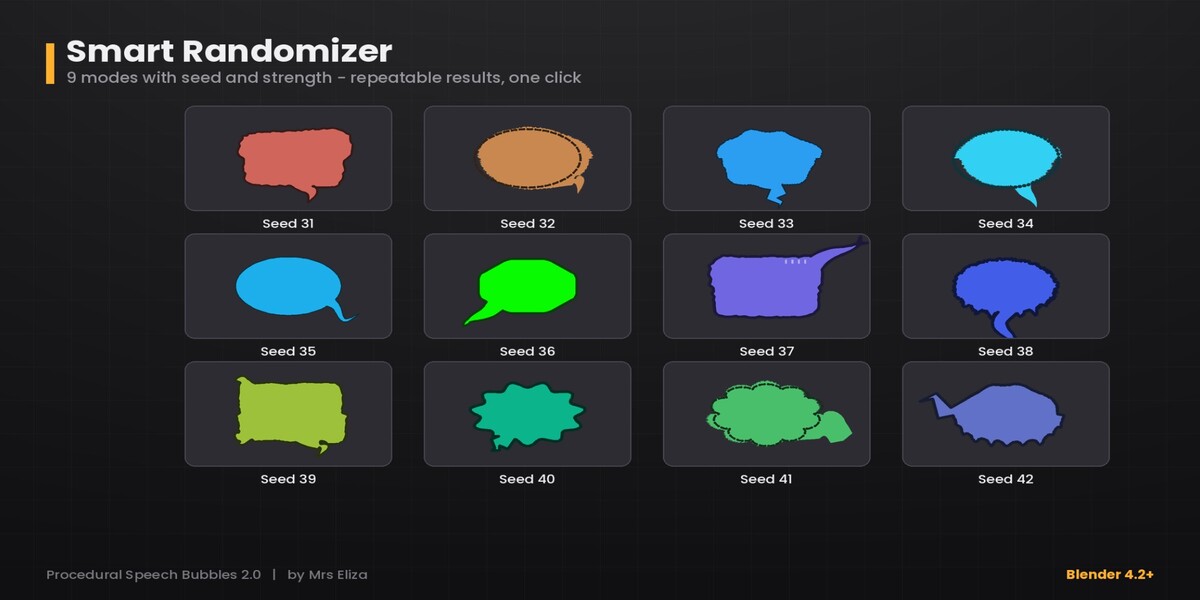
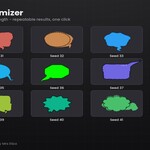
11. Smart Randomizer
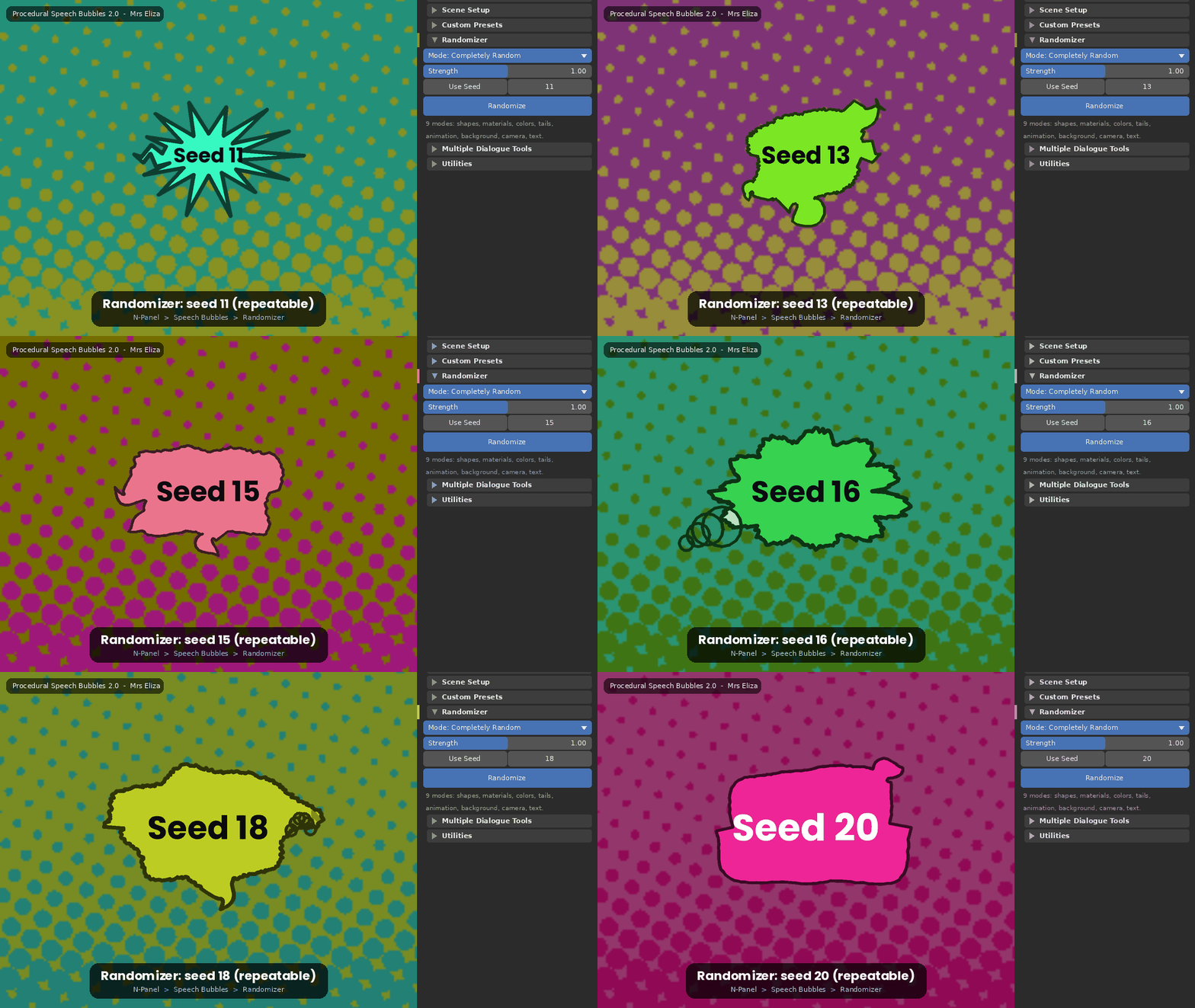
Generate creative variations with nine randomization modes.
Customize your results using seed and strength controls for repeatable designs.
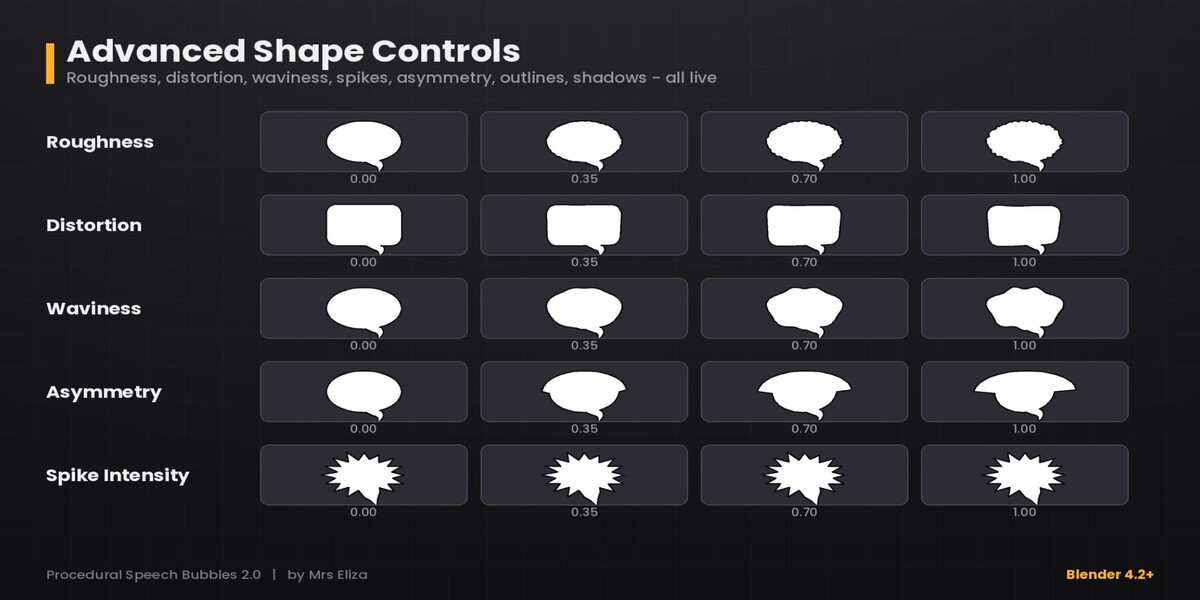
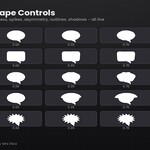
12. Shape Customization Controls
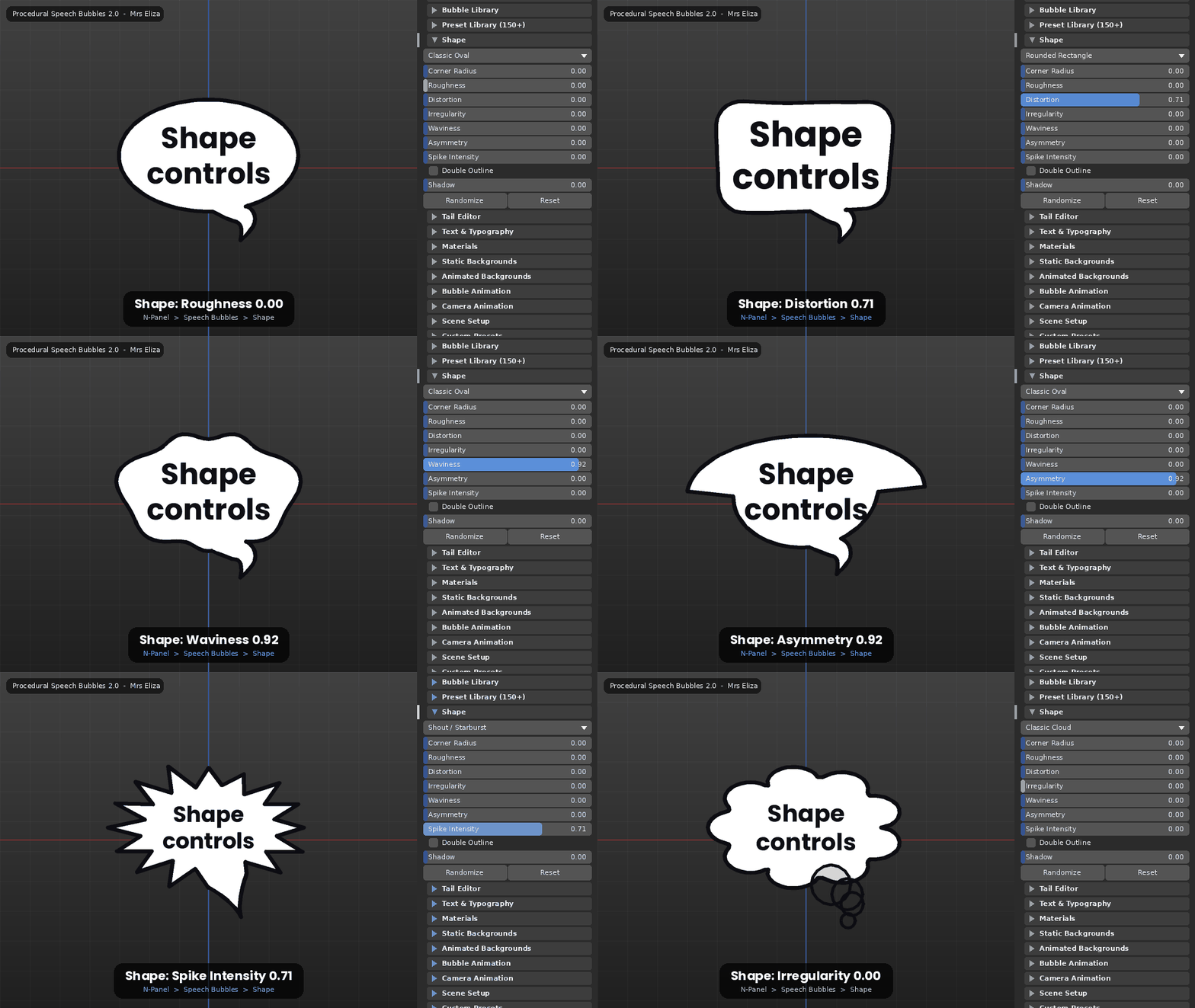
Fine-tune your speech bubble designs with detailed shape controls.
Roughness
Distortion
Waviness
Asymmetry
Spike intensity
Spike length
Outline
Shadow
Why Choose Procedural Speech Bubbles 2.0?
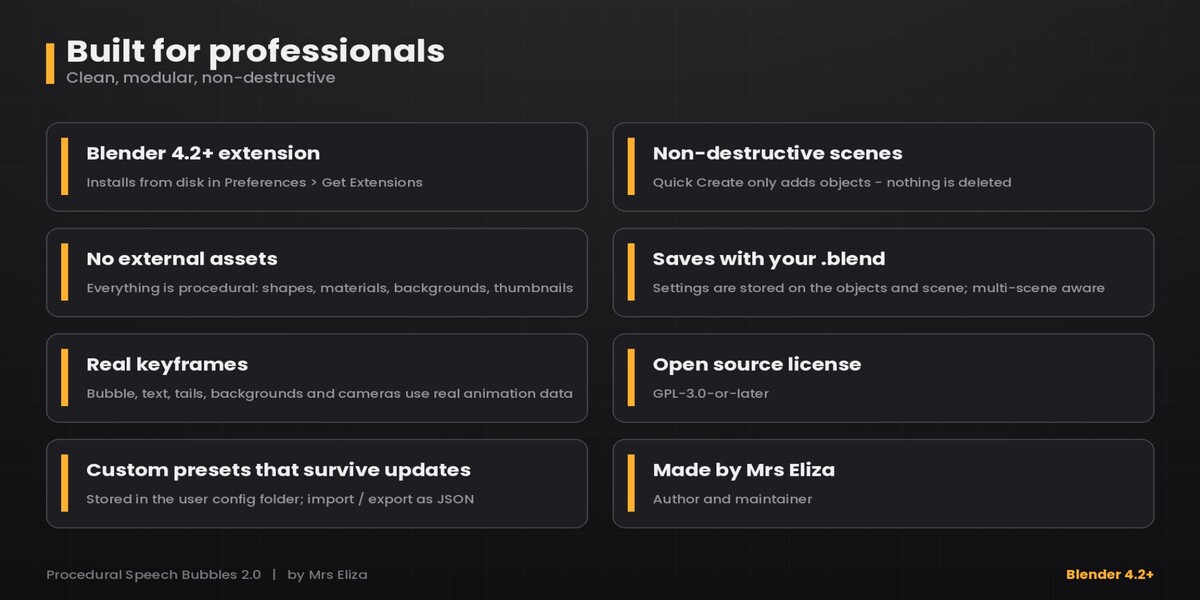
100% Procedural Workflow
All shapes, materials, backgrounds, and preview thumbnails are generated procedurally. No external image textures or asset libraries are required.
Real Blender Animation Data
Animations use standard Blender keyframes that you can inspect and edit in the Dope Sheet and Graph Editor. You can also modify or bake animations.
Non-Destructive Workflow
Quick Create only adds objects and never deletes existing scene content. Settings are stored on objects and scenes and saved with your .blend file.
Custom Presets That Survive Updates
Your custom presets are stored in Blender's user configuration folder, so they remain available after add-on updates.
Who Is This Add-on For?
Comic & Manga Artists
Create expressive speech bubbles and dialogue directly inside your 3D scenes.
Motion Designers & Video Editors
Produce animated dialogue, explainers, social media clips, and creative titles.
Game & UI Artists
Design dialogue elements, chat visuals, and HUD callouts for interactive projects.
Teachers & Studios
Build consistent, reusable dialogue graphics quickly and efficiently.
Installation Guide
Follow these steps to install Procedural Speech Bubbles 2.0:
Remove any older version of the add-on from Edit → Preferences → Get Extensions → Installed.
Restart Blender.
Open Edit → Preferences → Get Extensions.
Open the top-right menu and select Install from Disk.
Select
procedural_speech_bubbles-2.0.0.zipwithout extracting it.Enable the extension.
Open the 3D View, press N, and select the Speech Bubbles tab.
Quick Start – Create Your First Speech Bubble
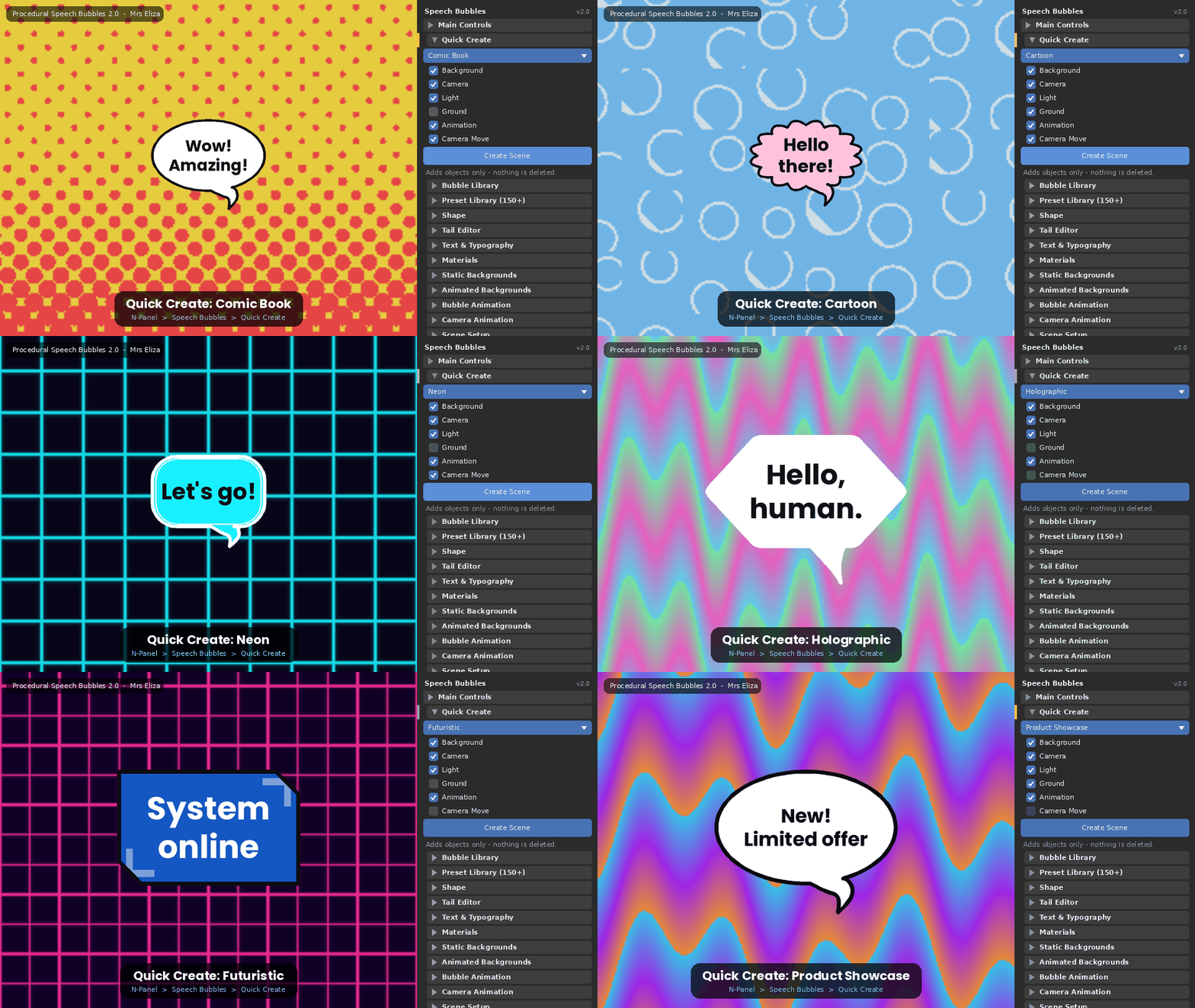
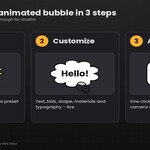
Get started in approximately 60 seconds:
Open Quick Create and click One Click Setup.
Select the generated bubble and enter your text in Text & Typography.
-
Open Bubble Library, search for a style, and click to apply it.
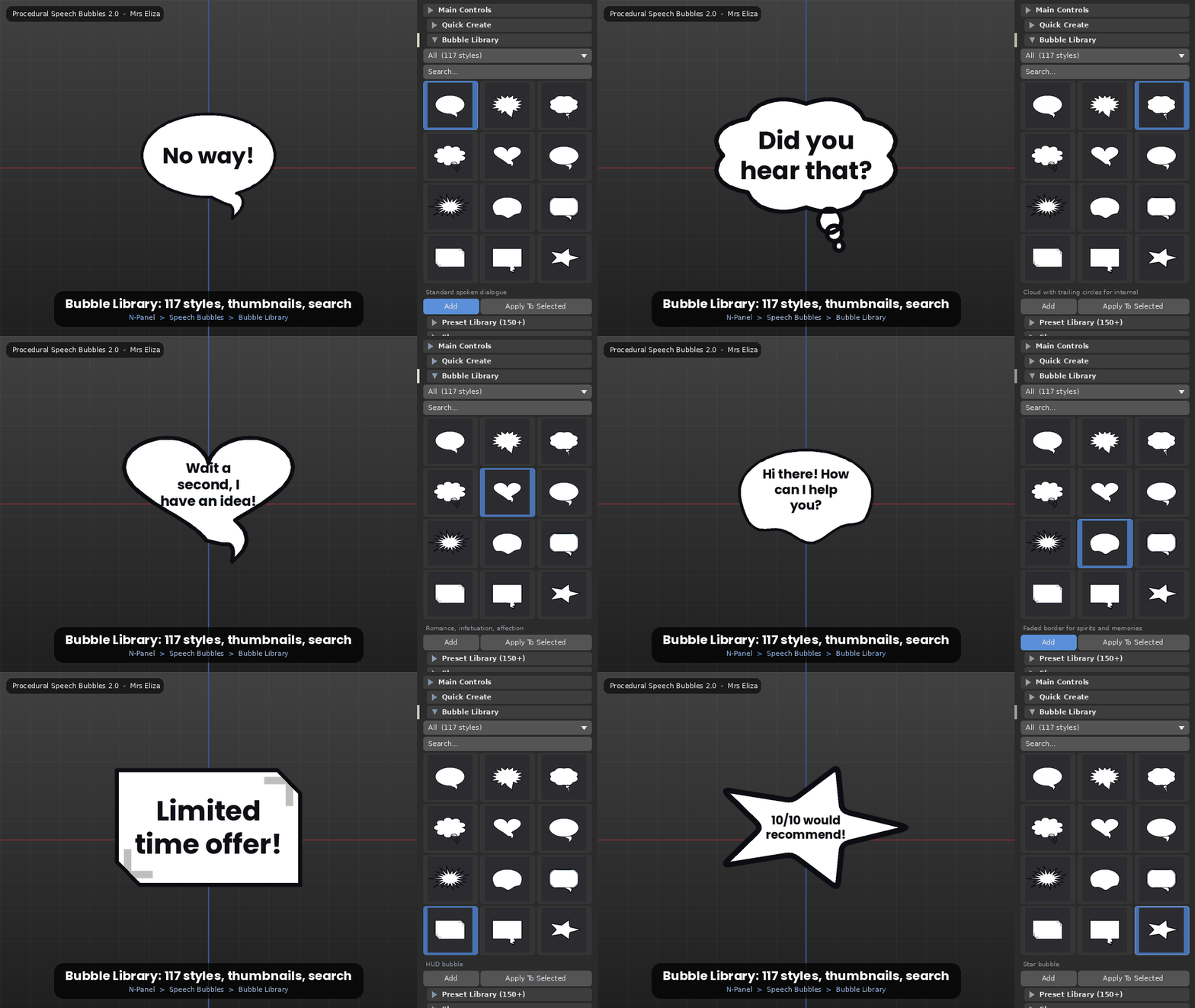
-
Open Tail Editor to add another tail and adjust its length and curve
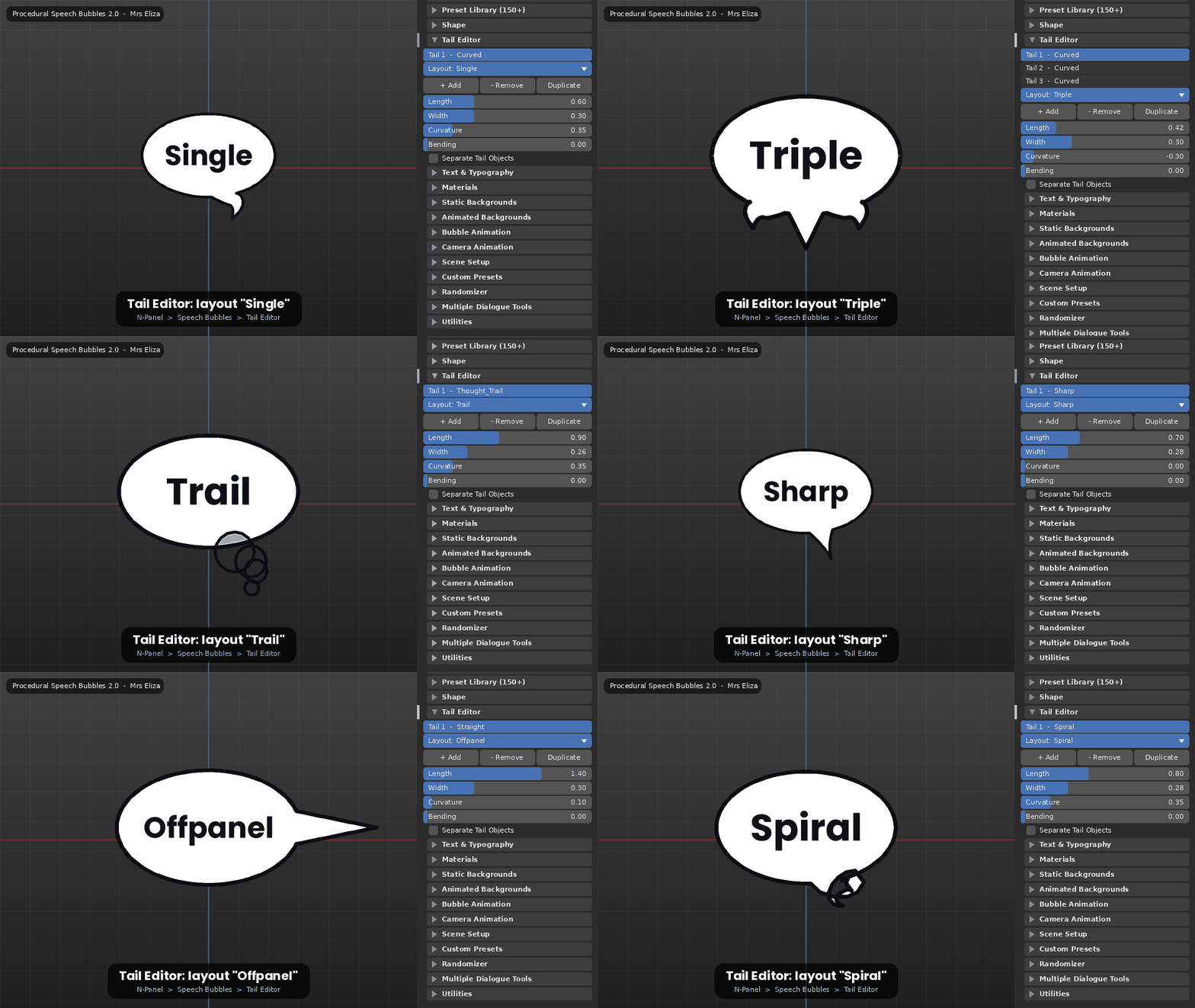 .
Open Bubble Animation, select Classic Pop In, and click Apply.
Press Space to play the animation.
Optionally, add an animated background and camera animation.
Create Complete Dialogue Conversations
Build multi-bubble conversations using the Multiple Dialogue Tools:
Open Multiple Dialogue Tools and click Create Dialogue.
Click Arrange to organize the bubbles.
Select Connect Tails to connect the dialogue.
Use Number Bubbles to organize the conversation.
Apply Timing to space bubbles according to reading time.
Use Camera Focus Shots to frame each dialogue bubble.
Complete Panel Guide
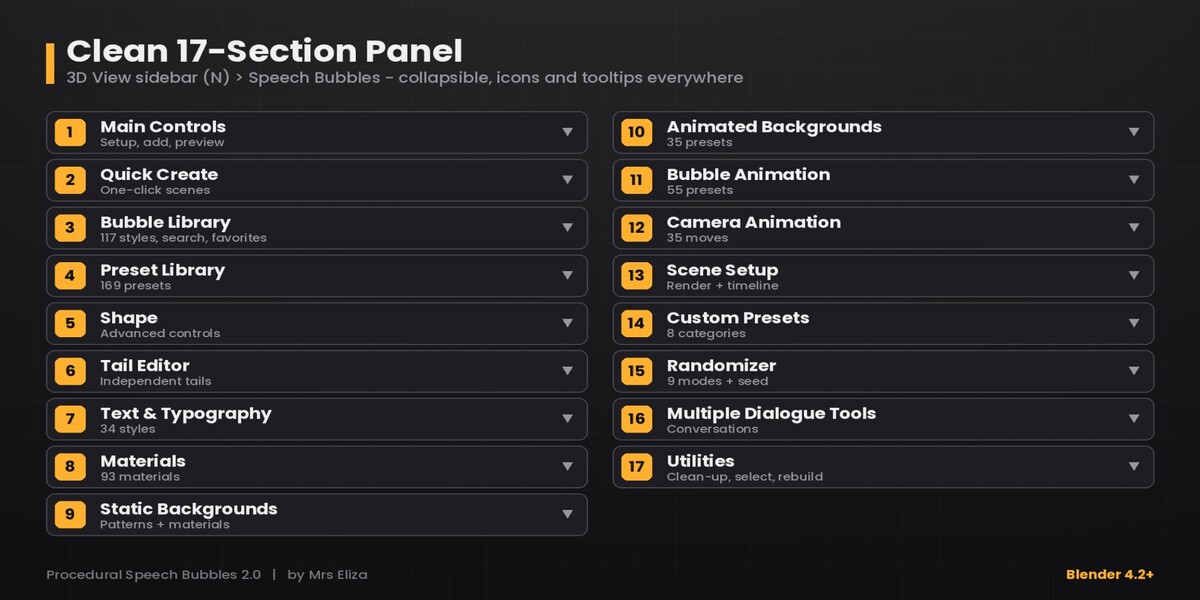
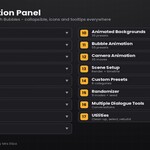
All features are organized into one clean 17-section panel inside the Blender 3D View sidebar.
Section |
Function |
|---|---|
1. Main Controls |
Run setup, add bubbles, and manage the active bubble |
2. Quick Create |
Build a complete scene in one click |
3. Bubble Library |
Browse and apply 117 bubble styles |
4. Preset Library |
Access 169 ready-made presets |
5. Shape |
Customize roughness, distortion, spikes, outlines, and shadows |
6. Tail Editor |
Add, remove, and customize independent tails |
7. Text & Typography |
Edit text and apply 34 typography styles |
8. Materials |
Browse and customize 93 materials |
9. Static Backgrounds |
Apply patterns and background materials |
10. Animated Backgrounds |
Add 35 looping procedural backgrounds |
11. Bubble Animation |
Apply 55 bubble animations |
12. Camera Animation |
Apply 35 camera movements |
13. Scene Setup |
Configure render settings and timeline length |
14. Custom Presets |
Save, import, export, and organize presets |
15. Randomizer |
Generate variations using nine modes |
16. Multiple Dialogue Tools |
Create, arrange, connect, number, and time conversations |
17. Utilities |
Clean up, select, and rebuild |
Technical Requirements
Specification |
Details |
|---|---|
Software |
Blender 4.2 or newer |
Installation |
Blender Extension |
Version |
2.0.0 |
Platforms |
Windows, macOS, Linux |
Technology |
Pure Python, no compiled components |
Render Engines |
EEVEE and Cycles |
License |
GPL-3.0-or-later |
Author & Maintainer |
Mrs Eliza |
Important Notes
Quick Create adds objects without deleting anything from your existing scene.
Custom presets are stored in the user configuration folder and survive add-on updates.
Hexagon Grid is a triangular-lattice approximation of a hexagonal pattern.
Material mixing blends only the base color of the second material.
Camera animations sample their targets when you click Apply. Reapply the animation after moving a target.
Troubleshooting
Problem: Registration error after updating
Remove the older version from Preferences → Get Extensions, restart Blender, and install the new ZIP file.
Problem: Speech Bubbles panel is not visible
Open the 3D View, press N, and select the Speech Bubbles tab.
Problem: Other errors
Open Window → Toggle System Console and provide the first red error line along with your Blender version.
What's Included?
Procedural Speech Bubbles 2.0.0 extension package
117 procedural bubble styles
169 built-in presets
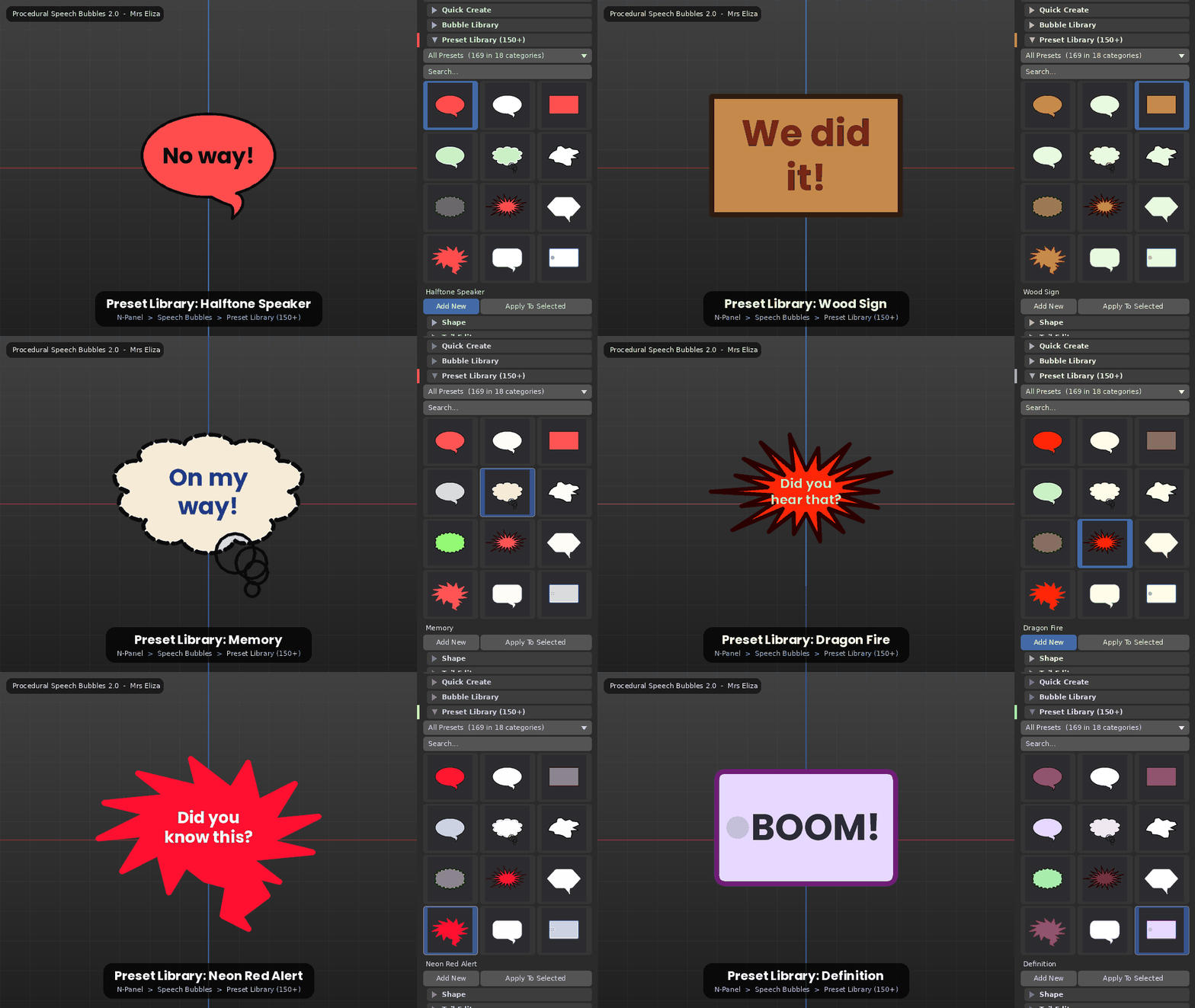
93 bubble materials
34 typography styles
55 bubble animations
35 animated backgrounds
18 static background patterns
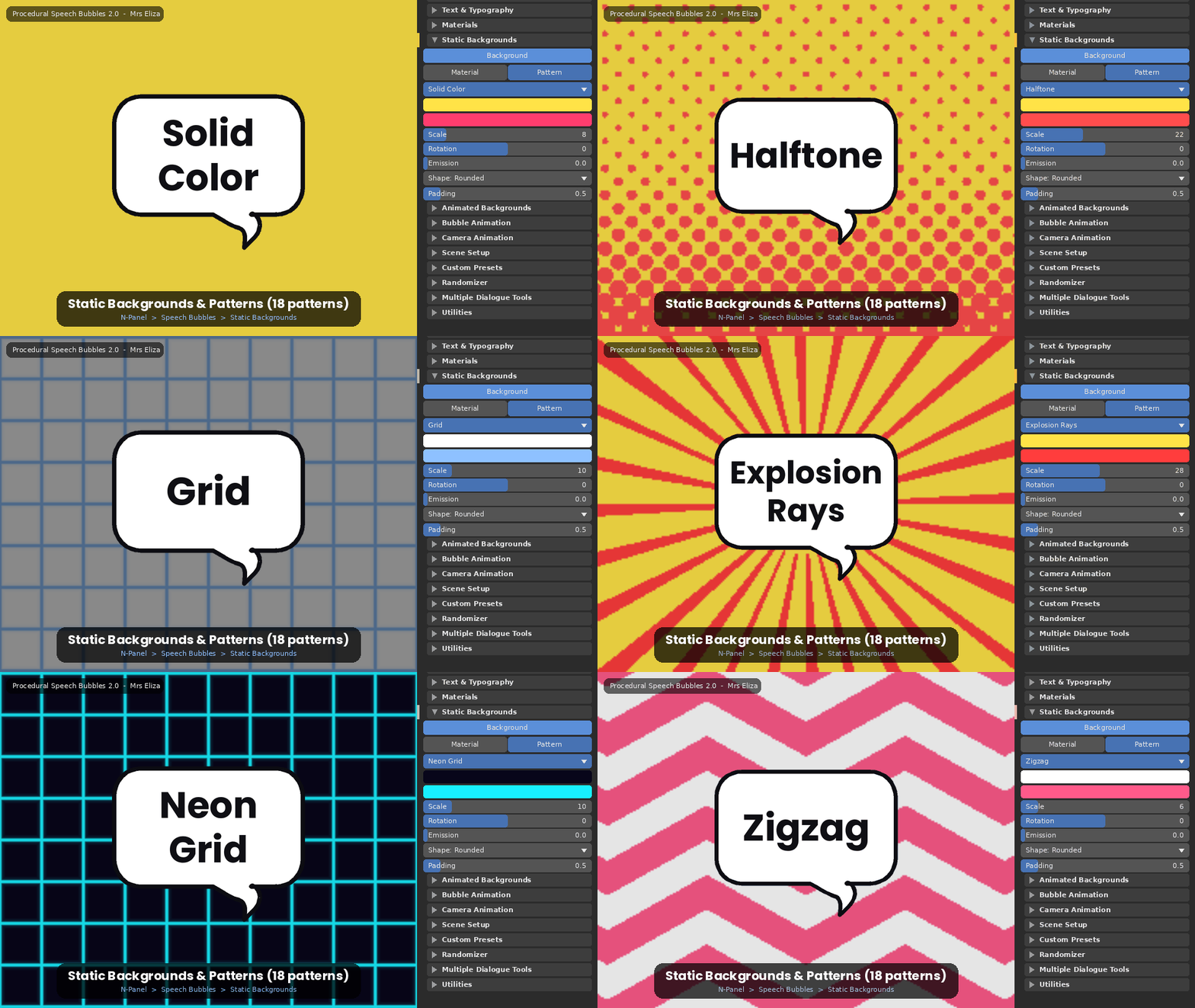
56 background materials
35 camera animations
10 one-click scene setups
Multi-dialogue creation tools
Smart Randomizer with nine modes
Custom preset save, import, and export functionality