 Mrs Eliza
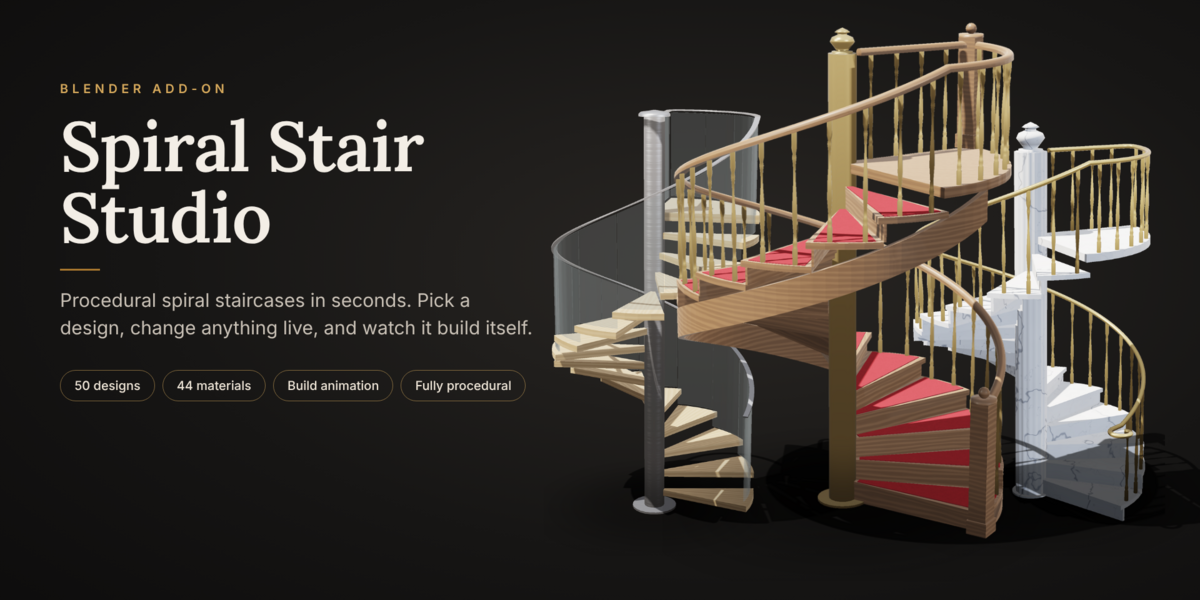
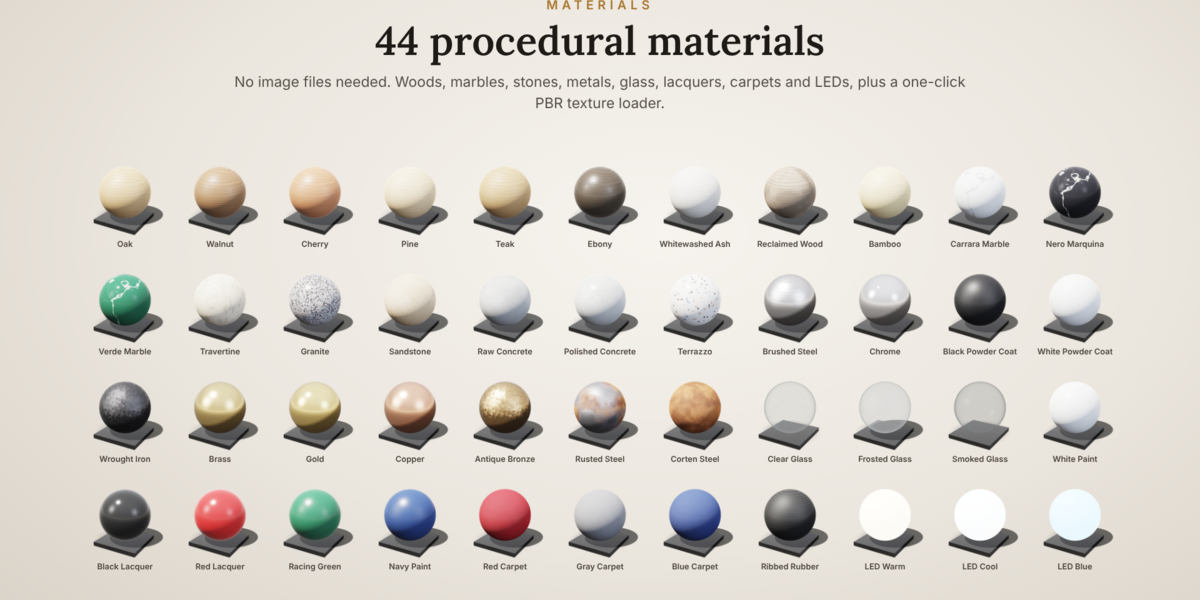
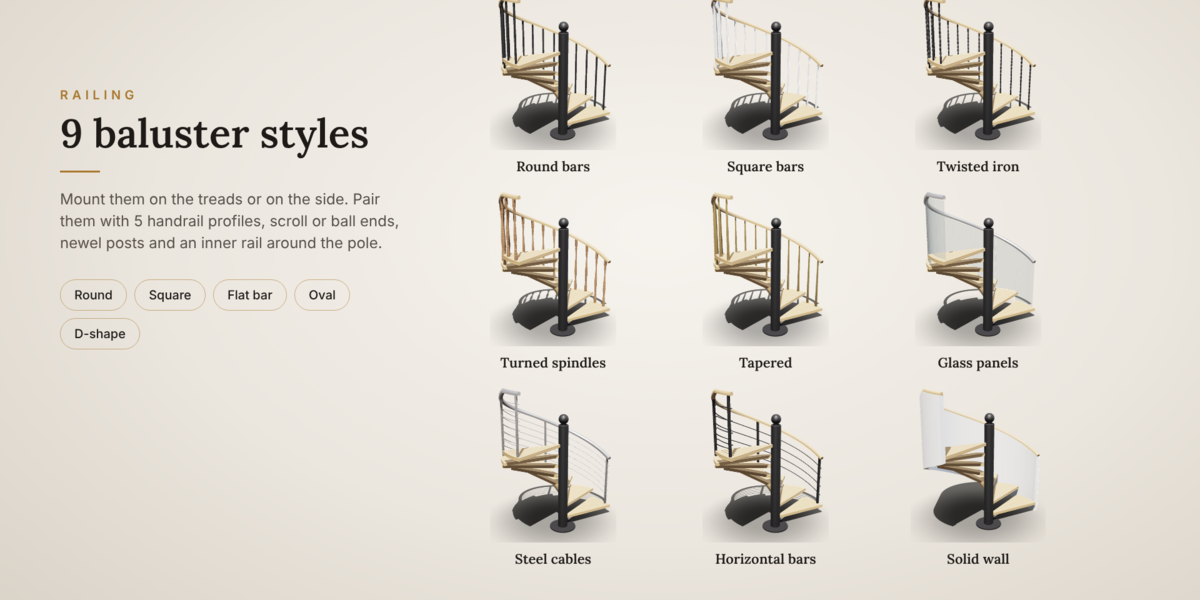
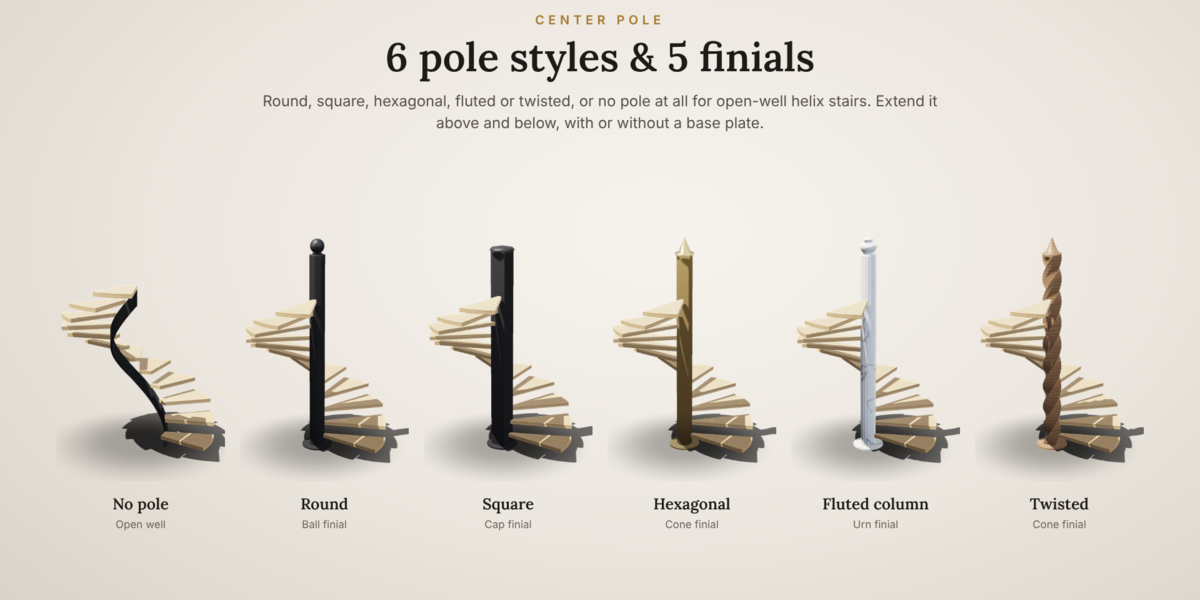



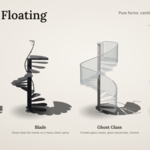
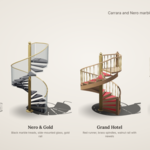
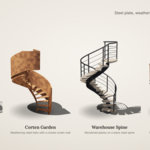
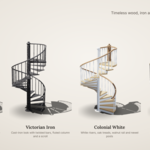


Install and quick start
- Blender 4.2+: Edit → Preferences → Get Extensions → ⌄ menu → Install from Disk… and pick the zip. Blender 3.6–4.1: Edit → Preferences → Add-ons → Install…, pick the zip and tick the checkbox.
- In the 3D Viewport press N and open the Spiral Stairs tab.
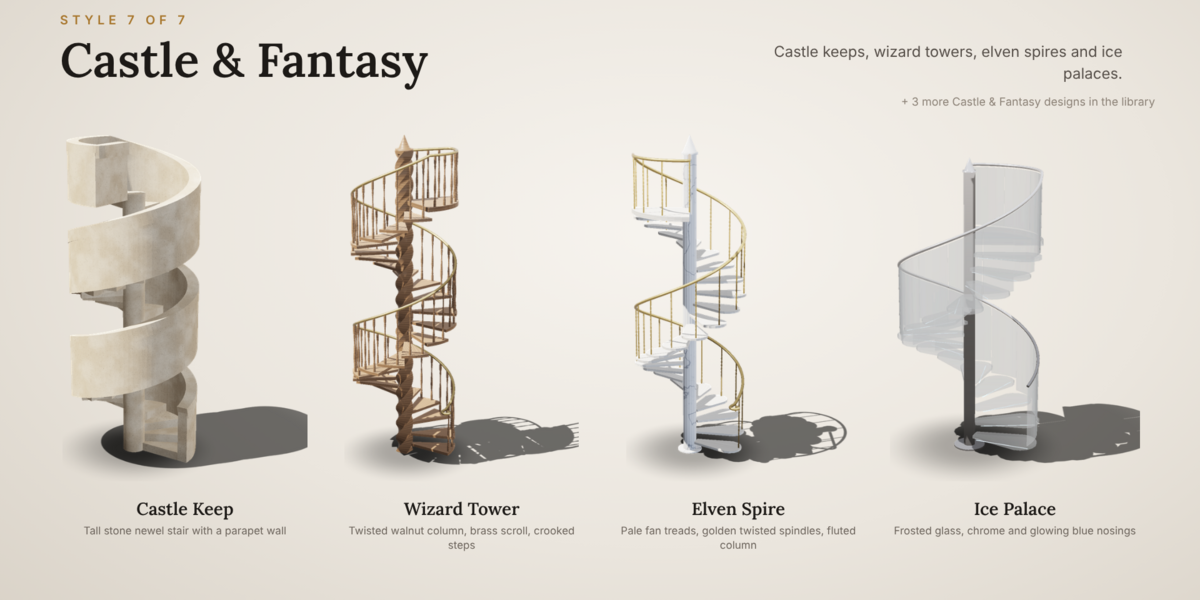
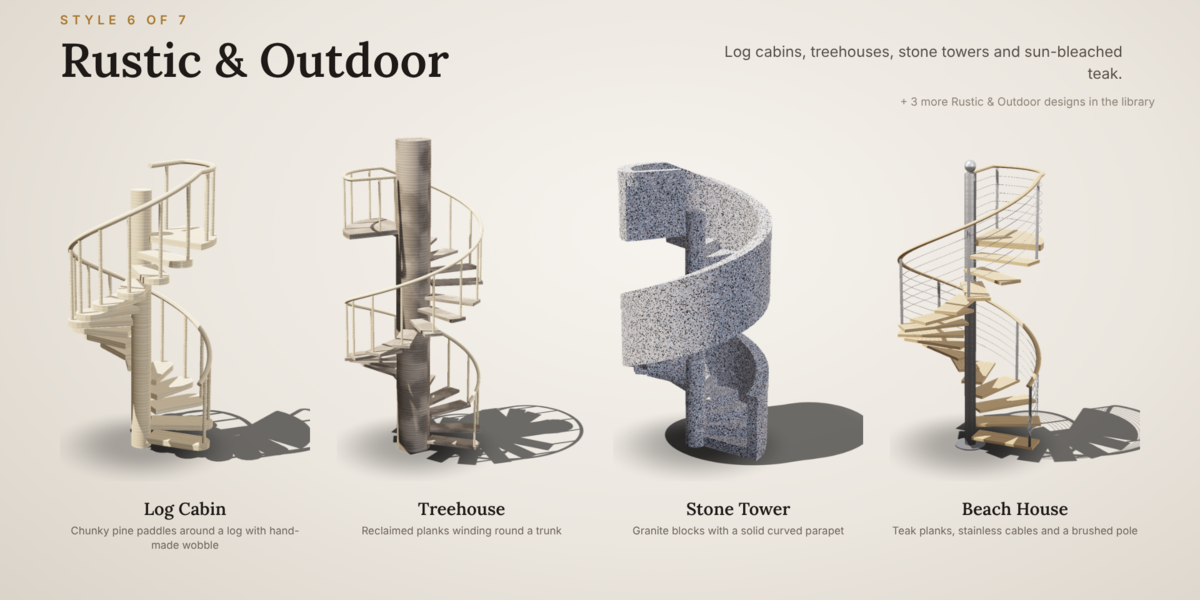
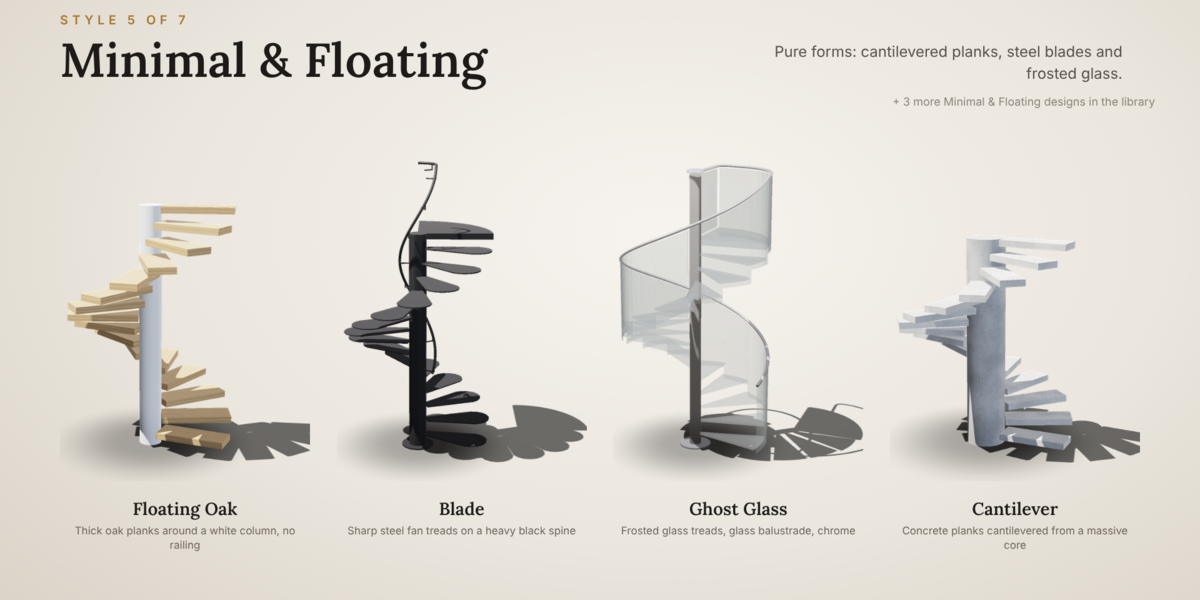
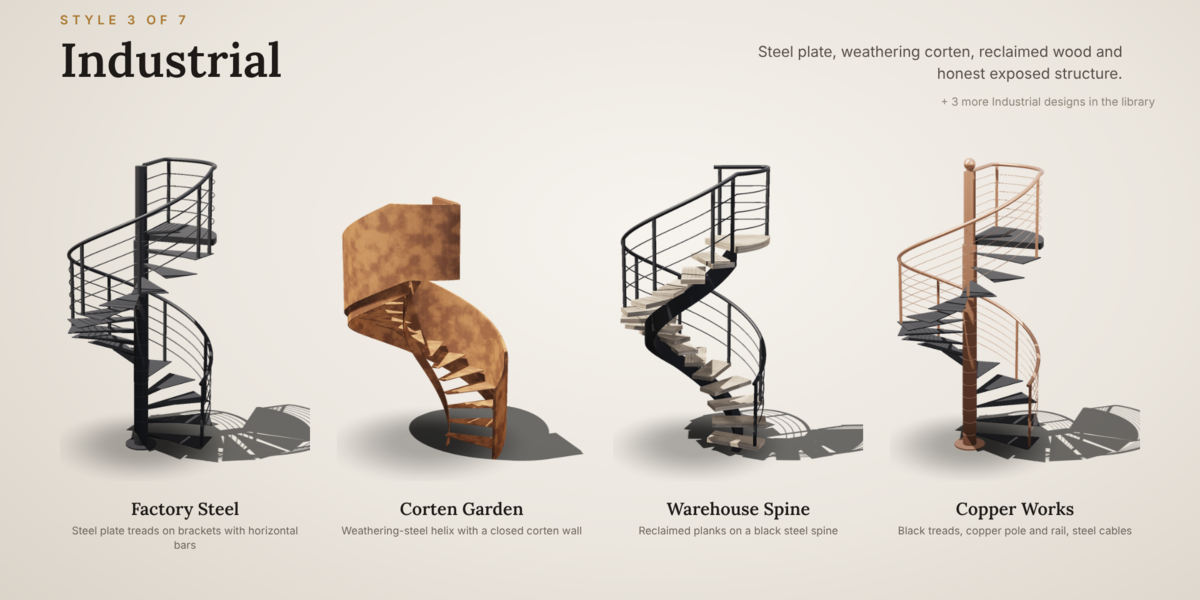
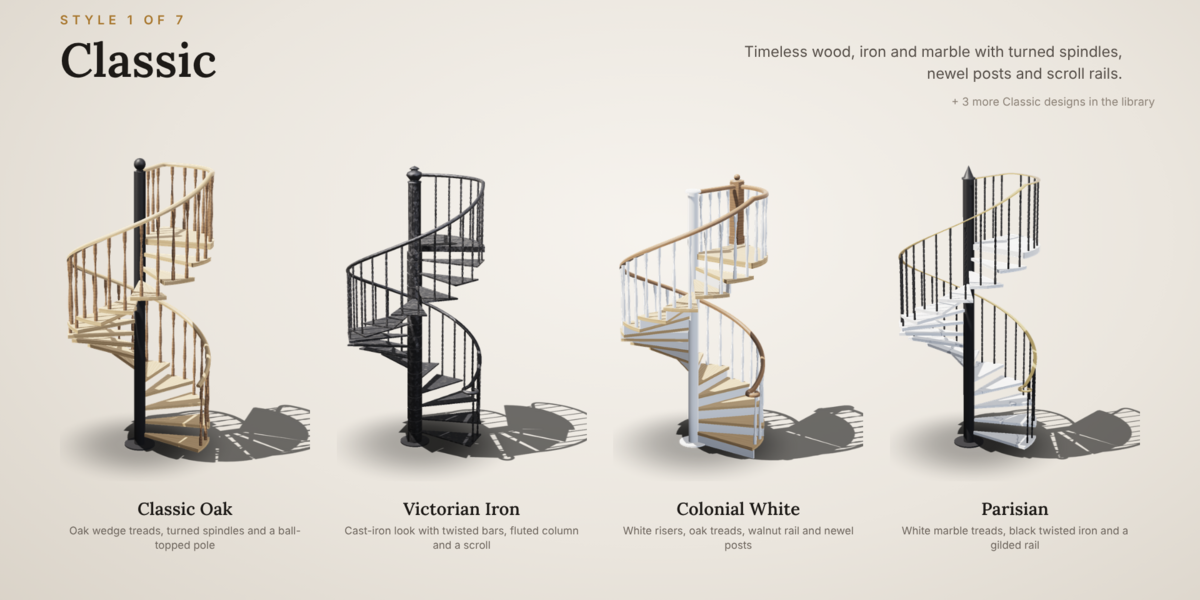
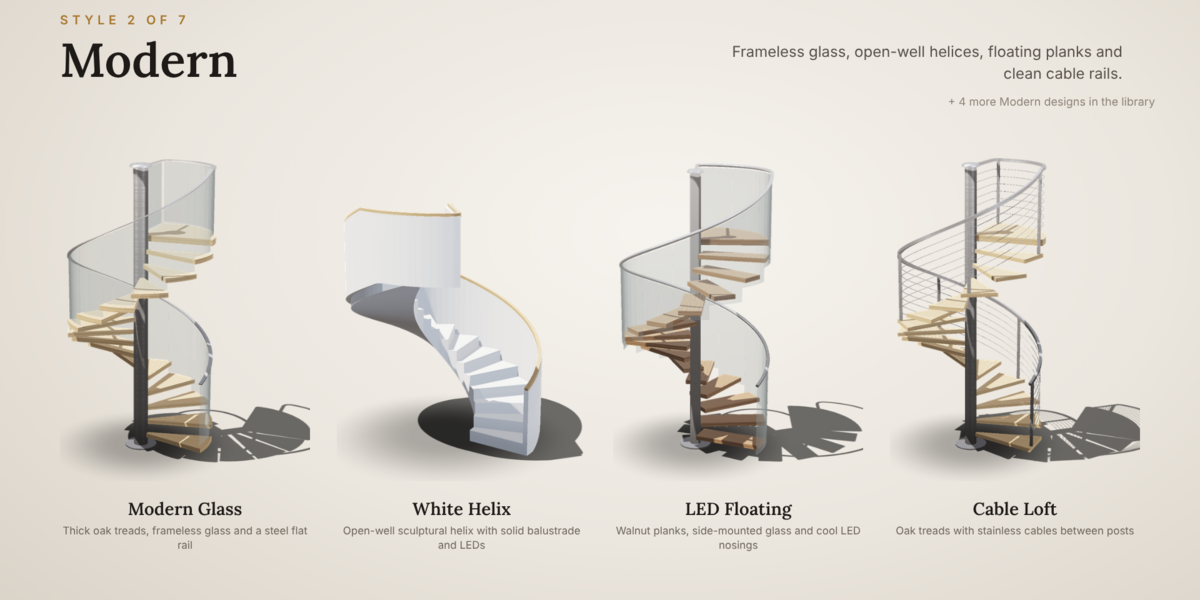
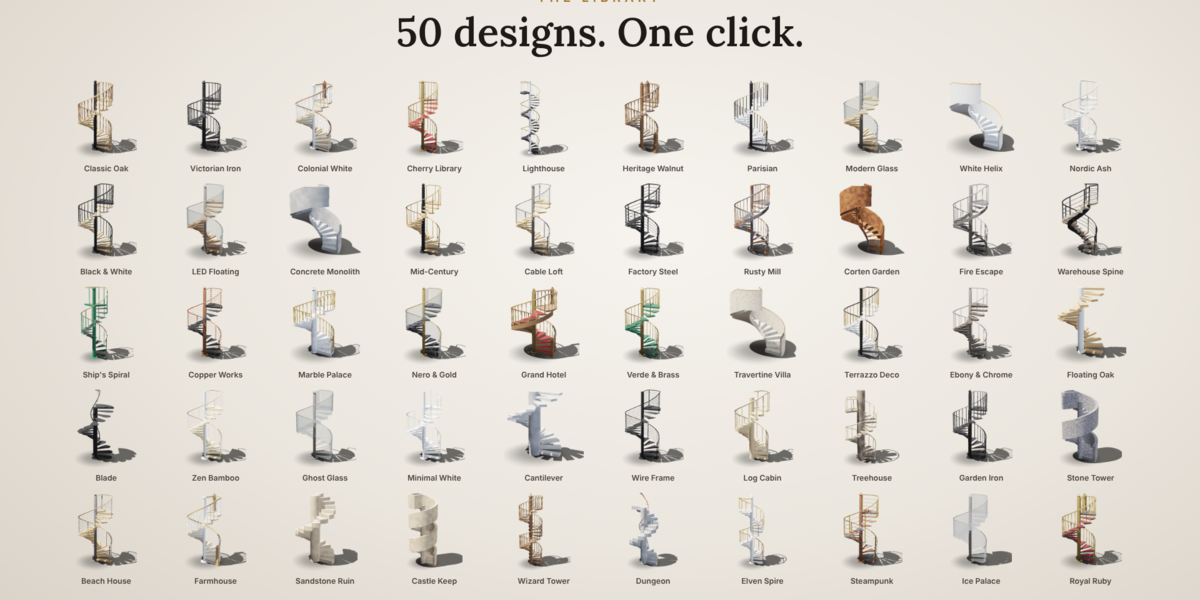
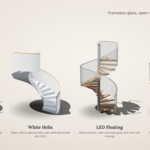
- Pick a design in Design Library and click Add New Staircase. It appears at the 3D cursor.
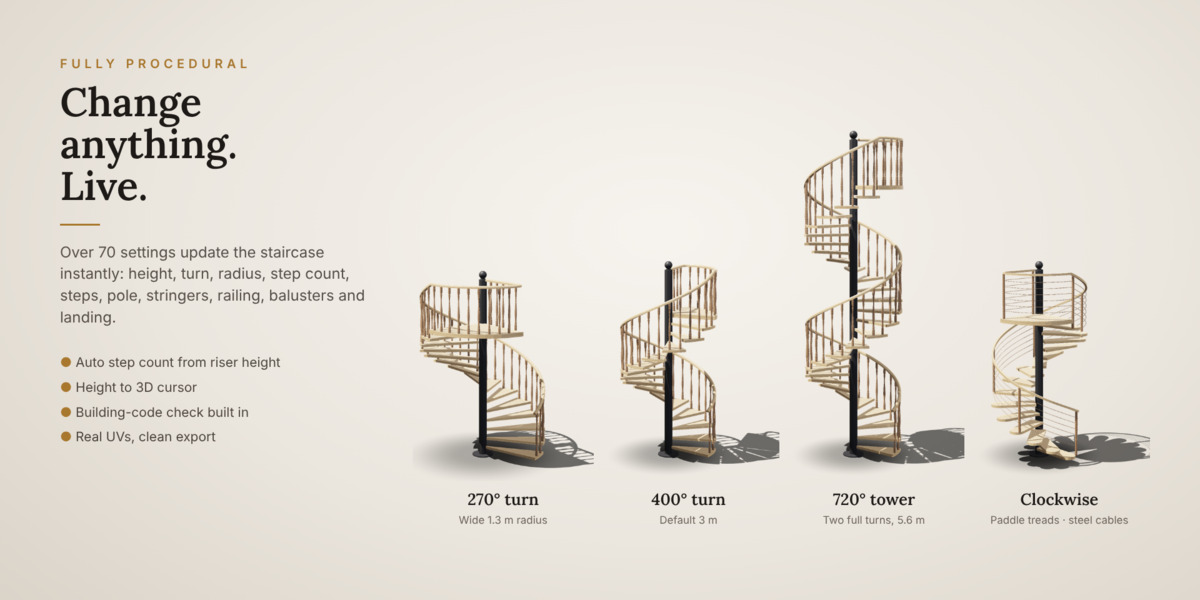
- Change any setting in the Staircase panel. The mesh updates live.
To fit a floor height, put the 3D cursor on the upper floor and click Height to Cursor. When updating to a new version, remove the old one and restart Blender before installing.
Have questions about this product?
Login to message
| Blender Extension Compatible | Yes |
| Published | 1 day ago |
| Blender Version | 3.6 - 5.3 |
| Extension Type | Add-on |
| Render Engine Used | Cycles, Eevee |
| License | GPL |
Discover more products like this
procedural stairs spiral staircase custom stairs interior design 3d blender 3d ArchViz 3d building tools blender addon architecture 3d procedural modeling stairs generator geometry nodes